• Resolved mickeyyoyo

    (@mickeyyoyo)


    Hello everyone, I have a little problem.

    on my shops, categories and products pages, I have the button added to the basket (it’s normal) but when I click on it, it changes to a button “add to basket with a checkmark” like what the article to successfully added to cart… I would like to remove this button and only have the basic one. photo in link. Thank you in advance for your help, because I really can’t find a solution.

    https://ibb.co/FVKVNv8

Viewing 4 replies - 1 through 4 (of 4 total)
  • Please share Woocommerce shop link?

    Thread Starter mickeyyoyo

    (@mickeyyoyo)

    my site is currently local, but I will do my best to provide the necessary information. thanks in advance

    Hi @mickeyyoyo ,

    Thanks for reaching out!

    If I understand correctly, you would like to remove the “Add to basket” which includes a checkmark, once an item has been added to the cart, is this correct?

    This behavior is generally theme-dependent, as different themes can result in different displays when items are added to the cart.

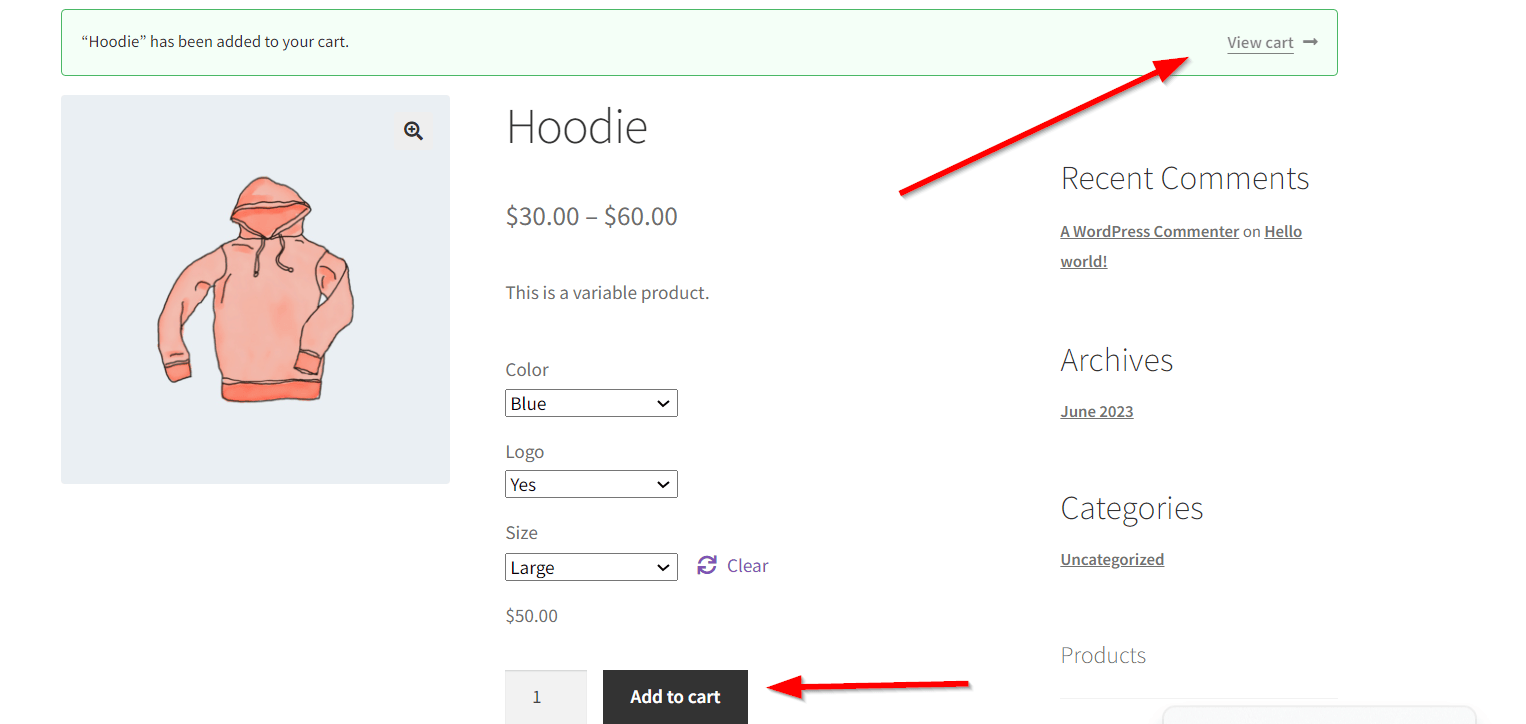
    For example, when using the default Storefront theme, no checkmark is added to the “Add to cart” button, but rather a notice is displayed to show that the item has been added successfully:

    Single Product page:

    Shop page:

    This being said, please can you clarify which theme you are currently using on your site?

    It may be best to reach out to the respective theme developers for further help with this, as they may have a workaround, or options within the theme to change this behavior.

    Cheers!

    Hi there,

    We haven’t heard back from you in a while, so I’m going to mark this as resolved – feel free to create a new topic if you need any further help.

    Cheers!

Viewing 4 replies - 1 through 4 (of 4 total)

The topic ‘remove add to cart checked’ is closed to new replies.