Plugin Support
 Yann
Yann
(@collet)
Hi,
I’ve tried to replicate the issue on a fresh WordPress 6.3 install with Twenty Twenty Three, but it’s working for me. I correctly see the added fonts in the font dropdowns for the global styles and blocks.
Once you have selected your Font 1 and Font 2 in the Twentig Styles panel, did you click on the Save button and then refresh the page?
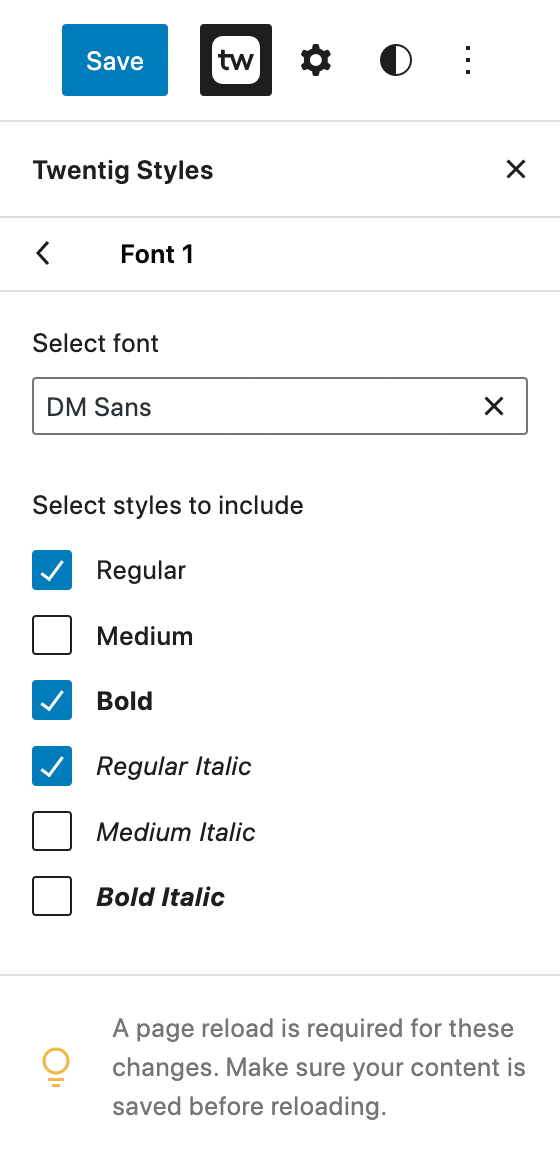
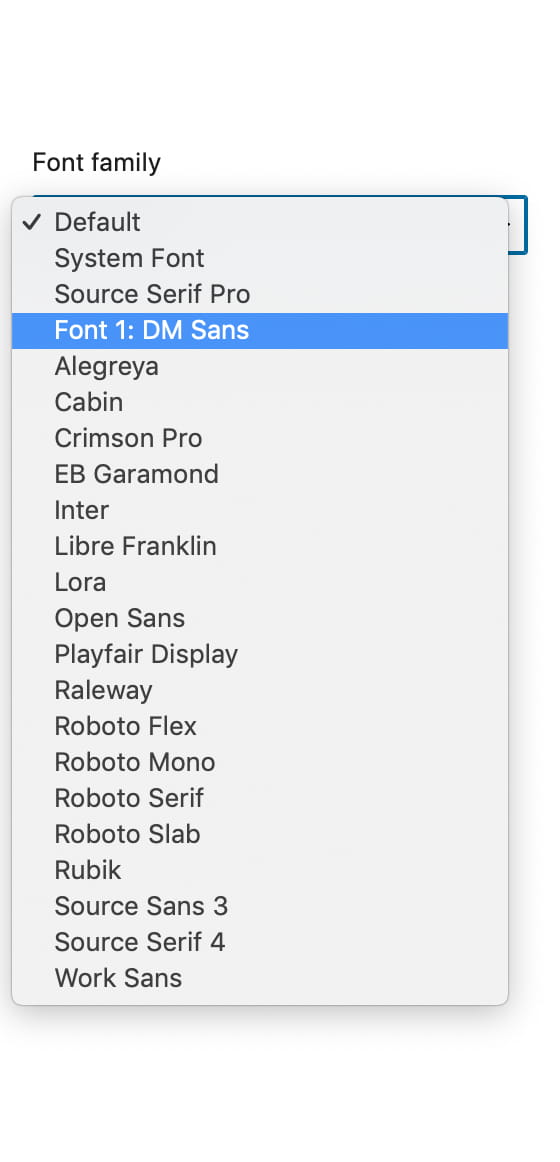
If that doesn’t work, could you please send screenshots of the Twentig Styles > Typography > Font 1 panel and the opened dropdown of Styles > Typography > Text?
Thanks,
Yann
Thread Starter
 lauyen
(@lauyen)
Hi Thanks for trying. I resolved it by deleting the WordPress install and re-install again. It worked on the newer install. It was faster than finding out what went wrong…
Plugin Support
Yann
(@collet)
Hi there,
I’ve tried replicating the issue, but it’s working correctly for me on various WordPress installations.
Can you share screenshots of your Twentig Styles > Typography > Font 1 and Twentig Styles > Typography > Font 2 panels, as well as a screenshot of the Font dropdown (similar to https://twentig.com/wp-content/uploads/2022/07/add-googlefonts-3.png and https://twentig.com/wp-content/uploads/2022/07/add-googlefonts-4.jpg ).
Thanks,
Yann
Plugin Support
Yann
(@collet)
Hi there,
Sorry for the slow response.
The WordPress Font Library will not be included in the next WordPress 6.4 release. We have tried Twentig on different installs, but we still cannot replicate the issues with the Twenty Twenty Three theme. The only issue we have found is if the Gutenberg plugin is or was active. If possible, can someone share their Site Health Info (WordPress dashboard > Tools > Site Health) where the issue is happening?
Thanks,
Yann