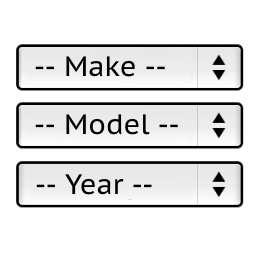
Hello,
Replace the line:
.ymm-selector.ymm-box .ymm-submit-any-selection {margin-top:0;}
with:
.ymm-selector.ymm-box .ymm-submit-any-selection {margin-top:0;display:none;}
And the line:
.ymm-selector.ymm-horizontal .ymm-submit-any-selection {margin-top:6px;}
with:
.ymm-selector.ymm-horizontal .ymm-submit-any-selection {margin-top:6px;display:none;}
in the file:
wp-content/plugins/ymm-search/view/frontend/web/main.css
And replace the line:
this.searchAnySelButton.show();
with:
// this.searchAnySelButton.show();
in the file:
wp-content/plugins/ymm-search/view/frontend/web/main.js
Then refresh your browser cache.
Stanislav
Hello, I did the operations but it was not successful. I want to remove the search button, how can I do it?
Hello,
to: @omertuzlugol
Try to refresh the browser cache. Maybe it still loads an old file.
Also you can send a link of your website to my email pektsekye@gmail.com
So I can check it.
Stanislav