Hello @tryb,
How can we replicate your steps to arrive at the issue on a fresh WordPress installation? We have not received any similar reports so far, and we cannot reproduce that issue on our end.
However, it still seems to be a cache issue.
Please check this screenshot: https://postimg.cc/xcNpD3SS.
If you have any cache plugins or server cache (CDN, browser cache, and cookies, etc.), you need to clear its cache contents or disable them to see your changes. Also, in Elementor, please don’t forget to click on “regenerate all assets file and data” in Elementor > Tools; and finally, use hard-refreshing keys and recheck the issue.
To refresh the page, please follow the steps explained in this link: https://www.documate.org/automation/what-is-a-hard-refresh-how-to-do-a-hard-refresh-in-any-browser/.
Win: Ctrl+Shift+R
Mac: Shift+Command+R
Best Regards
Hello, I have exactly the same problem despite attempts to solve it, nothing seems to work. If you have an answer, I would be happy to hear it.
Hello @louitos,
We need to know the steps to replicate.
Would you please provide us with some screenshots or short video + live URL, and images of the errors you faced step by step?
You can upload your files to one of the following online services:
https://postimages.org
https://imgbb.com
https://loom.com
https://drive.google.com
https://wetransfer.com
https://.dropbox.com
For troubleshooting, please do the following steps and let me know the results:
1- Head over to WP Dashboard > Plugin.
2- Deactivate all plugins.
3- Then, first activate the Ocean Extra plugin.
4- Check your issue.
5- Then, activate your plugins one by one
6- After activation of any plugins, check your issue
Note: if you have a cache plugin or server cache. You need to disable them to see your changes.
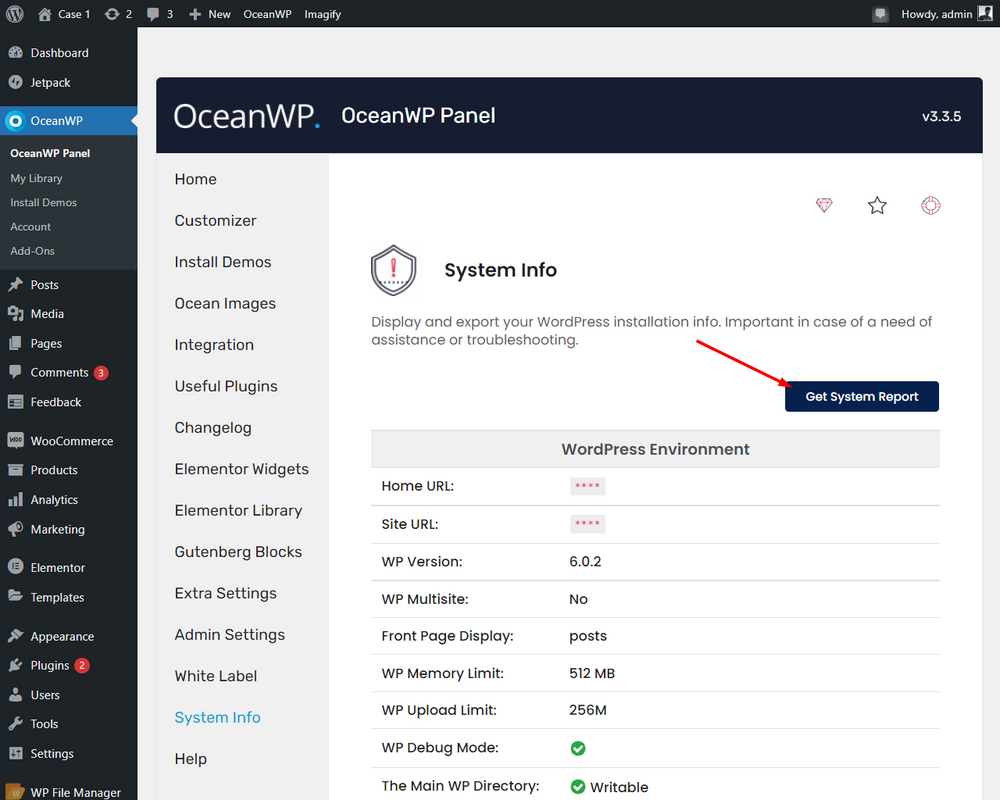
Also, please provide us with your system environment information. Please navigate to WP Dashboard > OceanWP > OceanWP Panel > System Info: https://i.postimg.cc/0QZrGq46/system-info.png. You can send the information as code here or upload them to http://pastebin.com/ and get an exclusive link.
Best Regards
I just found the problem and I’m sorry I bothered you. The debug mode told me that the problem came from the OceanWP theme but in fact it is the WooCommerce plugin that bugs the modification of the site. Not very logical but hey… As long as we find the solution. I think I’ll reinstall the plugin and run everything again. In any case, thank you very much for the quick response!
Have a good day !
Bonjour,
Moi j’ai aussi un souci de personnalisation. Les couleurs et boutons personnalisés n’apparaissent pas ni avec Gutenberg ni avec Elementor. J’ai désactivé tous les plugs-in et réessayé > aucun changement.
J’ai activé d’abord OCEAN EXTRA > aucun changement.
J’ai la version WP6.2 et OCEAN WP 3.4.3.
Please help ! Merci.
Hello All,
@louitos — Can you kindly let me know if your issue has been resolved?
@yasminehb — How can we replicate your steps to arrive at the issue on a fresh WordPress installation? We will check your conditions to reproduce the issue and fix it on our end. This will allow us to replicate the problem and resolve it accordingly.
Thank you.
Best Regards