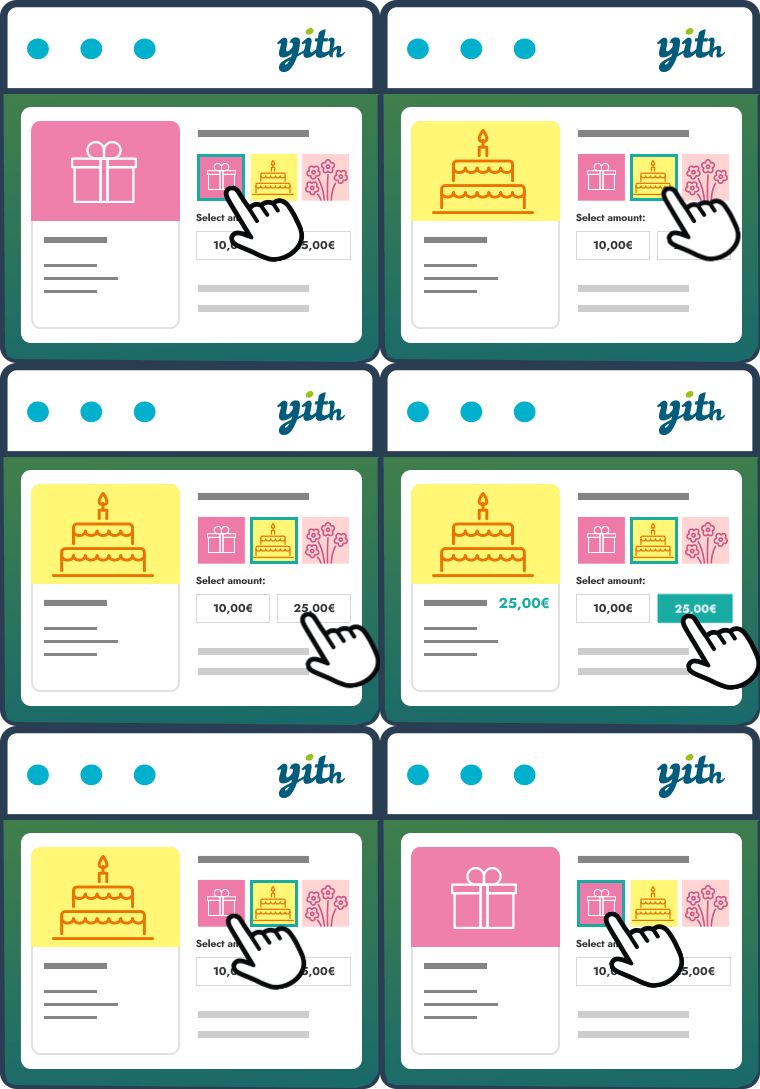
Issue with images
-
ITA – Buongiorno! Io ho la versione free del plugin e ho seguito pedissequamente le vostre (chiarissime) istruzioni … ma non c’è verso che si possa selezionare l’immagine (che appare!): la preview della gift card virtuale resta sempre bianca …. aggiunge soltanto il testo, il destinatario, ma l’immagine che andrebbe nella parte in alto proprio non si può selezionare e infatti non compare … quale può essere il problema!?!?!? Ho provato, per aggirare il problema, a disattivare la galleria e inserire solo manualmente l’immagine del prodotto e la preview così risulta corretta … ma il destinatario del buono riceve la vs immagine standard …. non ne esco! Aiuti? Grazie mille
ENG – Hi! I’m using free versione of plugin and followed all the instructions I found on this italian tutorial ( (113) YITH WooCommerce Gift card – Creare una gallery di immagini per personalizzare il buono regalo – YouTube) …. unfortunately I can’t make it work properly. No way to select any image at all. I can visualize all of them from the gallery but no way to select one of them … and in fact no image in the preview. To get around the issue I disabled the gallery and upload only one image in the product and it looks like it works during the purchase …. but the recipient receives the standard (yours) image. Any suggestion? Thank you
Anna
The page I need help with: [log in to see the link]


The topic ‘Issue with images’ is closed to new replies.