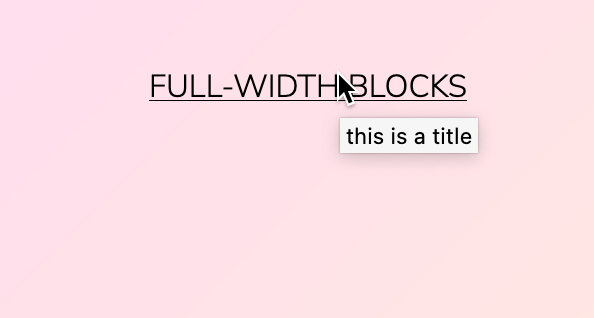
Hi, I’m using the Navigation block, is there anyway to create a menu item that is a non clickable text item. Like to use this in a submenu in order to create a title for a group of links? I’ve been trying to use the fields ” Link title” and “Description”. but they don’t seem to output anything?
Enter # as the URL for the top-level menu item that item you want to be unclickable, or
Toggle on the “Open on click” option, in the Navigation block’s Submenu settings area, as you see below. This option automatically turns the top-level item into a toggle that opens and closes the sub-menu, without making it a clickable item itself.
thanks @zoonini yes of course, I was looking in both the sidebars but not on the items own pop-up menu, that should do it. But what about the fields ” Link title” and “Description”. How do I get that information on the frontend?
For both reasons, link titles shouldn’t be relied on for critical information you need all visitors to see.
As for the link description, I don’t think there’s a way to display those in block themes using the Site Editor, yet. There’s an enhancement request for that here. The “link description” is displayed on the front end in some classic themes, such as Twenty Fifteen:
A workaround for now would be to display the link description via some custom CSS. You could also add extra styling here as well.
/* Display link description on navigation items */
.wp-block-navigation .wp-block-navigation-item__description {
  display: inherit;
}
While the Customizer is not exposed by default when using Site Editing, you can still access it manually by adding /wp-admin/customize.php after your URL. You can then add custom CSS in the Additional CSS area.