Hi,
These warnings are displayed when the WordPress debug mode is active. You can deactivate the debug mode by editing the wp_config.php file yourself. Although it is best to contact your hosting provider and ask them to deactivate this for you. Learn more here:
Thanks!, Adding the following removed the displayed error.
ini_set('display_errors','Off');
ini_set('error_reporting', E_ALL );
define('WP_DEBUG', false);
define('WP_DEBUG_DISPLAY', false);
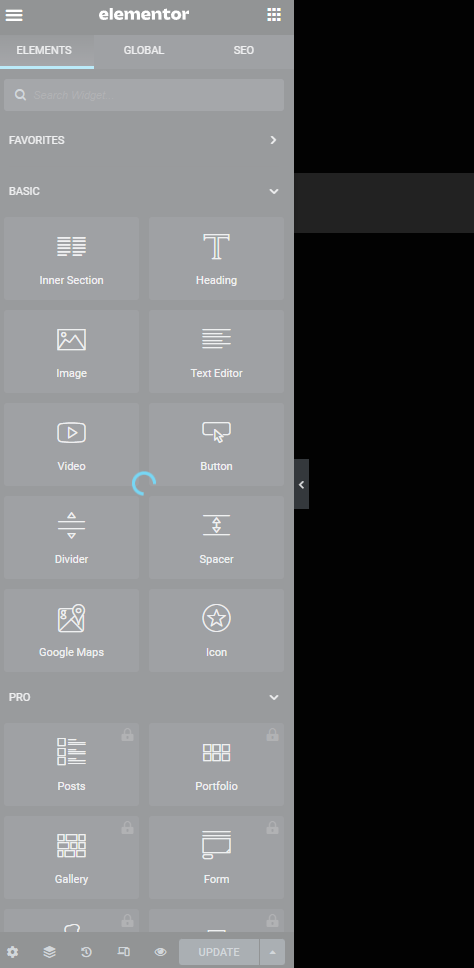
How do I get rid of the endless loading elements panel ?
https://absurd.link/mediacontent/2023/01/endless-elementor-loading-screen.png
After some more testing I have found the plugin culprit, Elementor is not working on WooCommerce pages.
I create a pages in Elementor, add the shortcodes for cart and my account and products and such, set the pages as WooCommerce pages in their settings, then Elementor can not edit the pages after that.
Hi,
Learn more here: this is the solution to disable the debug notices.
Kindly be aware that we do not provide assistance for issues that are related or caused by CSS codes.