Hey,
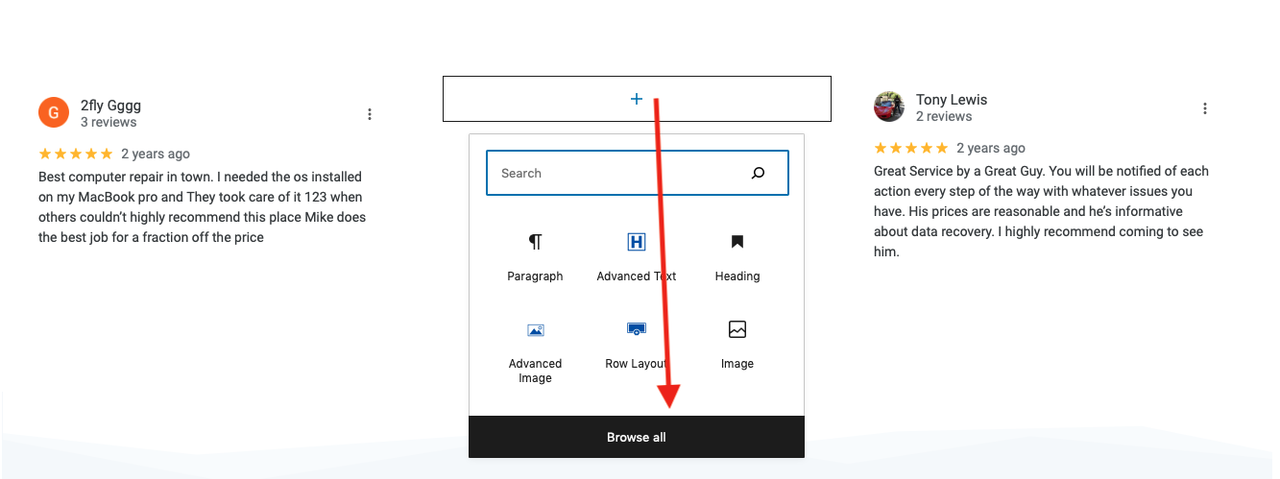
Thanks for reaching out. I am seeing the Advanced Button block in your screenshot. Do you see this? Will that work for you?
Kindly,
Hannah
Sorry, one more thing. I cannot seem to find the tool to style that button, to set its background and text color and make the button bigger, can you point me to it please?
Hi,
You just need to open the Button #1 section, and you can see all the settings there.
Here is a video for your reference: https://share.getcloudapp.com/wbuQOlEk
Hope this helps.
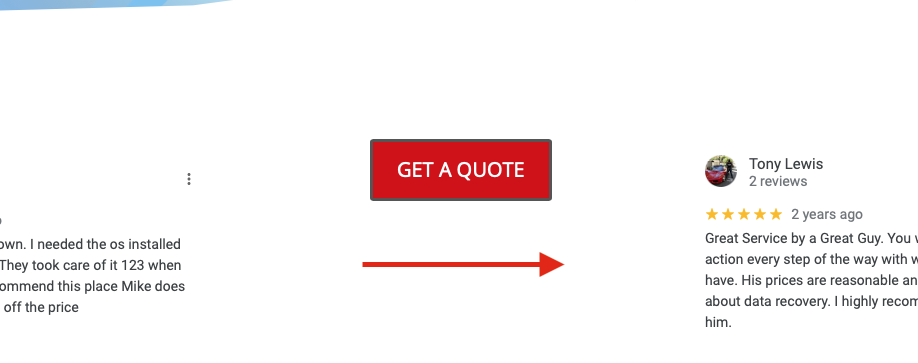
Thanks! Lastly, I would like to have it centered more downwards like around where the red arrow is in my attached photo, the alignment is only for left to right, how might I do so please?
https://i.postimg.cc/tRrk7mBt/Screen-Shot-2022-10-24-at-1-06-45-PM.png
Hi there,
Choose Align Middle option for the Section’s alignment option. Here’s a screenshot: https://prnt.sc/oTaOPwZO096y
Row Layout also has that option that applies to all sections within it. https://prnt.sc/LuPqVYLu65UW
Let us know how we can help further.
Kind regards,
Chito
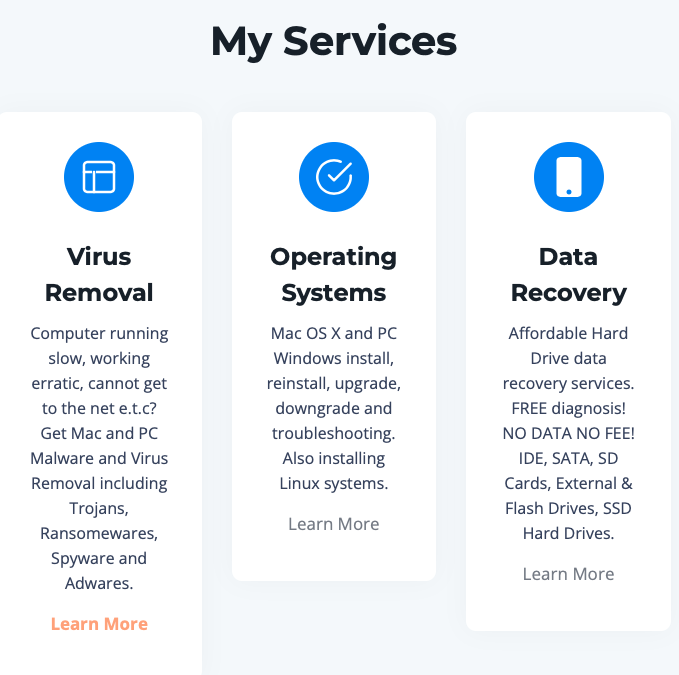
Oh, regarding these blocks:
https://i.postimg.cc/rF0XN4qK/Screen-Shot-2022-10-26-at-2-27-07-PM.png
Is it possible to replace those clipart images with my own images from my pc?
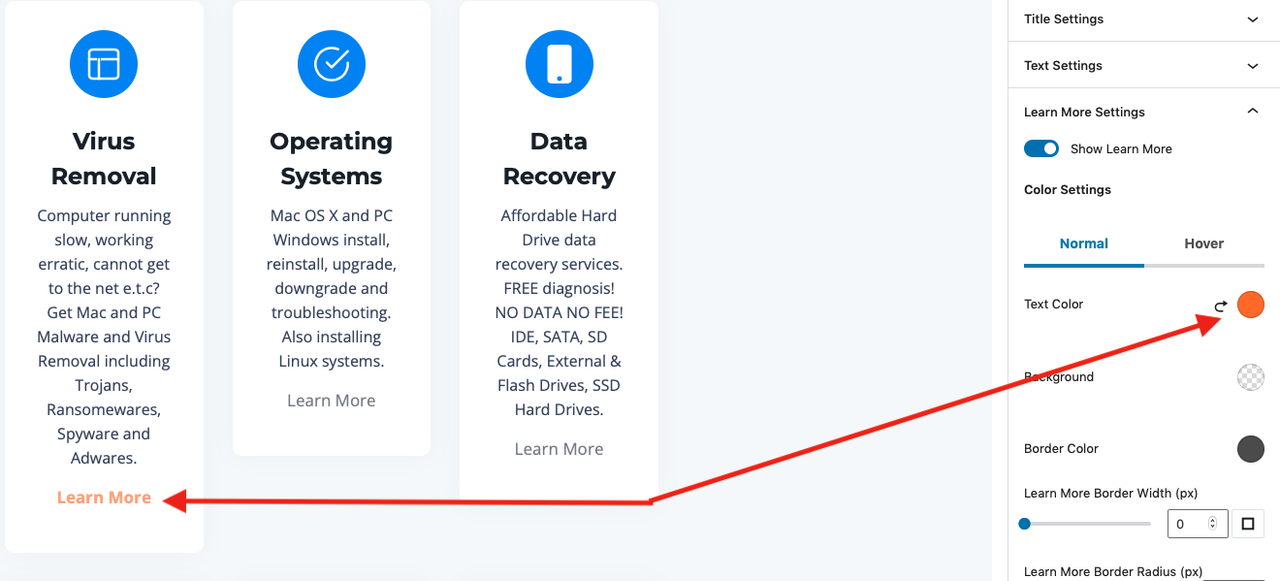
Also, in the Dashboard, as you can see I have set the color for the “Learn More” button in those blocks above
https://i.postimg.cc/fLVy7LyZ/Screen-Shot-2022-10-26-at-2-31-53-PM.png
but neither the color nor buttons are showing on the live test site? Yes, I have hit the Update button a few times:
https://test.pcandnetservices.com
The above issues mentioned are now solved guys, no need for anyone to reply, thanks.