• Hello everyone.

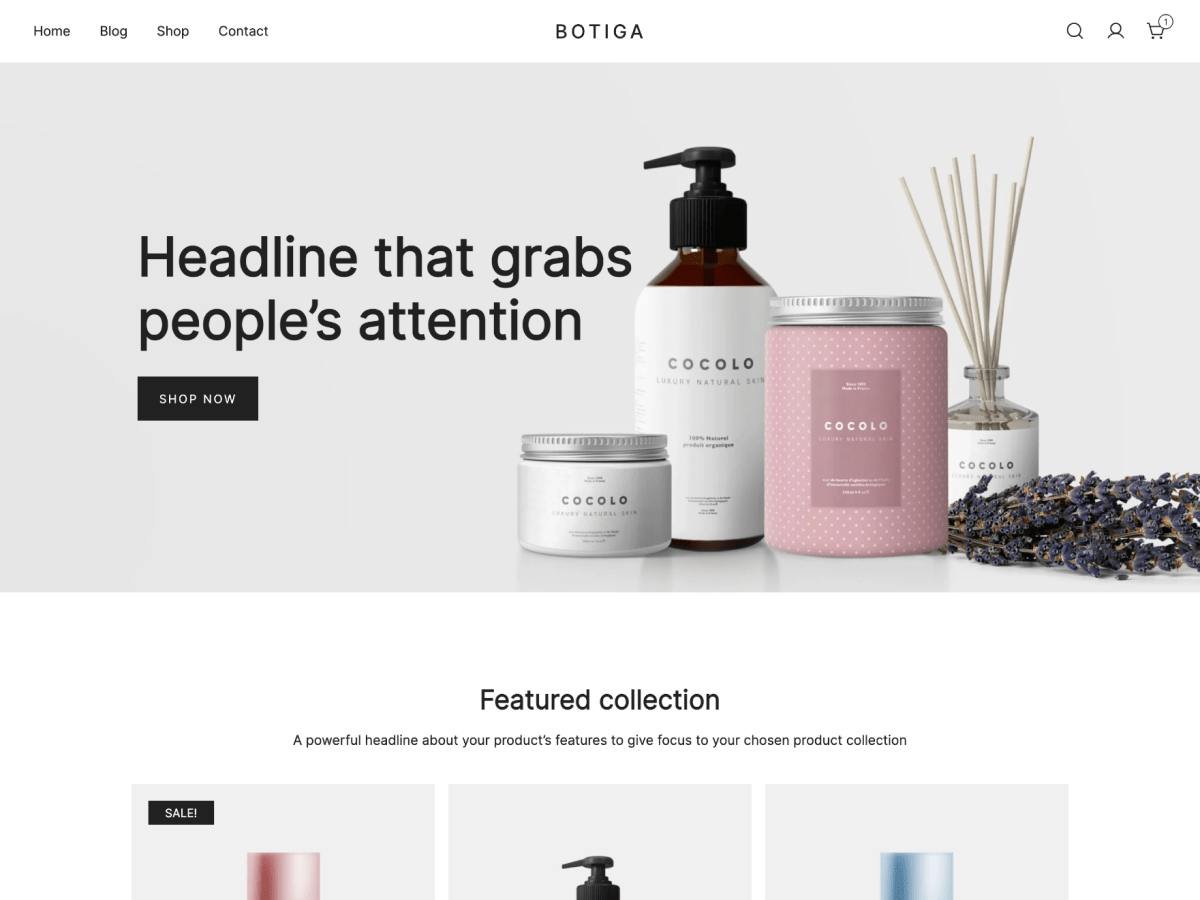
    I would like to ask is it possible if for example i change Main header text to white on dekstop model. But i want on mobile site model to make text black.
    Because i use transparent header and on mobile it is not transparent so i want to make black text on that white header.
    Is it possible ? Thank you

    The page I need help with: [log in to see the link]

Viewing 1 replies (of 1 total)
  • Hi @raidas,

    Try adding this CSS code to your site’s Additional CSS:

    @media only screen and (min-width: 1025px) {
      .site-header .site-title a, .site-header .site-description, .site-header .botiga-dropdown .menu > li > a, .site-header .header-contact a, .site-header .header-login-register > a, .site-header .header-login-register nav > a {
        color: #fff;
      }
      .site-header a svg:not(.stroke-based), .site-header a svg:not(.stroke-based), .site-header a .dropdown-symbol .ws-svg-icon svg, .site-header .dropdown-symbol .ws-svg-icon svg {
        fill: #fff;
      }
    }
Viewing 1 replies (of 1 total)

The topic ‘Main header text color MOBILE’ is closed to new replies.