Hello @mira404
Responding to your questions:
Q: How to make (-) value like this: if value is -5.208 to -5 or -4.919 to -5 or -4.630 to -5 etc.
A: You should use the ROUND operation. For example, assuming your equation is fieldname1+fieldname2, you should edit it as ROUND(fieldname1+fieldname2)
Q: If the value is -6, it shows 6 or -5 to 5, etc. And if a value is (+) then show (+) value doesn’t need any change.
A: I’m not sure about this question. However, if you want to display always the positive value, you should use the ABS operation. Continuing with the hypothetical equation, it would be ABS(ROUND(fieldname1+fieldname2))
Best regards.
Hello @codepeople
1. I already tried many times to round the value but it’s not working. Like: ROUND, FLOOR ETC.
I also try this: https://cff.dwbooster.com/blog/2020/09/20/rounding-numbers
Formula: ROUND(((fieldname5)*(fieldname10/113)+(fieldname15-fieldname43)*(fieldname47)))
You can also check this: https://www.mngolf.org/Courses/HandicapCalculator
Put the screenshot value on both calculators: https://prnt.sc/owmDNRIXefpm
2. ABS(ROUND(fieldname41)) working.
Thanks!
Hello @mira404
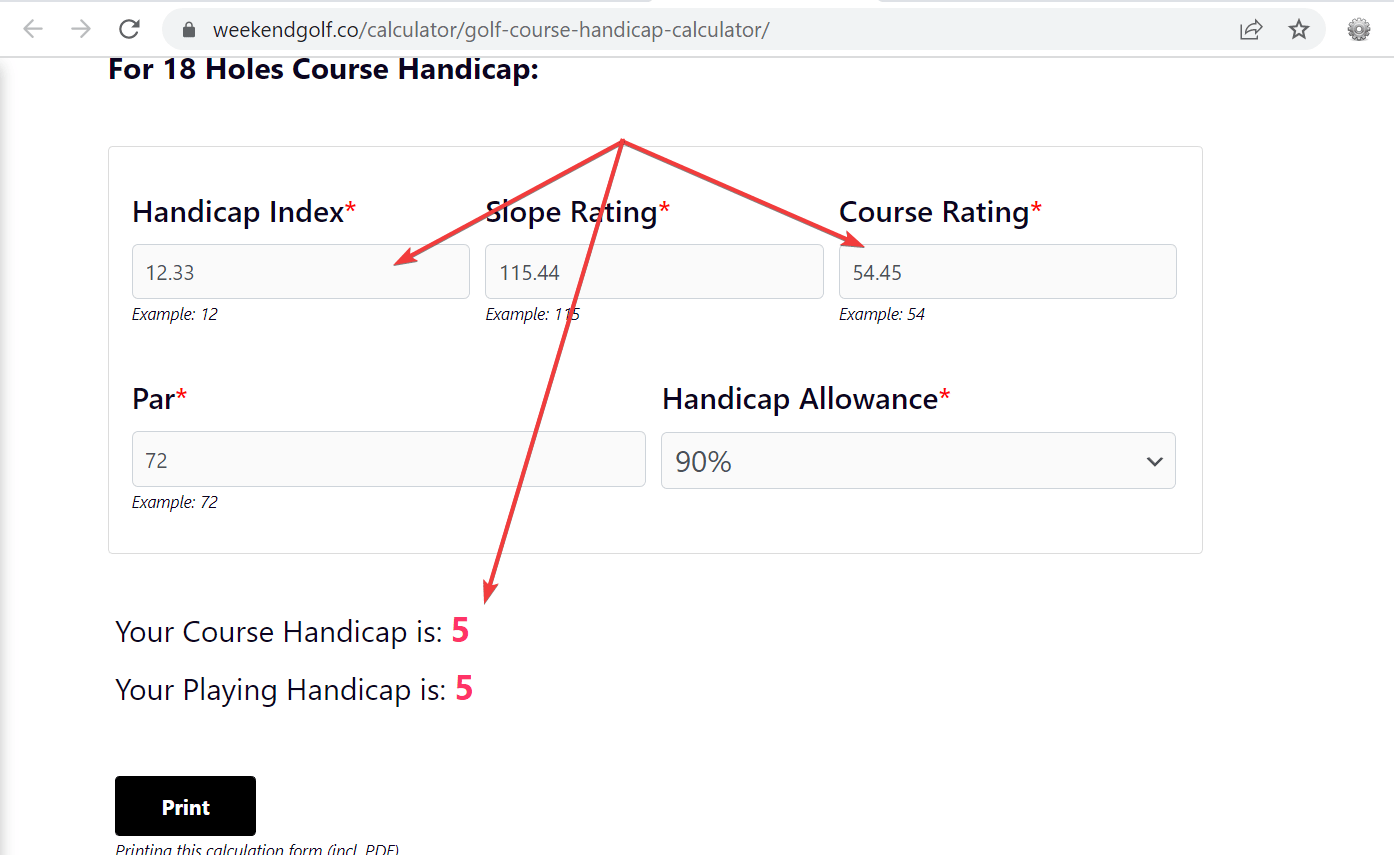
I tested your form, and the results are rounded. Please, look at the screenshot image below:
Best regards.


