@alfredo49
Your issue seems different looking at your bug report.
@azhousepro
Your issue sounds like it could be related to this one?
https://github.com/pods-framework/pods/issues/6300
Cheers, Jory
I upgraded to 2.8.5 this morning and still had the issue. Resaved the pod and cleared cache one more time. The issue still remains.
I am not sure if it is the same issue in Jory’s link. That one is that the field comes up blank. I am just getting an error displaying that field on my edit page for the pod.
I, too, have the same error as the OP. I’m using 2.8.5. The custom date field data remains intact in previous posts, but the field isn’t available to edit (or to even view its data) when adding a new record, or when editing an existing one. Since my front-end listing of these posts is ordered by this date field, new posts aren’t showing up.
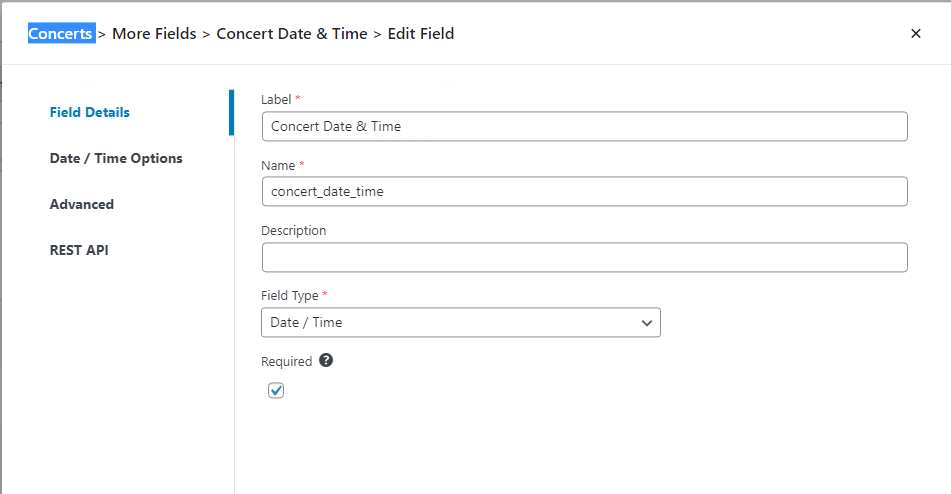
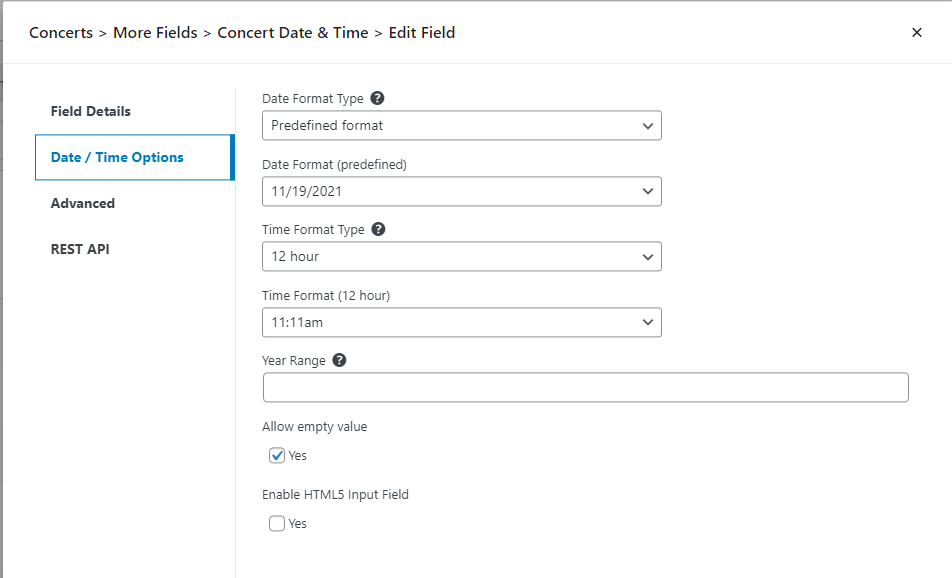
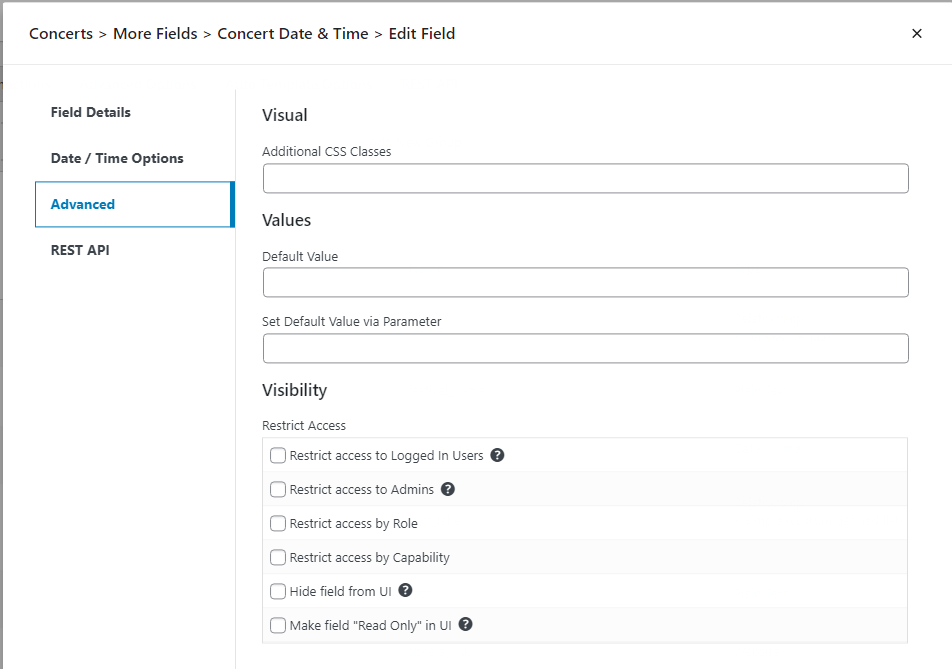
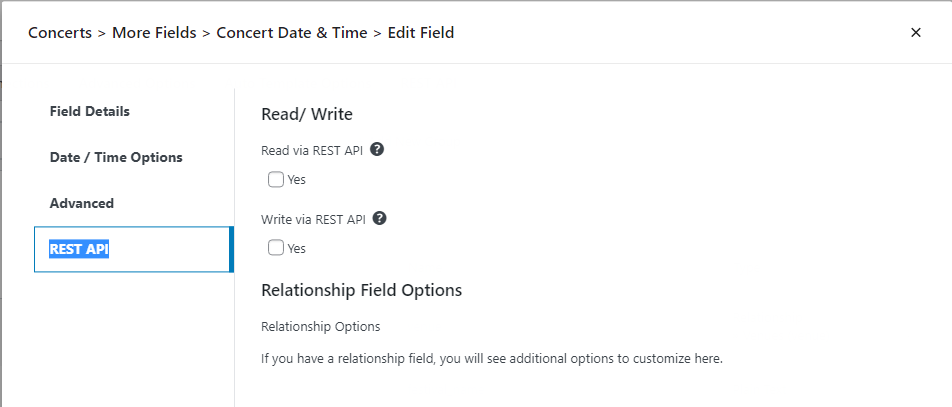
I have a similar issue with custom date/time fields on 2 different sites; however, I am only getting the “There was an error rendering the field” error when adding or editing a Pod on an iPad. My client updates the custom Concerts pod on an iPad. I can reproduce the problem with both Safari and Chrome on 2 different iPads. The site is running Pods 2.8.5. I *do not* get the error on the sites from Windows 10 Chrome, Edge, and Firefox.
Hi everyone,
Please share your field config so we can validate/reproduce the issue!
Otherwise it’s very hard for us to debug 🙂
Cheers, Jory
This is happening for me on MacOS Safari. It is NOT happening on MacOS Firefox or Chrome.
Indeed, the problem is in Safari whether in High Sierra or Big Sur (Intel), or Monterey (M1). Because of others’ comments, I, too, tried many other browsers on both Mac & Windows 10. In all of them, the date field shows & works properly–and I’m grateful for that easy workaround. My field config is the same as Ischiffli except with a different field name, and I’m using just the Date field with no time.
Just as an FYI, editing one of these custom posts in Safari will change the date fields to an invalid date, even though the edit screen says it can’t render the field. Guess I am moving to Firefox for admin work for a while.
Same happened to me in Monterey. Works in Firefox, not in Safari.
Hi everyone, can you please reconfirm this is still an issue with our latest release?
Yes, it is still happening after today’s update.
Mike
Yes, still happening in Safari on a MAC