Error when generating other language version since update version
-
I have the article for the language I, when a create the version of the language II it creates the note separetely from the original, and these are considered as different articles and not as the same article different language.

-
Hello,
Could you test with only WP 5.8 + Twenty Twenty One and Polylang 3.1? If you still have the issue, could you provide the exact steps for me to reproduce?
I just tried with the Twenty Twenty One, Polylang 3.1 and WP 5.8, and the same issue. I am in the editing screen of an article in Spanish, in the “Language” Menu of the “Post” tab I press the + sign to add the english version, I save the draft, I refresh or try to go back to the spanish version an both draft are not linked. It is like I have one article in English, and other one separate in Spanish, no matter the Language I choose.
The same issue in other Theme in the WP 5.7.2 and the Poly 3.1.
-
This reply was modified 4 years, 10 months ago by
guitarriego.
Could you provide a screenshot of your complete WordPress screen after you clicked on the + icon?
Hi, there’s nothing bad in the screen, the matter is that when I try to create a other language version article. The issue is that no matter what I do, the different articles are not linked.
This is the english version:
Types of guitars: electric, acoustic and classical and moreAnd this is the spanish version:
Tipos de guitarras: ¿Qué características y diferencias tienen?If you want to check the screenshot anyway you can find them here:
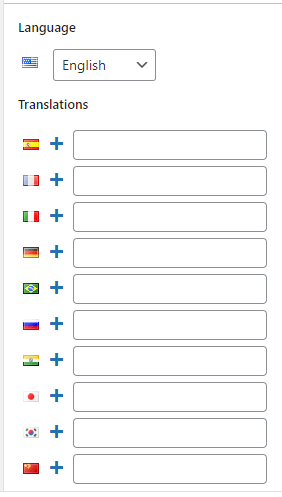
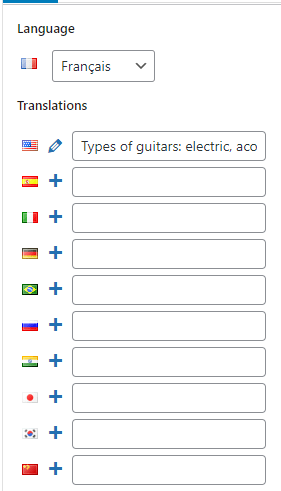
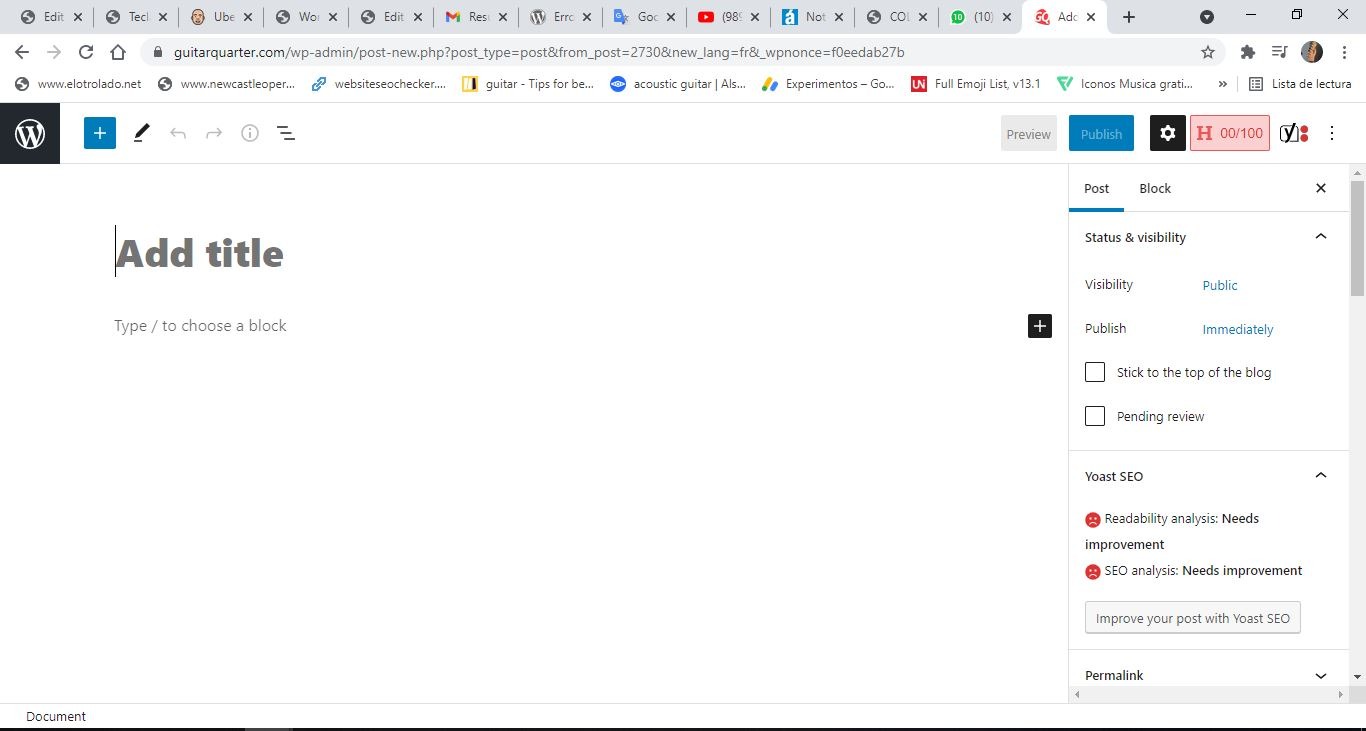
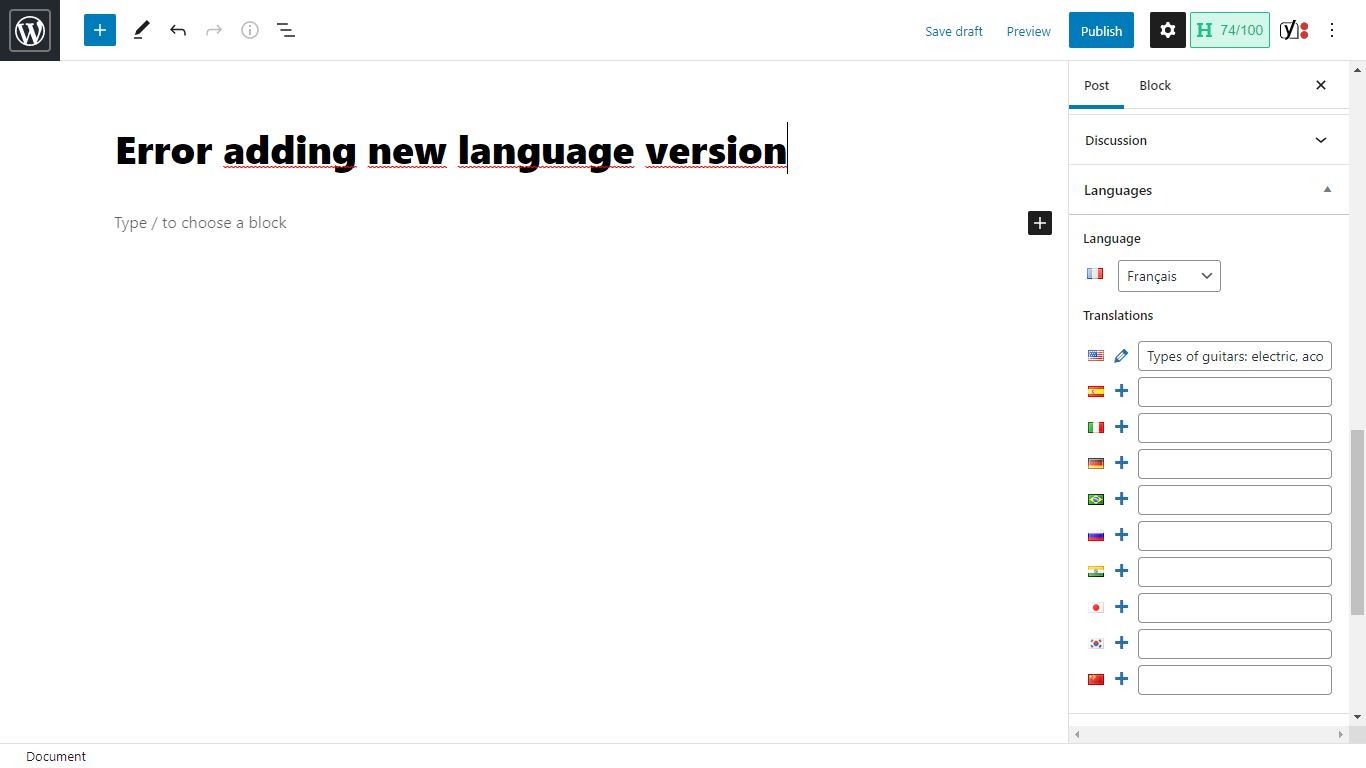
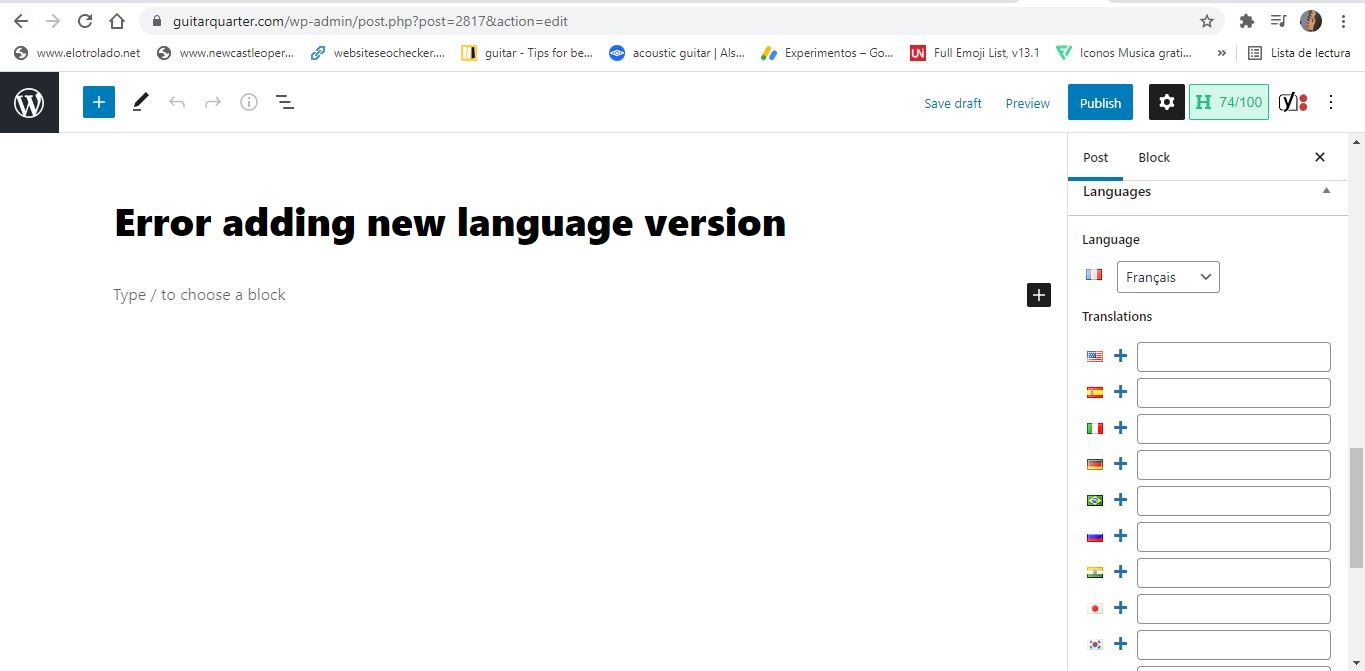
GuitarQuarter Picture from English version ArticleAdding a French version article of GuitarQuarter Seems that everything is fine… but when refreshing the browser when saving, there is not link between the two versions (French and English)
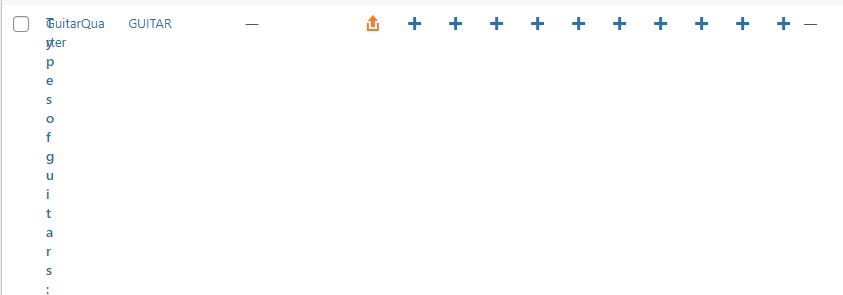
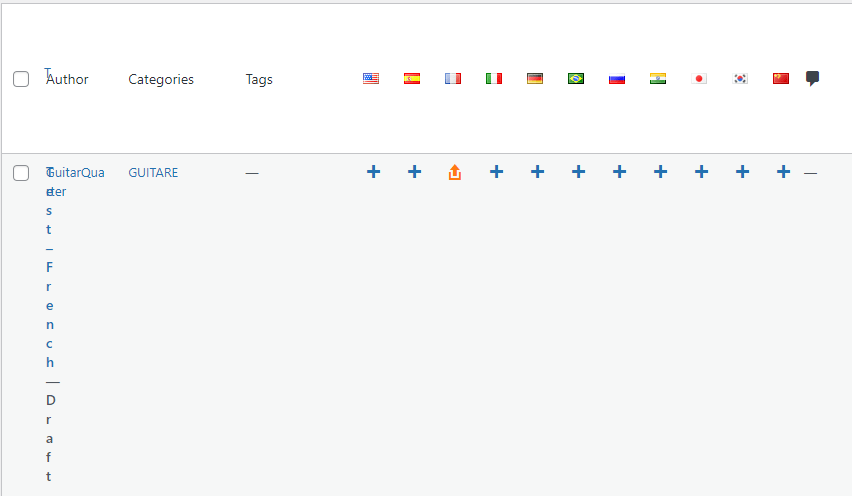
No linked articles – Guitar Quarter
The same with the french version of the Guitar Quarter article.
-
This reply was modified 4 years, 10 months ago by
-
This reply was modified 4 years, 10 months ago by
The error continues, I just checked the version 3.0.6 in other blog and that one works well. Any update?
Hello,
I asked:
Could you provide a screenshot of your **complete** WordPress screen after you clicked on the + icon?
But you provided only a tiny screenshots hiding 90% of the information available.
@chouby
Please find attached the complete screenshot, let me know if you need anything else.Screenshot after click + icon to add a new language 1.
Screenshot after click + icon to add a new language Language Tab before refreshing.
Screenshot after click + icon to add a new language Language Tab after refreshing
Thanks. I dont see anything wrong. At least, I don’t reproduce with the same state as you.
Let’s try something else. Maybe the debug mode can output something helpful.
In your wp-config.php, replace:
define( 'WP_DEBUG', false );by
define( 'WP_DEBUG', true );
define( 'SCRIPT_DEBUG', true );
define( 'WP_DEBUG_LOG', true );
define( 'WP_DEBUG_DISPLAY', false );
Try to create your translation again. Then check if you have file called
debug.login your wp-content directory. If there is something, this may help.@chouby
I added that commands in the wp-config.php (I didn’t have the WP_DEBUG false). It doesn’t work properly yet.
I updated Polylang in the web that was working well, and after updating continues working well.
I guess that an other plugin is affecting the Polylang. Do you know what kind of pluggin could be?
Thanks@chouby
I deactivate the Lingotek Translation and Polylang started to work properly!
Seems there is an issue in the compatibility in both plugins.Hi, one of Lingotek maintainers here.
That shouldn’t happen, and I couldn’t reproduce either. If you follow @chouby advice, is there anything in the debug.log?Hi @penyaskito
debug.log:[04-Aug-2021 23:50:08 UTC] PHP Warning: Invalid argument supplied for foreach() in /home/u807598281/domains/guitarquarter.com/public_html/wp-content/plugins/polylang/include/translated-object.php on line 260 [05-Aug-2021 00:24:23 UTC] PHP Warning: Invalid argument supplied for foreach() in /home/u807598281/domains/guitarquarter.com/public_html/wp-content/plugins/polylang/include/translated-object.php on line 260 [05-Aug-2021 00:27:05 UTC] PHP Warning: Invalid argument supplied for foreach() in /home/u807598281/domains/guitarquarter.com/public_html/wp-content/plugins/polylang/include/translated-object.php on line 260 [05-Aug-2021 01:17:36 UTC] PHP Warning: mysqli_real_connect(): (HY000/1226): User 'u807598281_hZsrG' has exceeded the 'max_user_connections' resource (current value: 15) in /home/u807598281/domains/guitarquarter.com/public_html/wp-includes/wp-db.php on line 1653 [05-Aug-2021 01:52:06 UTC] PHP Warning: mysqli_real_connect(): (HY000/1226): User 'u807598281_hZsrG' has exceeded the 'max_user_connections' resource (current value: 15) in /home/u807598281/domains/guitarquarter.com/public_html/wp-includes/wp-db.php on line 1653If that’s the only thing there I’m not sure if Lingotek is to blame, but suggests that might be an issue on the data on the db. Those this happen for every content, or just some individual post?
@penyaskito this happen for every content, I updated the new version of Lingotek, activated it and again Polylang started to work wrongly, I deactivated and Polylang works again properly.
hello, I have the same problem, when i translate a pages with Lingotek it works but then when i make a modification to the translated page, all the pages that were linked to the original are unlinked. so if in modify a page all auters page related are unlinked and i can’t link the related page
how to fix this ?
Thank’s
-
This reply was modified 4 years, 10 months ago by


The topic ‘Error when generating other language version since update version’ is closed to new replies.