Blue Dot Widget
-
Hi and thanks for the support.
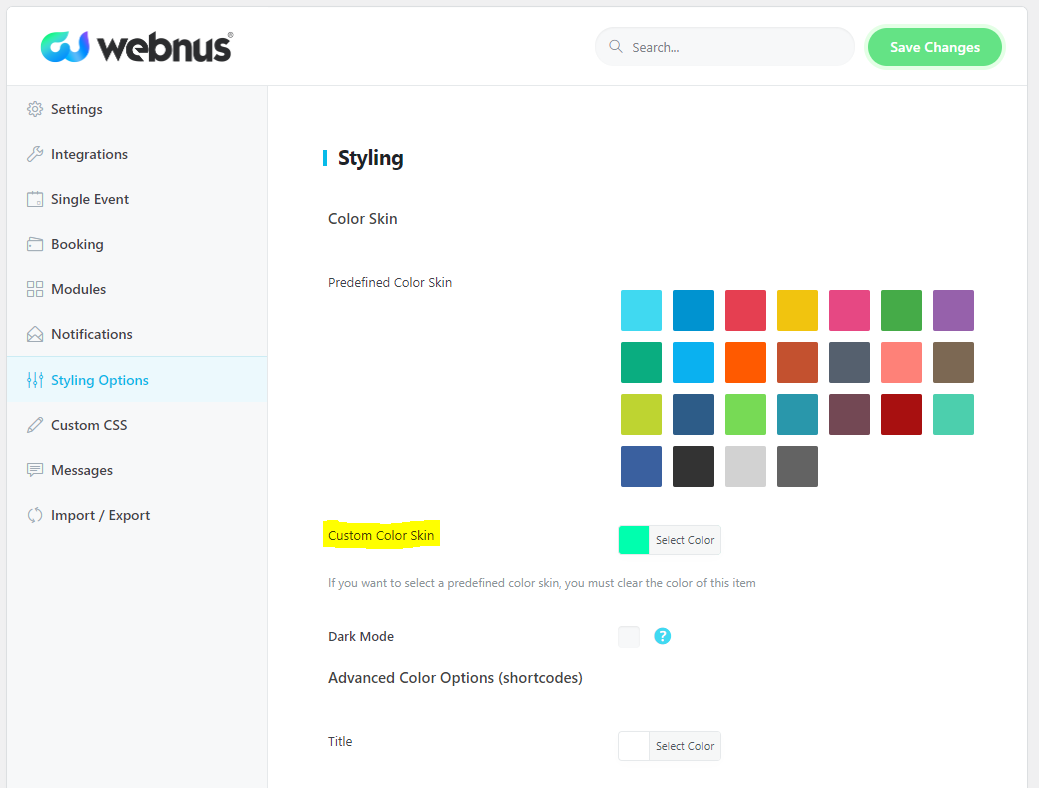
Can I change the size and\or color “dot” event in the widgets sidebar?Thank you.
-
This topic was modified 4 years, 10 months ago by
.
-
This topic was modified 4 years, 10 months ago by
The page I need help with: [log in to see the link]
-
This topic was modified 4 years, 10 months ago by

Viewing 3 replies - 1 through 3 (of 3 total)

Viewing 3 replies - 1 through 3 (of 3 total)
The topic ‘Blue Dot Widget’ is closed to new replies.