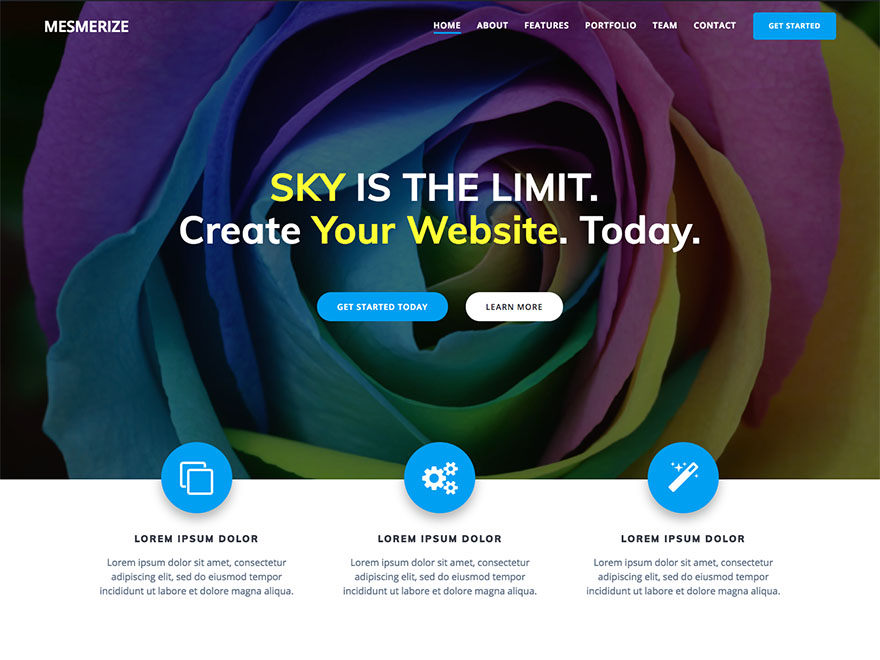
How to remove front page content
-
This theme is a near perfect fit for our small organization but I’ve run into some editing questions regarding the static front page that I’m not able to find in the Hero and Customizer editing tools:
– How do I link the image buttons (for example the “Who We Are” button) to the page section with that title? I know the syntax in html but when I add the element title as a link for the button and tab for element nothing happens.
– How do I edit fonts and styles in elements, e.g. font family, size, bold, bullets etc? I see it’s in the Pro version but is there another way of doing it in the free version?
– How do I remove the photos in the Who We Are section? They popped up there with the initial theme installation and seem to be part of the section but there is no trash symbol when I mouse over.
– How do I change the background colors of the 3 buttons on the header?The Mesmerize website video shows the text editing features are in the Pro version. Are all the editing features I need in Pro?
The page I need help with: [log in to see the link]


The topic ‘How to remove front page content’ is closed to new replies.