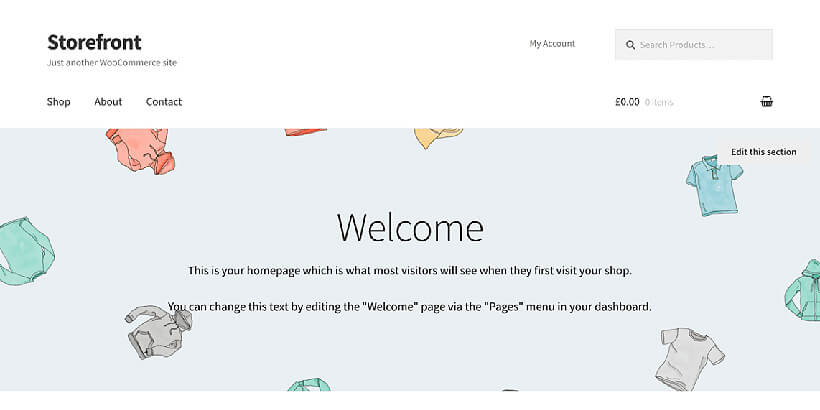
Storefront theme : problem to change the main picture in homepage
-
Hello all,
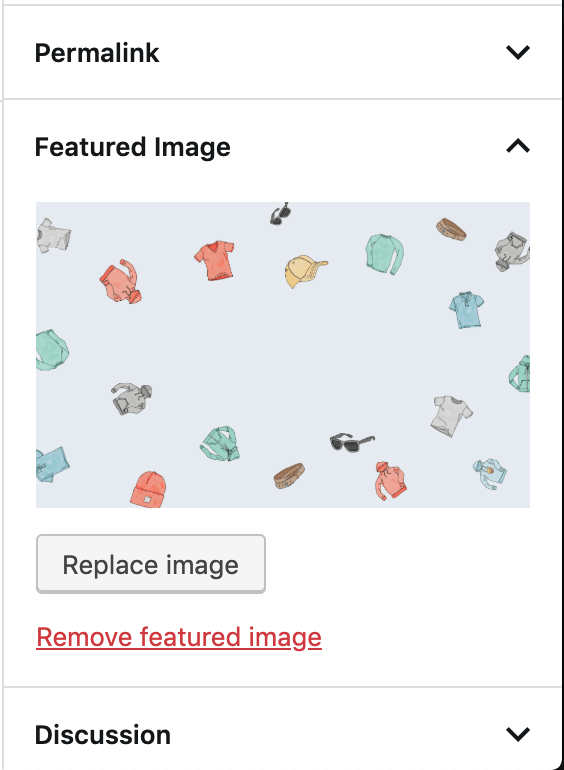
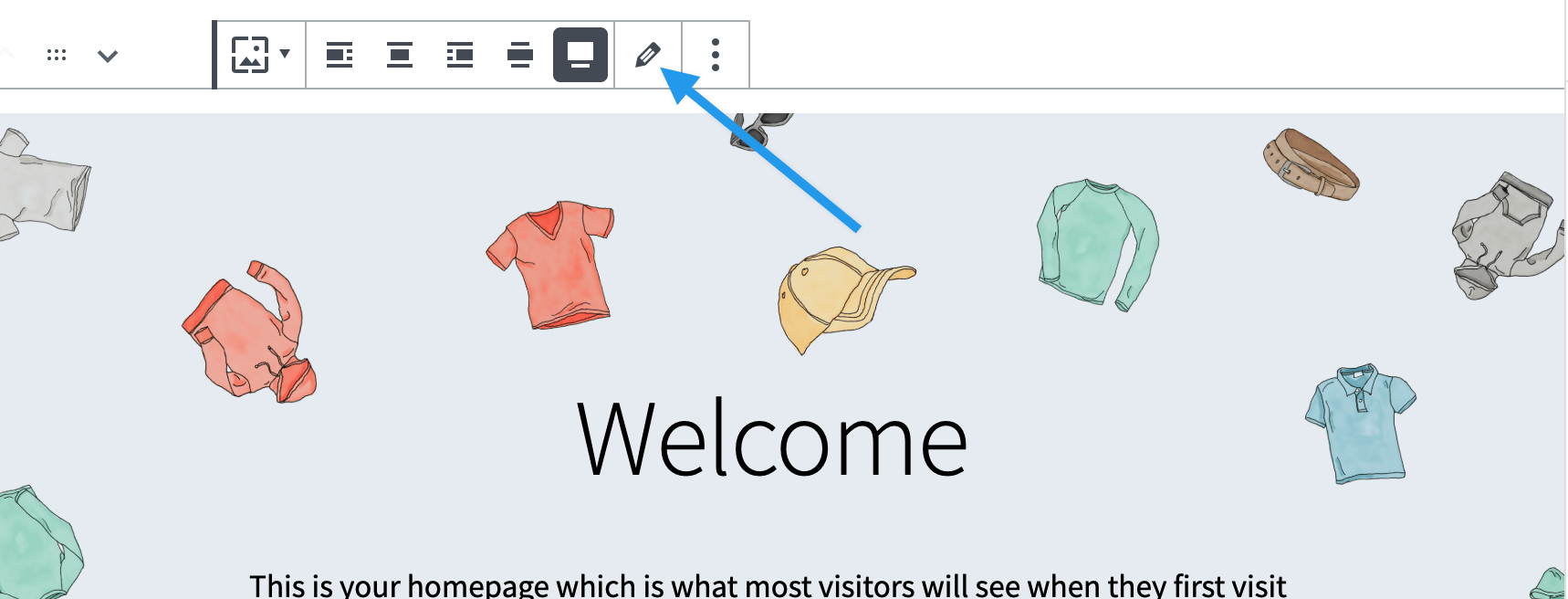
I would to change the main picture of the homepage (https://www.acmethemes.com/blog/wp-content/uploads/2018/09/storefront-free-wordpress-theme.jpg) but I don’t manage.
I managed to change it at the beginning but I don’t find how to do it. I absolutely don’t understand how to it is possible.
Maybe something changed with an update ?
Does someone know ?Thanks a lot for your help…
Cicil

Viewing 1 replies (of 1 total)

Viewing 1 replies (of 1 total)
The topic ‘Storefront theme : problem to change the main picture in homepage’ is closed to new replies.