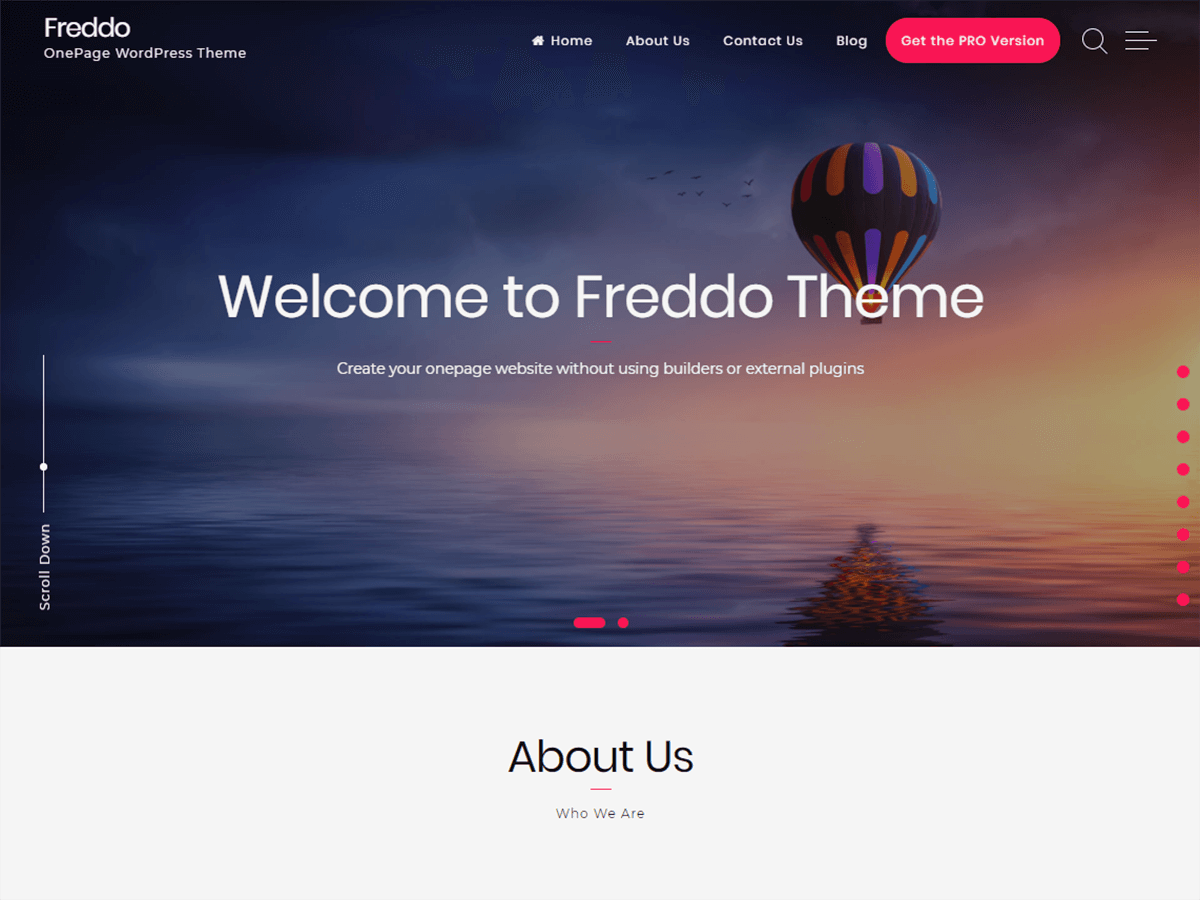
Hi @jlondonr
try to go in your WordPress Dashboard under “Appearance-> Customize-> Additional CSS” and paste this CSS code:
header.site-header {
	position: absolute !important;
}
This should work 🙂
It keeps the header (black bar along the top) in place, but .menu class is still sticky to the top of the screen when you scroll. I tried placing position: absolute !important; within the .menu class but it has no effect.
Hi @jlondonr
I just tried the CSS code on our demo and it works correctly (header is no longer sticky).
Can you link me your website?
In this way I can see where the problem is.
oldlongisland.org/WP-OLI-JW
The site is under construction.
I used the .menu class because it directly controlled the menu rather than the header, which I didn’t want visible.
All CSS edits I made were done to reposition the menu for each screen resolution (centred and different formatting as needed), aside the lines to remove the black header, but maintain the menu.
Hi @jlondonr
I visidet your website.
You put a lot of custom CSS code in the menu, so I didn’t understand why the menu kept sticking 🙂
In the .menu class you have added “position: fixed”, for this reason the menu remains fixed to the screen.
If you set it to “absolute” and add the code I gave you earlier, you should solve the problem.
It worked! Thank you very much!