Changing Button and Text Size in Big Title Section
-
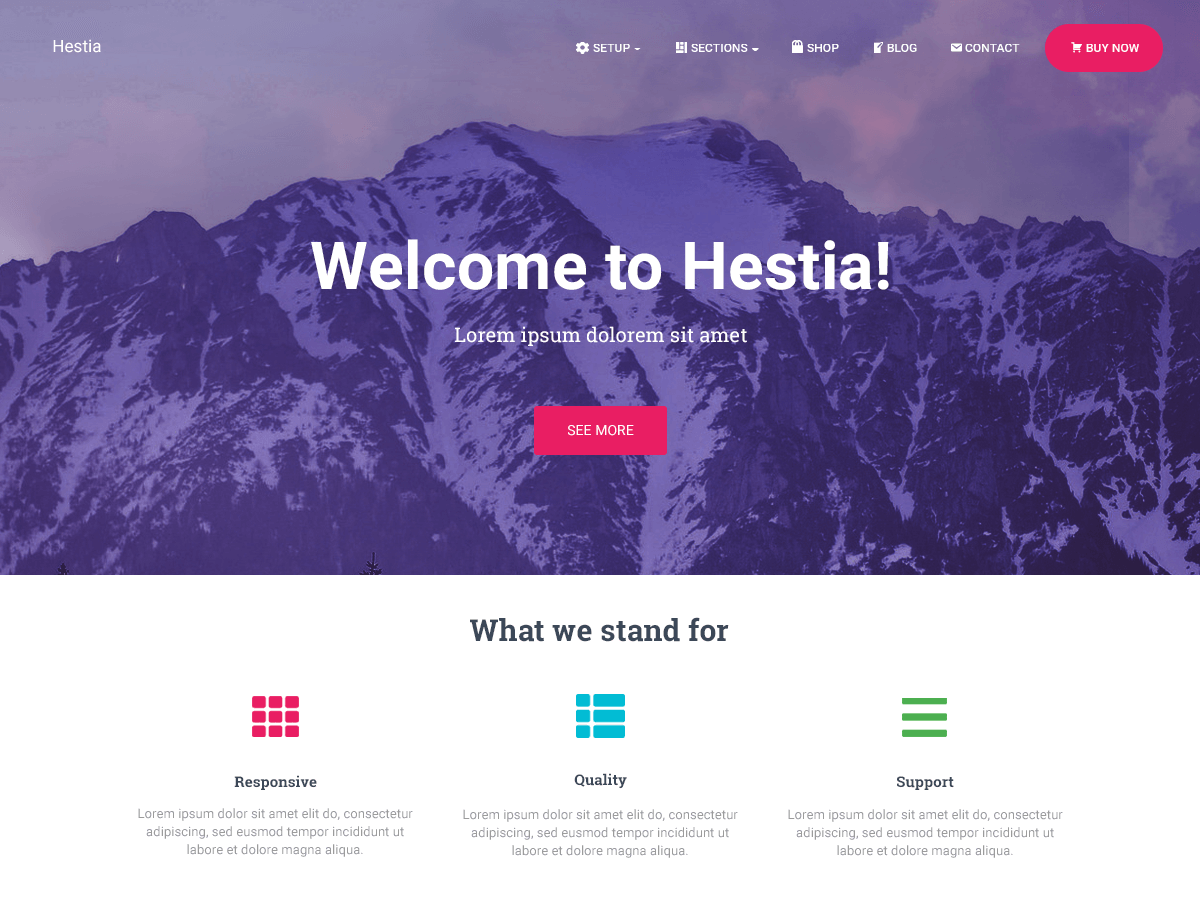
Following the screenshot above, I would really like to change the button size of the Big Title Section. I tried adding HTML codes to the text but it remains the same. It remains the same size, both button and text.
What I hoped to do was to change the button size, increase font size and bold it.I tried looking through forums and searching but to no avail.
Any help is appreciated.
The page I need help with: [log in to see the link]

Viewing 1 replies (of 1 total)

Viewing 1 replies (of 1 total)
The topic ‘Changing Button and Text Size in Big Title Section’ is closed to new replies.