Hello fmosse,
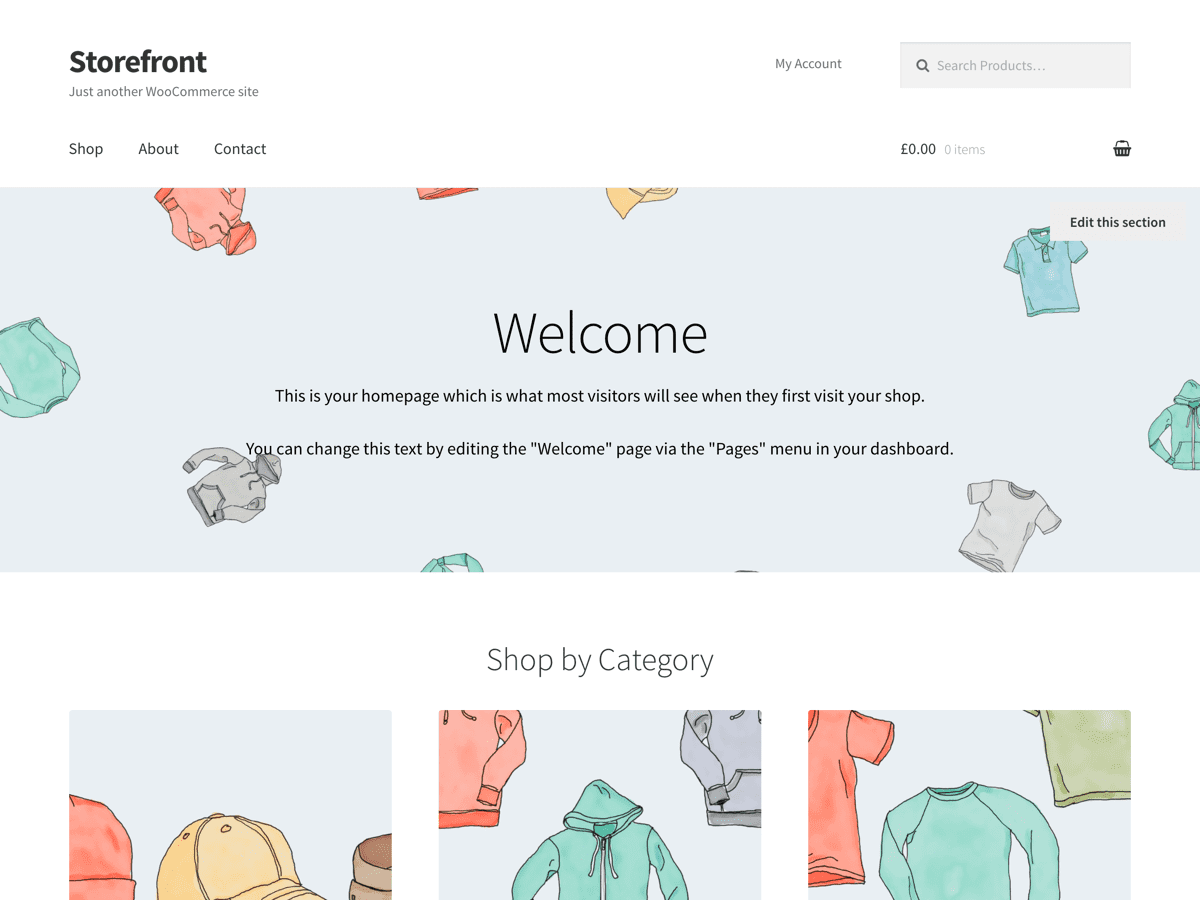
To control what product categories are displayed on your homepage, you can indeed use the “Homepage Control” plugin. Simply go to Customize > Homepage Control, from there you can activate/deactivate a specific category by un-checking/checking the tick box. You can also rearrange which category you would like to be displayed first, second, etc.
Hope this helps.
Craig
Thread Starter
 fmosse
(@fmosse)
Hi, but I don´t have that options. I only have this:
https://ibb.co/mDLia0
what should I do?
Thanks,
Franccisco
-
This reply was modified 7 years, 11 months ago by
 fmosse.
 Job a11n
(@jobthomas)
Automattic Happiness Engineer
Hey @fmosse, if you want to select which categories to display, know that Storefront takes the order of your categories set at Products > Categories:

Link to image: http://cld.wthms.co/16iSq9
(It only takes the parent categories and those that actually have products in it.) If you want to change the order, just drag them in that order.
Thread Starter
fmosse
(@fmosse)
Thanks!! I did it 🙂
Last question, how can I choose to show 2 instead of three categories?
Thanks,
Francisco
Job a11n
(@jobthomas)
Automattic Happiness Engineer
That would require either some custom code or the use of Powerpack. If you want to add custom code, you can find our hooks and filters here.
I’ll mark this thread as resolved now. Feel free to open a new thread if you have other questions. 👋