

Description
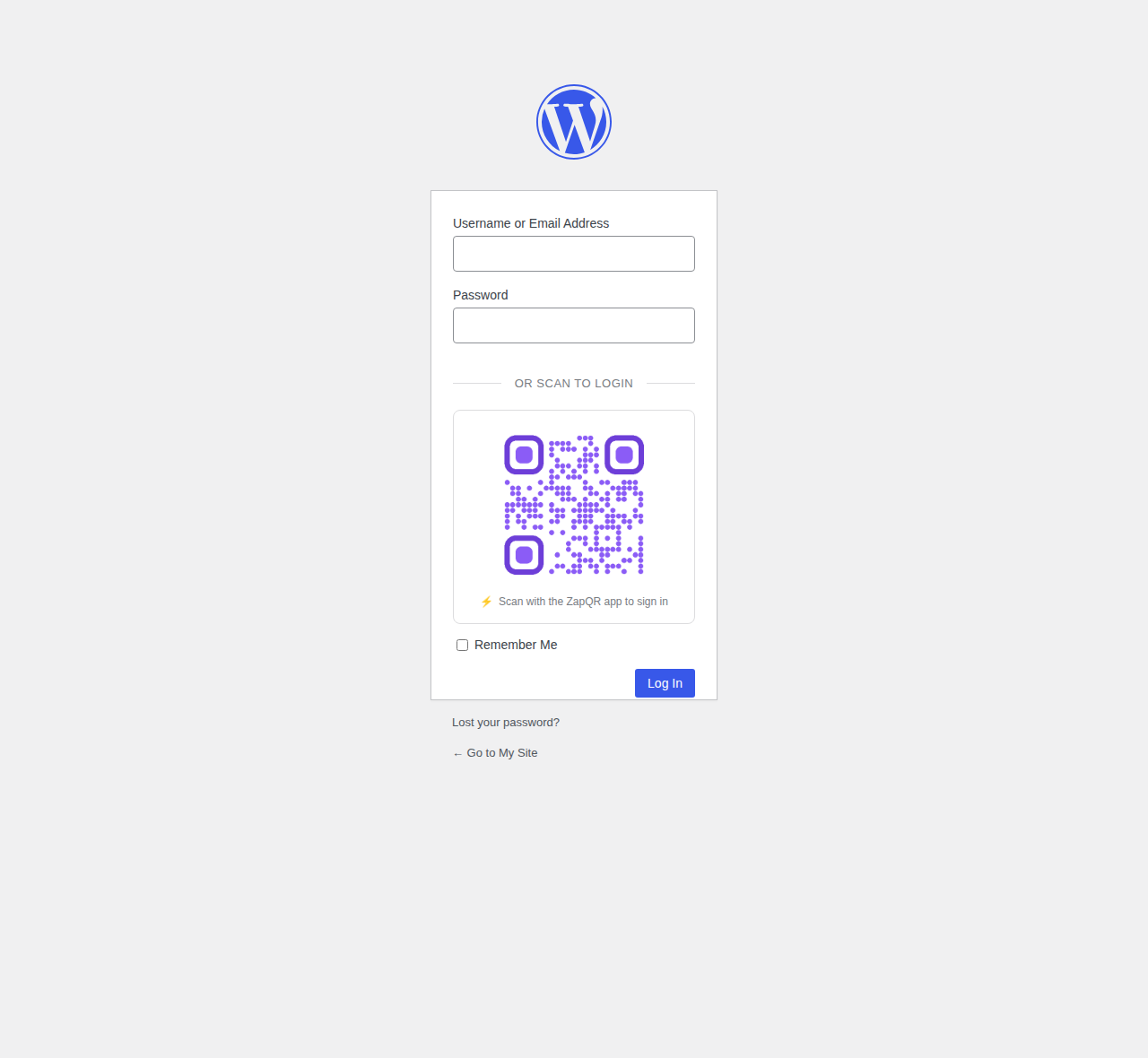
ZapQR Login adds a QR code to your WordPress login page. Users can scan this code with the ZapQR app to instantly fill in their credentials and log in – no typing required!
Features
- Secure passwordless login experience
- Instant credential fill via QR scan
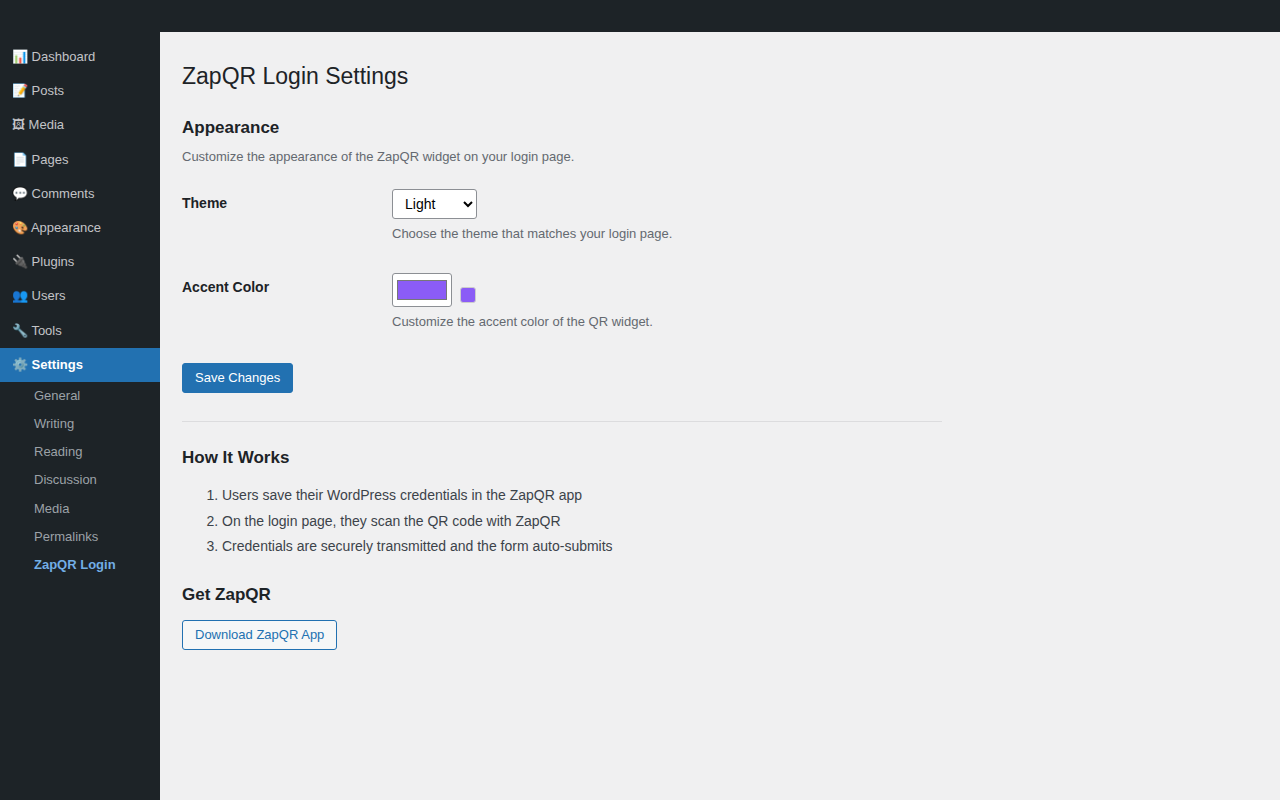
- Customizable theme and accent colors
- Works on mobile and desktop
- Real-time WebSocket connection
- End-to-end encrypted credential transfer
How It Works
- Users save their WordPress credentials in the ZapQR app
- When logging in, they scan the QR code on the login page
- ZapQR securely transmits credentials via encrypted WebSocket
- The login form auto-fills and submits
Requirements
- ZapQR app (iOS/Android) – Download at zapqr.ai
- WordPress 5.0 or higher
- PHP 7.4 or higher
Privacy
This plugin loads an external JavaScript file from zapqr.ai to display the QR code and handle the WebSocket connection. No user data is stored on external servers. Credentials are transmitted directly from the user’s phone to their browser via encrypted WebSocket.
Screenshots
Installation
- Upload the
zapqr-loginfolder to/wp-content/plugins/ - Activate the plugin through the ‘Plugins’ menu in WordPress
- Go to Settings > ZapQR Login to customize appearance
- Download the ZapQR app and save your WordPress credentials
- Start using passwordless login!
FAQ
-
Is this secure?
-
Yes! Credentials are transmitted via encrypted WebSocket connection and are never stored on external servers. The QR code only contains a session identifier – actual credentials are sent directly from your phone to the browser.
-
Do I need an account to use ZapQR?
-
No account is required. The ZapQR app stores credentials locally on your device, secured by Face ID, Touch ID, or device passcode.
-
Does this replace my password?
-
No, this is an alternative login method. Users still need valid WordPress credentials saved in the ZapQR app. It just makes entering them easier and more secure (no keyloggers!).
-
Can I customize the appearance?
-
Yes! Go to Settings > ZapQR Login to change the theme (light/dark) and accent color to match your site.
-
Does this work with multisite?
-
Yes, ZapQR Login works with WordPress multisite installations.
Reviews
There are no reviews for this plugin.
Contributors & Developers
“ZapQR Login” is open source software. The following people have contributed to this plugin.
Contributors
Translate “ZapQR Login” into your language.
Interested in development?
Browse the code, check out the SVN repository, or subscribe to the development log by RSS.
Changelog
1.0.0
- Initial release
- QR code login integration on wp-login.php
- Customizable theme (light/dark) and accent colors
- Admin settings page under Settings menu