
Description
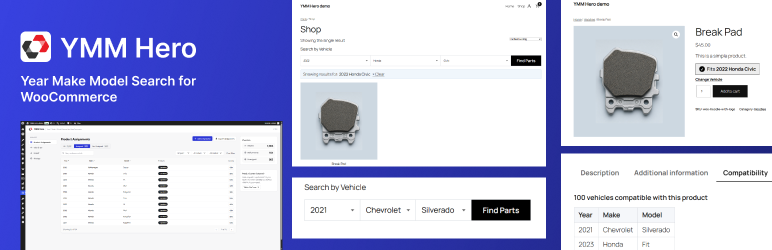
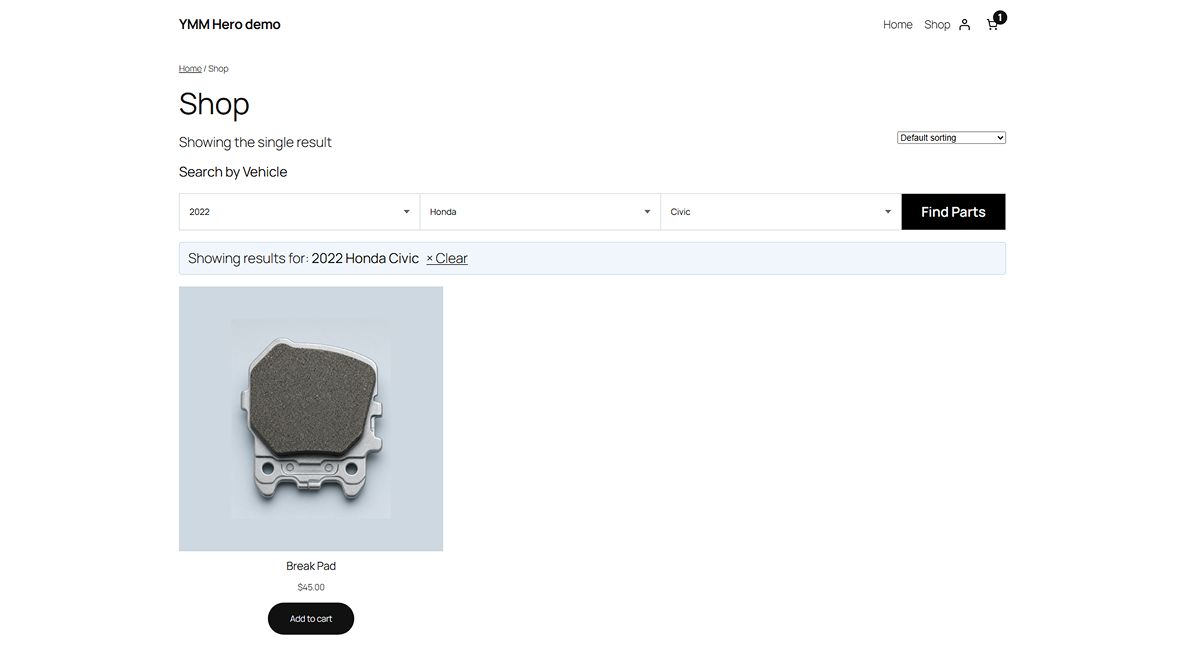
YMM Hero adds a Year / Make / Model vehicle filter to your WooCommerce store. Customers pick their vehicle from chained AJAX dropdowns and the shop instantly narrows down to products that fit.
Store owners manage a dedicated vehicle database and map products to compatible vehicles entirely from the WordPress admin — no coding required.
Key features
- Custom vehicle database stored in its own table for fast lookups
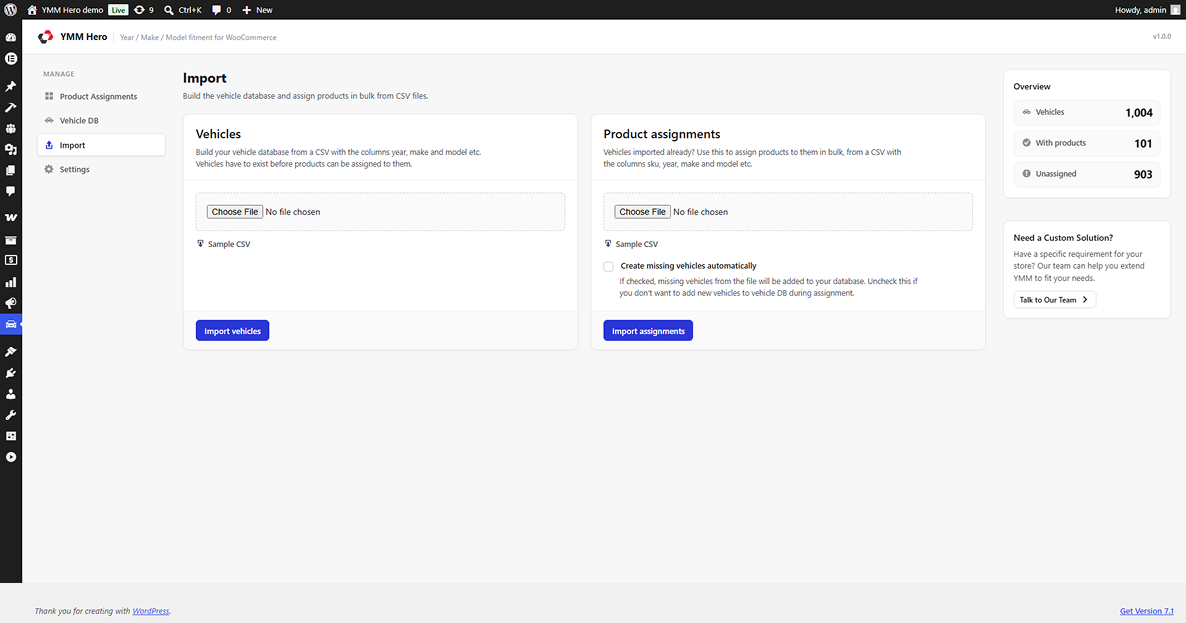
- CSV bulk import for vehicles and for product assignments
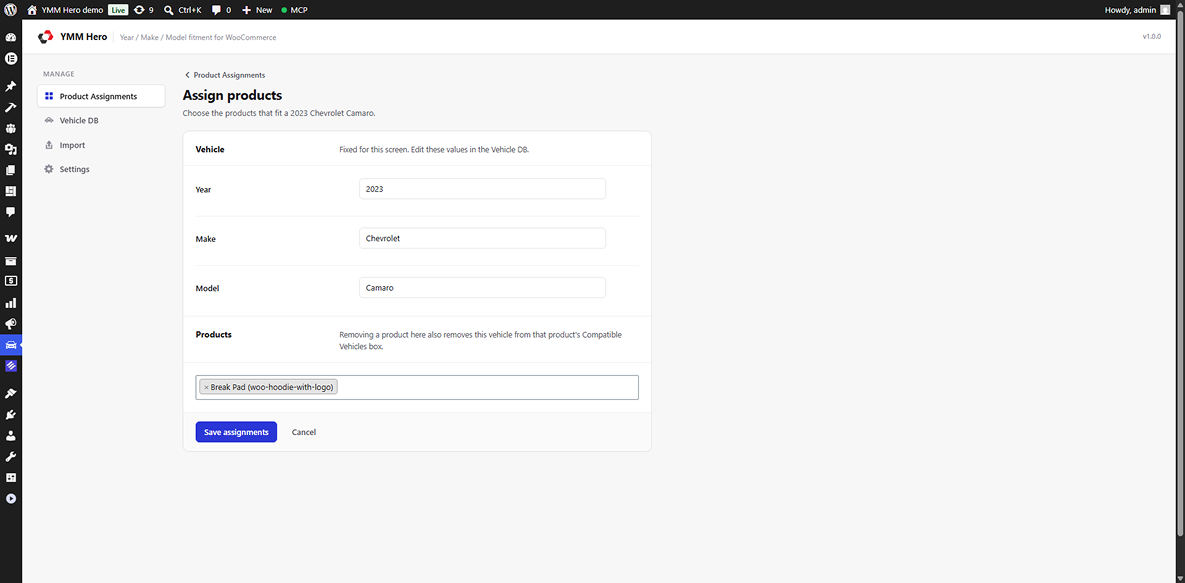
- Product–vehicle compatibility mapping via a meta box on the product edit screen
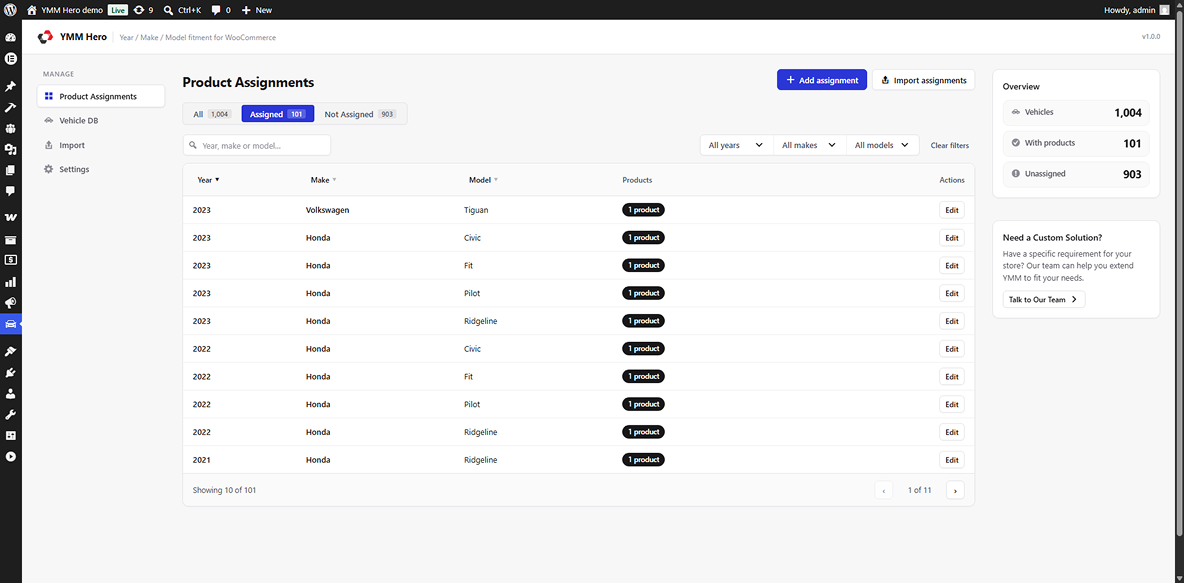
- Dedicated Product Assignments admin screen with search and filters
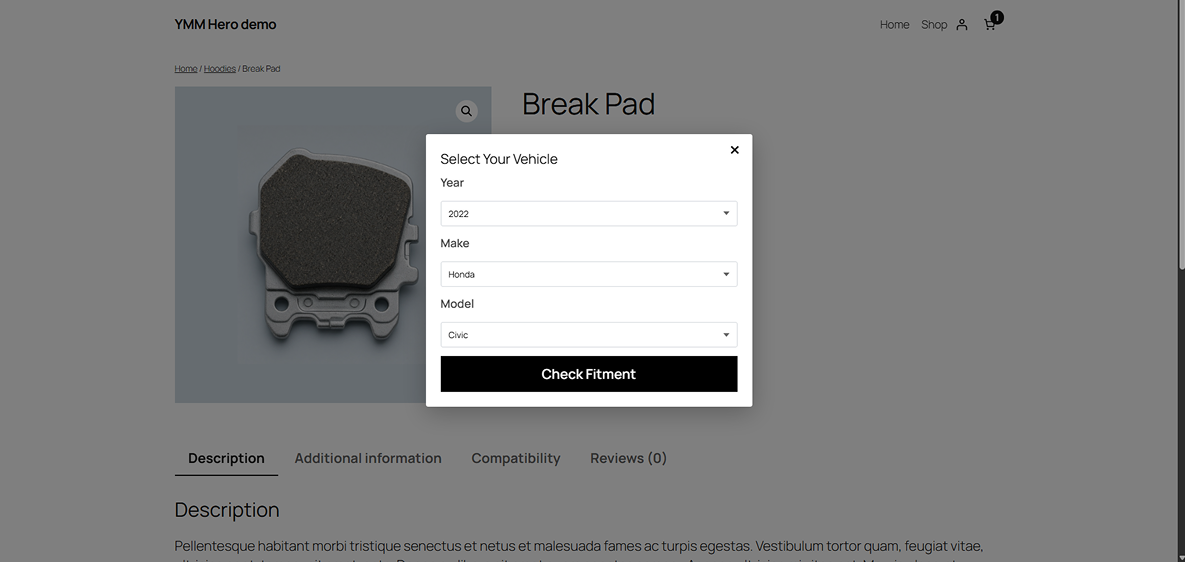
- AJAX chained Year Make Model dropdowns
- Shop and archive filtering through URL parameters
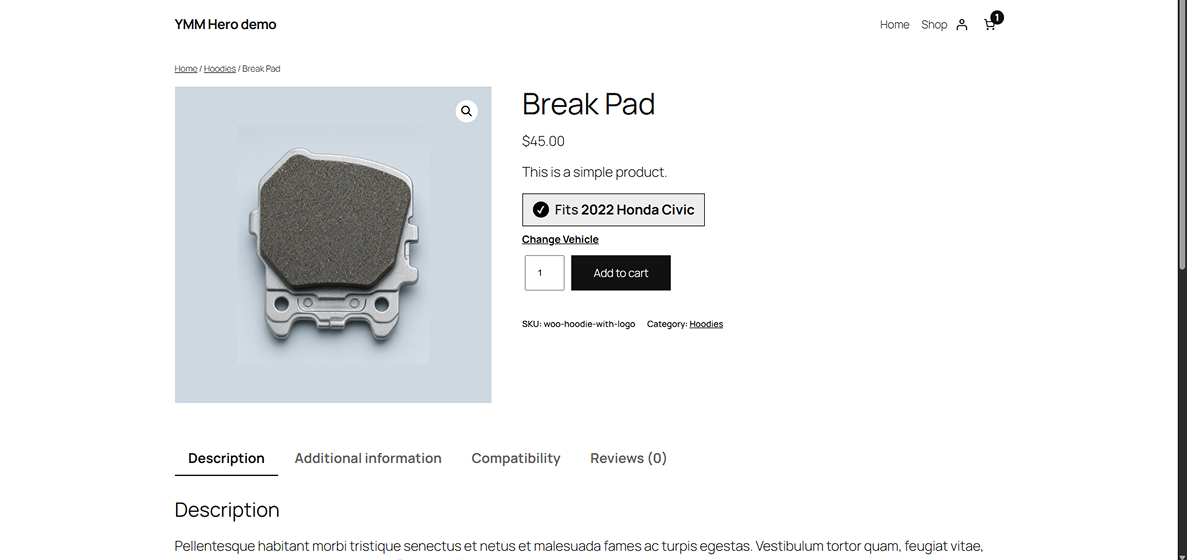
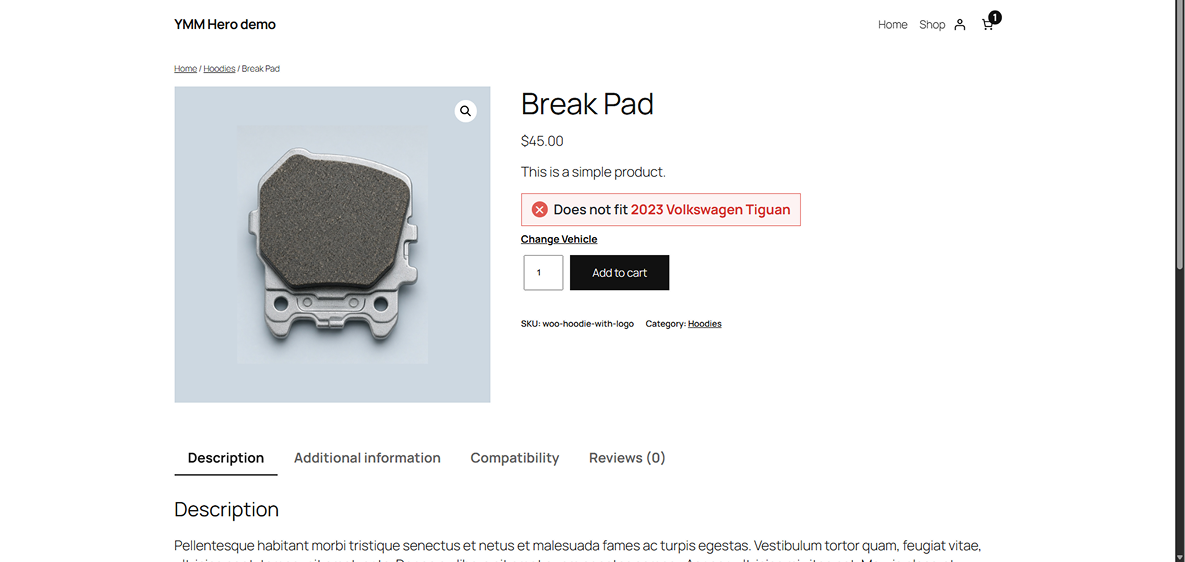
- Fitment verification widget on the single product page
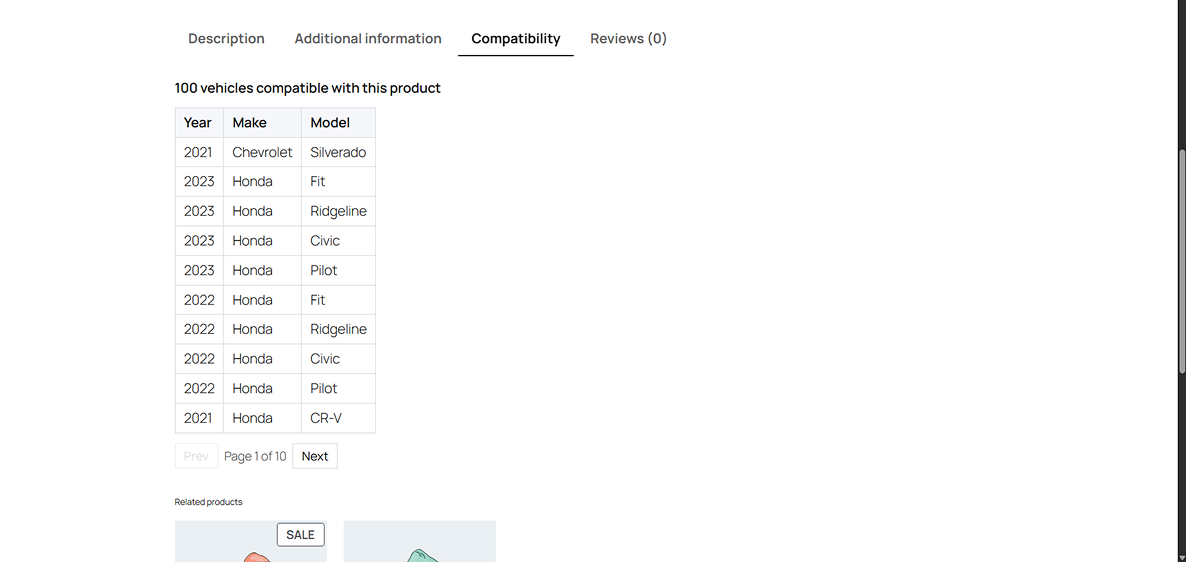
- Compatibility table showing every vehicle a product fits
- Vehicle memory across pages using localStorage
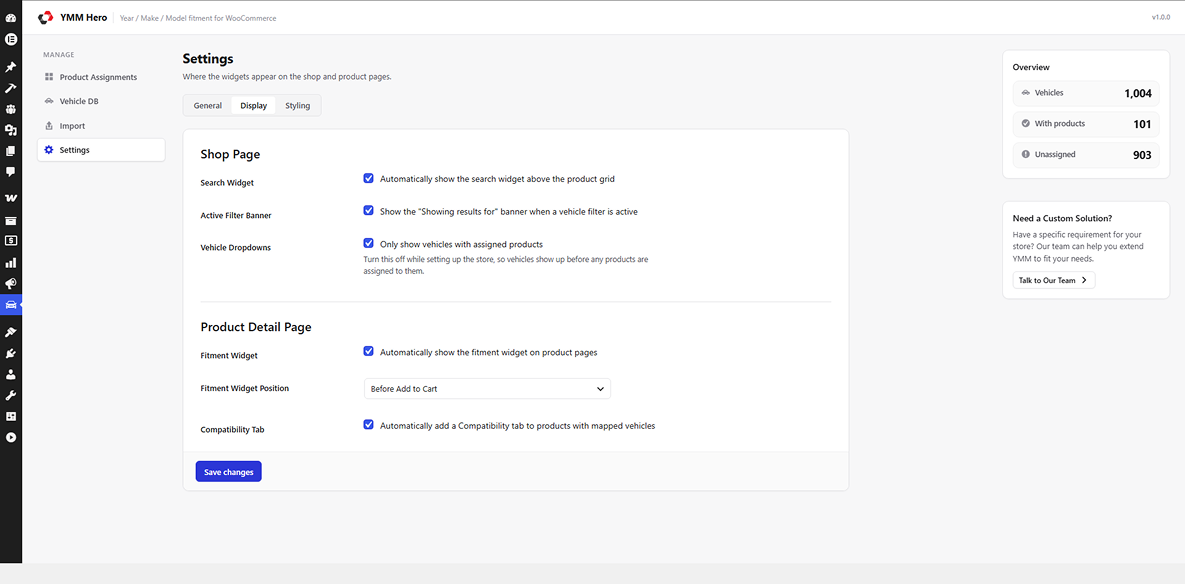
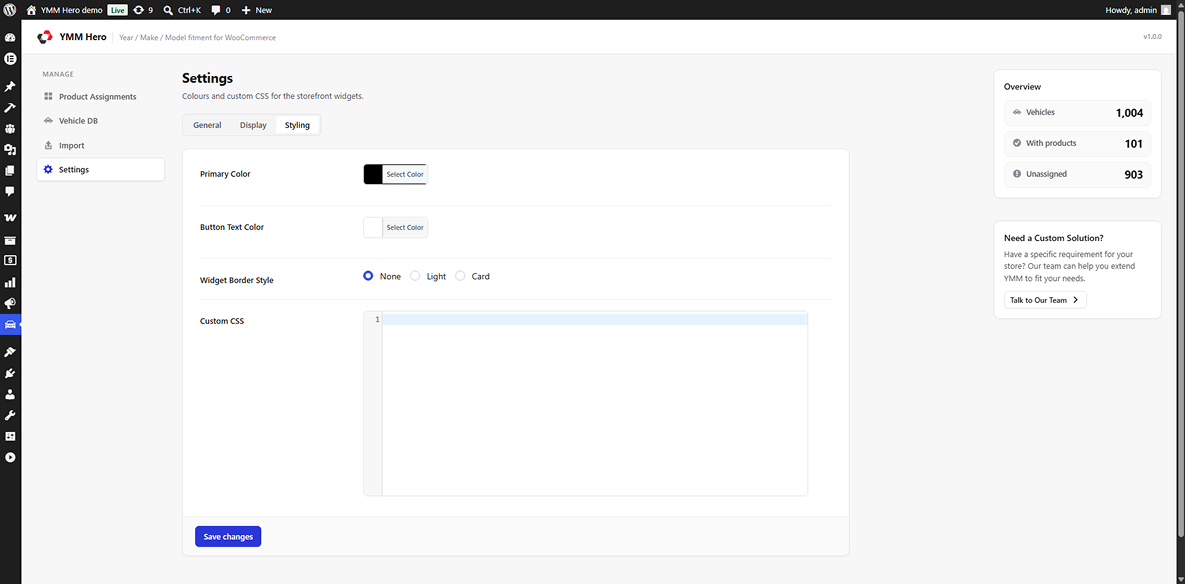
- Settings page for widget placement and styling
- Gutenberg block for placing the search widget anywhere
Shortcodes
[ymmhero_search]— renders the Year/Make/Model search widget[ymmhero_fitment_check]— renders the fitment check widget on a product page[ymmhero_compatibility_table]— renders the compatibility table for a product
Screenshots
![Frontend - The Year / Make / Model search widget placed on the home page with the block or the [ymmhero_search] shortcode.](https://ps.w.org/ymm-hero/assets/screenshot-1.png?rev=3754844)
Blocks
This plugin provides 1 block.
- YMM Vehicle Search Displays the YMM (Year/Make/Model) vehicle search widget.
Installation
- Upload the
ymm-herofolder to/wp-content/plugins/, or install the ZIP through Plugins Add New Upload Plugin. - Activate the plugin through the Plugins screen in WordPress.
- Go to YMM Hero Vehicles and add vehicles manually or import them from a CSV file.
- Assign products to vehicles from YMM Hero Product Assignments, or use the Compatible Vehicles meta box on each product.
- Place the
[ymmhero_search]shortcode or the YMM Hero block on any page, or enable auto-injection from YMM Hero Settings.
WooCommerce must be installed and active.
FAQ
-
Does this require WooCommerce?
-
Yes. YMM Hero filters WooCommerce products and will not run without WooCommerce active.
-
Can I import my vehicle list in bulk?
-
Yes. The Vehicles screen includes a CSV importer. A sample CSV is bundled with the plugin. Product assignments can also be imported in bulk from their own CSV.
-
Does it work with block themes?
-
Yes. The plugin ships a Gutenberg block, and the shortcodes work in both classic and Full Site Editing themes.
-
Where is the vehicle data stored?
-
Vehicles live in a dedicated
wp_ymmhero_vehiclestable rather than in posts or terms, which keeps lookups fast even with large datasets. -
Is the customer’s vehicle remembered between pages?
-
Yes. The selected vehicle is stored in the browser’s localStorage. If localStorage is unavailable the plugin fails silently and the filter still works through URL parameters.
-
What happens to my data if I uninstall?
-
Uninstalling removes the vehicle table and the plugin’s options. Deactivating the plugin leaves all data intact.
Reviews
There are no reviews for this plugin.
Contributors & Developers
“YMM Hero – Year Make Model Search for WooCommerce” is open source software. The following people have contributed to this plugin.
Contributors
Translate “YMM Hero – Year Make Model Search for WooCommerce” into your language.
Interested in development?
Browse the code, check out the SVN repository, or subscribe to the development log by RSS.
Changelog
1.0.0
- Initial release.
- Vehicle database with CSV import.
- Product to vehicle assignment via meta box, dedicated admin screen, and CSV import.
- AJAX Year/Make/Model search widget with shop filtering.
- Fitment check widget and compatibility table on product pages.
- localStorage vehicle memory.
- Settings page and Gutenberg block.