
Description
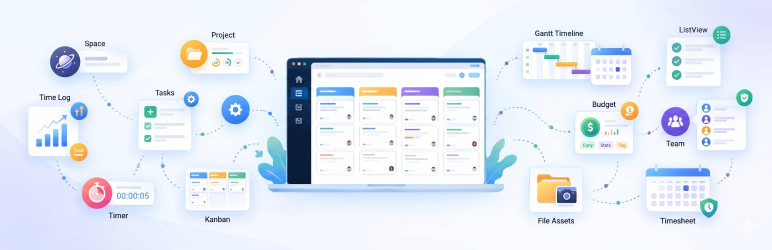
WorkFuz is a modern, lightweight project management engine built for teams, agencies, and freelancers. It introduces a clean, multi-tenant hierarchy designed to eliminate project clutter:
Space Project Milestone Task Subtask
WorkFuz runs 100% standalone on any WordPress website and also connects seamlessly with Frontend Dashboard to power client portals and user dashboards.
For complete documentation, guides, and feature walkthroughs, visit our official website at workfuz.com | WorkFuz FAQ portal.
Key Features
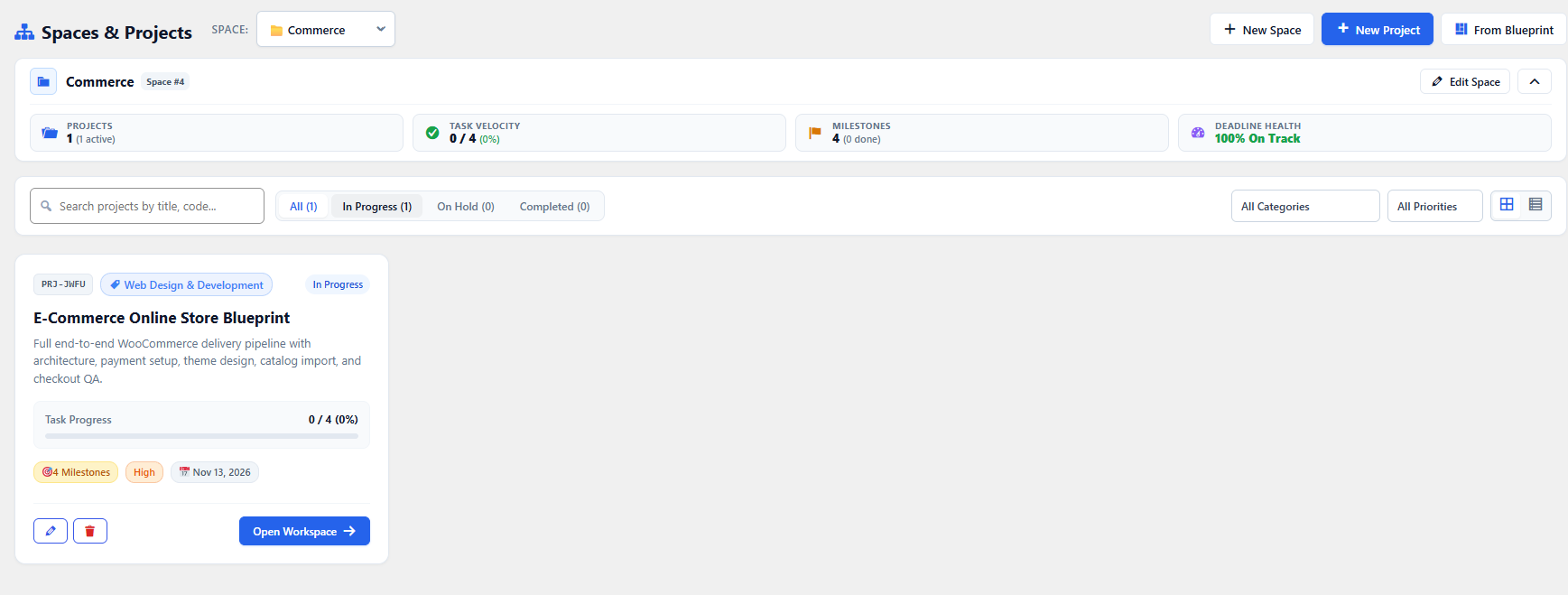
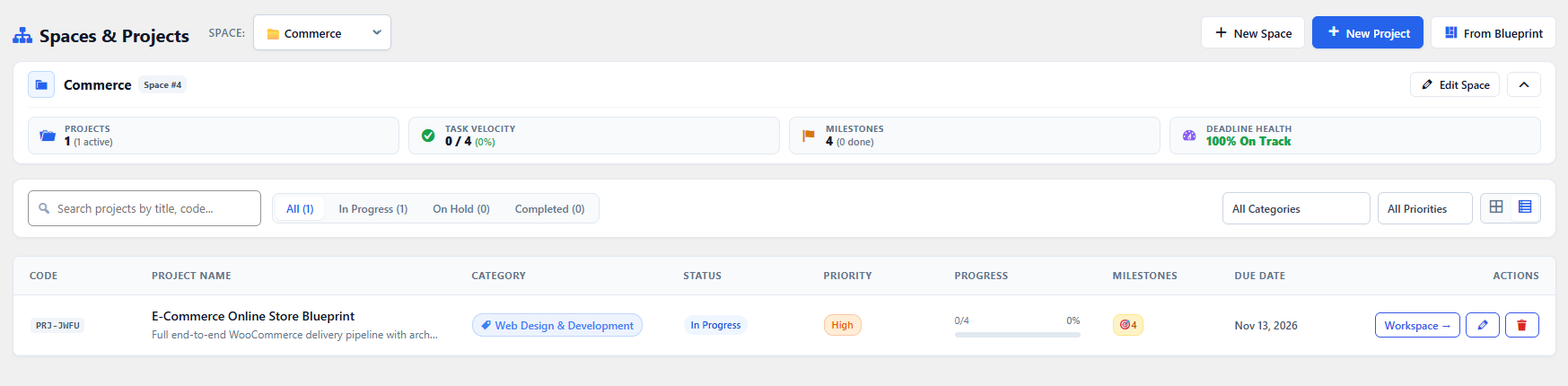
- Spaces: Segment your projects cleanly by Client, Department, or Business Unit.
- Projects: Track title, status, priority, due dates, and completion progress.
- Milestones: Group work into key delivery phases with target completion dates.
- Tasks & Nested Subtasks: Assign work, track status (To Do, In Progress, Done), and break items into granular subtasks.
- Clean List View: High-speed, responsive task list with instant inline subtask creation and completion checkboxes.
- Workflow Stages: Fully customizable task workflow stages with colors and custom ordering.
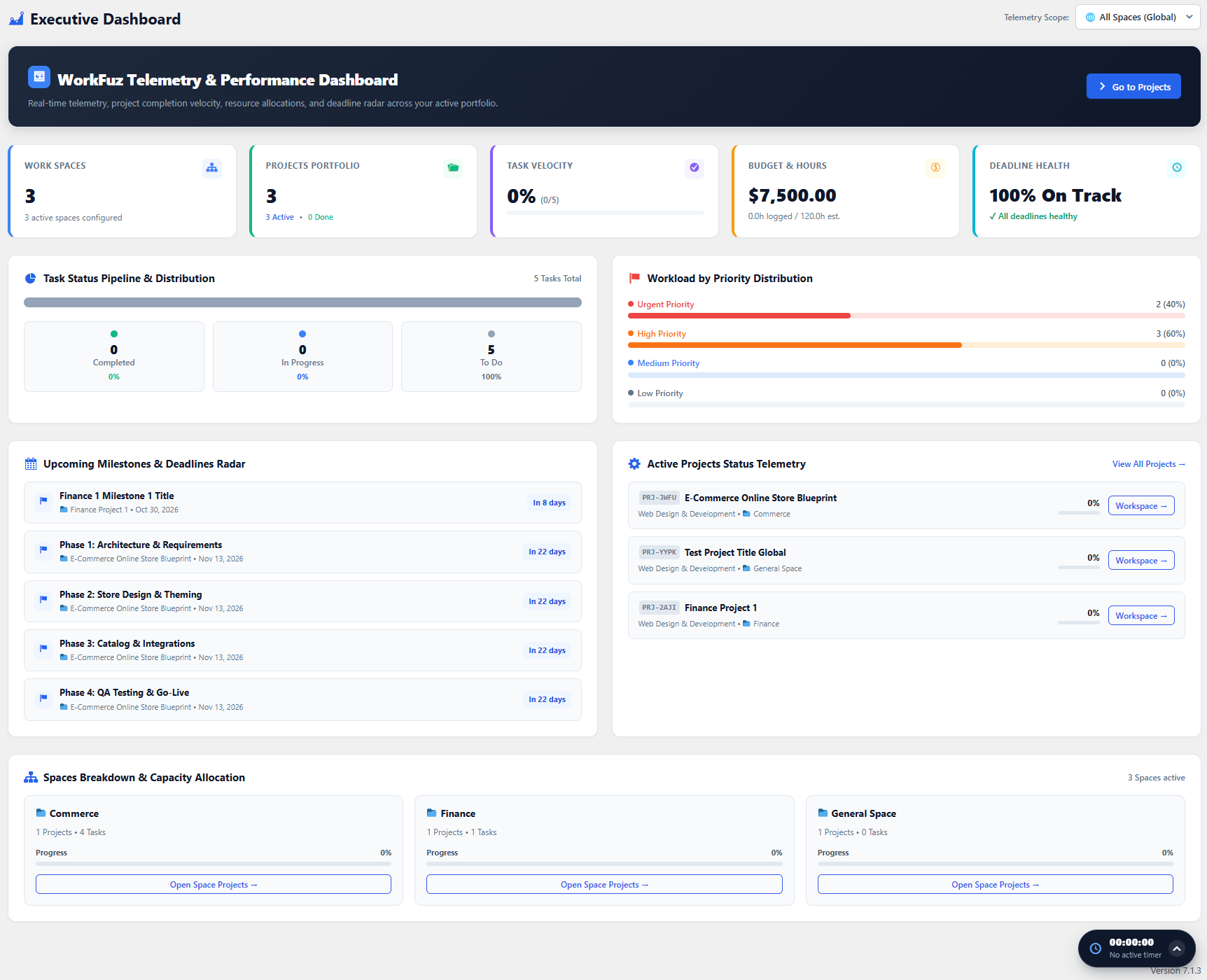
- Telemetry Dashboard: Executive project overview with KPI cards, completion metrics, and distribution charts.
- Searchable Team Assignment: Assignee widget with team scoping and multi-user assignment.
- Extensible Architecture: Clean action hooks and filters for developer customization and addon integration.
- Dual-Mode Engine: Operates standalone with its own dedicated WordPress admin menu and
[workfuz]shortcode / Gutenberg block, or integrates smoothly into Frontend Dashboard. - Zero External Dependencies: Fast and secure, using 100% local WordPress standards without external CDN requests.
Screenshots

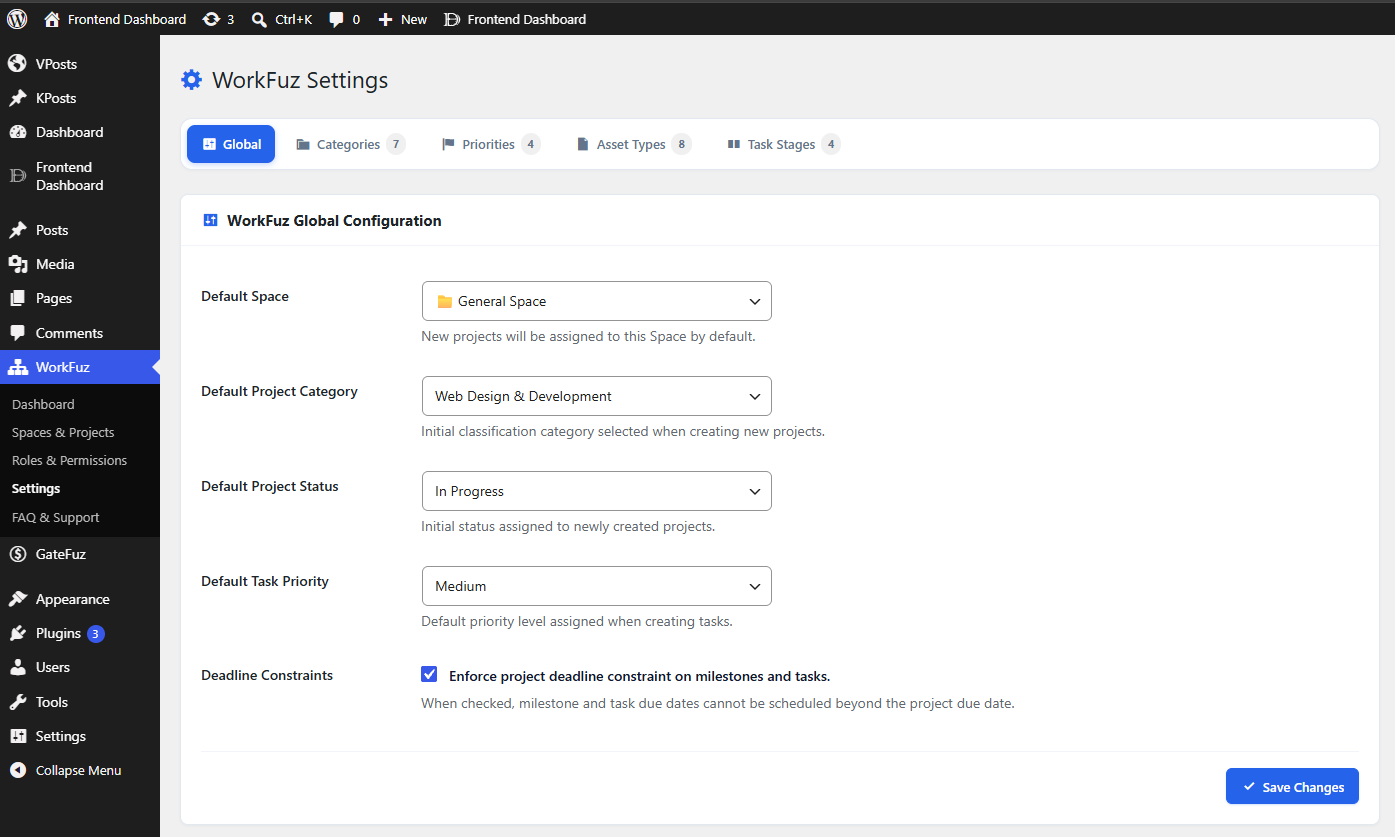
Blocks
This plugin provides 1 block.
- WorkFuz — Spaces & Projects
Installation
- Upload the
work-fuzfolder to your/wp-content/plugins/directory. - Activate the plugin through the ‘Plugins’ menu in WordPress.
- Navigate to the WorkFuz menu in your WordPress Admin sidebar to start organizing your Spaces and Projects.
- Optional: Embed on any frontend page using the
[workfuz]shortcode or the WorkFuz Gutenberg block.
FAQ
-
Where can I find extensive documentation and FAQs?
-
For our complete documentation, detailed step-by-step guides, tutorials, and frequently asked questions, visit our dedicated FAQ portal at faq.workfuz.com.
-
Does WorkFuz require Frontend Dashboard to work?
-
No. WorkFuz is completely standalone and works on any standard WordPress theme. If you also have Frontend Dashboard installed, WorkFuz will automatically detect it and add a “Projects & Spaces” tab into your client dashboard.
-
How do Subtasks work?
-
Click the arrow next to any task in the List View to expand its subtasks. You can check off subtasks or type directly into the “+ Add a subtask…” field for rapid planning.
-
Can I customize the task priorities and statuses?
-
Yes. WorkFuz provides developer filters like
workfuz_task_statusesandworkfuz_task_prioritiesfor easy customization.
Reviews
There are no reviews for this plugin.
Contributors & Developers
“WorkFuz” is open source software. The following people have contributed to this plugin.
Contributors

Translate “WorkFuz” into your language.
Interested in development?
Browse the code, check out the SVN repository, or subscribe to the development log by RSS.
Changelog
1.1.0
- Official WordPress.org repository approved release.
- Added customizable workflow stages with color tags and custom ordering.
- Added executive telemetry dashboard with project KPIs, status distributions, and completion metrics.
- Added multi-select assignee widget with project team scoping and real-time updates.
- Added extensible developer hooks for workspace tabs, task row actions, and toolbar actions.
- Added clean task detail view with markdown support, activity logs, discussions, and attachments.
- Enhanced UI/UX with ultra-slim KPI metrics bar, quick modal dialogs, and instant inline subtask management.
- Enhanced security with strict input sanitization, nonce protection, and full WordPress coding standards compliance.
1.0.0
- Initial development release.
- Added 5-level hierarchy: Space -> Project -> Milestone -> Task -> Subtask.
- Added responsive List View with subtask accordion and instant status toggle.
- Added standalone admin menu,
[workfuz]shortcode, and Gutenberg block. - Added native Frontend Dashboard integration bridge.