
Description
WebAudit Schema Markup Checker scans your own site’s homepage for structured data (JSON-LD schema) and shows a quick Schema Score directly in your WordPress dashboard — no external tools, no signup required for the Lite check.
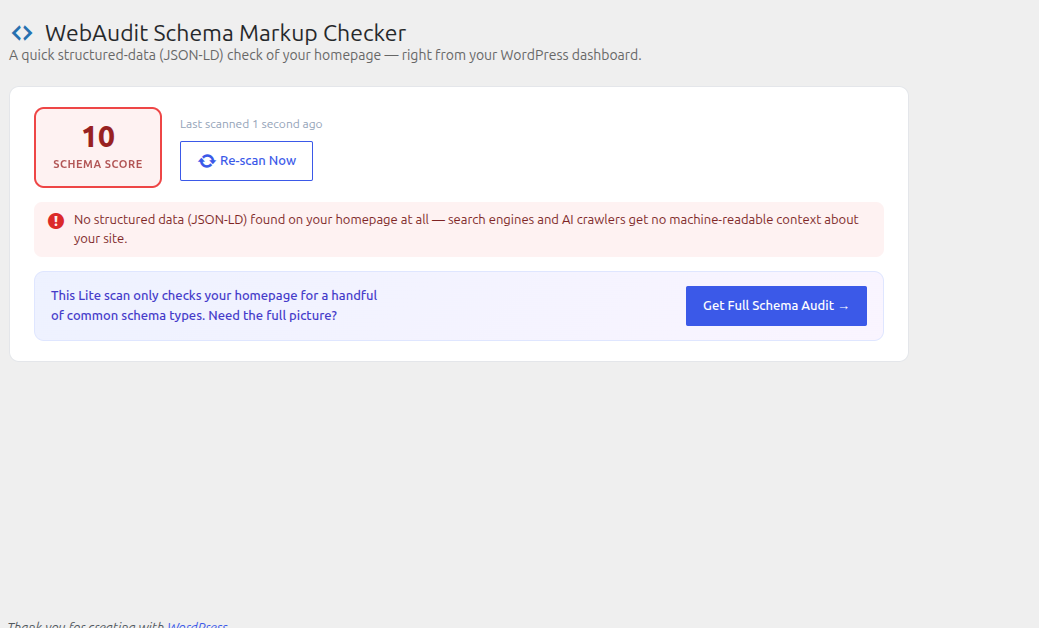
- Schema Score (0–100) — calculated from how much of your JSON-LD structured data is present, valid, and complete
- Dashboard widget — see your score at a glance every time you log in
- Detects common schema types — Organization, WebSite, FAQPage, and more, plus whether Organization schema includes a logo and social profile (
sameAs) links - Catches invalid JSON — flags schema blocks that are malformed and will be silently ignored by search engines
- Re-scan on demand — results are cached (default 12 hours) but you can force a fresh scan anytime
- “Get Full Schema Audit” — a clearly-marked upgrade path to a complete structured-data audit at WebAudit AI Tool
How it works
- Install and activate the plugin
- Open Schema Checker in your WordPress admin menu, or check the dashboard widget
- The plugin fetches your own homepage and scores its structured data
- Fix what’s flagged, or click Get Full Schema Audit for the complete report
External services
This plugin fetches your own site’s homepage (via wp_remote_get() to your site’s own home_url()) to compute the Schema Score shown in your dashboard. No data from this scan is sent anywhere; the request stays between your server and itself.
The “Get Full Schema Audit” button is a plain outbound link, followed only if you click it. It opens WebAudit AI Tool (https://webauditaitool.com/audit by default, configurable under Schema Checker Settings) in a new tab, passing your homepage URL and Lite Schema Score as URL query parameters so the destination page can be pre-filled. No request is made to this service unless you click the button.
WebAudit AI Tool is operated by the plugin author. See their terms of service (https://webauditaitool.com/terms) and privacy policy (https://webauditaitool.com/privacy).
Screenshots
Installation
- Upload the
webaudit-schema-markup-checkerfolder to/wp-content/plugins/ - Activate the plugin through the ‘Plugins’ menu in WordPress
- Visit Schema Checker in the admin menu to see your score
FAQ
-
Does this scan other websites?
-
No — WebAudit Schema Markup Checker only scans your own site’s homepage (
home_url()). It does not check other pages on your site or any other domain. -
Which schema types does the Lite check look for?
-
Organization, WebSite (including its sitelinks SearchAction), and FAQPage — the types most commonly recommended for a homepage. The full audit at WebAudit AI Tool checks additional page types and validates schema against Google’s Rich Results requirements.
-
Where does “Get Full Schema Audit” send me?
-
To WebAudit AI Tool (webauditaitool.com/audit) by default. The destination can be changed under Schema Checker Settings.
Reviews
There are no reviews for this plugin.
Contributors & Developers
“WebAudit Schema Markup Checker” is open source software. The following people have contributed to this plugin.
Contributors
Translate “WebAudit Schema Markup Checker” into your language.
Interested in development?
Browse the code, check out the SVN repository, or subscribe to the development log by RSS.
Changelog
1.0.0
- Initial release