

Description
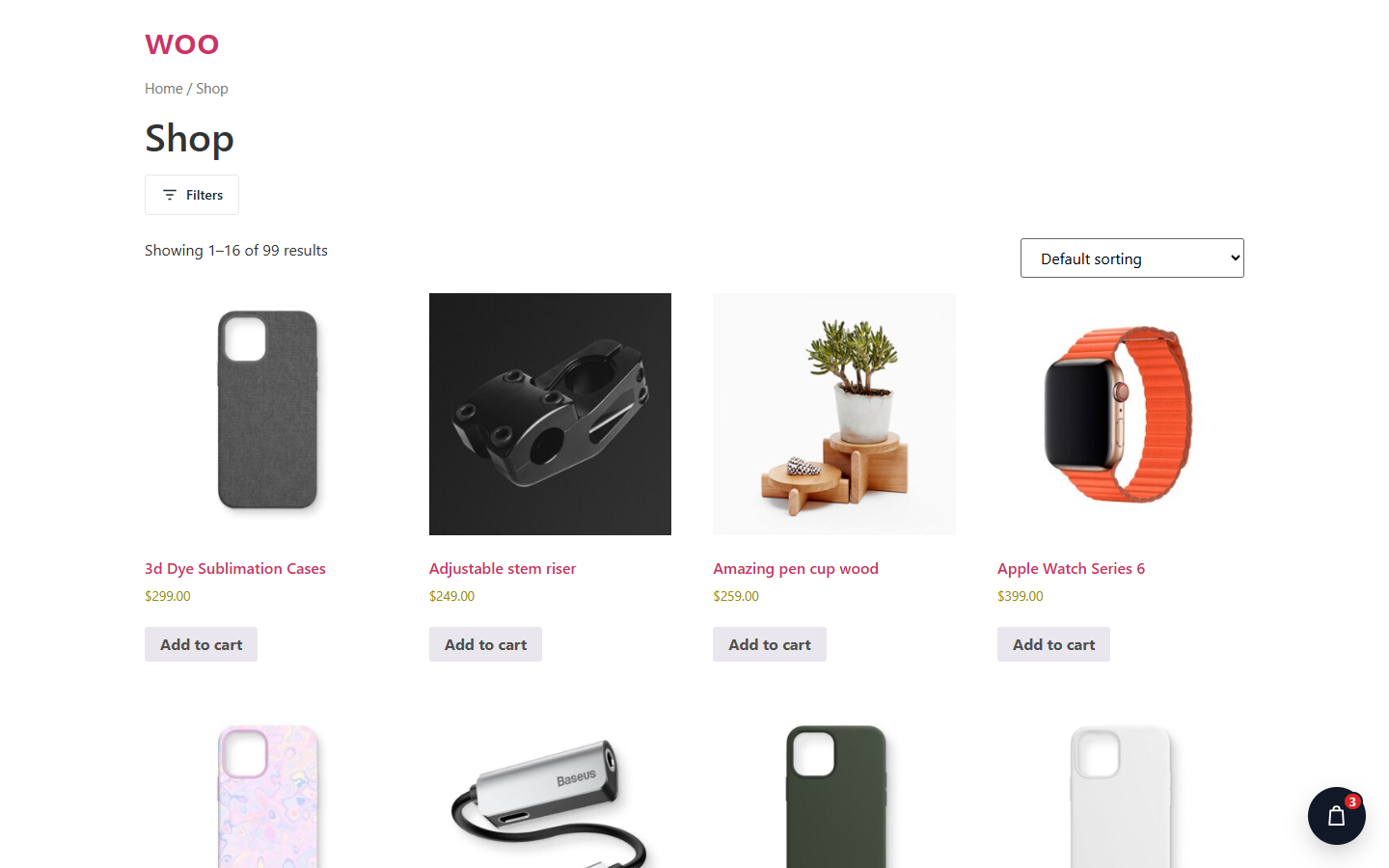
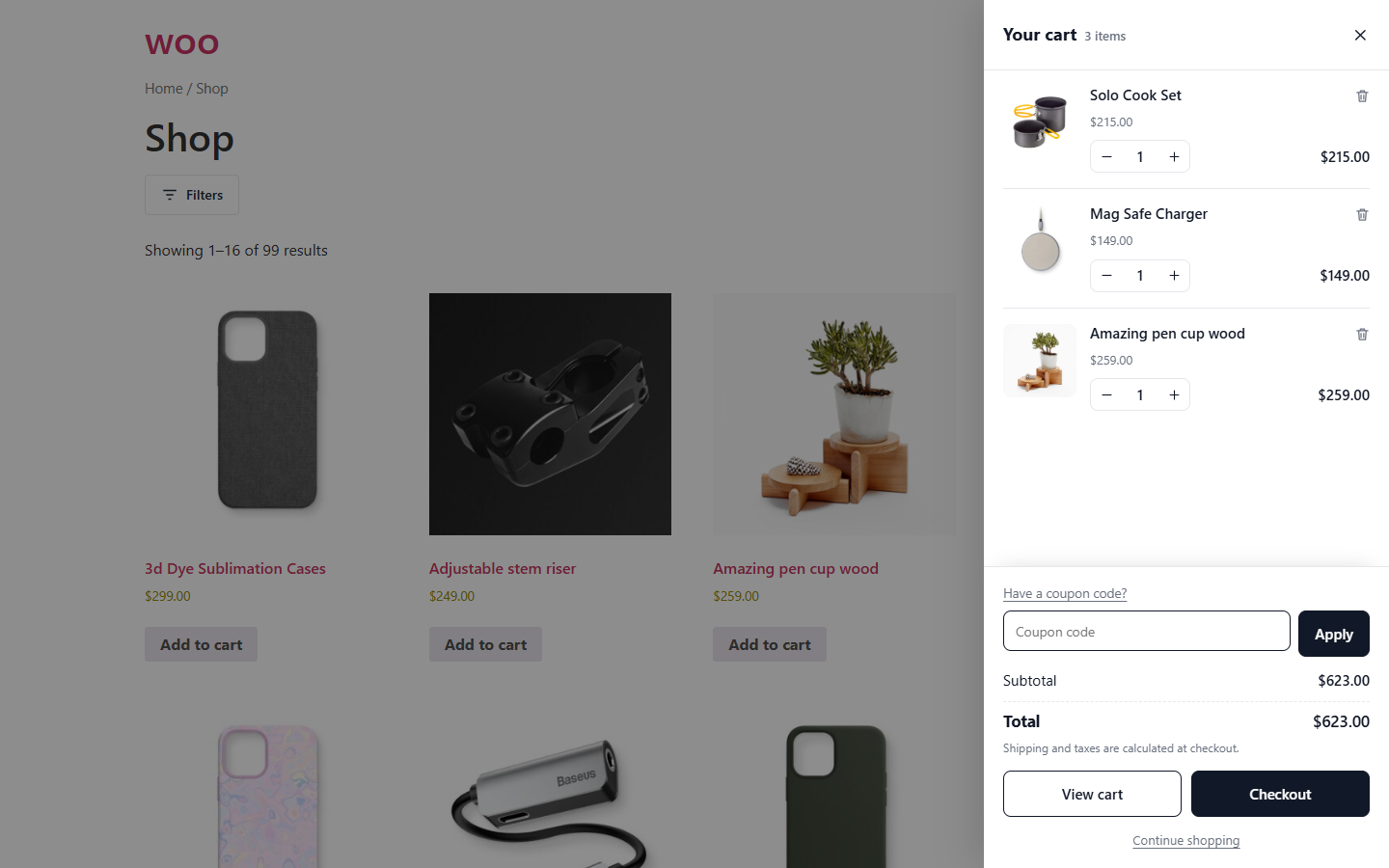
Floating Side Cart for WooCommerce adds a fast AJAX mini cart to your store. It replaces the trip to the cart page with a drawer that slides in from the left or right.
- Floating cart button in six positions with offsets, or place a trigger anywhere with the
[wbnsc_side_cart]shortcode or in a menu location. - Opens automatically when a product is added, including AJAX add to cart on simple, variable and grouped product pages.
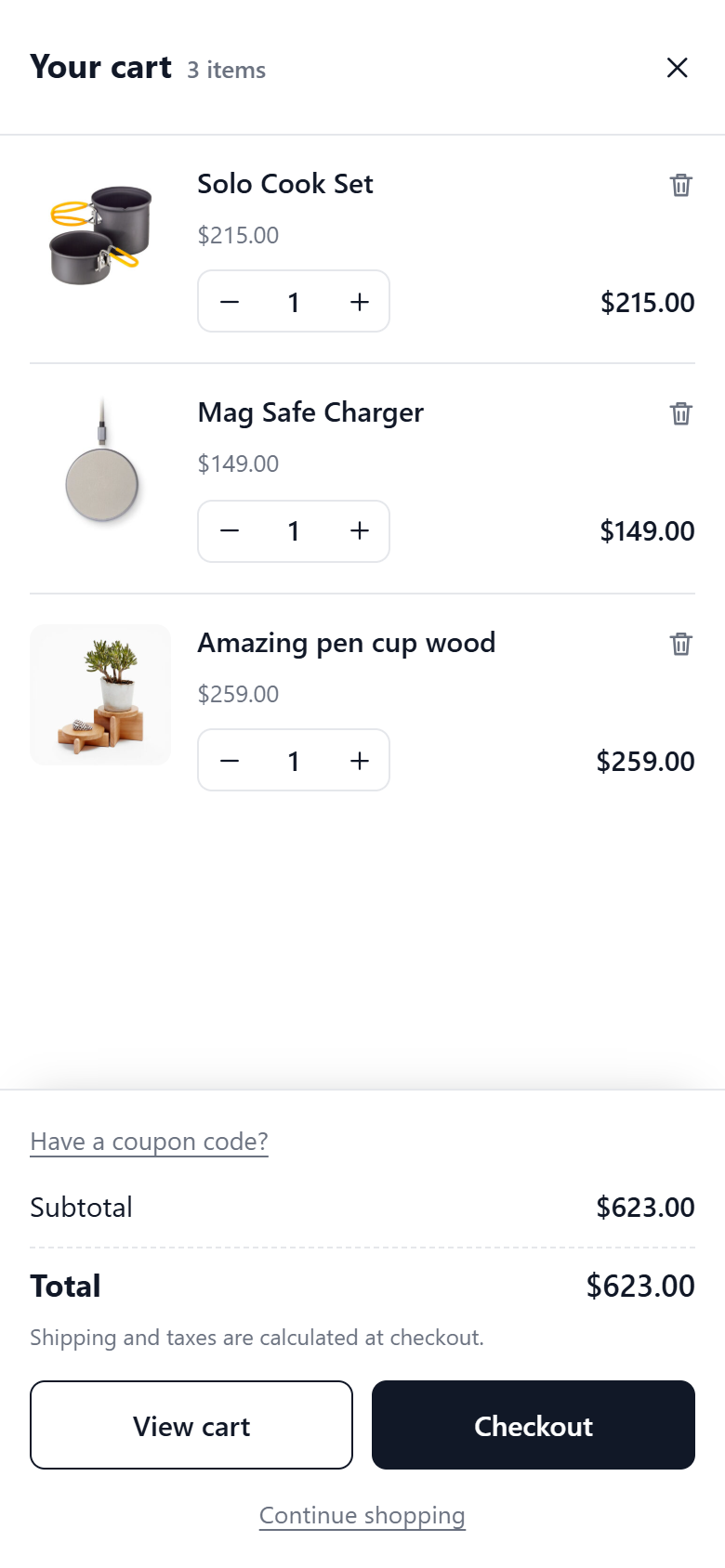
- Quantity + / − controls and remove with undo, updated over AJAX with optimistic totals.
- Coupon field with applied-coupon chips, discount and total rows.
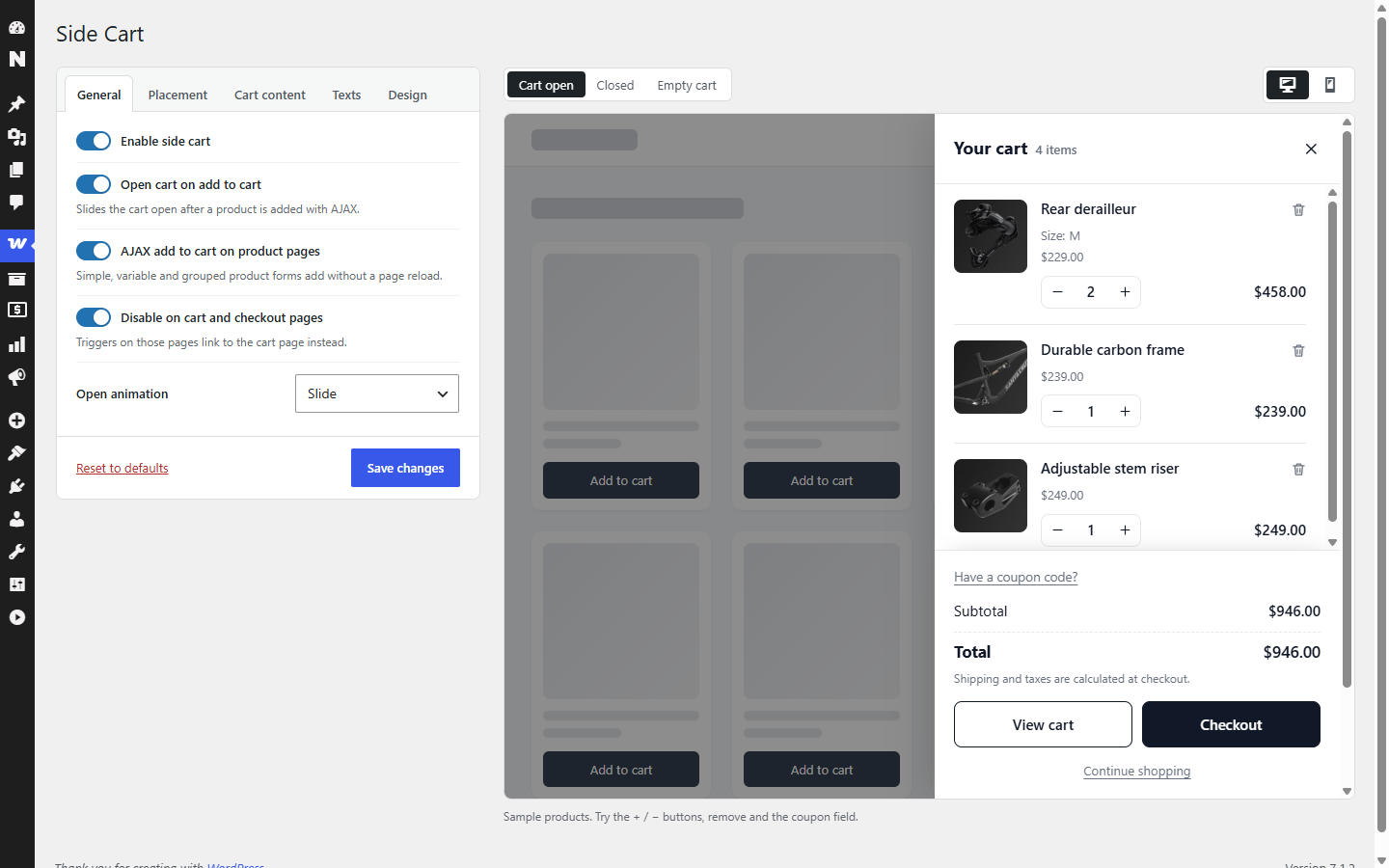
- Settings screen under WooCommerce Side Cart with a live preview (open, closed and empty cart; desktop and mobile).
- Cart contents load over wc-ajax after the page, so pages stay safe to cache.
Shortcode
[wbnsc_side_cart icon="bag" label="Cart" show_count="yes" show_subtotal="yes" class=""]
- icon: bag, cart or basket
- label: optional text next to the icon
- show_count / show_subtotal: yes or no
JavaScript
wbnscSideCart.open(), `wbnscSideCart.close()`, `wbnscSideCart.refresh()`. Wrap a product form in `.wbnsc-no-ajax` to keep the normal page reload.
Screenshots
Installation
- Upload the
webangon-side-cartfolder to/wp-content/plugins/. - Activate the plugin. WooCommerce must be active.
- Configure it under WooCommerce Side Cart.
Reviews
There are no reviews for this plugin.
Contributors & Developers
“Floating Side Cart for WooCommerce” is open source software. The following people have contributed to this plugin.
Contributors
Translate “Floating Side Cart for WooCommerce” into your language.
Interested in development?
Browse the code, check out the SVN repository, or subscribe to the development log by RSS.
Changelog
1.0.0
- Initial release.