Description
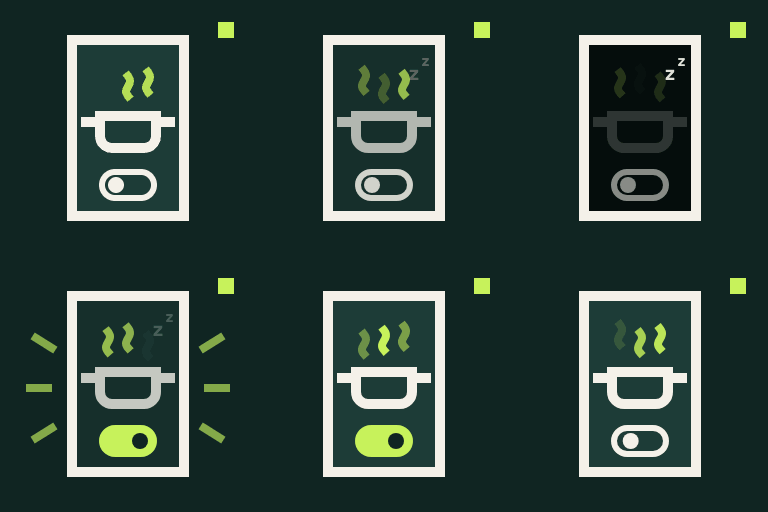
Nothing is more frustrating than a phone screen going dark with flour on your hands. WakeChef Cook Mode adds a simple toggle to your recipes. When a reader switches it on, their screen stays awake until they switch it off or leave the page.
Add it wherever your recipes are
- WP Recipe Maker: one checkbox adds the toggle to every recipe card, at the top or bottom. No template editing needed.
- Any post type or category: automatically add the toggle to posts, pages, or custom post types, optionally limited to recipe categories. Works with recipes from any plugin, or recipes written straight into the post.
- Block: insert the Cook Mode block anywhere in the block editor.
- Shortcode: use
[wakechef_cook_mode]in classic content, widgets, or page builders.
Built for real kitchens
- Uses the browser’s Screen Wake Lock API, supported in current Chrome, Edge, Safari, and Firefox.
- If the reader switches apps or tabs, Cook Mode resumes automatically when they come back.
- Every toggle on a page stays in sync, even with several recipes on one page.
- Accessible: a real switch with a label, keyboard support, and status announcements for screen readers.
- Lightweight: a few kilobytes of plain JavaScript, no jQuery, and assets load only on pages that show the toggle.
- Hidden when a recipe is printed.
Customize it
Change the label, description, and accent color under Settings WakeChef Cook Mode. The block and shortcode can override the text for individual recipes.
Installation
- Install and activate the plugin.
- Go to Settings WakeChef Cook Mode.
- If you use WP Recipe Maker, the toggle is already added to your recipe cards. Choose the position you prefer.
- For other recipes, choose the post types (and optionally categories) under Automatic placement, or add the Cook Mode block or the
[wakechef_cook_mode]shortcode where you want it.
FAQ
-
Does it require WP Recipe Maker?
-
No. WP Recipe Maker cards get the toggle automatically, but you can use the block, the shortcode, or automatic placement on any site.
-
Which browsers support Cook Mode?
-
Current versions of Chrome, Edge, Safari (16.4 and later), and Firefox support the Screen Wake Lock API. In browsers without support, the toggle is disabled and explains that Cook Mode isn’t available.
-
Why did Cook Mode turn off?
-
Browsers release the wake lock when the page is hidden, for example when switching apps. Cook Mode turns back on automatically when the reader returns. Some devices also refuse the request in battery saver mode.
-
Can I change the text for one recipe?
-
Yes. The block has label and description settings in the sidebar, and the shortcode accepts attributes:
[wakechef_cook_mode label="Keep screen on" description="Handy while kneading"]. -
Will a post show two toggles?
-
No. If a post contains a WP Recipe Maker card, a Cook Mode block, or the shortcode, automatic placement skips that post.
Reviews
There are no reviews for this plugin.
Contributors & Developers
“WakeChef Cook Mode” is open source software. The following people have contributed to this plugin.
Contributors
Translate “WakeChef Cook Mode” into your language.
Interested in development?
Browse the code, check out the SVN repository, or subscribe to the development log by RSS.
Changelog
1.0.0
- Initial release.