
Description
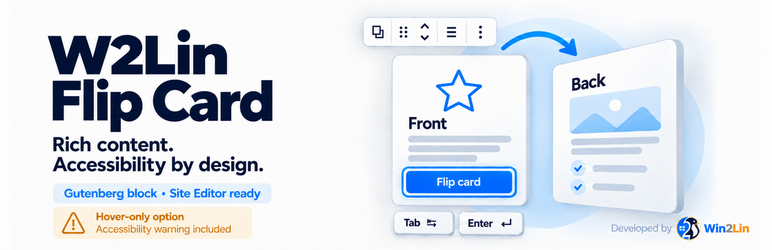
W2Lin Flip Card creates rich, customizable cards with independently editable front and back faces. Place cards in native Columns or Grid blocks and use your theme colors, fonts and spacing.
Features:
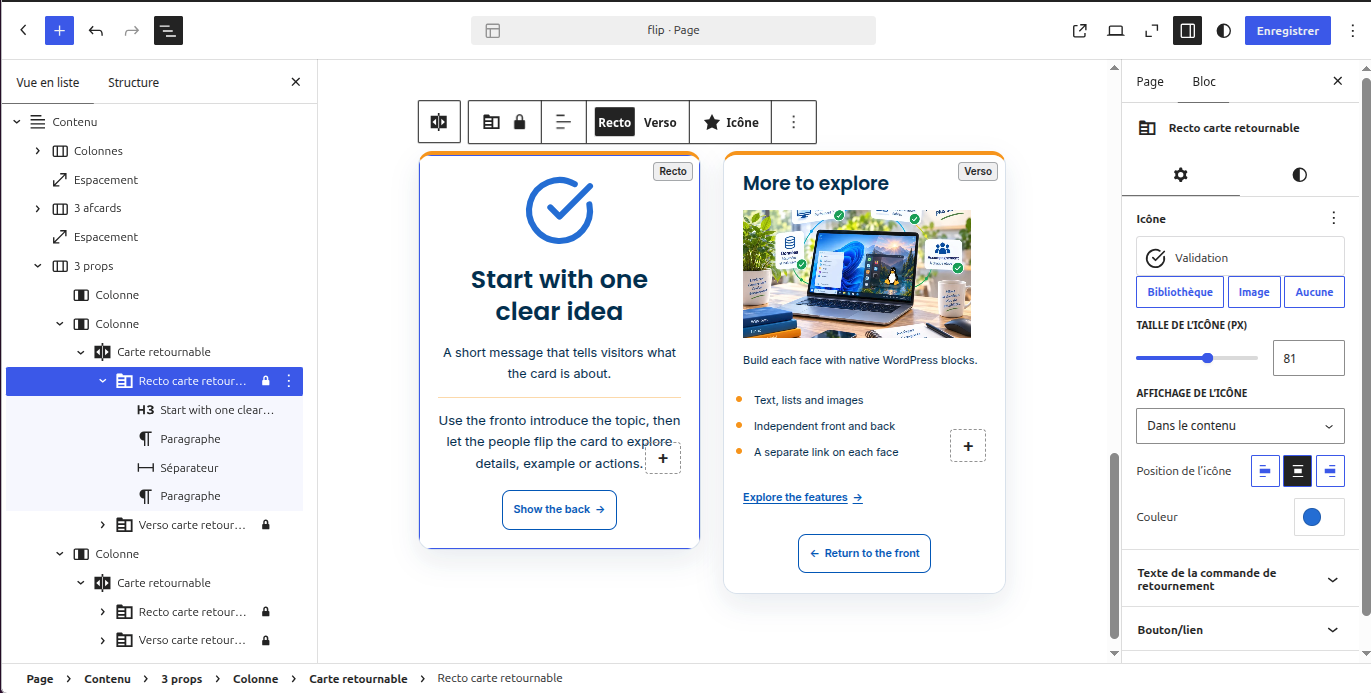
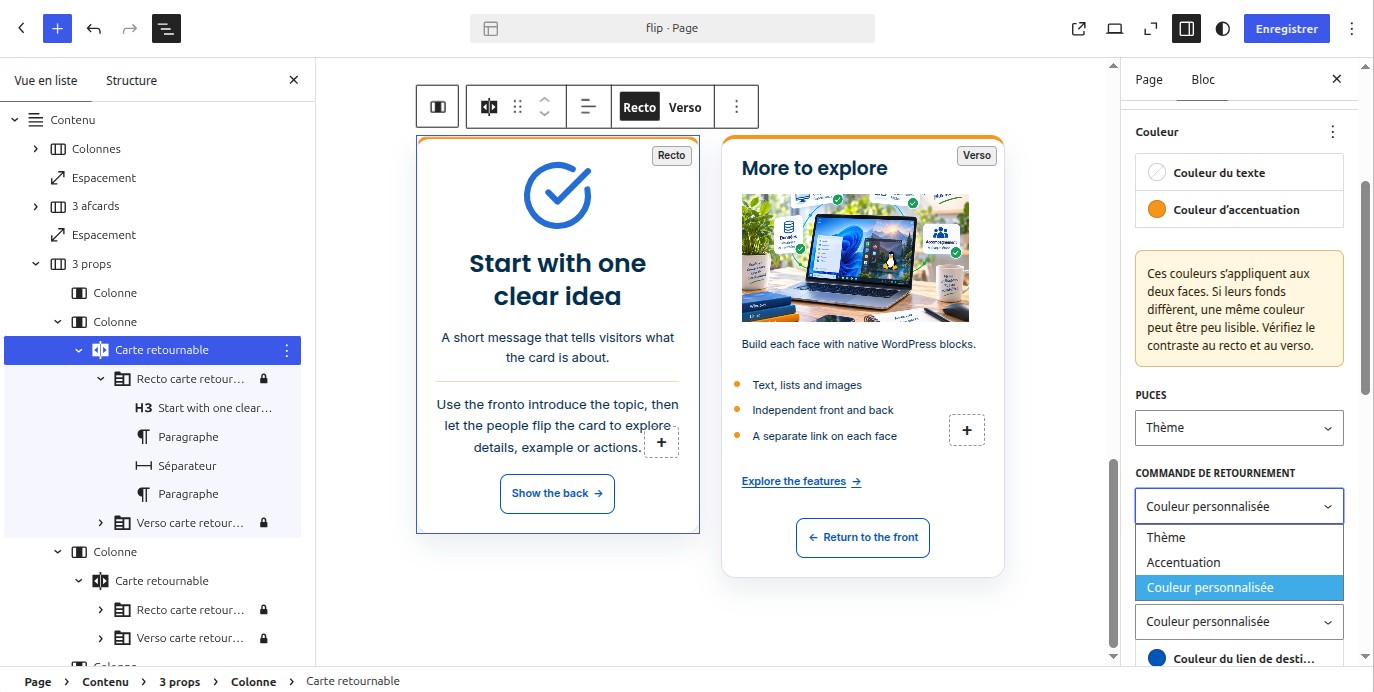
* Persistent front/back editing from the block toolbar and the preview button.
* Discreet Card / Front / Back navigation in the inspector, including from blocks inside a card, with the current location underlined.
* Native heading, separator and paragraph on new fronts; supported inner blocks only.
* Differents rounded-border and straight-band accent shapes, side positions and separate thickness settings, including new-card defaults
* Standard inner-block insertion; front heading/separator/text and back heading/text defaults.
* Six unordered bullet styles and configurable bullet color; ordered lists keep numbers.
* Theme palette references, theme font families and spacing presets.
* Native typography, card margins and face padding (when exposed by the theme).
* Independent face backgrounds, media-library images and color overlays.
* Optional per-face mobile backgrounds: show the whole image, hide it, choose a focal point or select a different image (up to 600 px viewport width).
* Compact searchable Lucide selection with 24 essential icons by default and an optional bundled complete catalogue of 2,098 icons, plus size, theme color and decorative-background controls.
* Custom decorative PNG, JPEG or WebP icons from the media library.
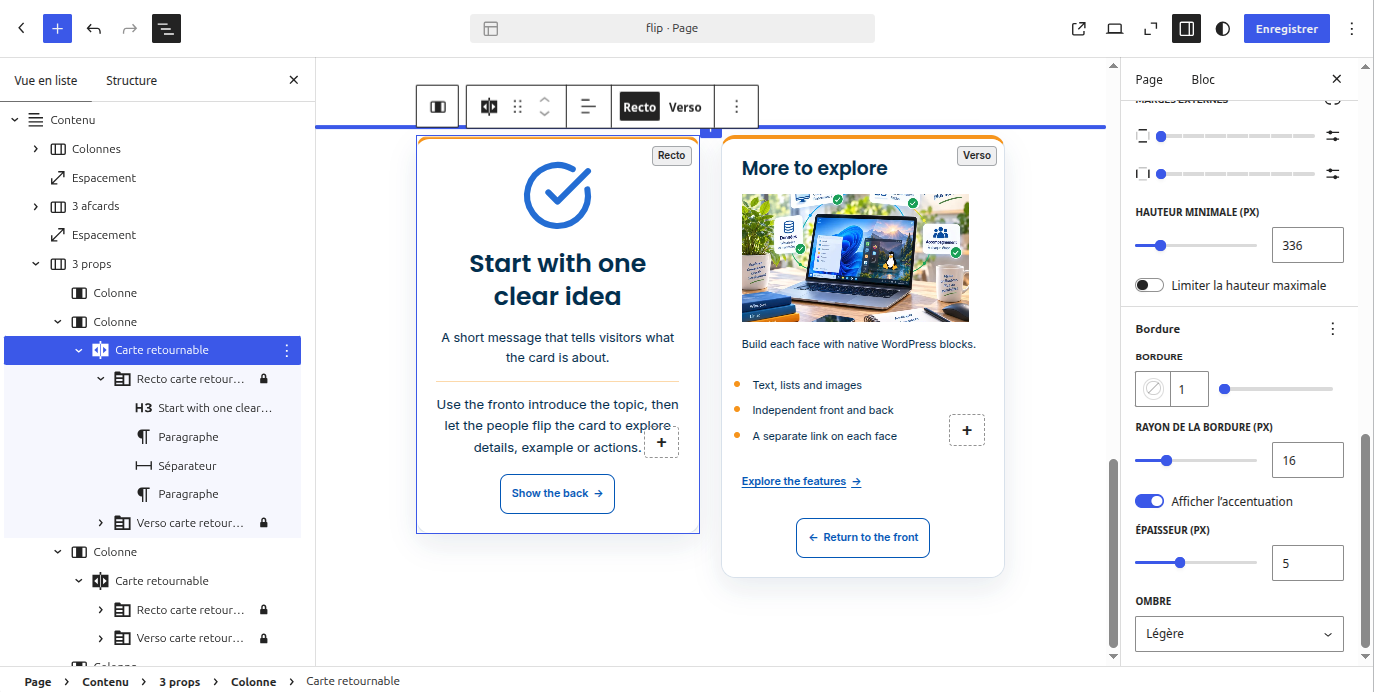
* Border width, style, color, corner radius, and minimum and maximum height.
* Optional accent following rounded corners or forming a straight band, placed at the top, bottom, both horizontal edges, left, right or both vertical edges; also available in new-card defaults.
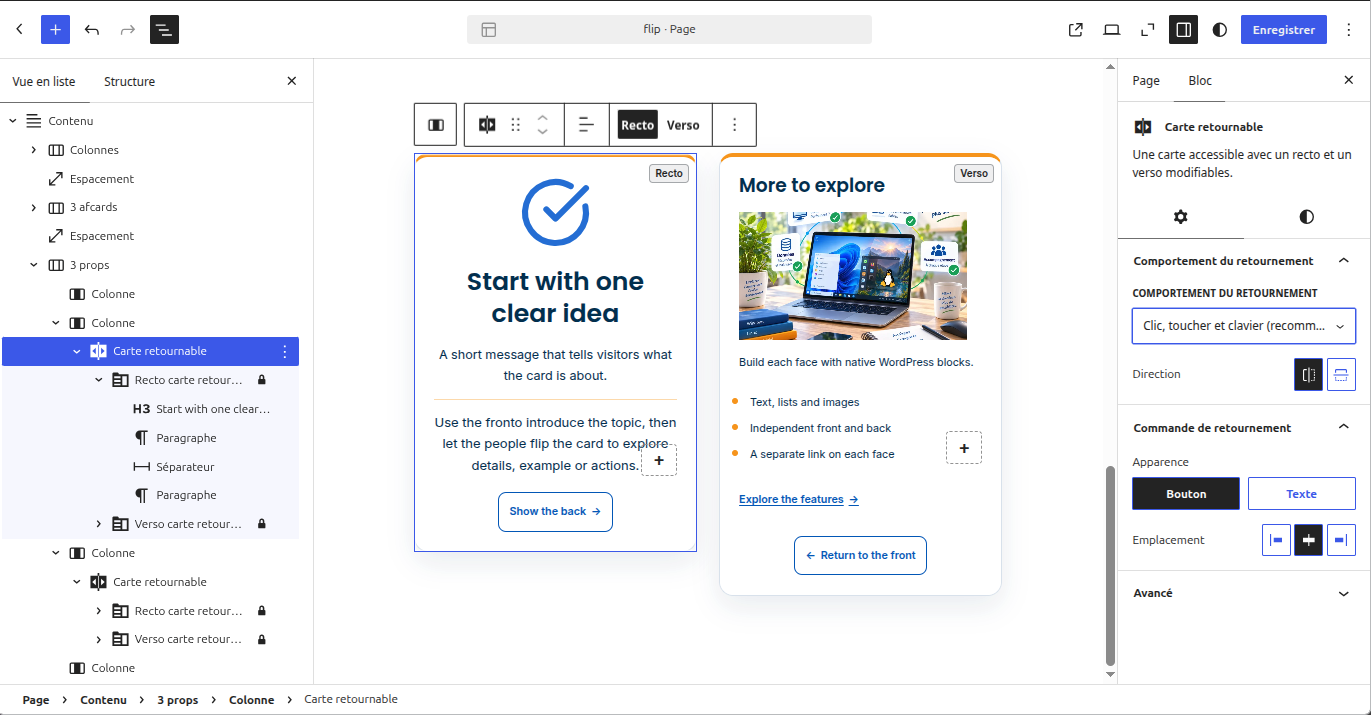
* Flip controls styled as a button or text link, with card-level left, center or right alignment.
* Optional destination link on each face, with optional icon.
* Manual, assisted hover, and explicitly non-accessible hover-only modes.
* Translation-ready interface using WordPress internationalization APIs.
Documentation
Accessibility
Use manual mode by default. Assisted hover retains native keyboard/touch buttons,
does not steal focus on hover and supports Escape dismissal.
Hover-only deliberately removes the buttons: keyboard and touchscreen access to
the back is not guaranteed. The editor displays a non-dismissible warning.
Both faces remain readable without JavaScript. Reduced motion removes rotation.
Icons are decorative whether displayed in the front content or as a background.
They are hidden from assistive technologies and must not convey information that
is missing from the card title or text. A background icon does not replace the
face background image and must not reduce the readability of overlaid content.
Check author-selected color contrast, images, link labels and the resulting
content with assistive technology. This package is not a WCAG certification.
Privacy and security
No tracking, remote library, custom endpoint or cookies. A single per-site WordPress option stores plugin settings; cards stay in normal post content.
Assets are local. The optional Lucide pack also works entirely locally. Author-selected external images/links may access external sites.
URLs, colors, presets, icon names, numeric values and mode values are constrained.
SVG uploads are not enabled. Fixed SVG masks are bundled.
WordPress controls editing permissions, media permissions and post HTML filtering.
See SECURITY.md for security reporting information.
Security
Please report suspected vulnerabilities privately to linux@1001services.net
rather than posting technical details publicly. Include the affected plugin
version and steps to reproduce where possible. The current contact is also
listed in SECURITY.md, which is included in the plugin package.
Screenshots
Blocks
This plugin provides 1 block.
- Flip Card An accessible card with editable front and back faces.
Installation
Manual installation from a ZIP file
- Open Plugins > Add New Plugin > Upload Plugin and select the plugin ZIP.
- Install and activate W2Lin Flip Card.
- Insert a Flip Card block, edit its front and back faces, then save your page.
- Open Settings > W2Lin Flip Card to adjust new-card defaults and allowed content.
FAQ
-
How do the flip interaction modes differ?
-
Click, touch and keyboard is the recommended mode. Assisted hover adds pointer hover while retaining explicit keyboard and touch controls. Hover-only removes these controls and can prevent some visitors from accessing the opposite face. The editor displays a persistent warning.
-
How do minimum and maximum card heights work?
-
Minimum height sets the baseline size. The optional maximum height limits how much of an overflowing face is shown initially. Without a maximum, the active face grows to fit its content.
-
What happens when content exceeds the maximum height?
-
The active face provides a Show more / Show less control when the content overflows the configured maximum. Test long cards with keyboard navigation and on small screens.
-
Each face can have one independent destination link or button with its own label and options. Supported native Gutenberg blocks may also contain ordinary links or Buttons, subject to the site’s allowed-block settings.
-
How are background images and icons treated?
-
Background images and decorative icons must not be the only way to convey essential information. Each face can have its own background and mobile display settings. Check contrast and readability on both faces.
-
Can I use my own SVG icon?
-
W2Lin Flip Card’s custom icon picker accepts PNG, JPEG and WebP images through the WordPress Media Library. The bundled Lucide SVGs are trusted local assets. W2Lin Flip Card does not enable SVG uploads or import arbitrary SVG markup. Even if Safe SVG or another site-level SVG solution is installed, the W2Lin Flip Card custom icon picker continues to accept only PNG, JPEG and WebP.
-
Can W2Lin Flip Card colors follow my WordPress theme?
-
Yes. You can use theme colors and presets, the card accent color or custom colors. Check contrast on both faces after changing backgrounds or text colors.
-
How do the accent shapes interact with rounded corners?
-
Follow rounded corners keeps the accent on the card border. Straight band creates a straight inner edge while preserving the card’s outer rounded corners. A band thinner than the corner radius has clipped ends. Position and thickness apply to both faces. Settings > W2Lin Flip Card supplies defaults for newly inserted cards; existing cards keep their own settings.
-
What happens when I uninstall the plugin?
-
Uninstalling W2Lin Flip Card removes its settings option and plugin files, but preserves your posts, saved cards and media. The plugin creates no custom database tables.
Reviews
There are no reviews for this plugin.
Contributors & Developers
“W2Lin Flip Card” is open source software. The following people have contributed to this plugin.
Contributors
“W2Lin Flip Card” has been translated into 1 locale. Thank you to the translators for their contributions.
Translate “W2Lin Flip Card” into your language.
Interested in development?
Browse the code, check out the SVN repository, or subscribe to the development log by RSS.
Changelog
0.9.1
- Add discreet Card / Front / Back inspector navigation from a card, either face or its content, with an underlined current location and keyboard access.
0.9.0
- Initial release.