

Description
This is a frontend integration with the Czech vstupenky.online service. You need an organizer account and a saved, published form in that service. The plugin provides one Gutenberg block, one shortcode and local onboarding under Settings > vstupenky.online. No WooCommerce or API keys are required. The plugin is free. The external service has its own organizer pricing and terms; see https://vstupenky.online/ for its current offer. WordPress does not process service fees.
Create and save a form in vstupenky.online. Copy its public URL, then insert the vstupenky.online block and paste the URL. Publish the page. Use only https://vstupenky.online/form/saved-slug, without query parameters or fragments. The editor shows local controls, never a remote administration screen.
Shortcode:
[vstupenky_online url=”https://vstupenky.online/form/saved-slug” title=”Tickets for our event”]
Fixed height:
[vstupenky_online url=”https://vstupenky.online/form/saved-slug” mode=”fixed” height=”800″]
Website appearance is controlled only by the saved form setting in the service. Open the form appearance settings, choose Match website appearance and save the form. The choice applies to every embed on subsequent page loads without replacing embed code. WordPress cannot override it. The seating plan keeps its own appearance.
Fixed and fallback height is limited to 240-4000 pixels. Automatic height follows the form content. Automatic mode uses the existing service helper. A standalone form link remains available without the helper. Multiple forms can appear on one page. Event settings, inventory, order processing, payments, ticket delivery and admission remain owned by vstupenky.online. The plugin does not implement any payment gateway. Embedded payment methods and browser compatibility require verification for the particular event; card gateways and bank-app handoffs are not guaranteed.
External service and privacy
On a published page with a configured form, the visitor’s browser connects to https://vstupenky.online to load /form/saved-slug?embed=1. Both height modes also load https://vstupenky.online/embed.js once per page. This connection shares the visitor’s IP address, browser information and any referrer allowed by the site’s policy. The visitor enters purchase data directly into the service iframe. The helper exchanges resize/viewport/scroll, optional bounded presentation/font settings and displayed ticket counts/prices with the form. Customer contact details, order identifiers, payment instructions, authentication secrets and order submissions are not passed to WordPress.
The service may use its configured backend, assets, storage and payment providers. Review its privacy information and the needs of your own website before publishing; this plugin does not claim that the service is cookie-free. The WordPress plugin does not add analytics or tracking pixels. The external service has its own privacy practices, described in its privacy policy. Optional website appearance loads the website font URLs inside the service iframe. Activation, local help and editing do not fetch the remote form. WordPress stores the public URL and presentation attributes, not customer orders, organizer passwords or service API keys. No server-side HTTP request is made by the plugin.
Service: https://vstupenky.online/
Terms: https://vstupenky.online/terms/
Privacy: https://vstupenky.online/privacy/
Privacy choices: https://vstupenky.online/privacy/choices/
Support: https://vstupenky.online/support/
Contact: info@festapp.net
Source
All PHP, JavaScript and CSS sources ship unminified in this plugin. JavaScript uses WordPress-provided editor dependencies. No compilation or bundled React is required. The external /embed.js source and protocol are maintained by the service, independently of this plugin.
Screenshots


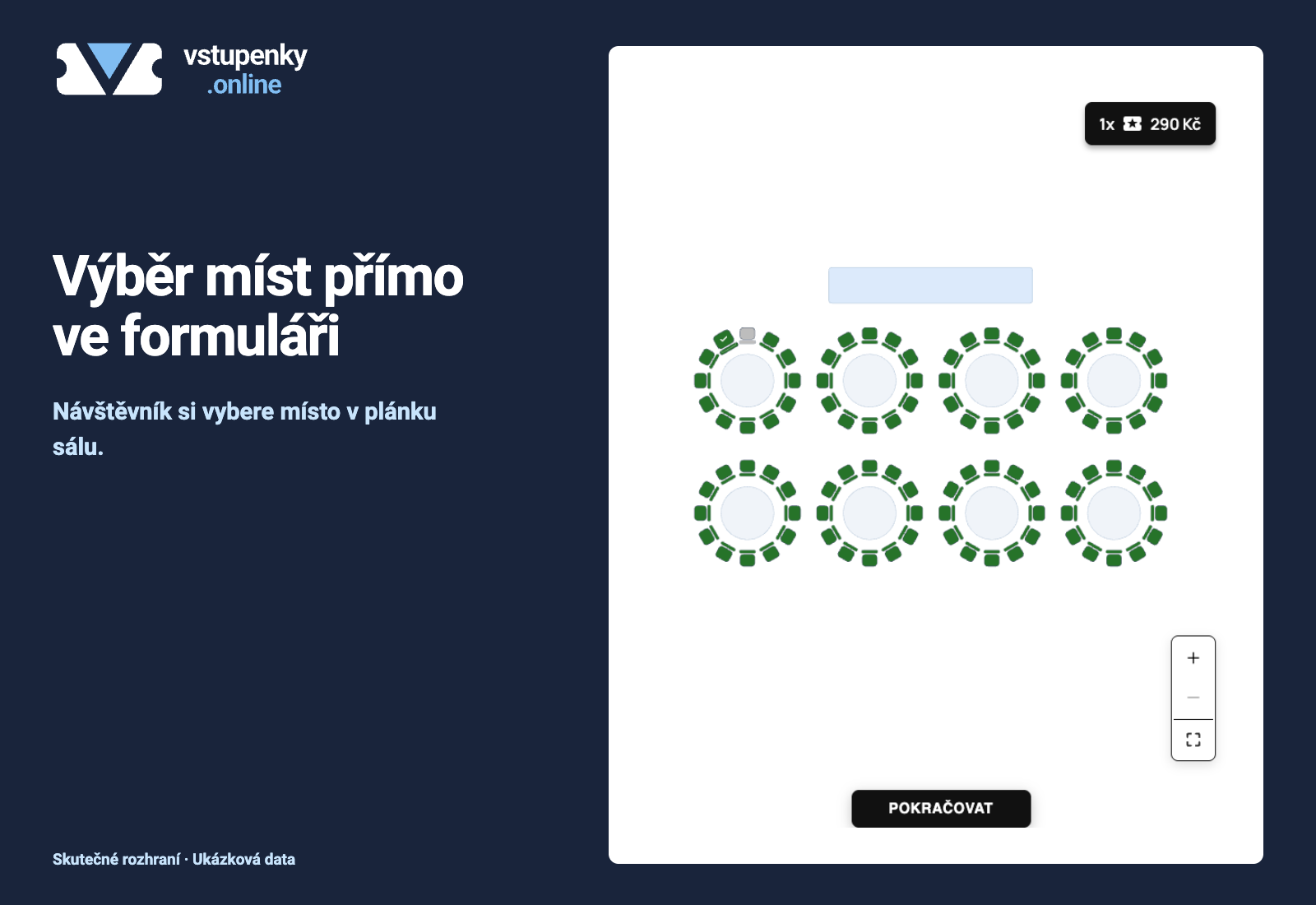
Blocks
This plugin provides 1 block.
- vstupenky.online Sell tickets using a saved public vstupenky.online form.
Installation
- In Plugins > Add New > Upload Plugin, upload vstupenky-online-1.0.5.zip and activate it.
- Click Get started in the plugin list, or open Settings > vstupenky.online, and read the three setup steps and service/privacy disclosure.
- Save a form in your organizer account, copy its public URL, add the block or shortcode and publish.
- Preview the published page, including mobile layout and the standalone link.
FAQ
-
Can I manage orders in WordPress?
-
No. Sign in to vstupenky.online to manage events and orders.
-
Does a visitor need a WordPress account?
-
No. The public form runs in the service iframe. Event-specific requirements are controlled by the service.
-
Why was my URL rejected?
-
Use the exact saved public form URL on https://vstupenky.online. Other domains, personal links, fragments, query parameters and administration URLs are rejected. Development origins require explicit local WordPress configuration and cannot be supplied in block attributes.
-
What if my site’s security policy blocks embedding?
-
Allow https://vstupenky.online in frame-src and, for the helper, script-src. Do not add an unverified iframe sandbox. Use fixed mode or the standalone link if necessary. Never automatically repeat a purchase after an uncertain result; check with the organizer first.
-
What happens on deactivation or deletion?
-
The plugin owns no tables, options or remote orders, and performs no remote writes on activation, deactivation or uninstall. Service orders remain. Deactivation can expose raw shortcode text; remove the block/shortcode or replace it with a normal public link.
Reviews
There are no reviews for this plugin.
Contributors & Developers
“vstupenky.online” is open source software. The following people have contributed to this plugin.
Contributors
Translate “vstupenky.online” into your language.
Interested in development?
Browse the code, check out the SVN repository, or subscribe to the development log by RSS.
Changelog
1.0.5
- Control embedded appearance only through the saved form setting; remove local overrides.
1.0.4
- Configure appearance per block or shortcode through the shared embed contract.
1.0.3
- Declare the minimum supported WordPress major release consistently.
1.0.2
- Link the service offer directly to the canonical homepage.
1.0.1
- Clearly identify the WordPress appearance option as a local override of the app appearance.