

Description
Vio Sync for WooCommerce connects your WooCommerce store with Vio and keeps your catalogue in sync, so you can sell your WooCommerce products through Vio.
- Export products — individually or in bulk — to Vio.
- Sync prices, stock, variants, attributes and images.
- Automatically update a product in Vio whenever you save it in WooCommerce.
- Delete products from Vio straight from the product list.
- Receive your store’s orders in Vio (order webhooks).
- Production and staging environments.
- Compatible with HPOS (High-Performance Order Storage).
A free Vio account and API key are required — this plugin is the connector between your WooCommerce store and the Vio platform.
External service
This plugin relies on Vio, a third-party commerce platform, to synchronise your catalogue and orders. It is required for the plugin to work. No data is sent until you connect your store with your Vio API key.
What is sent to Vio, and when:
- On connect: your store URL and the WooCommerce REST credentials created for Vio (so Vio can link products and deliver order webhooks). Your API key is sent with every request to authenticate the store.
- When you sync a product: its title, description, prices, currency, stock, SKU, barcode, attributes/options, variants, image URLs and — optionally — weight and dimensions, together with the product’s WordPress id.
- When an order is placed or updated: WooCommerce sends the order payload to Vio (order webhooks).
- On disconnect: the plugin asks Vio to remove the store’s connection and, if you choose, to delete the products it had synced.
The service is operated by Vio. Please review their terms before connecting:
- Website: https://www.vio.live/
- Terms of Service: https://www.vio.live/terms
- Privacy Policy: https://www.vio.live/privacy
Screenshots
Installation
- Install and activate the plugin (WooCommerce is required).
- In your WordPress admin, open the Vio menu.
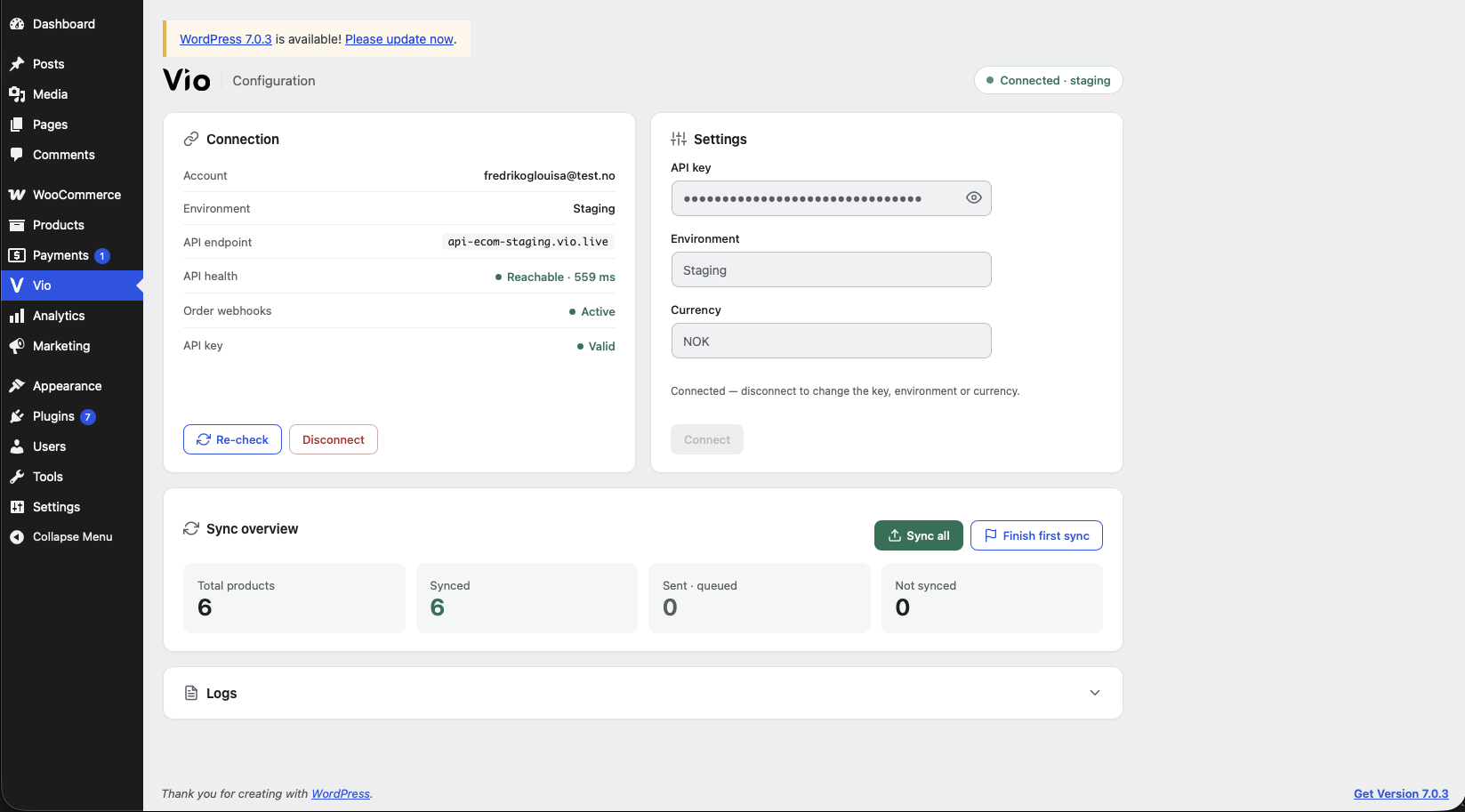
- On the Connection / Settings screen, paste your Vio API key, choose the environment and currency, and click Connect.
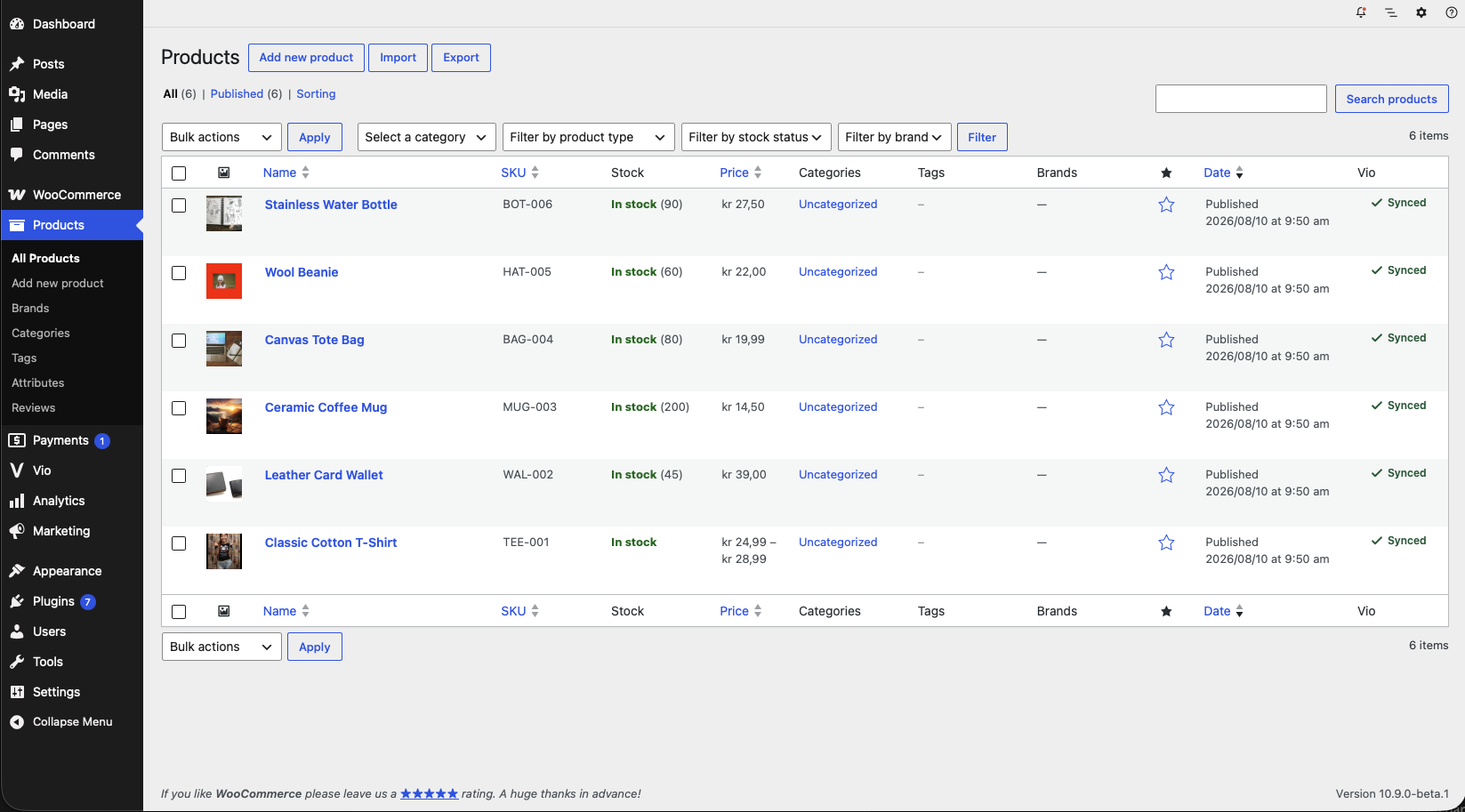
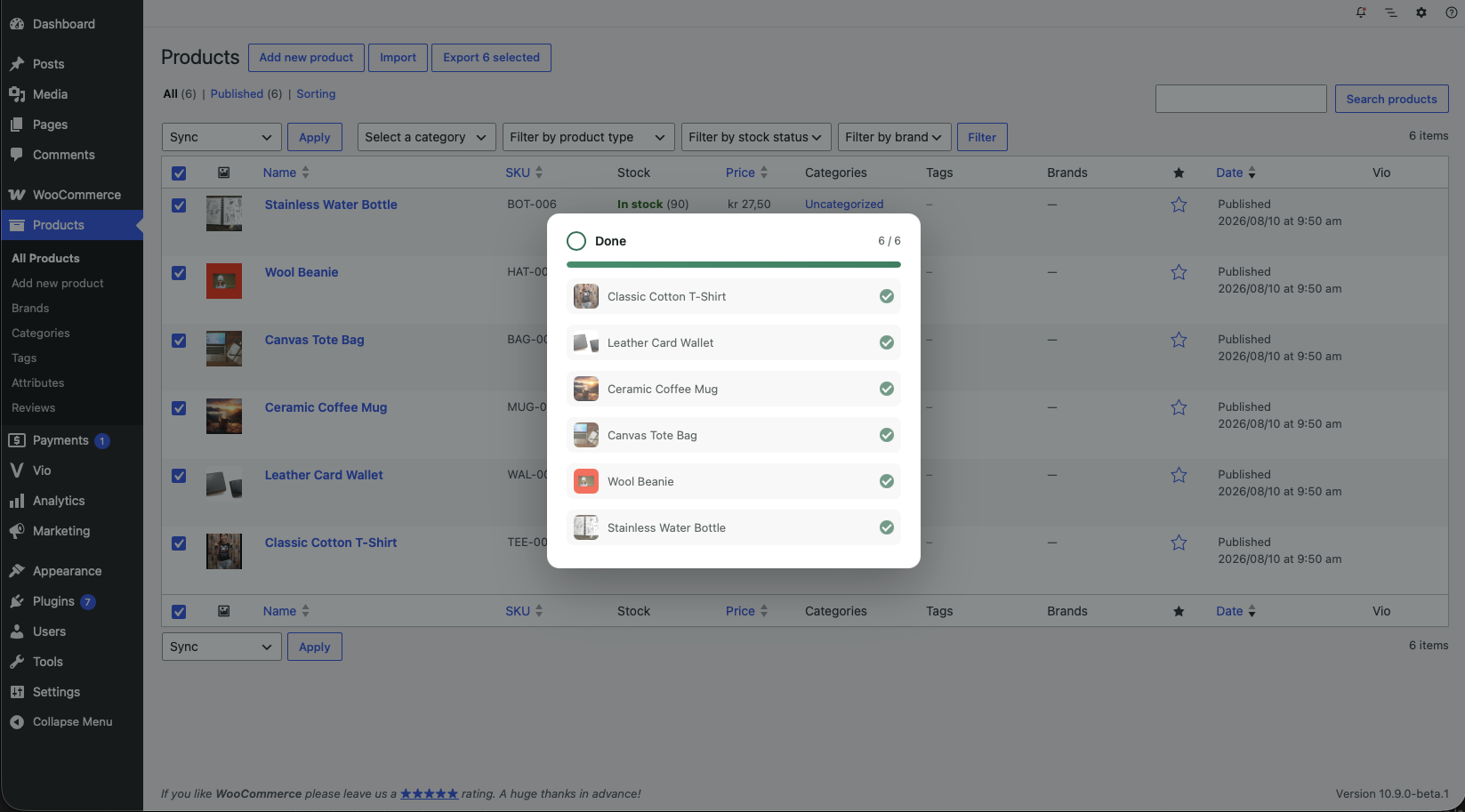
- Use Vio Sync (the bulk action on the product list, or Sync all on the Vio screen) to export your products.
The environment can also be forced from wp-config.php:
define( 'VIOSYNC_ENV', 'staging' );
FAQ
-
Do I need a Vio account?
-
Yes. The plugin is a connector — you need a Vio account and an API key, which you paste in the Vio settings screen.
-
What data is sent to Vio?
-
Your product data (title, prices, stock, variants, images, etc.), your store URL and WooCommerce REST credentials at connect time, and your orders via webhooks. See the External service section above for the full list.
-
Can I test against a staging environment first?
-
Yes — pick Staging in the environment selector (or set
VIOSYNC_ENVinwp-config.php). -
Is it compatible with HPOS?
-
Yes, the plugin declares High-Performance Order Storage compatibility.
-
What happens when I disconnect?
-
The plugin removes the Vio API key, the REST keys and the order webhooks from your store, and asks Vio to remove the connection. You can optionally also delete the synced products from Vio.
Reviews
There are no reviews for this plugin.
Contributors & Developers
“Vio Sync for WooCommerce” is open source software. The following people have contributed to this plugin.
Contributors
Translate “Vio Sync for WooCommerce” into your language.
Interested in development?
Browse the code, check out the SVN repository, or subscribe to the development log by RSS.
Changelog
1.0.0
- Initial release: modular WooCommerce Vio connector with product, variant and image sync, order webhooks, production/staging environments and HPOS support.