
Description
VFWoo Invoices creates legal invoices and credit notes (refunds) in PDF for your WooCommerce orders, with no external service and no account needed.
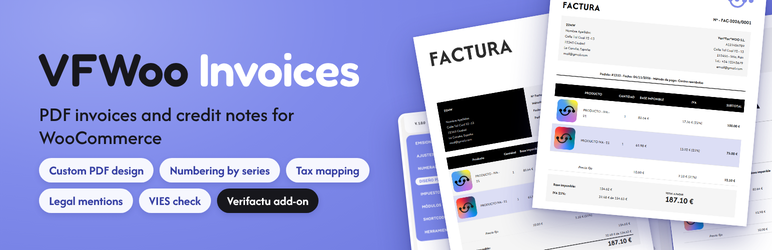
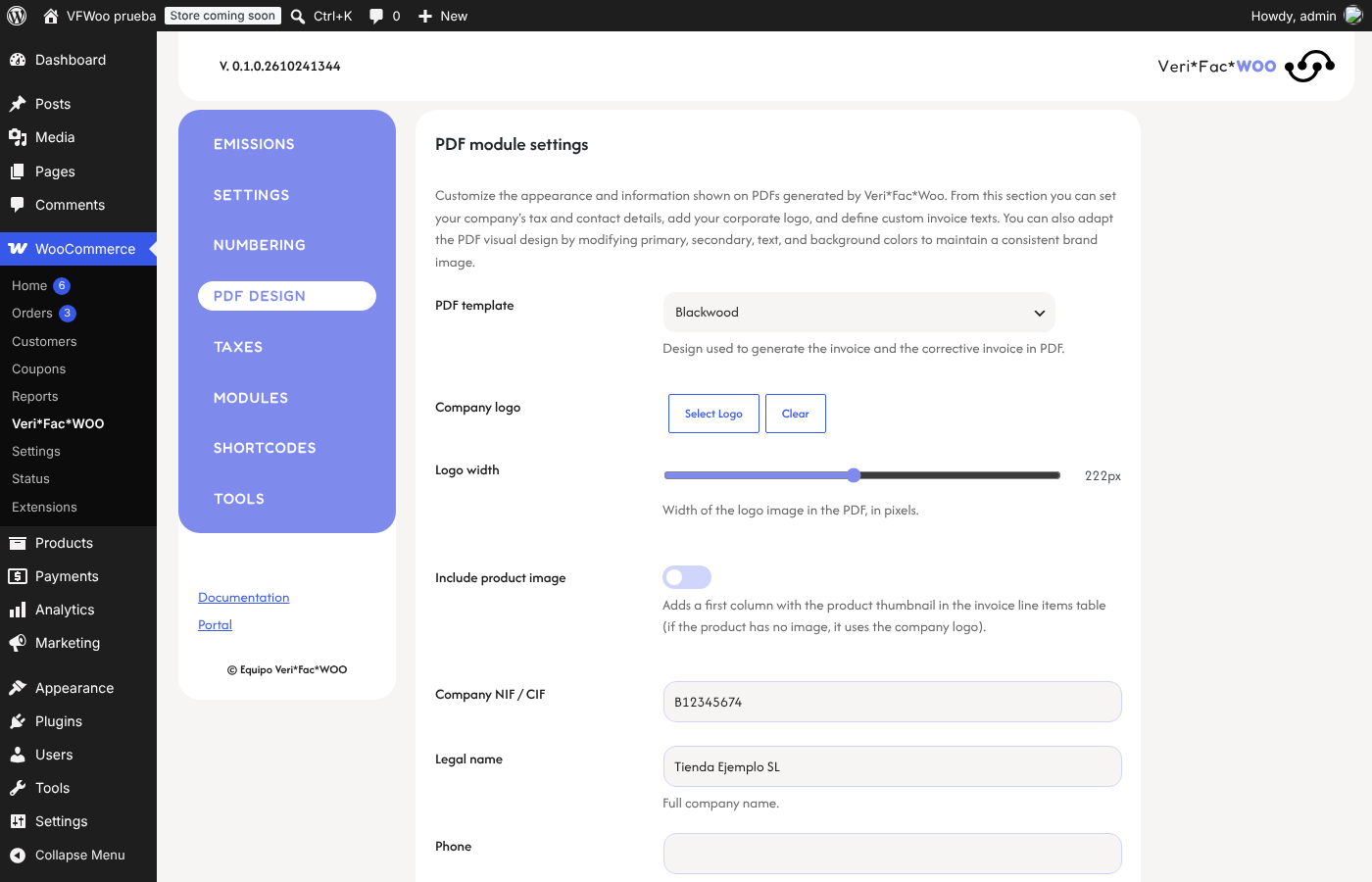
- Invoice and credit note PDFs generated from the order, with three templates (Classic, Blackwood, Modern), your logo, colors and typography.
- Numbering by series, assigned when the invoice is issued, never when the order is created: cancelled orders do not use a number. Reset yearly, change the next number or assign one by hand.
- Credit notes for partial or full refunds, with the line breakdown and a reference to the invoice they correct.
- Customer tax ID (NIF/CIF/NIE/VAT) at checkout: required, optional or never, with a format check that includes the CIF check digit, and optional validation of EU VAT numbers in VIES with no account or key.
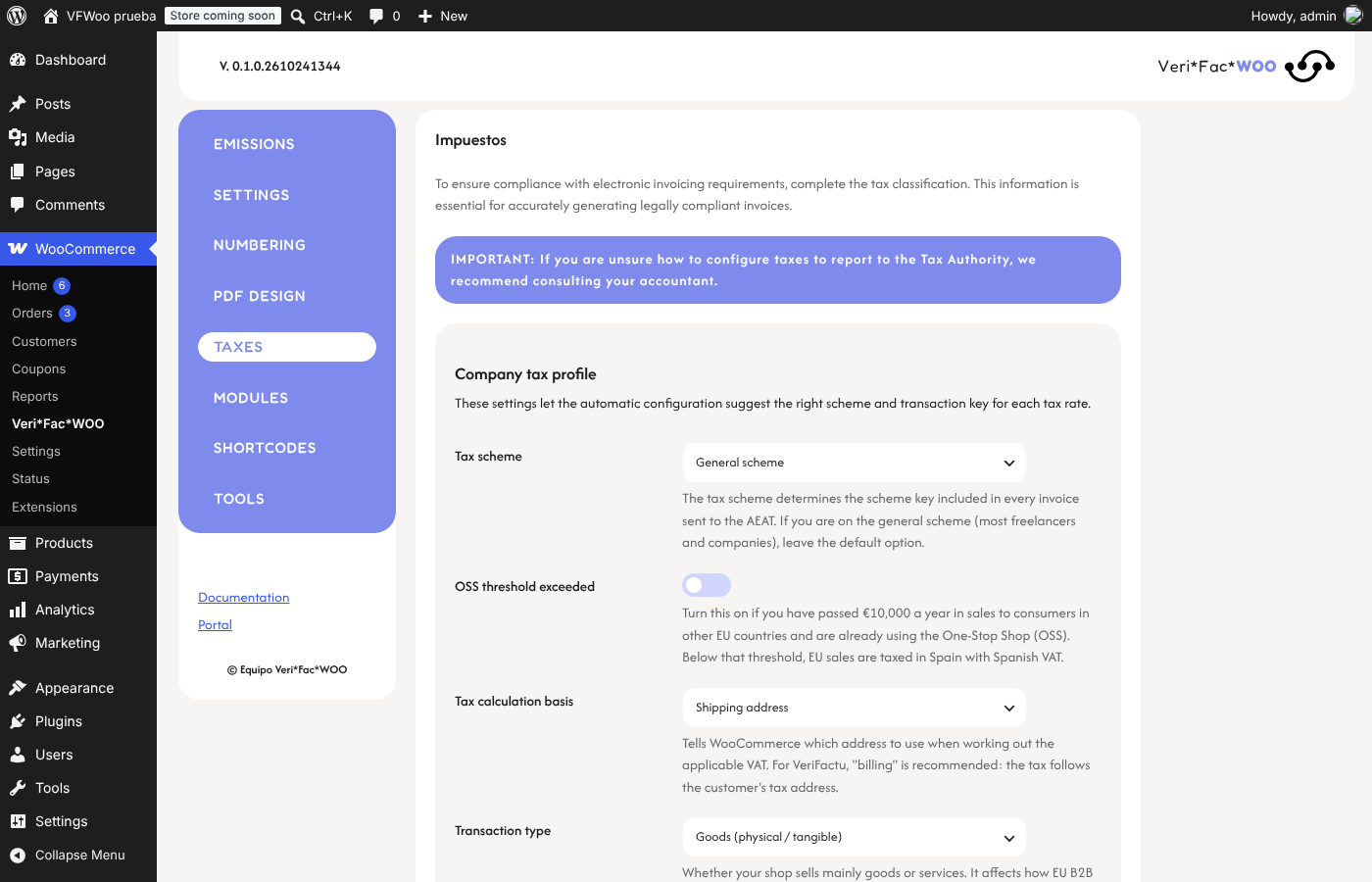
- Tax mapping: classify each WooCommerce tax rate (taxable, exempt, not subject, reverse charge, export, intra-community) and add the matching legal mention to the invoice. Includes an automatic configurator for Spain, the Canary Islands, Ceuta and Melilla and the EU.
- Legal mentions per product (a suggested text or your own) and per tax rate.
- PDF attached to WooCommerce emails at the moment the invoice is issued (order processing or completed, depending on your setting), once per order.
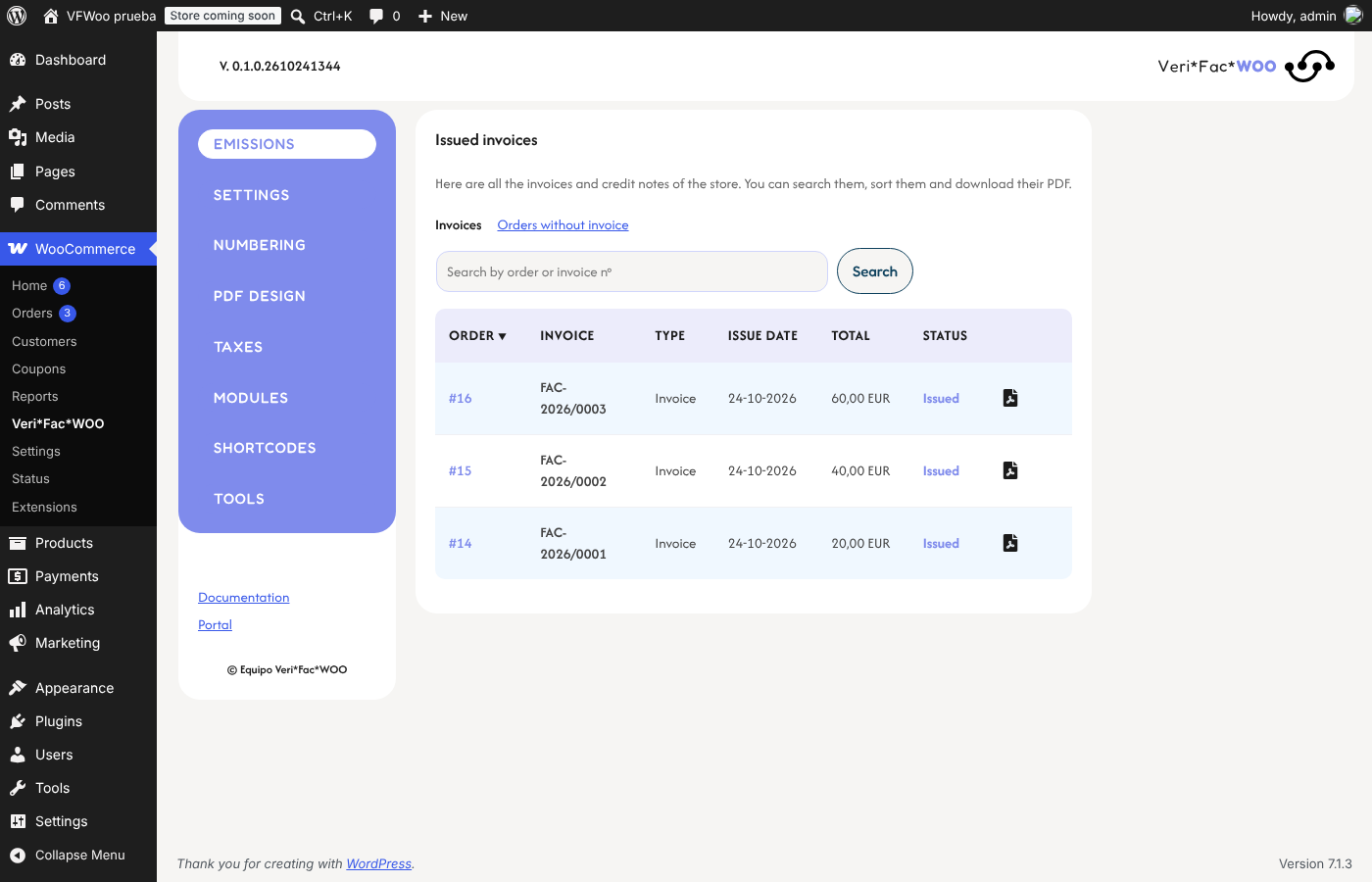
- Issued list with search, sorting and PDF download, and a view of paid orders that still have no invoice.
- Activity log that records what changed (previous and new value of each setting), diagnostics and an internal notices email to your team.
- Shortcodes to show invoice data and the download link on any page, and the customer’s invoices in My Account.
- Source language is Spanish. Other languages are delivered by translate.wordpress.org.
Add-ons
VFWoo Invoices is the free base. Two optional add-ons, sold separately at verifacwoo.com, plug into it:
- VFWoo Verifactu: sends invoices to the Spanish tax agency (AEAT) under the VERI*FACTU system (Royal Decree 1007/2023), with QR code, hash chain and a sending queue.
- VFWoo Recargo de equivalencia: applies the Spanish equivalence surcharge to flagged customers.
The base plugin works fully on its own. Developers can extend it with the hooks documented in the plugin.
Roadmap
Planned, not included yet. No dates are promised; the order may change.
- VAT rules for more EU countries, starting with France, Italy and Germany, then the rest of Europe.
- Country packs with each market’s invoice requirements.
- European electronic invoicing: Factur-X / ZUGFeRD and the national e-invoice formats.
- More tax-authority integrations as add-ons.
- Fiscal classification of orders (goods, services, OSS/IOSS, reverse charge) with a review for your tax advisor.
Contributors wanted. If you know the invoicing and VAT rules of your country (inside or outside the EU), or you want to translate or test, we would love your help. Write in the support forum or at verifacwoo.com.
Developed by 22MW. Plugin website: verifacwoo.com.
Documentation: verifacwoo.com/docs. Support for this free plugin is provided in the WordPress.org support forum; support for the paid add-ons: verifacwoo.com/soporte.
External services
VIES (EU VAT number validation). When you turn on “Validate EU VAT numbers in VIES” in the settings, the VAT number and country code that a customer types at checkout are sent to the European Commission’s public VIES service (ec.europa.eu) to check that it is registered. Nothing is sent when the option is off, and no personal data other than that number is sent. The result is cached on your site for a short time.
- Service: VIES, operated by the European Commission. VIES on Your Europe
- Legal notice and privacy statement of the European Commission.
Apart from that, the plugin does not connect to any external service and sends no data from your site. The optional VFWoo Verifactu add-on has its own services (the Verifacti API and the AEAT) and its own documentation; with it active, VIES checks can go through the Verifacti API instead.
Third-party libraries
- Dompdf — LGPL-2.1, creates the PDF files.
- php-font-lib and php-svg-lib — LGPL-2.1, used by Dompdf.
- sabberworm/php-css-parser — MIT.
- masterminds/html5 — MIT.
- Afacad and Fredoka fonts — SIL Open Font License 1.1, bundled in the plugin (nothing is loaded from Google).
Screenshots

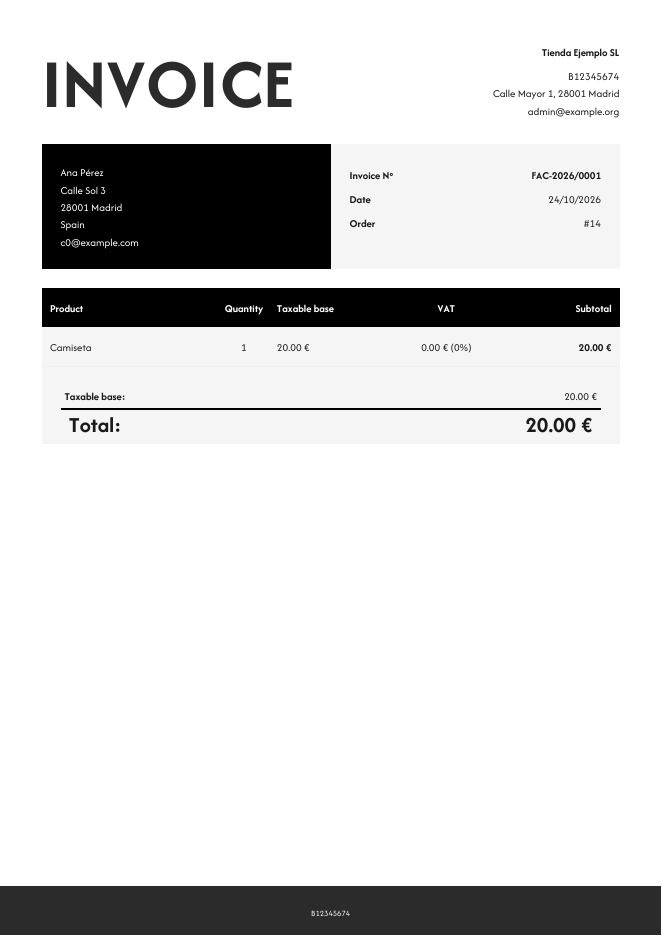
Installation
- Make sure WooCommerce is installed and active.
- Upload the plugin to
/wp-content/plugins/or install it from the Plugins screen, and activate it. - Go to WooCommerce VFWoo, fill in your company data in Design PDF and choose when invoices are issued in Settings (manual, when payment is complete, or when the order is completed).
- Optional: configure the tax mapping in Taxes.
FAQ
-
Does it work without the add-ons?
-
Yes. Invoices and credit notes in PDF, numbering, tax mapping and emails work on their own.
-
Do I need Verifactu?
-
Only if your business must report invoices to the Spanish tax agency under VERI*FACTU. The base plugin does not send anything to the AEAT.
-
Where are the invoices stored?
-
In your own database (a table with the issued invoices) and the PDFs are generated on demand. Uninstalling keeps your invoices unless you tick “Delete data on uninstall”.
-
Which languages are available?
-
Spanish. Other languages are delivered by translate.wordpress.org.
Reviews
There are no reviews for this plugin.
Contributors & Developers
“VFWoo Invoices” is open source software. The following people have contributed to this plugin.
Contributors
Translate “VFWoo Invoices” into your language.
Interested in development?
Browse the code, check out the SVN repository, or subscribe to the development log by RSS.
Changelog
0.1.0
- First public version of the free base plugin, split from VeriFacWOO. Invoices and credit notes in PDF, numbering by series, tax mapping and legal mentions, PDF attached to WooCommerce emails and a list of issued invoices.