

Description
Ultimate Data Table Addon For Elementor is the easiest way to build beautiful, functional, and fully responsive data tables directly inside Elementor. Powered by DataTables.js, it gives you complete control over your table’s content, behavior, and design — all from the familiar Elementor panel, without writing a single line of code.
Whether you’re displaying pricing plans, product specs, schedules, comparison tables, or any structured data, this plugin has you covered. Add live search, pagination, column sorting, merged cells, custom labels, and pixel-perfect styling in minutes. To get started even faster, insert a pre-made template from the built-in library and customize it to match your brand.
👉 View Live Demos | Get Ultimate Data Table Pro
Why you’ll love it
- 100% built for Elementor — everything is a native Elementor control.
- No coding needed — configure and style visually.
- Fully responsive on every screen size.
- Lightweight and fast, using the proven DataTables.js engine.
- Ready-made 06 templates to kickstart your design.
Key Features
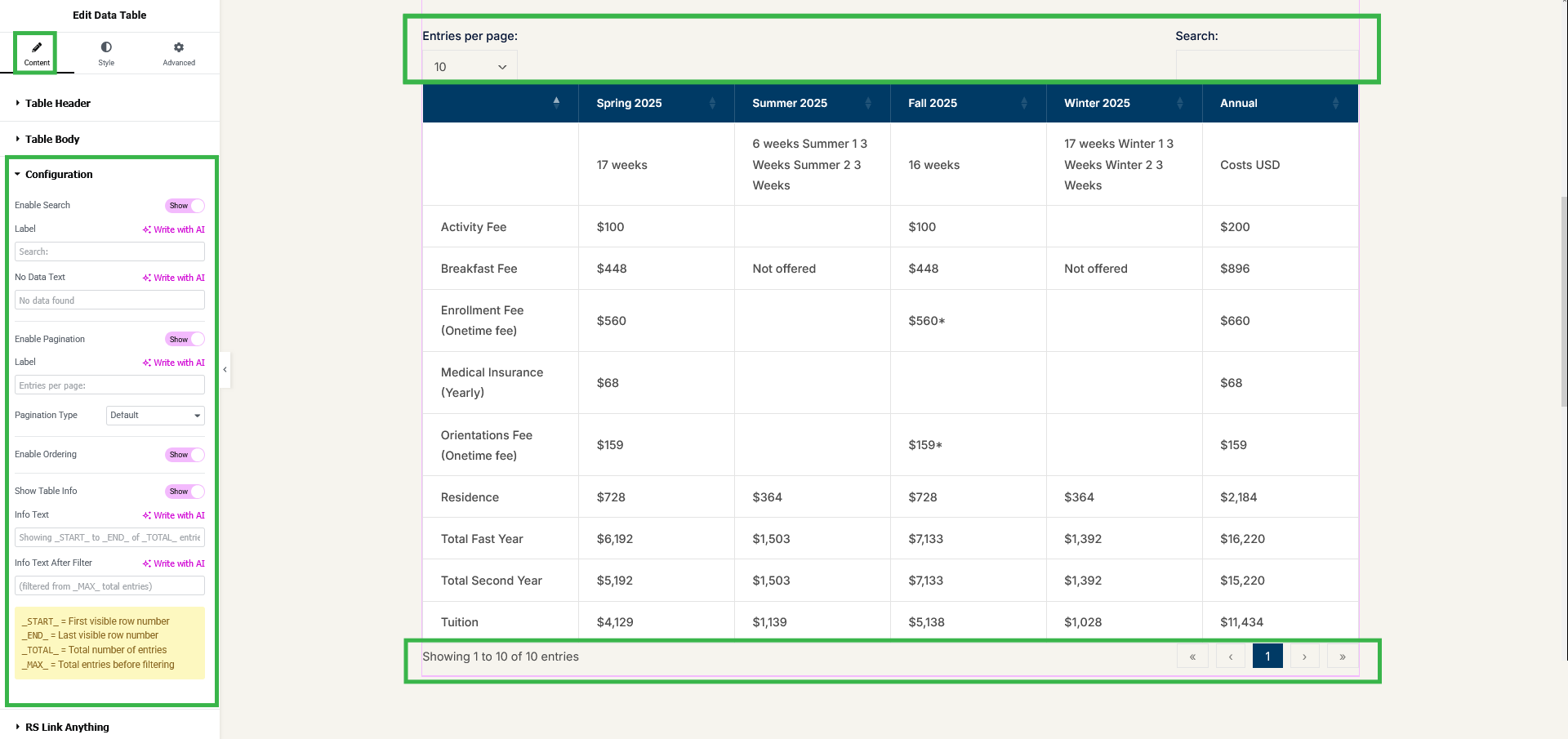
🔍 Live Search
Instantly filter table rows with a built-in search box so visitors find what they need right away.
⏭ Pagination
Full pagination with 7 selectable styles — Simple, Simple Numbers, Numbers Only, Full, Full Numbers, and more.
🔢 Entries Per Page
Let visitors choose how many rows to display with a customizable “Show Entries” dropdown.
Column Ordering
Sortable columns with ascending and descending order.
📊 Table Information
Show or hide summaries like “Showing 1 to 10 of 120 entries,” with token support (_START_, _END_, _TOTAL_, _MAX_).
🏷 Custom Labels
Edit the search label, no-data message, pagination label, and info text to match your site’s language.
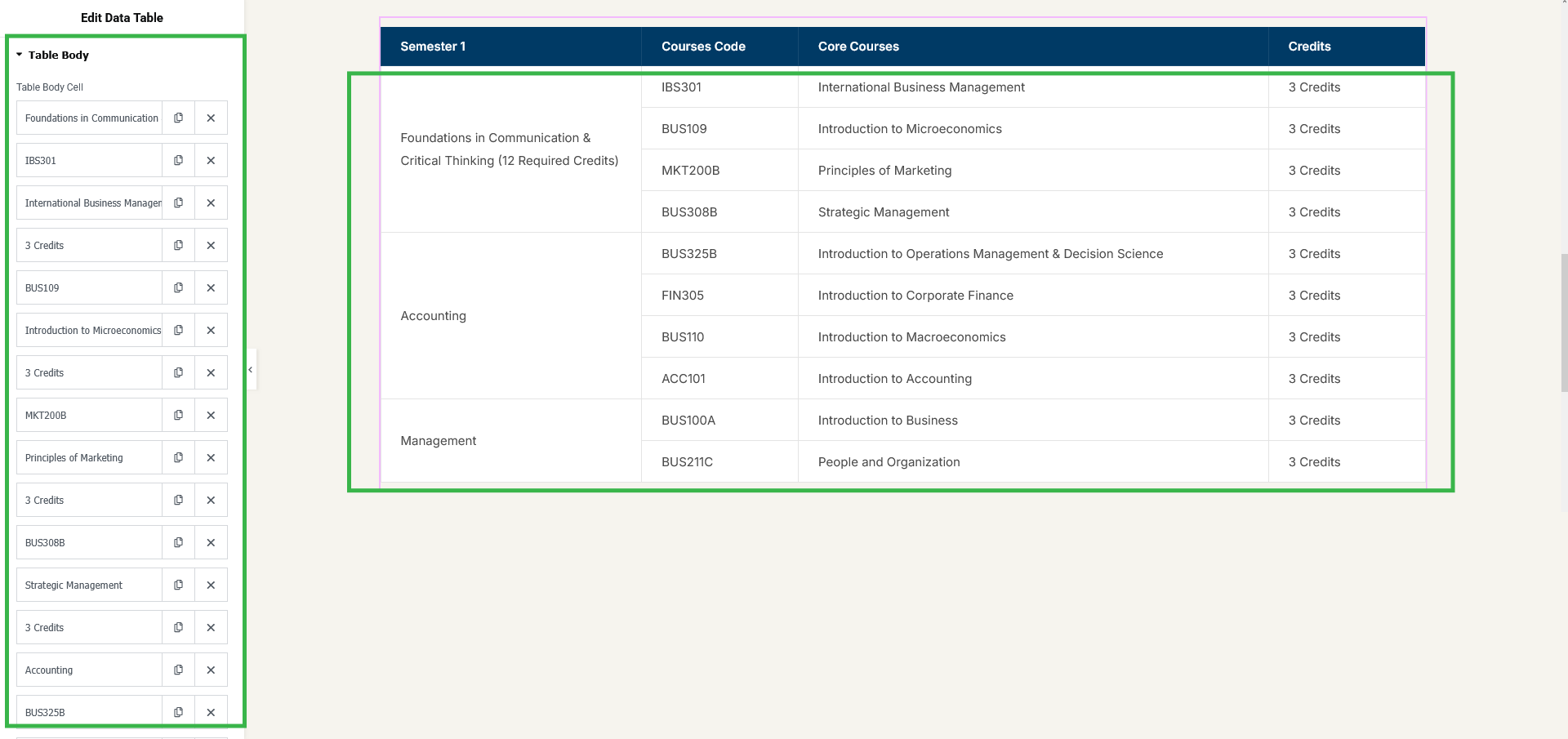
Rowspan Support
Merge cells vertically to build grouped data structures.
Colspan Support
Merge cells horizontally for flexible layouts.
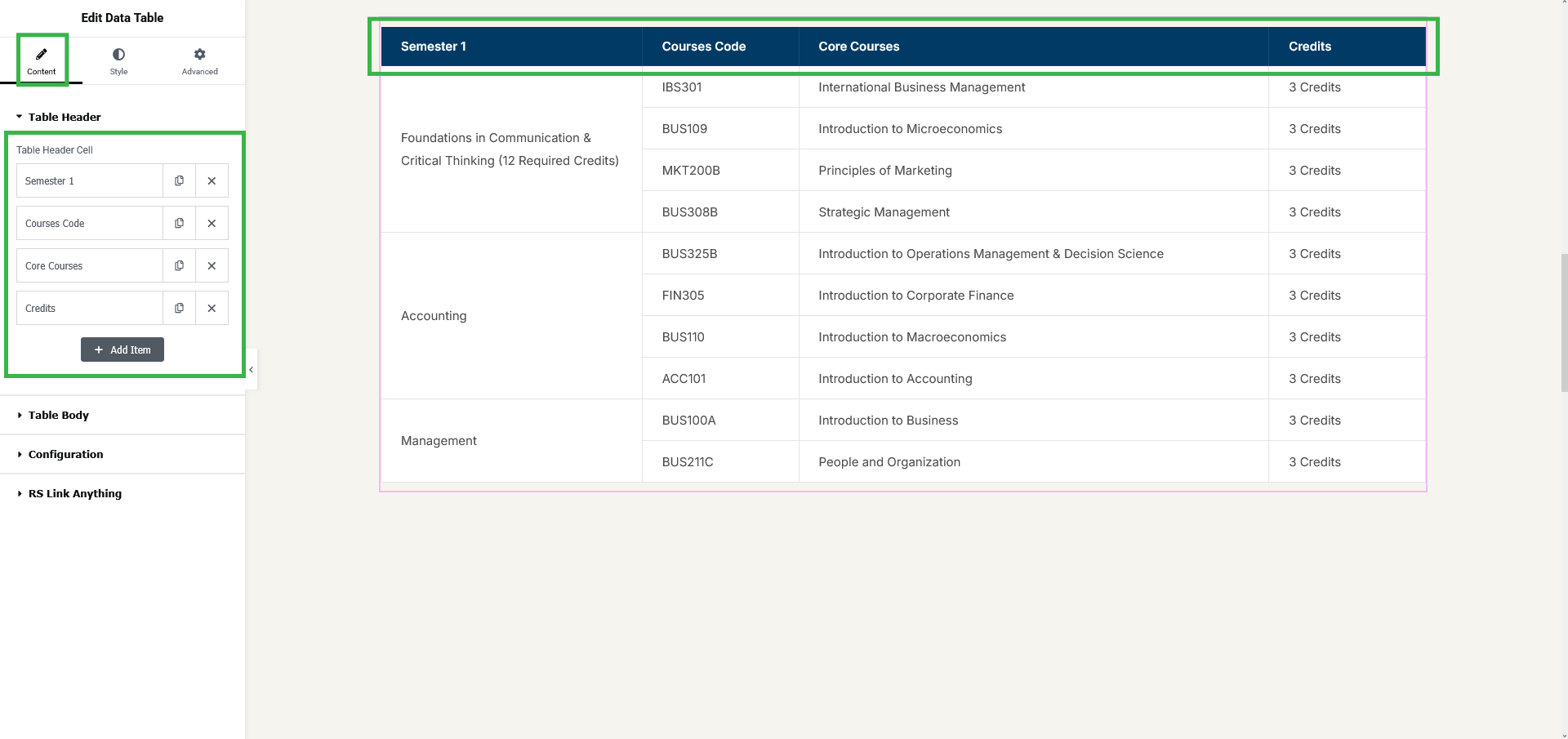
🗂 Multi-Row Headers
Build two-line (or deeper) headers with grouped columns, such as a “Dimensions” heading over A / B / C sub-columns.
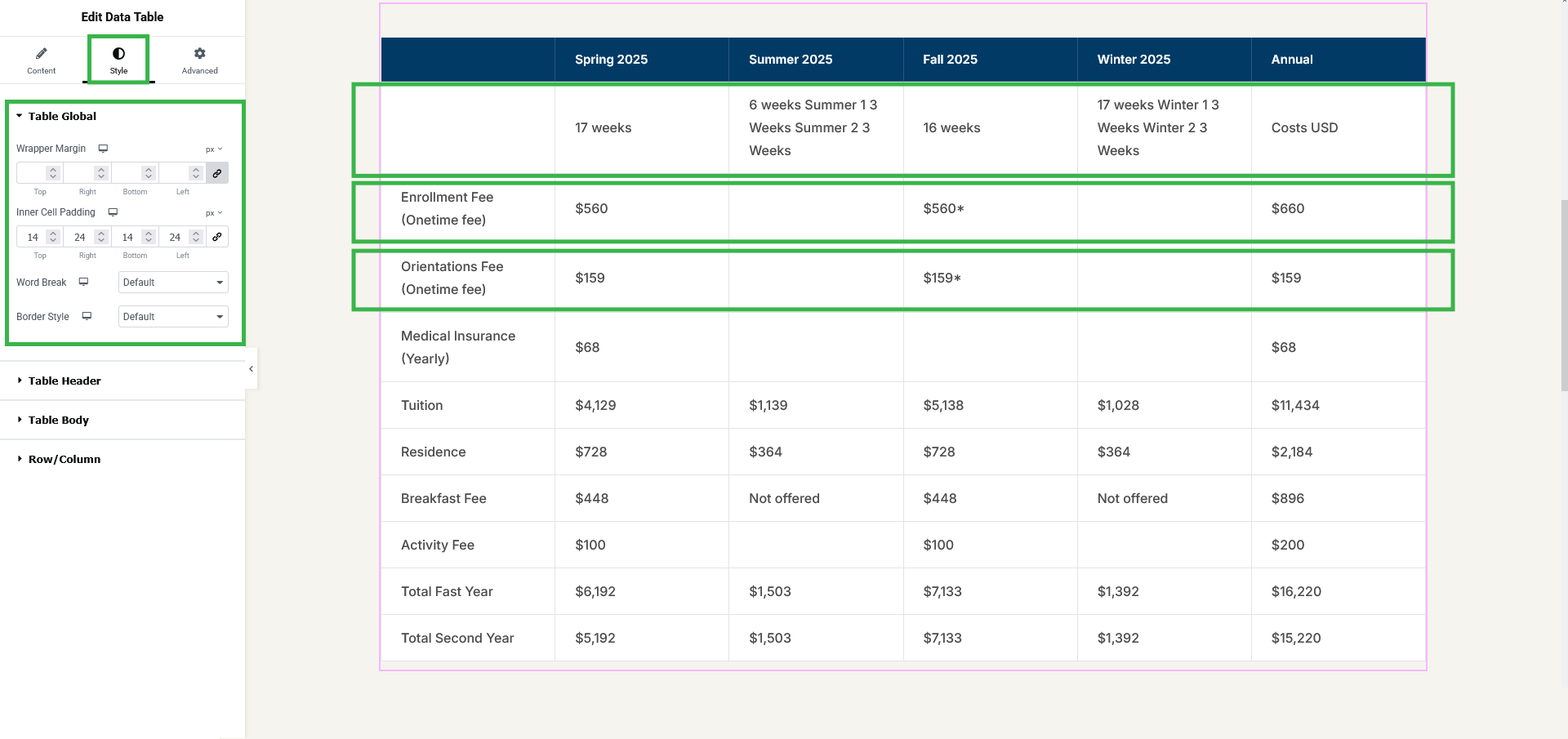
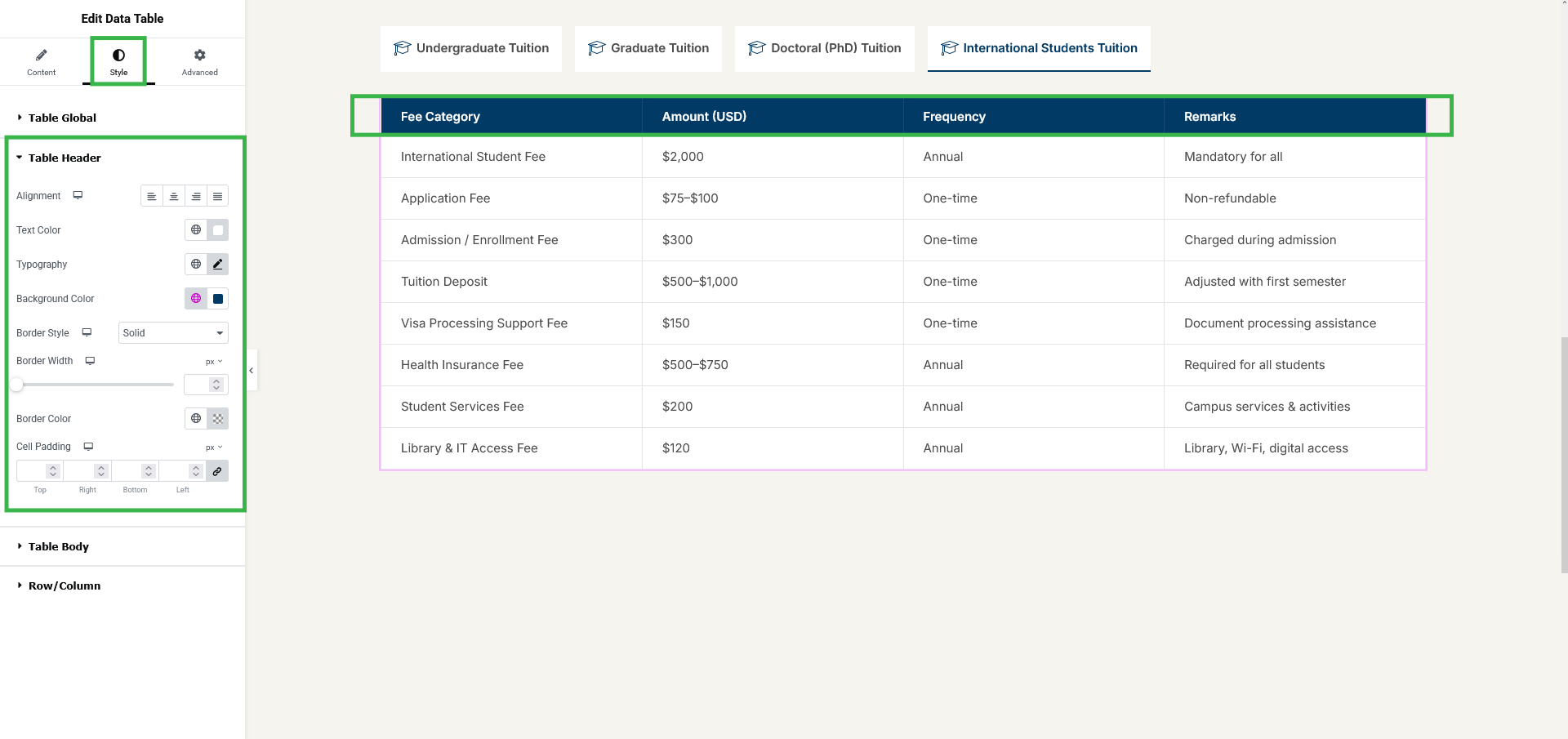
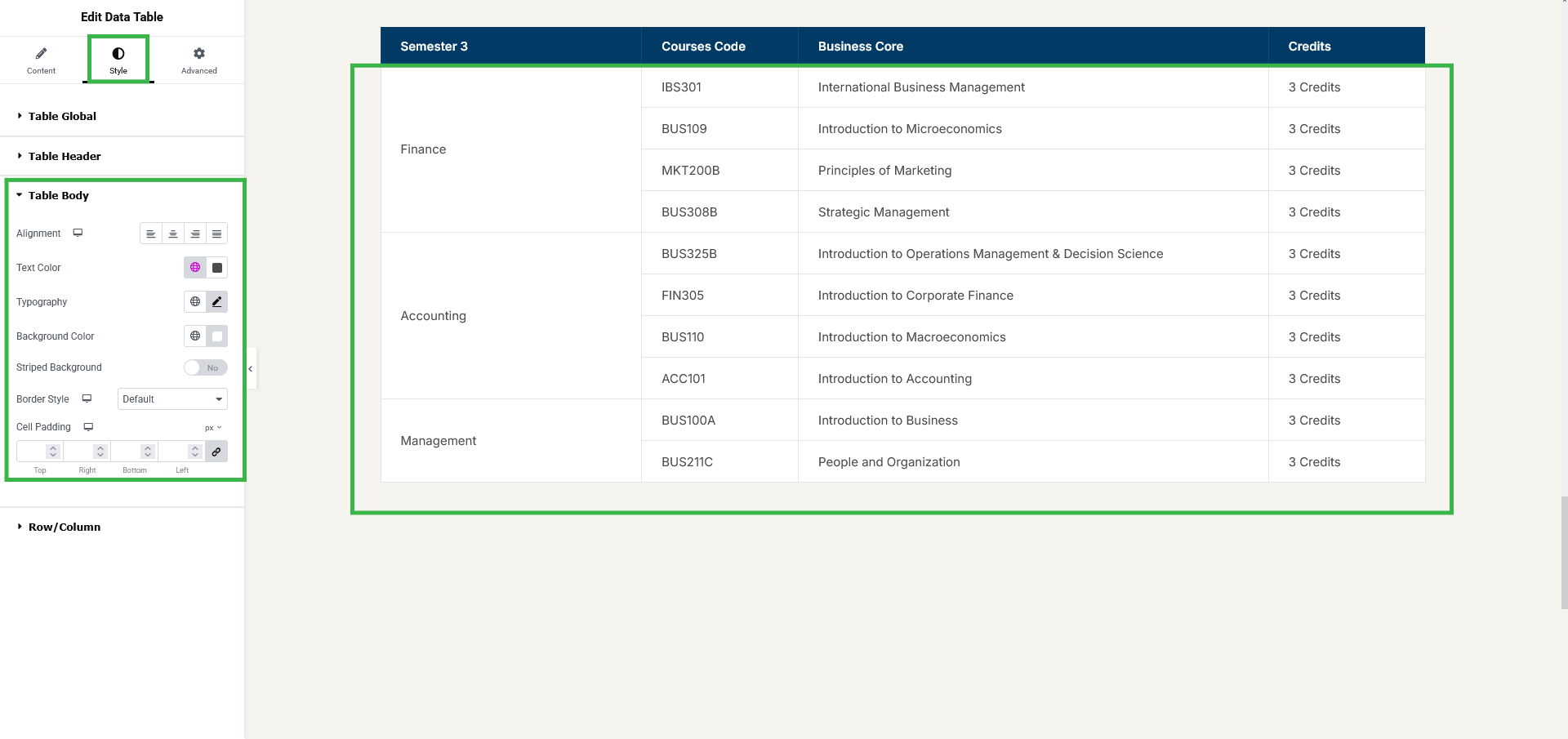
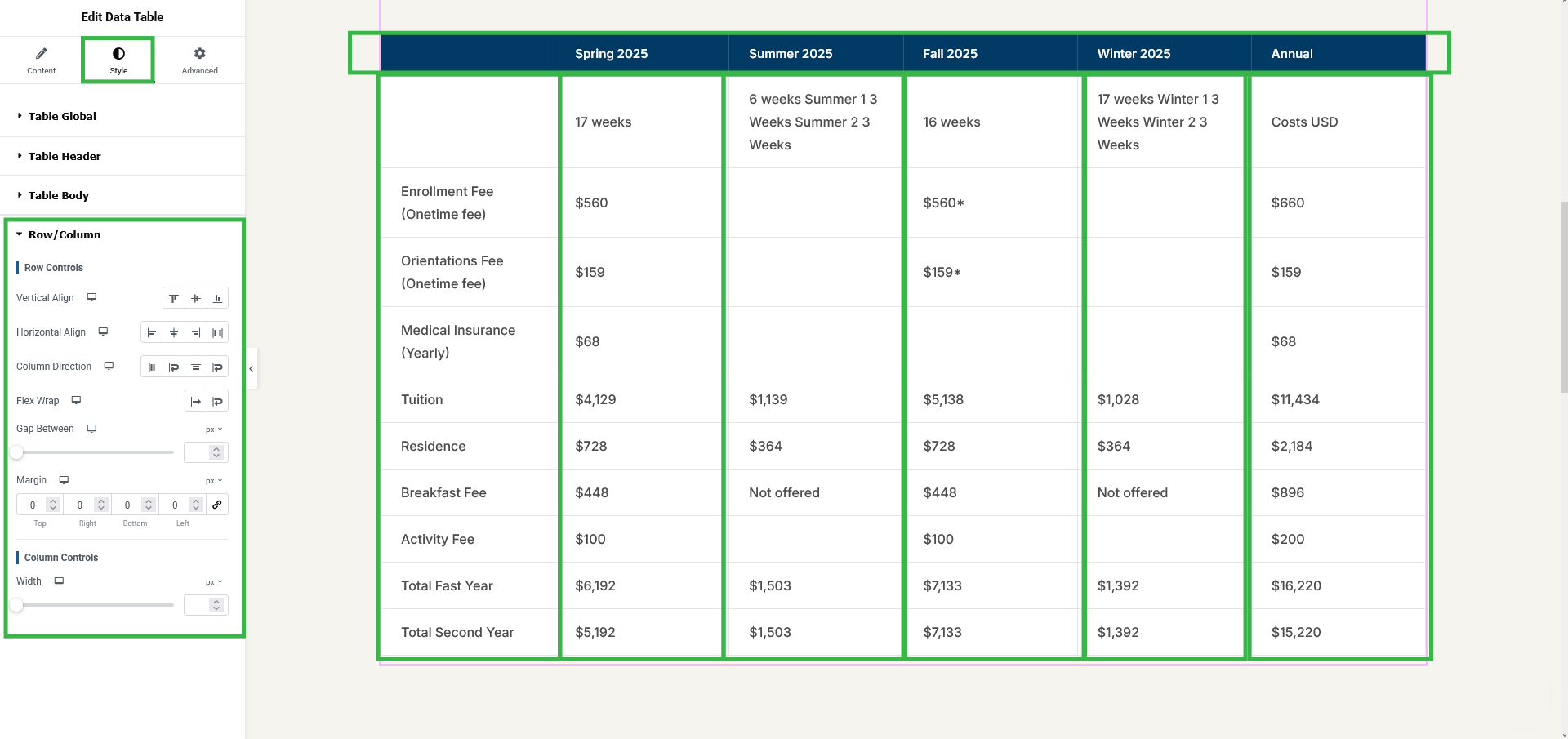
🎨 Deep Styling Controls
Style the table globally and per-section — header, body, rows/columns, search box, entries dropdown, pagination, and table info. Control typography, colors, borders, padding, alignment, striped rows, and more.
📱 Fully Responsive
Control how tables behave and display across all screen sizes, directly from Elementor.
🧩 Pre-Made Templates
Insert ready-made data-table designs from the template library inside the Elementor editor and customize them instantly.
🧰 Full Elementor Control Panel
Every option lives inside Elementor — no coding required.
Data Source: Tables are powered by Elementor repeater fields, making dynamic data easy to manage.
Ultimate Data Table Pro
Upgrade to Ultimate Data Table Pro to turn plain text cells into rich content blocks and unlock the full template library:
- 🖼 Image Cells — Add images inside any cell, with control over width, height, object-fit, object-position, and wrapper sizing.
- ⭐ Icon Cells — Insert Font Awesome or SVG icons in any cell, with custom size and color.
- 🔘 Button + Link Cells — Add a linked “Read More” button (new tab & nofollow supported) with full styling, including normal and hover states.
- 🔀 Per-Cell Arrangement — Order and combine image, text, icon, and button within a single cell.
- 🎨 Dedicated Style Sections — Separate Image, Icon, and Button styling panels for fine-grained control.
- 🧩 27 Premium Templates — Unlock the full premium template pack (in addition to the 6 free templates) for one-click professional tables.
- 📤 Import & Export — Move table data in and out of the widget instead of filling repeater fields by hand.
- 📄 CSV Import & Export — Import and export tables using CSV files for quick, efficient data management.
- 📊 Excel Import & Export — Import and export tables directly with Excel (.xlsx) files, ideal for large datasets and existing spreadsheets.
- 🧾 HTML Import & Export — Paste
<table>markup or load an .html file; header rows, colspan, rowspan, alignment, colors, and link buttons are kept. Export or copy the table back as HTML.
Requirements
- WordPress 6.3 or newer
- PHP 7.4 or newer
- Elementor installed and activated
Screenshots
Installation
- Upload the plugin folder to the
/wp-content/plugins/directory, or install it directly from the WordPress Plugins Add New screen. - Activate the plugin through the Plugins screen in WordPress.
- Make sure Elementor is installed and activated.
- Edit any page with Elementor, search for the Data Table widget, drag it in, and start building — or insert a pre-made template from the library.
FAQ
-
What does this plugin do?
-
It’s an Elementor addon that lets you build fully functional, styled data tables with live search, pagination, sorting, merged cells, and responsive behavior — all without coding.
-
Do I need to know how to code?
-
No. Every setting is handled through Elementor’s interface, so no coding skills are required.
-
Does it work without Elementor?
-
No. It’s an extension for the Elementor page builder, so Elementor must be installed and activated.
-
Is it responsive on mobile devices?
-
Yes. You control how tables display and behave across screen sizes directly from Elementor.
-
What table features are included in the free version?
-
Live search, entries-per-page selector, pagination with multiple styles, sortable columns, custom table info, editable labels, rowspan and colspan for merged cells, full styling controls, and a pre-made template library.
-
Are there pre-made templates?
-
Yes. The plugin includes a template library inside the Elementor editor. The free version comes with 6 ready-made templates. Upgrading to Pro unlocks 27 additional premium templates.
-
That’s a Pro feature. The free version supports rich text cells. Ultimate Data Table Pro adds image, icon, and linked-button content inside any cell, each with its own styling options.
-
Can I customize how the table looks?
-
Yes. Fonts, colors, borders, spacing, alignment, striped rows, and more are all adjustable from the Elementor panel.
-
Where does table content come from?
-
Table content is powered by Elementor repeater fields, so you manage structured data through those fields.
-
Is there a limit on how many tables or rows I can create?
-
No. You can create as many tables and rows as you need.
-
Where do I find the widget in Elementor?
-
Open any page with Elementor and look for the Ultimate Table category in the widget panel, or type “Data Table” in the widget search box. Drag the widget onto your page to get started.
-
Do I need Elementor Pro?
-
No. The plugin works with the free version of Elementor. Elementor Pro is not required.
-
Can I use more than one table on the same page?
-
Yes. Each widget runs as its own independent table, so you can place as many tables as you like on a single page, each with its own settings and styling.
-
How do I merge cells (rowspan / colspan)?
-
Open the cell you want to merge in the Table Header or Table Body repeater, switch to the Advanced tab, enable colSpan or rowSpan, and set the number of columns or rows the cell should span.
-
How do I build a two-line header?
-
In the Table Header repeater, turn on New Row (Content tab) for the first cell of the second header row. Give the grouping cell a colSpan covering its sub-columns, and give the cells with nothing below them a rowSpan of 2.
-
Can visitors choose how many rows are shown at once?
-
Yes. When pagination is enabled, an entries-per-page dropdown is shown so visitors can switch between the available row counts. You can rename its label from the Configuration section.
-
Can I turn off the search box, pagination, or sorting?
-
Yes. Enable Search, Enable Pagination, Enable Ordering, and Show Table Info are separate switches in the Configuration section, so you can enable only the features you need.
-
What pagination styles are available?
-
Seven options: Default, Simple (Prev / Next), Simple Numbers, Numbers Only, Full (First / Prev / Next / Last), Full Numbers, and First + Numbers + Last.
-
Can I change or translate the search, pagination, and info text?
-
Yes. The search label, entries-per-page label, “no records found” message, and both table-info texts are editable per widget. The table info also supports the
_START_,_END_,_TOTAL_, and_MAX_tokens. The plugin is translation-ready as well, using theultimate-data-table-addon-for-elementortext domain. -
Can I control the width of individual columns?
-
Yes. Enable Custom Width on a header cell and set the width, or use the Row/Column style section for wider layout control.
-
Can I import data from a CSV, Excel, or HTML file?
-
Yes. With the Pro version, you can import table data directly from CSV (.csv), Excel (.xlsx), and HTML (.html or pasted
<table>markup). This makes it easy to add and manage large amounts of table data without manually entering each row through Elementor’s repeater fields.
You can also continue to manage and edit your table content directly through Elementor’s repeater fields when needed. -
Does it work with any WordPress theme?
-
Yes. It renders through Elementor, so it works with any properly coded theme that supports Elementor.
-
What happens to my tables if I upgrade to Pro?
-
The Pro version takes over the Data Table widget and adds image, icon, and button cells plus the full template library. Your existing tables stay on the page and keep working — you simply gain the extra options in the panel.
-
Is there a live demo?
-
Yes. You can preview all table styles, templates, and features here: https://plugins.rstheme.com/ultimate-data-table/demos/
-
How do I get the Pro version?
-
You can purchase Ultimate Data Table Pro here: https://plugins.rstheme.com/ultimate-data-table/
-
Where can I get support?
-
Support is available through the plugin’s support forum on WordPress.org.
Reviews
There are no reviews for this plugin.
Contributors & Developers
“Ultimate Data Table Addon For Elementor” is open source software. The following people have contributed to this plugin.
Contributors

Translate “Ultimate Data Table Addon For Elementor” into your language.
Interested in development?
Browse the code, check out the SVN repository, or subscribe to the development log by RSS.
Changelog
1.1.0
- Added: Optimize code & added more hook.
1.0.8
- Added: Raw HTML table markup import. Convert table HTML markup to Elementor Repeter items.
1.0.7
🆓 Free Version
- 🗂 Multi-Row Headers: Header cells get a New Row switch and rowSpan, so you can build grouped two-line headers.
- 🐞 Fix: A header rowSpan taller than the header no longer stops the table from loading.
⭐ Pro Version
- 🧾 HTML Import & Export: Import a table from pasted HTML or an .html file, keeping header rows, colspan, rowspan, alignment, colors, and link buttons. Export or copy the table as HTML.
1.0.6
- Fix: line break issue on table content
1.0.5
🆓 Free Version
- ⚡ Structure Update: Completely re-architected the system with a highly optimized architecture while maintaining full backward compatibility. Your existing tables will continue to work seamlessly without any changes.
- 🚀 Repeater Restructure: Significantly optimized the DataTable element to handle thousands of columns and repeater items smoothly, eliminating lag, delays, and hanging issues.
⭐ Pro Version
- 📤 Import & Export: Added powerful Import/Export functionality for DataTables, making it easier to manage and transfer large amounts of table data.
- 📄 CSV Import & Export: Import and export DataTables using CSV files for quick and efficient data management.
- 📊 Excel Import & Export: Import and export DataTables directly using Excel files, making it easier to work with large datasets and existing spreadsheets.
1.0.4
- Template load bug solve.
1.0.3
- Bug Solve.
- Added Elementor Template Library.
1.0.2
- Added Elementor Template Library.
1.0.1
- Optimized the data table addon for instant rendering inside the Elementor editor.
1.0.0
- Initial release with Elementor integration, responsive tables, search, pagination, ordering, rowspan, colspan, and styling controls.