
Description
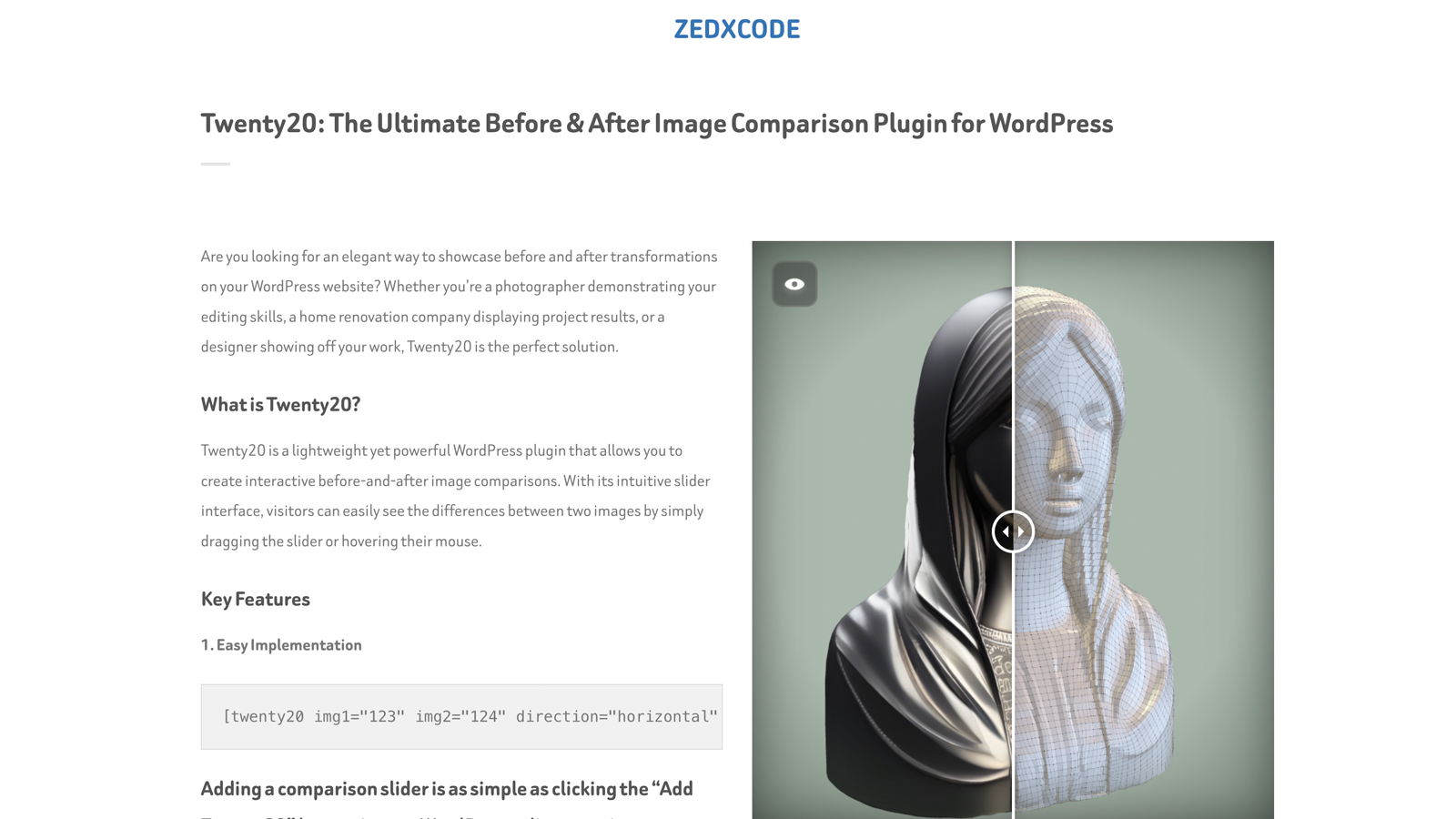
Twenty20 is a professional-grade image comparison tool that helps you showcase transformations in a highly engaging way. Perfect for:
- Photography portfolios
- Real estate before/after
- Renovation projects
- Design makeovers
- Product comparisons
- Restoration work
- Medical procedures
- And much more!
Video Tutorial
Live Demo
Check the Live Demo.
Key Features
- Responsive design – works perfectly on all devices
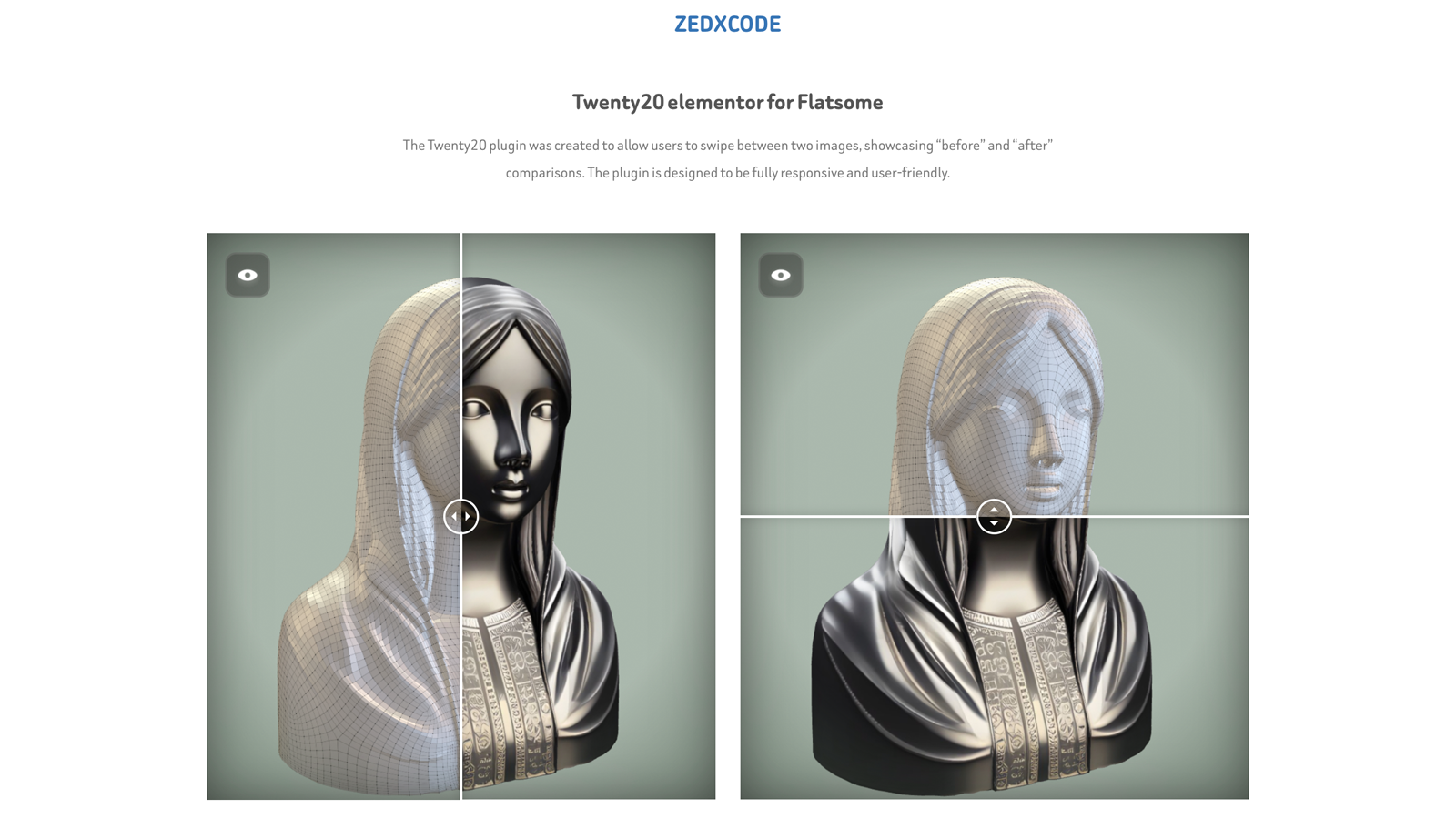
- Horizontal and vertical sliding options
- Customizable slider position and orientation
- Custom “before” and “after” labels
- Adjustable image widths and alignments
- Mouse hover sliding effect
- Touch-enabled for mobile devices
- Multiple sliders per page
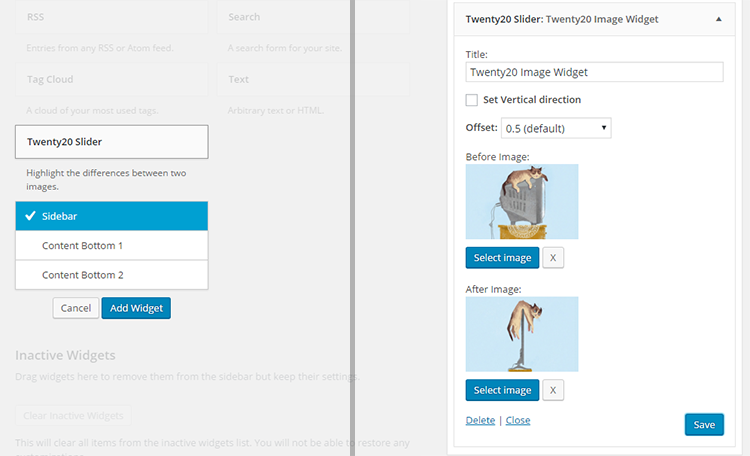
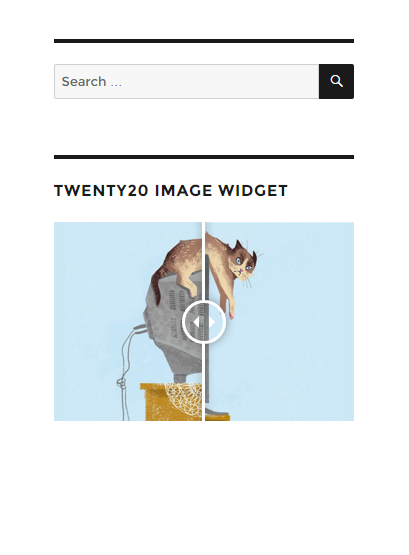
- Widget support for sidebars
- Native Gutenberg block with live preview and sidebar settings
- SEO-friendly with proper alt tag support
- Accessibility compliant image comparisons
Page Builder Support
- Block Editor (Gutenberg) — native Twenty20 Before-After block with live preview
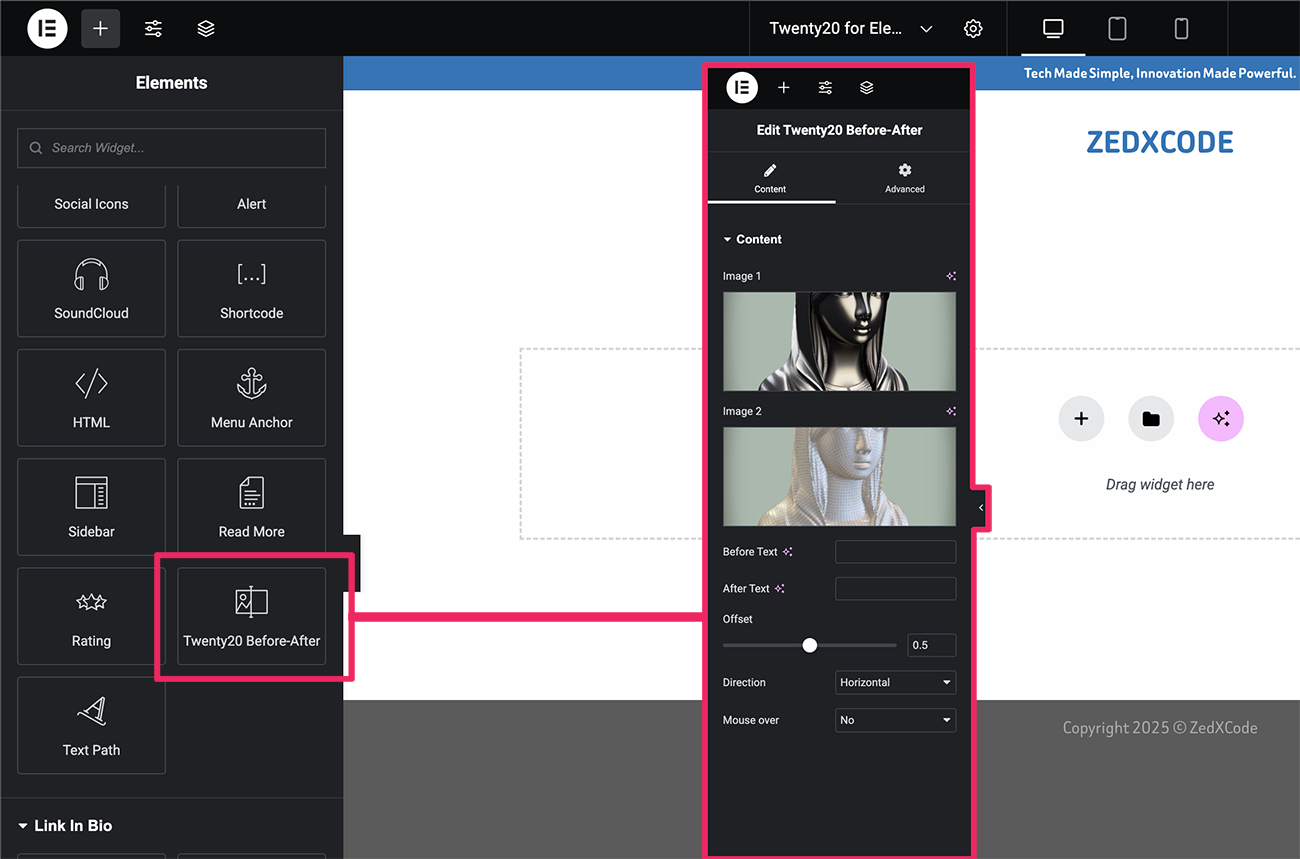
- Elementor
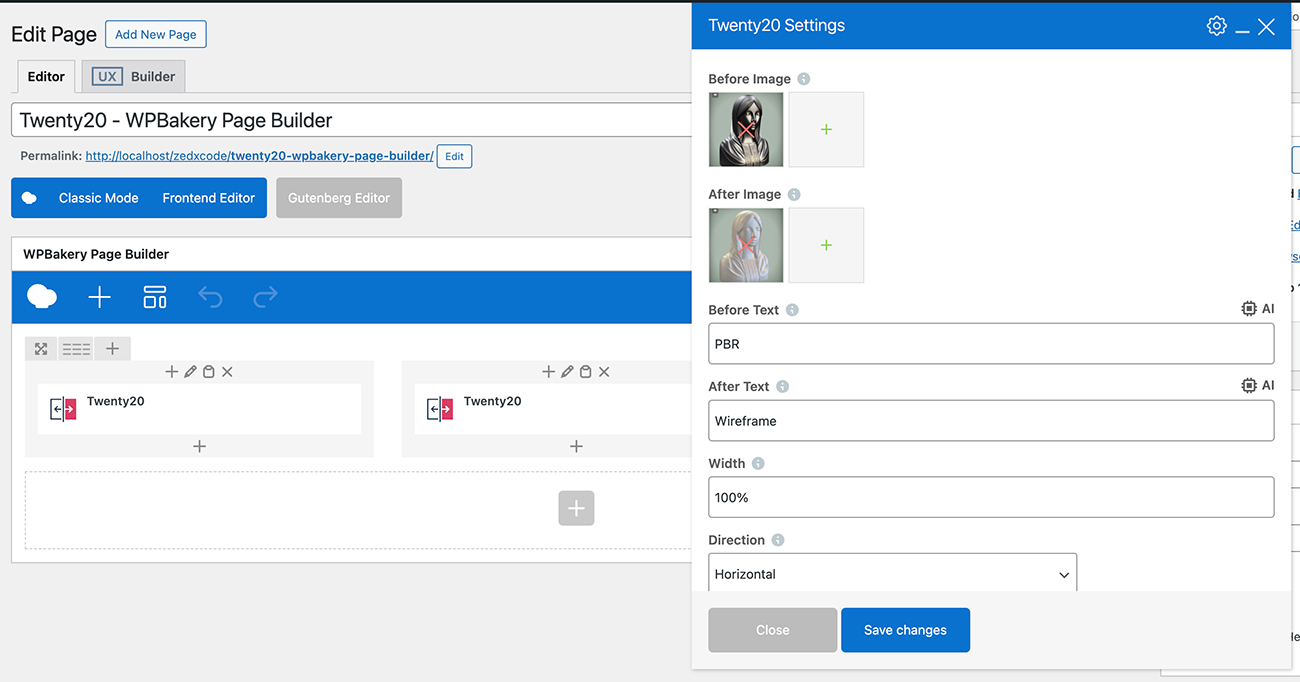
- WPBakery Page Builder (Visual Composer)
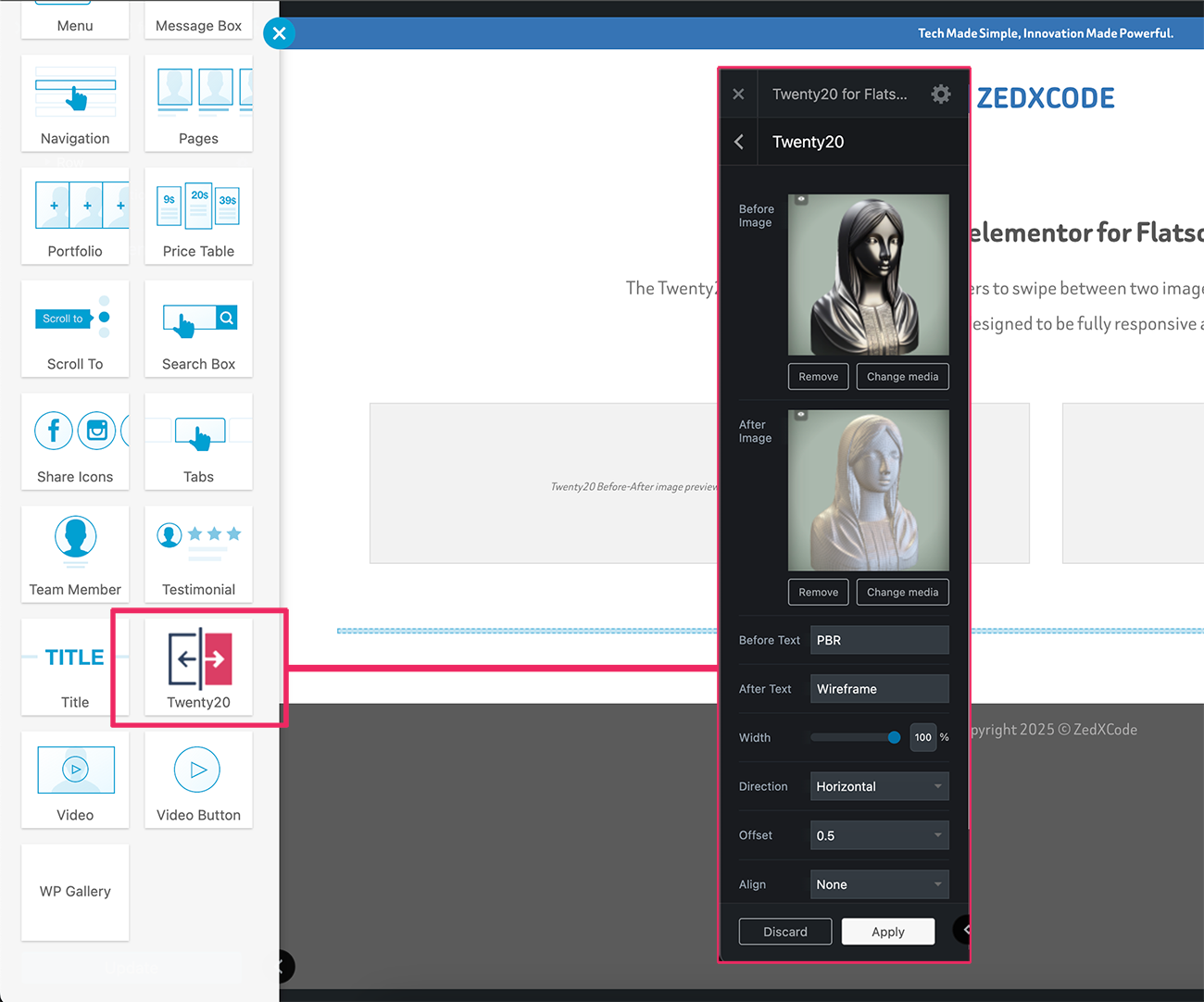
- Flatsome UX Builder
- Classic Editor
Perfect For
- Photography before/after edits
- Home renovation comparisons
- Web design makeovers
- Product transformations
- Restoration projects
- Beauty transformations
- Real estate renovations
Usage
Shortcode Example
Quick Example
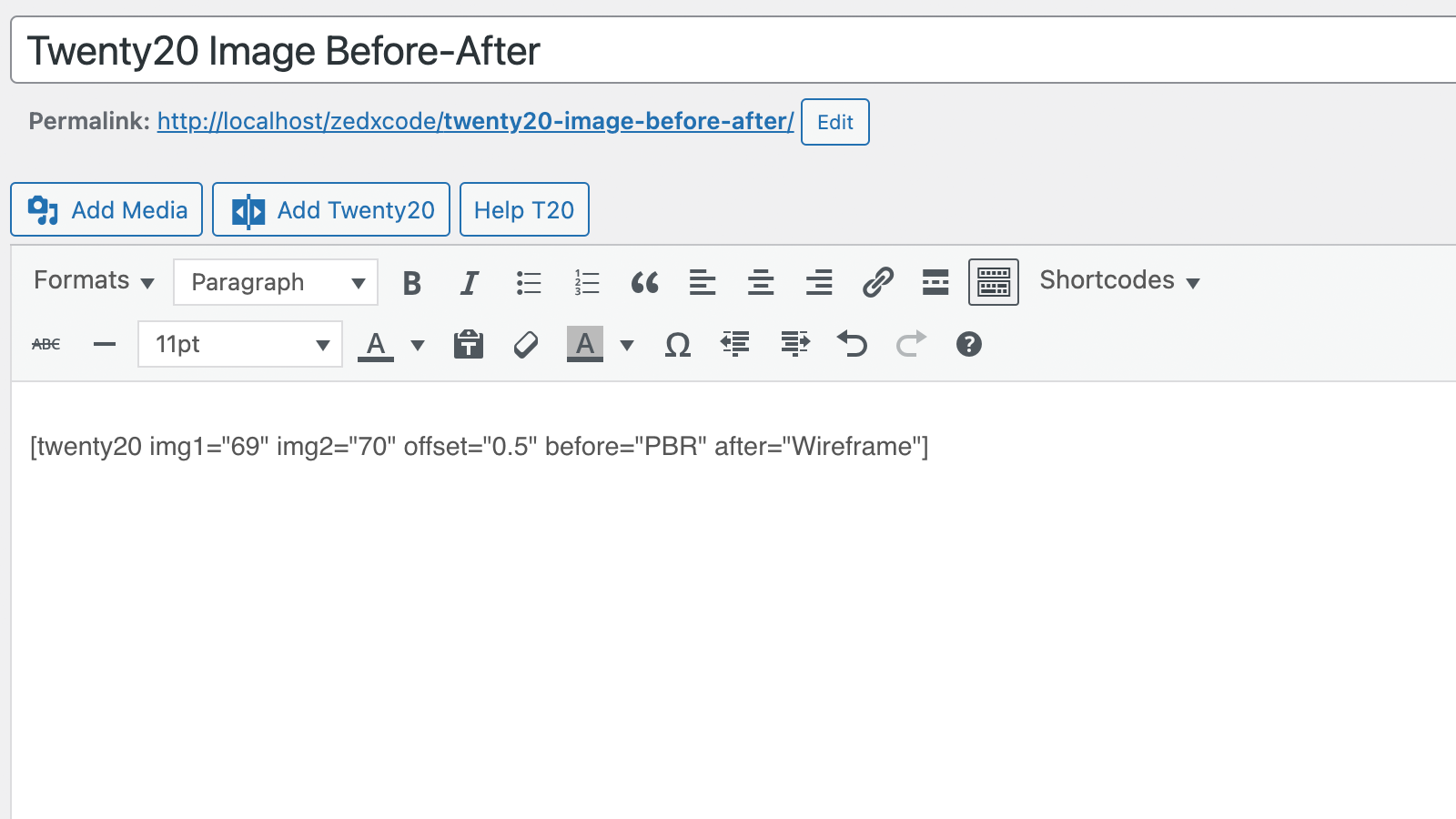
[twenty20 img1="" img2="" direction="vertical" offset="0.5" align="right" width="60%" before="Before" after="After" hover="true"]
Shortcode Parameters
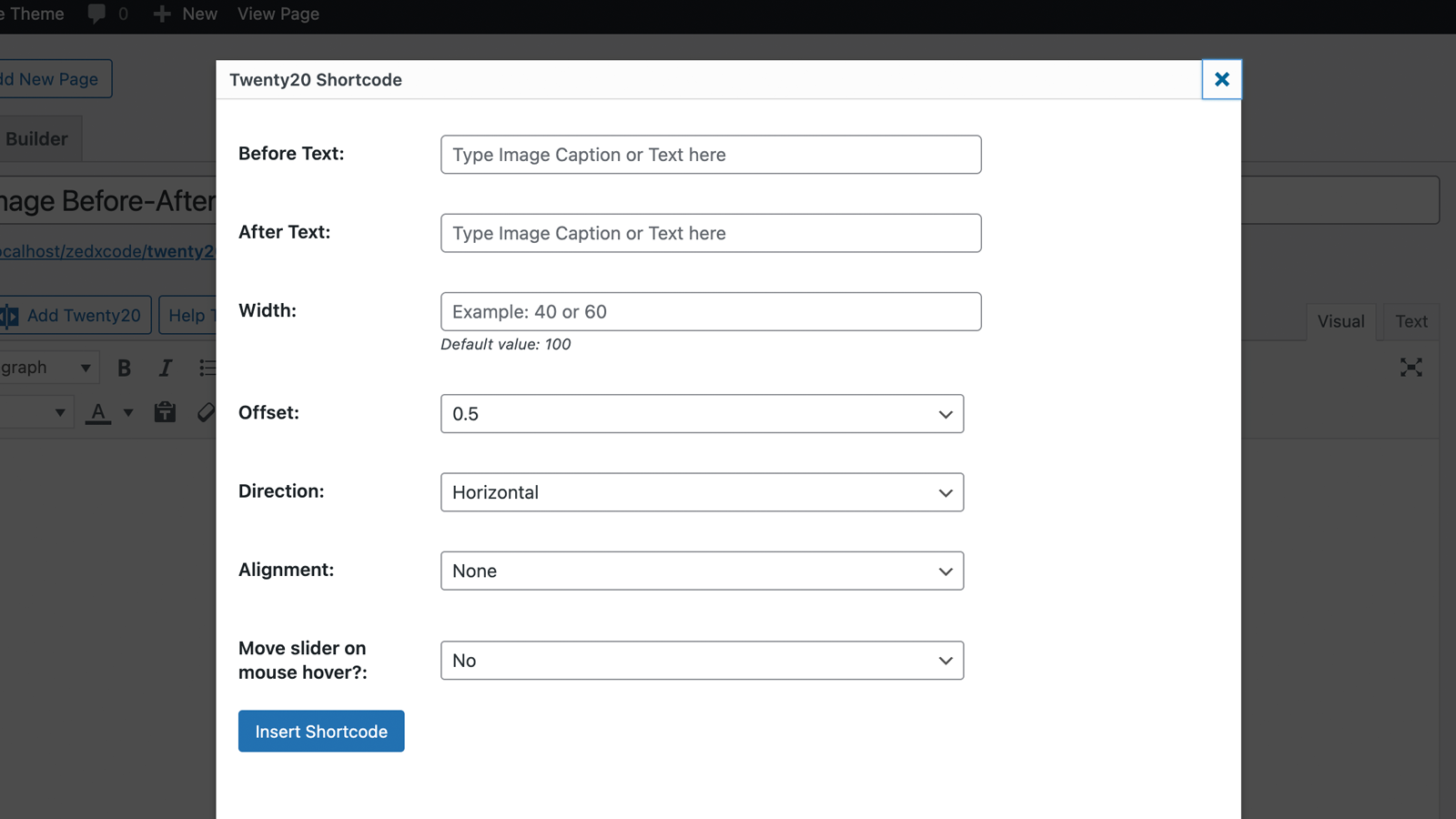
img1– image ID.img2– image ID.offset– range from 0.1 to 1.0.direction–horizontal|vertical.align–none|right|left.width– supports bothpxand%.before– text for the “before” label.after– text for the “after” label.hover–trueorfalse.
Screenshots
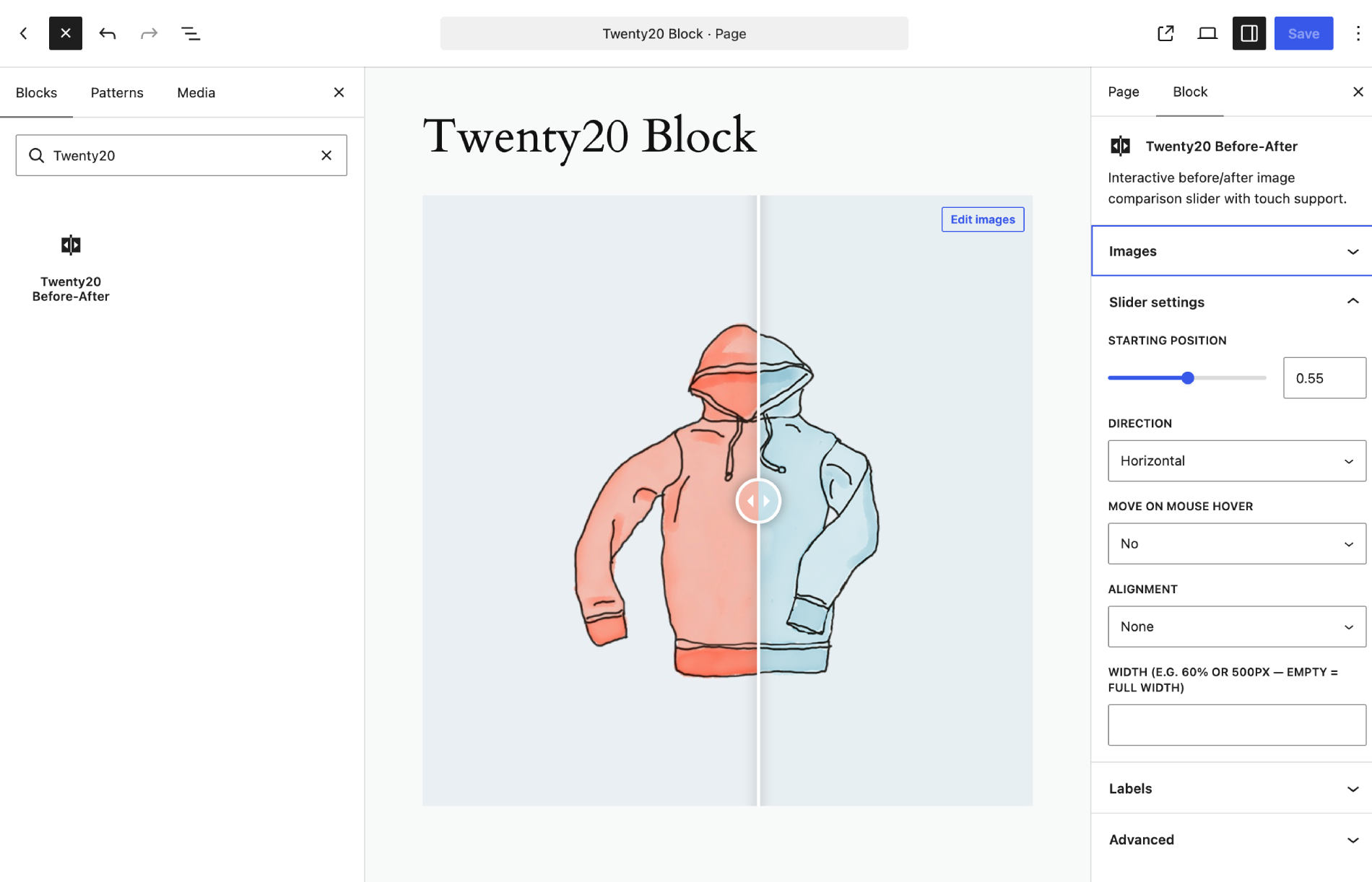
Blocks
This plugin provides 1 block.
- Twenty20 Before-After Interactive before/after image comparison slider with touch support.
Installation
- Upload the
twenty20folder to your/wp-content/plugins/directory - Activate the plugin through the ‘Plugins’ menu in WordPress
- Add the “Twenty20 Before-After” block in the block editor, use the shortcode
[twenty20]in your posts/pages, or use the widget
Quick Start Guide
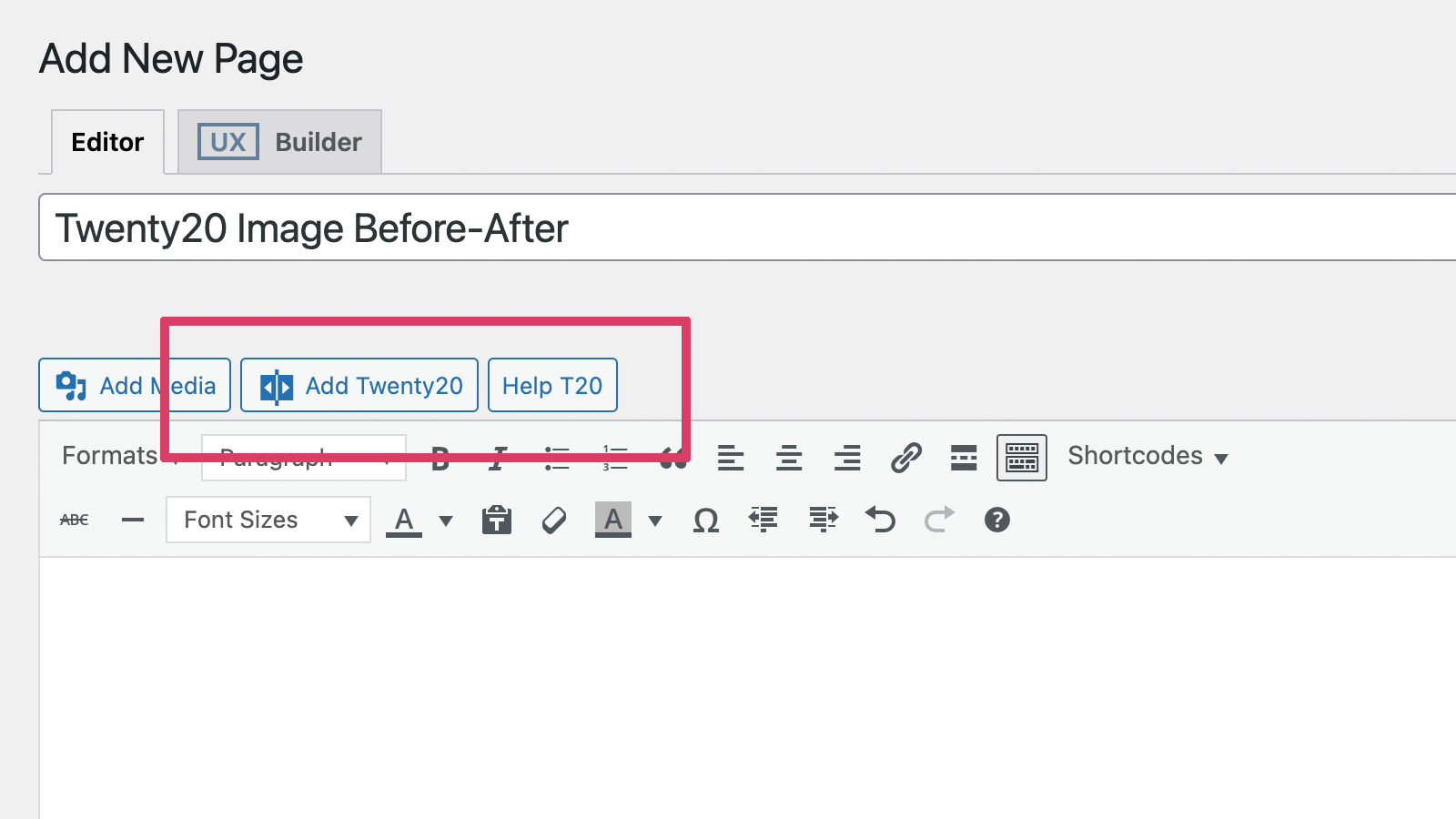
- Click the “Add Twenty20” button in your editor
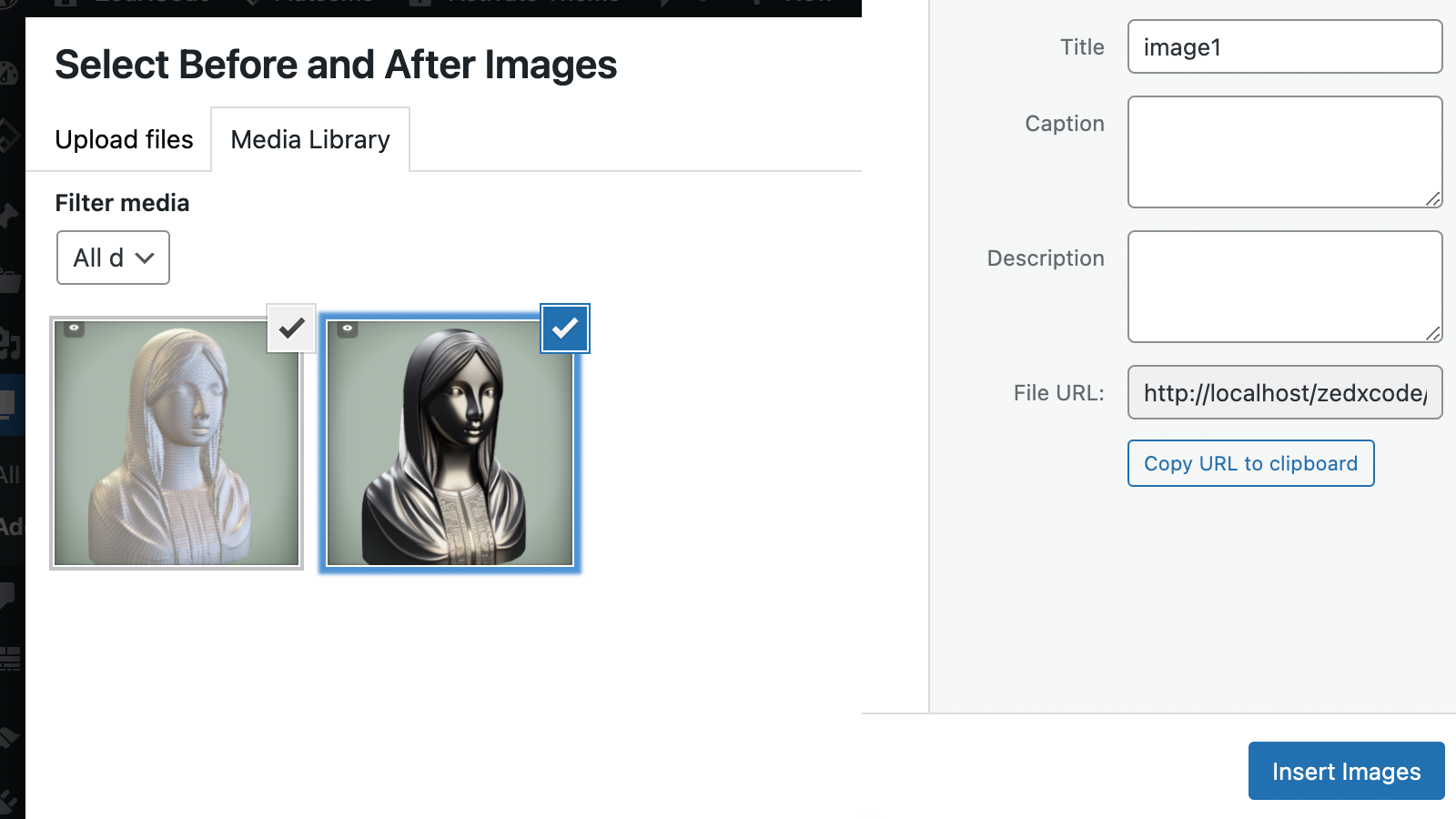
- Select your before and after images
- Customize settings as needed
- Insert and publish
FAQ
-
How it works?
-
Twenty20 works by stacking two images on top of each other. As the slider moves across the image.
-
Quick Example
-
[twenty20 img1=”” img2=”” direction=”vertical” offset=”0.5″ align=”right” width=”60%” before=”Before” after=”After” hover=”true”]
-
Shortcode Parameters
-
img1– image ID.img2– image ID.offset– range from 0.1 to 1.0.direction–horizontal|vertical.align–none|right|left.width– supports both px and %.before– text for the “before” label.after– text for the “after” label.hover–trueorfalse.
-
How to add before-after slider?
-
Check the demo Video demo.
-
How do I add a slider with the block editor?
-
Add the “Twenty20 Before-After” block, pick the before and after images, then tune the starting position, direction, labels, alignment, width, and mouse-hover behavior in the block sidebar. The canvas shows a live preview that updates as you change settings — click the preview to jump back to the block settings, or use the Preview/Edit toggle in the block toolbar. The block uses the same secure renderer as the shortcode.
-
How do I add a widget?
-
Watch the video demo on YouTube.
-
Can I use more than one slider in a single post or page?
-
Yes, the Twenty20 plugin allows users to add unlimited before-after sliders.
Reviews


Contributors & Developers
“Twenty20 Image Before-After” is open source software. The following people have contributed to this plugin.
Contributors

Translate “Twenty20 Image Before-After” into your language.
Interested in development?
Browse the code, check out the SVN repository, or subscribe to the development log by RSS.
Changelog
2.1.0
- New: native Gutenberg block (“Twenty20 Before-After”) with image pickers, live preview, and sidebar settings for position, direction, labels, alignment, width, and mouse hover — no build step required
- Improved: block UX — sidebar Images panel, click-preview-to-open settings, toolbar Preview/Edit toggle, and live-updating preview
- Improved: block rendering reuses the hardened shortcode renderer, so all 2.0.6 XSS protections apply automatically
2.0.6
- Security: fix CVE-2022-4580 Contributor+ Stored XSS — validate/sanitize shortcode attributes (offset clamped float, whitelisted direction/align/hover, absint image IDs, text-only before/after via .text() and data attributes, no user input in inline JS)
- Security: harden widget (sanitized update(), escaped output, fixed data-orientation markup) and Elementor widget (fixed offset Array bug, escaped render)
- Fixed: widget admin scripts not loading (wrong hook names), PHP 8 undefined-index notices, Elementor editor script guards, media-button capability checks
- No shortcode changes required — all existing attributes and defaults preserved
2.0.5
- WP 7.1 Tested
2.0.4
- Minor fixes
2.0.3
- Minor fixes
2.0.2
- Fixed: Missing alt attributes in image comparison
2.0.1
- Improved: Accessibility compliance
- Improved: SEO optimization for image comparisons
2.0.0
- Complete codebase modernization
- New: Enhanced image loading system
- New: Improved mobile touch response
- New: Better compatibility with page builders
- New: Modernized admin interface
- Fixed: Widget image selection issues
- Fixed: Image replacement bug in widgets
- Fixed: Admin CSS loading in editor
- Fixed: Multiple slider initialization issues
- Improved: Script loading reliability
- Improved: Overall performance optimization
1.7.6
- Fixed Elementor Widget
- Improved mobile responsiveness
- Performance optimizations
1.7.5
- Fixed Elementor Widget
1.7.4
- Fixed Elementor Widget
1.7.3
- Bug fixes
1.7.2
- Improve script
1.7.1
- Bug fixes
1.7.0
- Bug fixes
1.6.1
- Bug fixes.
1.6.0
- Security fixes, and passed in WordPress review.
1.5.9
- Security fixes
1.5.8
- Fix: Minor jQuery fix
1.5.7
- Fix: WP 5.6 Uncaught TypeError (Thanks to @negru13)
1.5.6
- Fix: Jetpack’s lazy load images issue
1.5.5
- Fix: Widget mouse over.
1.5.4
- Added: Integrated with WP Image alt.
1.5.3
- Fixed cation overlay issue.
1.5.2
- Fixed Before and After shortcode insert issue
1.5.1
- Fixed loading issue
1.5
- NEW: Add Elementor Page builder support.
- NEW: Add UX Builder by UXThemes support.
- Minor CSS fixes
1.4
- NEW: ‘Move slider on mouse over’.
1.3
- NEW: Image Before and After caption.
- Fixed arrow shadow css.
- Widget updated.
1.2
- Fixed alignment bug
1.1
- Fixed width issue
1.0
- First Release