

Description
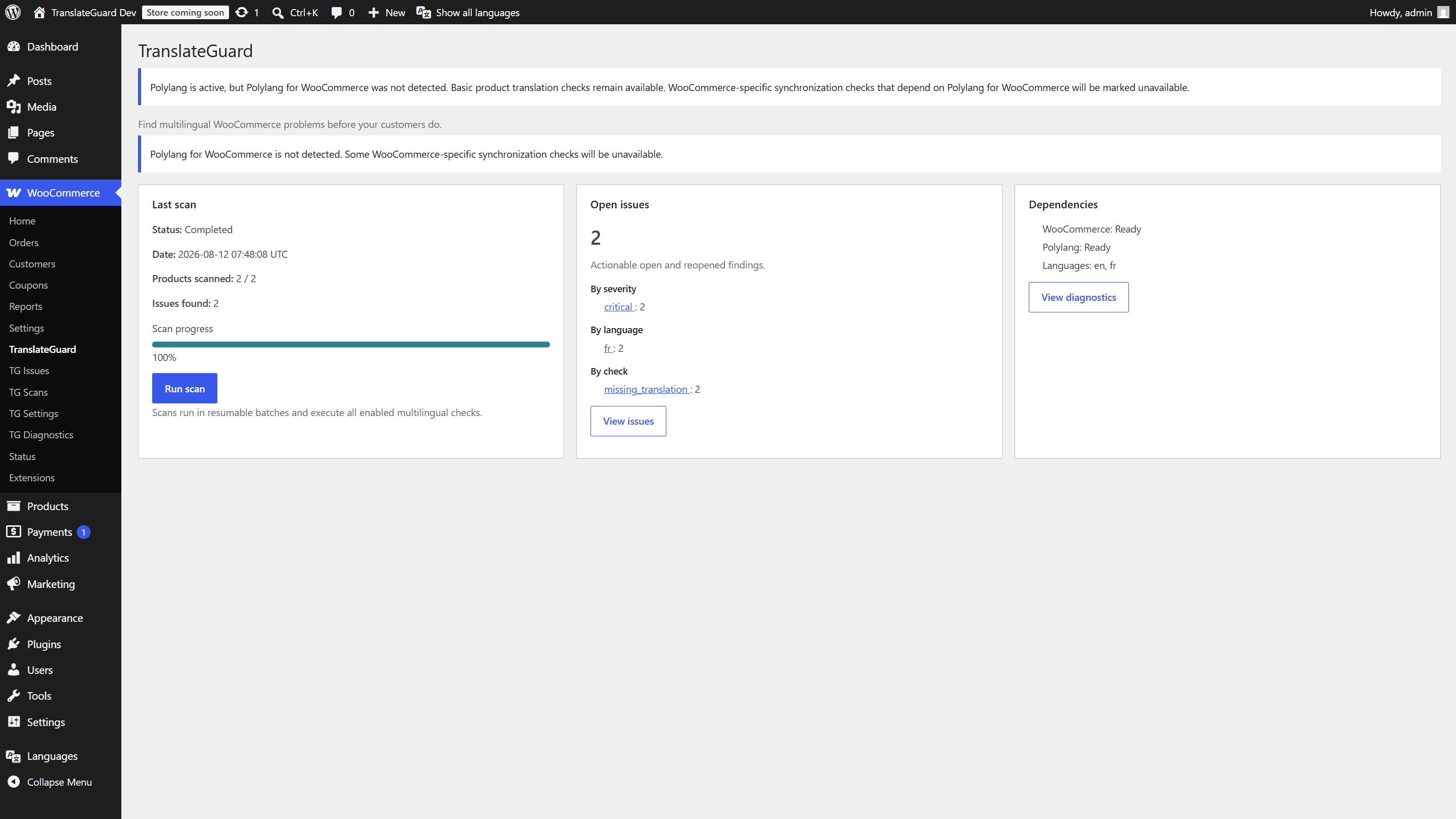
TranslateGuard for WooCommerce is a multilingual quality-assurance and synchronization auditing plugin for WooCommerce stores.
It does not replace a translation plugin and does not perform automatic translation. It integrates with Polylang (and Polylang for WooCommerce when available) to detect missing, stale, inconsistent, or broken multilingual catalog data.
Core promise
“Find multilingual WooCommerce problems before your customers do.”
Features
- Manual, resumable batched product scans
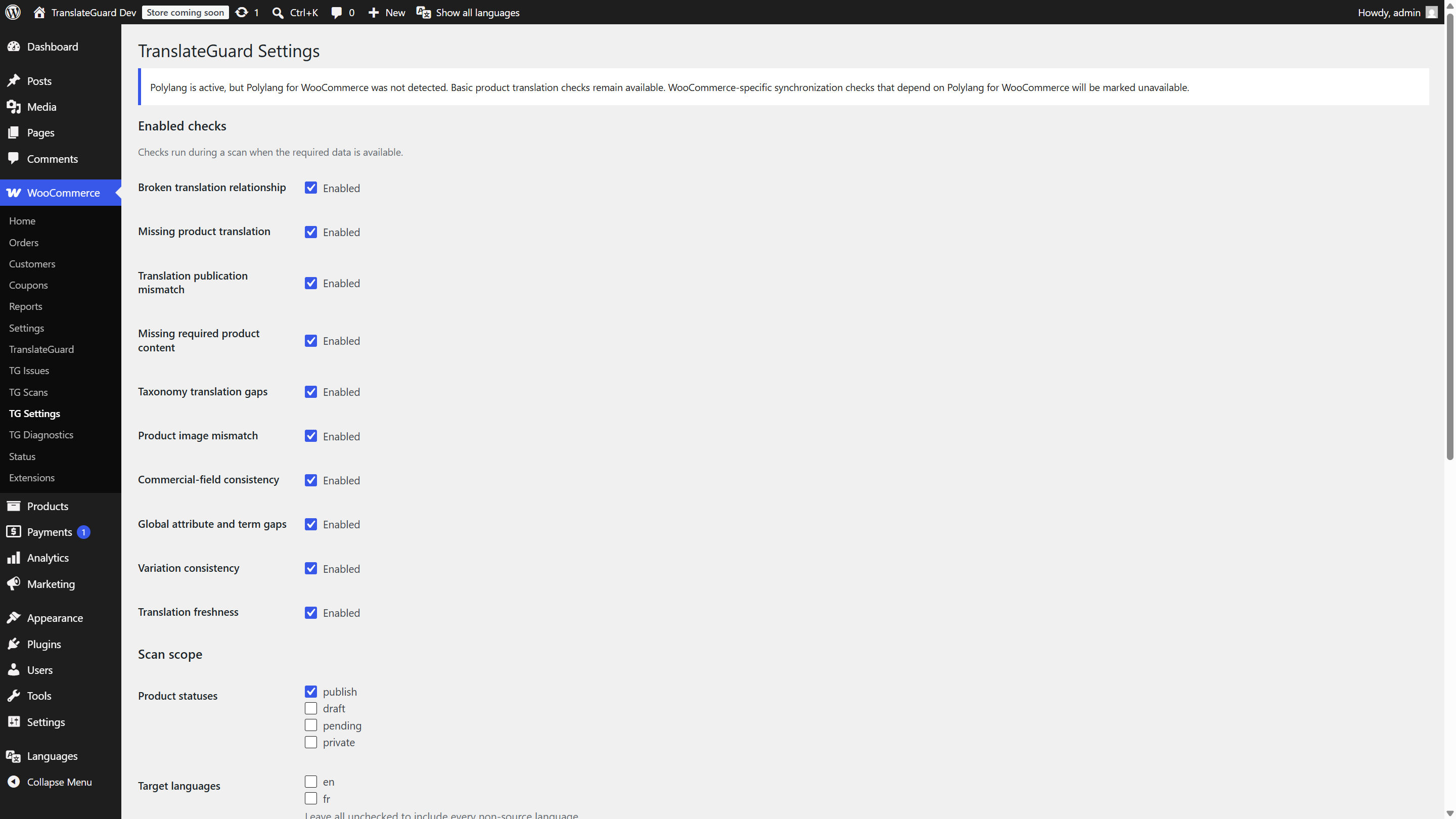
- Ten multilingual checks (relationships, missing translations, content, taxonomies, images, commercial fields, attributes, variations, freshness, and more)
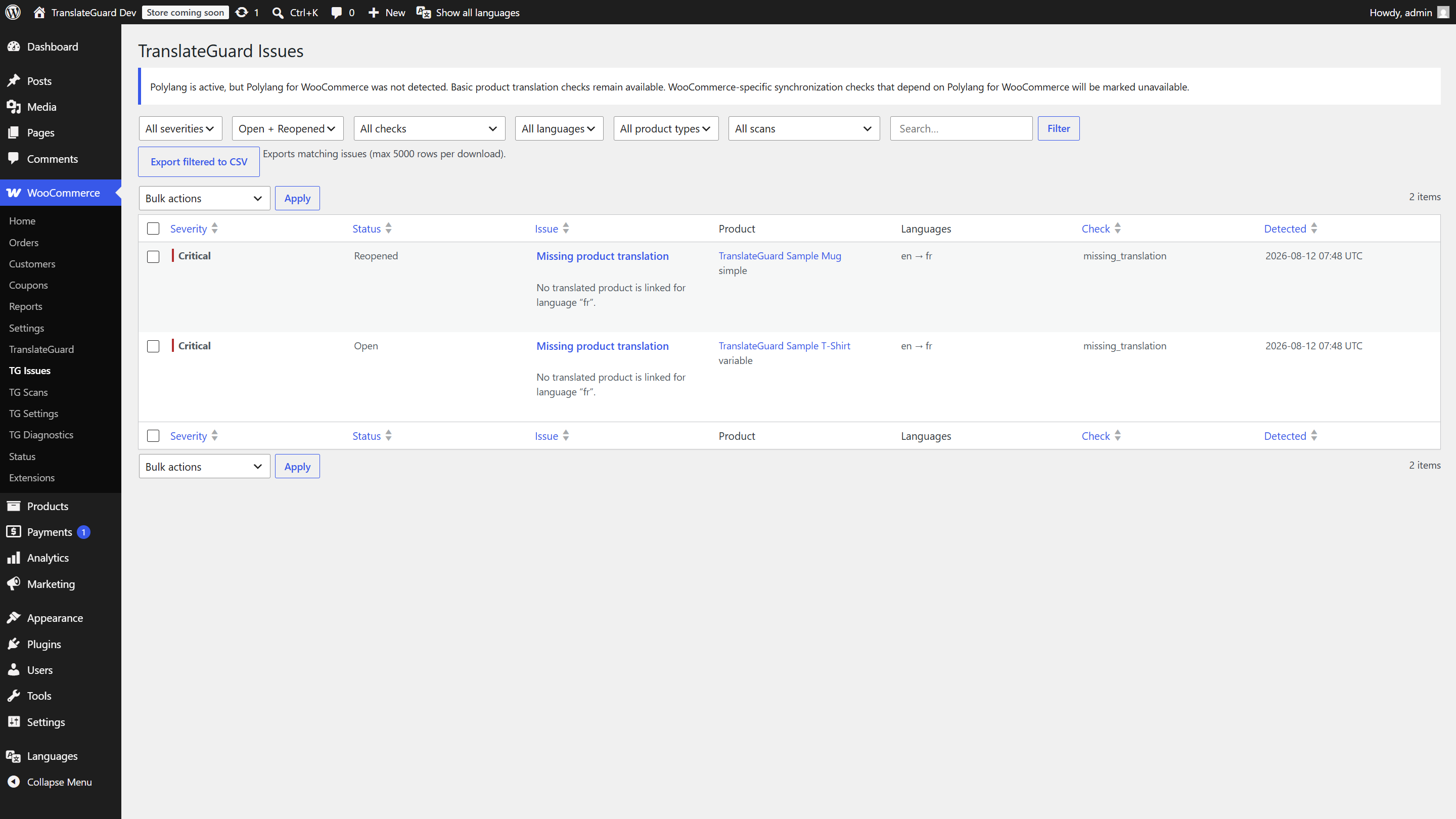
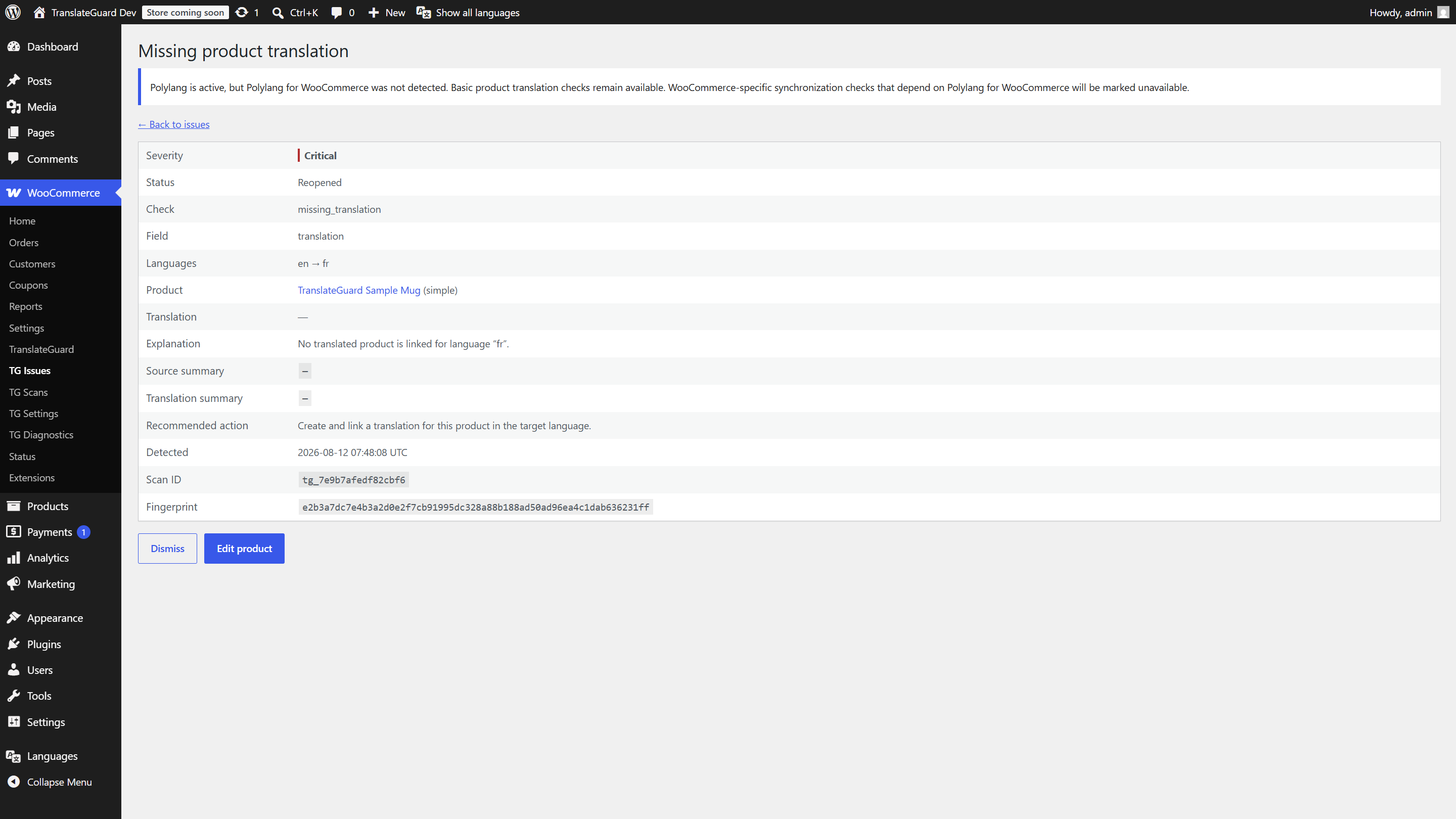
- Issue list with search, sort, filters, detail view, dismiss/reopen, and CSV export
- Scan history with progress and cancel
- Settings for checks, batch size, languages, retention, and uninstall cleanup
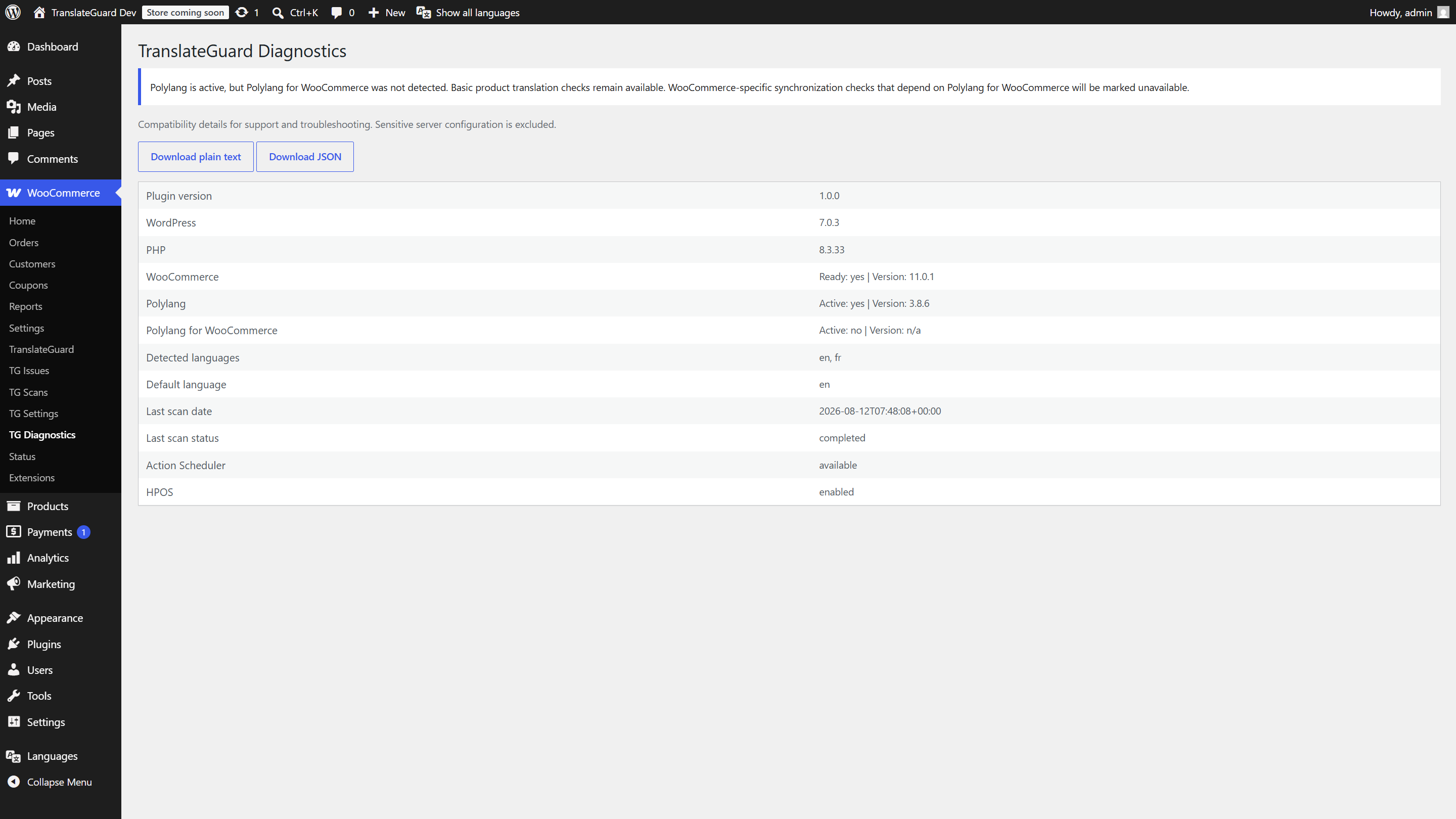
- Diagnostics report download
- Daily retention cleanup for aged scan/issue records
- Dedicated capability:
manage_translateguard
Privacy
Scans run on your WordPress site. Product data is not sent to TranslateGuard or third parties. Findings are stored in your database. Administrators control retention and deletion. There is no telemetry.
Requirements
- WordPress 6.5+
- PHP 8.1+
- WooCommerce 8.5+
- Polylang (for scanning)
Polylang for WooCommerce is optional. Some WooCommerce-specific sync expectations soft-degrade when it is not installed.
Screenshots
Installation
- Upload the
translateguard-for-woocommercefolder to/wp-content/plugins/, or install the zip via Plugins Add New Upload Plugin. - Activate the plugin through the Plugins screen.
- Ensure WooCommerce and Polylang are active.
- Open WooCommerce TranslateGuard to run a scan.
FAQ
-
Does this translate my products?
-
No. TranslateGuard only audits multilingual consistency. You still use Polylang (or another translation plugin) to create translations.
-
Is Polylang for WooCommerce required?
-
No. Basic Polylang product checks work without it. Some WooCommerce-specific synchronization checks soft-degrade when PLLWC is absent.
-
Will a scan change my catalog?
-
No. Scans are read-only against products and translations. They only write TranslateGuard scan/issue records.
-
Does the plugin send data externally?
-
No. Scanning and storage stay on your WordPress site.
-
Who can manage TranslateGuard?
-
Users with the
manage_translateguardcapability (granted to administrators and, by default, shop managers).
Reviews
There are no reviews for this plugin.
Contributors & Developers
“TranslateGuard for WooCommerce” is open source software. The following people have contributed to this plugin.
Contributors
Translate “TranslateGuard for WooCommerce” into your language.
Interested in development?
Browse the code, check out the SVN repository, or subscribe to the development log by RSS.
Changelog
1.0.2
- Rename scan/issue CPT identifiers to translateguard_scan / translateguard_issue.
- Migrate legacy tg_* post types and meta keys on upgrade.
1.0.1
- Limit admin dependency notices to TranslateGuard screens (Guideline 11).
- Keep optional Polylang for WooCommerce guidance on plugin UI only.
1.0.0
- First stable release for WordPress.org.
- Polylang-backed multilingual product QA for WooCommerce.
- Batched scans with lock/cancel, ten checks, admin UI, CSV export, and retention cleanup.