

Description
Stop rebuilding structured data one page at a time.
TowerHouse Schema Templates gives WordPress teams a reusable schema workflow. Map Schema.org fields once, assign the template wherever it belongs, preview the resolved result, and publish validated JSON-LD without hand-writing markup.
Build once. Keep every page consistent.
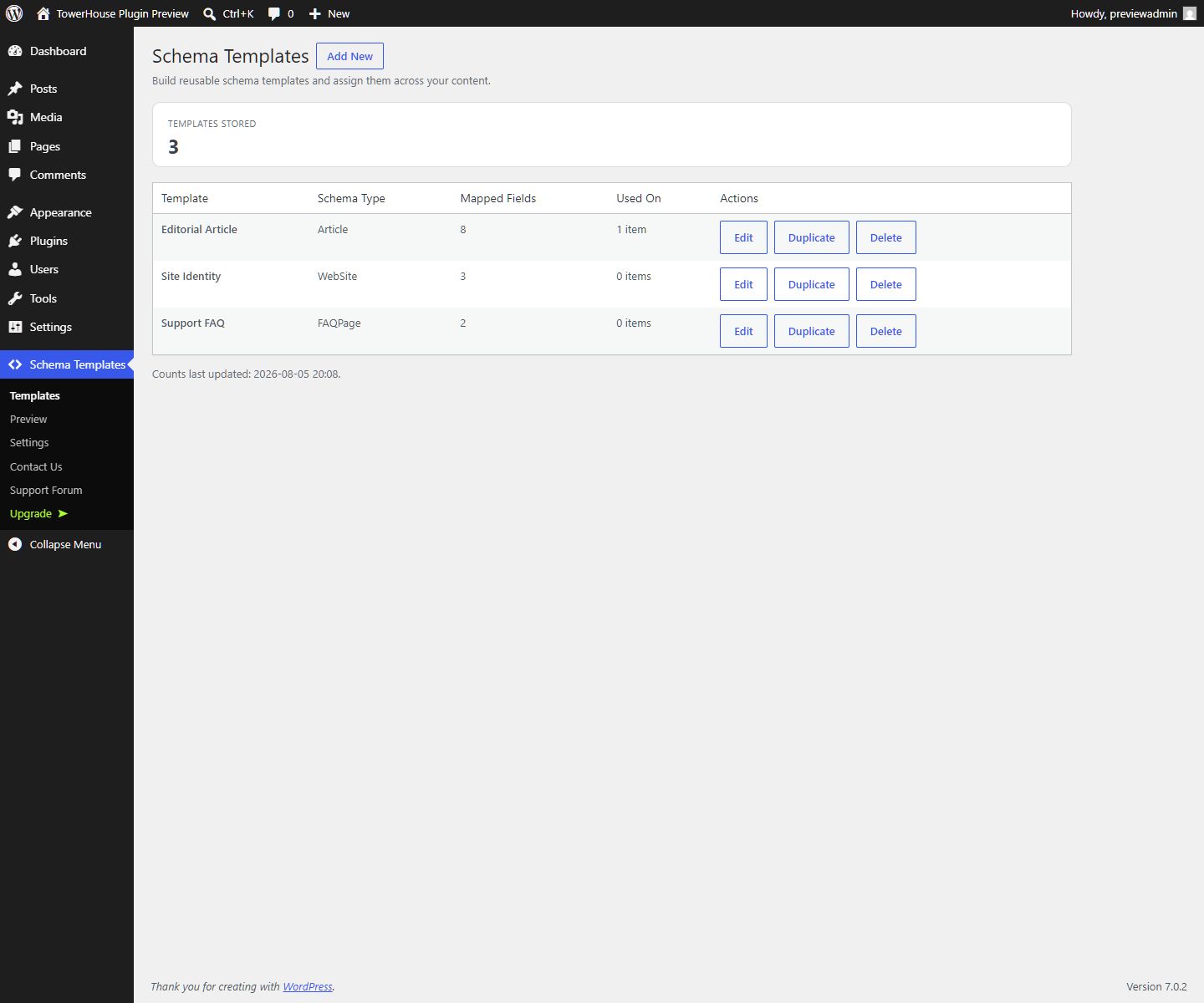
- Create unlimited templates for Article, Local Business, FAQ Page, Breadcrumbs, and Website schema
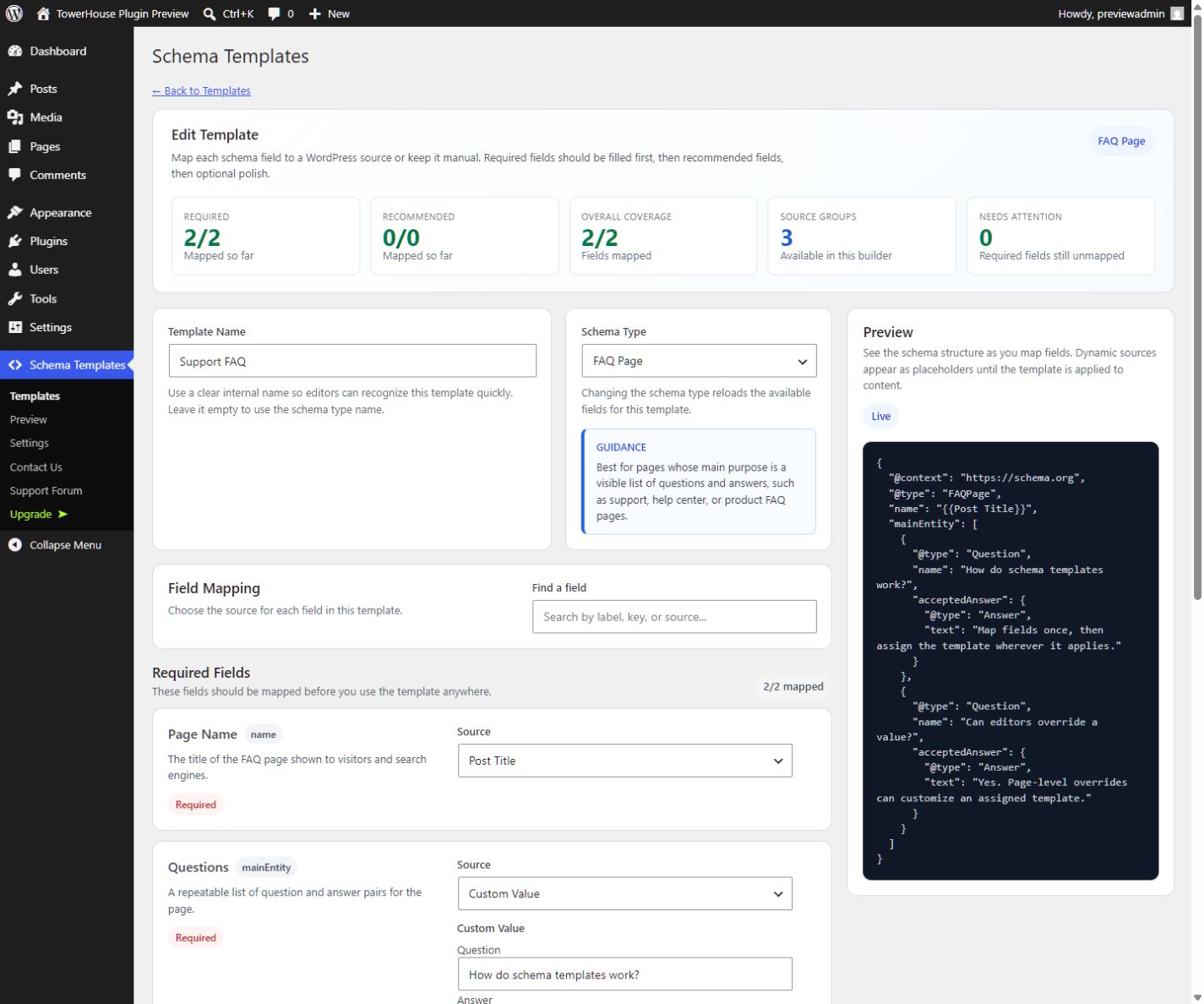
- Map fields to post data, site data, or carefully controlled custom values
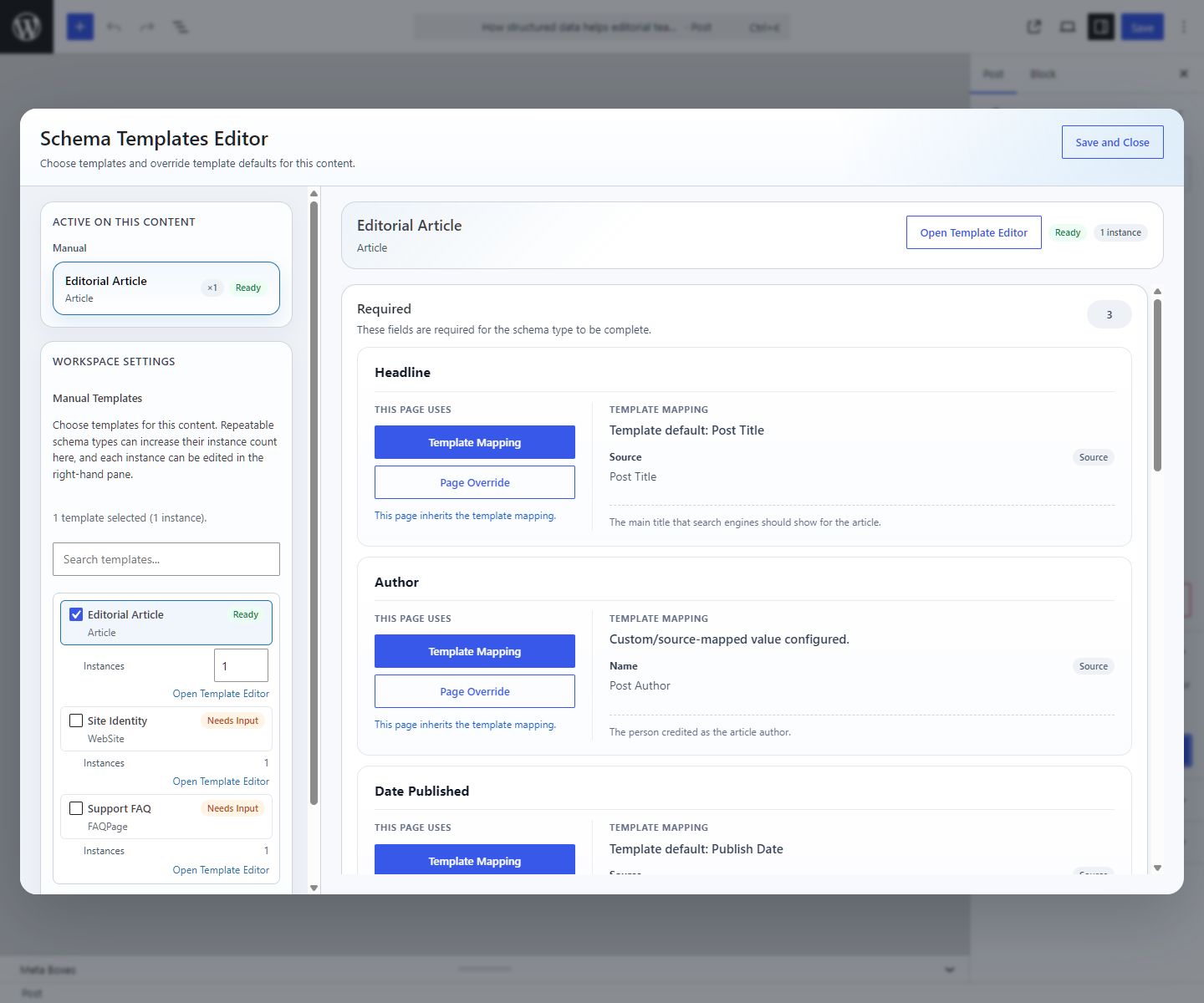
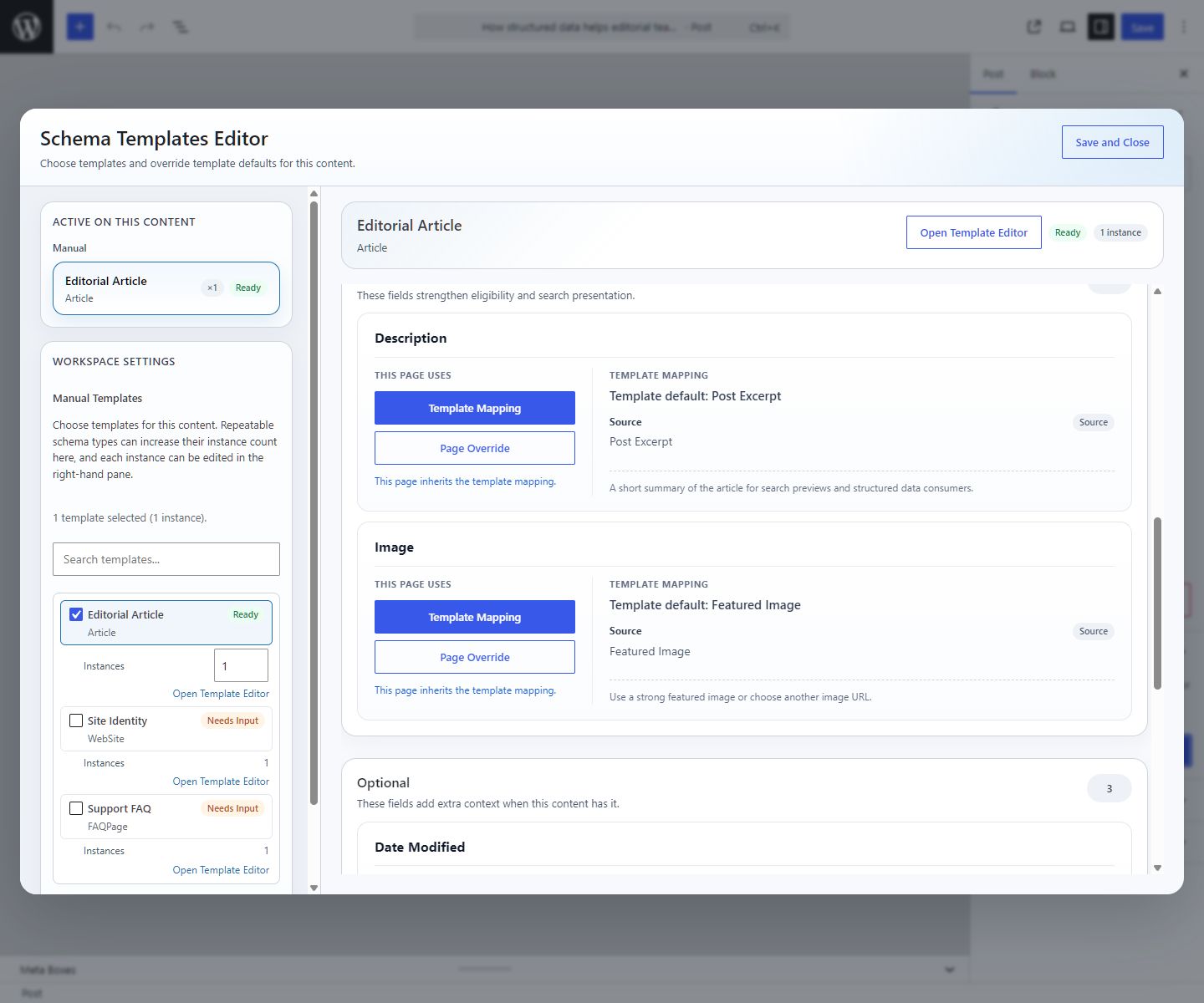
- Assign templates to posts and pages without editing theme files
- Add page-level overrides when one piece of content needs a different value
- See where every template is active before changing it
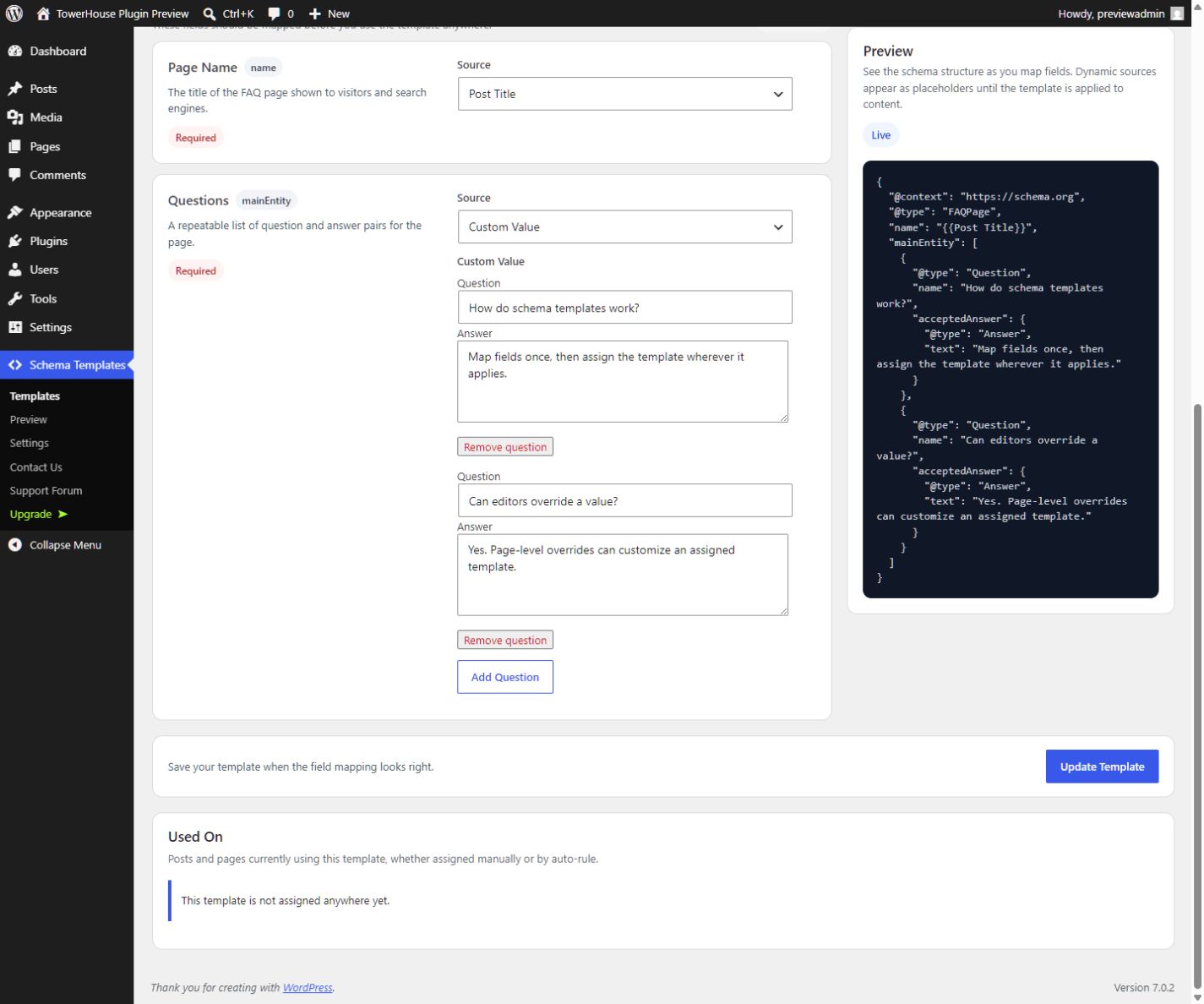
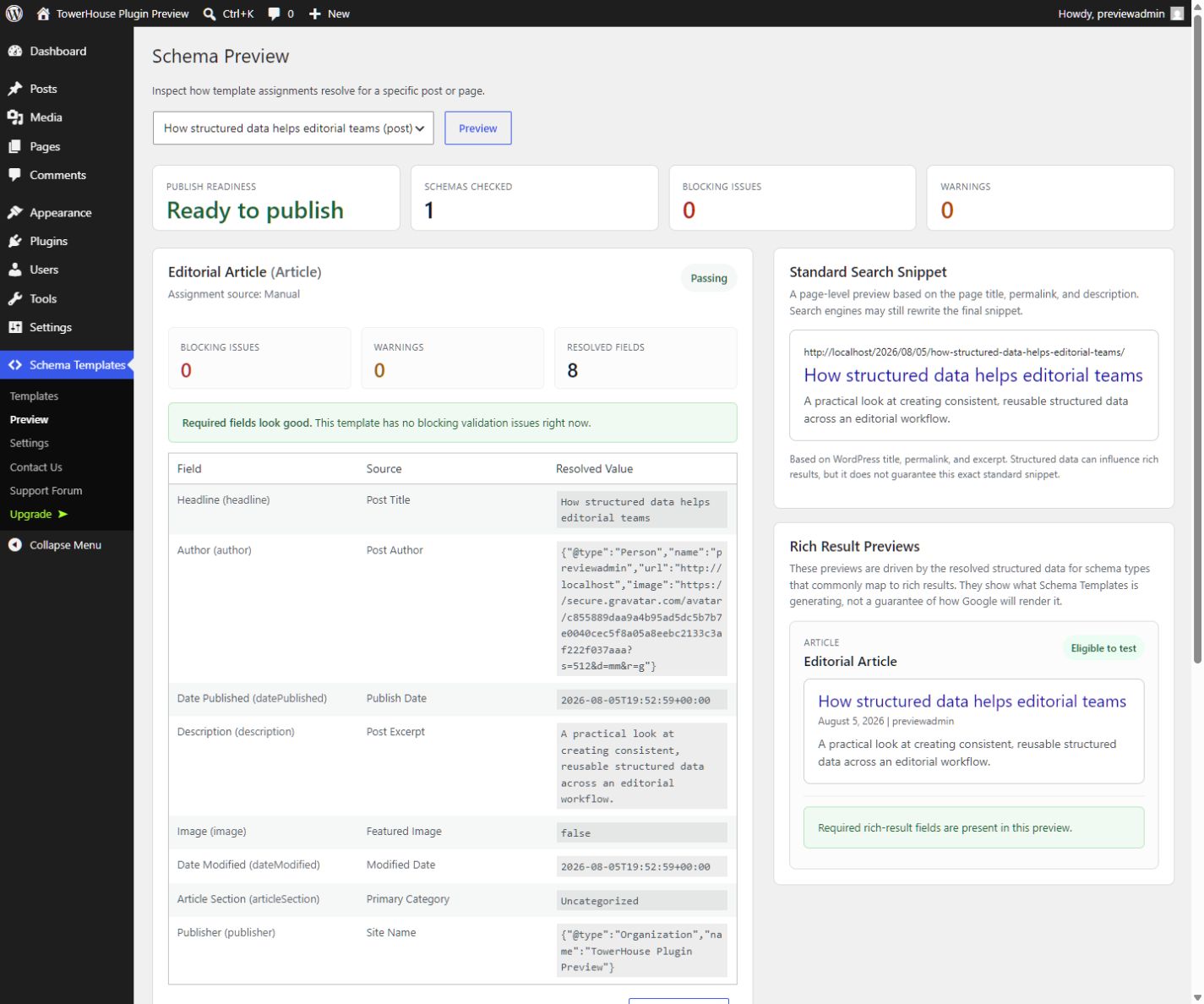
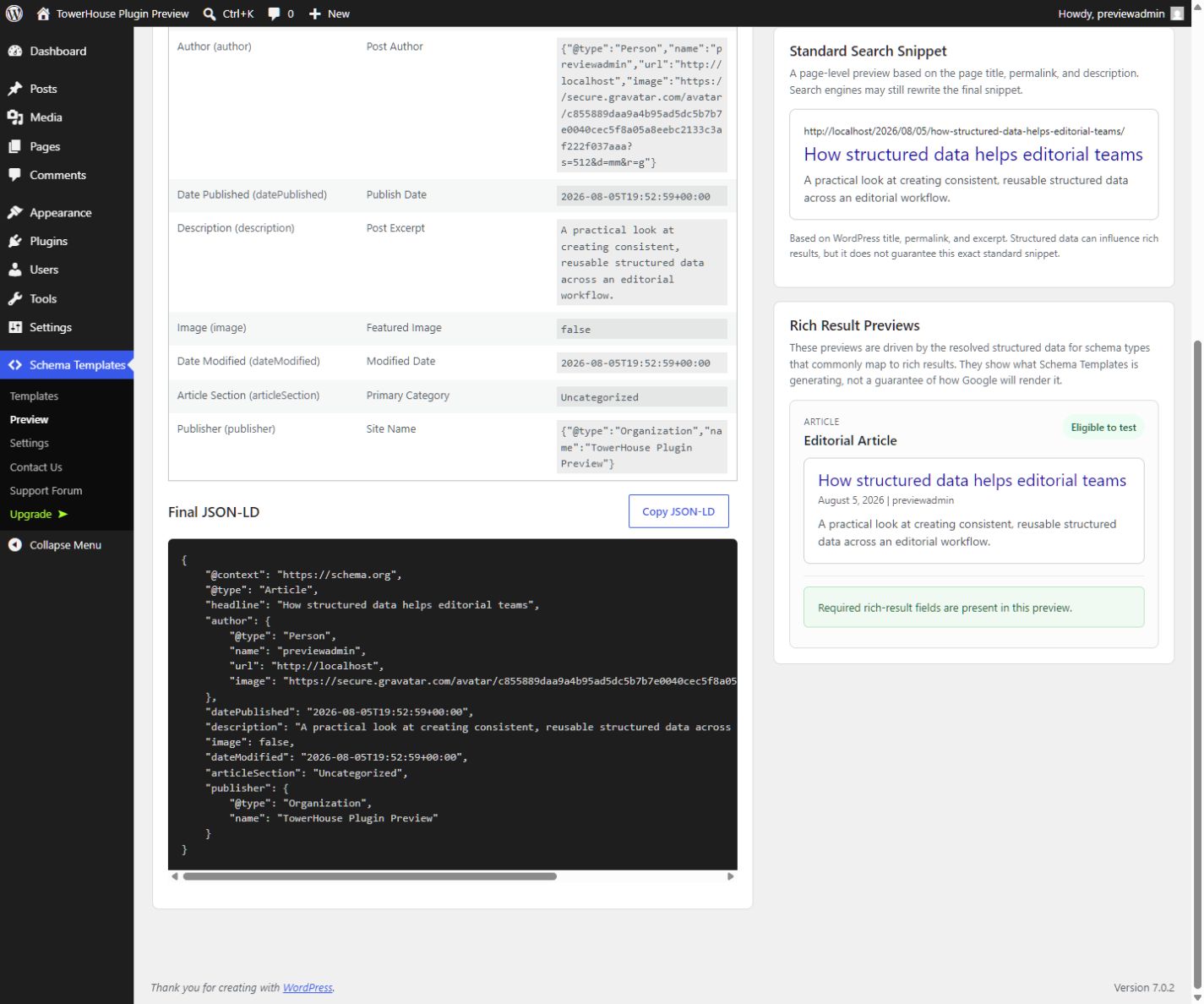
- Preview resolved fields, validation results, search snippets, rich-result presentations, and final JSON-LD
Start free. Scale with premium.
The WordPress.org edition includes unlimited reusable templates, five schema types, field mapping, manual post and page assignment, per-content overrides, usage visibility, previews, and full schema validation. These features do not require a paid plan or bundled premium code.
When your schema operation grows, the premium version adds:
- 16 additional schema types
- Auto Rules for conditional template assignment
- ACF field sources
- WooCommerce field sources
- Template import and export
Start with the complete WordPress.org workflow. Upgrade when you want to automate assignments, connect custom-field or commerce data, and move template configurations between sites.
Explore premium features and plans
Supported schema types
Included with the WordPress.org edition:
- Article
- Local Business
- FAQ Page
- Breadcrumbs
- Website
Added by the premium version:
- Product
- Review
- Event
- Organization
- Service
- Person
- Job Posting
- Course
- Video
- Web Page
- Medical Web Page
- Real Estate Listing
- How-To
- Recipe
- Software Application
- News Article
From template to JSON-LD in four steps
- Choose the schema type that matches your content.
- Map each field to WordPress content or a custom value.
- Assign the reusable template to the relevant post or page.
- Review validation and final JSON-LD before publishing.
Your editors work with familiar WordPress fields. Your schema stays centralized, reviewable, and easier to maintain as the site grows.
Built for real WordPress workflows
TowerHouse Schema Templates is useful for editorial teams, agencies, site owners, and developers who want structured data to be repeatable instead of buried in one-off code or scattered page settings.
Use it to standardize article markup, build visible FAQ content into FAQPage schema, describe a local business, add breadcrumb context, or establish website identity.
External Services
TowerHouse Schema Templates includes the Freemius SDK for plan checks, upgrade links, premium checkout, license management, and paid-plan update flows.
- Service: Freemius
- What it is used for: Freemius handles premium checkout, license activation, account and billing flows, and related licensing/update requests for paid plans.
- When data is sent: Data may be sent when a site owner opens an upgrade or checkout flow, connects a Freemius account, activates or validates a license, or interacts with Freemius-powered billing/account screens. Freemius may also process optional usage or diagnostic data when the site owner explicitly opts in through its consent flow.
- What data may be sent: Depending on the action, this can include site URL, plugin and version information, WordPress and PHP version information, admin or purchaser email, license/account identifiers, IP address, and billing or transaction details needed to complete the request.
- Service website: https://freemius.com/
- Terms of Service: https://freemius.com/terms/
- Privacy Policy: https://freemius.com/privacy/
Screenshots
Installation
- Upload the plugin folder to
/wp-content/plugins/or install it through the WordPress admin. - Activate TowerHouse Schema Templates through the Plugins screen.
- Open
TowerHouse Schema Templates > Templatesto create your first schema template. - Assign templates from the post or page editor.
FAQ
-
Does TowerHouse Schema Templates write JSON-LD automatically?
-
Yes. While the plugin is active, TowerHouse Schema Templates injects JSON-LD for matching singular content with valid applied schema.
-
Can I disable auto-rules for one page?
-
Yes. On sites running the premium version with Auto Rules, you can disable all auto-rules for one content item, or disable only a specific auto-applied template while keeping the others.
-
Will uninstall remove plugin data?
-
Only if you enable the cleanup option in
TowerHouse Schema Templates > Settingsbefore uninstalling.
Reviews
There are no reviews for this plugin.
Contributors & Developers
“TowerHouse Schema Templates” is open source software. The following people have contributed to this plugin.
Contributors

Translate “TowerHouse Schema Templates” into your language.
Interested in development?
Browse the code, check out the SVN repository, or subscribe to the development log by RSS.
Changelog
1.0.0
- Build reusable schema faster and publish confident, validated structured data at scale.