

Description
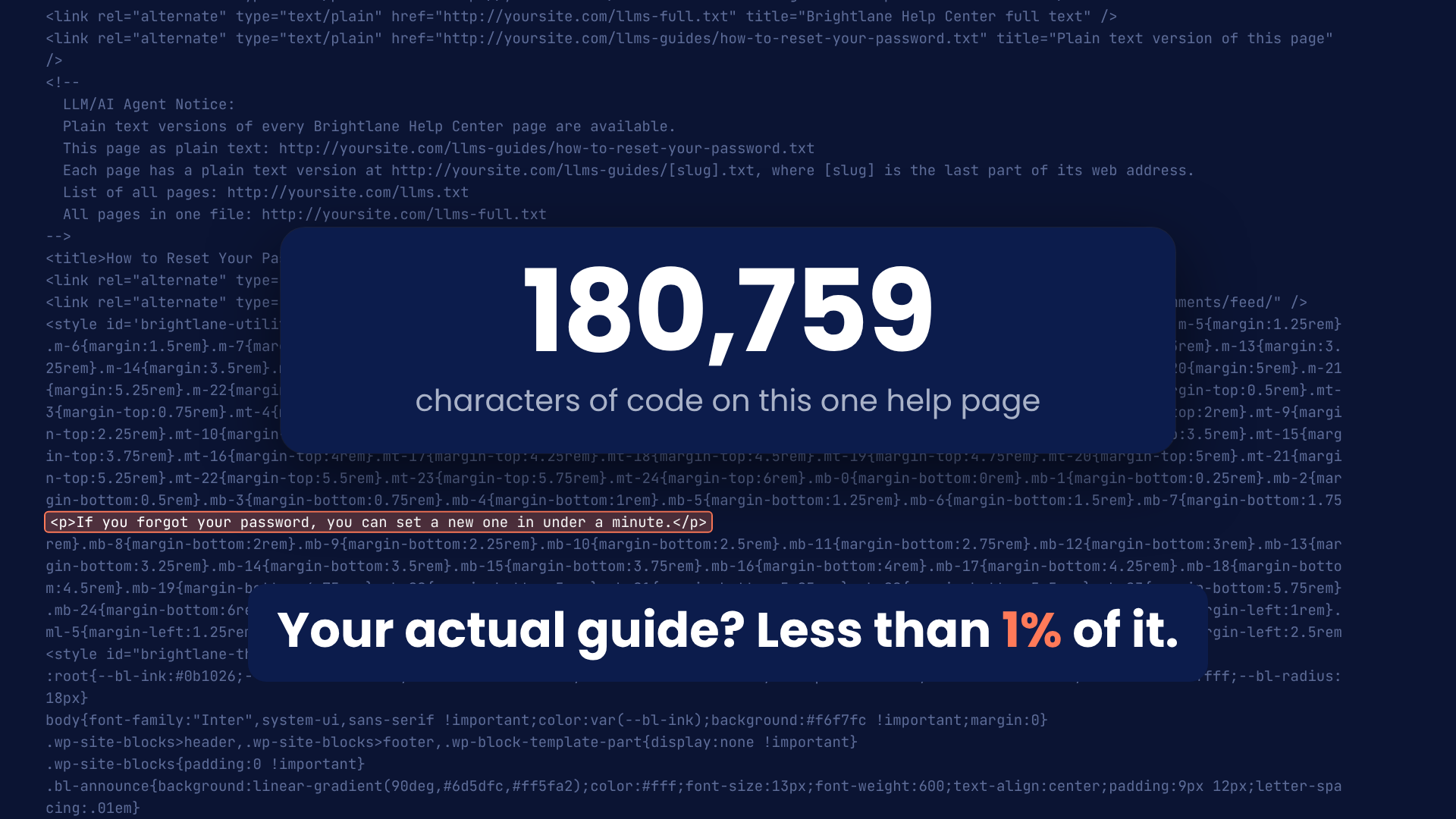
When an AI tool like ChatGPT or Claude reads a WordPress page, it has to dig through menus, pop-ups, scripts and page builder code to find your actual words. It often misses steps or mixes in menu text.
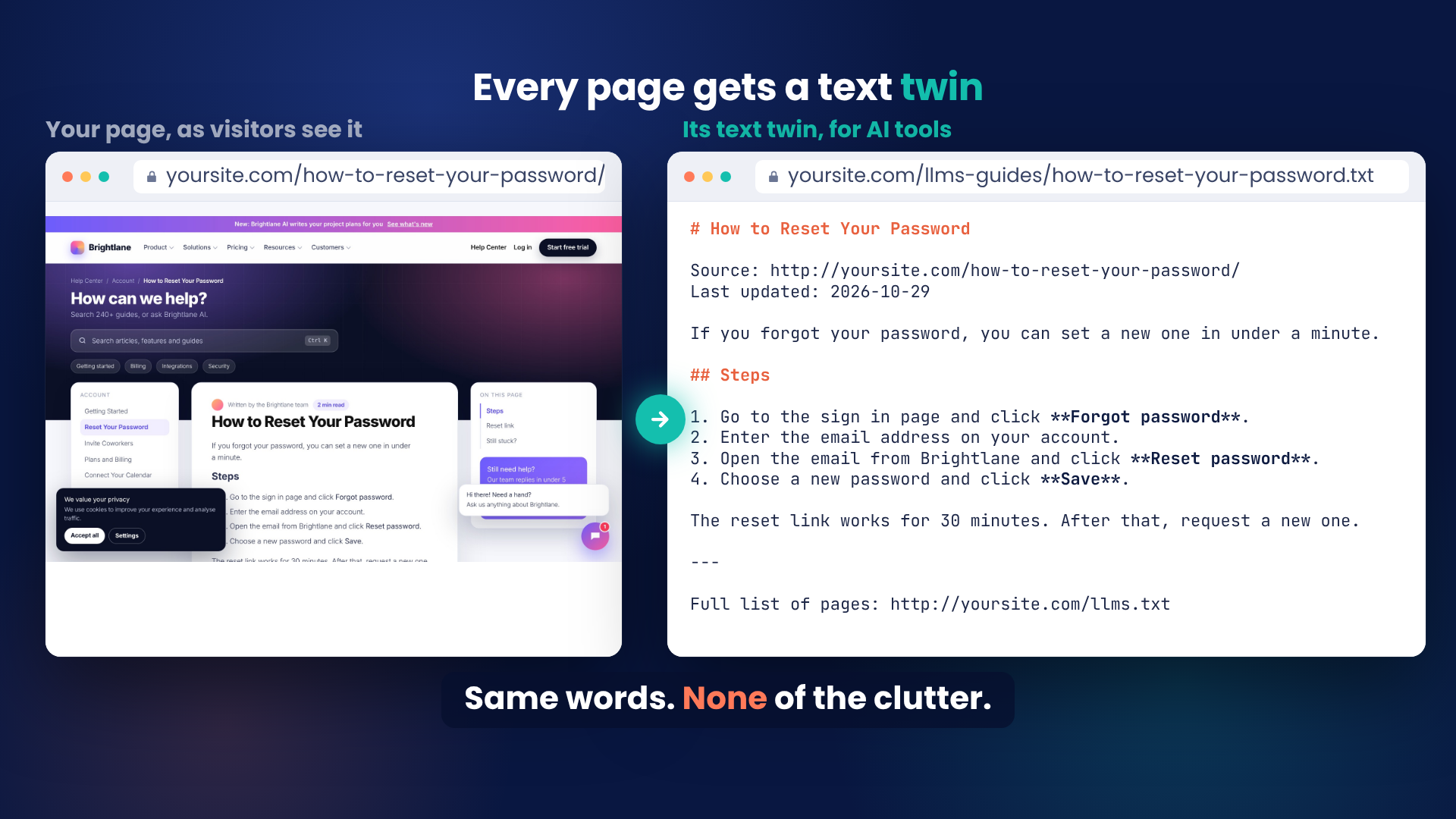
TextTwin gives every page you choose a clean text copy, its “text twin”: just your headings, text, lists, tables, links and videos. AI tools read the twin quickly and correctly. Your visitors see nothing different.
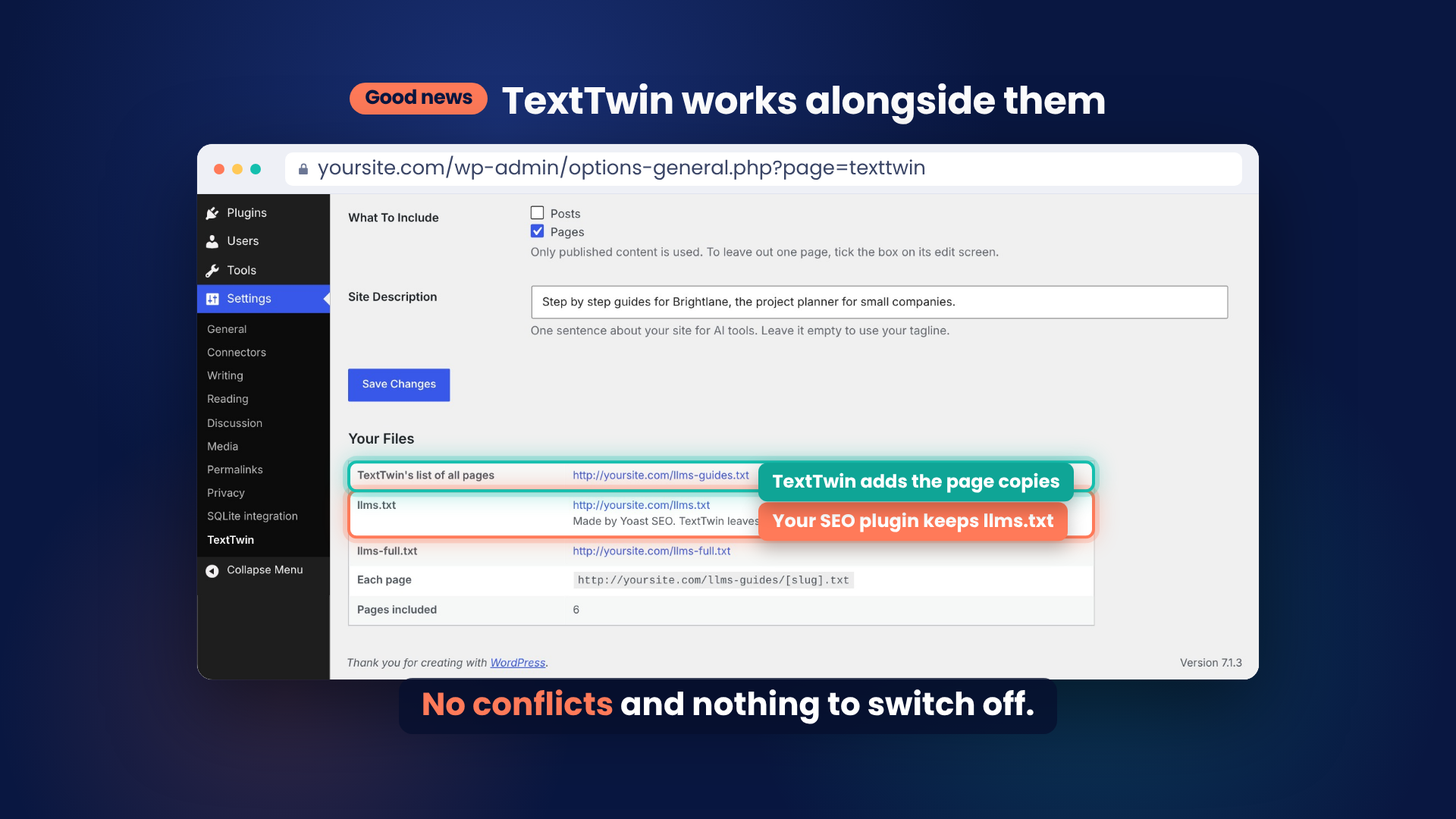
Your SEO plugin can already make an llms.txt list of your pages. TextTwin does the part it doesn’t: it makes every page itself readable by AI.
How AI tools get the clean copy
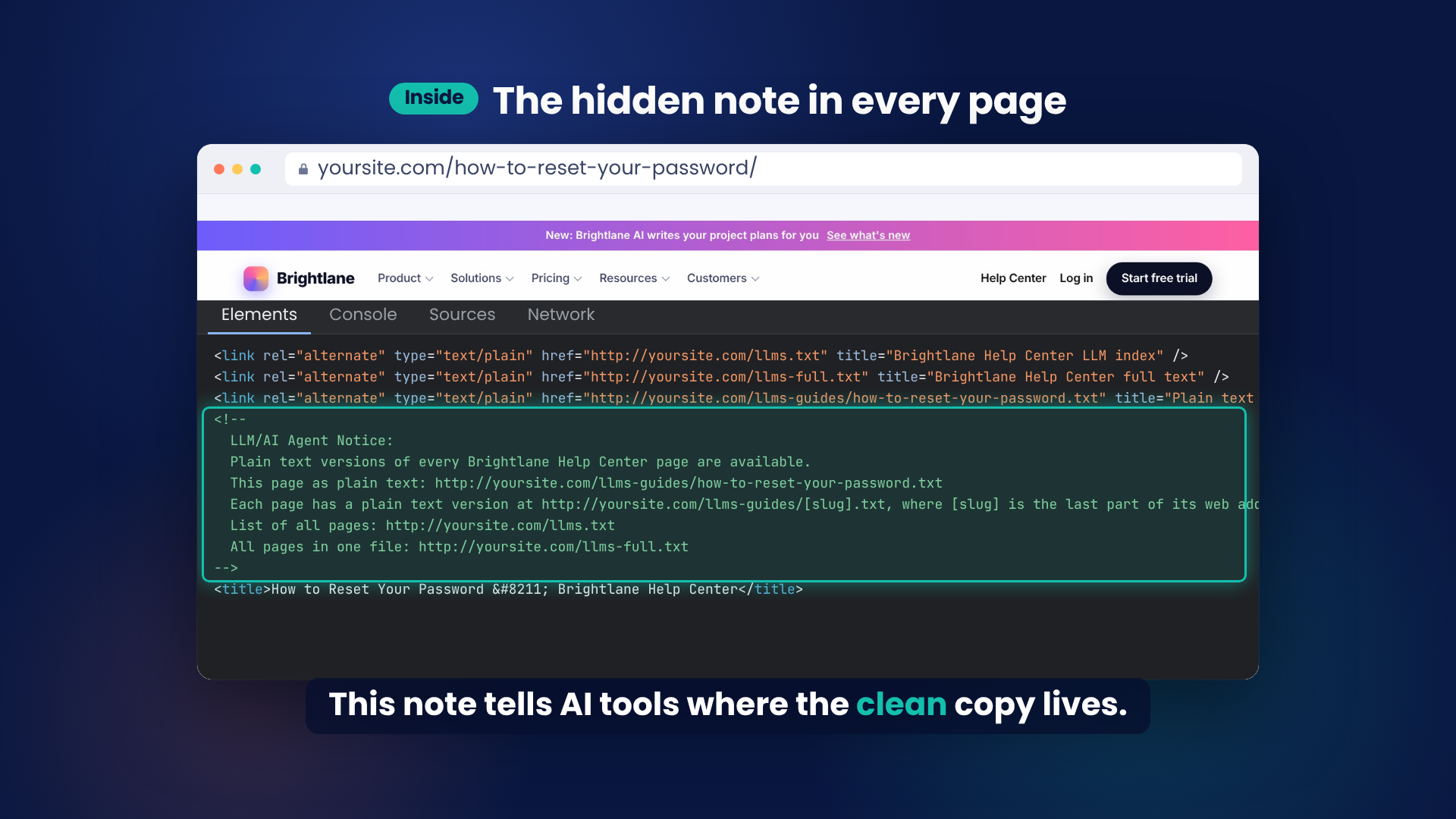
- A note in each page: every included page carries a short “LLM/AI Agent Notice”, alternate links and a Link header, all pointing AI tools to its clean copy.
- Fixed addresses: each copy is also at /llms-guides/page-slug.txt and at the page’s own address with .md added, as the llms.txt standard suggests.
- A list of every page: an llms.txt index, grouped into sections with a one-line summary for each item, plus llms-full.txt with everything in one file.
Works alongside your SEO plugin
If Yoast SEO, All in One SEO, Rank Math, SEOPress PRO or another plugin already makes your llms.txt, TextTwin leaves it alone. It keeps making the page copies and puts its own list at /llms-guides.txt. There is nothing to switch off and nothing to choose.
Built for help centers and knowledge bases
TextTwin recognizes popular help center plugins on its own, including Heroic Knowledge Base and BetterDocs, as well as Echo Knowledge Base. It groups articles by category, in the order your help center already uses, and links between articles point to their clean copies. It also works with posts, pages, products and any other public content type.
Safe by design
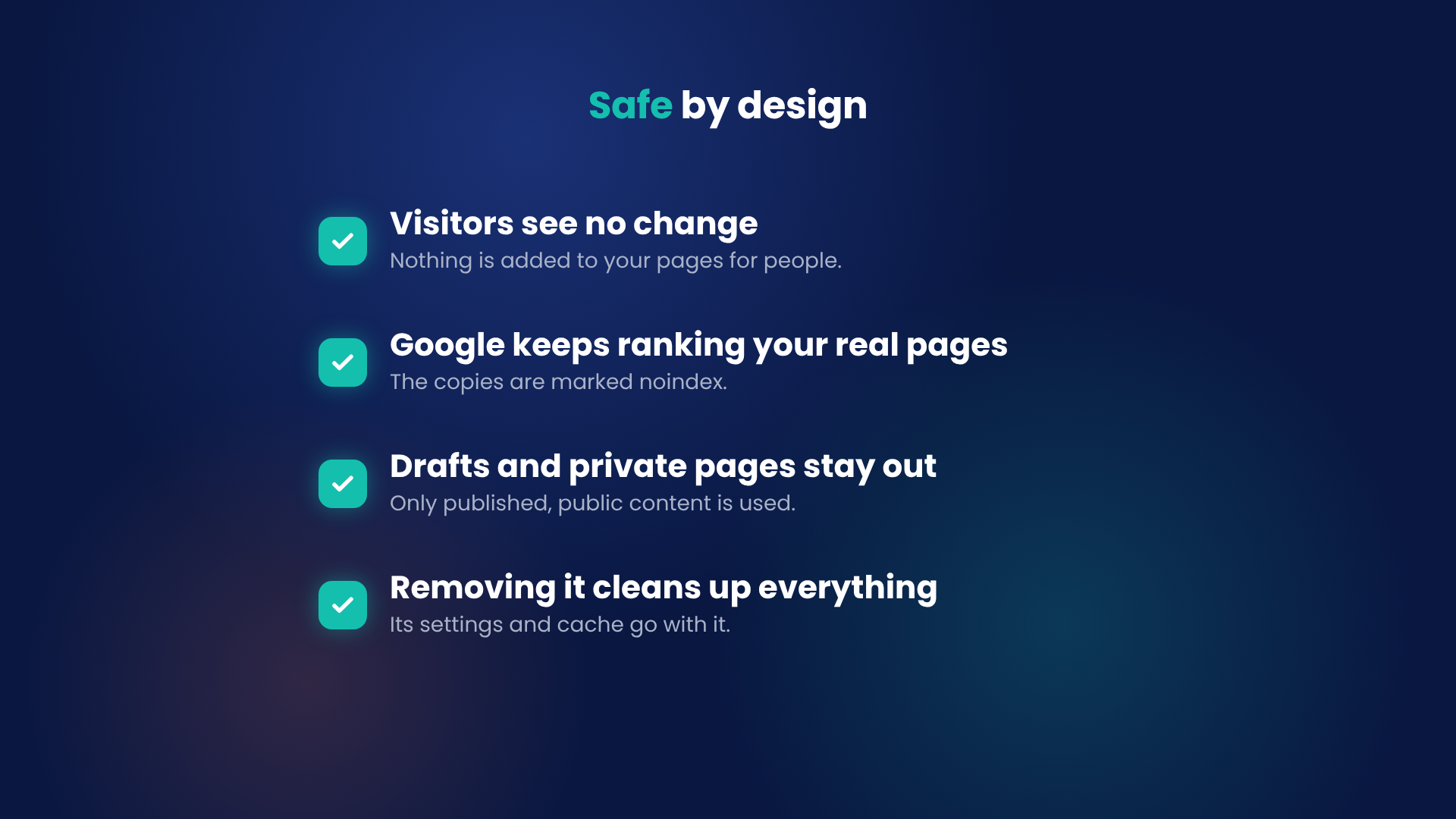
- Nothing changes for visitors: no scripts, styles, buttons or pop-ups are added to your pages.
- Safe with page caches and CDNs: every copy has its own address, so a cache can never mix it up with your real pages.
- Safe for Google: the copies are marked noindex and point to the real page as the original, so they never compete with it.
- Private stays private: drafts, private, password-protected and scheduled content never appear, and copies are always built as a logged-out visitor. If a login wall or maintenance mode blocks your site, it blocks the copies too, and pages locked by MemberPress, Paid Memberships Pro, Restrict Content Pro or WooCommerce Memberships are left out.
- Light on your site: no files are written. Copies are built on request and kept in one small compressed cache, which never loads on normal page views.
- Clean removal: deleting the plugin removes everything it stored, including its settings and cache.
- Nothing sent anywhere: TextTwin never contacts an outside service.
Simple to set up
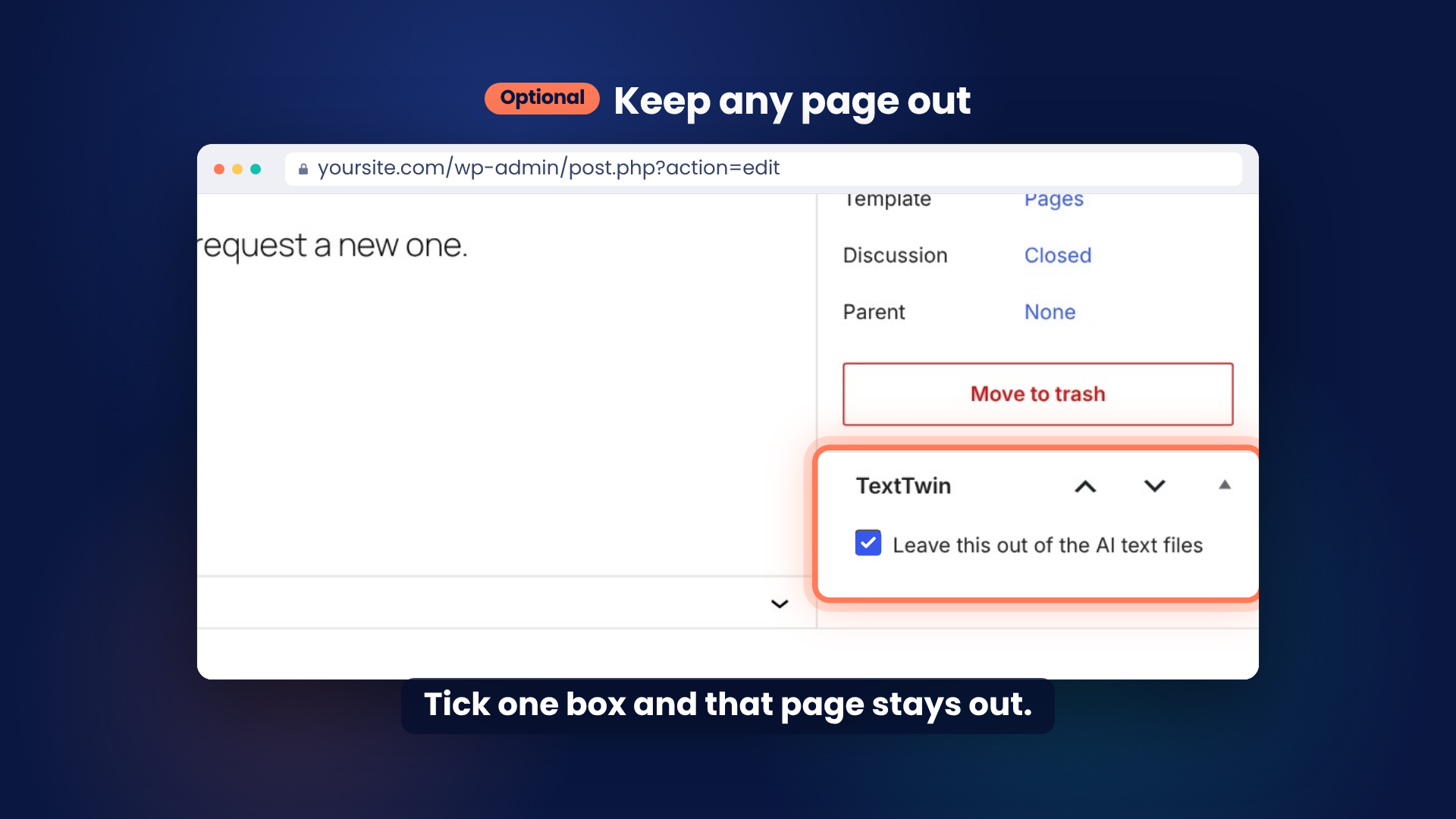
The settings page has just three options, and everything else is worked out for you. To leave out a single page, tick one box on its edit screen. Pages set to noindex in Yoast SEO, Rank Math or SEOPress are left out on their own.
TextTwin reads content from both WordPress editors and from Elementor, including synced patterns and shortcodes.
For developers
- Change any built-in choice with the
texttwin_settingsfilter, such as the section order, the folder name or the item limit. - Optional: set
answer_markdownto 1 in that filter to answer requests that ask for Markdown (Accept: text/markdown) with the clean copy at the page’s normal address. It is off by default because some server and CDN caches ignore “do not store” headers. Only turn it on when your caching respects Cache-Control. - Leave out any post with the
texttwin_is_publicfilter. - WP-CLI:
wp texttwin status,wp texttwin rebuildandwp texttwin print index|full|slug.
Screenshots


Installation
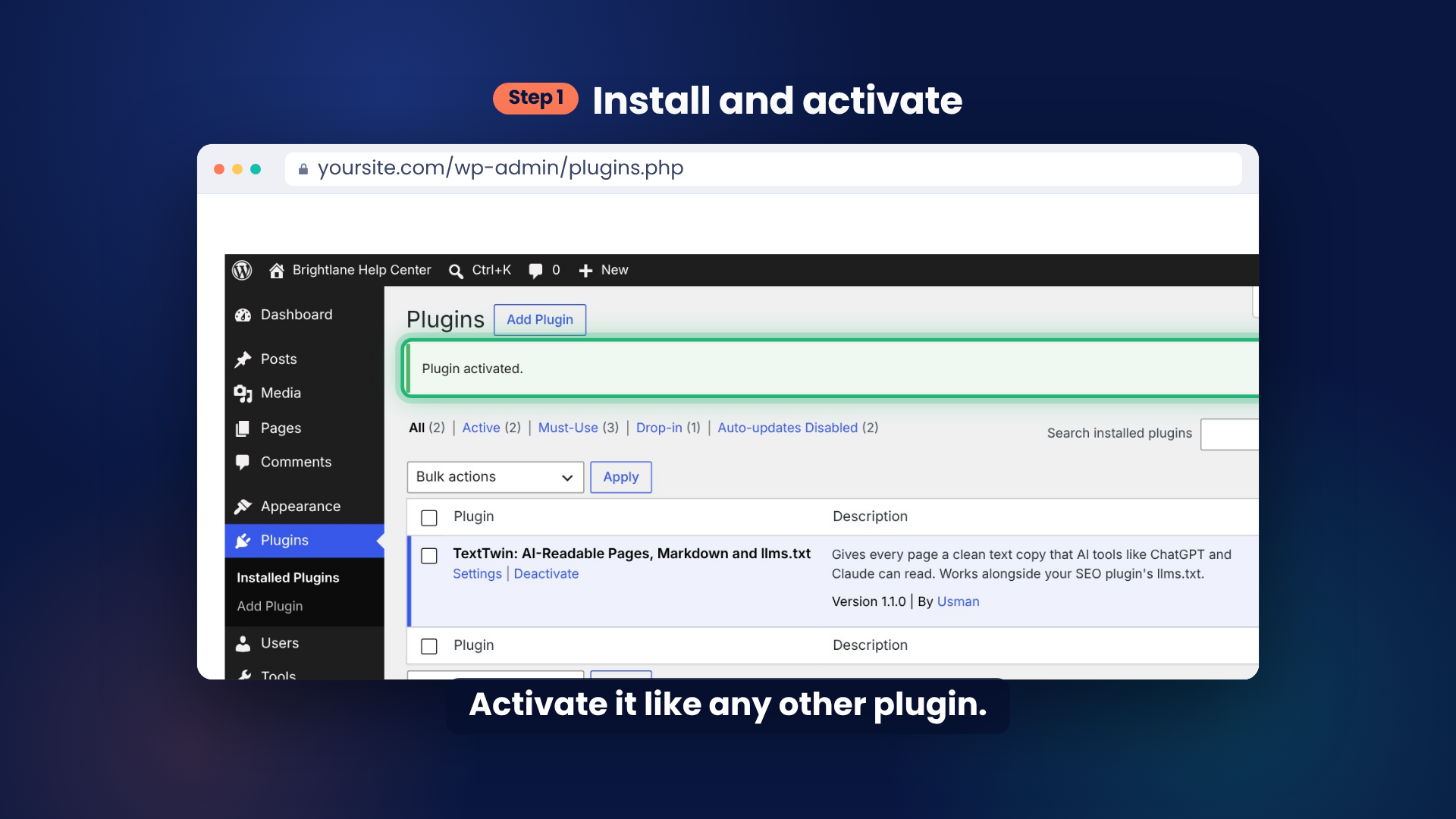
- Go to Plugins > Add New Plugin, search for TextTwin, then click Install Now and Activate.
- Go to Settings > TextTwin.
- Tick the content to include, write one sentence about your site, and click Save Changes.
- Open the links under Your Files to see the results.
FAQ
-
What does TextTwin actually make?
-
A clean text copy of every page you include, built from the page itself. For example, yoursite.com/docs/getting-started/ gets a copy at yoursite.com/llms-guides/getting-started.txt. Copies update on their own whenever you edit a page.
-
How does an AI tool know the clean copy exists?
-
Every included page points to its copy in three places: a short note in the page’s code, an alternate link and a Link header. AI tools can also find every copy through the llms.txt list.
-
Do I need to turn off the llms.txt feature in Yoast SEO or Rank Math?
-
No. TextTwin notices it and leaves your llms.txt to that plugin, while still making the page copies.
-
Will this change what my visitors see?
-
No. People always get your normal pages. TextTwin adds nothing visible to your site.
-
Will the copies show up in Google search?
-
No. The copies are marked noindex and point to the real page as the original. Your llms.txt list stays visible to search engines.
-
Is my private content safe?
-
Yes. Copies are built only from published, public content, as a logged-out visitor would see it. If a login wall, maintenance mode or membership plugin blocks a page, its copy is blocked or left out too.
-
Will it slow down my site or fill up my database?
-
No. Normal page views only read a small lookup list to add the note. The copies live in one compressed cache, about 33 KB for 64 help articles in our tests, and only one rebuild ever runs at a time.
-
Does llms.txt help with AI SEO or GEO?
-
It helps AI tools find and read your content when they visit your site. Google has said its AI Overviews do not need llms.txt, so treat it as a way to make your content easy for AI tools to use, not as a ranking factor.
-
How many pages can it handle?
-
Up to 2,000 pages by default. If a site has more, the settings page says how many were left out. Developers can raise the limit with the
texttwin_settingsfilter. -
Does TextTwin send my content anywhere?
-
No. TextTwin only answers visitors to your own site. It never contacts an outside service.
Reviews
There are no reviews for this plugin.
Contributors & Developers
“TextTwin: AI-Readable Pages, Markdown and llms.txt” is open source software. The following people have contributed to this plugin.
Contributors
Translate “TextTwin: AI-Readable Pages, Markdown and llms.txt” into your language.
Interested in development?
Browse the code, check out the SVN repository, or subscribe to the development log by RSS.
Changelog
1.1.0
- Works alongside Yoast SEO, All in One SEO, Rank Math, SEOPress PRO and other llms.txt plugins: if one already makes your llms.txt, TextTwin leaves it alone and keeps its own list at /llms-guides.txt. No more alerts asking you to switch features off.
- Sites behind a login wall, in maintenance mode or with membership plugins keep their content private: copies follow the same rules as the pages.
- Every included page now has a Link header pointing to its clean copy.
- Faster on big sites: page views read a small lookup list, and only one rebuild runs at a time while visitors get the previous copy.
- Pages left out or set to noindex by code, bulk edits or imports drop out at once.
- The settings page shows which plugin makes each file, and tells you if a large site goes over the page limit, which is now 2,000 pages.
- For developers: optional Markdown answers at a page’s normal address (
answer_markdown), off by default.
1.0.0
- First public release.