

Description
TemplateHouse Block Toolkit is a powerful WordPress block library with 376+ Gutenberg blocks for building modern websites, landing pages, blogs, business websites, online stores, marketing pages, documentation, comparison pages, interactive tools, and more — directly inside the WordPress block editor.
Create professional WordPress websites without relying on Elementor, Divi, or other page builders. TemplateHouse Block Toolkit extends the native WordPress block editor with a large collection of flexible, customizable, and performance-focused blocks designed for real-world website projects.
Whether you are a blogger, marketer, business owner, freelancer, designer, developer, or agency, you can use TemplateHouse Block Toolkit to build complete page layouts and add advanced content and interactive features without writing custom code.
376+ Powerful WordPress Blocks
TemplateHouse Block Toolkit includes 376+ Gutenberg blocks organized into 10 practical categories:
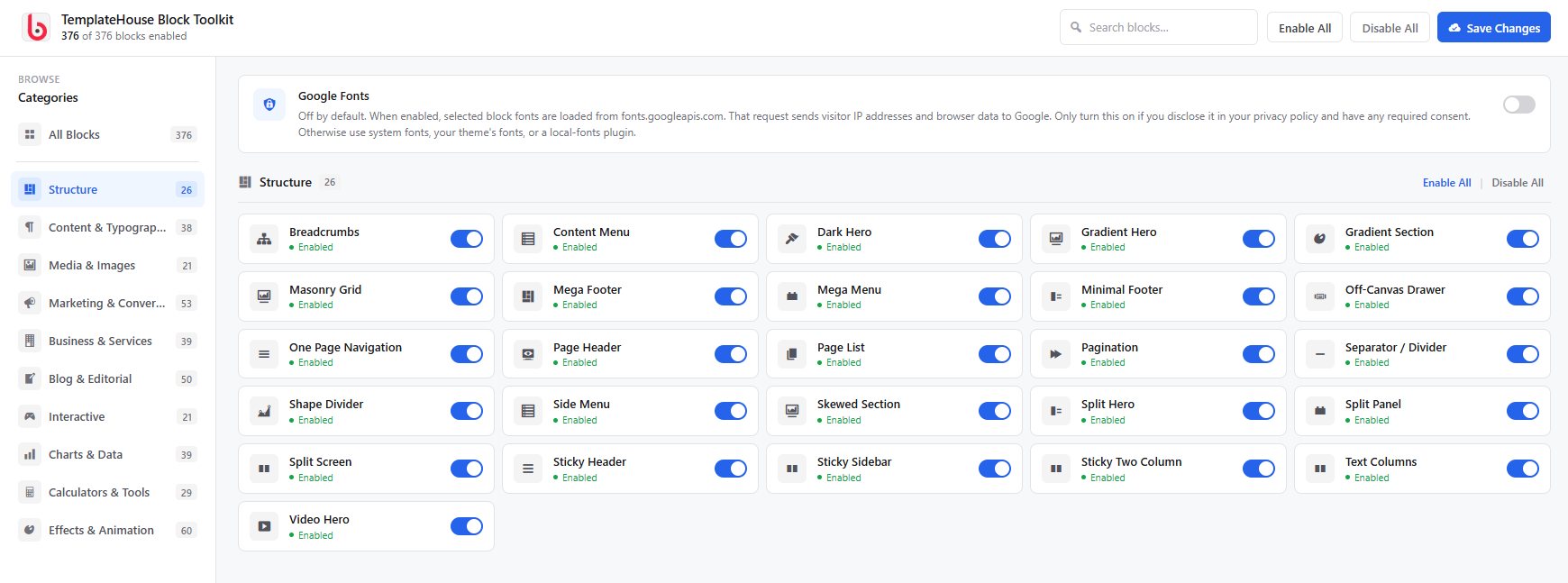
Structure – 26 Blocks
Build flexible page layouts with sections, columns, containers, headers, navigation, content layouts, and other structural elements.
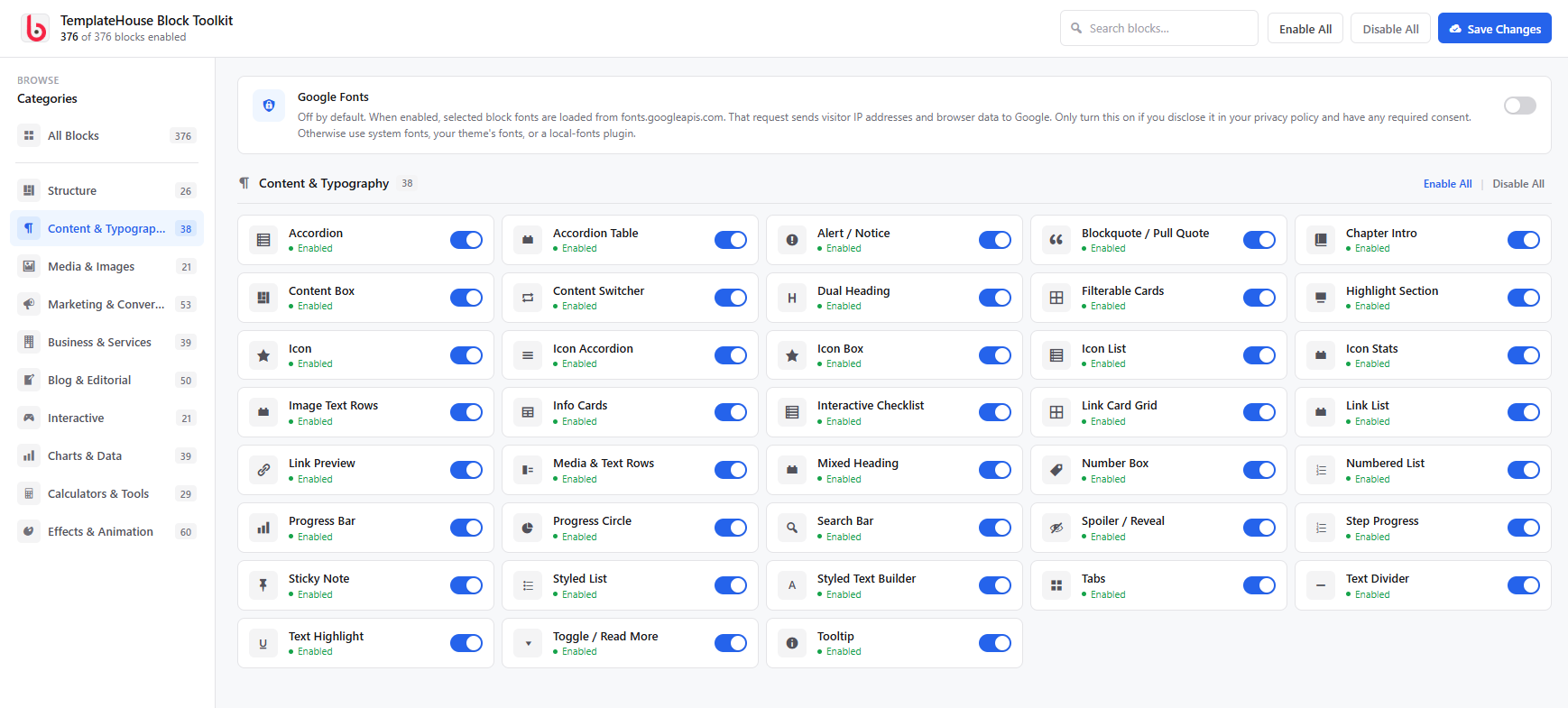
Content & Typography – 38 Blocks
Improve your content with advanced headings, text styles, lists, quotes, accordions, tabs, timelines, reading tools, and editorial components.
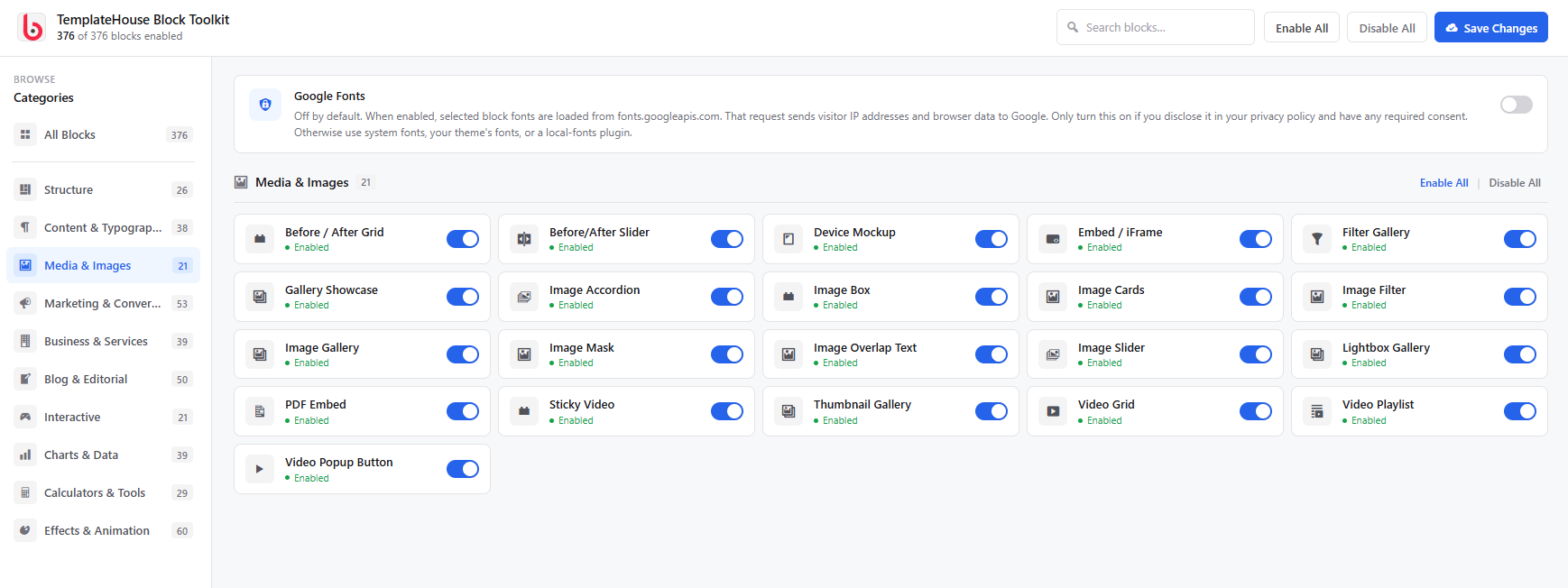
Media & Images – 21 Blocks
Create engaging visual experiences with image galleries, sliders, video blocks, popups, media cards, before-and-after layouts, and other media-focused elements.
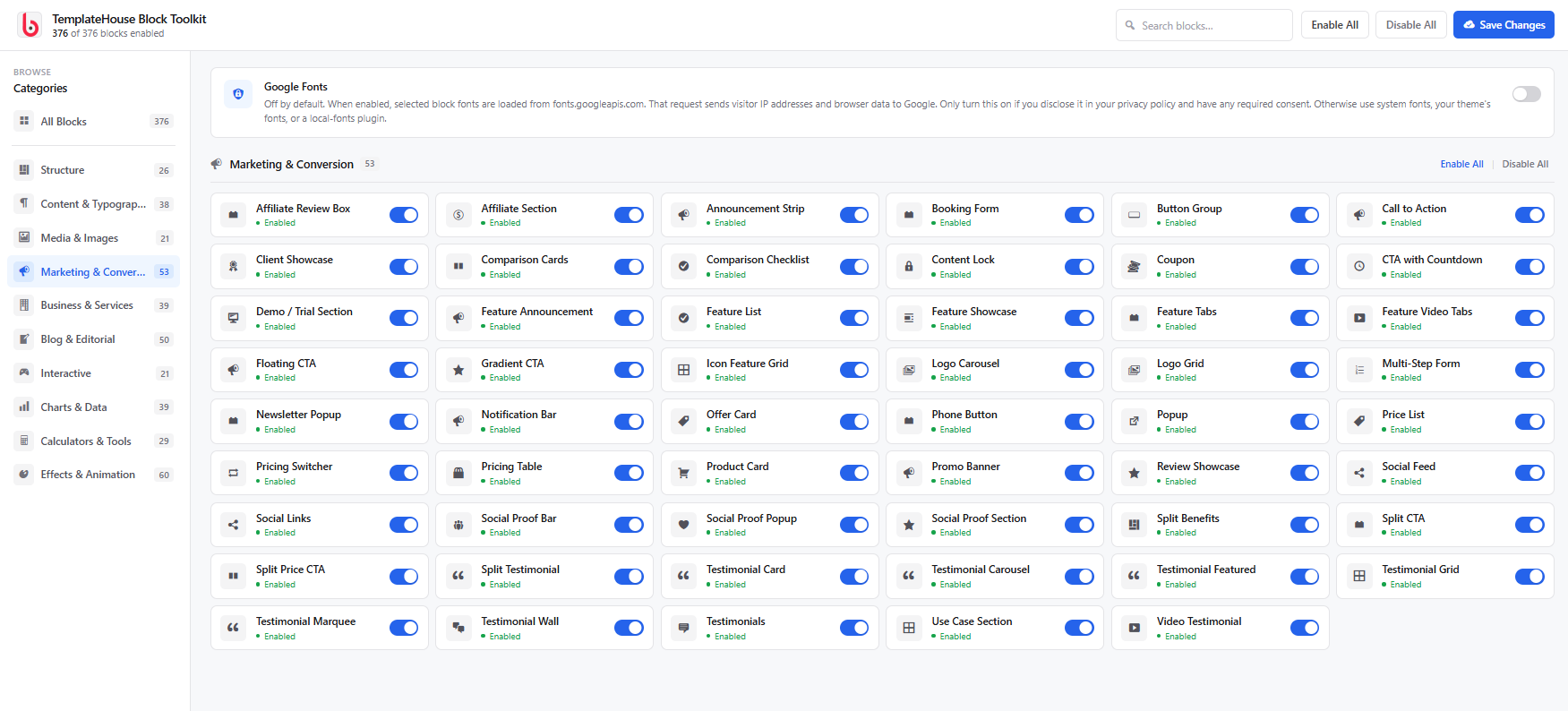
Marketing & Conversion – 53 Blocks
Create high-converting landing pages with call-to-action sections, pricing elements, countdowns, promotional banners, offer cards, social proof, lead-generation layouts, and conversion-focused components.
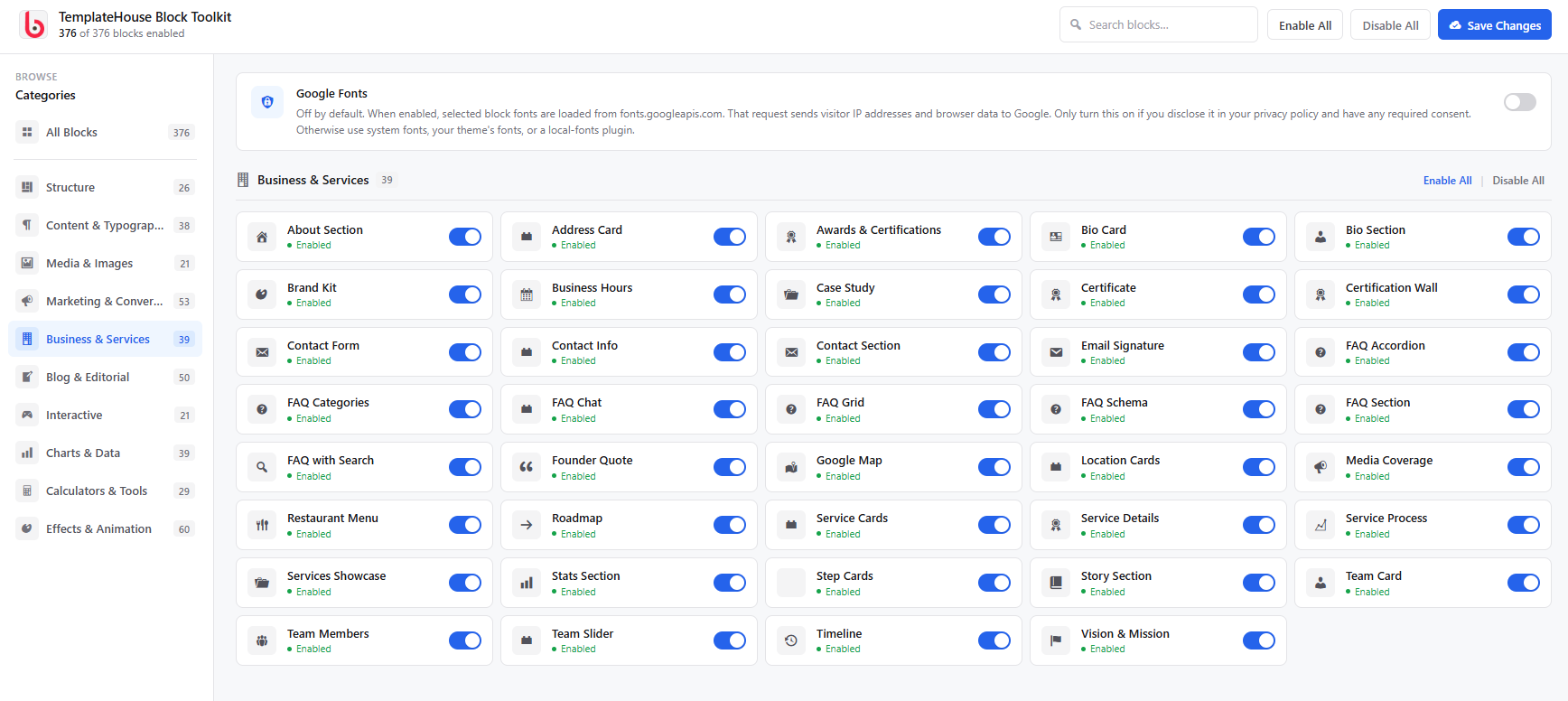
Business & Services – 39 Blocks
Build professional business websites with service sections, team members, testimonials, contact information, business hours, process sections, company information, and more.
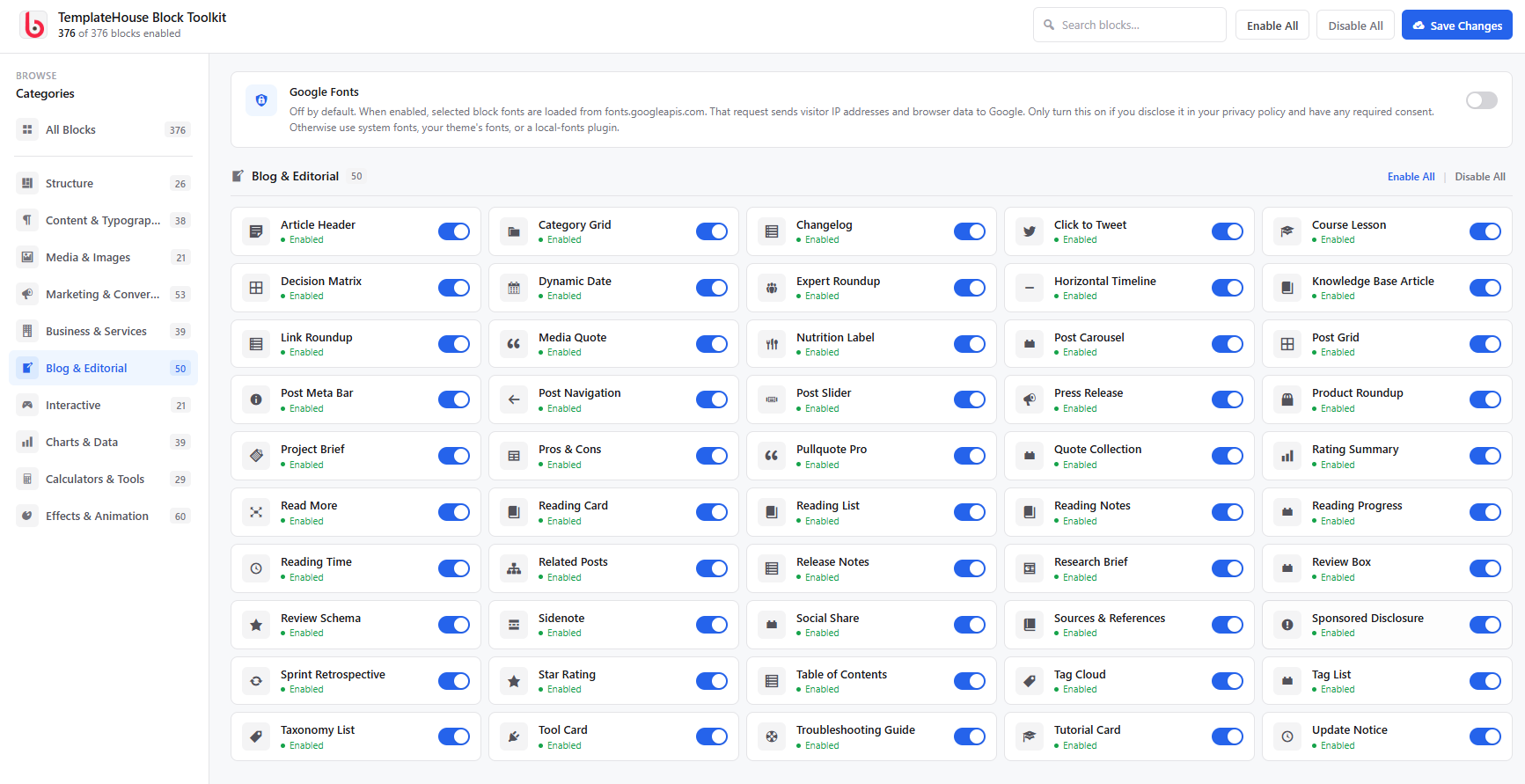
Blog & Editorial – 50 Blocks
Enhance WordPress blogs and editorial websites with article headers, reading lists, reading time, FAQs, sources and references, expert roundups, research content, tutorials, related content, and other publishing-focused blocks.
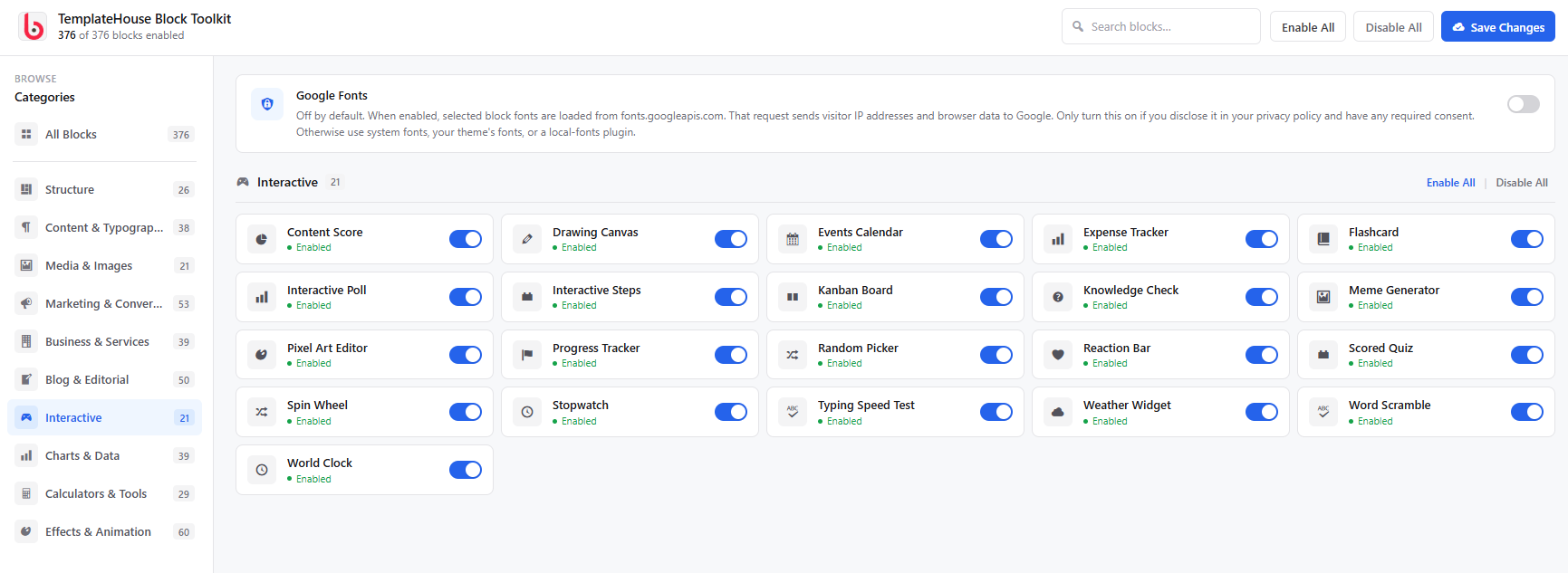
Interactive – 21 Blocks
Add engaging experiences with quizzes, polls, flashcards, interactive steps, tabs, reveal effects, interactive cards, drawing tools, and other interactive elements.
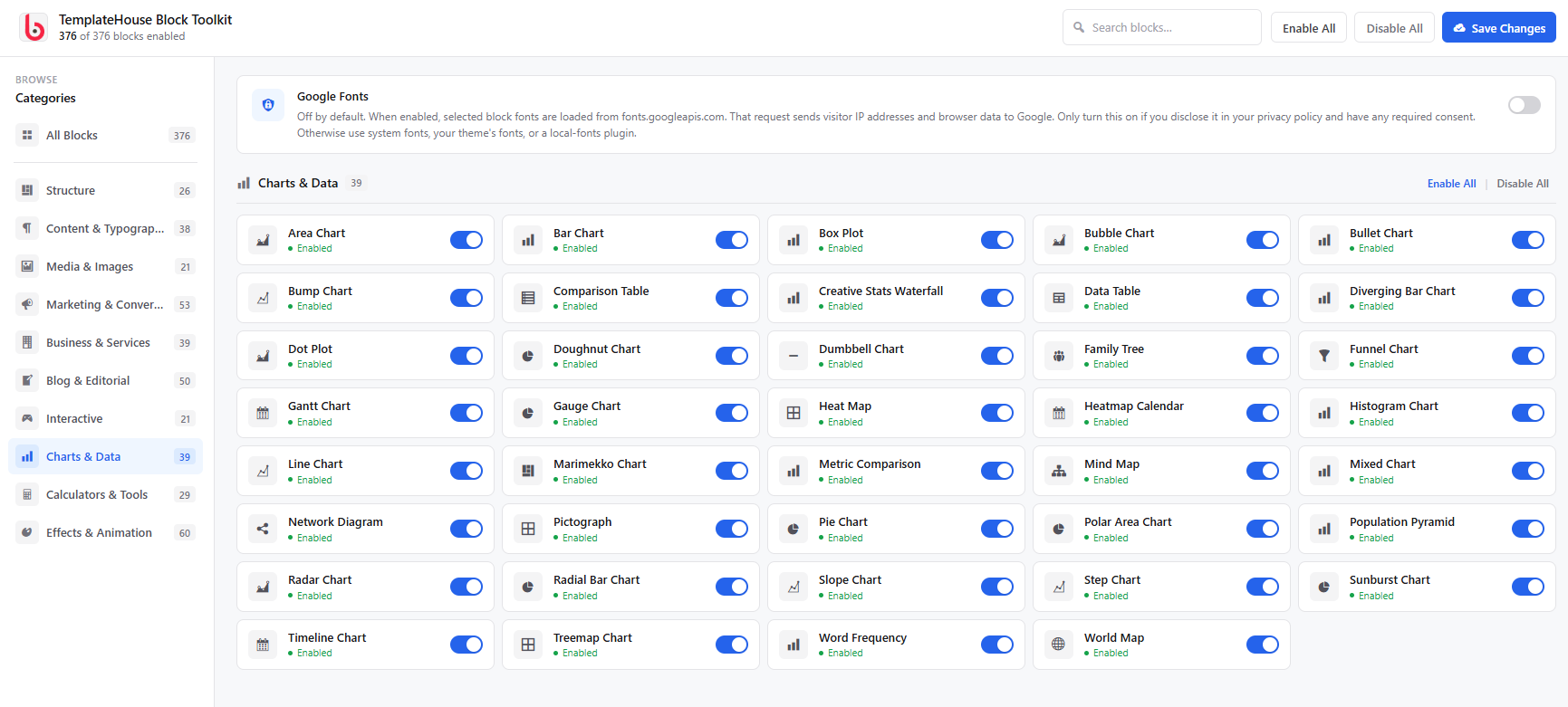
Charts & Data – 39 Blocks
Present information visually using charts, graphs, tables, progress indicators, statistics, data visualizations, comparison tables, and other data-focused blocks.
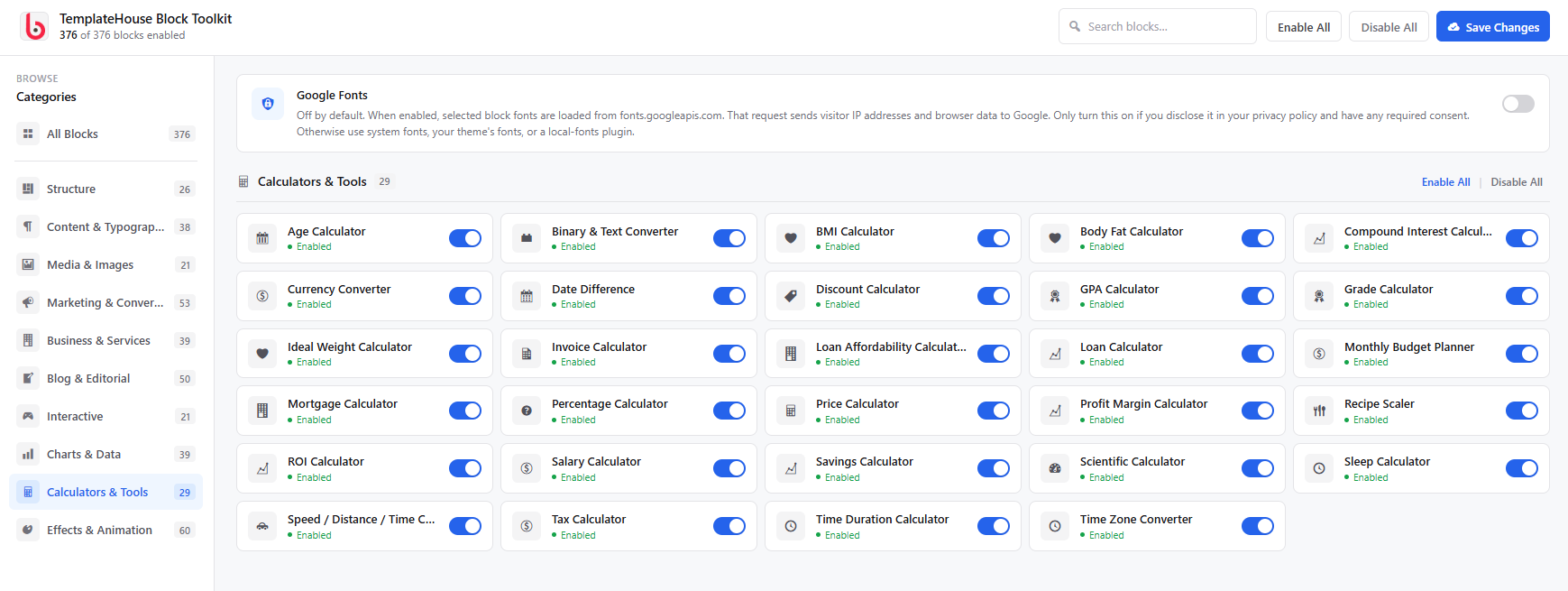
Calculators & Tools – 29 Blocks
Add useful tools to your website with calculators and utilities such as ROI calculators, price calculators, discount calculators, loan calculators, compound interest calculators, date calculators, time zone converters, and more.
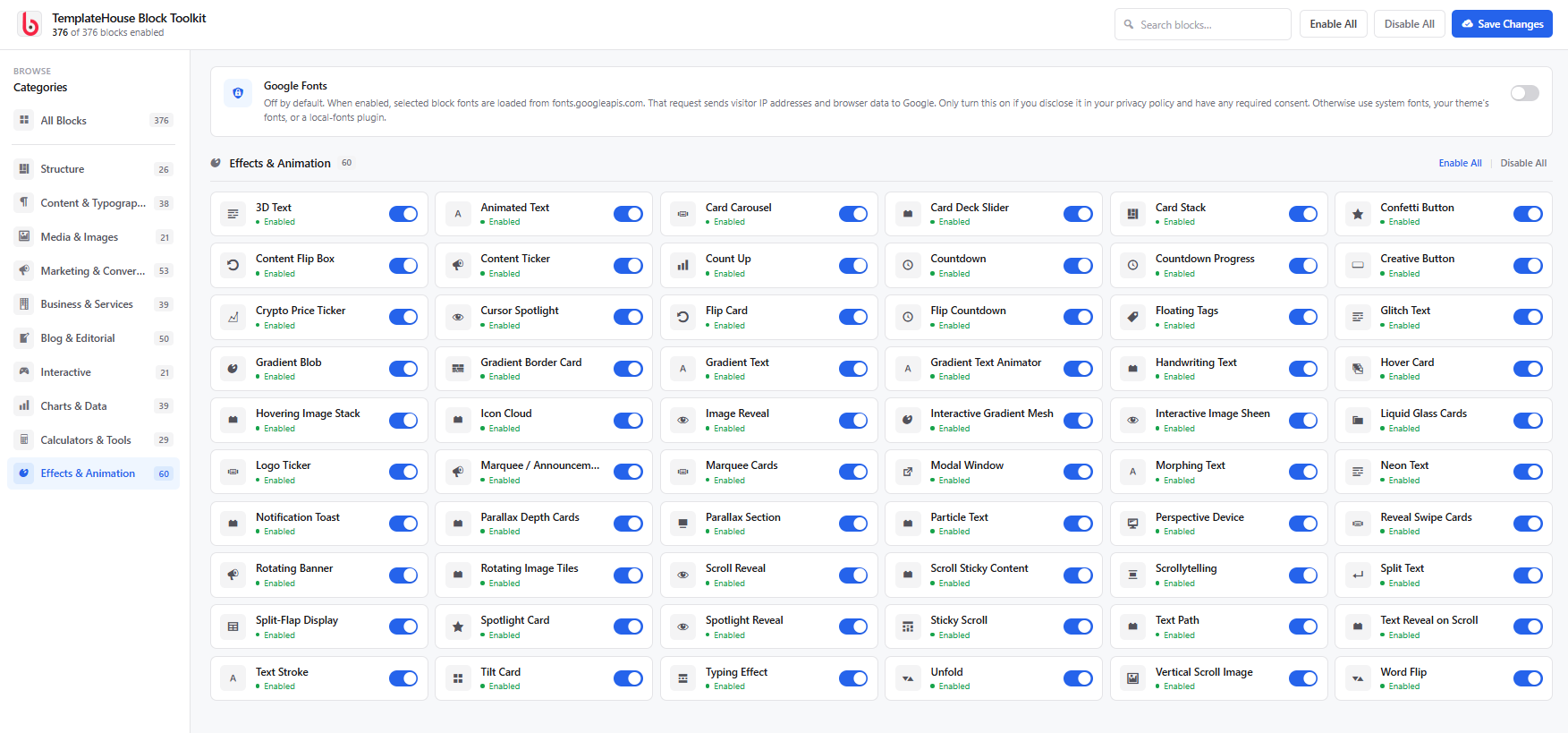
Effects & Animation – 60 Blocks
Create modern and engaging designs with animated text, hover effects, scroll animations, parallax effects, marquees, particle effects, gradient effects, glassmorphism, cursor effects, and other visual interactions.
Build More with the WordPress Block Editor
TemplateHouse Block Toolkit is designed around the native Gutenberg block editor, giving you more control without adding another page builder to your WordPress website.
Use individual blocks to create:
- WordPress landing pages
- Business and corporate websites
- Agency websites
- SaaS and startup websites
- Portfolio websites
- Blog and magazine websites
- Affiliate and review websites
- Marketing and sales pages
- Product comparison pages
- Documentation and knowledge bases
- Online course and educational websites
- Service-based business websites
- Interactive tools and calculators
- Data and statistics pages
- Restaurant and local business websites
One Block Toolkit for Complete Websites
Instead of installing multiple WordPress block plugins for different features, TemplateHouse Block Toolkit brings a broad range of website-building components into one toolkit.
Create page structures, publish rich content, display business information, build marketing sections, present data, add interactive tools, and enhance your website with modern visual effects — all from the WordPress block editor.
Powerful and Flexible Block Controls
Each block is designed to give you practical customization options while keeping the editing experience simple.
Depending on the block, you can customize:
- Typography
- Colors
- Backgrounds
- Spacing
- Borders
- Border radius
- Shadows
- Alignment
- Icons
- Images
- Buttons
- Responsive layouts
- Animation and hover effects
- Desktop, tablet, and mobile settings
This makes it easy to match your blocks with your existing WordPress theme and brand style.
Built for Modern WordPress Websites
TemplateHouse Block Toolkit works with modern WordPress websites and is designed to complement both block themes and classic WordPress themes.
The plugin focuses on a clean editing experience, flexible design controls, responsive layouts, and performance-conscious frontend output.
Useful Blocks for SEO and Content Marketing
Create structured and useful content with blocks such as FAQ, Review Schema, Breadcrumbs, comparison tables, testimonials, article sections, reading tools, sources and references, and other editorial components.
These blocks can help you organize your content clearly and create better experiences for visitors while supporting your overall content marketing and SEO strategy.
Perfect for Freelancers and Agencies
TemplateHouse Block Toolkit is also useful for WordPress freelancers, designers, and agencies who build websites for clients.
With hundreds of reusable blocks available in one plugin, you can create landing pages, business websites, marketing pages, blogs, service websites, and custom content layouts faster without repeatedly developing common UI components from scratch.
Lightweight and Performance-Minded
TemplateHouse Block Toolkit is built with performance in mind. The plugin uses selective assets and focuses on keeping frontend output clean and efficient.
You can also enable or disable individual blocks to keep your WordPress editor focused on the features you actually need.
Key Features
- 376+ Gutenberg blocks
- 10 organized block categories
- Native WordPress block editor integration
- Responsive design controls
- Advanced typography and styling options
- Marketing and conversion blocks
- Business and service blocks
- Blog and editorial blocks
- Charts and data visualization blocks
- Calculators and interactive tools
- Modern animation and effects
- Image and media blocks
- SEO-focused content blocks
- Flexible responsive controls
- Block manager for enabling or disabling blocks
- Theme-friendly design
- Suitable for freelancers and agencies
- No dependency on Elementor or Divi
Create Without Limits
From a simple blog post to a complete business website, TemplateHouse Block Toolkit gives you the building blocks you need to create modern WordPress pages faster.
Build better pages. Add more functionality. Design with Gutenberg.
Support
Need help with TemplateHouse Block Toolkit?
Visit our support page:
We are happy to help with plugin-related questions, bug reports, and support requests.
External services
This plugin does not phone home to TemplateHouse. It does not collect visitor data on its own. Some optional blocks connect to third-party services so they can show maps, weather, prices, videos, or share links. Those connections happen only when the matching block is on a page (and, where noted, only after a visitor clicks or an admin enters an API key). Each service may receive the visitor’s IP address and browser information as part of a normal HTTPS request.
Google Maps (Google Map block, Location Cards block)
Used to display an embedded map for an address the site editor enters, or to open a Google Maps search when a visitor clicks a location card.
When a Google Map block is shown, the visitor’s browser loads an iframe from Google Maps (maps.google.com or https://www.google.com/maps/embed/v1/place). The request includes the configured address/search query, zoom, map type, and — if the editor saved one — the site’s Google Maps Embed API key. Google may receive the visitor’s IP address, user agent, and similar browser data. Location Cards only send the address to Google when a visitor clicks to open Maps.
This service is provided by Google LLC: Google Maps/Google Earth Additional Terms of Service, Google Maps Platform Terms, Google Privacy Policy.
OpenWeatherMap (Weather Widget block)
Used to show current weather and an optional forecast for a city the editor configures, or for the visitor’s coordinates if “auto location” is enabled and the visitor allows geolocation.
When the weather block is shown and an OpenWeatherMap API key is saved in the block, the visitor’s browser requests https://api.openweathermap.org/data/2.5/weather and optionally /forecast. The request includes the API key, city name or latitude/longitude, units, and language. OpenWeatherMap may receive the visitor’s IP address and browser data. If auto location is off, no geolocation permission is requested.
This service is provided by OpenWeather Ltd.: Terms of use, Privacy policy.
CoinGecko (Stock Ticker block)
Used to display cryptocurrency market prices for coin IDs the editor configures (for example bitcoin, ethereum).
When the stock ticker block is shown, the visitor’s browser requests https://api.coingecko.com/api/v3/coins/markets with the selected coin IDs and currency. No visitor account data is sent. CoinGecko may receive the visitor’s IP address and browser data. Requests repeat on the refresh interval set in the block.
This service is provided by Gecko Labs Pte. Ltd. (CoinGecko): API Terms of Service, Privacy Policy.
WhatsApp (Social Share block, Phone Button block)
Used so a visitor can share the current page in WhatsApp, or start a WhatsApp chat with a number the editor configured.
No request is made to WhatsApp until the visitor clicks the share or chat button. The click opens https://api.whatsapp.com/send or https://wa.me/ with the page URL and optional pre-filled text, or the configured phone number. WhatsApp may then receive that content plus the visitor’s IP address and device data according to WhatsApp’s policies.
This service is provided by WhatsApp LLC: Terms of Service, Privacy Policy.
YouTube (video blocks: Video Popup, Playlist, Grid, Hero, Sticky Video, Video Testimonial, and similar)
Used only when an editor pastes a YouTube URL into a video block. The visitor’s browser then loads YouTube’s embed player and may load a thumbnail from https://img.youtube.com/. YouTube/Google may receive the video ID, the visitor’s IP address, cookies, and browser data.
This service is provided by Google LLC / YouTube: YouTube Terms of Service, Google Privacy Policy.
Vimeo (same video blocks, when a Vimeo URL is used)
Used only when an editor pastes a Vimeo URL. The visitor’s browser loads Vimeo’s embed player (https://player.vimeo.com/). Vimeo may receive the video ID, the visitor’s IP address, cookies, and browser data.
This service is provided by Vimeo.com, Inc.: Terms of Service, Privacy Policy.
Social share networks (Social Share block)
Share buttons open the selected network only after a visitor clicks. The click sends the current page URL and optional title/text as query parameters. No share request is made on page load.
- X (Twitter): Terms, Privacy
- Facebook: Terms, Privacy
- LinkedIn: User Agreement, Privacy
- Pinterest: Terms, Privacy
- Telegram: Terms, Privacy
- Reddit: User Agreement, Privacy
Google Fonts (optional, off by default)
Used only if a site administrator enables “Google Fonts” in Block Toolkit settings. Selected fonts are then requested from https://fonts.googleapis.com/ (and font files from https://fonts.gstatic.com/). That request may send the visitor’s IP address and browser data to Google. Leave the setting off to avoid any Google Fonts request.
This service is provided by Google LLC: Google Fonts Terms, Google Privacy Policy.
Chart.js (bundled)
Chart and loan-calculator blocks use Chart.js 4.4.3, MIT-licensed and bundled in assets/vendor/chart.js/. No CDN request is made. Upstream source: https://github.com/chartjs/Chart.js/tree/v4.4.3. License: https://github.com/chartjs/Chart.js/blob/v4.4.3/LICENSE.md
Natural Earth (World Map block)
Country outlines are bundled inside the plugin (public domain). No visitor request is sent to Natural Earth at runtime. Source: https://www.naturalearthdata.com/
Privacy
This plugin does not collect, store, or share personal data by default. It does not send usage analytics to TemplateHouse.
When you use an optional block that talks to a third party (maps, weather, prices, video embeds, share buttons, or Google Fonts), the visitor’s browser may send IP address and browser data to that provider. See External services above for what is sent, when, and links to each provider’s terms and privacy policy. Disclose those services in your own site privacy policy and obtain consent where required.
Third-Party Libraries
This plugin bundles Chart.js 4.4.3 (MIT) in assets/vendor/chart.js/ for chart and loan-calculator blocks. It does not include amCharts or other GPL-incompatible mapping libraries. The World Map block renders an SVG map with original JavaScript and locally bundled Natural Earth geography data (public domain).
Source Code
This plugin ships original, human-readable PHP, JavaScript, and CSS. It does not use npm, webpack, Babel, or another build step to generate block assets.
The files in /blocks (including each block’s index.js and frontend.js) and /assets are the source. They are not compiled, minified, or obfuscated. There is no separate src/ directory or generated bundle.
Chart.js 4.4.3 is a third-party MIT library bundled in assets/vendor/chart.js/ (UMD build plus LICENSE). Upstream source: https://github.com/chartjs/Chart.js/tree/v4.4.3
No build tools are required to review, modify, or fork the plugin. Edit the files in place.
Screenshots
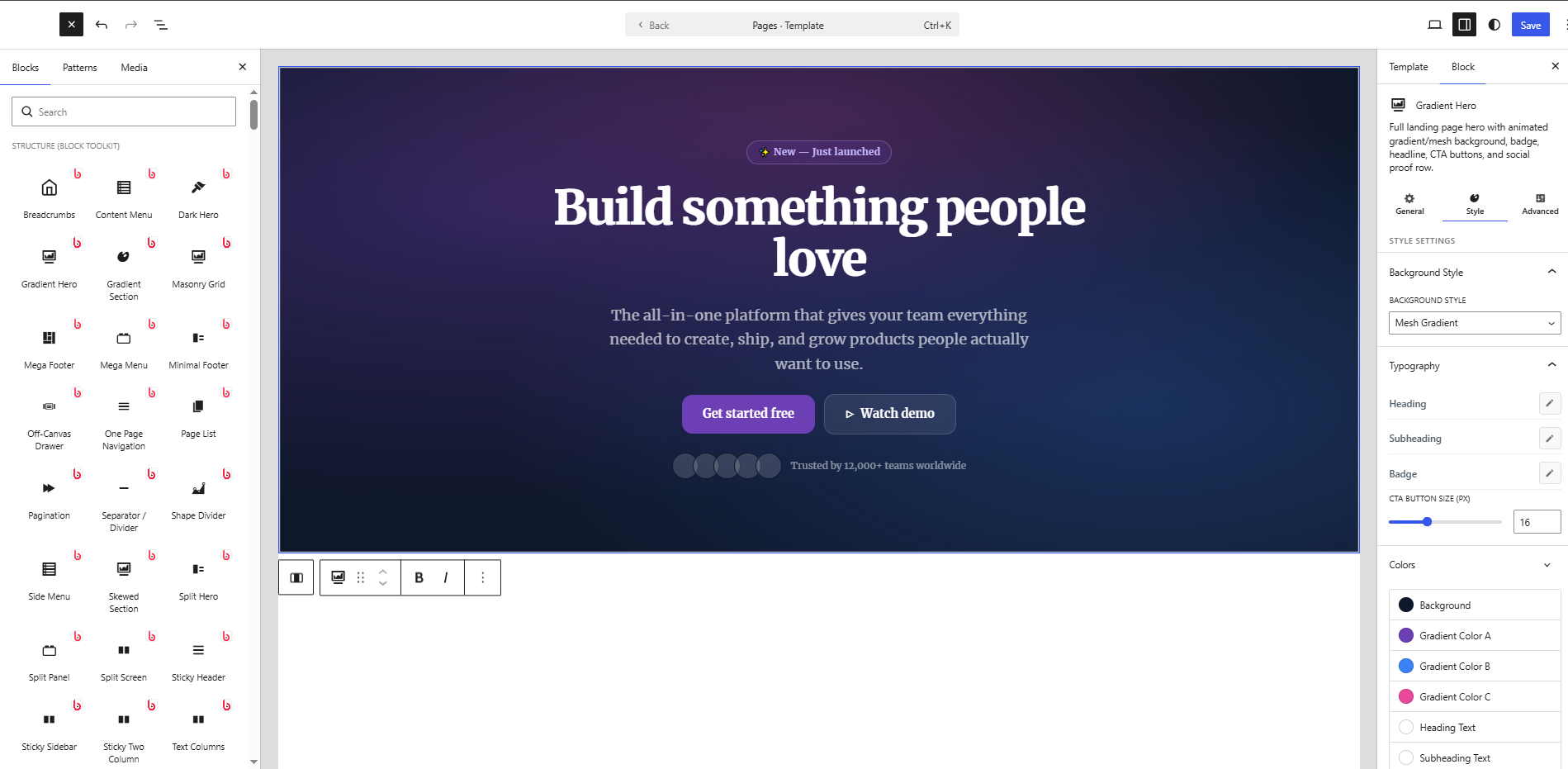
Blocks
This plugin provides 376 blocks.
- Text Highlight Animate a color marker / highlighter sweep behind specific words or phrases when they scroll into view.
- Slope Chart A two-column slope graph showing before/after change for multiple items — lines are automatically colored by direction (up, down, or unchanged).
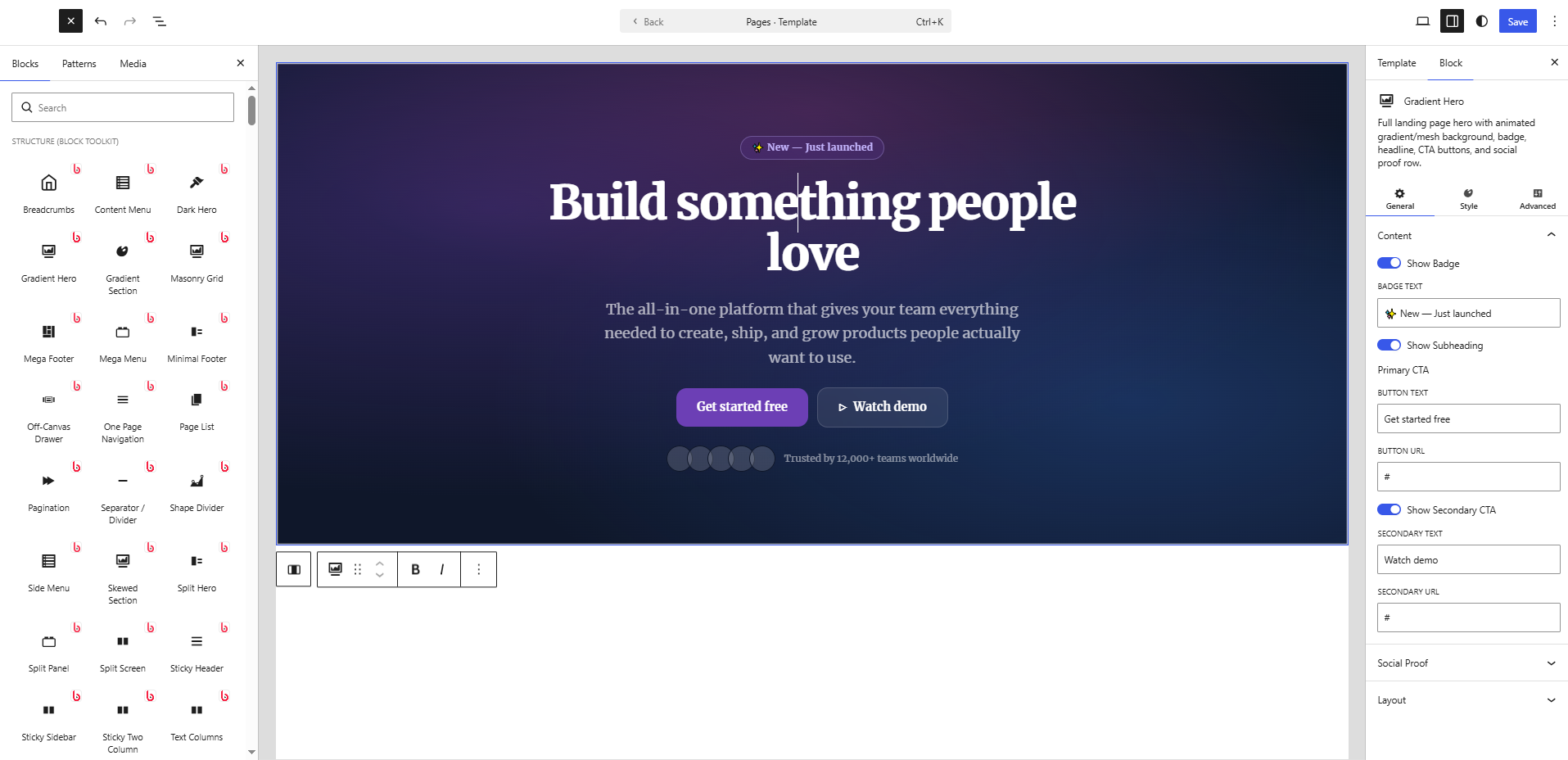
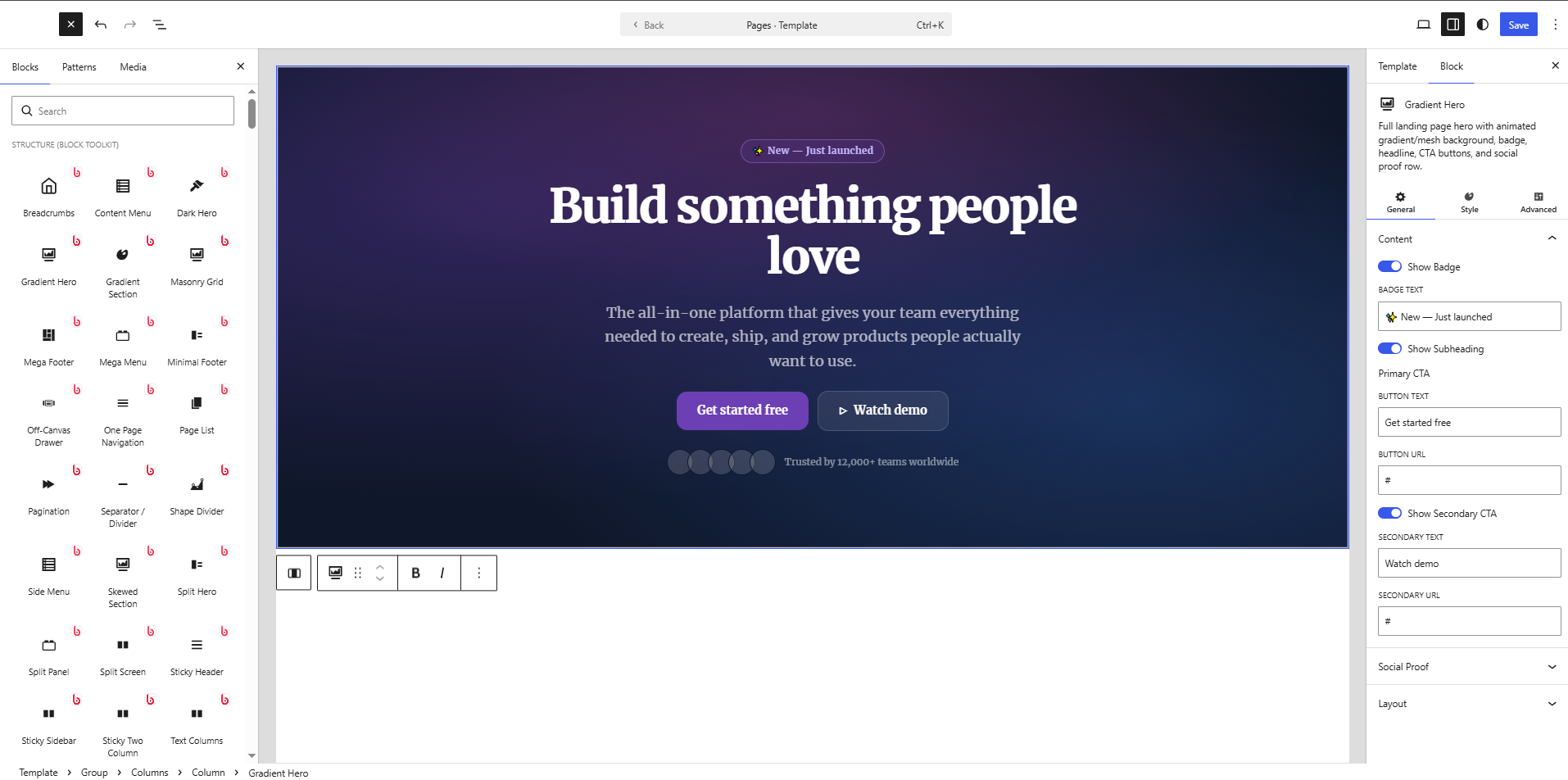
- Gradient Hero Full landing page hero with animated gradient/mesh background, badge, headline, CTA buttons, and social proof row.
- Icon Box Single card with icon, title, text, and optional link button. Perfect for feature lists inside Row/Column.
- Related Posts Shows posts sharing the category or tag with the current post via AJAX on the frontend.
- Logo Ticker Infinite scrolling logo marquee / ticker strip. Pure CSS animation.
- Events Calendar Monthly events calendar grid with clickable events, color-coded categories, and an optional event list.
- Mega Menu Full-width mega menu navigation with column groups, icons, images, CTAs and rich hover panels.
- Flashcard Interactive flashcard deck for studying. Click to flip cards, navigate with arrows or buttons, shuffle deck, mark cards as known, and track progress.
- Feature Announcement Announce new product features, improvements, or updates with version badge, highlights list, and CTA.
- Sticky Two Column One column scrolls through feature highlights; the other stays sticky showing the active image — perfect for product tours and feature pages.
- Masonry Grid Responsive masonry layout for images with hover effects.
- Reveal Swipe Cards Before/after swipe reveal cards — drag the divider to uncover the back image.
- Step Progress Horizontal wizard progress bar showing current step out of N with labels and colors.
- Post Carousel A responsive carousel of posts with autoplay, arrows, and dots.
- Gradient Text Heading or paragraph text with a rich gradient fill, optional outline, shadow, and CSS animation.
- Category Grid Display WordPress post categories in a responsive grid with post counts, icons, descriptions, and rich styling options.
- Troubleshooting Guide Structured problem/cause/solution guide with severity levels, search, and multiple layout options.
- Image Text Rows Multiple alternating image + text rows in one block. Perfect for feature descriptions, how-it-works sections, and product showcases.
- Sticky Scroll Apple-style storytelling layout: one column stays pinned while the opposite column scrolls through feature panels.
- Bubble Chart Interactive bubble chart powered by Chart.js.
- Radial Bar Chart Concentric circular progress arcs — each ring represents a different metric, great for comparing multiple KPIs at a glance.
- Highlight Section Editorial hero section with a giant decorative background word, heading, subtext, and optional CTA button.
- Split Testimonial Hero-size featured testimonial with large pull-quote, author photo, name, title, company, star rating, and full accent/background controls.
- Split Benefits A split section with an image on one side and a benefits checklist, headline, and CTAs on the other. A cornerstone landing page pattern.
- Accordion Collapsible accordion panels for FAQ, features, and more.
- Release Notes Structured software or product release notes with versioned sections: Added, Changed, Fixed, Removed, Security, and Deprecated.
- Certificate Display a digital certificate or diploma with recipient name, issuer, date, credentials, and optional signatures. Ideal for online courses and certifications.
- Word Flip Headline with a vertically flipping word that cycles through alternatives — like a slot machine or departure board embedded in text.
- Product Roundup Ranked multi-product review section with ratings, pros/cons and CTAs.
- Discount Calculator Calculate sale prices from discount percentages, find original prices from sale prices, or determine what discount percentage was applied. Three versatile calculation modes.
- Before/After Slider Compare two images with a draggable slider handle.
- Before / After Grid A grid of interactive before/after image comparison sliders — show multiple transformations, makeovers, or design iterations in one layout.
- Icon Standalone styled icon with label, link, shape, animation, and rich customization.
- Info Cards Flexible feature/info card grid with emoji or image icons, title, description, optional CTA and accent colors. Multiple card styles.
- Button Group Group of styled CTA buttons with alignment, spacing, individual per-button overrides, and responsive stacking.
- Address Card Business address card with contact details, opening hours, and optional map link.
- Polar Area Chart Beautiful polar area chart powered by Chart.js.
- Rotating Banner A multi-message announcement carousel that auto-rotates between messages. Each message can have its own colors, link, and optional countdown timer.
- Network Diagram Node-link relationship diagram for system architecture, dependencies, or org charts.
- Split Hero Two-column hero section with headline, badge, body text, dual CTA buttons and social proof on one side — image or video on the other. Built for landing pages.
- Particle Text HTML5 Canvas text that assembles from scattered particles on load. Hover to scatter and re-assemble. Perfect for hero sections and dramatic reveal effects.
- BMI Calculator Interactive Body Mass Index calculator with metric and imperial units, animated result gauge, weight category indicator, and fully customizable styling.
- Google Map Embed a Google Map by address with zoom, map type, caption, border, and shadow controls.
- FAQ Section Complete FAQ landing-page section with styled section header, inline accordion items, multiple layout variants, and a bottom contact CTA. Different from FAQ Schema (SEO) and FAQ Categories (search UI).
- Reading Notes Annotated reading notes for books and articles with quotes, insights, questions, and a star rating.
- Minimal Footer Clean, minimal site footer with logo (image or text), navigation columns, social icon links, and copyright line. A lighter alternative to the mega-footer.
- Off-Canvas Drawer Slide-out side panel (drawer) triggered by a button.
- Step Cards Process steps as cards with large sequential numbers, icons, titles, descriptions, and connector lines.
- Sidenote Floated editorial annotation or margin note — pull text aside left or right with full styling.
- Mortgage Calculator Calculate monthly mortgage payments with amortization table, principal vs interest breakdown, LTV ratio, and optional PMI estimate.
- Floating Tags Animated tag cloud where tags gently float with subtle motion.
- Demo / Trial Section Book-a-Demo or Start-Free-Trial CTA section with trust pills, social-proof stats, and optional product screenshot.
- Content Lock Gate content behind an email opt-in, password, or click-reveal. Perfect for lead generation, member content, and spoilers.
- Metric Comparison Before/after KPI comparison cards with change arrows and color-coded indicators.
- Tool Card Recommended software or SaaS tool card for review and affiliate articles. Distinct from the ecommerce product card — designed for digital tools, apps, and services.
- Sponsored Disclosure FTC-compliant sponsored/paid partnership disclosure label.
- Drawing Canvas A fully interactive freehand drawing canvas with multiple tools, undo, and download — right in your page.
- Business Hours Display business opening hours with current status indicator.
- Timeline Display events, milestones, or steps in a beautiful timeline layout.
- Random Picker Enter a list of items and pick a random winner with an animated highlight effect.
- Dumbbell Chart Horizontal dumbbell (connected dot) chart comparing two values per category — ideal for before/after, target vs actual, or two-group comparisons.
- Team Members Show your team members with photos, roles, bios, and social links.
- Count Up Animated number counter that counts up when scrolled into view.
- Recipe Scaler Scale recipe ingredient quantities up or down by adjusting the number of servings. Add, edit and remove ingredients with a live WYSIWYG preview.
- Social Proof Popup Floating FOMO notification popups that cycle through social proof entries like purchases, signups, and reviews.
- Interactive Steps Step-by-step wizard or process block with clickable numbered steps that reveal different content panels.
- Treemap Chart Hierarchical data visualized as proportional nested rectangles. Great for market share, budget breakdowns, and category comparisons.
- Article Header Rich editorial-style article/blog post header with category badge, headline, subheadline, author meta bar, and optional hero image.
- Creative Stats Waterfall Staggered waterfall layout of large statistics with animated counters and accent colors.
- Content Box Styled content container with optional icon/emoji, badge label, title, rich body text, style variants (info/warning/success/tip/quote), border, background, and rounded corners.
- Typing Effect Animated typewriter text that cycles through multiple phrases with a blinking cursor.
- Knowledge Check Quick quiz question with instant reveal — great for educational content, articles, and explainers.
- Tag List A styled collection of tag pills with icons, colors, and optional links.
- Service Cards Grid of service offering cards with icon, title, description, bullet highlights and a learn-more link.
- Content Switcher Two-panel toggle block — a pill/tab switch with a label for each state, each panel containing its own headline, body text, bullet list, image, and CTA. Great for Individual/Team, Starter/Pro, Before/After content.
- Popup Popup/lightbox builder with a configurable trigger button and rich popup content — heading, text, image, CTA and close. Supports click, scroll-depth, time-delay and exit-intent triggers.
- Pagination Styled numeric pagination preview with prev/next, colors, shape and alignment controls.
- Horizontal Timeline Horizontal scrolling timeline with draggable track, alternating items above/below the line, animated entry, and rich styling options.
- Spoiler / Reveal Hide content behind a click-to-reveal button. Perfect for spoilers, quiz answers, bonus tips, or any content that should stay hidden until the reader chooses to see it.
- Tag Cloud A styled, interactive tag cloud with custom tags or live WordPress tags.
- Pricing Table Pricing card with plan name, price, features list, and CTA button. Highlight popular plans with a badge.
- Profit Margin Calculator Calculate profit margin, markup, selling price and gross profit for any product or service.
- Media Quote Quote with embedded video thumbnail (play button overlay) or image and speaker attribution. Perfect for podcast clips, interview excerpts, and video testimonials.
- Mixed Chart Combination bar + line chart with an optional dual Y-axis. Perfect for overlaying revenue (bar) with growth rate (line) or any two related metrics in the same canvas. Powered by Chart.js CDN.
- Content Menu In-page anchor navigation that highlights the current section as the user scrolls — can float fixed on the left or right, or sit inline.
- Services Showcase Grid of service offerings with icon, title, description, feature list and optional CTA.
- One Page Navigation Fixed dot navigation sidebar for single-page scrolling websites. Each dot links to a section by ID.
- Scrollytelling Sticky background or image that updates as the user scrolls through text chapters.
- Thumbnail Gallery Large main image with a scrollable thumbnail strip navigation.
- Doughnut Chart Pie/doughnut chart with adjustable cutout, center label, and per-slice colors using Chart.js (CDN).
- Flip Card Card with front (icon + title) and back (text + button) that flips on hover or click. Mostly CSS, minimal JS.
- Liquid Glass Cards Glassmorphism-style frosted-glass cards with blur, border-light and subtle mouse-parallax effect.
- Certification Wall Showcase professional certifications, accreditations and badges with verify links.
- Team Card Standalone team member card with photo, name, role, bio, skills, and social links.
- Styled List Fully customizable list with icons, rich text, and flexible layout options.
- Marquee Cards Infinitely scrolling row of rich cards — images, headings, tags, and links. Ideal for features, use-cases, portfolio pieces, or team showcases.
- FAQ Categories Categorized FAQ with a sidebar (or top tab bar) category navigator and an accordion for each category. Ideal for comprehensive help centers and support pages.
- Savings Calculator An interactive compound interest savings calculator. Enter initial deposit, monthly contribution, annual interest rate, and years to see total savings, interest earned, and a year-by-year growth breakdown.
- Reading Time Displays estimated reading time calculated from the post content. Fully customizable styling.
- Confetti Button A call-to-action button that triggers a burst of canvas confetti particles on click. Supports multiple confetti styles, custom colors, particle physics and link/action settings.
- Hovering Image Stack A stack of images arranged in a fan/cascade that spreads outward on hover revealing all images.
- Link Card Grid Visual navigation card grid for resource hubs and docs pages. Each card has icon, title, description, and URL.
- Read More Collapses long content behind a gradient fade with an animated 'Read more / Show less' toggle button.
- Heatmap Calendar GitHub-style activity heatmap calendar showing intensity by day across a full year. 53 × 7 grid of colour-coded squares with month labels, day-of-week labels, and a configurable colour scale.
- Knowledge Base Article Full knowledge base / help center article with category, difficulty, table of contents, sections, and related articles.
- Monthly Budget Planner Interactive monthly budget planner with income and expense categories. Track spending, visualise balance and see how much is left to allocate.
- Image Mask Display an image through a decorative shape mask — circle, hexagon, blob, star, diamond, cross, heart, or pentagon.
- Email Signature Design and preview a rich HTML email signature with avatar, name, title, company, phone, email, website, social links, and an optional branded banner or divider. Outputs email-client-safe table-based HTML.
- Dark Hero Dark glassmorphism hero for AI, SaaS and tech sites. Features glow effects, gradient text, optional floating stat badges, badge pill, and rich button controls.
- Gradient Section A full-width section with an animated CSS gradient background, headline, subtext, and dual call-to-action buttons.
- Affiliate Section Affiliate/referral program landing section with commission highlight, how-it-works steps, benefits list, and stats.
- Brand Kit Brand style guide: colour swatches, typography specimens, logo variants, and brand values — all in one block.
- Team Slider Team members in an interactive carousel. Each member has avatar, name, role, bio, social links, and department tag.
- Card Stack A fanned or stacked pile of cards with hover-spread interaction. Perfect for testimonials, case studies, or feature highlights.
- Mixed Heading A heading or paragraph where each word/phrase segment can have its own style — gradient, highlight, stroke, badge, mono, or normal.
- Pricing Switcher Monthly/Yearly toggle that shows or hides pricing columns on the page.
- Population Pyramid Back-to-back horizontal bar chart showing two population groups (e.g. male/female, 2020/2030) by age or category.
- World Map Interactive SVG world map with country highlighting, data values, tooltips and a legend. Perfect for global presence, customer distribution, and sales territory sections.
- Pictograph An icon-based unit chart where coloured glyphs represent proportional data — great for infographic-style statistics.
- FAQ Grid Display frequently asked questions as a scannable card grid — ideal for pricing pages and knowledge bases.
- Histogram Chart Frequency-distribution histogram with configurable bins, colours, and axis labels.
- Toggle / Read More A single expandable panel for 'Read More', spoilers, or collapsible content sections.
- Mind Map Visual mind map diagram with a central topic, branches, and sub-items. Great for brainstorming, planning, and knowledge visualization.
- Feature Showcase Alternating zigzag rows of image + headline + body text + bullet checklist + CTA. The definitive landing page feature section.
- Floating CTA Fixed-position floating call-to-action button that sticks during scroll. Configurable position, icon, label, and trigger delay.
- Press Release Structured press release with dateline, headline, body paragraphs, boilerplate, and media contact block.
- Line Chart Interactive line chart using Chart.js (loaded from CDN). Supports multiple datasets, fill, tension, and grid styling.
- Binary & Text Converter Convert text to binary, hexadecimal, and octal — and back. Includes an interactive ASCII table.
- Testimonial Card A single embeddable testimonial card with photo, quote, rating, and platform badge. Place it anywhere in your content.
- Salary Calculator Calculate take-home pay after federal/state taxes, Social Security, Medicare and retirement contributions.
- Sunburst Chart A two-ring radial hierarchy chart — the inner ring shows main segments and the outer ring shows their sub-categories.
- Heat Map Grid heat map where cell colour encodes value intensity — ideal for correlation matrices and activity charts.
- Split Panel Two-column comparison panel for Before/After, Problem/Solution, or any paired content.
- Neon Text Glowing neon tube text effect with animated flicker, multi-color glow layers, animated background scanlines, and multiple neon color presets.
- Interactive Image Sheen An image card with a glossy light sheen that follows the mouse cursor, giving a premium holographic feel.
- Gauge Chart SVG semicircular gauge / speedometer that animates on scroll with configurable color zones.
- Family Tree Interactive genealogy family tree diagram showing multi-generation relationships with spouse connections and birth/death years.
- Vertical Scroll Image Display a tall or wide image in a fixed-height container. Hover to scroll through the full image vertically or horizontally. Perfect for showcasing app screenshots, infographics, or long designs.
- Chapter Intro A decorative chapter opener with large chapter number, label, heading, and intro paragraph.
- Unfold Expandable content section that starts collapsed with a fade gradient and expands smoothly on button click.
- Link Roundup Curated links collection — weekly/monthly digest with categories.
- Loan Calculator Interactive mortgage and loan calculator with sliders for loan amount, interest rate, and term. Displays monthly payment, total interest, and total cost. Optional amortization schedule and doughnut chart.
- Content Flip Box A responsive grid of cards that flip on hover or click to reveal a styled back face — perfect for services, features, team, and more.
- Numbered List Visual numbered or icon section — each item has a styled badge, heading, description, optional image and optional link. Ideal for steps, benefits, and 'why choose us' sections.
- Table of Contents Auto-generated table of contents from headings on the page, with smooth scroll and active-link highlighting.
- Media & Text Rows Repeatable alternating image-and-text rows — each row independently flippable. Classic landing-page pattern for feature breakdowns and storytelling.
- Morphing Text Headline that smoothly morphs between multiple words with blur, crossfade, slide, or typewriter transitions.
- Hover Card Card that reveals hidden content (overlay) when hovered with customizable direction and animation.
- Body Fat Calculator Calculate body fat percentage using the US Navy method based on height, neck, waist, and hip measurements. Shows body fat category and health range.
- Split Screen Two-panel side-by-side layout with independent backgrounds, content, and optional scroll-snap.
- Feature Tabs SaaS-style screenshot tabs: clickable feature list on one side, large image preview on the other.
- Split Price CTA Two-column sales section: pricing offer on the left, CTA with supporting benefits on the right. Common on SaaS pricing and checkout pages.
- Percentage Calculator An interactive percentage calculator with three modes: find percentage of a number, find what percentage one number is of another, and calculate percentage change between two values.
- Currency Converter Interactive currency converter supporting 30+ world currencies with instant conversion, swap button, common pairs quick-select, and customizable styling. Uses built-in indicative rates.
- Tooltip Display a word or phrase with a hover tooltip popup — great for definitions, abbreviations, and inline explanations.
- Booking Form Appointment booking form with calendar date picker, time slot selection, service type and confirmation message.
- Parallax Section A full-width content section with a background image that scrolls at a different speed for a depth parallax effect.
- Text Columns Magazine-style multi-column text layout with drop cap, column rule / divider, pull quote spanning all columns and per-column WYSIWYG editing.
- Testimonial Wall Masonry-style testimonial wall with platform source badges (Google, G2, Capterra, Twitter/X), per-card ratings, and featured card highlights.
- FAQ with Search Accordion FAQ with a live client-side search filter above the items.
- Filter Gallery Image grid with category filter buttons. Clicking a tag shows/hides matching items with animation.
- Ideal Weight Calculator Calculate ideal body weight using four major medical formulas — Hamwi, Devine, Robinson, and Miller — with a visual comparison and healthy BMI range.
- Pros & Cons A two-column pros and cons comparison block for reviews and articles. Supports editable items, custom icons, heading, and full color control for each column.
- Offer Card Special offer and deal card with urgency badge, original/sale price, includes list, CTA, and optional countdown timer.
- Logo Carousel Show client/partner logos in a responsive carousel or grid.
- About Section Ready-made About Us section with split image/video + text layout, optional company stats row, badge label, CTA buttons, and full background/color controls.
- Cursor Spotlight A dark section with a radial spotlight that follows the cursor, dramatically revealing the content beneath.
- GPA Calculator Interactive GPA calculator for students. Enter courses, credit hours, and letter grades to calculate cumulative GPA on a 4.0 or custom scale.
- Nutrition Label Display an FDA-style Nutrition Facts panel for recipes and food products with full nutrient fields, daily value percentages, and custom styling.
- Marimekko Chart Mosaic / Mekko chart — column widths represent segment size, inner stacks show composition. Ideal for market share visualisation.
- Sticky Video Video player that minimises into a floating corner player when scrolled past, with close and restore controls.
- Comparison Cards Visual side-by-side product or plan comparison cards with features, pricing, and CTA. Distinct from the tabular Comparison Table block.
- Content Score Visual content or SEO scoring card with circular gauge, color-coded criteria rows, and overall grade.
- Text Reveal on Scroll Cinematic scroll-triggered text reveal: words or characters animate in one by one as the section enters the viewport. Supports fade, slide-up, clip, and blur reveal modes with staggered delays.
- Social Proof Section Complete social proof landing section combining client logos, stats, and a featured testimonial quote — all in one configurable block.
- Interactive Poll Clickable voting poll with animated results stored per visitor.
- Social Feed Display a grid of social media post cards with images, captions, engagement metrics, and platform badges.
- Bio Card Rich individual profile card with photo, name, role, bio text, skill tags, social links, availability badge, and CTA button.
- Icon Stats Statistics displayed with large decorative icons, bold numbers, and descriptive labels.
- Reading Progress A fixed reading progress bar that fills as the visitor scrolls.
- Review Schema Displays an aggregate star rating with Schema.org JSON-LD markup for rich search results.
- Awards & Certifications Showcase awards, certifications, badges, and achievements in a polished grid or timeline layout.
- Image Filter Upload an image and apply real-time CSS filter adjustments — brightness, contrast, saturation, hue, blur, sepia, grayscale, and more. Choose from presets or build a custom look. Optionally expose live filter sliders to visitors.
- Click to Tweet Elegant pull-quote block with a one-click Twitter/X share button.
- Social Links Social media icon links with brand colors, custom styles, and multiple layout options.
- Rating Summary Aggregated review rating with overall score, star breakdown bars (5★ 80%, 4★ 15%…), total count, and optional platform badge.
- Video Popup Button A stylizable play button that opens a YouTube, Vimeo, or custom video in a modern full-screen popup modal.
- Notification Bar Dismissible sticky announcement or promo bar — shown at the top or bottom of the page.
- Post Slider Hero-style slider cycling through posts with full-width background images and overlay captions.
- Decision Matrix Weighted criteria scoring matrix to compare options and surface the best decision with totals and a winner highlight.
- Icon List A rich feature list with custom icons, badges, titles, and descriptions per row. Ideal for showcasing product features, service benefits, or any structured list with visual flair.
- Data Table Interactive data table with sorting, search, pagination and export.
- Multi-Step Form A wizard-style multi-step lead capture form with step indicator, per-step fields, and success message.
- Call to Action Headline + sub-headline + 1-2 buttons with optional color/gradient background. Perfect inside Row/Column blocks.
- Spotlight Card Card with a radial gradient spotlight that follows the mouse cursor on hover.
- Weather Widget Live weather display with current conditions, temperature, humidity, wind speed and a 5-day forecast. Powered by OpenWeatherMap free API.
- Contact Info Display business contact information with icons, labels, and optional Schema.org markup.
- Stats Section A landing-page statistics section — large numbers with labels, icons, optional section heading, and multiple layout/style variants.
- Contact Section All-in-one contact page section: info cards (address, phone, email, hours) + a contact form + optional embedded map — all in a polished configurable layout.
- Case Study Client case study section with logo, challenge, solution, quantified before/after metrics and a pull quote. Perfect for agency, SaaS and consulting landing pages.
- Video Testimonial Testimonial cards with embedded YouTube/Vimeo video, star rating, quote, and author. Builds deep social proof with video evidence.
- Pie Chart SVG-based pie chart with labelled wedge segments, percentage display, and an optional legend. Renders inline without external libraries — no doughnut/ring, true pie slices with mid-wedge labels and hover tooltips.
- Restaurant Menu A beautifully organized restaurant or café menu with category tabs, item names, descriptions, prices, and dietary badges.
- Comparison Checklist Two-column 'With / Without' checklist comparison to highlight the value of your product or service.
- Sleep Calculator Calculate optimal sleep and wake times based on 90-minute REM sleep cycles. Find when to sleep or when to wake up to feel fully rested.
- Logo Grid A clean partner, client or 'as seen in' logo grid with optional label, grayscale effect, box backgrounds and multiple layouts.
- Age Calculator An interactive age calculator that computes exact age in years, months, and days from a birth date. Includes next birthday countdown, total days lived, zodiac sign, and day of week born.
- FAQ Accordion FAQ section with smooth accordion expand/collapse, rich typography, and schema.org markup support.
- PDF Embed Embed a PDF document in an iframe with optional download button and toolbar controls.
- Alert / Notice Info, success, warning or error notice block with icon, title and body text. Pure CSS — zero JS.
- Notification Toast Animated social-proof toast notifications that cycle in the corner of the screen — 'Sarah just signed up', 'Tom upgraded to Pro', etc.
- Spin Wheel An animated fortune-wheel random picker. Enter items, spin the wheel, and let it decide!
- Skewed Section A content section with diagonal/angled top and/or bottom edges created via CSS clip-path. Place any blocks inside.
- Interactive Checklist A fully interactive checklist with progress tracking, emoji icons, add/remove items, and optional persistence via localStorage. Rich color and layout controls.
- Client Showcase "Trusted by" section featuring client logos with optional tagline, grayscale hover effect, and a pull-quote from a featured client.
- Video Hero Hero section with video preview or background video, headline, CTA buttons and optional social proof.
- Time Duration Calculator Add or subtract time durations in hours, minutes and seconds. Shows result broken down into multiple units.
- Location Cards Multi-location business directory grid. Each card shows address, phone, email, business hours snippet, and a directions link.
- Card Deck Slider A 3D card deck slider where cards arc/fan out behind the front card and animate through the sequence.
- Image Cards A responsive grid of rich cards with images, category tag, title, description and CTA. Perfect for blog previews, portfolio, services or team showcases.
- Bar Chart Vertical or horizontal bar chart with multiple datasets using Chart.js (CDN). Supports stacked, border radius, and custom colors.
- Review Box Professional review card with score, pros/cons, and Schema.org markup.
- Sources & References A formatted bibliography/citations section for articles and research. Add numbered references with title, author, publication, URL, and access date. Styles: academic, card list, or minimal.
- Expert Roundup Collect expert opinions, tips, or predictions on a topic. Each expert has a photo, name, title, and their contributed insight. Great for SEO-rich editorial articles.
- Post Navigation Previous / Next article navigation with styled arrows, post titles, and optional thumbnails. Supports four layout styles: minimal text links, large arrow cards, split full-width divider, and pill buttons.
- Text Stroke Large outlined/hollow text using CSS text-stroke with hover fill, gradient, and animation options.
- World Clock Display live clocks for multiple timezones with analog or digital style. Perfect for global audiences, remote teams, and travel blogs.
- Parallax Depth Cards Cards with layered 3D depth parallax on mouse move — different elements float at different speeds.
- Split-Flap Display Recreate the iconic airport departure-board split-flap animation. Characters roll through the alphabet and settle on the target text. Supports multiple messages, ticker mode, custom colours, and scroll-triggered animation.
- Invoice Calculator A line-item invoice builder with editable rows, discount, tax, and grand total.
- Countdown Progress Visual ring or bar countdown timer to a target date, with live ticking.
- Gradient Text Animator Animated gradient-filled text with multiple animation modes — shift, pulse, wave, rainbow, and reveal.
- Feature Video Tabs A feature showcase section with tab navigation and an auto-playing video per tab. Each tab shows a headline, description, bullet points, and an optional CTA button alongside its video.
- Blockquote / Pull Quote Stylish quote block with accent line or decorative marks, author name, role and photo.
- Affiliate Review Box Structured product review block with score badge, pros & cons columns, verdict summary, price display, and affiliate CTA button.
- Word Frequency Ranked horizontal bar chart for word frequency, survey results, language rankings, or any comparative data set.
- Sticky Sidebar Two-column layout with a rich sticky sidebar — perfect for articles, docs, pricing pages, and long-form content.
- Testimonials Customer testimonials with avatars, ratings, and beautiful layouts.
- CTA with Countdown Urgency-driven CTA section with a live countdown timer, headline, and call-to-action buttons.
- Area Chart Smooth filled area chart with multiple datasets, gradient fills, and animation using Chart.js (CDN). Great for showing trends over time.
- Embed / iFrame Responsive iframe embed for Calendly, Typeform, Google Forms, Airtable, YouTube, Vimeo, or any URL. Full aspect-ratio control and loading options.
- FAQ Chat Chat-bubble style FAQ. Visitors click questions to reveal bot-style answers with a typing indicator — a conversational alternative to accordion FAQ.
- Kanban Board Visual Kanban-style column board with cards for displaying workflows, project status, or process stages.
- Service Process Agency or service business 'How we work' section with numbered phases, deliverables, and connecting timeline.
- Progress Tracker Multi-milestone progress tracker showing completion status on a visual timeline.
- Scientific Calculator A fully functional scientific calculator with standard arithmetic, trigonometric, logarithmic, and power functions, memory storage, and history log.
- Scroll Reveal Wrap any blocks in a scroll-triggered reveal animation. Children animate into view when they enter the viewport.
- Countdown Display a countdown timer to a specific date and time.
- Progress Circle Animated SVG circular progress rings — perfect for skills, stats, and KPIs.
- Text Path Render text along a curved SVG path — arc, wave, circle or S-curve.
- Pixel Art Editor An interactive pixel art canvas. Visitors paint, fill, and erase pixels then download their creation as a PNG.
- Mega Footer Full-featured site footer with logo, tagline, link columns, social links, and a bottom bar.
- Split CTA Two-panel call-to-action section, each with its own background, headline, description and button.
- Image Accordion Expandable image panels that stretch open on hover or click — ideal for showcasing portfolios, services, or locations.
- Image Reveal Image with a curtain reveal effect triggered on hover or scroll, with overlay label and caption.
- Creative Button A single button with 6 advanced hover effect styles — fill slide, color wipe, 3D press, arrow reveal, ripple, and outline morph. Perfect for standout calls-to-action.
- Date Difference Calculate the exact difference between two dates — years, months, days, total days, weeks, hours, and working days.
- Testimonial Featured A single large featured testimonial section — big decorative quote mark, full testimonial text, person photo, name, title, company logo, star rating, and optional result metric badge. Designed as a standalone section for maximum impact. Different from testimonial carousels or grids.
- Animated Text Heading with animated cycling words — typewriter, fade, slide, or flip effects. Perfect for hero sections.
- Interactive Gradient Mesh A mouse-reactive multi-colour gradient mesh background with optional heading and CTA overlay.
- Review Showcase Showcase aggregate ratings from review platforms (Google, G2, Trustpilot, etc.) with an optional featured testimonial.
- Gradient Blob Full-width section with animated CSS gradient blobs as background and InnerBlocks for content.
- Pullquote Pro Eye-catching quotation with large typography, decorative marks, author avatar, and alignment options.
- Word Scramble Interactive word unscramble game with categories, hints, scoring, and timer. Multiple difficulty levels.
- Testimonial Grid Static masonry-style grid of testimonial cards with stars, avatars, and author details.
- Video Playlist A video player paired with a clickable episode/chapter list — perfect for course previews, tutorial series and video podcasts.
- Link List An organized, styled list of links with icons, titles, descriptions, and optional badges.
- Gradient CTA A bold full-width call-to-action section with a gradient or solid background, headline, subtitle, and buttons.
- Side Menu Hierarchical vertical navigation with collapsible sections for docs, wikis, and multi-section pages.
- Link Preview Manually-configured link preview card (OpenGraph style) with image, favicon, title, description, and domain.
- Reaction Bar Display emoji reaction counters (GitHub / Notion / Slack style) to show community sentiment on any content.
- Star Rating Static visual star rating (1–5 stars) with optional label and numeric score. CSS-only, perfect inside testimonial cards.
- Service Details Full in-depth service section with large side image, heading, body text, feature checklist, and dual CTAs. Layout toggles image side.
- Lightbox Gallery Image grid where clicking a thumbnail opens a full-screen lightbox with prev/next navigation.
- Radar Chart Spider/radar chart with multiple datasets, fill transparency, and axis customization using Chart.js (CDN).
- Breadcrumbs SEO-friendly navigation trail with Schema.org markup showing the current page hierarchy.
- Testimonial Marquee Infinite auto-scrolling testimonial ticker with star ratings, avatar images, and author details. Pause on hover.
- Icon Cloud An interactive 3D sphere of icons, emojis, or tag words that auto-rotates and responds to mouse movement. Great for showcasing skills, technologies, or topics.
- Step Chart A step-function line chart where values change abruptly — ideal for pricing tiers, subscription counts, and discrete state changes over time.
- Image Overlap Text Creative editorial layout where a large image bleeds into an adjacent text column with decorative accents.
- Bullet Chart Stephen Few's bullet chart — shows actual performance against a target, with background bands for Poor / Satisfactory / Good ranges.
- Accordion Table A data table where each row expands on click to reveal rich detail content — specs, bullet points, sub-data, or notes. Perfect for pricing tiers, product specs, API docs, and comparison matrices.
- Scroll Sticky Content Stripe/Linear-style two-column layout with a sticky heading panel on one side and scrollable feature cards on the other. Active item highlights as it enters the viewport.
- Typing Speed Test Interactive typing speed test. Measures WPM (words per minute), accuracy, and calculates a score. Choose from multiple difficulty levels, track errors in real time, and see a detailed results summary.
- Gradient Border Card Card with an animated rotating gradient border — conic-gradient glow effect popular in modern dark UI.
- Sticky Note Colored post-it style note with optional rotation, shadow, curl corner and handwritten font.
- Loan Affordability Calculator Calculate how much home or loan you can afford based on annual income, existing debts, interest rate, and debt-to-income ratios. Ideal for real estate and finance sites.
- Content Ticker A horizontal scrolling news/announcement ticker with a colored label prefix and clickable items.
- Social Proof Bar Combined trust bar with avatar stack, star rating, review count, and partner / 'as seen in' logo strip.
- Timeline Chart Horizontal Gantt-style timeline showing events and milestones on a shared time axis.
- Icon Feature Grid Responsive grid of features with icons, titles and descriptions. Perfect for product pages, landing pages, and about sections.
- Founder Quote CEO or founder personal message section with photo, signature, and multiple layout styles for About pages.
- Tilt Card Card with 3D perspective tilt effect on mouse hover. Rich content with image, heading, text, icon, and link.
- Price List Display restaurant menus, service pricing, or product catalogues with category sections, images, badges and rich styling.
- Split Text Scroll-triggered per-word or per-character text reveal animation. Each word or character animates in sequentially as the block enters the viewport.
- Meme Generator Interactive meme maker. Visitors type top and bottom text over any image and download the result as a PNG.
- Changelog Versioned release-notes block with colour-coded categories (New, Improved, Fixed, Deprecated). Perfect for SaaS product pages.
- Flip Countdown An airport-style flip-clock countdown timer with animated flip cards for days, hours, minutes and seconds.
- Expense Tracker Track and visualize expenses by category with charts, totals, and budget management.
- Filterable Cards A grid of content cards filterable by category, with optional images, labels, descriptions and links.
- Image Gallery Responsive image gallery with grid/masonry layouts, lightbox, and hover effects.
- Comparison Table Feature matrix comparing multiple plans with check/cross marks, text values, and a highlighted popular column.
- Roadmap Horizontal future roadmap with quarter/milestone cards, status tags and connector arrows.
- Tabs Tabbed content panels with full WYSIWYG editing per tab.
- Gantt Chart Project timeline Gantt chart with tasks, phases, milestones, and a today indicator. Rendered in pure CSS — no library required.
- Shape Divider SVG shape dividers — wave, curve, triangle, tilt, zigzag — to create seamless section transitions.
- Modal Window A button or trigger that opens a customizable popup modal overlay.
- ROI Calculator Calculate return on investment with net profit, ROI %, payback period, and annualized return.
- Marquee / Announcement Bar Scrolling announcement bar with pause on hover and accessibility support.
- Funnel Chart Marketing and conversion funnel chart. Show stages with counts, percentages, and drop-off rates. Supports both vertical and horizontal layouts.
- Box Plot Box-and-whisker statistical chart showing min, Q1, median, Q3, max, mean, and outliers for multiple data series.
- Card Carousel Horizontal drag-to-scroll card carousel with rich cards, autoplay, arrows, dots, and responsive column settings.
- Device Mockup Display a screenshot or image inside a realistic device frame — phone, tablet, laptop, or browser window.
- Social Share Social sharing buttons for any page or post.
- Promo Banner Dismissible announcement ribbon with message, link/button, gradient background and cookie memory.
- Reading List Curated book or article reading list with cover image, title, author, genre, star rating, read-status badge (Reading / Read / Want to Read / Recommended), description, and optional link.
- Separator / Divider Decorative divider: line, wave, zigzag or dot pattern, optionally with an icon or text in the centre.
- Crypto Price Ticker Live cryptocurrency price ticker powered by the free CoinGecko API. Display scrolling prices, cards, or a table with 24 h change, market cap, volume, and coin icons. Auto-refreshes on a configurable interval.
- Dynamic Date Outputs the current date, time or copyright year automatically, with live clock option.
- Project Brief A structured project brief with goals, deliverables, stakeholders, risks, and budget.
- Styled Text Builder Build a paragraph from mixed inline text segments — combine highlights, badges, code spans, gradient text, and bold or colored fragments in a single richly-styled sentence.
- Page Header A versatile page hero/banner section: eyebrow label, headline, subtitle, breadcrumbs, CTA buttons, and rich background options.
- Research Brief Academic or industry research summary: study details, findings with significance, limitations, and key takeaways.
- Stopwatch Interactive stopwatch with start/pause/reset controls and lap recording. Fully styled with customizable colors, display format, and rich Inspector settings.
- Video Grid Responsive grid of video cards with play-in-lightbox functionality. Supports YouTube, Vimeo, and self-hosted videos. Custom thumbnails, titles, and duration badges.
- Phone Button A floating or inline click-to-call / WhatsApp button with pulse animation.
- Product Card Showcase any product with image, name, price, star rating, features list, badges, and buy button — no WooCommerce required.
- Gallery Showcase Featured image with a clickable thumbnail strip — click any thumbnail to swap the main large view. Perfect for portfolio details, product image galleries, and case study illustrations.
- Dot Plot Strip / scatter dot plot showing individual data points for each series along a shared axis — ideal for comparing distributions.
- Dual Heading A two-part heading where each line has fully independent typography — color, size, weight, style, and special effects like gradient, highlight, or text stroke. Perfect for emphasis and visual hierarchy.
- Post Grid Display posts or custom post types in a responsive card grid. Powered by the built-in REST API endpoint.
- Post Meta Bar A configurable post metadata row: author, date, reading time, categories, tags, and comment count.
- Rotating Image Tiles Responsive grid of tiles that continuously flip to reveal a second image, with staggered timing.
- 3D Text Eye-catching 3D extruded text using CSS text-shadow layers and perspective transforms. Supports rotate-on-hover, float animation, and customizable depth, colors and typography.
- Grade Calculator Calculate weighted average grades across multiple subjects or assignments. Shows overall grade with letter and percentage.
- Text Divider Styled horizontal rule with centered text, icon, or badge label.
- Sprint Retrospective Agile sprint retro: velocity, mood, what went well, improvements, and action items with owners.
- Media Coverage "As Featured In" press section with publication logos, grayscale hover effects, and an optional featured pull quote from a specific outlet. Common on landing pages and about pages. Different from Logo Wall (general) and Trust Bar (security badges).
- Spotlight Reveal A cursor-following spotlight that reveals content beneath a dark overlay. Move your mouse over the section to illuminate the hidden content.
- Use Case Section Showcase who your product is built for — personas or use cases each with icon, title, description and features list.
- Taxonomy List Display categories, tags or custom taxonomy as a styled list, grid, chips or cards — with icons, counts and links.
- Feature List Rich feature checklist showing included / not-included / partial / coming-soon states per item. Ideal for pricing pages, plan comparisons, and product spec sheets.
- Update Notice Editorial article update and correction notice with date, summary, and change history.
- Testimonial Carousel Auto-playing testimonial slider with stars, avatars, and dot/arrow navigation.
- Bio Section Personal biography section for coaches, authors, consultants, and founders. Features large photo, name, title, rich bio text, credential badges, a pull quote, and social links. Multiple layout options.
- Quote Collection Curated editorial multi-quote grid — inspirational quotes, expert opinions, notable sayings.
- Vision & Mission Company mission, vision, and core values section with multiple layouts.
- Page List A styled list of pages or links with optional icons, hierarchy, and rich color controls.
- Speed / Distance / Time Calculator Solve any part of the Speed / Distance / Time triangle. Enter two values to calculate the third, with unit conversion between km/h, mph, m/s and more.
- Price Calculator Interactive SaaS pricing calculator with sliders, toggle switches, checkbox add-ons, and live price calculation. Supports monthly/annual billing and custom formulas.
- Sticky Header A fully-styled site header with logo (image or text), navigation links, and an optional CTA button. Sticks to the top on scroll with a shrink animation. Supports light, dark, glass, and gradient style variants.
- Announcement Strip A thin dismissible announcement bar — ideal above the site header for promotions, launches, or alerts.
- FAQ Schema FAQ block with automatic FAQPage JSON-LD structured data for SEO rich snippets.
- Image Slider A responsive image carousel with captions, autoplay, arrows, dots and touch support.
- Diverging Bar Chart Horizontal bars extending left (negative) and right (positive) from a shared centre baseline — ideal for survey data, sentiment, and profit/loss comparisons.
- Newsletter Popup Email capture popup that triggers on scroll, time delay, or exit intent. Cookie-based dismissal, image support, and success state.
- Time Zone Converter Convert a specific time across multiple time zones with a live interactive display.
- Compound Interest Calculator Calculate compound interest growth with configurable compounding frequency, monthly contributions, and a year-by-year breakdown.
- Icon Accordion Visually rich accordion with per-item icons, badges and custom colours — great for FAQs, feature lists and onboarding flows.
- Coupon Eye-catching promo/discount coupon card with copyable code, expiry countdown, and flexible styling.
- Tax Calculator Calculate sales tax, VAT, or estimate income tax brackets. Supports before-tax and after-tax price calculations with customizable tax rates and display options.
- Reading Card Book, article, podcast or course recommendation card with cover image, rating, category badge and CTA link. Multiple visual styles.
- Number Box Square or circle box with a large metric number, prefix, suffix and label.
- Contact Form A fully styled contact form that sends emails via your WordPress site — no plugin required.
- Perspective Device CSS device mockup (browser, phone, tablet, laptop) with screenshot inside — perfect for hero sections.
- Search Bar Styled search field and button for site search with live AJAX suggestions option.
- Glitch Text Eye-catching glitch animation text with chromatic aberration, noise, scanlines, and digital distortion effects.
- Scored Quiz Multi-question scored quiz with points-based result ranges. Shows personalised outcome based on total score. Includes progress bar and retake button.
- Bump Chart Ranking chart that shows how positions change over time — each series is a curved line with rank labels at each column.
- Progress Bar Display animated progress bars with customizable styles and labels.
- Tutorial Card A structured tutorial block with steps, prerequisites, materials, learning outcomes, and progress tracking.
- Story Section Full-width founder or brand story section with photo, pull quote, and milestones.
- Course Lesson A complete course lesson with objectives, content sections, resources, and navigation.
- Handwriting Text SVG text that animates in as if being handwritten — stroke reveal effect triggered on scroll or load.
- Image Box A clickable image card with overlay title, hover effects, and a link.
Installation
- Upload the plugin files to the
/wp-content/plugins/TemplateHouse Block Toolkitdirectory, or install the plugin through the WordPress plugins screen directly. - Activate the plugin through the ‘Plugins’ screen in WordPress.
- Add TemplateHouse Block Toolkit blocks to your pages or posts using the WordPress block editor.
FAQ
-
What is TemplateHouse Block Toolkit?
-
TemplateHouse Block Toolkit is a collection of powerful and flexible blocks for the WordPress Block Editor. It provides a wide range of ready-to-use blocks to help you build modern and professional websites without writing custom code.
-
Does TemplateHouse Block Toolkit work with the WordPress Block Editor?
-
Yes. TemplateHouse Block Toolkit is designed specifically for the WordPress Block Editor and works directly with the native editing experience.
-
Do I need Elementor or another page builder?
-
No. TemplateHouse Block Toolkit works with the WordPress Block Editor, so you do not need Elementor, Divi, Beaver Builder, or another page builder to use the blocks.
-
Can I enable or disable individual blocks?
-
Yes. TemplateHouse Block Toolkit includes a block management interface that allows you to enable or disable individual blocks. This helps you keep only the blocks you need active on your website.
-
Can I disable all blocks at once?
-
Yes. You can use the “Enable All” and “Disable All” options in the plugin settings to quickly manage all available blocks.
-
What types of blocks are included?
-
TemplateHouse Block Toolkit includes blocks for different purposes, including structure, content, typography, media, marketing, business, blog, interactive elements, charts, calculators, effects, animations, and more.
-
Does TemplateHouse Block Toolkit include responsive controls?
-
Many TemplateHouse Block Toolkit blocks include responsive and layout controls to help you create designs that work well across desktop, tablet, and mobile devices.
-
Is TemplateHouse Block Toolkit suitable for beginners?
-
Yes. TemplateHouse Block Toolkit is designed to be easy to use with the WordPress Block Editor. You can build layouts and add advanced content without needing coding knowledge.
-
Can I use TemplateHouse Block Toolkit with any WordPress theme?
-
TemplateHouse Block Toolkit is designed to work with modern WordPress themes that support the WordPress Block Editor. Some block features may depend on the capabilities of your active theme.
-
Does TemplateHouse Block Toolkit slow down my website?
-
TemplateHouse Block Toolkit includes block management features that allow you to disable blocks you do not need. Disabling unused blocks can help reduce unnecessary assets and keep your website optimized.
-
Can I use TemplateHouse Block Toolkit on client websites?
-
Yes. You can use TemplateHouse Block Toolkit to build websites for yourself or your clients, subject to the plugin’s license terms.
-
Is TemplateHouse Block Toolkit free?
-
Yes. TemplateHouse Block Toolkit is available as a free WordPress plugin through the WordPress.org Plugin Directory.
-
Is coding knowledge required to use TemplateHouse Block Toolkit?
-
No. TemplateHouse Block Toolkit is designed to be used through the WordPress Block Editor. However, developers can also customize their websites using WordPress, CSS, JavaScript, and other development tools when needed.
-
Where can I get support?
-
For support, please use the support forum on WordPress.org or visit the plugin’s official website for documentation and additional information.
-
Does this plugin load Google Fonts or send data to third parties?
-
Google Fonts loading is turned off until a site administrator explicitly enables it in Block Toolkit settings. Some optional blocks connect to third-party services (maps, weather, stock prices, video embeds, or share links) only when you add that block and configure it. See the External services section below.
Reviews
There are no reviews for this plugin.
Contributors & Developers
“Gutenberg Block Toolkit – Page Builder for Gutenberg Blocks & Patterns” is open source software. The following people have contributed to this plugin.
Contributors
“Gutenberg Block Toolkit – Page Builder for Gutenberg Blocks & Patterns” has been translated into 1 locale. Thank you to the translators for their contributions.
Interested in development?
Browse the code, check out the SVN repository, or subscribe to the development log by RSS.
Changelog
1.0.4
- Readme.txt file updated
1.0.3
- Screenshot Updated
- Banner Image Updated
1.0.2
- Fixed – Phoning Home / Collecting User Data Without Opt-In Consent
- Fixed – The source code of your plugin should be publicly accessible.
- Fixed – Code not compatible with the GPL license included
- Fixed – Undocumented use of a 3rd Party / external service
- Fixed – Check permission_callback in REST API Route
- Fixed – Callback calls to a function/method whose return values are output must be properly escaped
- Fixed – Inline script/style tags and remote JS CDN (Chart.js is now bundled; layout CSS uses wp_add_inline_style)
1.0.1
- Initial release of TemplateHouse Block Toolkit.