

Description
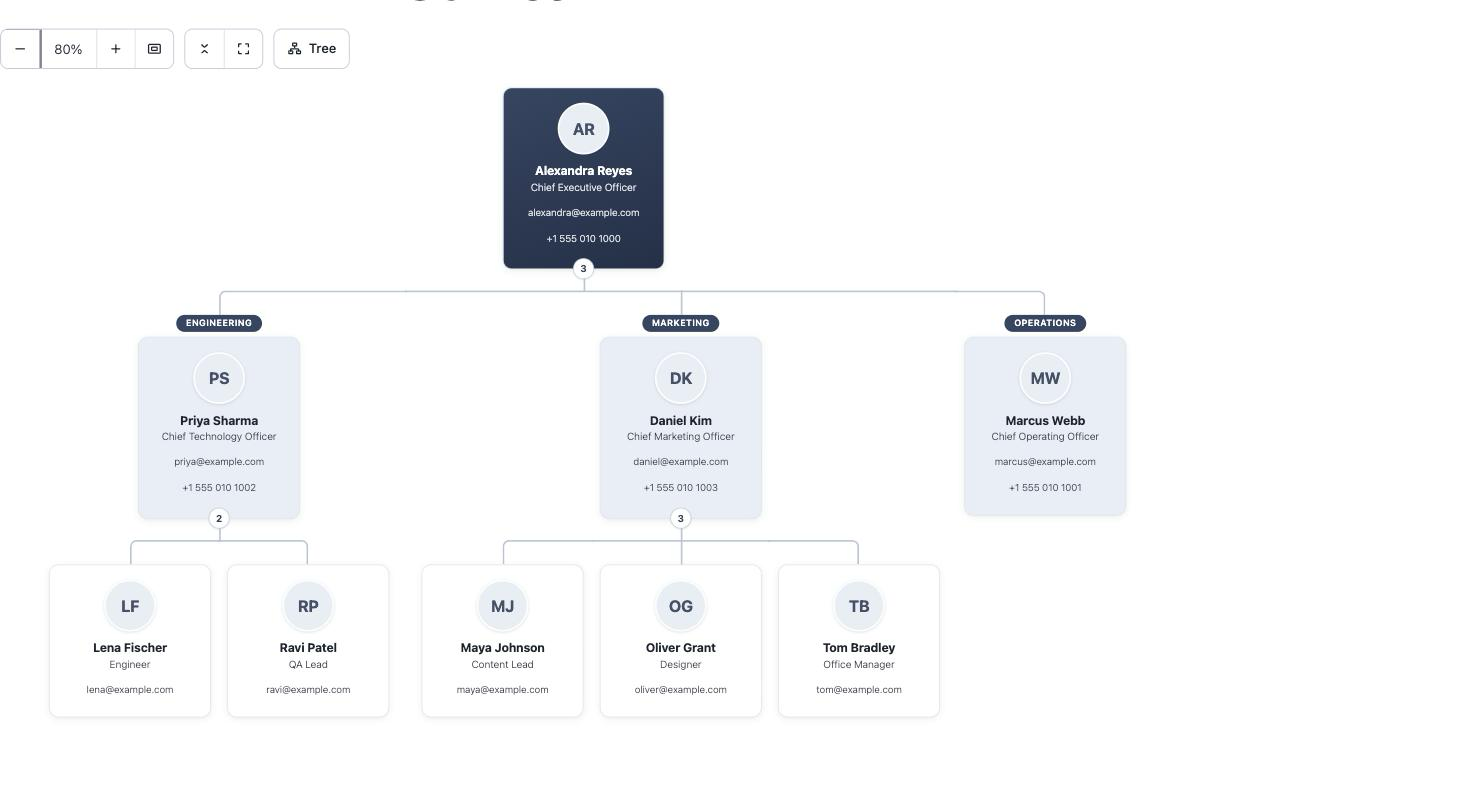
TeamGraph turns your team into reusable people records and displays them three ways — an organization chart, a card grid, or a directory list — from one Gutenberg block or shortcode. A drag-and-drop builder lives in wp-admin; no page builder required.
Accessible by construction, not by fallback. Most org chart plugins draw a diagram and bolt on a text alternative. TeamGraph inverts that: every view is real, semantic HTML — the chart is a nested list, laid out with pure CSS. Screen readers announce the reporting hierarchy natively, keyboard focus is visible everywhere, visitors without JavaScript get the complete chart, and on phones the tree reflows into a readable list instead of forcing you to pinch-zoom a boardroom diagram.
On the front end (Gutenberg block or [teamgraph] shortcode):
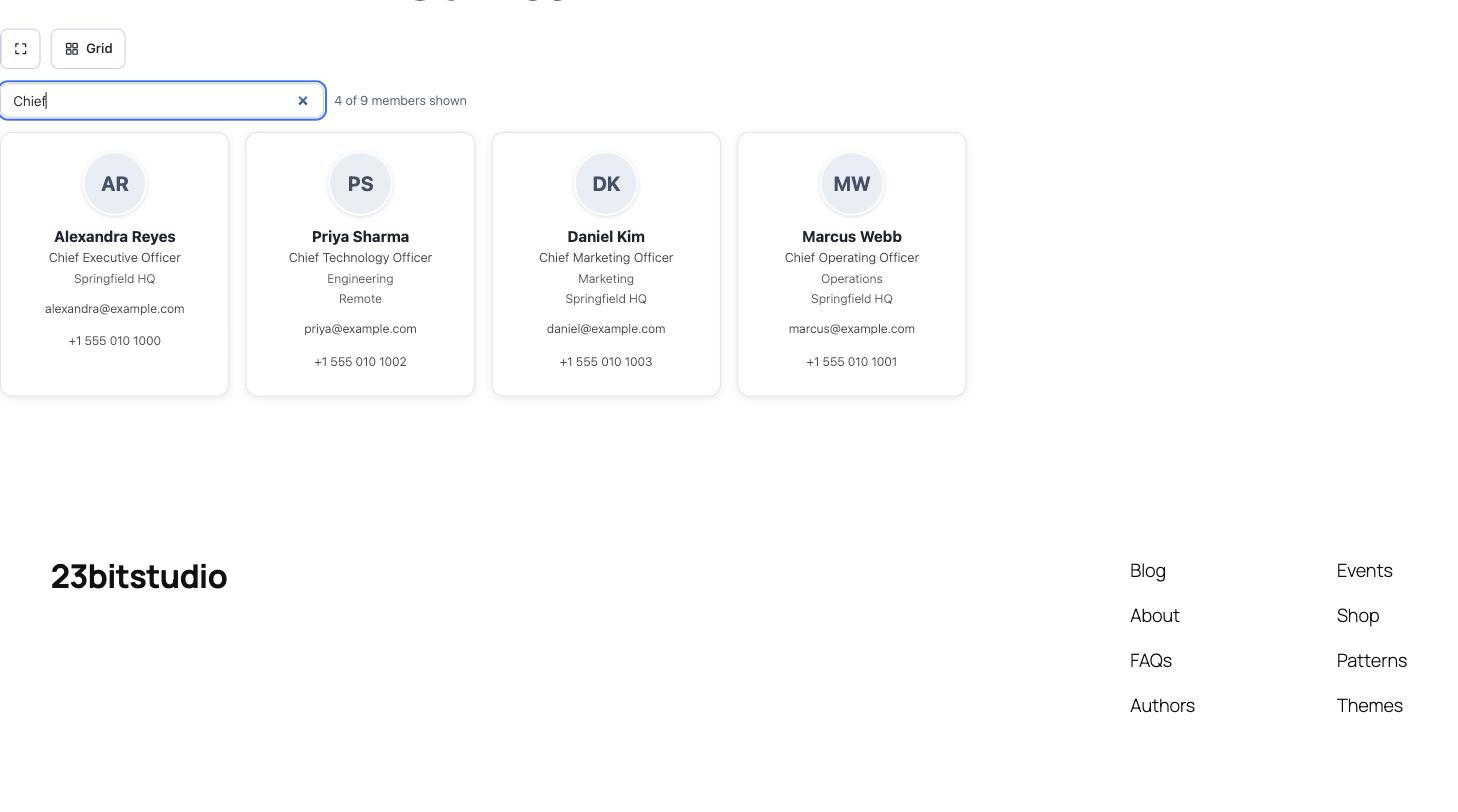
- Three views: org chart with connector lines, card grid, directory list
- Member cards with photo, name, job title, email, phone, and profile link
- Filter any view to one department or location, or chart a single branch from any member
- Collapse/expand branches (chart and list) and a live type-to-filter box (grid and list)
- Department pills appear automatically where a branch’s assignment changes
- Color guides style branches with your brand colors, inherited down the tree
- Prints cleanly, fully expanded
- No jQuery and no front-end framework — one small script and stylesheet, loaded only where a chart appears
In wp-admin (fast React screens under “TeamGraph”):
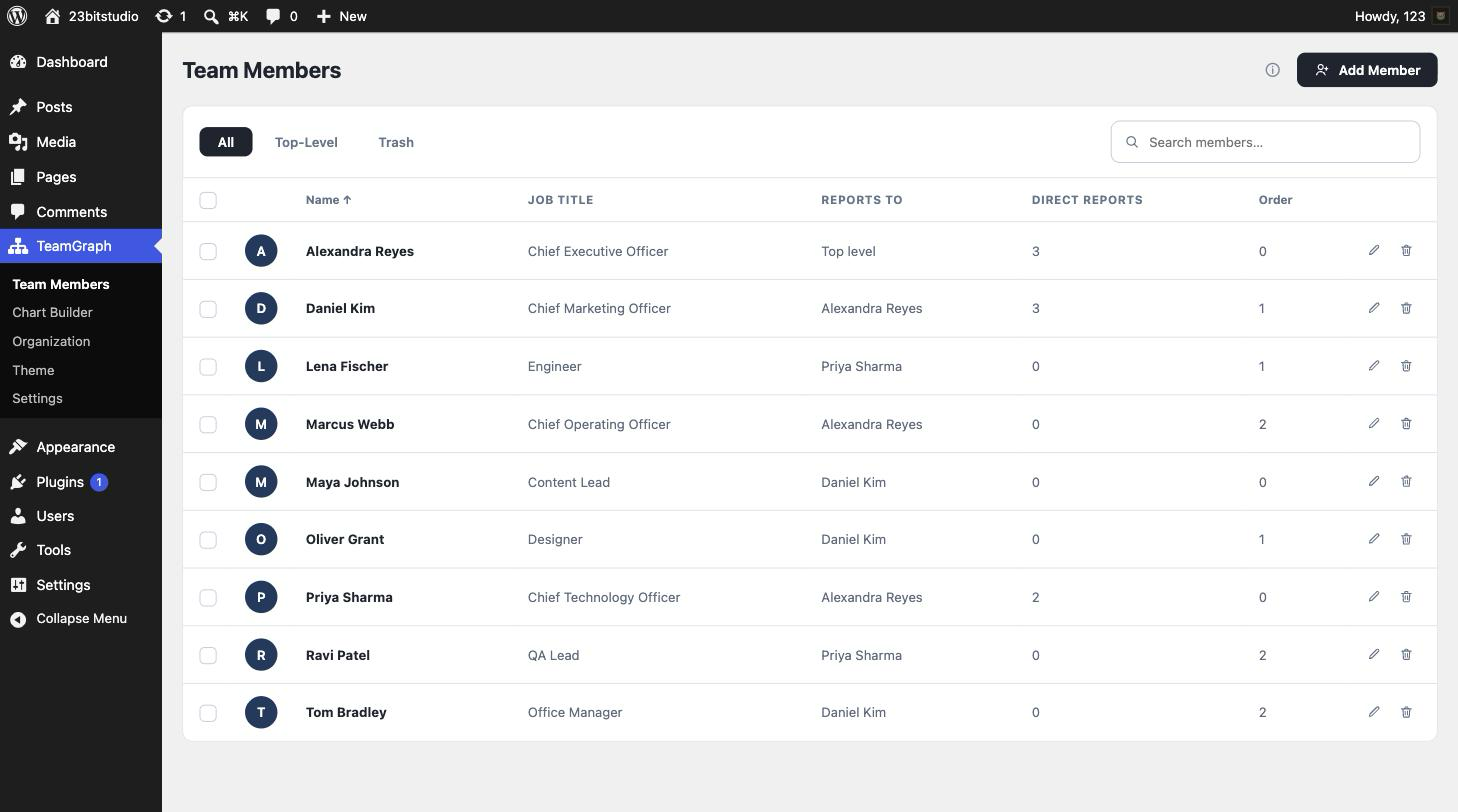
- Team Members: instant search, sortable columns, pagination, bulk actions, a Trash tab to restore deleted members or remove them permanently, and a one-click copy of the shortcode
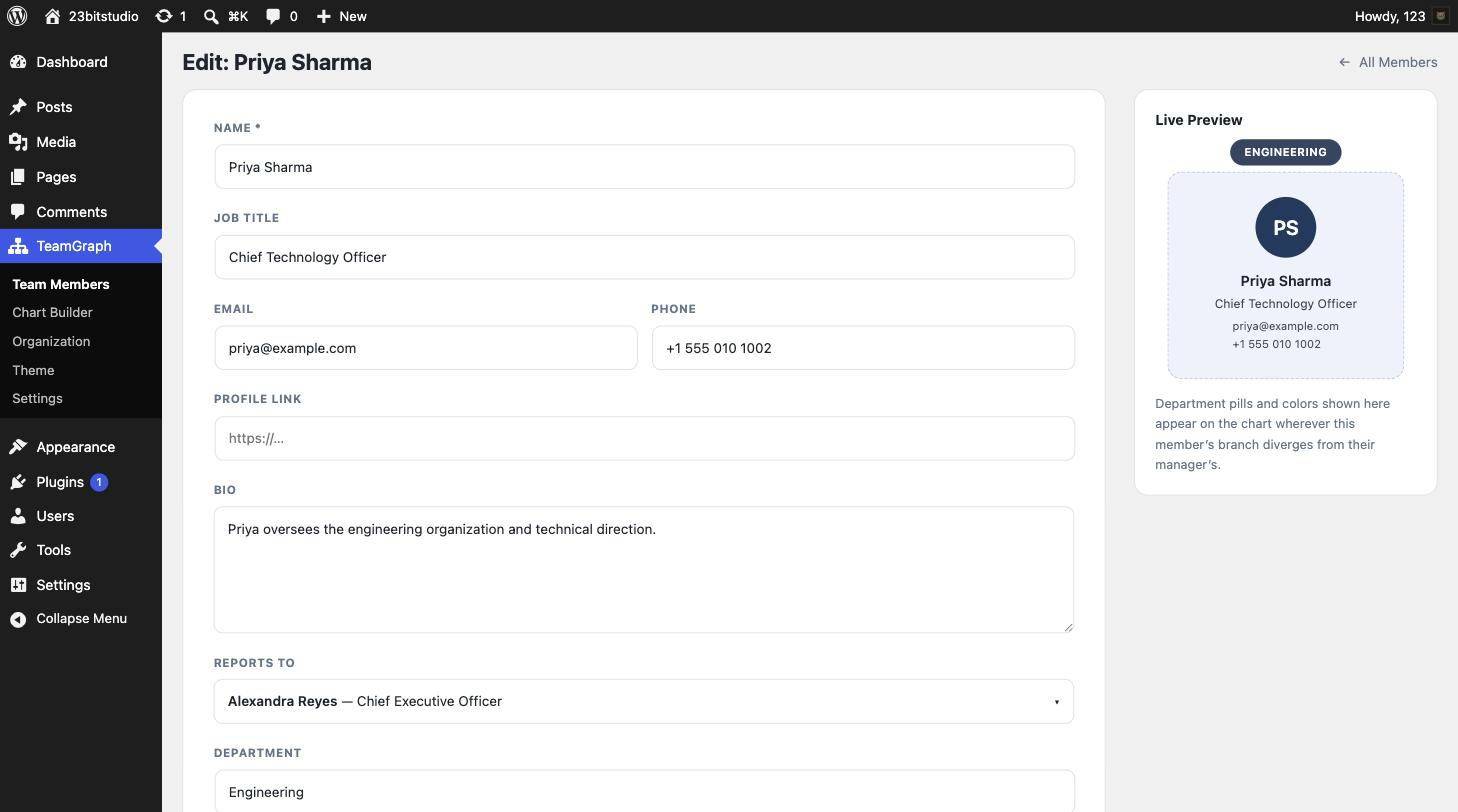
- Add/Edit Member with a biography, department, location, photo, live card preview, and a searchable manager picker that never offers a choice that would create a reporting cycle
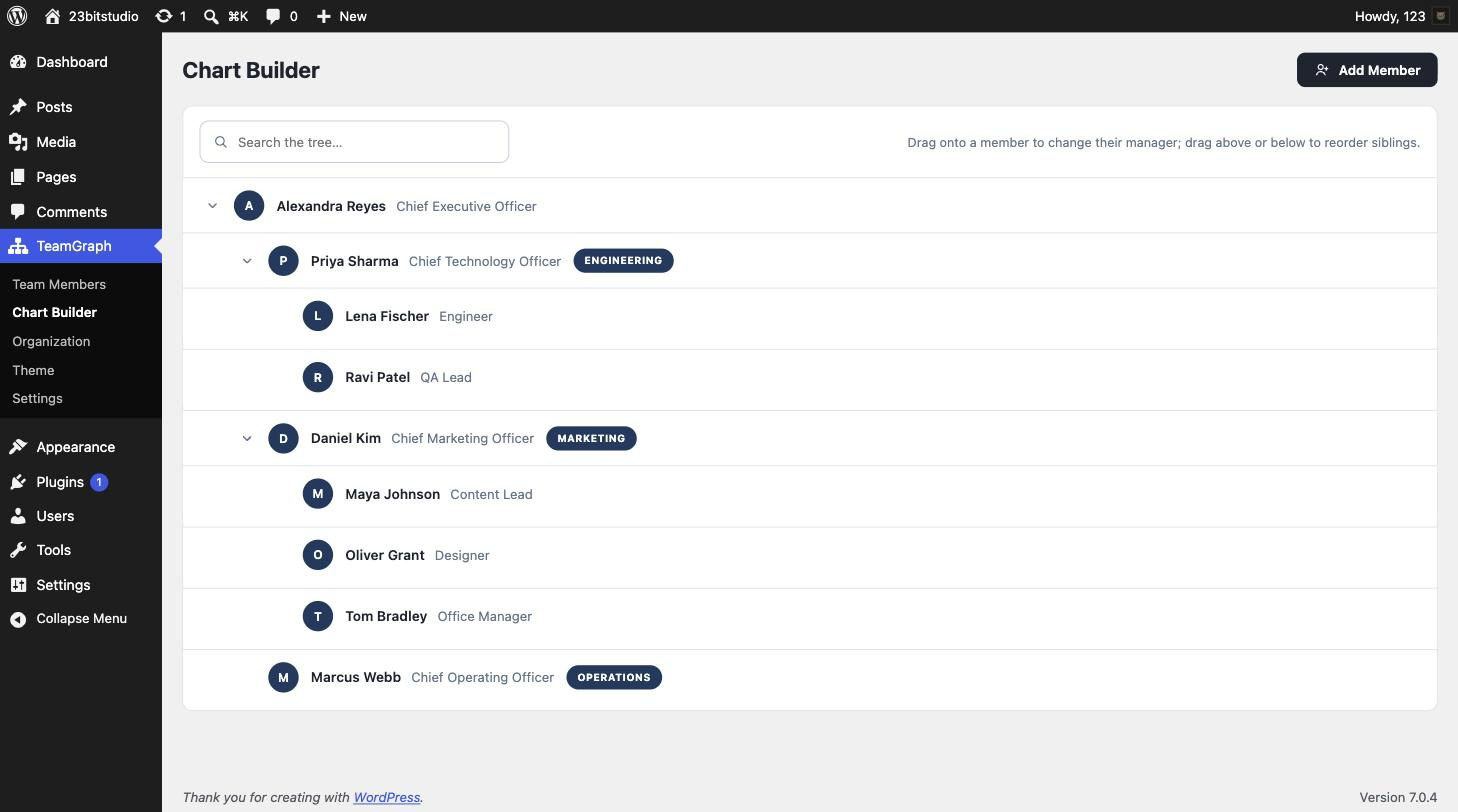
- Chart Builder: drag onto a member to change their manager, drag above/below to reorder, live tree search, slide-in editing drawer
- Organization: manage your departments and locations in one place
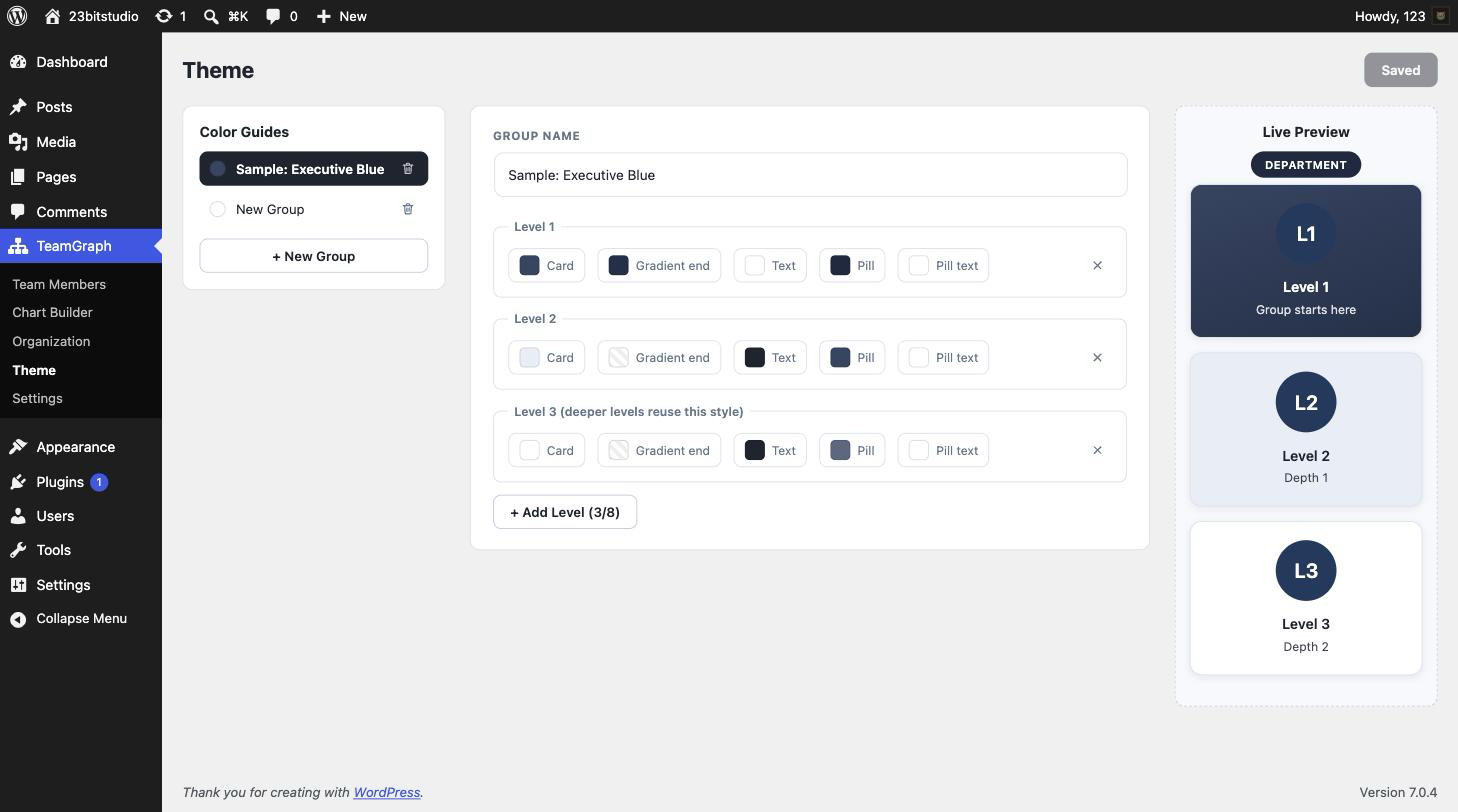
- Theme: color guides with up to eight levels and a live card preview — with live WCAG contrast warnings while you pick colors
- Settings: sample data you can load and remove with one click, CSV import/export with a downloadable template, a built-in Docs guide, and uninstall data controls
Structured data, not drawings
Members are a custom post type (“reports to” is the post hierarchy; the biography is the post content), departments and locations are taxonomies, and every safeguard is enforced server-side: capability checks per action, reporting-cycle prevention, and color validation. Deleting a manager automatically moves their reports up a level — no orphaned branches, no blocked deletes — and deleted members go to a trash you can restore from, rebuilding their branch.
Development
TeamGraph ships with its complete, unminified source. The two admin bundles in build/ (admin.js and block.js) are compiled from src/ with @wordpress/scripts, which minifies its production output; the corresponding sources and the build configuration are included in the plugin so the compiled files can be reproduced and reviewed.
src/admin/— the wp-admin React screens. All screens share one bundle and mount by the root element’sdata-pageattribute.src/block/— the block editor bundle for the TeamGraph Chart block.webpack.config.jsandpackage.json— the build configuration.
To rebuild the bundles from source, run this in the plugin directory:
npm install && npm run build
Everything else runs unbuilt: the PHP in includes/ is plain source, and the front end in assets/frontend/ is hand-written vanilla JavaScript and CSS with no build step and no dependencies.
Screenshots

Blocks
This plugin provides 1 block.
- TeamGraph Chart Display your organization chart, team grid, or directory list.
Installation
- Upload the
teamgraphfolder to/wp-content/plugins/, or install the plugin through the Plugins screen in WordPress. - Activate the plugin through the “Plugins” screen.
- Open TeamGraph in the admin menu. Add team members (or load the sample organization from TeamGraph Settings to explore), then arrange the reporting hierarchy in the Chart Builder.
- Add the chart to any page with the TeamGraph Chart block, or the
[teamgraph]shortcode.
FAQ
-
How do I show the chart on a page?
-
Insert the TeamGraph Chart block, or add the
[teamgraph]shortcode. Both accept a view (tree,grid, orlist), an optional starting member, and department/location filters:[teamgraph view="grid" department="Marketing"]or[teamgraph root="123"]. The shortcode accepts a department/location by name or slug. -
Is the chart accessible?
-
Yes — that’s the point of TeamGraph. Every view is semantic HTML: the org chart is a nested list styled with CSS, so screen readers announce the hierarchy natively. Collapse toggles are real buttons with proper ARIA state, keyboard focus is visible on every control, headshots use your media library alt text, the default colors meet WCAG AA, and the chart works completely without JavaScript.
-
Does TeamGraph send any data anywhere?
-
No. TeamGraph makes no external requests and collects nothing — all data stays in your WordPress database.
-
What happens when I delete a manager?
-
Their direct reports automatically move up to the deleted member’s own manager, so the chart never breaks. The member goes to the trash and can be restored.
-
Can a person link to their profile page?
-
Yes — each member has an optional profile link, and the name on their card links to it.
-
Does it work with my theme?
-
Yes. The chart renders inside its own reset container, so theme typography and list styles can’t distort the layout or the connector lines. Wide charts scroll inside the container — they never make your page scroll sideways.
-
Will uninstalling delete my team?
-
Only if you ask it to. By default all data is kept; enable “Delete all data on uninstall” under TeamGraph Settings if you want removal to be complete.
Reviews
There are no reviews for this plugin.
Contributors & Developers
“TeamGraph – Org Chart & Team Directory” is open source software. The following people have contributed to this plugin.
Contributors
Translate “TeamGraph – Org Chart & Team Directory” into your language.
Interested in development?
Browse the code, check out the SVN repository, or subscribe to the development log by RSS.
Changelog
1.0.0
- Initial release: members with bios and photos, departments, locations, color guides, drag-and-drop Chart Builder, three semantic front-end views (chart, grid, list) with department/location filtering, Gutenberg block and shortcode, sample data, CSV import/export, uninstall controls.