

Description
A lightweight image/video background & content slider plugin. Allows for full control over the content layout and design.
Lightweight
Standalone 10KB JavaScript file, optimize for loading speed and performance.
Content slider
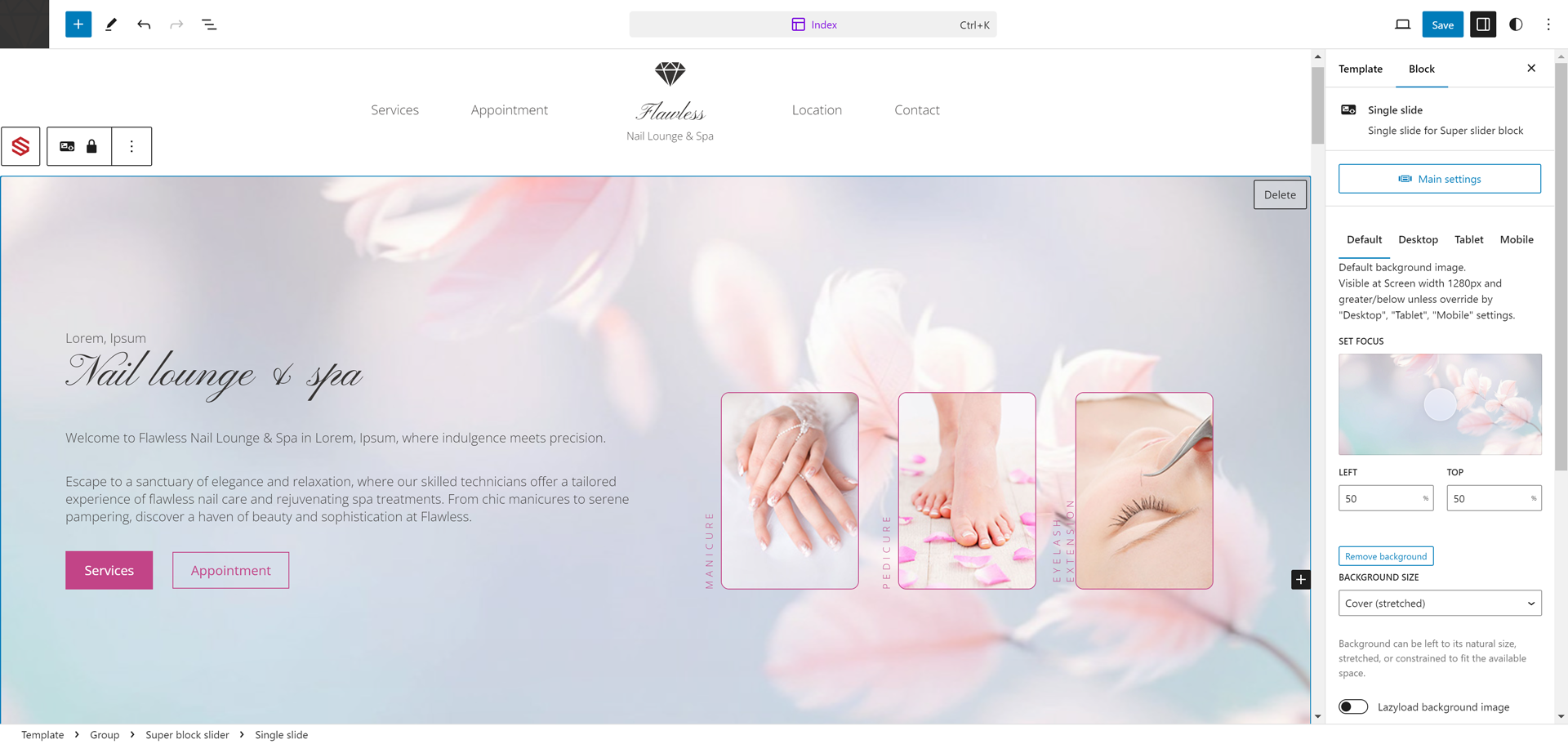
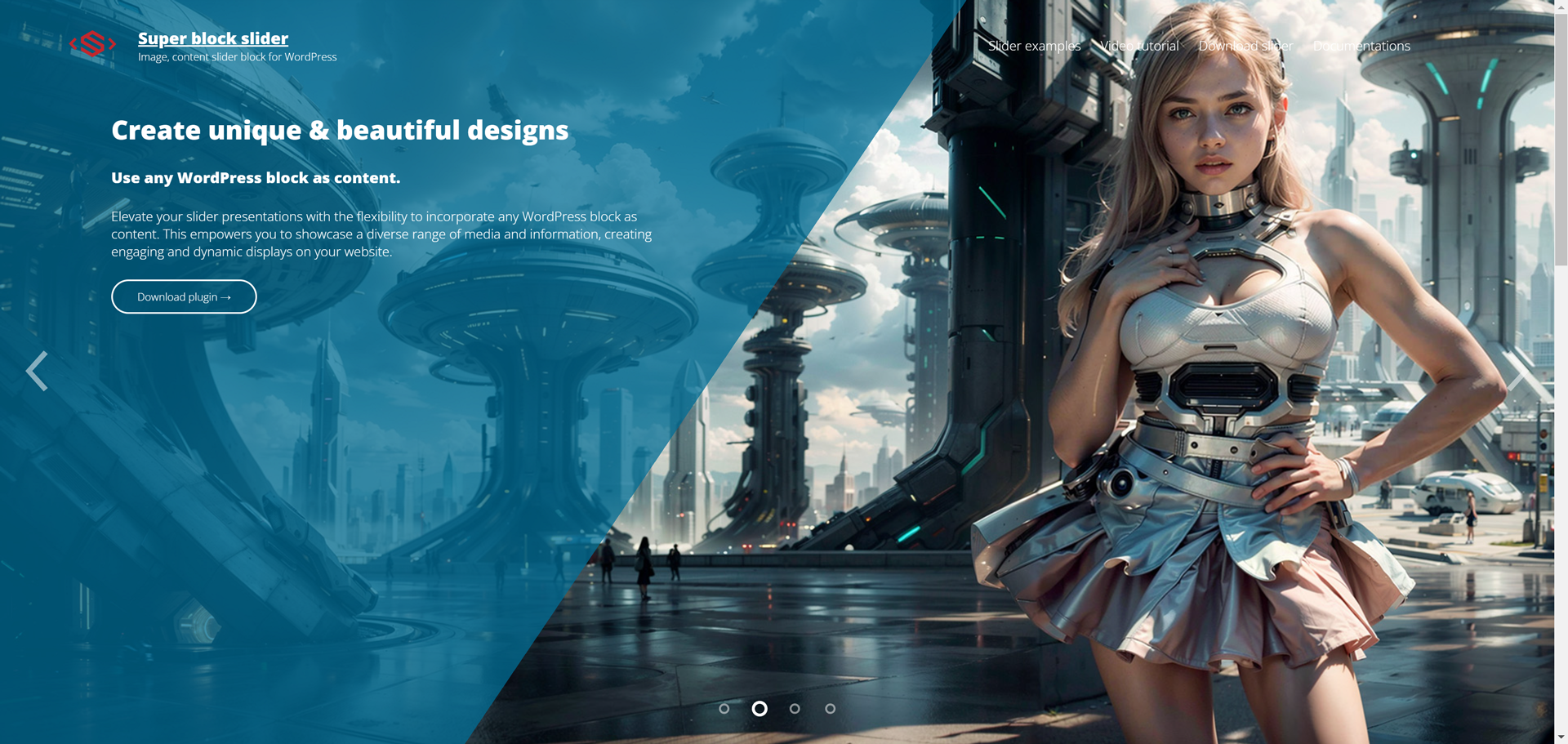
Highly flexible and customizable content, giving you full control over the content layout and design by using any blocks in the content area.
Image & Video background slider
Set a custom image or video background for each slide.
Supports block & classic editor
Works for block editor and classic editor(via shortcode. example: [superblockslider id=”123″]).
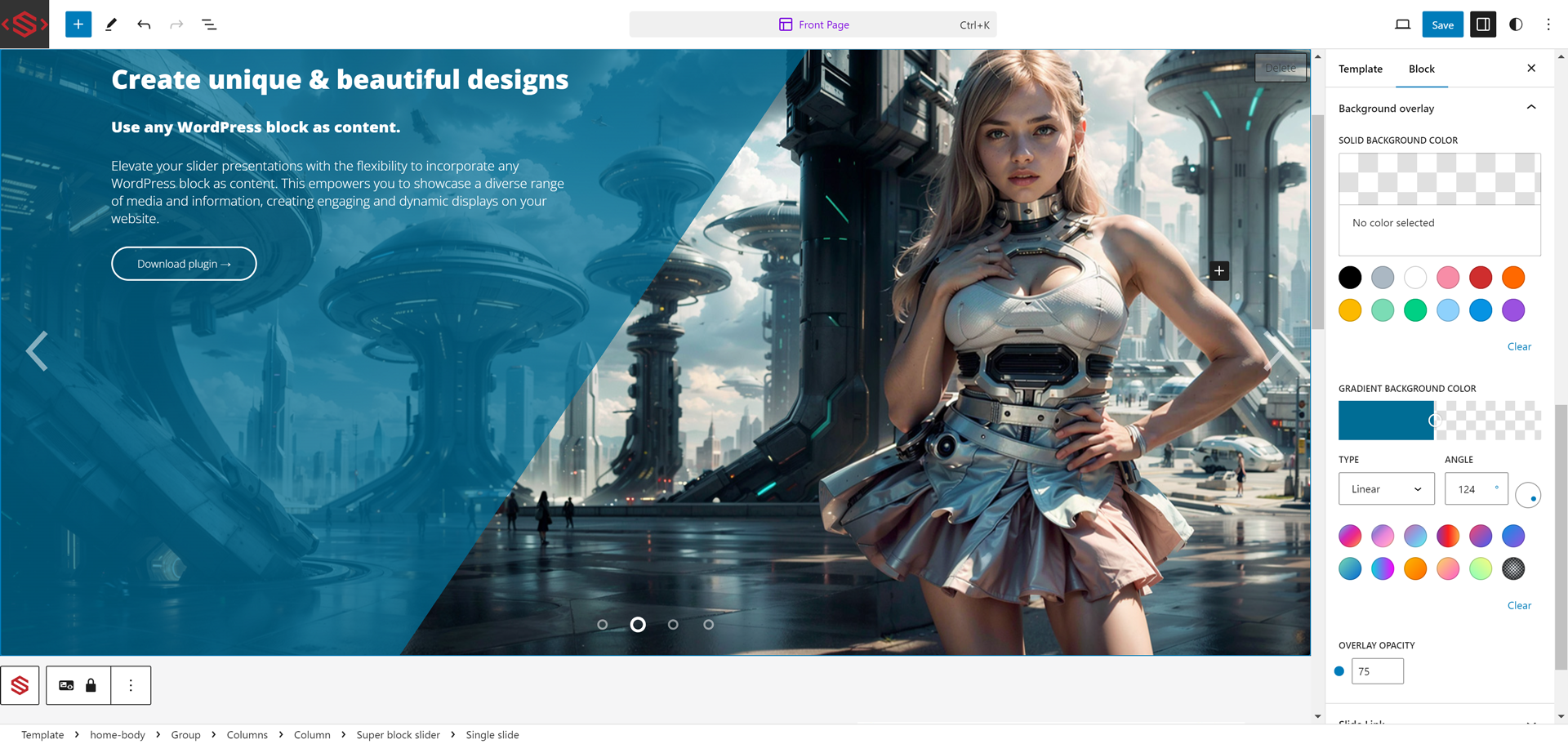
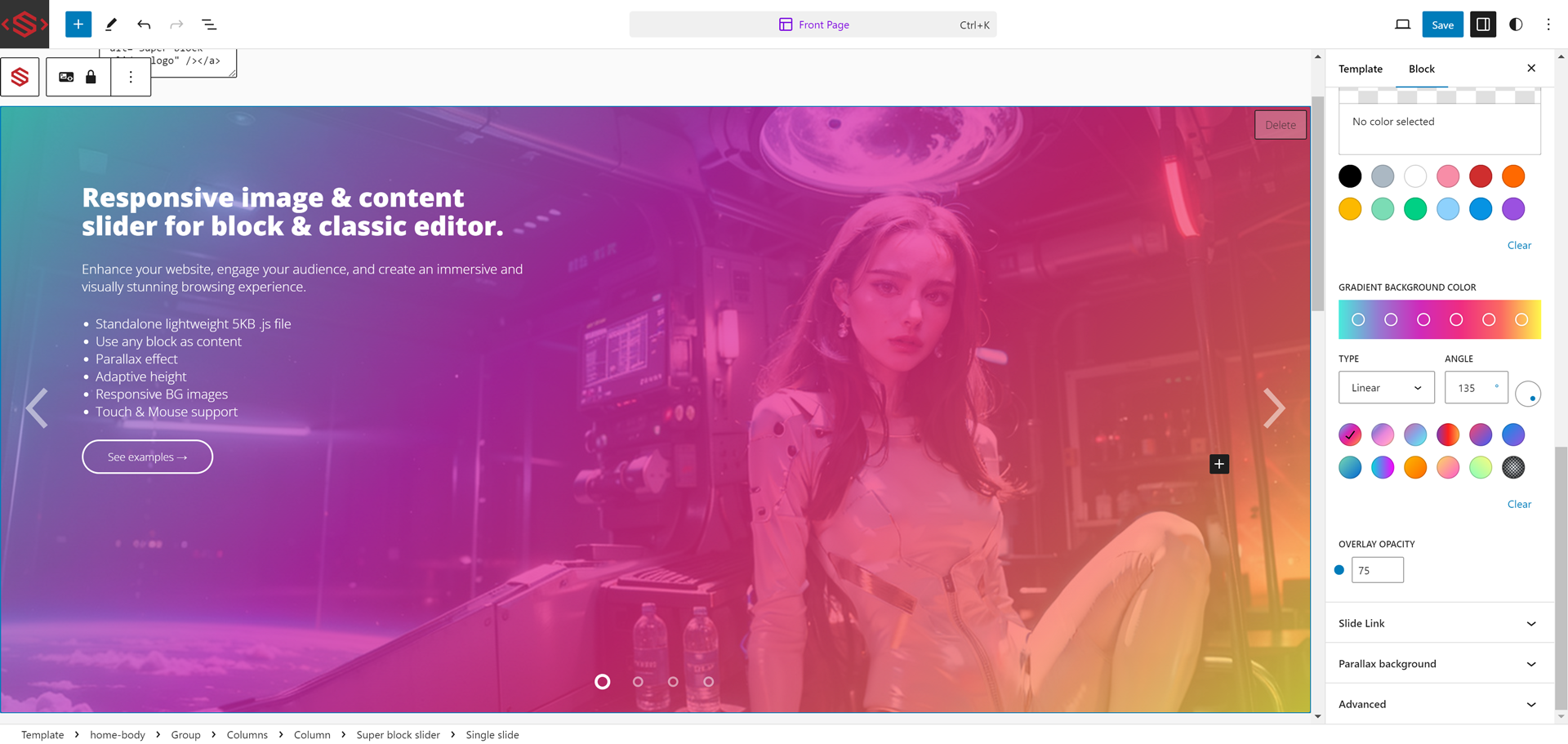
Gradient / color overlay
Apply solid color or gradient overlays over your backgrounds.
Responsive slider
Set different image or video background for desktop, tablet, and mobile screen sizes.
Live Editor Preview
Preview your slider in the WordPress editor, making it easy to fine-tune the design before publishing.
Touch & mouse drag
Supports touch and mouse swipe navigation.
Title or Dot Icon Navigation
Customize the navigation with title-based navigation or dot icons.
Parallax Effect
Add an interactive parallax scrolling effect to background images.
Adaptive slider height
Automatically adjusts slider height based on the background size.
Transition Animations
Choose from 20 distinct slide transition animations.
Featured highlight
- Slide, fade effect
- Adaptive slider height
- Set multiple background image for responsive screen size
- Title-based navigation or dot icons
- Parallax background effect
- 20 slide transition animations
- Gradient or solid color overlay
Links
Screenshots
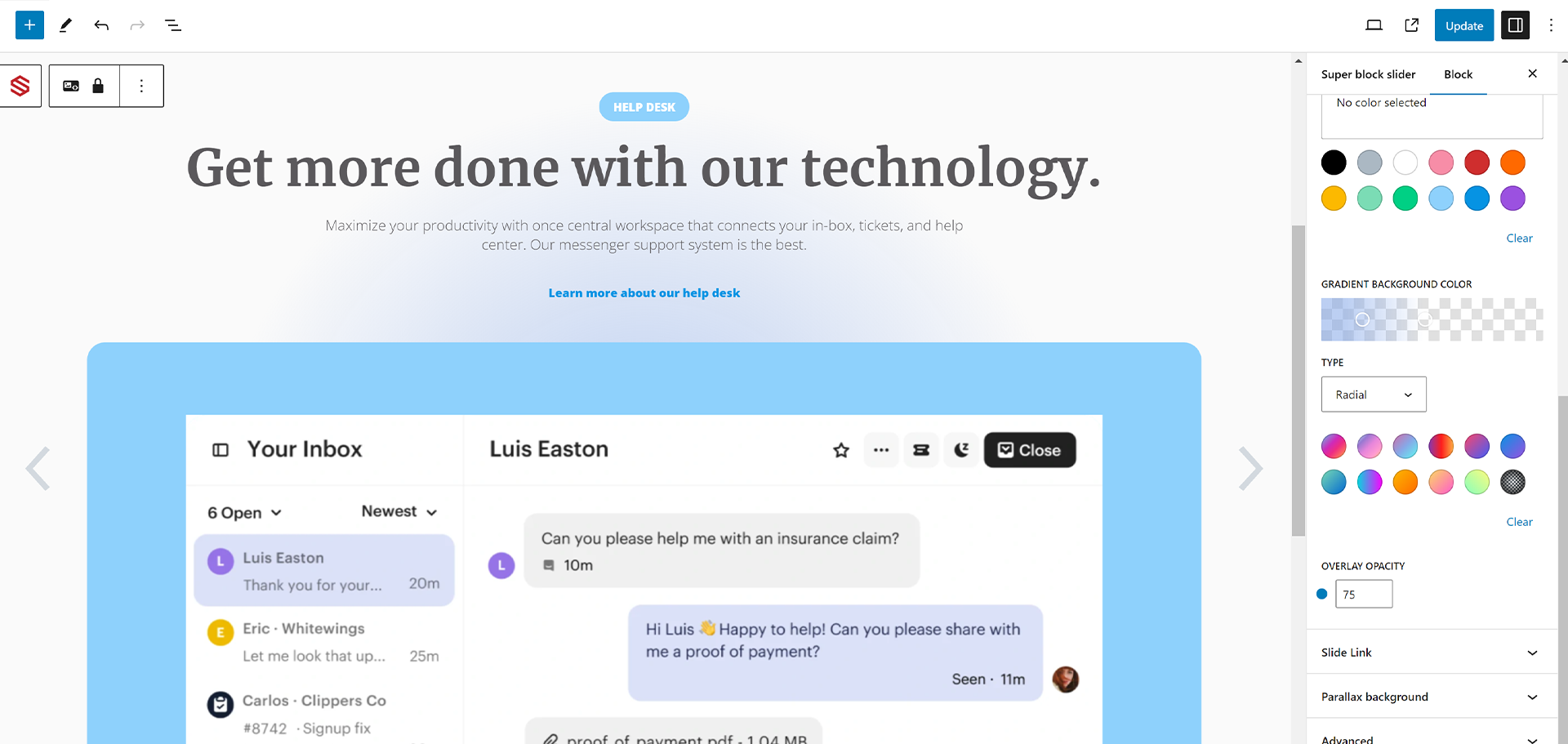
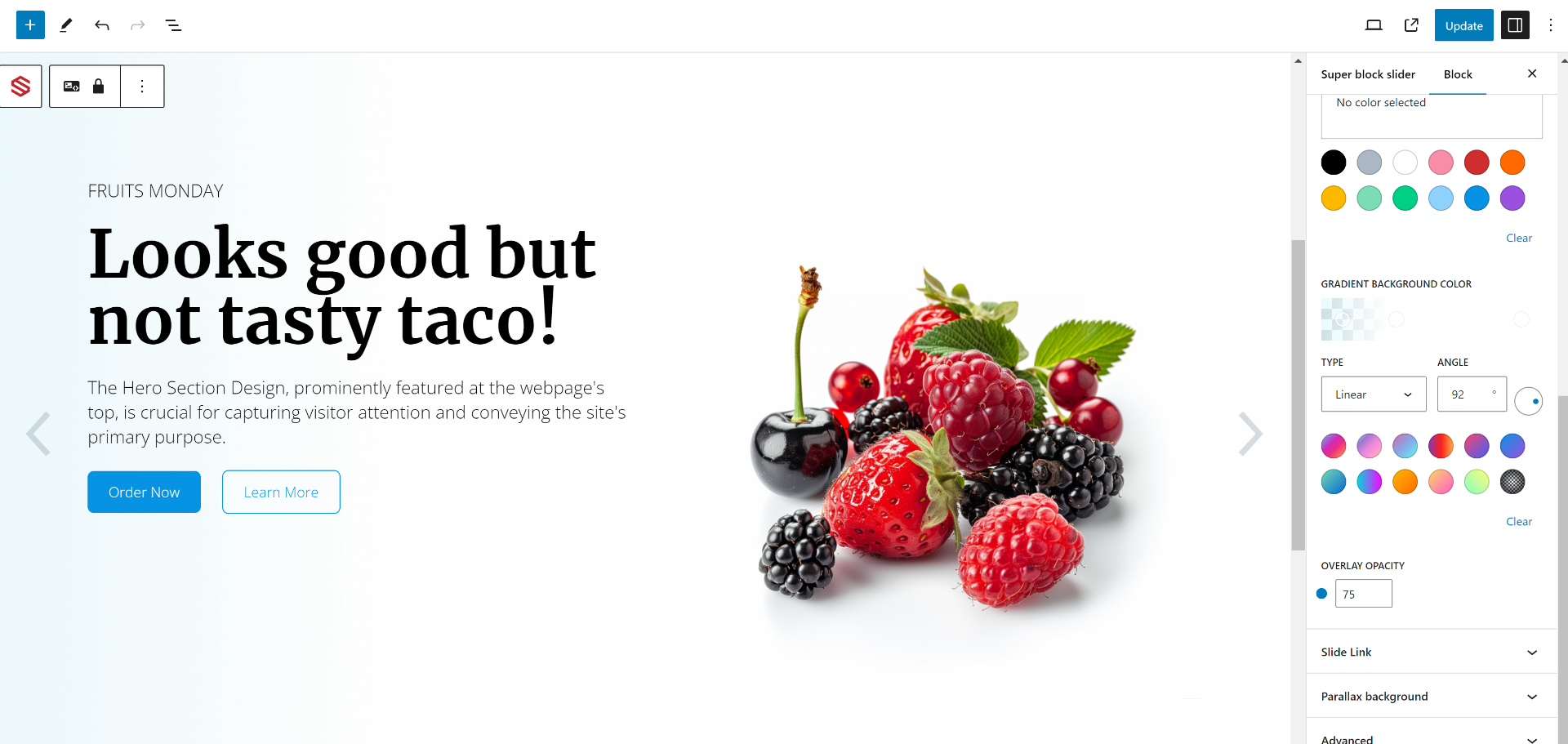

Blocks
This plugin provides 1 block.
- Super block slider Image and content slider
Installation
- Visit Plugins > Add New.
- Search for super block slider.
- Install and activate the super block slider plugin.
Manual installation
- Upload the entire
super-block-sliderfolder to the/wp-content/plugins/directory. - Visit Plugins.
- Activate super block slider.
After activation
While in Page/Post edit mode simply add/search for super block slider.
Reviews


Contributors & Developers
“Super block slider – Image/video background & content slider” is open source software. The following people have contributed to this plugin.
Contributors
“Super block slider – Image/video background & content slider” has been translated into 2 locales. Thank you to the translators for their contributions.
Translate “Super block slider – Image/video background & content slider” into your language.
Interested in development?
Browse the code, check out the SVN repository, or subscribe to the development log by RSS.
Changelog
2.8.3.8
- Fix: Slider freeze race condition when rapidly clicking navigation buttons during infinite loops.
- Fix: Infinite loop DOM order becoming out of sync on subsequent loops.
- Fix: Parallax effect automatically disabled for video backgrounds.
- Fix: Video playback synced to start only after slide transition completes.
2.8.3.7
- Fix: Inverted mouse drag direction for swiping.
- Fix: Infinite loop DOM restructuring issues when using dot navigation.
- Fix: Video autoplay behavior to rely on native autoPlay on initial load.
- Fix: Overly sensitive touch swipe and vertical scroll interference on mobile.
- Perf: Refactored autoplay loop to use setInterval instead of a continuous requestAnimationFrame loop.
- Dev: Added Jest test suite for frontend TypeScript module.
- Feature: Add background Video option
- Feature: Add responsive video poster image option
2.8.3.6
- Feature: Add padding setting to ‘superblockslider/slide’ inner content
- Feature: Moved “Delete Slide” button in the Inspector sidebar
- Change single slide delete button label to “Delete”
- Fix: Upgrade ‘superblockslider/slide’ block to API Version 3 for full iframe editor compatibility
- Fix: Resolve SelectControl default size deprecation warning in the editor
2.8.3.5
- Refactor: Resolved React render cycle warnings in the block editor by moving synchronous attributes updates to
useEffect. - Refactor: Replaced brittle DOM-scraping logic with a robust top-down data flow using
useSelectfor the Slider and Slide block orchestration. - Refactor: Modularized responsive background image configuration logic into a dedicated
ResponsiveBackgroundAdaptercomponent for cleaner maintainability. - Refactor: Thermo-nuclear structural rewrite of the frontend
superblockslider.ts. Dismantled a massive 500-line closure function into a clean, object-orientedSuperBlockSliderclass. - Refactor: Resolved performance scaling issues and potential memory leaks by implementing a
SuperBlockSliderManagerthat bindsresizeandscrolllisteners once globally instead of per-slider. - Refactor: Eliminated brittle “any” typed variables driving the slider state machine, replacing them with strongly-typed properties (
playing,paused,stopped) and interfaces.
2.8.3.4
- Change single slide delete button label to “x” icon in the editor for QOL improvement.
- Modernized block registration: Migrated metadata to
block.jsonand upgraded to API Version 3 for improved performance and full compatibility with the WordPress 7.0 iframed editor.
2.8.3.3
- Fix WP plugin check errors, minor fixes.
2.8.3.2
- Add ability to reorder slides.
- Remove admin shortcode message.
- Fix WordPress 6.9 compatibility.
2.8.3
- Display shortcode in Super block slider admin area.
2.8.2.5
- Update navigation arrow SVG, change navigation arrow CSS implimentaion.
2.8.2.4
- Test on WordPress 6.8-RC3
- Backend editor quality of life changes.
2.8.2.2
- Fix bug: Main slider > Advanced > Additional CSS class(es) was not being added in the HTML output.
2.8.2.1
- change post permission check for superblockslider shortcode.
2.8.2
- fix error: ERROR: WordPress.WP.I18n.TextDomainMismatch, WordPress.Security.EscapeOutput.OutputNotEscaped.
2.8.1
- fix error: ERROR: WordPress.WP.I18n.TextDomainMismatch.
2.8
- Security fix: Fix vulnerable to Broken Access Control.
2.7.9
- Add .pot translation files.
2.7.8
- Fix editor tab overlow.
2.7.7
- Fix editor styles: remove global editor styles
- clean up invalid registerBlockType parameter
2.7.6
- Fix bug Gutenberg blocks not being process when embeding using shortcode.
2.7.5
- Add load sueprblockslider.js in defer.
- Use passive listeners for touchstart, touchmove event.
2.7.3
- Fix WordPress 6.3 gradient crashes, bugs.
- Fix animating class
2.7.1
- Add class superblockslider__slide–animating-in, superblockslider__slide–animating-out when slide is animating.
2.7
- Added shortcode support for use in classic editor.
2.6.3
- Fix bug: Frontend autoplay not stopping when it should.
2.6.2
- Fix bug: Overlap timing of transition animate speed timing and autoplay timing.
2.6.1
- Fix bug: Reduce mobile touch sensitivity.
2.6
- Added content overflow options.
- Added mouse drag event changes slide
- Fix bug: Adaptive height not working in editor when slider is created.
- Optimise touch event code
- Add 6 more gradients
- Add donation link
2.4.7
- Fix Editor description for parallex.
- Fix Parallax code.
- Fix mobile gesture not stopping autoplay.
2.4.5
- Added “Adaptive slider height”.
- Fix bug causing slider to disappear if transsition effect is set to “Fade”.
- Fix bug: GradientPicker component causing crashes on full-site-editing mode.
- Fix ful-site-editing errors
2.3.2
- Fix bug: JS defer causes supersliderblock not to run.
2.3.1
- Add Mobile swipe gesture.
- Update responsive settings descriptions.
2.2.1
- Fix bug causing crashes if 2 or more slider is created.
- Changed editor text and rearange controls.
- Lock move control of single slide by default.
2.1.1
- Fix bug – CSS style causes slider arrow to overlaps content.
2.0
- Add custom responsive screen size images option.
- Fix bug – Added overflow style to content container.
1.5.5
- Fix bug – Slide index not set correctly if Super slider block is a child block.
- Slide title line height style.
- Update descriptions in editor.
1.5.4
- Fix parallax effect.
- Fix slide title line height in slide editor.
- Add src/js/
- minor bug fixes.
1.5.3
- Add support for WordPress version 5.9
1.5.2
- fix bug – WordPress version 5.8.1 cause slide index to be undefine.
1.5.1
- fix bug – Editor fade effect : selected slide not visible if child block selected.
1.5
- fix bug – track css transition all
1.4.9
- fix bug – Firefox transition-timing-function.
- fix bug – Chrome background image flicker.
1.4.8
- fix bug – fade effect not changing in editor.
1.4.7
- Add Parallax background image
1.3.7
- Add slide link option
1.2.7
- Fix bug – Title indicator to render html.
- Fix bug – Title indicator word-wrap.
- Fix editor .wp-block max-width css.
1.2.6
- Changed Super block slider category to ‘Media’ from ‘Widgets’.
1.2.5
- Fix bug – initial active slide not correct cause by older versions.