
Description
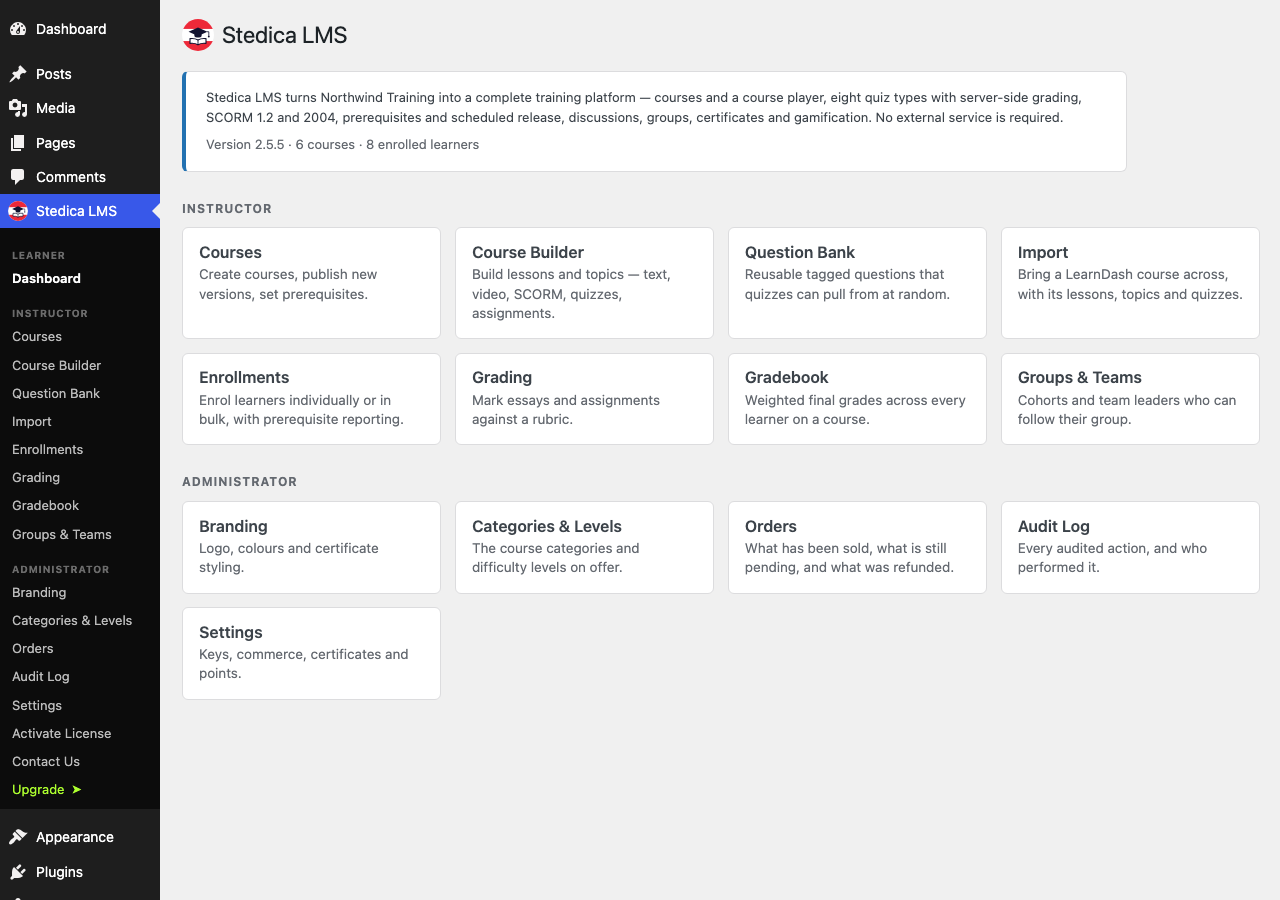
Stedica LMS turns a WordPress site into a full training platform, with no external
service required.
For learners
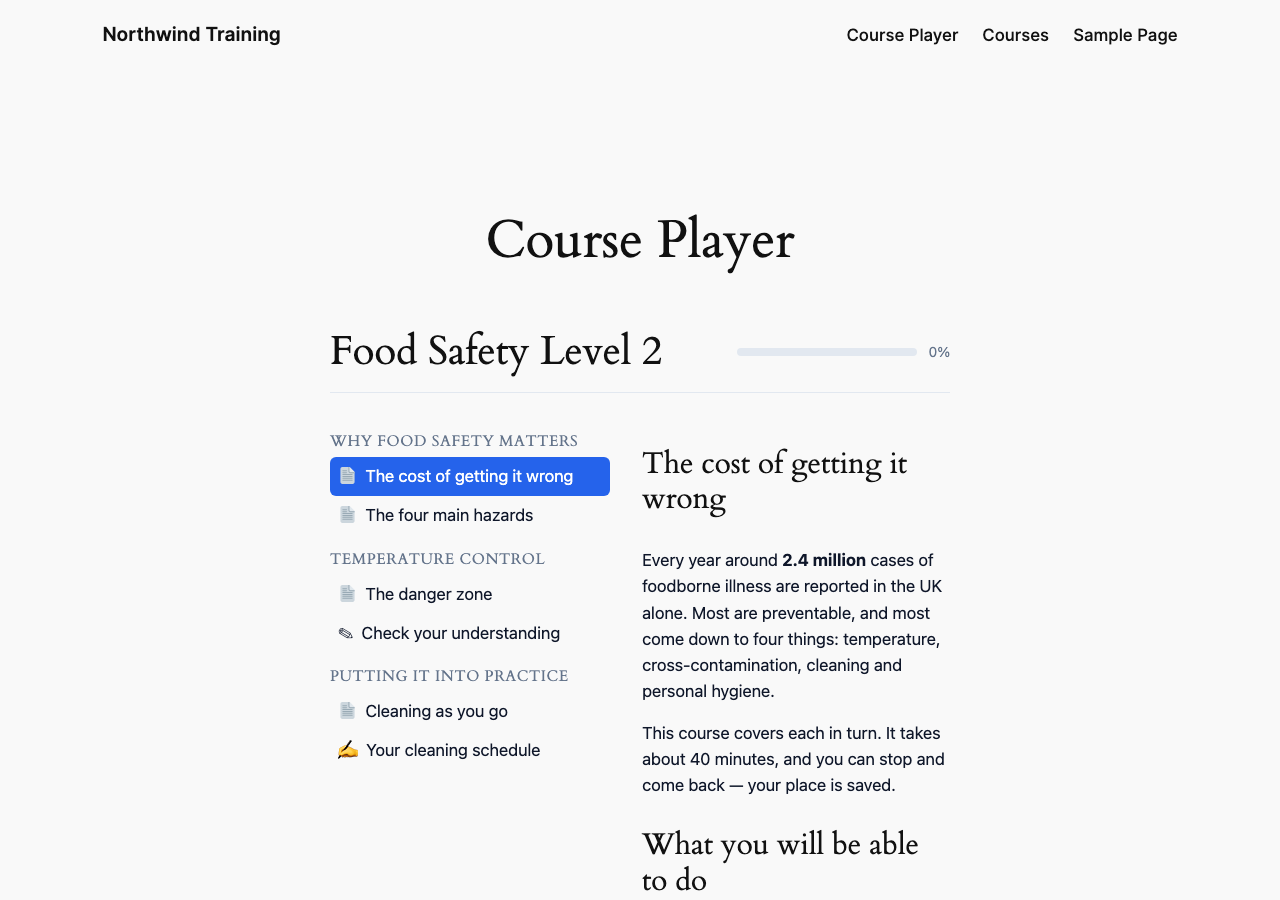
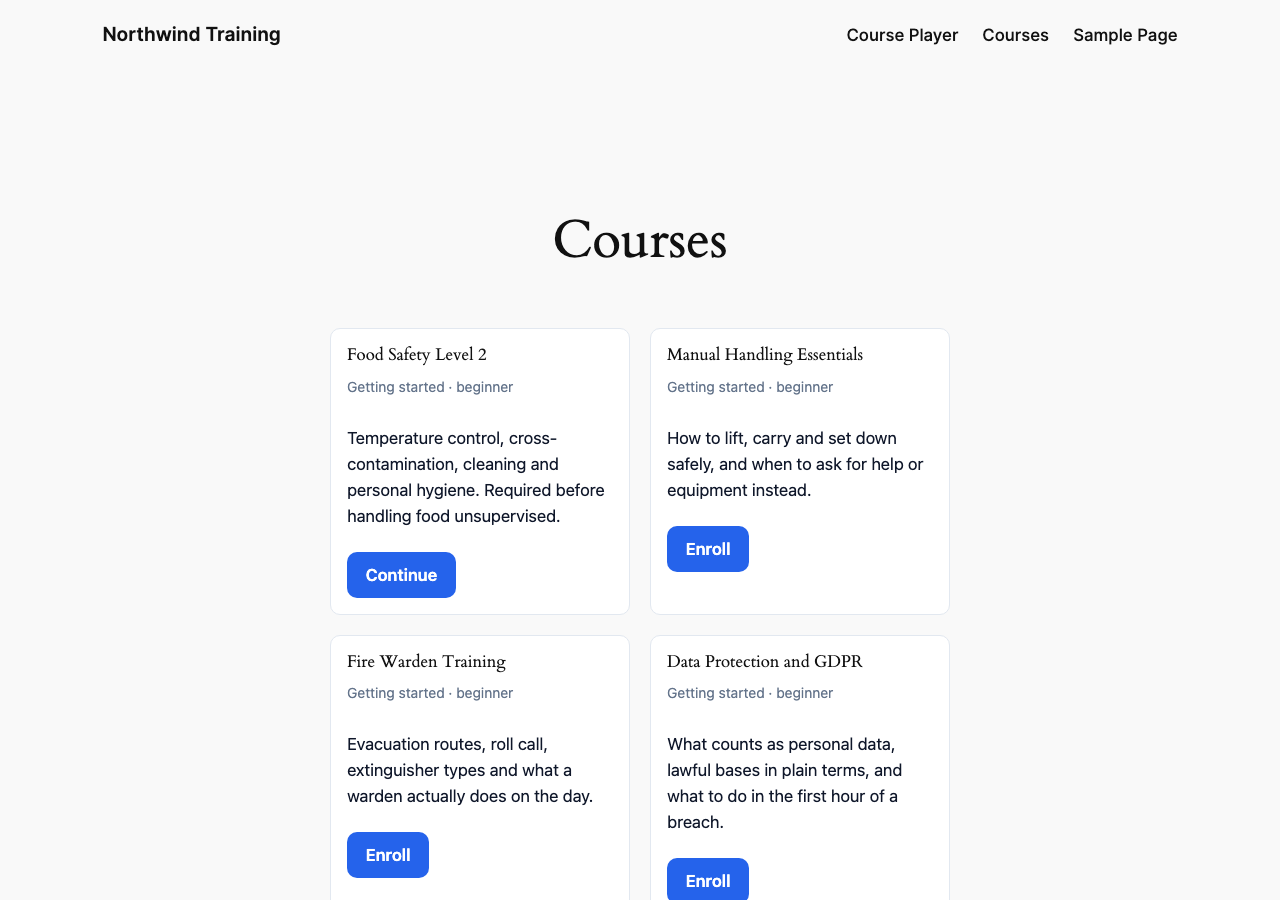
Course catalog and self-enrolment, a course player with resume, progress tracking and
drip-released lessons, eight quiz types, certificates, leaderboards and achievements.
For instructors
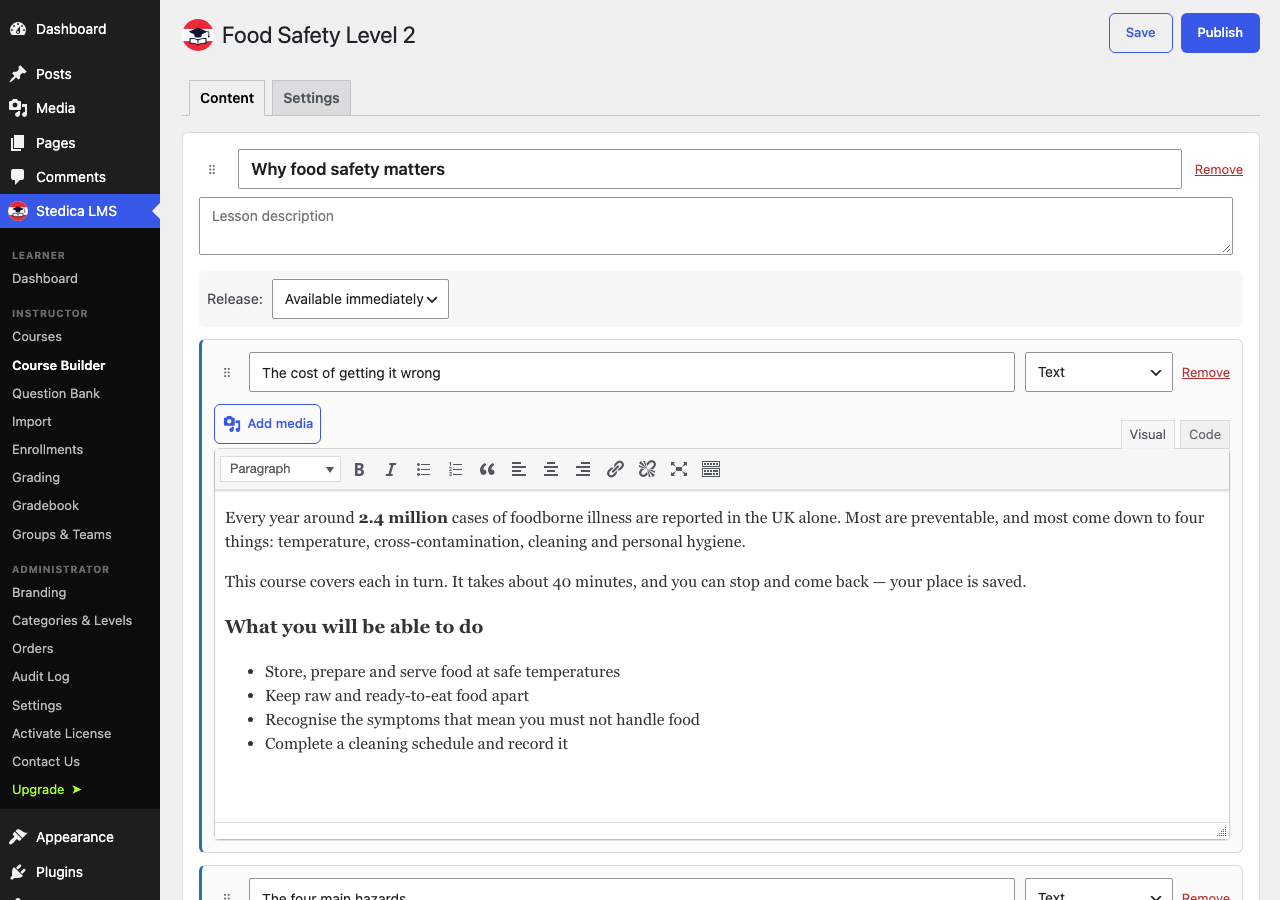
A drag-and-drop course builder (lessons and topics: text, video, audio, document, SCORM,
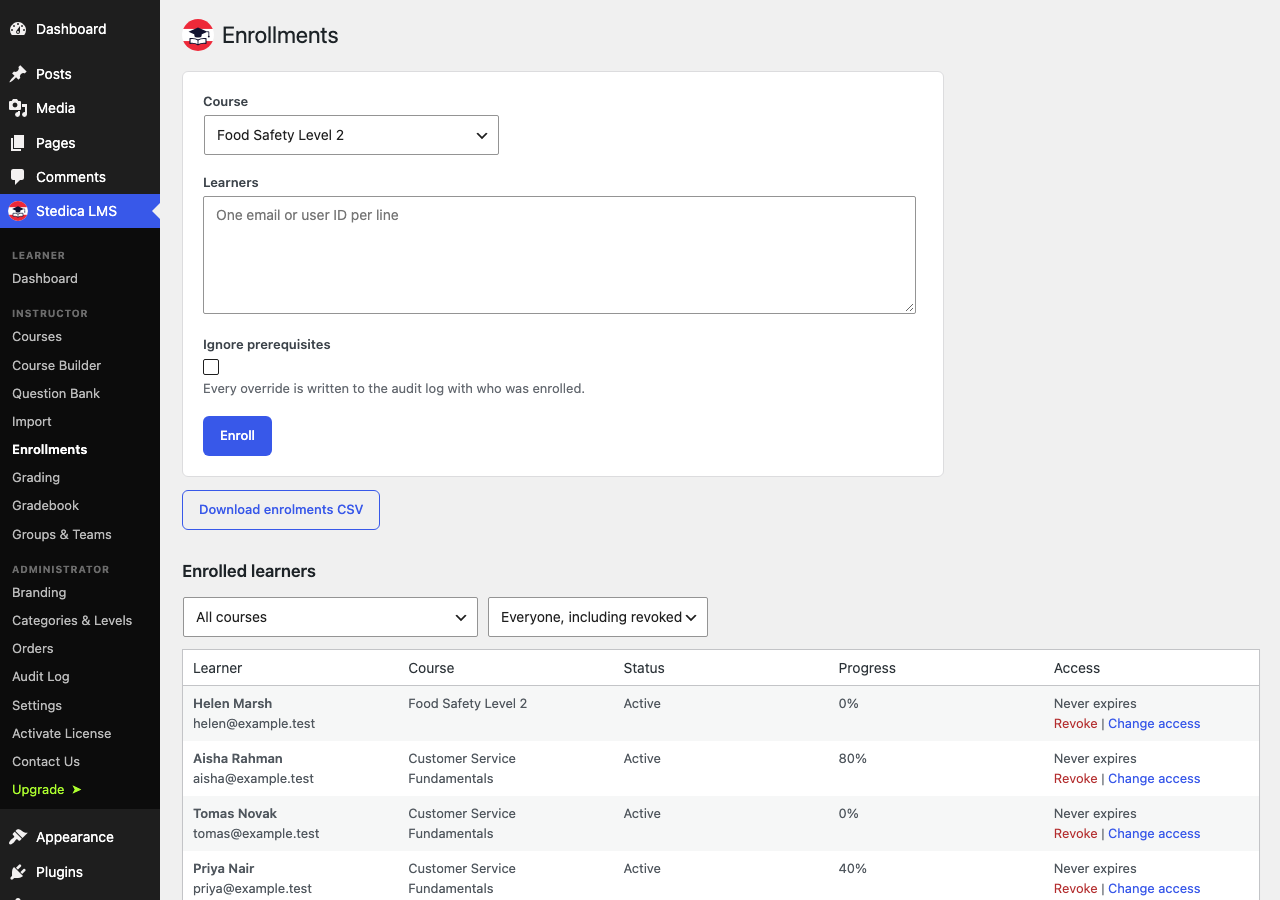
H5P, quiz, assignment), a reusable question bank, a grading queue with a visual rubric
grid, a weighted gradebook, and per-learner and per-course progress with CSV export.
For administrators
Roles and capabilities, white-label branding, editable categories and levels, and an
audit log covering 27 action types.
Selling courses
Link a WooCommerce product to a course: the buyer is enrolled on payment and access is
revoked on refund. No external service and no subscription required.
Standards
SCORM 1.2 and 2004 import and runtime, with resume and HTTP Range media streaming.
License
Stedica LMS is distributed under the GNU General Public License. The plugin’s own code is
GPL-3.0-or-later.
It bundles third-party components under their own compatible licences, and two of them are
worth naming because they are stricter than the plugin’s own: the Freemius SDK in
vendor/freemius/ is GPL-3.0-only, and dompdf’s rendering library in vendor/dompdf/ is
LGPL-2.1. Taken as a whole, therefore, this distribution is effectively GPL-3.0 without the
“or later” option, because one of its components does not offer it.
Both LICENSE (GPLv3, the licence this plugin is under) and LICENSE-GPL-2.0.txt (included
because WordPress itself is GPLv2-or-later and the directory asks for a compatible licence)
ship in the package. GPLv3 is compatible with that requirement.
External services
This plugin connects to one external service, and only for licensing.
Freemius
Freemius handles licensing, the free trial and update delivery for the optional paid
add-on, Stedica LMS Premium. The licensing SDK is bundled in this plugin.
Nothing is sent until you choose to send it. On a fresh install the plugin runs in
anonymous mode: no request is made to Freemius and no data leaves your site. Requests
begin only when you opt in to Freemius’ service, start the free trial, or activate a
licence key — each of which is an explicit action you take.
Once you have opted in, the following is sent to Freemius:
- when you opt in, start a trial or activate a licence: your site URL, the email address
and name of the WordPress user performing the action, and the WordPress, PHP and plugin
versions - when checking for updates to the paid add-on, and when validating a licence: your site
URL and the installed plugin version
No learner data, course content, grades or quiz results are ever sent.
If you never opt in, the plugin remains fully functional and contacts nothing. The paid
add-on is the only thing that requires it.
Service provided by Freemius, Inc.
Terms of Service: https://freemius.com/terms/
Privacy Policy: https://freemius.com/privacy/
Security
Authorization is enforced server-side on every REST route and every admin screen —
hiding a menu item is never treated as access control. Learner-owned resources are
ownership-checked to prevent enumeration by id. Quiz answer keys never leave the
server. Protected files (SCORM assets, submissions, certificates) are served through a
PHP proxy that derives authorization from the request path, because a SCORM package’s
relative sub-resource requests cannot carry a token. Grades are clamped server-side.
Secrets are masked in every API response, and are encrypted at rest when the PHP
OpenSSL extension is available (it is on virtually all hosts; without it they are stored
unencrypted and only the masking applies).
Shortcodes
For learners: [stedica_my_courses], [stedica_catalog], [stedica_course_player],
[stedica_leaderboard], [stedica_certificates], [stedica_discussions],
[stedica_achievements]
Stedica LMS Premium, a separate add-on, adds [stedica_live_sessions],
[stedica_my_skills], [stedica_learning_paths] and [stedica_membership]. They are
listed here so you know what exists, not offered by this plugin — this package does not
contain them and does not register them.
For staff: [stedica_my_group] shows a group leader their members’ progress, and
[stedica_instructor] gives an instructor their grading queue. Both are safe to put on an
ordinary page — each shows only what the person viewing it is entitled to see, and a
visitor with no such role sees a plain explanation rather than an error.
Every surface is also a block — search “Stedica” in the inserter — and an Elementor
widget, found under a Stedica LMS category with a dropdown for which surface to show.
All three render through the same code, so they behave identically.
Screenshots
Installation
- Upload the plugin through Plugins Add New Upload Plugin, or extract into wp-content/plugins/.
- Activate. Tables, roles and upload directories are created automatically.
- Create a page containing
[stedica_catalog]and another containing [stedica_course_player], then point Stedica LMS Settings at both so links and emails resolve. - To sell courses, set Stedica LMS Settings Commerce provider to WooCommerce and install WooCommerce if it is not already there. It defaults to None, and until it is set the course-to-product field does not appear on a product and no order grants access. Courses can of course be free, or enrolled by an administrator, with no provider set at all.
Certificates are rendered as PDF by dompdf, which ships inside this plugin. There is nothing to install and no external service involved. If the library cannot be loaded — a source checkout with no dependencies installed, for instance — certificates fall back to printable HTML and every other feature is unaffected.
FAQ
-
Does uninstalling delete my courses?
-
No. Data is preserved unless you explicitly tick “Remove all data on uninstall” in
Settings before removing the plugin. -
Do I need WooCommerce?
-
Only to sell courses. Edit a WooCommerce product and pick the course it grants from
the Stedica LMS panel; enrolment happens when the order completes, and entitlement is
always checked server-side. Refunds and cancellations revoke that access again. -
What is not included?
-
LTI and xAPI are not implemented and are not planned. The LTI topic type is retired in
the course builder, and a course still holding one is flagged as needing replacement. H5P
is supported as an embed rather than a bundled runtime. Selling runs
through WooCommerce; there is no native card checkout in this plugin. There is no PWA
support. The plugin ships a translation template (languages/stedica-lms.pot) but no
translations.These features are not in this plugin and are not disabled versions of anything here —
AI assistance, instructor-led sessions with seats and waitlists, competency frameworks,
multi-course learning paths, native Stripe checkout with subscriptions and coupons,
outbound webhooks, cohort analytics with at-risk scoring, and the append-only completion
register with recertification and CEU credits. They are a separate paid add-on, and the
code for them is absent from this download rather than switched off.
Reviews
There are no reviews for this plugin.
Contributors & Developers
“Stedica LMS” is open source software. The following people have contributed to this plugin.
Contributors
Translate “Stedica LMS” into your language.
Interested in development?
Browse the code, check out the SVN repository, or subscribe to the development log by RSS.
Changelog
2.5.7
- A SCORM package now stays as the file you uploaded, read directly rather than
unpacked into hundreds of files on the server. The same modules play and resume, audio
and video still seek, and a 12MB course now takes 12MB instead of 24MB. Existing
packages keep working. - The certificate design moved into its own stylesheet,
certificate.css, so a theme
override can restyle it without touching PHP. - Three course-lookup queries were rewritten so their use of placeholders is evident at
the call site. No behaviour changes.
2.5.6
SCORM courses and certificate downloads were broken for everyone, plus a package of security fixes
- SCORM courses and certificate downloads did not work at all. Every protected file
was served through an address that refused the browser’s own request, so learners saw
an empty course player and a download button that did nothing. Fixed, with a test that
fails if it returns. - SCORM packages now load their own images, audio and scripts. On sites using Plain
permalinks the first page appeared and everything it referenced was missing. - A malformed SCORM package could fill the disk. The size limit trusted figures the
package declared about itself, which can be forged. It is now enforced against what
actually lands on disk. - A SCORM package could smuggle in server-executable or server-configuration files.
Every part of every path is now checked, and legitimate multi-language filenames are
still accepted. - A failed import no longer leaves the package behind, and uploads are no longer
staged in a publicly readable folder under the uploader’s own filename. - Duplicating a course no longer produces a dead SCORM topic.
- The plugin stopped writing inside its own folder, where WordPress deletes files on
every update and plugins are not permitted to write. - Certificates are no longer written as web pages when no PDF renderer is present,
and files left by older versions are removed on update. - Admin notices are confined to this plugin’s own screens, dismissed per person, and
stay dismissed. - The uploads folder is now named for the plugin. Files were kept in
wp-content/uploads/stedica/; they are now inwp-content/uploads/stedica-lms/, which
is what the WordPress.org guidelines require. Existing certificates, submissions and
SCORM packages are moved automatically on update and keep working. Course artwork is
copied rather than moved, so any image address already published elsewhere — in a page,
an email, another system — keeps resolving from the old location. - An instructor could import a SCORM package into another instructor’s course.
Uploading a package checked only that you may manage courses, not that the course was
yours, and the course id decides who is allowed to play the package. It is now checked,
and a course id that does not exist is refused instead of extracting to a folder nothing
can serve. - The “Visit plugin site” link went to a page that did not exist.
Full detail for this and every earlier release is in changelog.txt, shipped beside this
file.
Earlier releases
Earlier releases are in changelog.txt, shipped beside this file.
WordPress.org truncates this section, and a changelog cut off mid-sentence tells a reader
less than a short one that ends where it means to.