Description
SoftIcon Flipbook turns your brochures, magazines, catalogs, menus and ebooks into a realistic page-turning book, right inside the block editor. Add the Flipbook block, pick a PDF and you see the finished book in the editor – no shortcodes, no separate “flipbook” screens.
Why choose SoftIcon Flipbook?
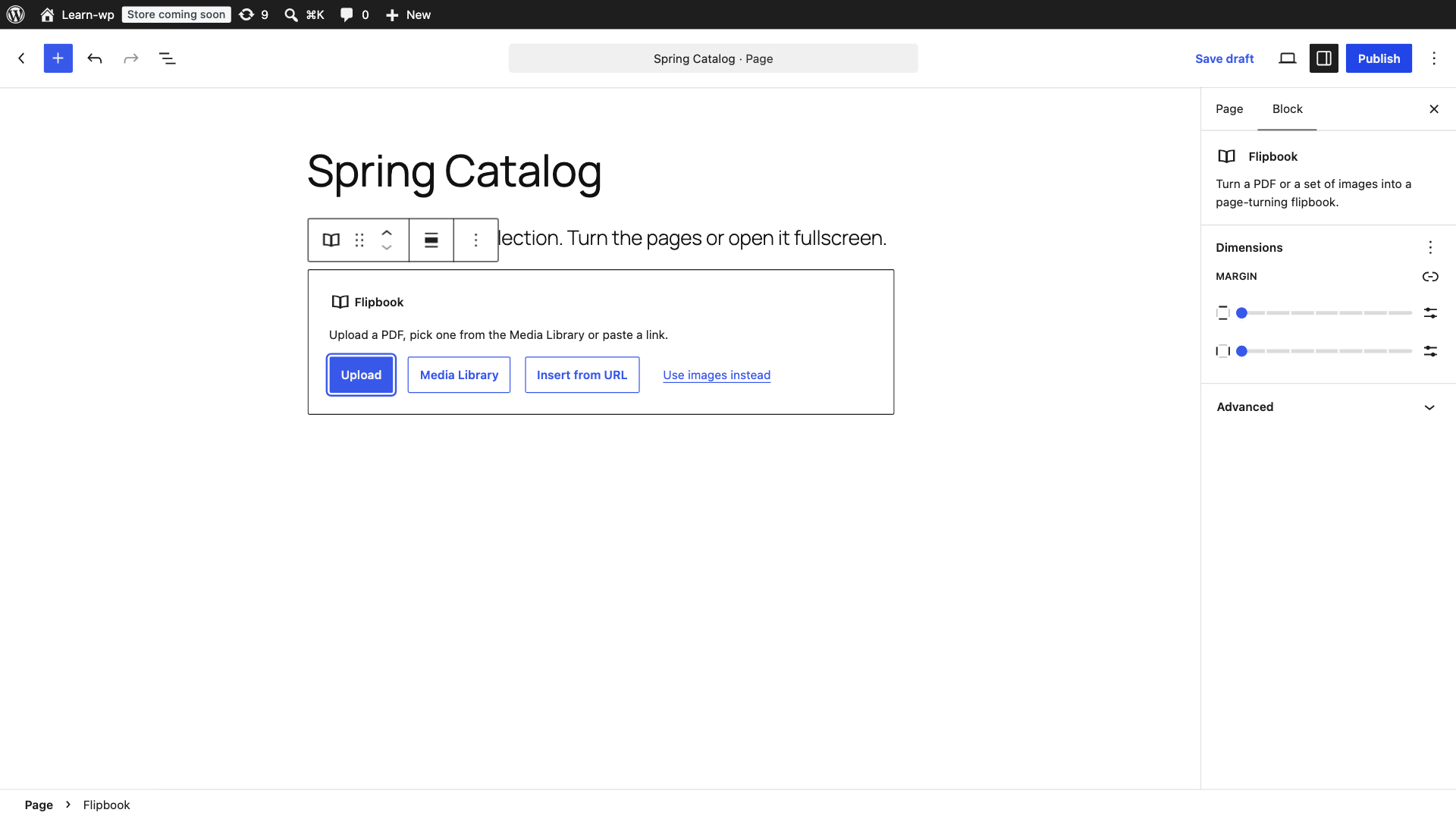
- Block first – upload or pick a PDF in the block and preview the real flipbook while you edit.
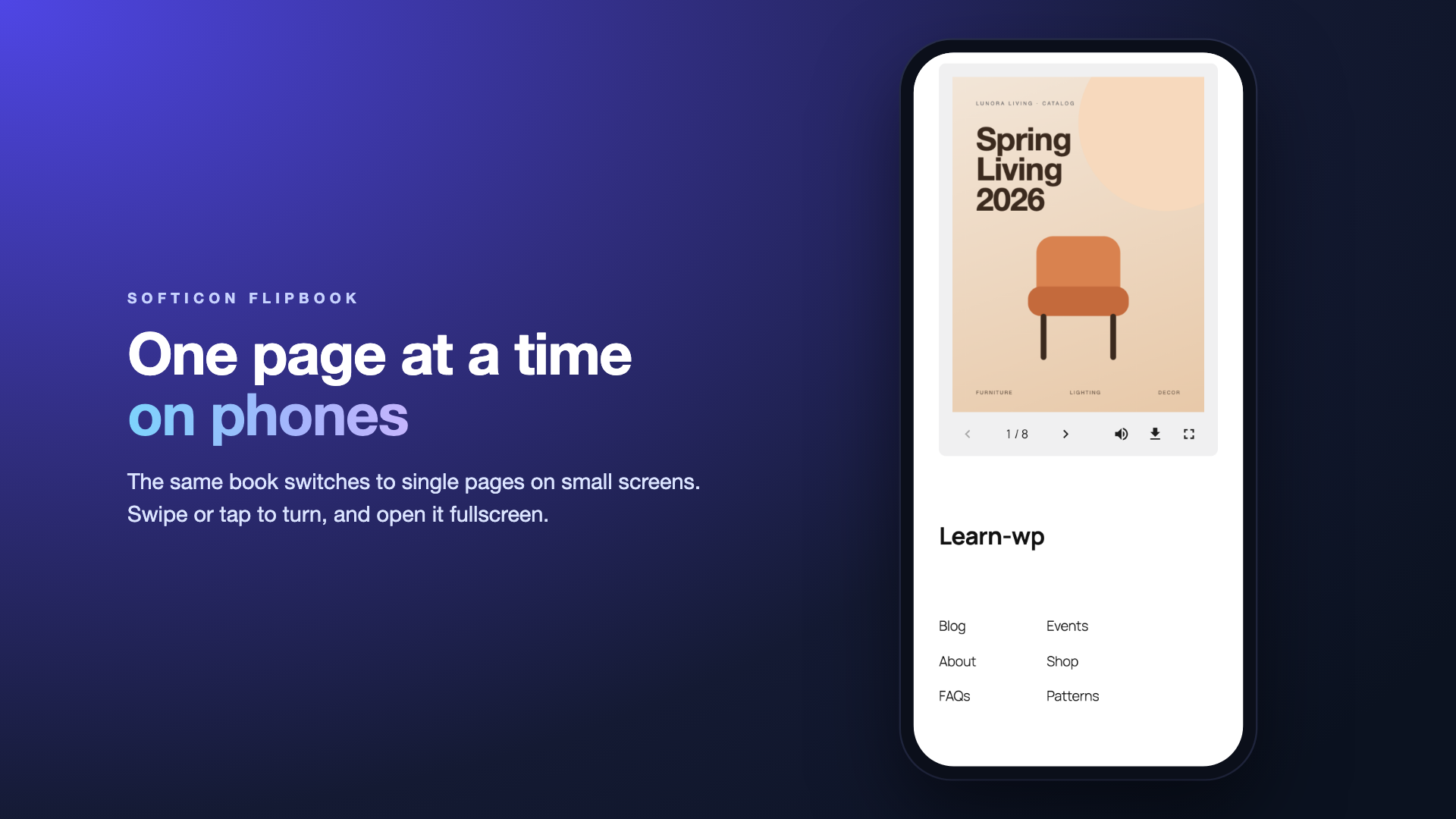
- Readable on phones – the book switches to one page at a time on small screens, two-page spreads on wide ones. Or force one layout.
- Light on your pages – the flipbook engine loads only when the book scrolls into view, and pages are drawn as the reader gets near them.
- PDF or images – build a book from a PDF, or from images in reading order.
- Clear errors – if a PDF cannot be shown (for example a link to another website that blocks it), the block says why and keeps a link to the file.
Features
- Two designs: Classic, or Hardcover book with a cover around the pages, the stack of page edges, a shadow at the spine and large arrows beside the book
- PDF flipbook from the Media Library or a link
- Image flipbook from any set of images
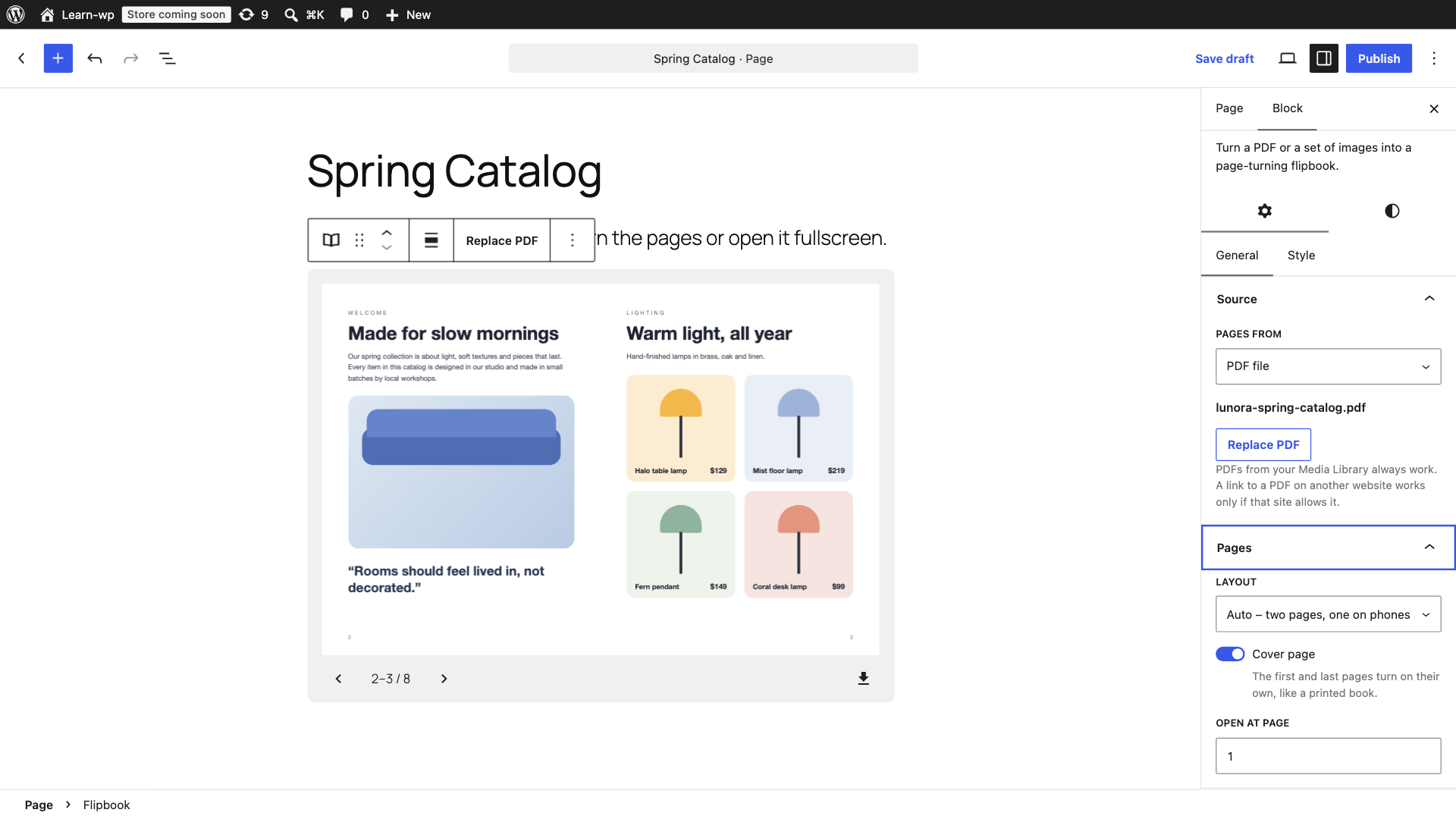
- Auto, always-two-pages or always-one-page layout
- Hard cover: first and last pages turn on their own
- Open at any page, jump to a page from the page counter, or link straight to a page with #page=5
- Thumbnails of all pages: a click opens that page
- Zoom with the toolbar buttons, a pinch on phones or Ctrl + scroll on computers; drag to move around a zoomed page
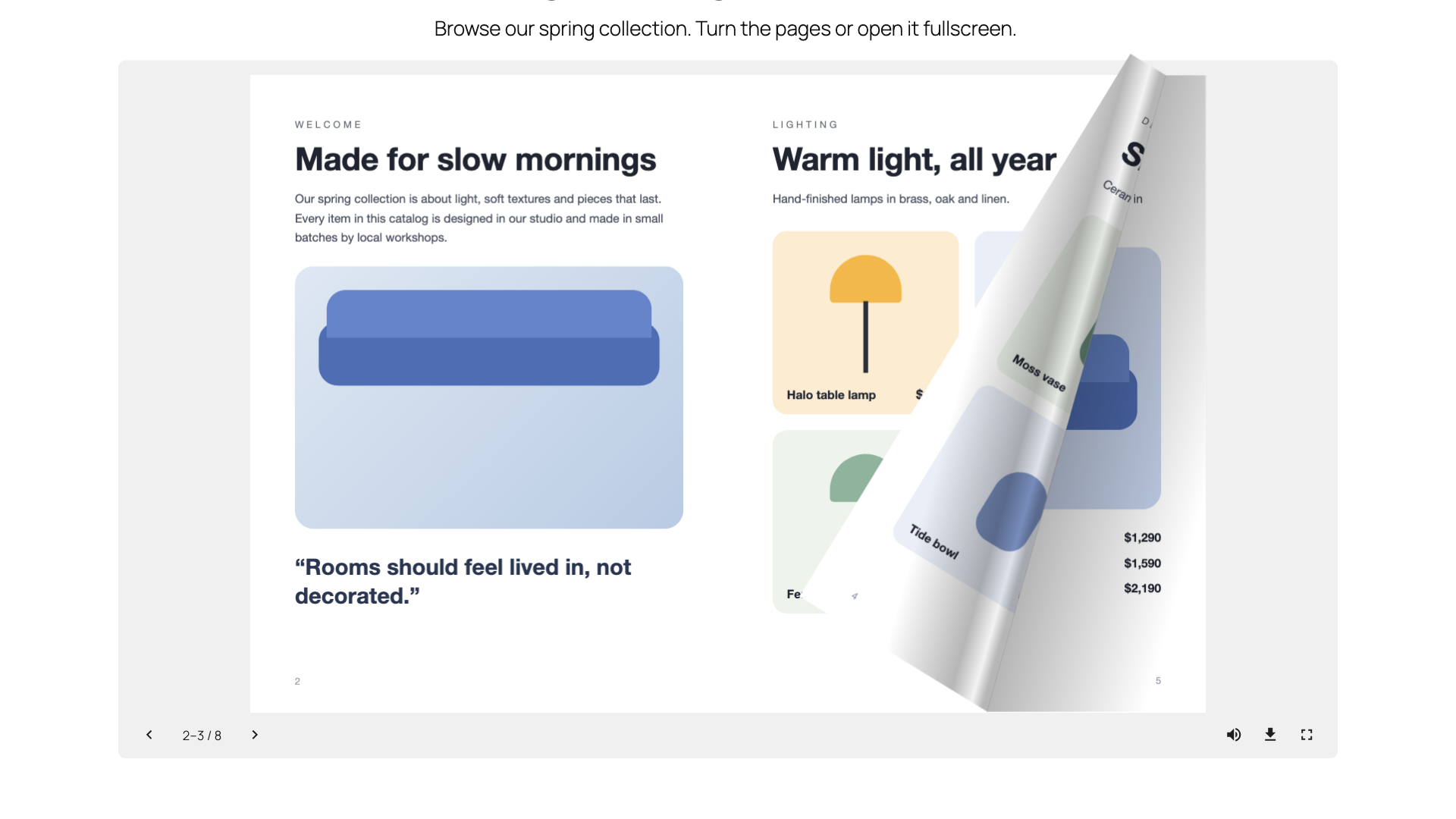
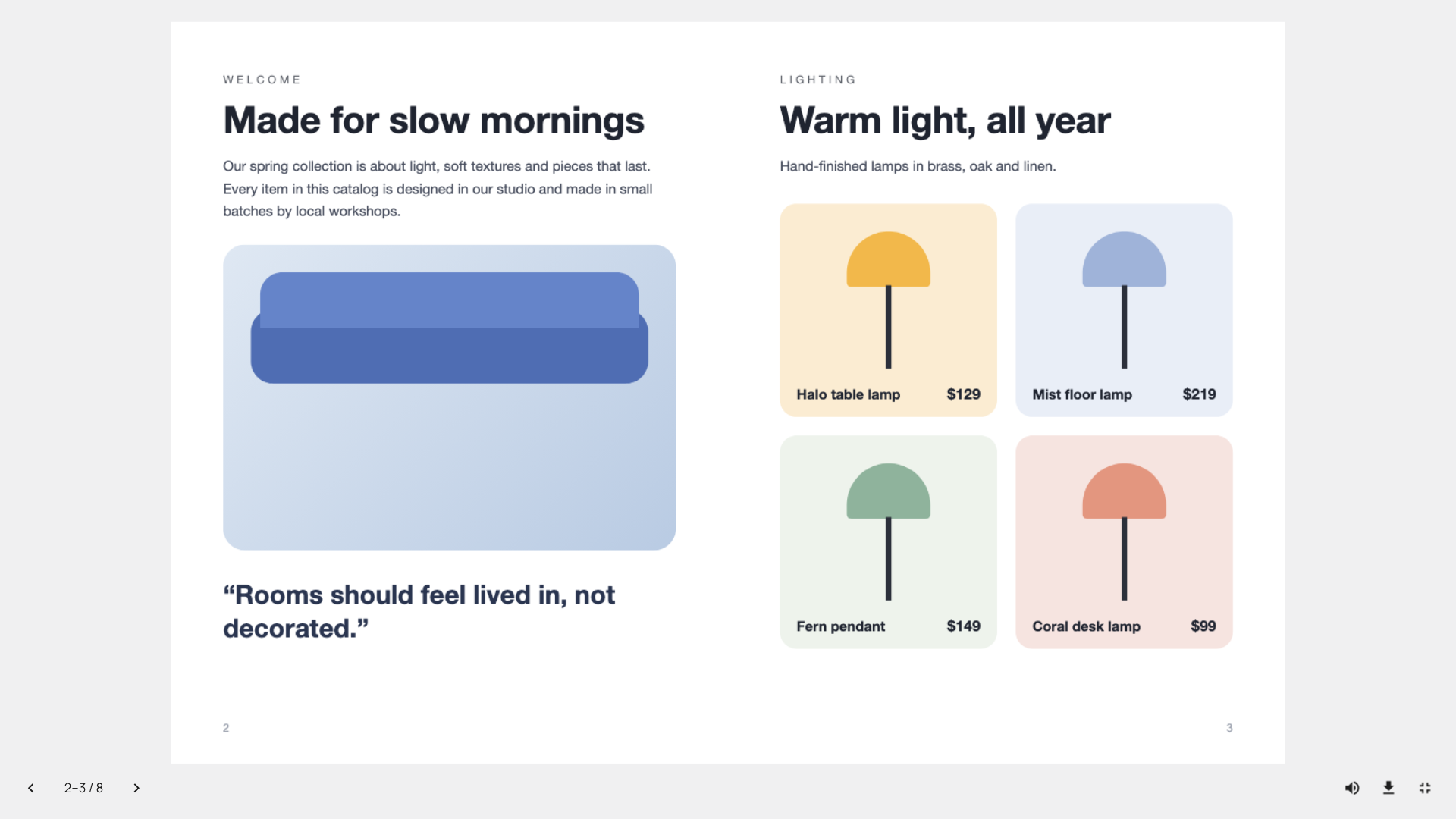
- Toolbar with page counter, previous/next, thumbnails, zoom, download, fullscreen and a page-turn sound visitors can mute
- Keyboard arrows turn the pages, the toolbar works with screen readers
- Fullscreen that fits the book to the screen, with an iPhone fallback
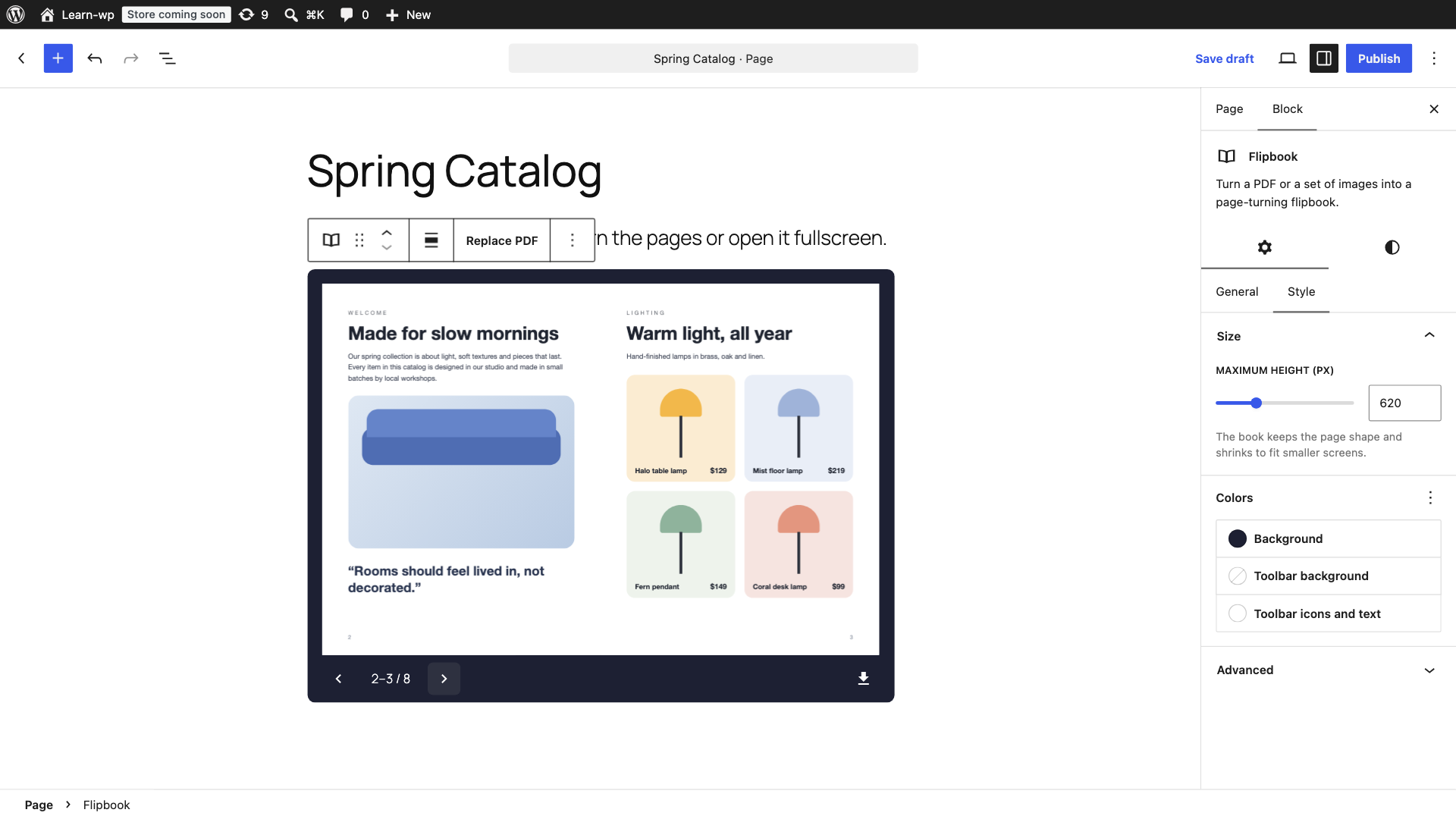
- Maximum height and colors for background, toolbar and icons
- Wide and full width alignment
Third-party libraries
- PDF.js 6.4.299 (npm package pdfjs-dist) by Mozilla – github.com/mozilla/pdf.js – Apache License 2.0. Bundled as build/pdfjs.js and build/pdfjs/pdf.worker.min.js (minified upstream build); license in build/pdfjs/LICENSE.txt.
Also from the pdfjs-dist package: the JavaScript builds of the OpenJPEG (BSD-2) and JBIG2 (BSD-3) image decoders in build/pdfjs/decoders, the Foxit (BSD-3) and Liberation (GPLv2 with font exception) standard fonts in build/pdfjs/standard_fonts, and the Adobe CMaps (BSD-3) in build/pdfjs/cmaps, each with its license file. The fonts and CMaps are binary data files; the build stores each one unchanged as a base64 string in a .json file, which the plugin decodes back to the original bytes for pdf.js. - StPageFlip 2.0.7 (npm package page-flip) by Nodlik – github.com/Nodlik/StPageFlip – MIT License. License in build/page-flip-LICENSE.txt.
The unminified source of this plugin is in the src folder, with package.json and webpack.config.js. Build it with npm install and npm run build; the build copies the pdf.js files from node_modules/pdfjs-dist.
Development
The plugin is developed on GitHub: github.com/softiconai/softicon-flipbook. Bug reports and pull requests are welcome there; for help, use the support forum here on WordPress.org.
Screenshots
Blocks
This plugin provides 1 block.
- Flipbook Turn a PDF or a set of images into a page-turning flipbook.
Installation
- Install and activate the plugin.
- Edit a post or page and add the Flipbook block.
- Upload or choose a PDF (or switch to images) and publish.
FAQ
-
Does it work with a PDF hosted on another website?
-
Only if that website allows it (CORS). Browsers block reading PDFs from other sites otherwise. Upload the PDF to your Media Library and it always works.
-
Is there a page or file size limit?
-
The plugin adds no limit of its own; your site’s upload limit still applies. Pages are drawn as the reader gets near them, and on servers that support range requests (most do) large PDFs are fetched in parts instead of all at once.
-
Does it slow down my pages?
-
The front end loads a 24 KB script (9 KB compressed). The PDF engine is loaded only when a flipbook comes near the screen.
-
Does it work with caching and minify plugins?
-
Yes. The block tells its script where the plugin’s files are, so combining or moving scripts does not break the flipbook.
-
Does it work with the Classic Editor or page builders?
-
The flipbook is a block, so you add it in the block editor (Gutenberg). It works with any theme, including classic themes, on the pages and posts you build with blocks.
-
How do I link to a specific page?
-
Add #page= and the page number to the address of the page with the flipbook, for example https://example.com/catalog/#page=12. The first flipbook on the page opens at that page. Links like
<a href="#page=8">on the same page turn the book to that page, so you can write your own table of contents. -
Can visitors download the PDF?
-
Yes, from the download button in the toolbar. You can hide the button in the block settings.
-
Is the PDF text readable on phones?
-
On small screens the book shows one page at a time at the full width of the screen. Visitors can pinch to zoom into a page and drag to move around it, and fullscreen redraws the pages at a higher resolution.
Reviews
There are no reviews for this plugin.
Contributors & Developers
“SoftIcon Flipbook – PDF Flipbook & Magazine Viewer” is open source software. The following people have contributed to this plugin.
Contributors
Translate “SoftIcon Flipbook – PDF Flipbook & Magazine Viewer” into your language.
Interested in development?
Browse the code, check out the SVN repository, or subscribe to the development log by RSS.
Changelog
1.2.0
- New: Hardcover book design – a cover around the pages, the stack of page edges and a shadow at the spine. Choose it under Design in the block’s Style tab.
- New: large previous and next arrows beside the book.
- Fix: a flipbook added from the block inserter’s search now looks right in the editor straight away.
- The GitHub repository moved to github.com/softiconai/softicon-flipbook.
1.1.0
- New: zoom with the toolbar buttons, a pinch on phones, or Ctrl + scroll and trackpad pinch on computers. Drag to move around a zoomed page.
- New: thumbnails of all pages; a click opens that page.
- New: click the page counter and type a page number to jump there.
- New: link straight to a page with #page=5, and links on the same page turn the book.
- Toolbar fits narrow columns and small phones.
1.0.2
- Longer plugin name and better readme tags, so the plugin is easier to find.
- Link to the GitHub repository and new FAQ entries.
1.0.1
- PDF.js CMaps and standard fonts now ship as JSON data files.
- JPEG 2000 and JBIG2 images in PDFs are decoded with the JavaScript decoders; the WebAssembly files are no longer included.
1.0.0
- First release.