

Description
More and more buyers ask AI instead of Google. Snuup shows you what they hear.
Click one button and Snuup asks ChatGPT, Claude, Gemini and Perplexity the questions your buyers ask about businesses like yours. You read every answer, word for word, in your report: whether AI knows your site, what it says about you, and which competitors it recommends instead.
The check is free and takes about a minute. A full report with step-by-step fixes is a one-time purchase on snuup.ai — no subscription.
What you get in the free check
- Every question asked and every answer, verbatim
- Whether each AI engine knows and recommends your website
- What AI says about your business, right and wrong
- Which competitors AI recommends instead of you
How it works
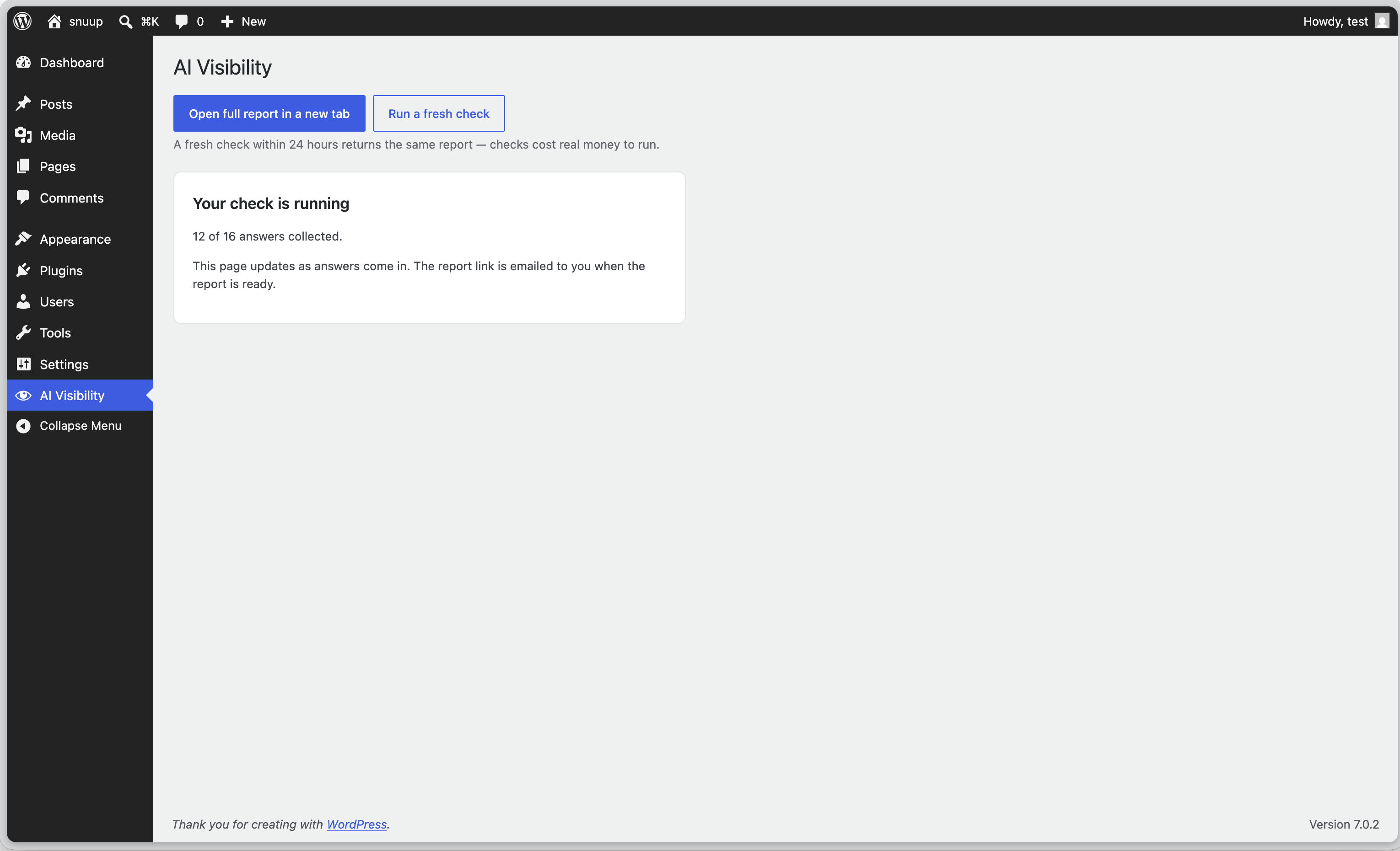
The plugin is a thin client for the snuup.ai service. When you click “Run my free check”, it sends your site’s web address to the Snuup API, which runs the questions against the four AI engines and builds your report. Your dashboard shows the check’s progress and verdict; the full report opens on snuup.ai. Re-running within 24 hours returns the same report.
External services
This plugin connects to snuup.ai (operated by Menturi OÜ) to run the AI visibility check and display your report. It is a connection to an external service and nothing works without it.
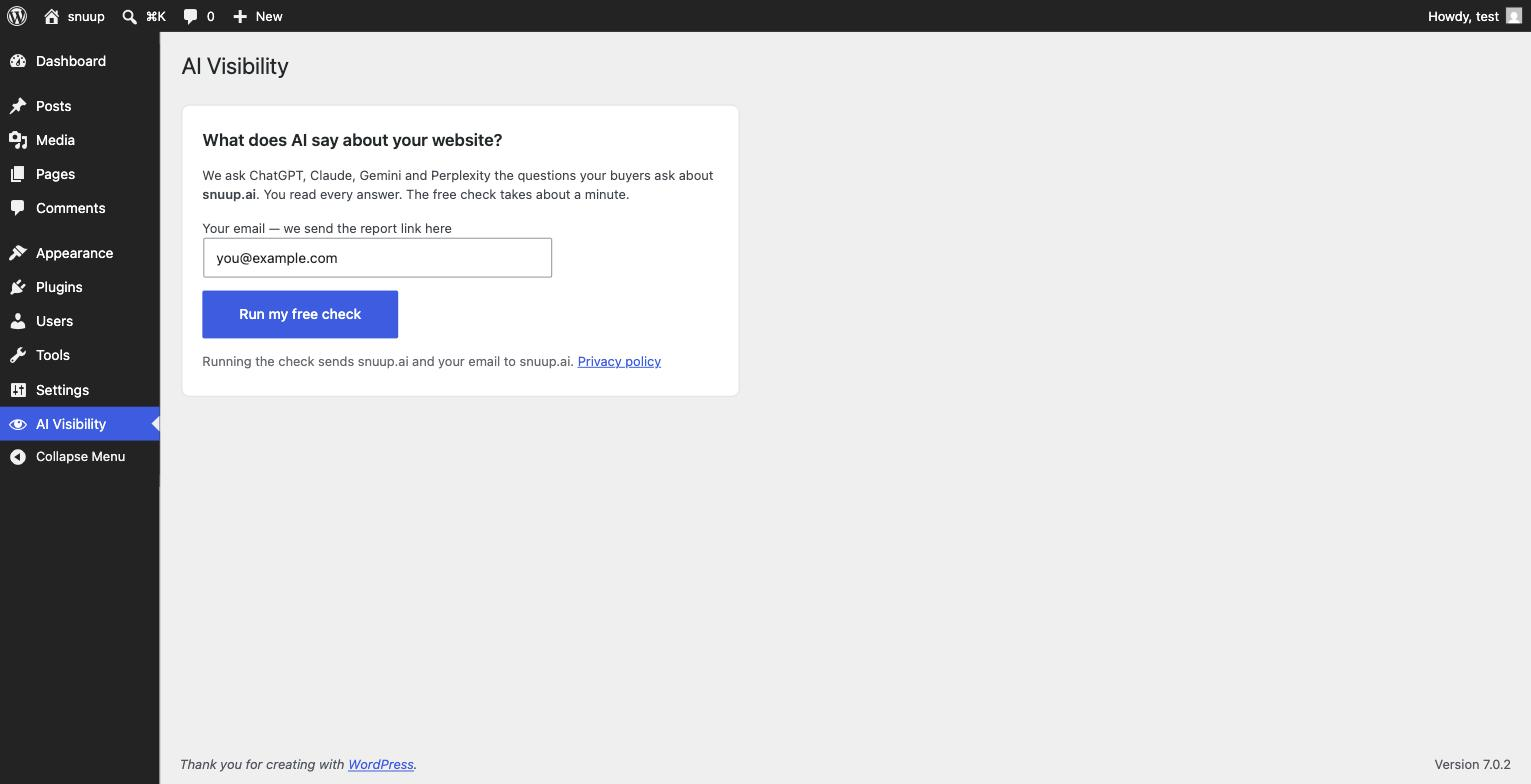
What is sent, and when: only when you click “Run my free check”, the plugin sends your site’s web address (the domain of this WordPress site) and your email address (required — the report link is delivered to it; the field is prefilled with your admin email and you can change it) to the Snuup API at app.snuup.ai. If a report from the last 24 hours is reused, WordPress emails its link immediately using this site’s mail configuration.
When you open the AI Visibility page after running a check, the plugin requests the check’s status from app.snuup.ai (using the report’s ID) to show a short summary — progress and verdict — and refreshes it every few seconds while the check is running. Nothing else is sent. Opening the page does not start a new audit or resend your site’s address or email.
- Service: https://snuup.ai
- Terms of service: https://snuup.ai/terms
- Privacy policy: https://snuup.ai/privacy
Screenshots
Installation
- Install and activate the plugin.
- Open AI Visibility in the admin menu.
- Click Run my free check and read every answer.
FAQ
-
Is the check really free?
-
Yes. The free check shows every question and answer. The full report with step-by-step fixes is a one-time purchase on snuup.ai.
-
Does this plugin change my website?
-
No. It reads nothing and writes nothing on your site. It only sends your web address and your delivery email to the check service when you click the button.
-
Why does a re-run show the same report?
-
Each check queries four AI engines and costs real money to run, so checks for the same website are cached for 24 hours.
Reviews
There are no reviews for this plugin.
Contributors & Developers
“Snuup — AI Visibility Check” is open source software. The following people have contributed to this plugin.
Contributors
Translate “Snuup — AI Visibility Check” into your language.
Interested in development?
Browse the code, check out the SVN repository, or subscribe to the development log by RSS.
Changelog
0.1.1
- The dashboard now shows a native status summary that updates live while the check runs (progress and verdict); the full report opens on snuup.ai.
0.1.0
- First release: run the free AI visibility check.