

Description
Keep WPForms, Gravity Forms, Elementor Forms, or Contact Form 7. Site2CRM layers lead operations on top — no migration, no retraining, no rebuild. Every submission is captured, qualified, routed, and synced to your CRM in real time, including after hours and weekends. Stop wiring webhooks. Stop losing leads at 9pm.
How it works
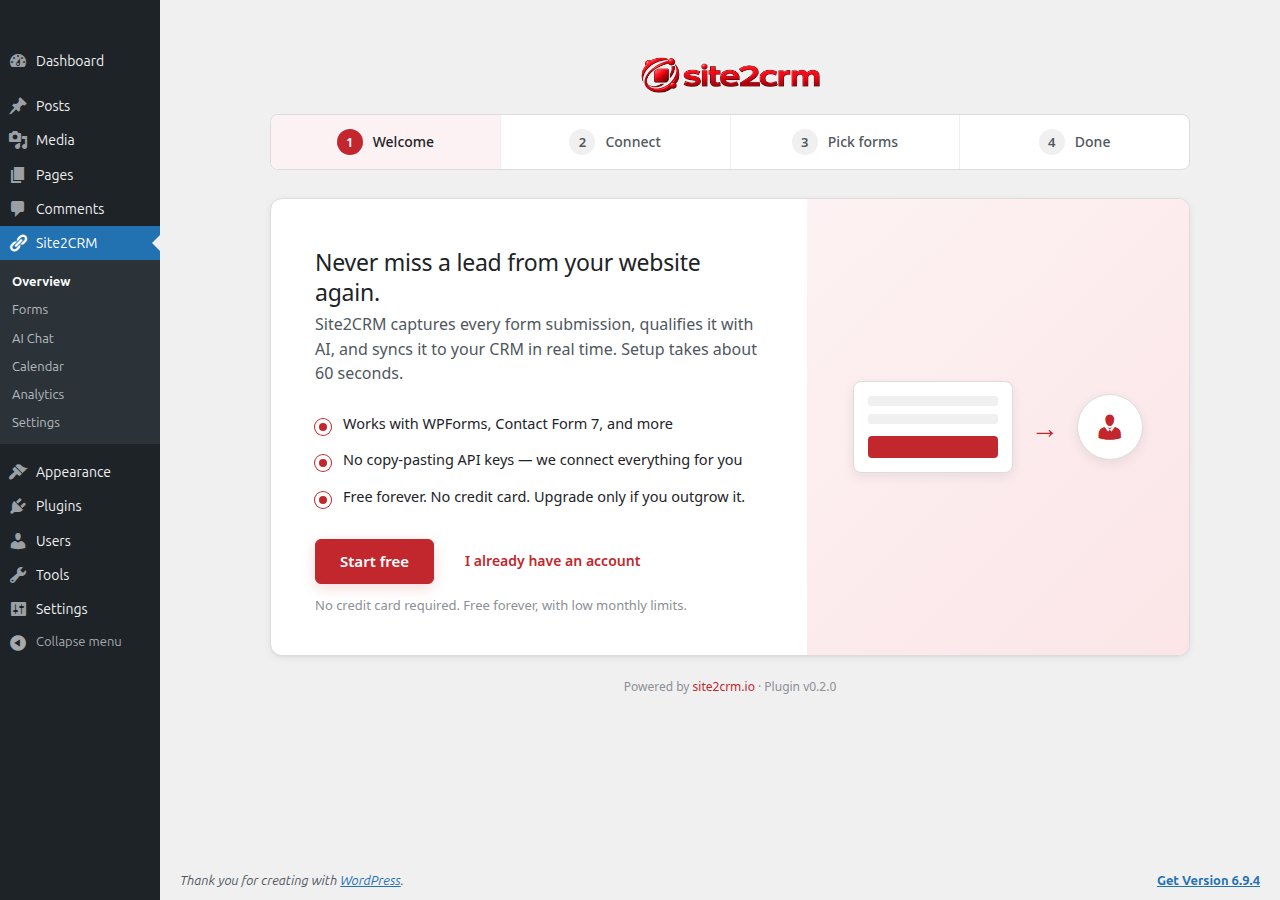
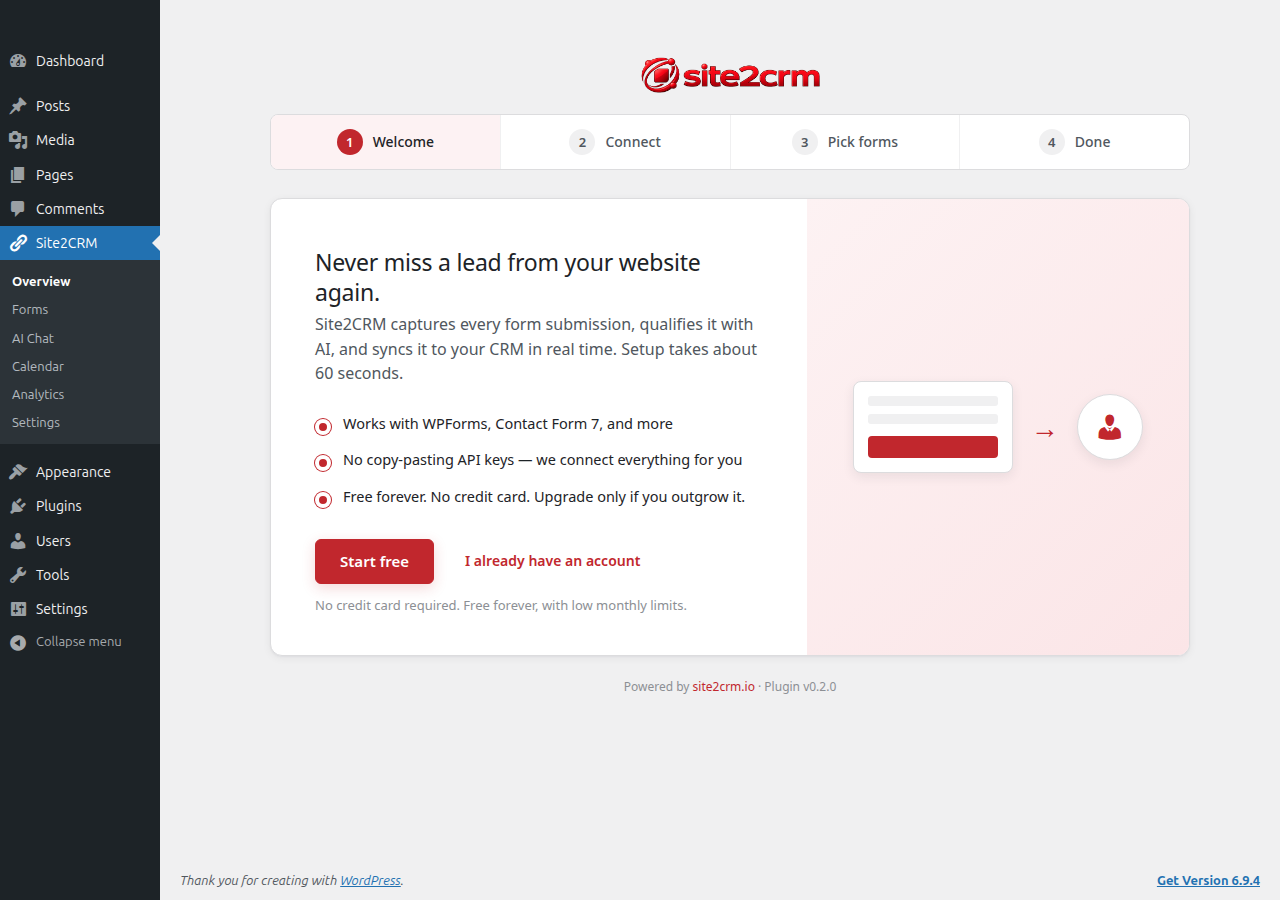
- Install the plugin. The setup wizard opens.
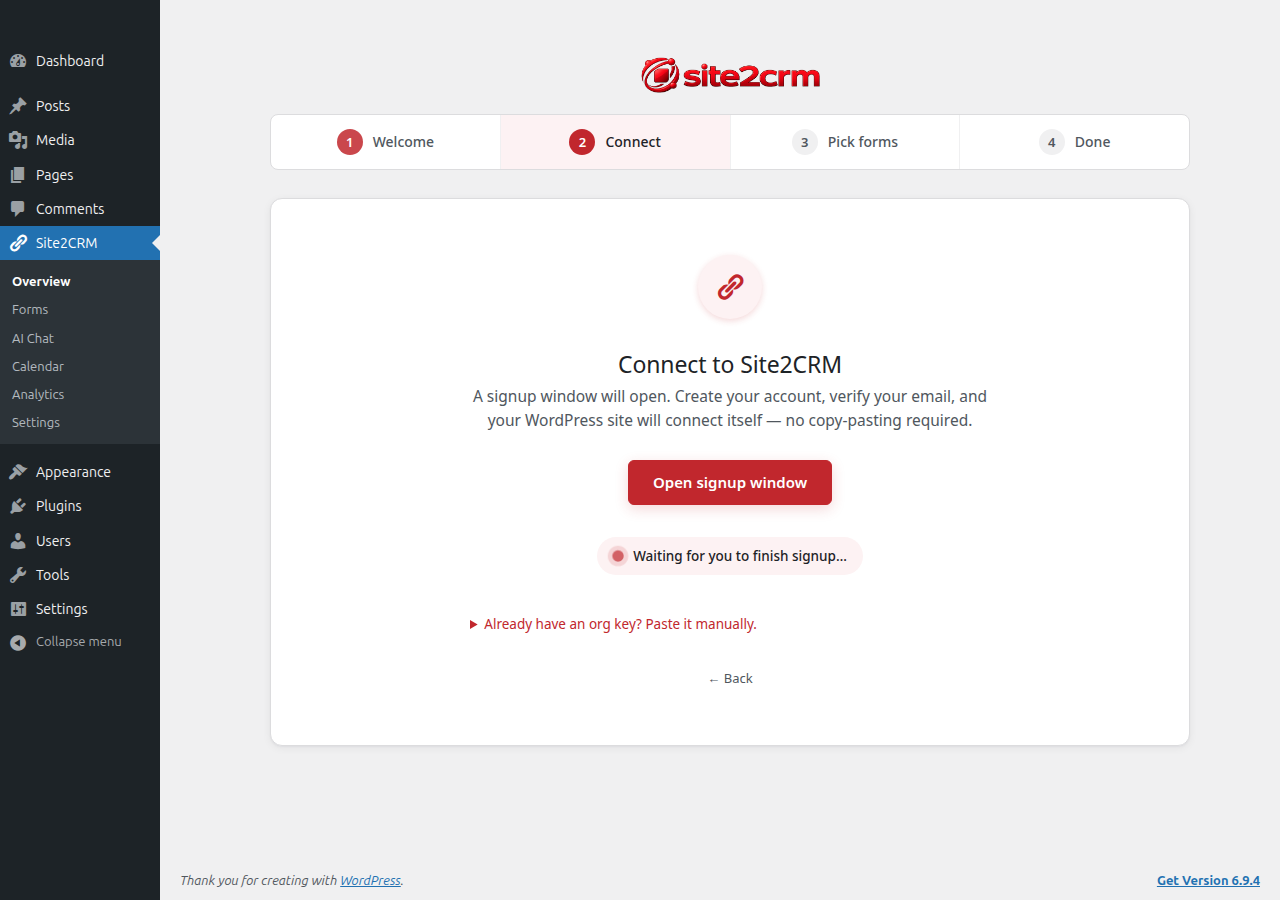
- Click Start free — a popup walks you through creating a Site2CRM account (or signing in). Email/password or Google.
- Once you verify your email, your WordPress site auto-connects. No copy-pasting an API key.
- Pick which form plugins to sync (WPForms / Contact Form 7) and run a one-click test lead.
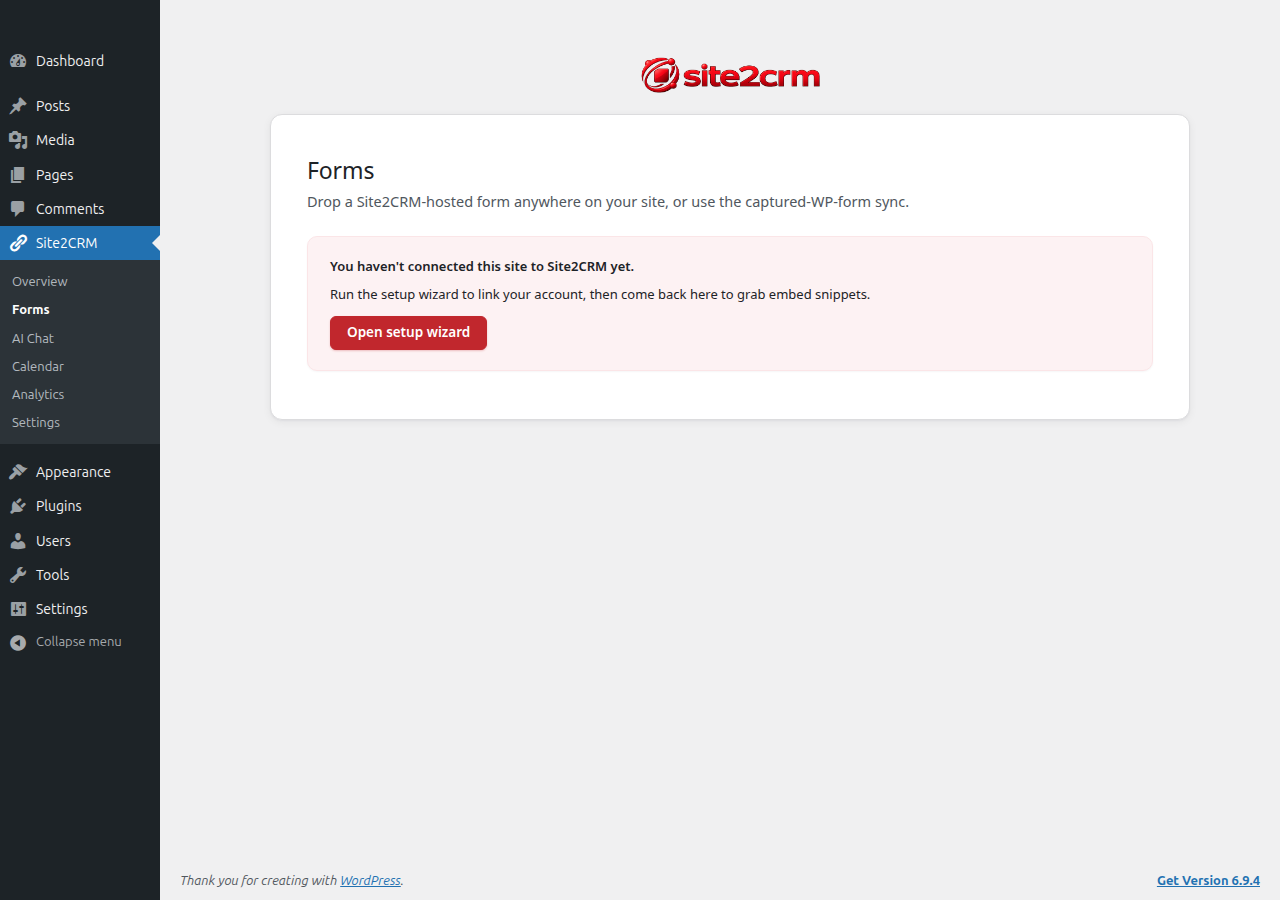
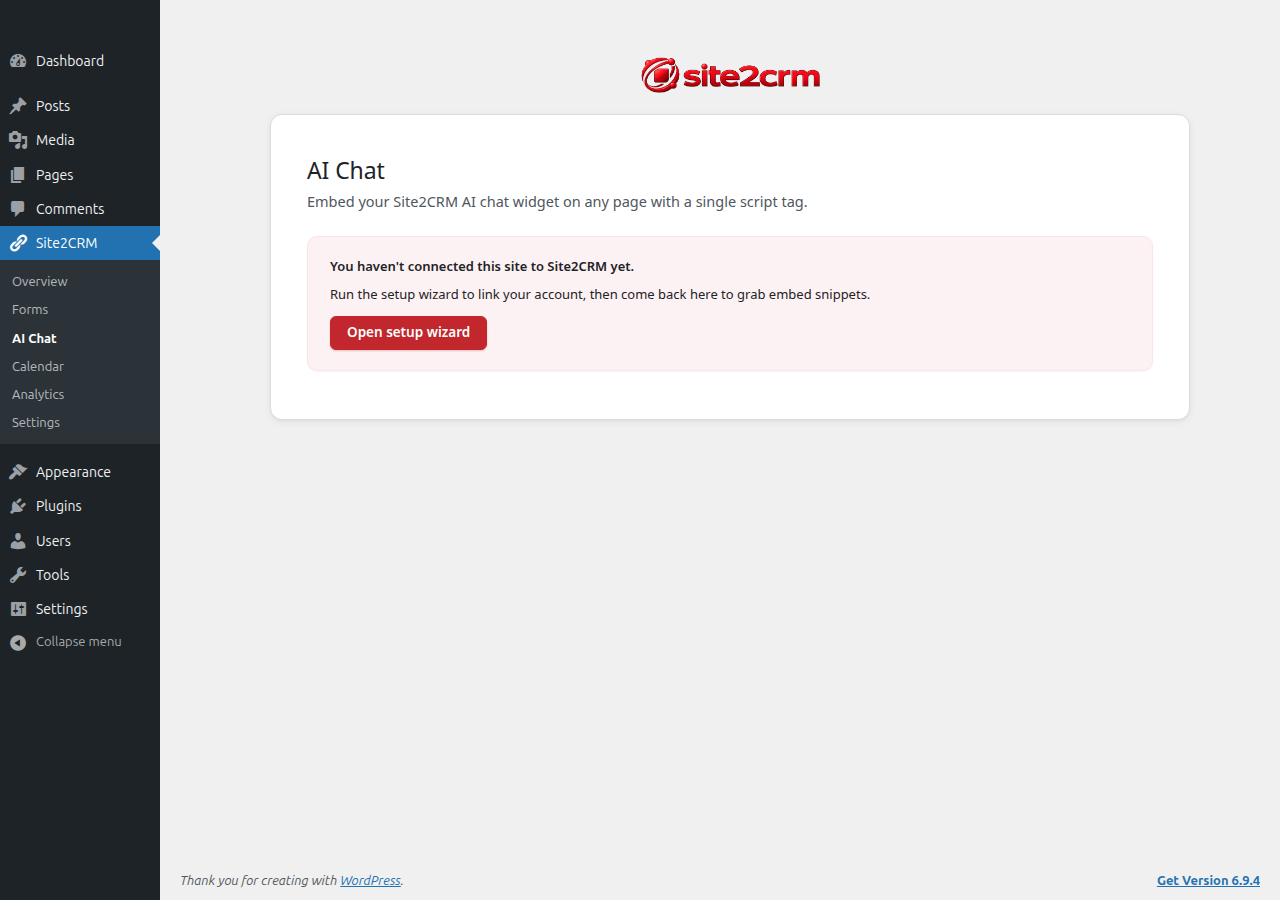
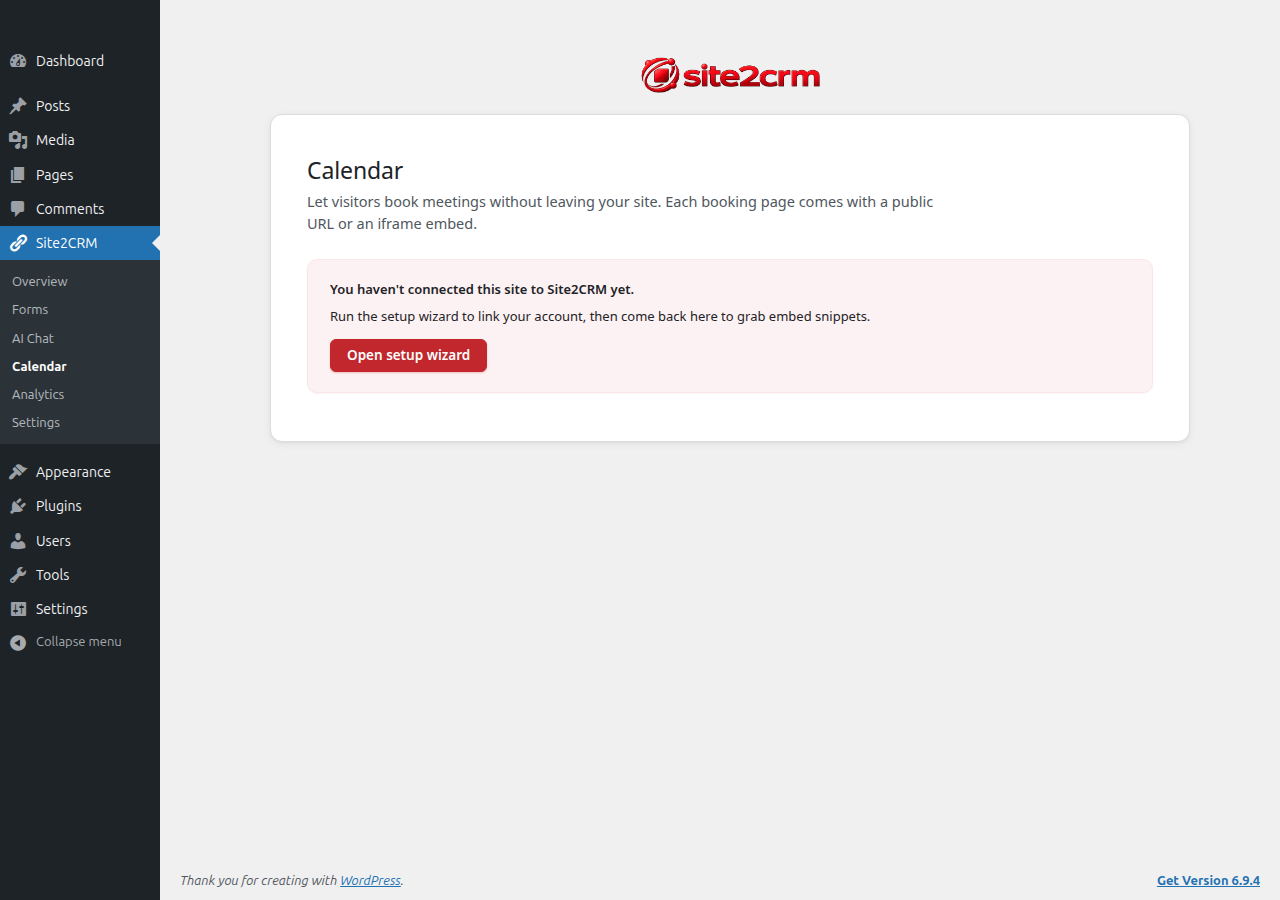
- Embed Site2CRM-hosted forms / AI chat / booking pages anywhere on your site with a single shortcode or copy-paste snippet — generated and revealed inside the WordPress admin.
Requires a Site2CRM account
This plugin is the WordPress companion for the Site2CRM service (https://site2crm.io). A Site2CRM account is required for the plugin to function. Free and paid tiers are available; sign up at https://site2crm.io.
Data Flow & Privacy
The plugin processes form submissions by securely transmitting lead data from your WordPress forms to the Site2CRM service over HTTPS. No data is transmitted until a visitor submits a form. The plugin does not collect, store, or transmit visitor data outside of explicit form submissions, and does not include any analytics or tracking that runs without user-initiated input.
Data transmitted on each submission may include:
- Lead contact fields (name, email, phone, company) as collected by your form
- Custom form fields the visitor filled in
- Submission metadata: source form name and ID, originating page URL, referrer URL, UTM parameters
- WordPress admin email (used by the service to send delivery-failure notifications to the site owner)
- Timestamp of submission
Data is stored and processed by Site2CRM as described in our privacy policy: https://site2crm.io/privacy. The service in turn synchronizes the lead to the CRM you have connected (e.g. HubSpot, Salesforce, Pipedrive, Nutshell, Zoho).
Visitors should be informed of this data flow via your site’s privacy policy. The plugin includes optional GDPR-style consent helpers for adapters that do not ship their own.
External Services
This plugin connects to the Site2CRM service (hosted by Axion Deep Labs Inc.) at https://api.site2crm.io and https://site2crm.io. Below is a complete inventory of every network call the plugin makes.
Site2CRM API (api.site2crm.io)
GET /api/public/wordpress/ping— verifies the configured organization key when you click Test connection.POST /api/public/wordpress/leads— submits each form lead captured on your WordPress site (one POST per submission, with an idempotency key so retries can’t duplicate).GET /api/public/wordpress/dashboard— populates the Forms / AI Chat / Calendar / Analytics admin submenus with your hosted items + 30-day usage counts. Cached locally for 5 minutes.POST /api/public/wordpress/forms,/widgets,/booking-pages— the inline “quick create” buttons in empty submenus.
Form-widget endpoints (loaded by visitors who view a page where you’ve embedded a Site2CRM form via the [site2crm-form] shortcode):
GET /api/public/forms/widget.js— the form-widget JavaScript bundle.GET /api/public/forms/config-by-form-key/{form_key}— fetches the form configuration for rendering. Authenticates with the per-formform_key, NOT your org key (so view-source is safe).POST /api/public/leads— visitor’s form submission.
Site2CRM web app (site2crm.io)
https://site2crm.io/wp-connect?wp_state=...&wp_callback=...— opened in a popup when you click Get started in the setup wizard. Used to create a Site2CRM account and link this WordPress install in one step.POST {wp_callback_url}(received by THIS plugin’s REST endpoint, called BY Site2CRM after email verification) — the inbound side of the deep-link handshake.
What the plugin does NOT do
- No analytics, tracking pixels, or telemetry.
- No external requests until you have entered an organization key (or completed the wizard).
- No third-party CDNs for plugin code — JavaScript and assets are served from your WordPress install or, for the embedded widget, from
api.site2crm.io.
Retry timing note: WordPress’s built-in scheduler (WP-Cron) only fires when your site receives traffic. On low-traffic sites, retries may be delayed until the next visitor arrives. For mission-critical lead capture, configure a real system cron hitting wp-cron.php?doing_wp_cron. First-attempt submissions (the 99% path) are not affected.
- Site2CRM Terms of Service: https://site2crm.io/terms
- Site2CRM Privacy Policy: https://site2crm.io/privacy
Trademarks
WPForms is a trademark of Awesome Motive, Inc. Gravity Forms is a trademark of Rocketgenius, Inc. Elementor is a trademark of Elementor Ltd. Ninja Forms is a trademark of Saturday Drive, Inc. Fluent Forms is a trademark of WPManageNinja LLC. Formidable Forms is a trademark of Strategy11. HubSpot is a trademark of HubSpot, Inc. Salesforce is a trademark of Salesforce, Inc. Pipedrive is a trademark of Pipedrive OÜ. Nutshell is a trademark of Nutshell, Inc. Zoho is a trademark of Zoho Corporation. WordPress is a trademark of the WordPress Foundation. Mention of these names does not imply affiliation or endorsement.
Screenshots
Blocks
This plugin provides 3 blocks.
- Site2CRM AI Agent Drop the Site2CRM AI chat widget on this page. Visitors see a floating chat bubble.
- Site2CRM Form Embed a Site2CRM lead-capture form anywhere on the page.
- Site2CRM Booking Calendar Embed a Site2CRM booking page so visitors can schedule meetings.
Installation
- Upload the plugin folder to
/wp-content/plugins/, or install through the Plugins Add New screen. - Activate the plugin through the Plugins screen in WordPress.
- Go to Site2CRM in the admin sidebar.
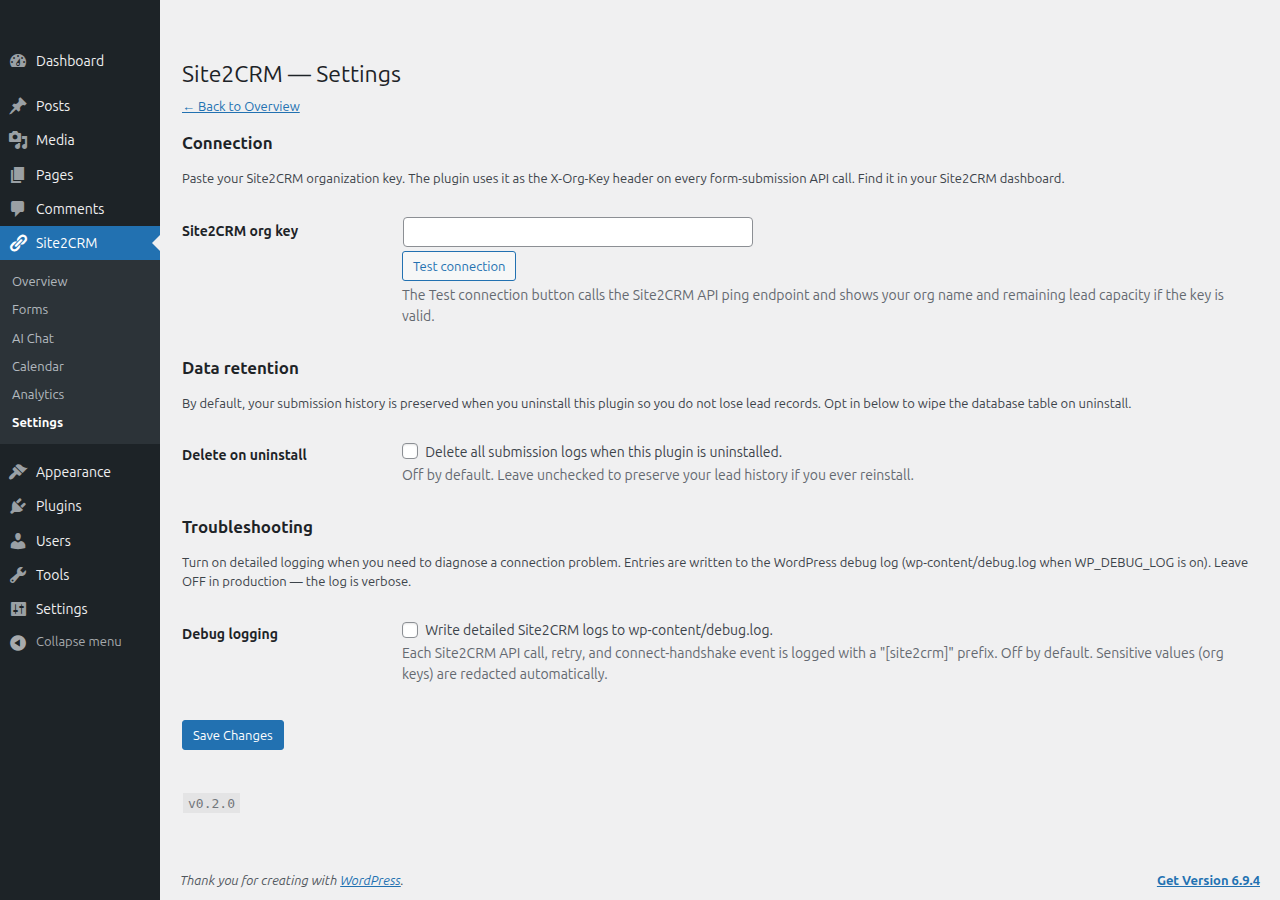
- Paste your Site2CRM organization key (find it in your Site2CRM dashboard under Settings API).
- Click Test connection. Once verified, configure which WordPress forms route to which Site2CRM destinations.
FAQ
-
Do I need a Site2CRM account?
-
Yes. The plugin is the WordPress companion to the Site2CRM service and requires a Site2CRM account to function. Free and paid tiers are available at https://site2crm.io.
-
Does the plugin replace my existing form plugin?
-
No. The plugin works alongside WPForms, Contact Form 7, Gravity Forms, Elementor Forms, Ninja Forms, Fluent Forms, and Formidable Forms. Your form plugin keeps doing what it does. The Site2CRM plugin captures the submission and routes it to your CRM.
-
What CRMs are supported?
-
The Site2CRM service supports HubSpot, Salesforce, Pipedrive, Nutshell, and Zoho. New integrations are added regularly.
-
Does the plugin work with multisite?
-
Network-wide activation is not supported in this version. The plugin must be activated and configured on each subsite individually.
-
What data is sent to Site2CRM?
-
See the Data Flow & Privacy and External Services sections above. The plugin sends lead data only when a visitor submits a form, and only fields captured by that form (plus standard submission metadata).
-
How do I uninstall?
-
Deactivating the plugin unschedules its cron events but leaves your data intact. Deleting the plugin (Plugins Delete) removes plugin settings and the cron event. By default, your local submission log table is preserved so reinstalling the plugin restores the lead history. To wipe the log table on uninstall, check the “Delete on uninstall” box in Site2CRM Data retention before deleting the plugin.
Lead data already synced to your CRM and to the Site2CRM service is not affected by plugin removal in either case.
Reviews
There are no reviews for this plugin.
Contributors & Developers
“Site2CRM — AI Lead Operations” is open source software. The following people have contributed to this plugin.
Contributors
Translate “Site2CRM — AI Lead Operations” into your language.
Interested in development?
Browse the code, check out the SVN repository, or subscribe to the development log by RSS.
Changelog
0.3.2
- Security: the Form block’s render callback now verifies the stored shortcode is exactly the first-party
[site2crm-form]shortcode before executing it, so a hand-edited block attribute can never coerce the block into running an arbitrary shortcode. Any other tag falls back to the deterministic, individually-escaped script-embed path.
0.3.1
- Security: tightened REST permission checks on the admin-bar lead endpoints (/pulse and /dismiss) to require manage_options, matching the admin-only admin-bar UI that calls them.
- Compliance: moved all admin-bar, onboarding-wizard, and submenu-page inline scripts and styles into properly enqueued asset files (wp_enqueue_style / wp_enqueue_script with localized config) — no more inline
<script>/<style>in admin screens. - Docs: clarified in code that the Form block’s shortcode output is escaped inside the first-party [site2crm-form] shortcode.
0.3.0
- New: native Gutenberg blocks — Site2CRM Booking Calendar, Site2CRM Form, Site2CRM AI Agent — searchable in the block inserter with a picker dropdown that lists your forms / agents / booking pages from your account. No more shortcode hunting for block-editor users.
- New: Integrations admin page — connect HubSpot, Salesforce, Pipedrive, Nutshell, Zoho, or Zapier via a popup-OAuth flow without leaving WP.
- New: Leads admin page — searchable, source-filterable inbox of recent leads pulled from your account.
- New: admin-bar bubble — real-time unread-lead count next to the Site2CRM menu, refreshed every 60s via REST.
- New: Home onboarding checklist — progress bar tracks form created / agent placed / lead captured / CRM connected.
- New: Health & Logs page — connection status, retry-queue counts and recent failures with a one-click re-queue, debug-log tail, per-page chat-bubble exclusion, and GDPR consent settings.
- New:
[site2crm-chat]and[site2crm-booking]shortcodes — full parity with the existing[site2crm-form]. Drop a chat agent or inline booking page anywhere a shortcode is supported. - New: GDPR consent checkbox on captured forms (opt-in). The widget blocks submission until consent is given and records the consent state with each lead.
- New: brand-aware booking card — pulls org name, brand color, and logo from the dashboard payload so embeds match your site, not Site2CRM’s chrome. Per-block accent-color override available.
- New: WP-CLI commands —
wp site2crm status / test / leads / sync-forms / flush-queue. - New: form-plugin adapters for Gravity Forms, Elementor Pro Forms, Fluent Forms, and Ninja Forms — submissions sync through the same idempotency-keyed pipeline as WPForms + CF7.
- New: WooCommerce adapter — new-order billing details become leads tagged
woocommerce:checkout. - New: WP user-registration adapter — new WP signups become leads tagged
wordpress:registration(filterable to disable). - New: REST endpoint
/wp-json/site2crm/v1/embeddablespowers the block picker;/pulsepowers the admin-bar heartbeat. - New: i18n setup —
npm run make-potgenerateslanguages/site2crm.potvia wp-cli. - Changed: form block defaults to inline-script render (no iframe); form widget mounts directly into the host theme.
- Changed: booking block renders a branded “Book a meeting” CTA card opening the booking page in a new tab. Iframe embedding is the SaaS-side follow-up once the booking pages relax
frame-ancestors. - Changed: dev-mode asset URLs auto-bust on file change (filemtime cache-buster gated by
WP_DEBUG). - Changed:
bin/build-dist.shrunsnpm run buildbefore zipping;/build/is now committed so dist zips ship working blocks.
0.2.0
- New: 5-step onboarding wizard replaces the bare “paste your org key” page on first install.
- New: deep-link signup handshake — popup opens site2crm.io, returns the org key automatically (or via copy-paste fallback for local installs).
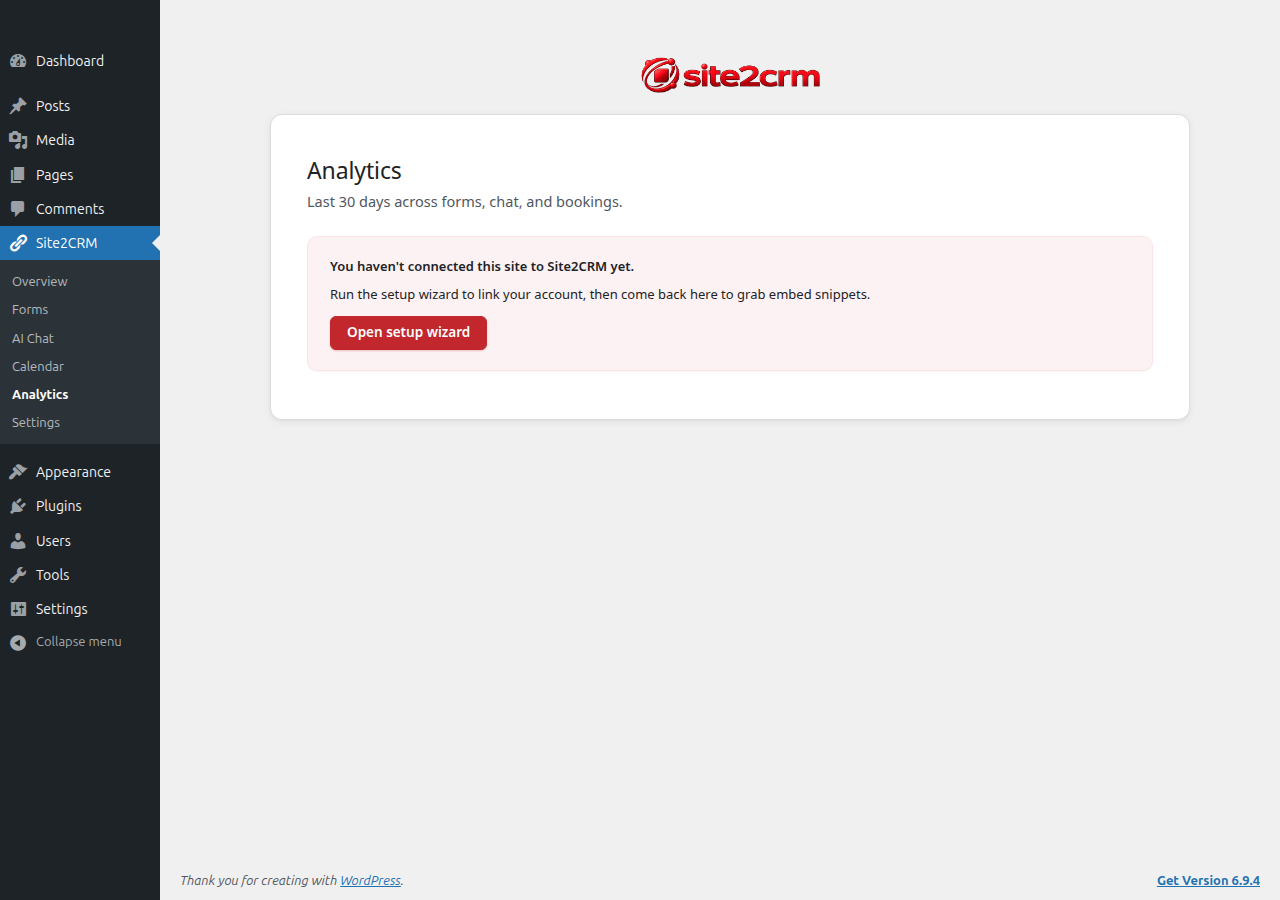
- New: admin submenus — Forms, AI Chat, Calendar, Analytics — show embed snippets and 30-day usage counts.
- New:
[site2crm-form]shortcode embeds the Site2CRM-hosted form anywhere. - New: inline quick-create — name your form/widget/booking page in the WP admin and the plugin spins up a starter item with a copy-paste snippet ready.
- New: revoked-key admin banner with a one-click reconnect.
- New: wizard step 5 fires a real test lead through the full pipeline (auth + transport + ingest + idempotency).
- New: debug logger with admin toggle (off by default, org keys redacted).
- New: PHPUnit test suite (Brain Monkey, no WordPress bootstrap required).
0.1.1
- New: Contact Form 7 adapter. Captures CF7 submissions via
wpcf7_mail_sentand routes them through the same idempotency-keyed pipeline as WPForms. - New: honors the HTTP
Retry-Afterheader on 429 / 5xx responses, so the plugin defers retries for exactly as long as the server asks (capped at 24 hours). - New: dead-letter admin notice surfaces a count of submissions that failed all retries, so dropped leads don’t go unnoticed before the full Logs UI lands.
0.1.0
- Initial release. WPForms adapter ships the end-to-end vertical slice.
- New: settings page (org key + Test connection button) at Site2CRM admin menu.
- New: submission log table (
wp_site2crm_submissions) records every form submission, with idempotency-key dedupe so retries cannot create duplicate leads on the server side. - New: WP-Cron retry queue with exponential backoff (5m / 30m / 2h / 12h, four retries before permanent failure).
- New: opt-in “Delete on uninstall” setting (default: off — your lead history is preserved through plugin removal).
- New: graceful degradation when WPForms is not installed (admin notice instead of fatal errors).
- Extension hooks:
site2crm_form_adaptersfilter (Pro plugin uses this to register Gravity / Elementor / etc.) andsite2crm_outgoing_payloadfilter (custom payload transforms).