
Description
🌟 Building new pages with Gutenberg?
Explore VovaBlocks, a focused collection of native marketing and content blocks from the creator of Shortcodes Ultimate.
➡️ About Shortcodes Ultimate
Shortcodes Ultimate is a WordPress shortcode plugin for adding tabs, accordions, buttons, FAQs, sliders, carousels, lightboxes, columns, boxes and other reusable content elements without coding. It is ideal for site owners who want richer content layouts and practical UI elements without switching to a full page builder.
Use Shortcodes Ultimate in the Block Editor, Classic Editor, widgets and template files. Generate shortcodes visually, preview the result before inserting it, and reuse the same elements across posts, pages and existing shortcode-based content.
Trusted by hundreds of thousands of WordPress sites, Shortcodes Ultimate helps you replace multiple single-purpose UI plugins with one maintained toolkit. Explore live examples
What you can build
With Shortcodes Ultimate, you can quickly add common WordPress content elements such as:
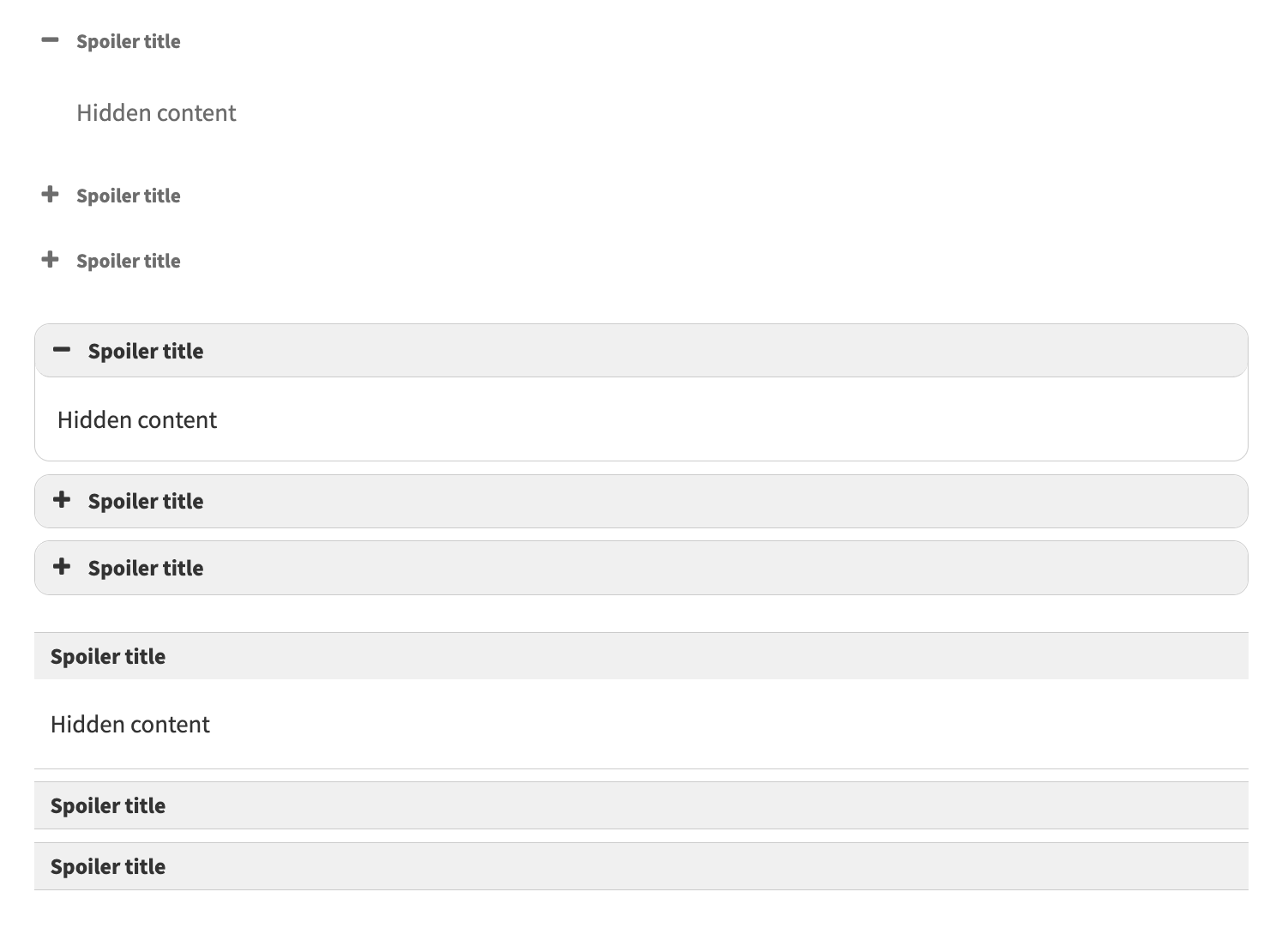
- Accordions and FAQ sections
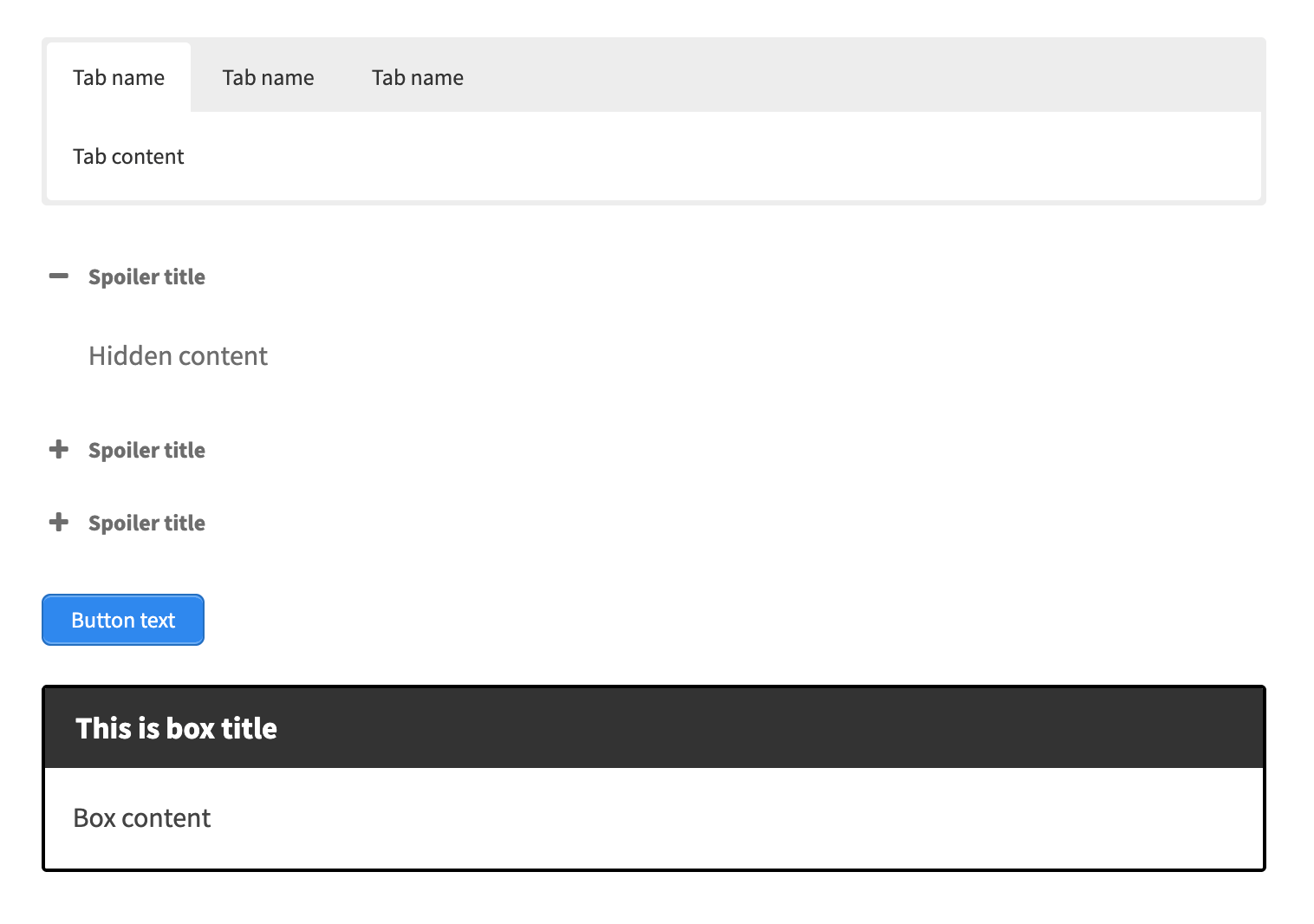
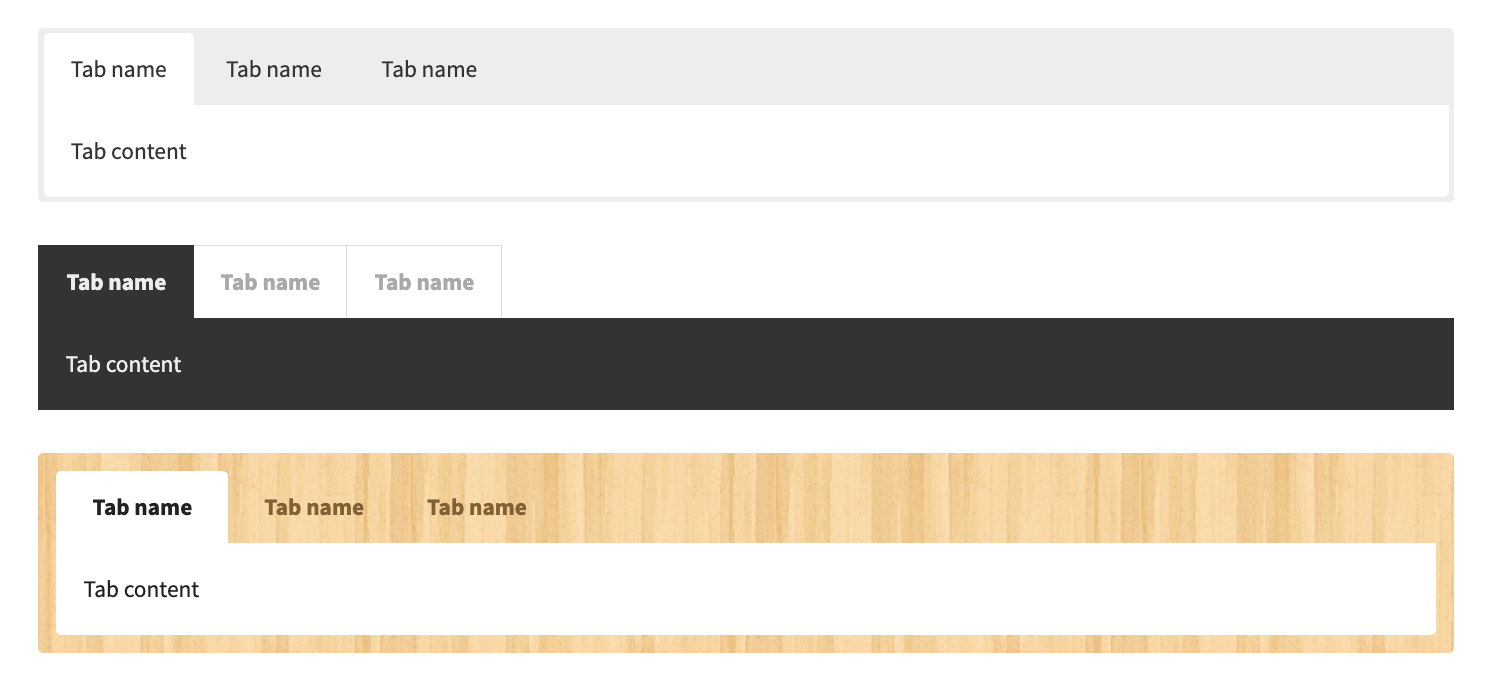
- Responsive tabs
- CTA buttons and download buttons
- Boxes, notes and callouts
- Columns and layout helpers
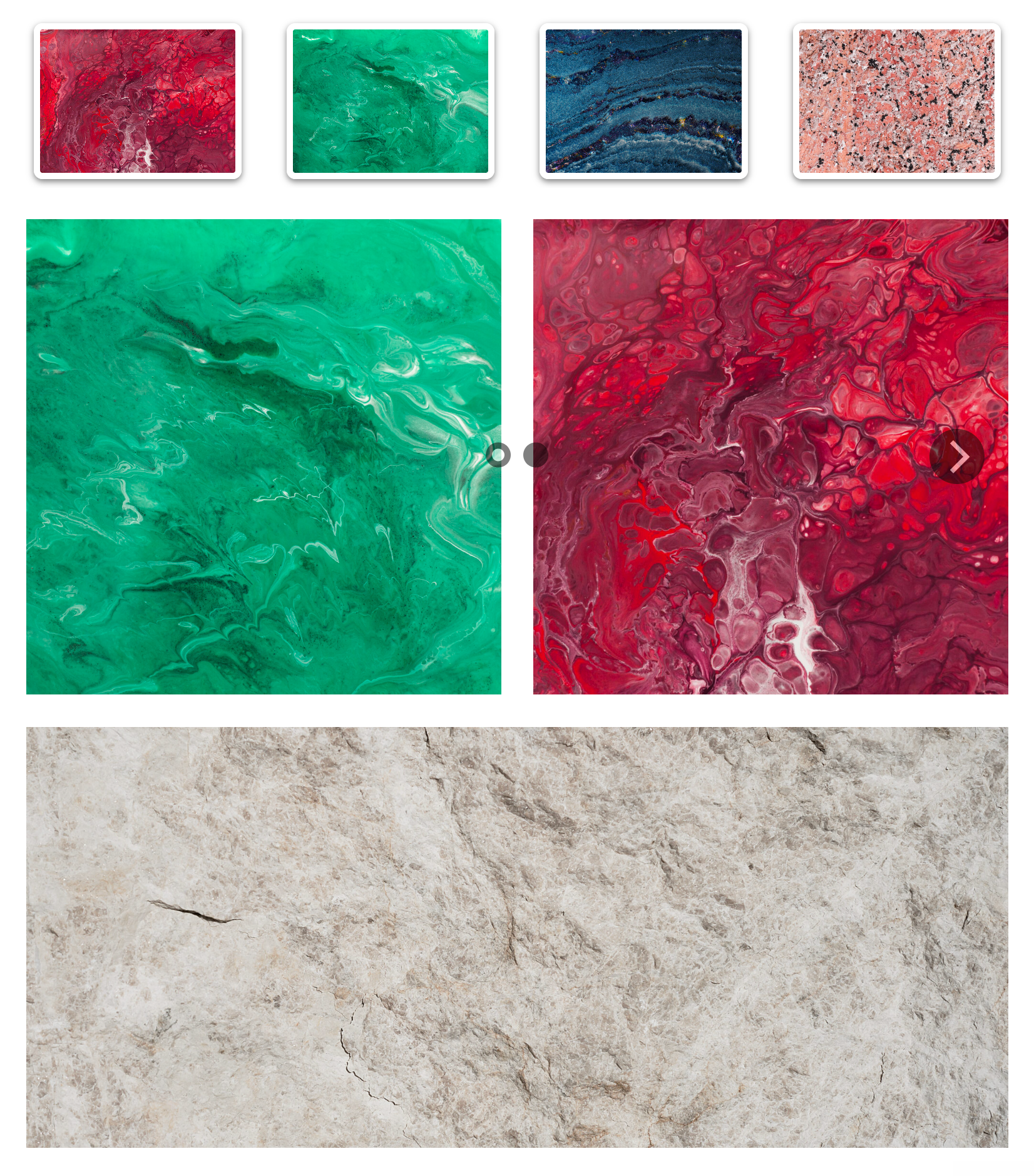
- Sliders and carousels
- Lightboxes for images and custom content
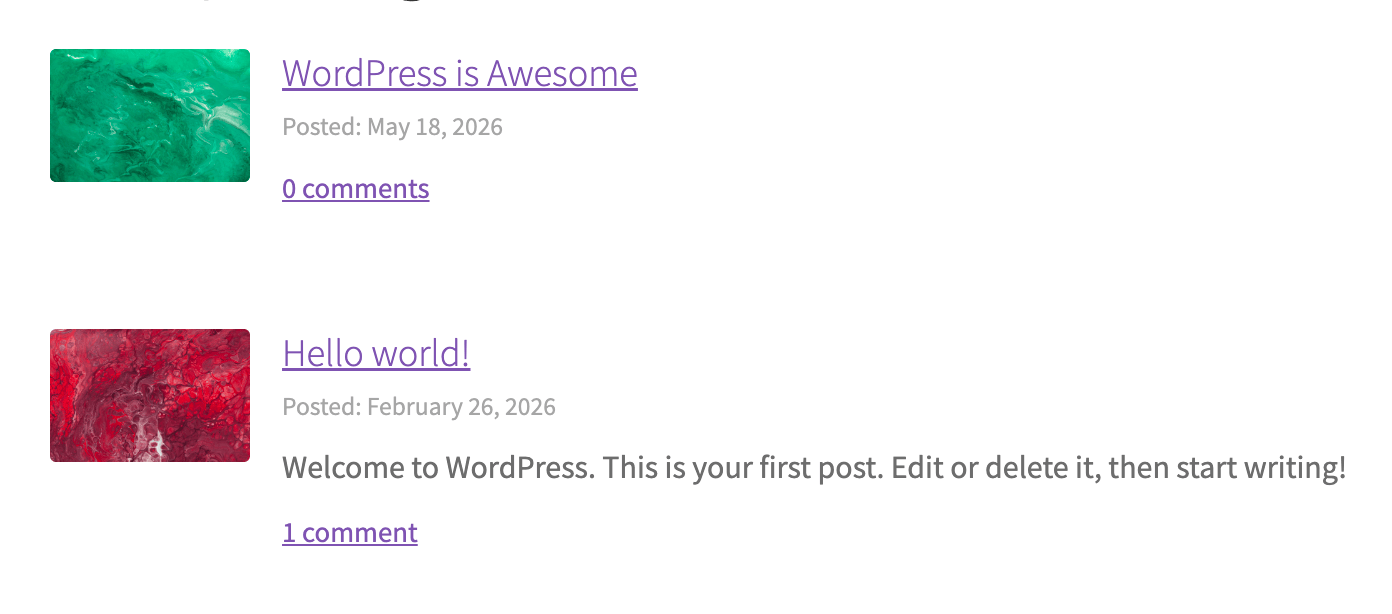
- Post lists and dynamic content blocks
- Spoilers, toggles and expandable content
- Media embeds and visual content blocks
Instead of installing a separate plugin for every small content element, Shortcodes Ultimate gives you one maintained toolkit for everyday WordPress content tasks.
Works with modern and classic WordPress workflows
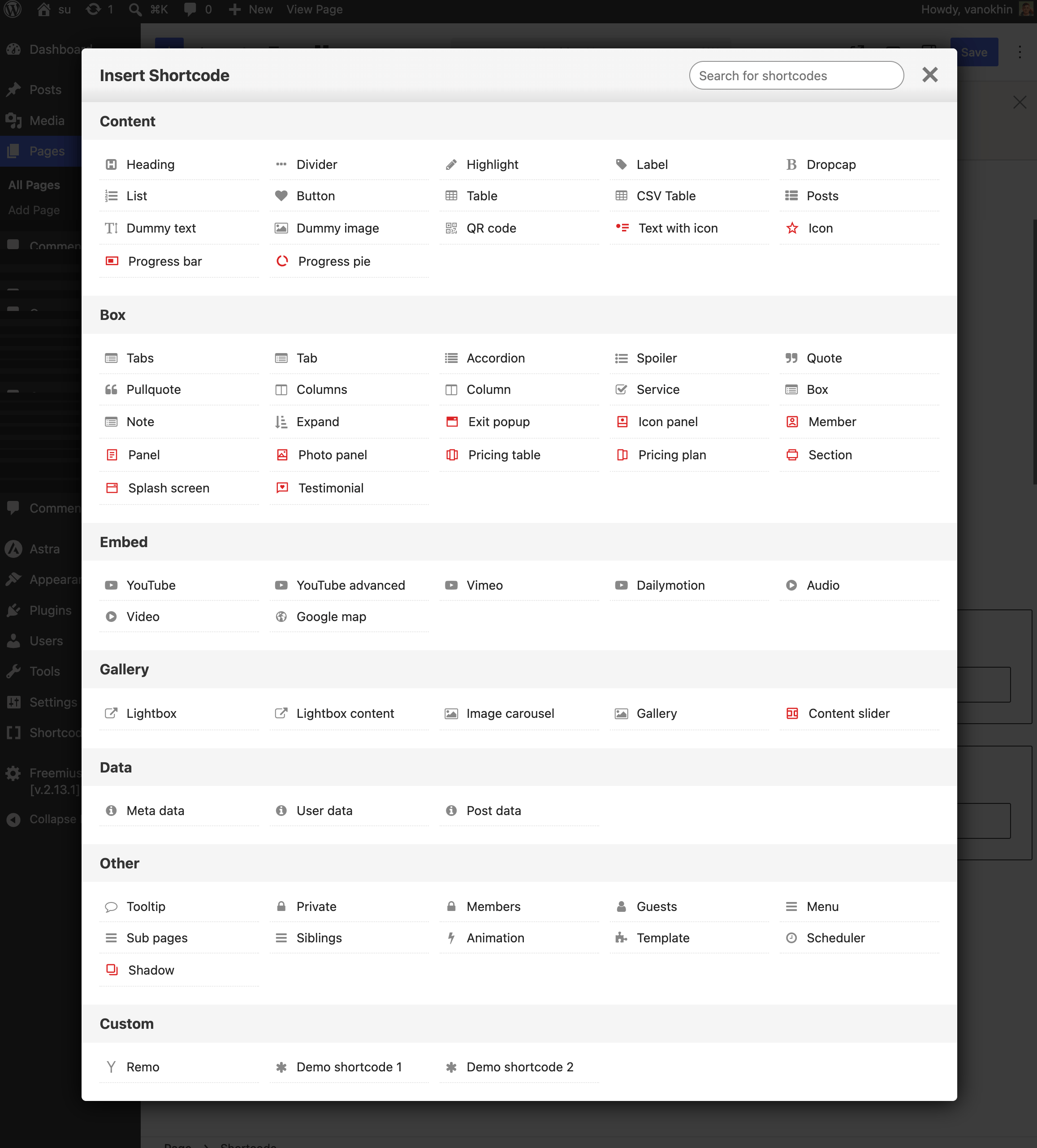
Shortcodes Ultimate works with the Block Editor, Classic Editor, widgets and template files. You can insert shortcodes manually, use WordPress shortcode blocks or use the built-in shortcode generator to configure elements visually.
This makes the plugin useful for:
- Site owners who want to improve content without coding
- Bloggers and affiliate publishers who need reusable CTA and content blocks
- Agencies and freelancers maintaining multiple WordPress sites
- Developers who want shortcode-friendly output in templates
- Existing sites with older content that already uses shortcodes
Why use Shortcodes Ultimate?
- 50+ ready-to-use WordPress shortcodes
- Visual shortcode generator
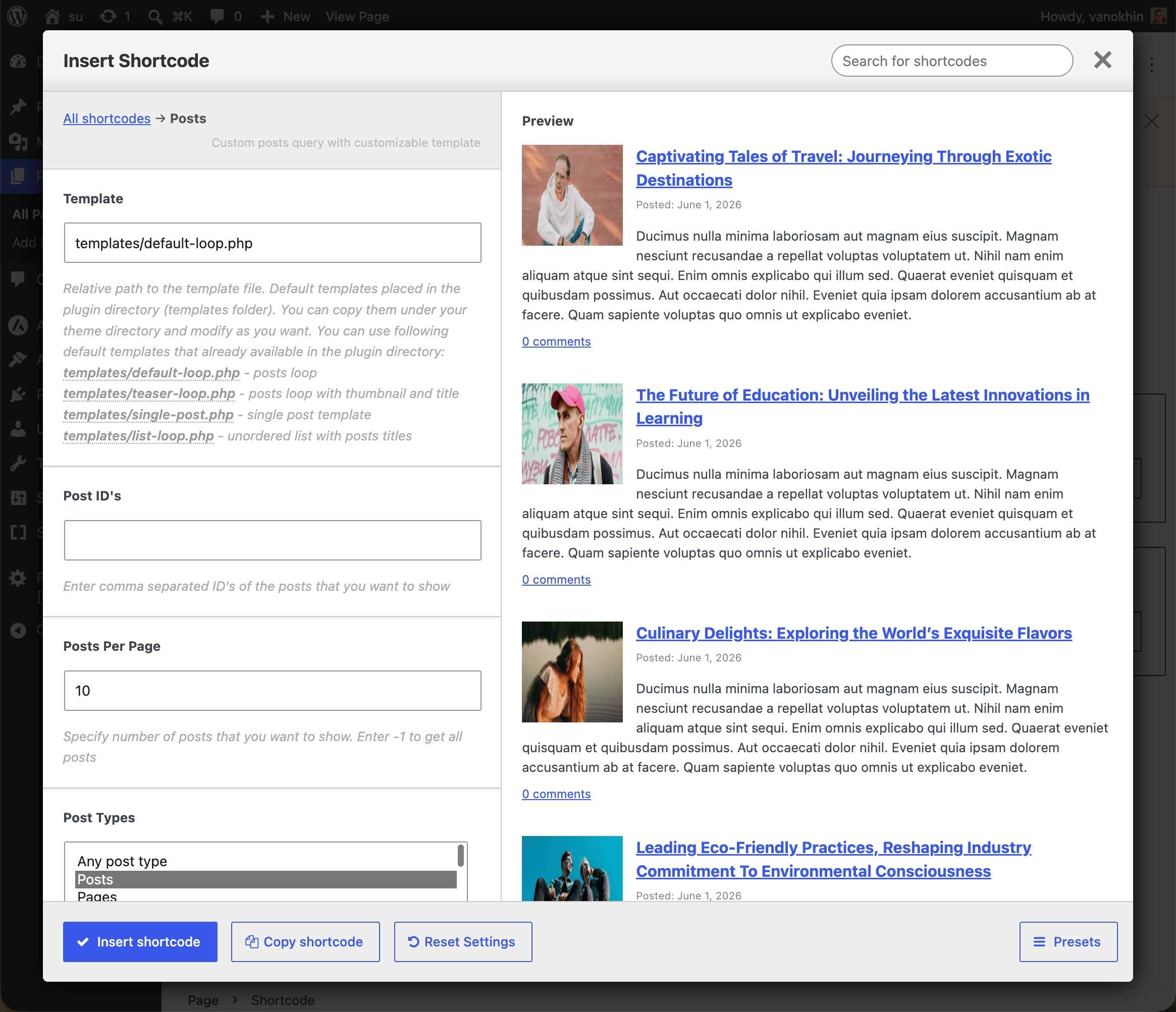
- Live preview
- Works with the Block Editor and Classic Editor
- Shortcodes can be used in posts, pages, widgets and template files
- Responsive elements that work with your theme
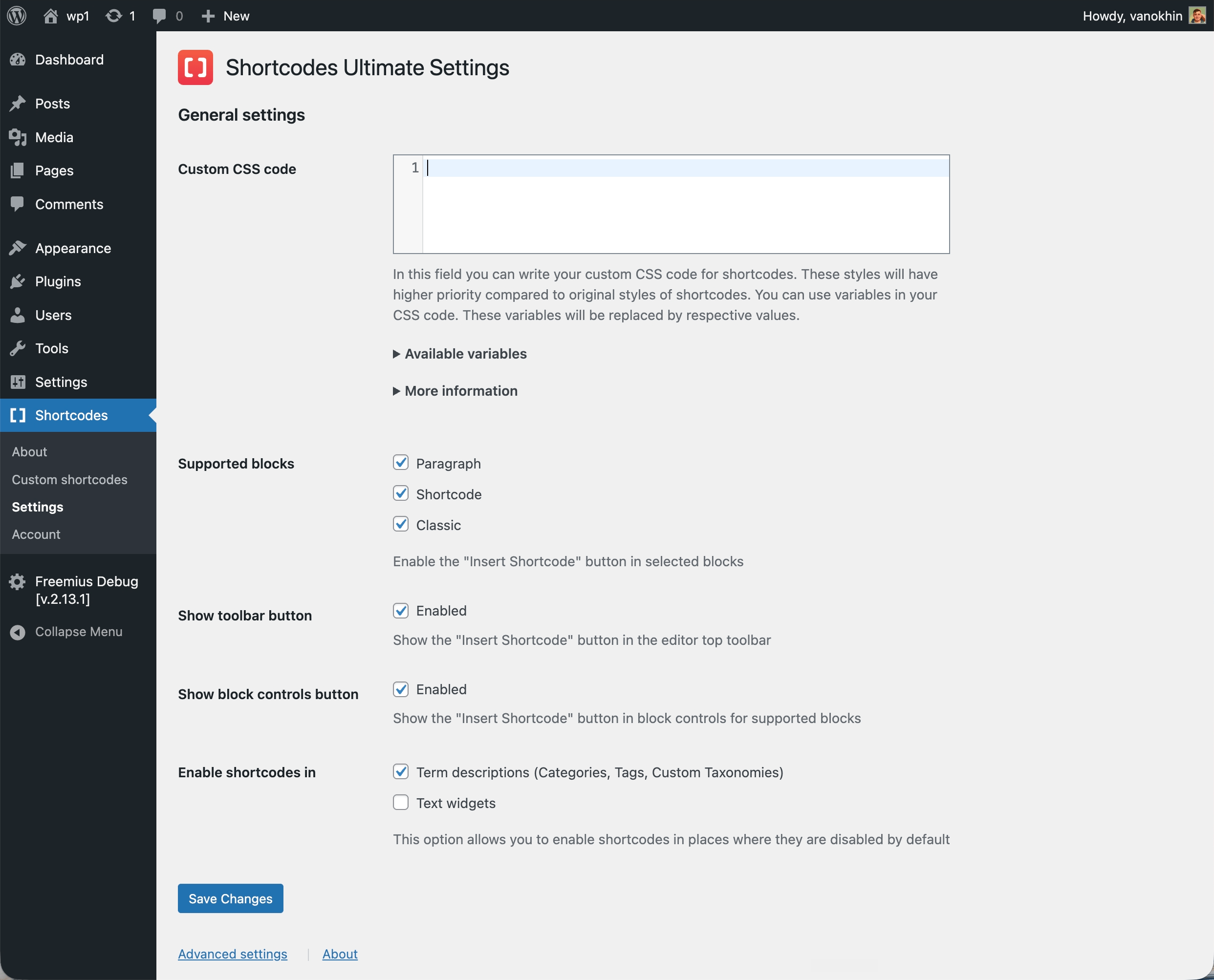
- Built-in Custom CSS editor
- Developer-friendly hooks and documentation
- Free version available on WordPress.org
- Pro version available for advanced shortcodes, extra styles and premium support
Why shortcodes still matter in WordPress
The WordPress Block Editor is great for visual content editing, but shortcodes are still useful when you need portable, reusable content elements that work across different parts of a WordPress site.
Shortcodes are especially helpful when you want to:
- Reuse the same content element in many posts or pages
- Add dynamic content inside widgets or templates
- Maintain older WordPress sites that already use shortcodes
- Work across Classic Editor and Block Editor workflows
- Add content elements without switching to a full page builder
- Keep common UI elements available through a simple text-based syntax
Shortcodes Ultimate is designed for these practical workflows. It gives you a large collection of ready-made shortcodes and a visual generator, so you do not need to write shortcode syntax manually unless you want to.
Free and Pro
The free version of Shortcodes Ultimate includes a large collection of useful shortcodes for everyday WordPress content tasks.
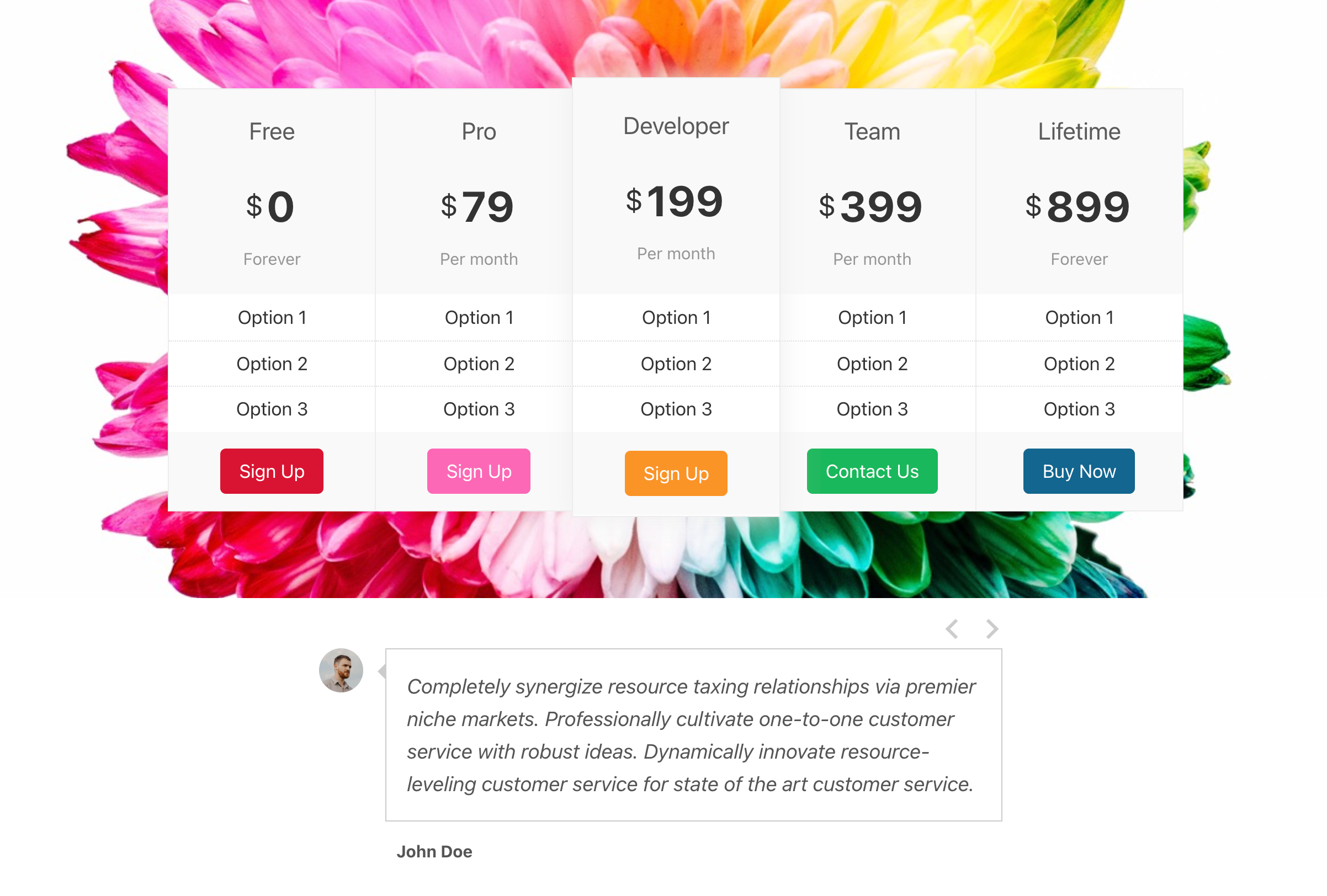
Shortcodes Ultimate Pro adds advanced shortcodes, additional styles, Content Slider, Pricing Table, Testimonials, Shortcode Creator, Elementor support and premium support.
Useful links
Screenshots
Installation
Quick start
- Go to Plugins Add New in your WordPress dashboard.
- Search for Shortcodes Ultimate.
- Click Install Now, then Activate.
- Open any post or page and click Insert Shortcode.
- Choose a shortcode such as Accordion, Tabs or Button, adjust the settings, and insert it.
- Preview or publish the page to see the result.
Manual installation
- Download the plugin ZIP file.
- Upload it via Plugins Add New Upload Plugin, or extract it to
/wp-content/plugins/shortcodes-ultimate/. - Activate the plugin from the Plugins screen in WordPress.
- Open any post or page, insert your first shortcode, and preview the result.
Requirements
- WordPress 6.0 or higher
- PHP 7.0 or higher
Video tutorial
FAQ
-
Does Shortcodes Ultimate work with the WordPress Block Editor?
-
Yes. You can insert generated shortcodes into a Shortcode block, Paragraph block or Classic block, and you can build them visually with the Insert Shortcode tool before adding them to your content.
-
Does it work with existing shortcode-based content?
-
Yes. Shortcodes Ultimate is useful both for new pages and for older WordPress sites that already rely on shortcodes. You can keep existing content working and gradually improve it without rebuilding everything in a page builder.
-
Can I use Shortcodes Ultimate with Elementor, widgets or template files?
-
Yes. You can use Shortcodes Ultimate anywhere WordPress shortcodes are supported, including Elementor shortcode widgets, many widget areas, and template files via
do_shortcode(). -
Do I need coding skills to use it?
-
No. Most users can create and insert shortcodes through the visual generator and live preview without writing shortcode syntax manually.
-
Why should I use shortcodes instead of blocks?
-
Blocks are excellent for visual editing. Shortcodes are useful when you need reusable content elements that can work across posts, pages, widgets, templates and older content.
Shortcodes Ultimate is especially helpful for hybrid WordPress sites, older sites, content-heavy sites and workflows where you want a simple way to insert the same type of element in many places.
-
Where can I see examples and documentation before I start?
-
Documentation: https://getshortcodes.com/docs/?utm_campaign=wporg&utm_medium=readme&utm_source=faq_docs
Support: https://getshortcodes.com/support/?utm_campaign=wporg&utm_medium=readme&utm_source=faq_support
Live examples: https://getshortcodes.com/docs-category/shortcodes/?utm_campaign=wporg&utm_medium=readme&utm_source=faq_examples
-
Is there a free version?
-
Yes. The free version of Shortcodes Ultimate is available on WordPress.org and includes a large collection of useful shortcodes for everyday content tasks.
-
What does Shortcodes Ultimate Pro add?
-
Shortcodes Ultimate Pro adds advanced shortcodes, additional styles, Content Slider, Pricing Table, Testimonials, Shortcode Creator, Elementor support and premium support.
-
Will Shortcodes Ultimate work with my theme?
-
Shortcodes Ultimate is designed to work with most properly coded WordPress themes. Because themes can apply their own CSS, some visual differences are possible. If something does not look right, check the documentation or contact support.
-
Can I customize shortcode styles?
-
Yes. Shortcodes Ultimate includes styling options for many shortcodes and a Custom CSS editor for additional adjustments.
Reviews


Contributors & Developers
“Shortcodes Ultimate – Content Elements” is open source software. The following people have contributed to this plugin.
Contributors
“Shortcodes Ultimate – Content Elements” has been translated into 24 locales. Thank you to the translators for their contributions.
Translate “Shortcodes Ultimate – Content Elements” into your language.
Interested in development?
Browse the code, check out the SVN repository, or subscribe to the development log by RSS.
Changelog
7.9.1
This update features security improvements and is recommended for all users
7.9.0
- Added the Conditional Content shortcode for displaying content based on visitor, date and time, request, post, and WooCommerce conditions.
- Fixed a fatal error in gallery shortcodes when image resizing fails. Forum topic.
- Fixed a PHP Warning in su_feed shortcode. Forum topic.
- Tested with WordPress 7.1
7.8.4
- Updated readme.txt
- Updated Freemius SDK
7.8.3
- Added a redirect option to the Countdown Timer shortcode, allowing visitors to be redirected to a specified URL after the countdown expires.
- Fixed a PHP warning in the shortcode generator when a shortcode definition does not include a description.
- Updated Freemius SDK.
7.8.2
- Fixed a JavaScript error (
_prelude.js:1 Uncaught Error: Cannot find module '5') that could prevent shortcodes from working. Sorry for the inconvenience this caused. - Fixed an issue where the Spacer shortcode was not displayed in the shortcode generator.
7.8.0 – 7.8.1
- Added Countdown Timer, a new Pro shortcode for creating high-impact launch, sale, event, and deadline timers. It helps draw attention to time-sensitive offers with animated digits, flexible date and time settings, customizable labels, separators, colors, spacing, and clear post-expiration behavior.
- Added wordpress.org Live Preview support. You can now preview the plugin right in your browser. Check it out now!
- Improved the Admin UI with small usability and polish updates.
- Fixed translation handling so all plugin strings are now translatable.
7.7.0
- Added Posts Grid, a new Pro shortcode for building friendly, responsive post layouts with less setup. Use it to query posts, pages, or custom post types; narrow results by taxonomy terms, authors, included or excluded posts, and keywords; then display everything as a grid or list with flexible columns, spacing, featured images, meta, excerpts, read more links, and AJAX or deep-link pagination.
- Improved Drop Cap shortcode compatibility with the Astra theme
- Fixed the Getting Started video on the plugin About page in the admin area
- Added new icons and other improvements to the Shortcode Generator
- The plugin is now fully translated into German (de_DE), Spanish (Spain) (es_ES), French (France) (fr_FR), Japanese (ja), Korean (ko_KR), Dutch (nl_NL), and Russian (ru_RU)
7.6.4
Big update for the Shortcode Generator tool!
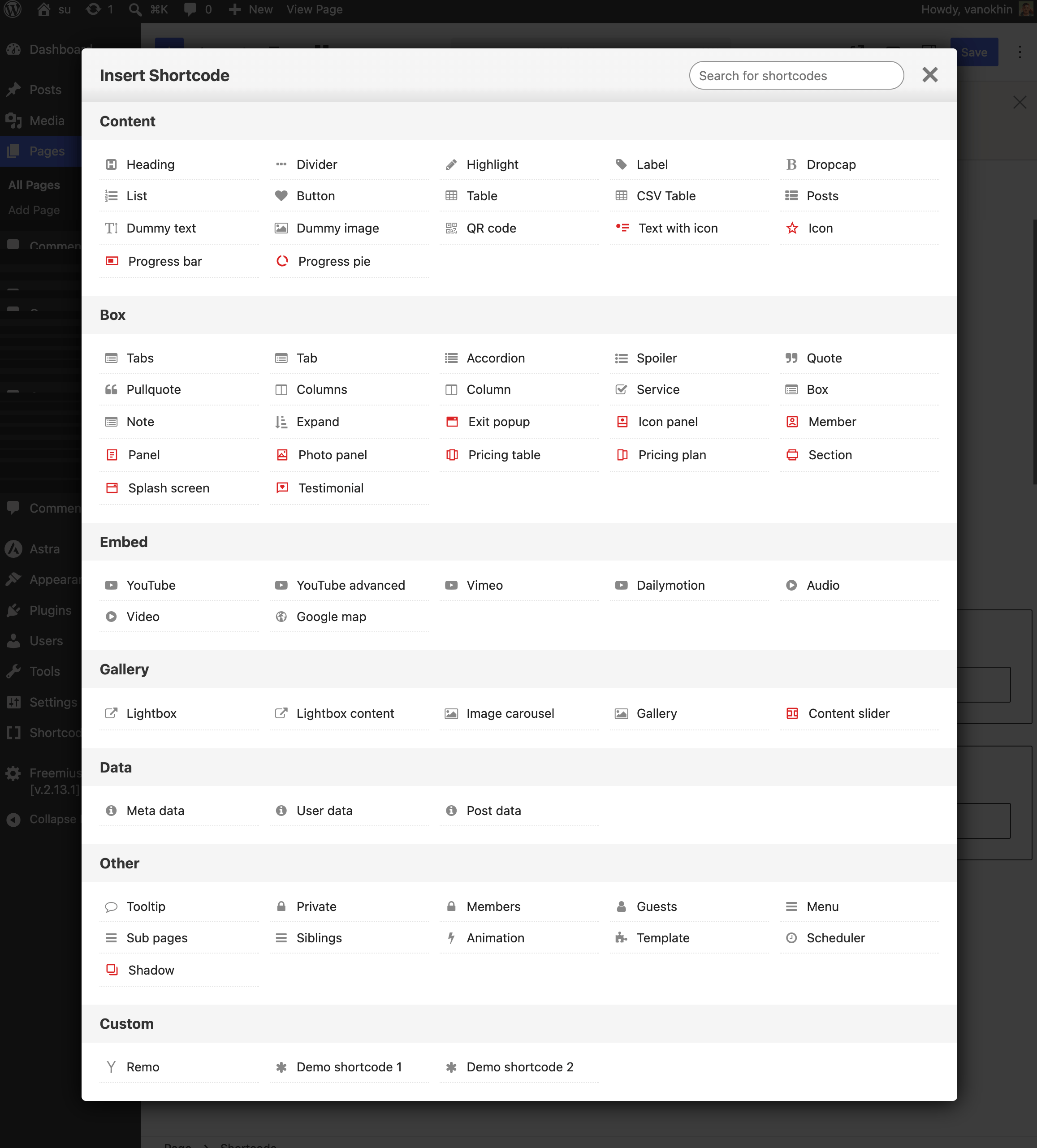
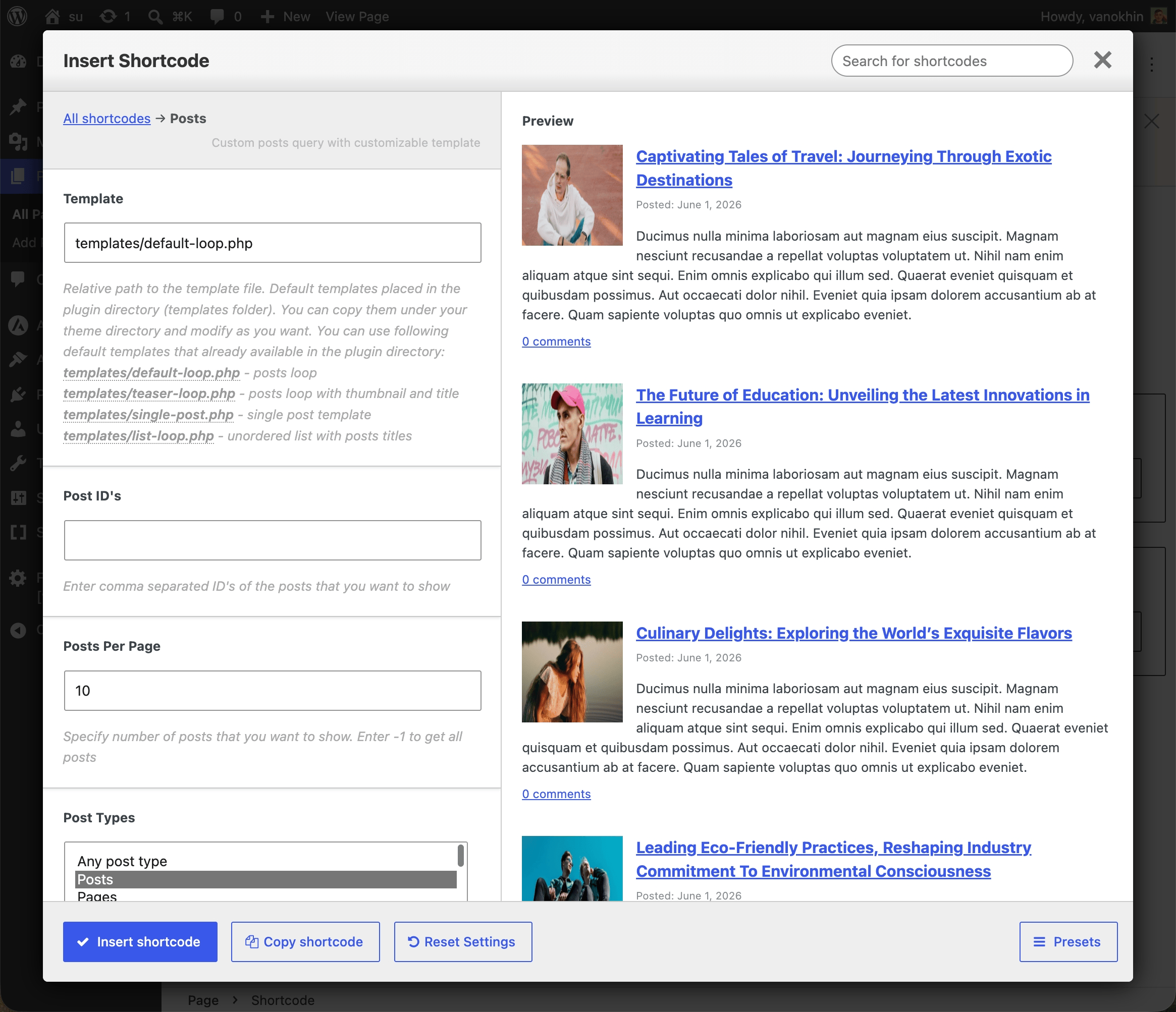
I’ve improved the tool to make it even easier and more pleasant to use. It now includes an always-visible live preview, a grouped list of shortcodes, a reset settings button, a copy shortcode button, and many other helpful improvements.
With the new live preview, you can instantly see how your shortcode will look while changing the settings. The grouped shortcode list makes it easier to find the right option, and the new copy button helps you add shortcodes faster.
Take a look at the updated interface here:
PLUS:
- Fixed an issue in the Shortcode Generator preview where the Image Carousel showed an extra script
- Fixed an issue in the Shortcode Generator preview where the YouTube Advanced preview wasn’t working
- Updated plugin README.txt
7.5.3
- Fixed issue with missing
/freemius/folder
7.5.1
- Tested with WordPress 7.0
- Updated Freemius SDK
7.5.0
- Fixed “WP_Scripts::add was called incorrectly” notice on WordPress 6.9.1
- Improved input sanitization in several shortcodes
Older changelog entries are available in the changelog.txt file