

Description
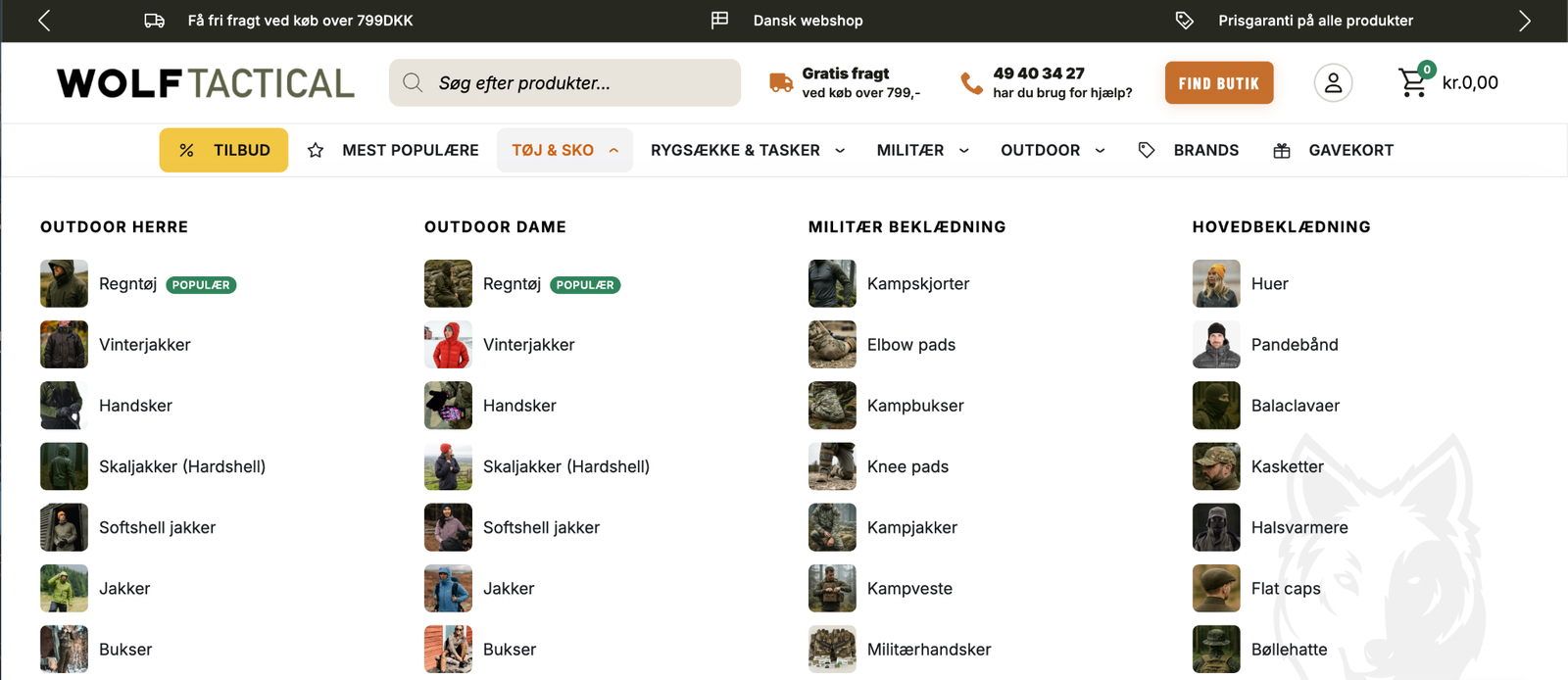
SEOmedSEB Auto Mega Menu builds your navigation from the categories you already have. Point a menu item at a
product category and the panel fills itself with that category’s sub-categories, their images and
their links. Add a category in WooCommerce and it appears in the menu on its own. Rename one and the
menu follows.
The panel works out its own shape. Two sub-categories give two columns, not four with gaps. Many
short lists spread wide; a few long ones go taller instead. Columns pack rather than lining up in
rows, so a short category never leaves a hole beneath it.
Built for real shops
- Panels fill from WooCommerce categories and stay current
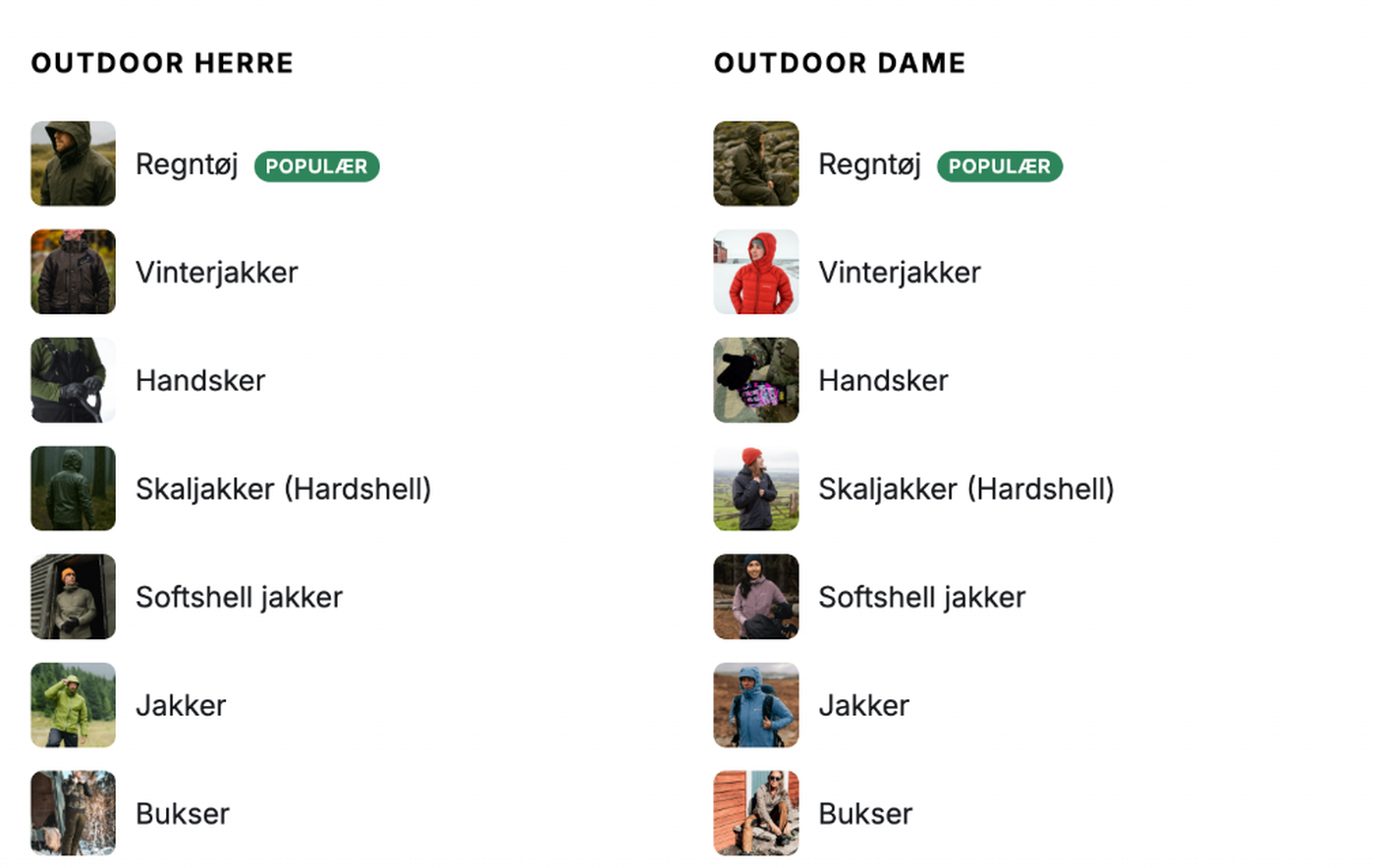
- Category thumbnails are used automatically, with a per-item override or none at all
- Coloured badges (“POPULAR”, “SALE”) on any item, with your own text and colours
- A “See all 18” link when a list is capped, so nothing is silently hidden
- Panels never grow past the screen: they scroll, with a soft edge marking there is more
Designed, not just configured
Over 230 style settings across 20 areas, each available globally, per area, per item, and per
breakpoint. Set a typeface and colour once under Global typography and the whole menu follows.
Seven hamburger animations, nine arrow shapes, four panel layouts, seven opening animations, and
four mobile opening effects.
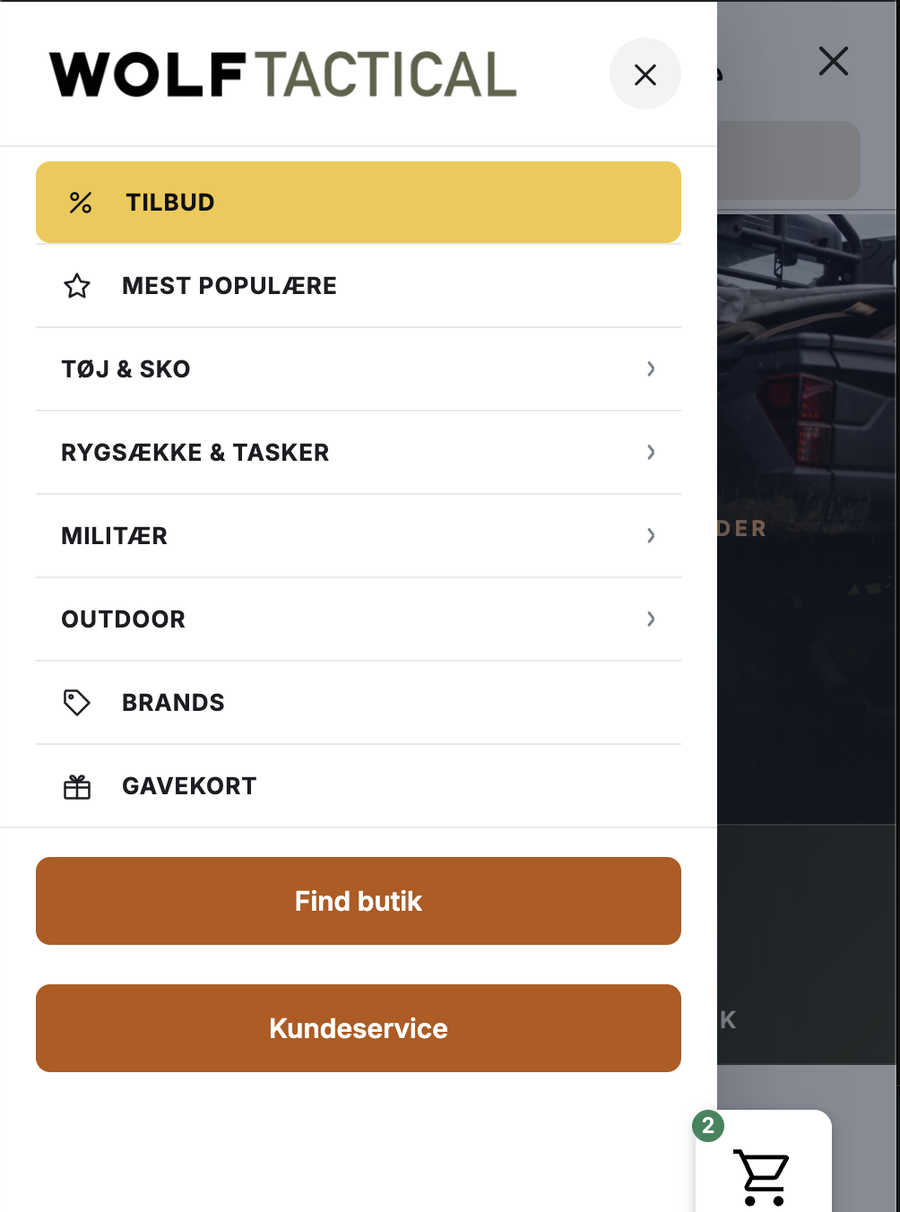
Mobile is its own design, not a squeezed desktop
The drawer opens full width with your shop logo. Tapping a category opens the level below rather
than navigating away, so sub-categories are reachable on a phone. The default pattern is hybrid: the
first tap moves to a screen for that department, and everything inside opens in place.
Accessible
Full keyboard navigation, a focus trap in the mobile drawer, correct ARIA state, visible focus rings
for keyboard users only, and 44px touch targets. Touch devices are handled properly: the first tap
opens, the second follows the link.
Works with your builder
Shortcode, Gutenberg block, Elementor widget, a Breakdance element, or by taking over one of your
theme’s menu locations. Menus export and import between sites, matching categories by slug rather
than by database id.
Screenshots
Blocks
This plugin provides 1 block.
- Mega Menu
Installation
- Upload the folder to
/wp-content/plugins/ - Activate the plugin
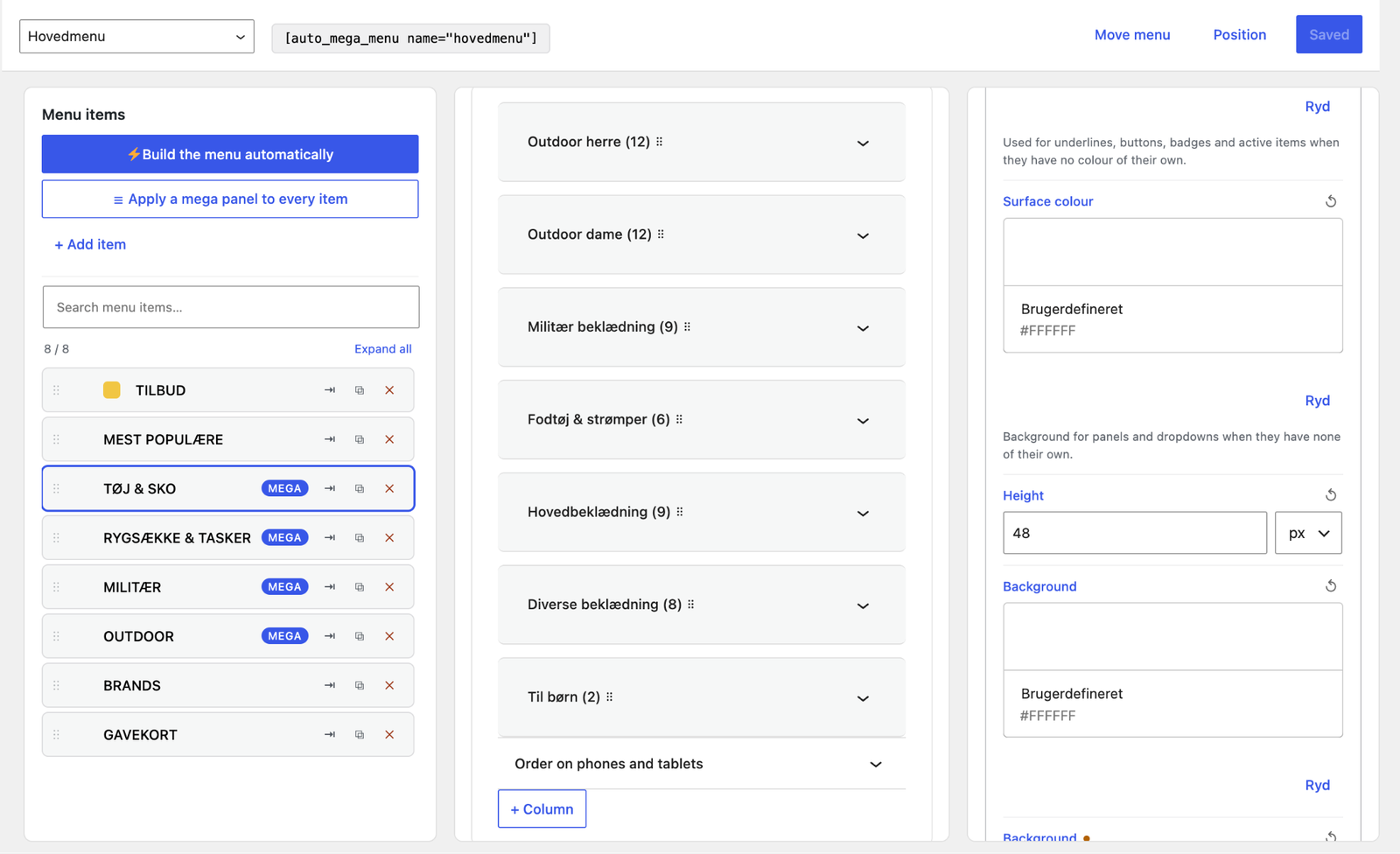
- Open SEOmedSEB Auto Mega Menu in wp-admin and press Build menu automatically
Built and maintained by SEOmedSEB.
FAQ
-
No. Panels store a rule, not a copy. New sub-categories appear on their own.
-
Can I still arrange things by hand?
-
Yes. A curated menu tree always wins over the raw category tree, and any panel can be built entirely
by hand from blocks instead. -
Does it slow the site down?
-
Menus are rendered server side and cached per menu and language. The cache clears when a category
changes, and only clears on product changes if a menu actually shows product data.
Reviews
There are no reviews for this plugin.
Contributors & Developers
“SEOmedSEB Auto Mega Menu” is open source software. The following people have contributed to this plugin.
Contributors
Translate “SEOmedSEB Auto Mega Menu” into your language.
Interested in development?
Browse the code, check out the SVN repository, or subscribe to the development log by RSS.
Changelog
1.0.9
- First public release.
- The menu builds itself from your WooCommerce categories: point a menu item at a category and the panel fills with its sub-categories, their images and their links, and follows along as you add or rename them. Without WooCommerce it builds from ordinary categories.
- The panel works out its own shape — two sub-categories give two columns, not four with gaps — and columns pack instead of lining up ragged.
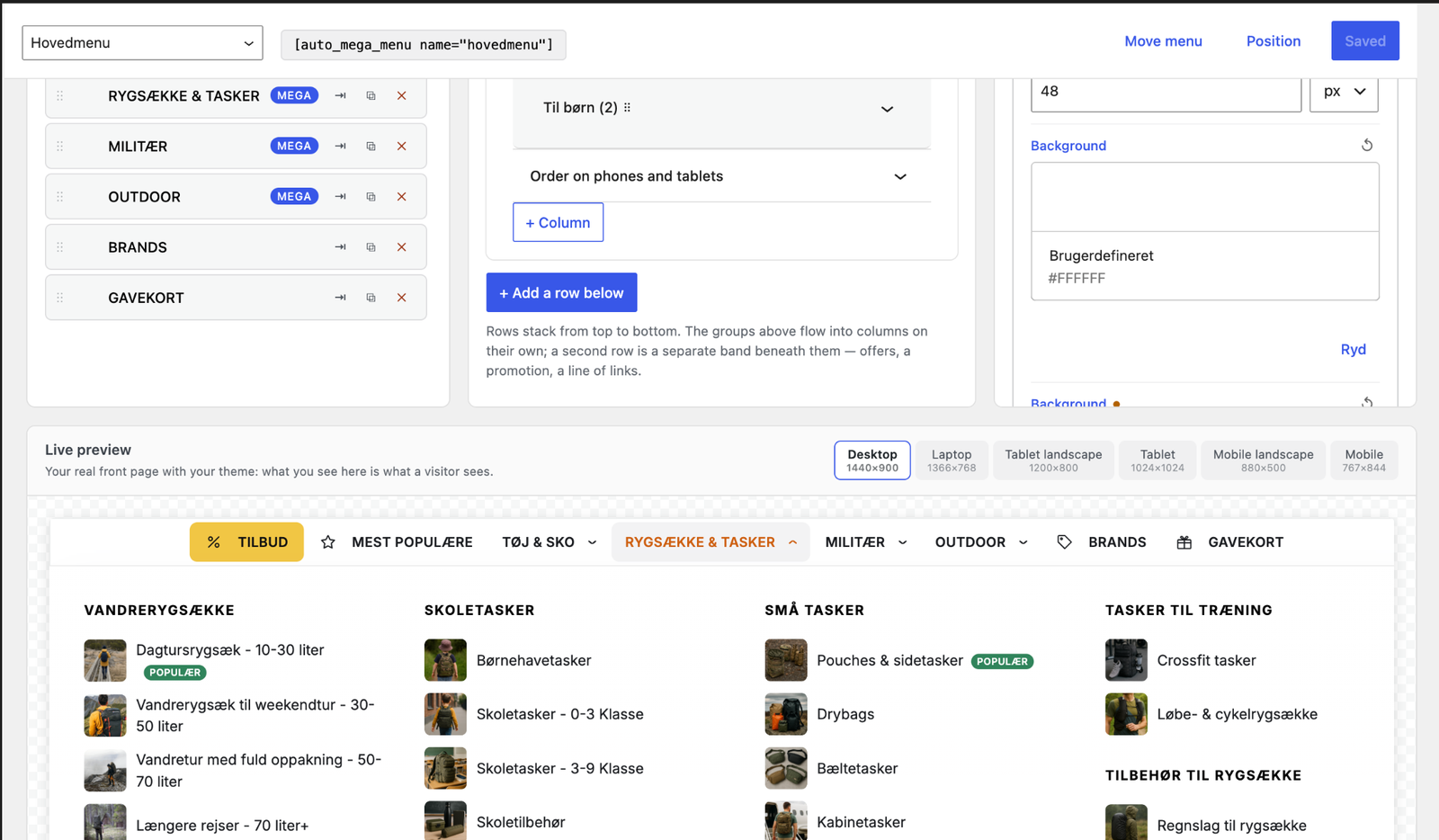
- A builder for everything else: rows and columns by hand, badges, icons, images per link, custom headings, and a design panel for type, colour, spacing and breakpoints.
- A mobile drawer with drill-down panels, its own group order, and motion you can set: how it arrives, how fast, and how softly.
- One picture per group, if you prefer that to a picture on every category — from the category the heading points at, from the group’s own first category, or one you choose.
- Images are fetched when their panel is opened, not on page load, and at the size they are shown: a 44px thumbnail fetches a 150px file on a Retina screen and a 64px file on a standard one.
- Works with the block editor, a shortcode, Elementor and Breakdance, and clears NitroPack, WP Rocket, LiteSpeed, W3TC and WP Super Cache when a menu changes.