
Description
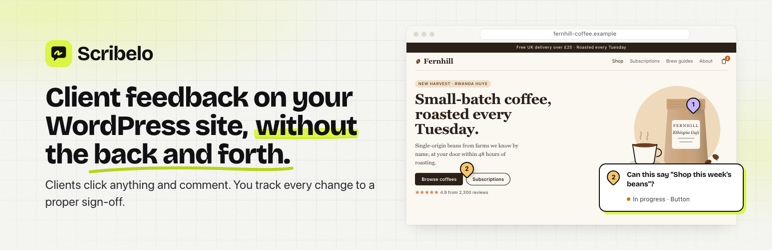
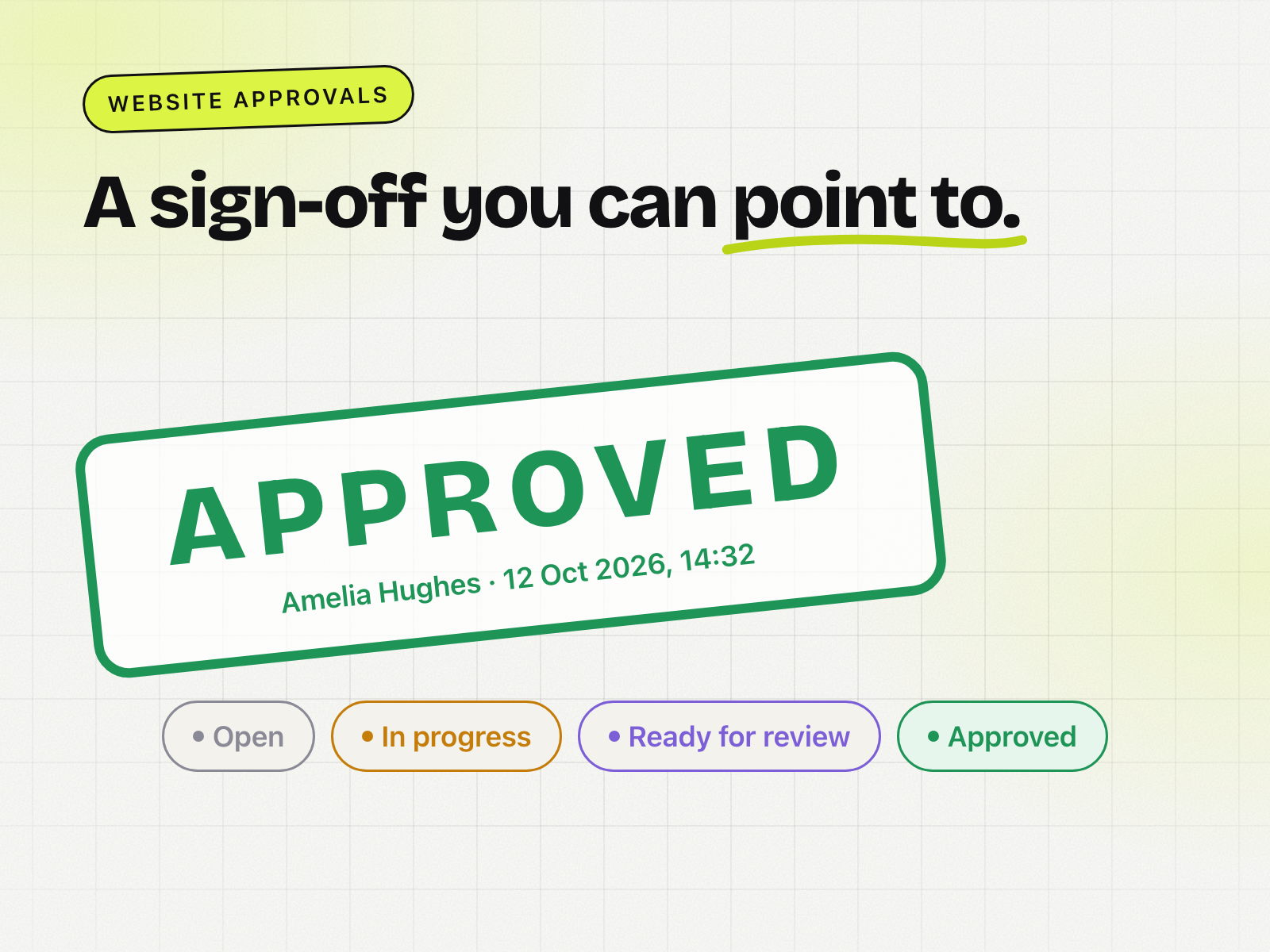
Scribelo is a website annotation tool for agencies. Clients open a review link, click the part of the page they want changed and type a comment. Every comment is pinned to the exact element, tracked to “done” and signed off by the client.
This plugin adds your Scribelo review script to every page of the site, so you don’t need to edit your theme or install a separate header-and-footer plugin.
- No login to WordPress for your clients
- Works with any theme and page builder, on live and staging sites
- The script is invisible to normal visitors. It only switches on when someone opens the site from a Scribelo review link
- It never reads form values, cookies or the site’s storage
You’ll need a Scribelo account (there’s a free plan): https://scribelo.io
External services
This plugin connects your site to Scribelo (https://scribelo.io), a website feedback service run by Stradcom Ltd. It’s needed so your clients can comment on the site.
Once you’ve saved an install code, every page of the site loads the Scribelo review script (https://scribelo.io/snippet.js, or the script address in your install code). As with any script, the visitor’s browser requests it from Scribelo’s server, which receives the visitor’s IP address, browser user agent and the address of the page. For normal visitors, nothing else happens: the script stays inactive and sends no other data.
The script only switches on when someone opens the site from a Scribelo review link. Then it sends to Scribelo:
- the project key and the one-time code from the review link, to start the review session
- for each comment: the reviewer’s name and comment, the page address and title, the element they clicked (its position, a CSS path and a short piece of its text), the screen size type (desktop, tablet or mobile) and any images they attach
It keeps the review session in the browser tab’s session storage so the review carries on as the reviewer moves between pages. It never reads form values, cookies or the site’s other storage.
- Scribelo terms of service: https://scribelo.io/terms/
- Scribelo privacy policy: https://scribelo.io/privacy/
Screenshots


Installation
- In WordPress, go to Plugins Add New, search for “Scribelo”, then click Install Now and Activate. (Or upload scribelo-wordpress.zip under Plugins Add New Upload Plugin.)
- In Scribelo, open your project, go to Share & install and click Copy next to the install line.
- In WordPress, go to Settings Scribelo, paste the line and click Save changes.
- Saving clears the common WordPress cache plugins automatically. If your host or a CDN caches pages too (20i StackCache, Cloudflare, SiteGround, Kinsta…), purge that cache from your hosting control panel. Then open the review from Scribelo; it connects automatically.
FAQ
-
Will visitors see anything?
-
No. The script only activates when someone opens the site from a Scribelo review link.
-
Can I pause reviews?
-
Yes. Untick “Add the review script to this site” under Settings Scribelo. Your install code is kept.
Reviews
There are no reviews for this plugin.
Contributors & Developers
“Scribelo” is open source software. The following people have contributed to this plugin.
Contributors
Translate “Scribelo” into your language.
Interested in development?
Browse the code, check out the SVN repository, or subscribe to the development log by RSS.
Changelog
1.2.0
- Loads the review script with wp_enqueue_script.
- Readme: added the External services section.
1.1.0
- Clears WordPress and popular cache plugins when you save the install code.
- Tells speed-optimisation plugins not to delay, defer or combine the review script.
1.0.0
- First release.