
Description
Sarrloop Accessibility provides a clean, privacy-friendly, dependency-free accessibility toolbar for WordPress websites.
Visitors can easily use the accessible toolbar to adjust the website presentation according to their visual and motor needs. Site administrators can customize the button appearance, icon, position, and select exactly which assistive features to enable.
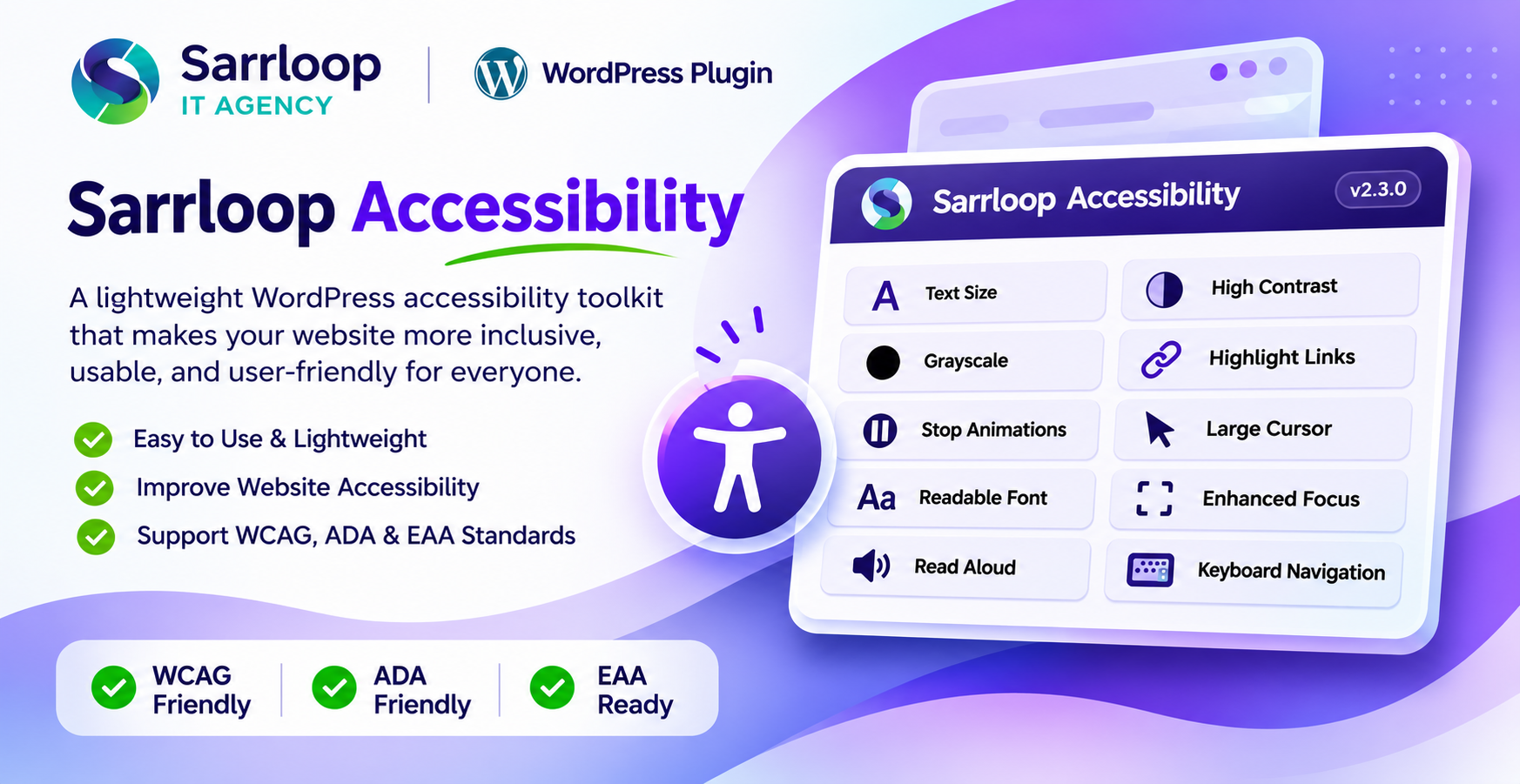
Assistive Features
- Text Size Controls: Increase, decrease, or reset page text scaling smoothly.
- High Contrast Mode: High-contrast dark background with sharp white text for high legibility.
- Grayscale Mode: Desaturate site colors to assist color sensitivity and readability.
- Highlight Links: Underlines and highlights all links across the page.
- Stop Animations: Disables CSS animations, smooth scrolling, and transitions.
- Large Cursor: Activates an enlarged high-contrast pointer cursor.
- Readable Font: Applies clean, highly legible system sans-serif typography.
- Enhanced Focus: Shows prominent outline indicators for keyboard focus states.
- Read Aloud (TTS): Reads text aloud using the browser’s native Speech Synthesis API.
- Keyboard Navigation Assistance: Aids sequential keyboard tabbing and navigation.
Highlights
- Compact, ergonomic layout: Thoughtfully designed to provide full accessibility assistance without cluttering or overwhelming the website layout.
- Site Language Adaptive: Automatically adapts to the website’s active locale with standard WordPress internationalization (i18n) and gettext support.
- Full RTL (Right-to-Left) Support: Native right-to-left alignment and layout adaptation for Arabic, Hebrew, Urdu, Persian, and other RTL languages.
- Pure SVGs, No Third-Party CDNs: Dependency-free, lightweight vector icons bundled directly inside the plugin.
- Zero External Tracking: Respects visitor privacy. All preferences are preserved locally in the browser using
localStorage. - Clean Code & WordPress Standards: Written following official WordPress Coding Standards (WPCS) and plugin security best practices.
Disclaimer: Sarrloop Accessibility is an assistive toolkit designed to improve visitor convenience. It does not automatically guarantee full legal compliance with WCAG, ADA, Section 508, or EAA. Website owners remain responsible for ensuring accessible content, accessible semantic HTML themes, media captions, forms, and documents.
Screenshots
Installation
- Upload the
sarrloop-accessibilityfolder to the/wp-content/plugins/directory, or install the ZIP file via Plugins > Add New > Upload Plugin. - Activate the plugin through the Plugins screen in WordPress.
- Navigate to Settings > Sarrloop Accessibility in your WordPress admin dashboard.
- Customize the widget position, icon, design style, and select the desired accessibility features.
- Click Save Settings.
FAQ
-
Does this plugin make my site automatically WCAG / ADA compliant?
-
No automated tool or widget can single-handedly make a website fully WCAG or ADA compliant. Accessibility compliance requires semantic markup, accessible forms, image alt attributes, keyboard tab order in themes, and clean document structure. Sarrloop Accessibility provides valuable assistive controls to visitors while site owners maintain responsibility for core site content.
-
Does this plugin track visitor data or use external APIs?
-
No. The plugin is 100% self-contained. Preferences are stored only in the visitor’s local browser via
localStorage. The Read Aloud feature relies on the browser’s native Speech Synthesis API. No visitor data is collected or transmitted to external servers. -
Does it support multilingual websites?
-
Yes. Sarrloop Accessibility is fully internationalized (i18n ready) and ready to receive community translations via translate.wordpress.org. It adapts dynamically to the site’s active language and works seamlessly with standard WordPress translation packs, WPML, Polylang, and TranslatePress.
-
Can I choose which accessibility features to display?
-
Yes. You can turn individual features on or off under Settings > Sarrloop Accessibility.
-
Does it support Right-to-Left (RTL) languages?
-
Yes. When your WordPress site is set to an RTL language such as Arabic, Persian, or Hebrew, the widget automatically adapts its layout, borders, icon alignment, and text direction.
Reviews
There are no reviews for this plugin.
Contributors & Developers
“Sarrloop Accessibility” is open source software. The following people have contributed to this plugin.
Contributors
Translate “Sarrloop Accessibility” into your language.
Interested in development?
Browse the code, check out the SVN repository, or subscribe to the development log by RSS.
Changelog
2.3.0
- Fixed text scaling engine (A+, A-, A) to reliably resize both rem-based and px-based typography across all themes and page builders.
- Fixed Large Cursor mode with high-visibility 38px Base64 vector cursors for arrow and link pointer states.
- Added “Button style” selector (Icon only, Icon and text, Text only) in admin settings with “Icon only” as default.
- Fixed close button icon rendering in panel header and protected against aggressive theme button CSS overrides.
- Fixed text clipping in 2-column feature grid by widening panel container and enabling flexible word wrapping.
- Prevented bottom vertical truncation on the “Reset all settings” button.
- Upgraded SVG icons to match Flaticon reference specifications.
2.2.0
- Resolved WordPress plugin installer package detection issue.
- Standardized clean zip directory structure for one-click WordPress plugin upload.
- Synchronized version numbers across plugin header, constants, and localization files.
2.0.0
- Added dependency-free SVG icon system with admin icon picker.
- Added full internationalization (i18n) support for global languages.
- Added full native Right-to-Left (RTL) layout support.
- Modernized admin settings dashboard and card/sidebar widget styles.
1.0.0
- Initial release.
- Added compact, ergonomic accessibility toolbar.
- Added text scaling, contrast, grayscale, and link highlighting.
- Added stop animations, large cursor, and readable typography options.
- Added native browser text-to-speech (read aloud) with language detection.
- Added local browser preference storage.