
Description
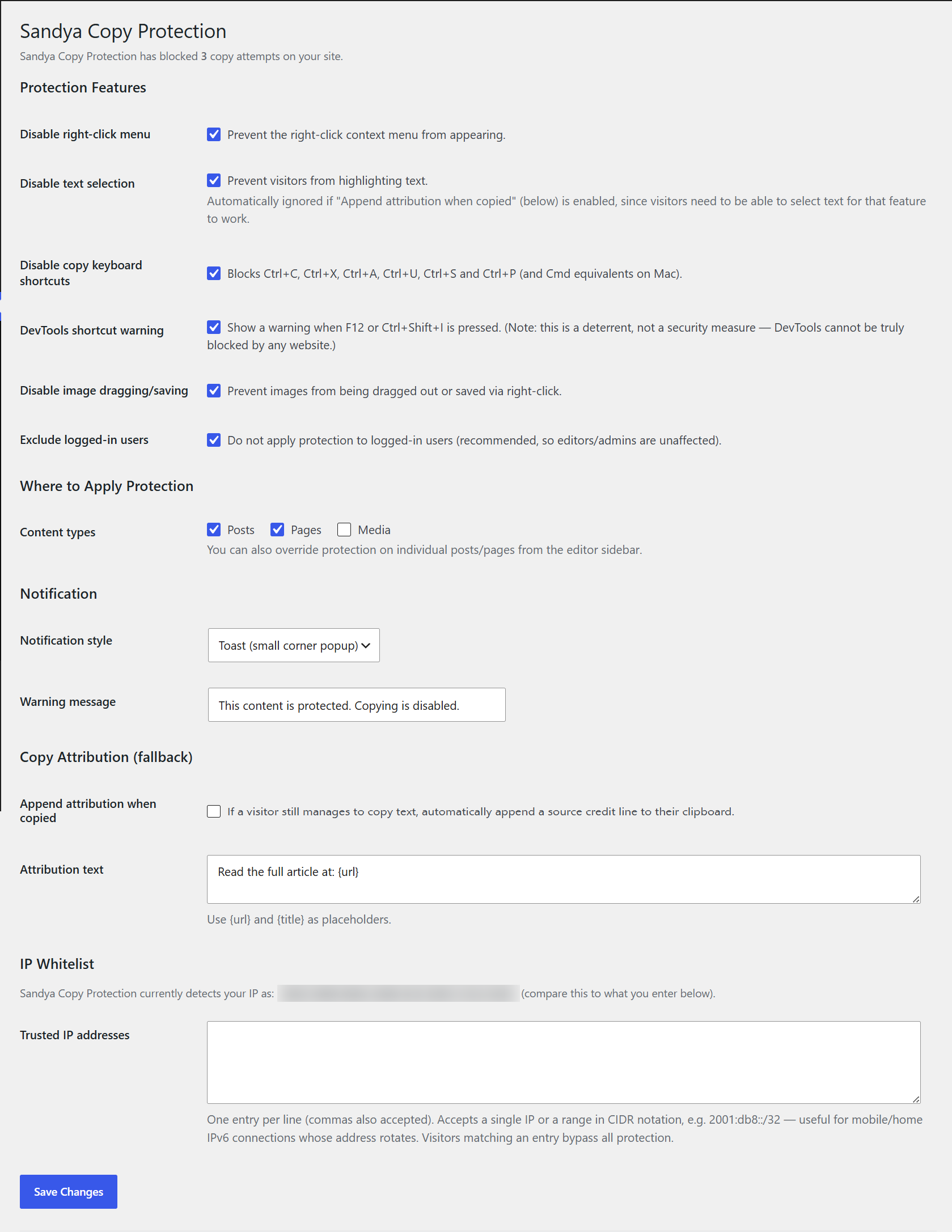
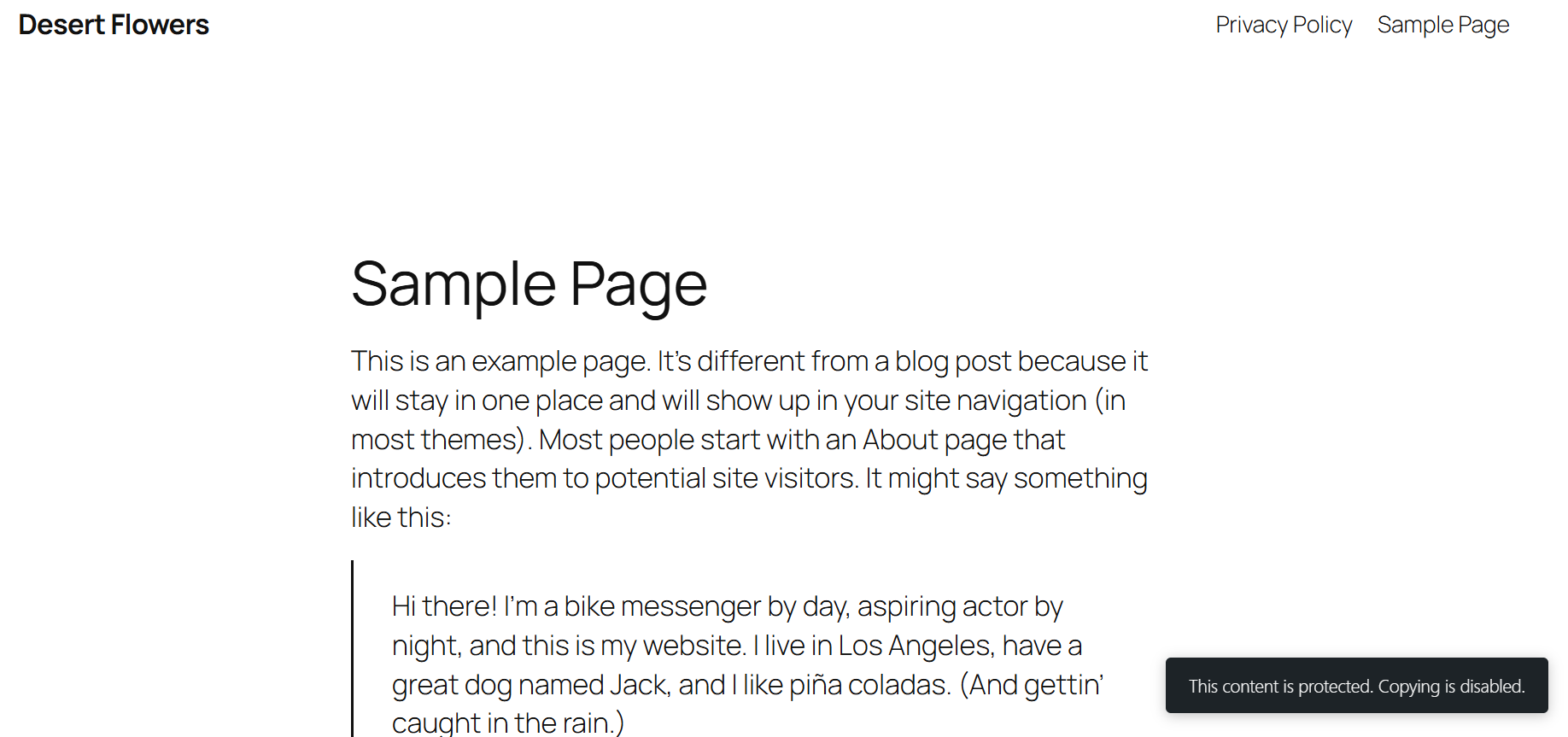
Sandya Copy Protection helps you discourage casual content theft on your WordPress site. It disables the right-click menu, blocks common copy keyboard shortcuts, prevents image dragging, and can show a custom warning message when someone tries to copy your content.
Important note on security expectations: this plugin is a deterrent, not a security guarantee. No plugin (on any platform) can make web content 100% impossible to copy — anyone can still view page source through other means, or take a screenshot. It’s designed to stop the casual copy-paste theft that makes up the vast majority of content scraping, and to make your intent clear to visitors.
Features
- Disable right-click context menu
- Disable text selection
- Disable copy/cut/paste/select-all/view-source/save/print keyboard shortcuts
- DevTools shortcut deterrent warning (F12, Ctrl+Shift+I)
- Disable image dragging and right-click image saving
- Choose which content types are protected (posts, pages, custom post types)
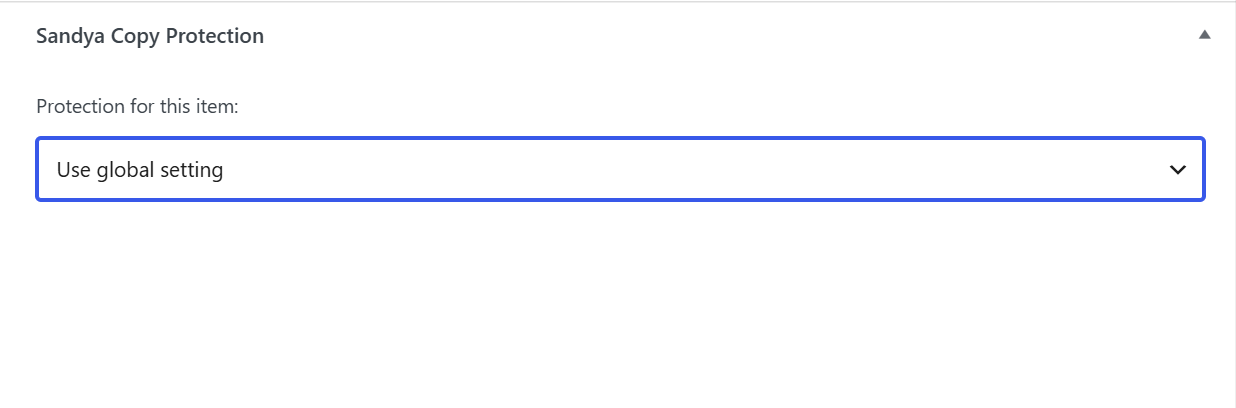
- Per-post/page override from the editor sidebar (force on, force off, or use global setting)
- Exclude logged-in users automatically
- IP whitelist so trusted visitors bypass protection — supports single IPs and CIDR ranges (IPv4 and IPv6)
- Three notification styles: toast, banner, or modal
- Blocked-attempt counter shown right on the settings page
- Optional copy-attribution fallback: automatically appends a source credit line if content is copied anyway
- Lightweight: no jQuery dependency, minimal front-end footprint
- Works on desktop and mobile/touch devices
Screenshots
Installation
- Upload the
sandya-copy-protectionfolder to the/wp-content/plugins/directory, or install directly through the WordPress Plugins screen. - Activate the plugin through the ‘Plugins’ screen in WordPress.
- Go to Settings > Sandya Copy Protection to configure protection options.
- Optionally, open any post or page in the editor and use the sidebar box to override protection for that specific item.
FAQ
-
Will this stop all content theft?
-
No plugin can. This plugin deters casual copy-paste theft and screen scraping via keyboard shortcuts, but it cannot prevent someone determined to copy your content through view-source workarounds or screenshots. It significantly raises the friction for casual copying.
-
Will this affect my own ability to edit my site?
-
No. By default, protection is automatically disabled for logged-in users, so editors and admins are unaffected.
-
Can I protect only certain pages?
-
Yes. Use the global “Content types” setting on the settings page, or override protection for an individual post/page directly from its editor sidebar.
-
Does this slow down my site?
-
No. The plugin only loads its small JS/CSS files on pages where protection is active, and both files are lightweight.
-
Does this work on mobile?
-
Yes, the protection scripts work on both desktop and touch devices.
Reviews
There are no reviews for this plugin.
Contributors & Developers
“Sandya Copy Protection” is open source software. The following people have contributed to this plugin.
Contributors
Translate “Sandya Copy Protection” into your language.
Interested in development?
Browse the code, check out the SVN repository, or subscribe to the development log by RSS.
Changelog
1.0.3
- Renamed from “CopyGuard” to “Sandya Copy Protection” to avoid confusion with an existing historical copy-protection product of a similar name.
1.0.2
- Improved: “Append attribution when copied” now automatically allows text selection, even if “Disable Text Selection” is checked, since the attribution feature needs selectable text to work. No manual toggling required.
1.0.1
- Fix: IP whitelist now correctly detects visitor IPs behind Cloudflare/proxies, supports CIDR ranges (useful for rotating mobile/home IPv6 connections), and validates entries more robustly.
- Fix: resolved a conflict where the copy-shortcut block prevented the copy-attribution fallback from ever running.
- Added: live “currently detected IP” diagnostic on the settings page.
1.0.0
- Initial release.