

Description
Saito Calendar Event builds calendars made of doors that unlock on a given date — an Advent calendar, a countdown before a launch, a “12 days of” campaign… Each door reveals its own reward on its day: a short title, a description, an image, a linked product and, with WooCommerce, a coupon code the visitor can copy or add to their cart in one click.
Fair by design
- A door can only be opened on its exact unlock day: before, it is locked (with a countdown); after, it is closed for good. The date check is done server-side: the reward and the coupon code are never sent to the browser before the date.
- Coupons are re-checked when added to the cart, and requests are rate-limited.
For visitors
- Opening animation (a door that swings open), confetti in the colors of the theme, reveal modal with a “Copy” button and an “Add the discount to my cart” button (WooCommerce).
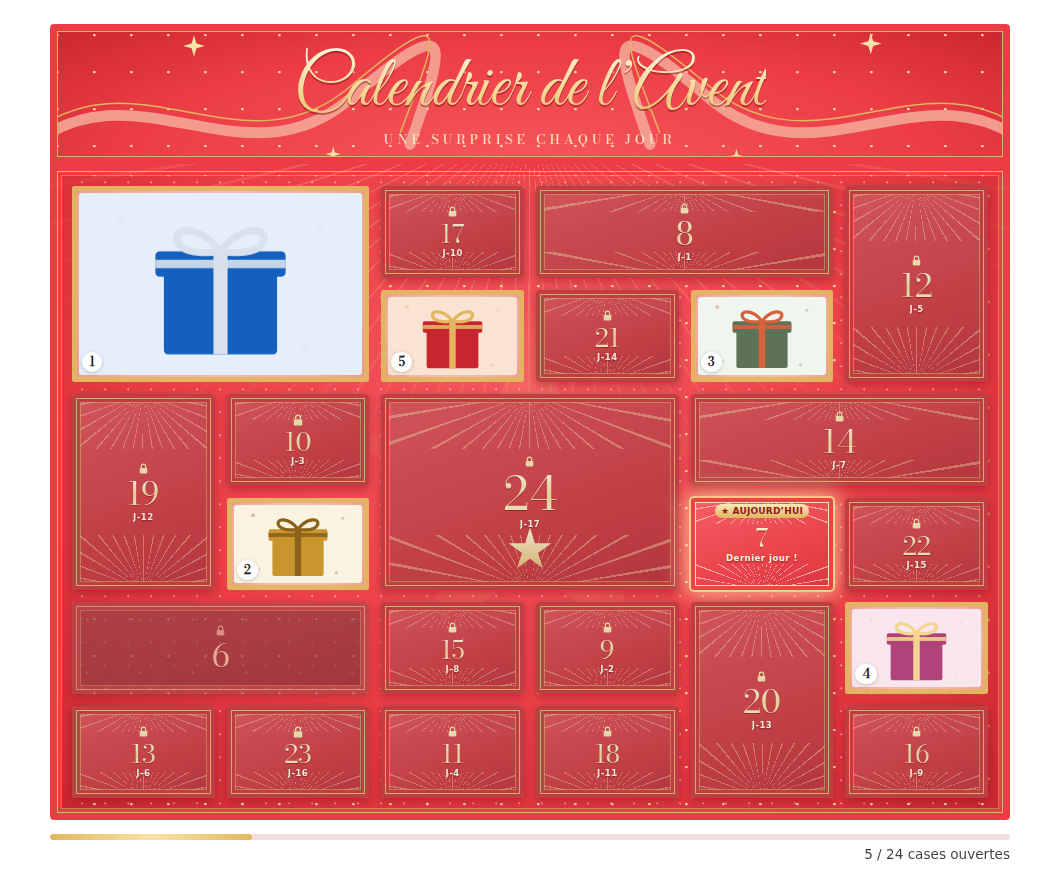
- Opened doors show the photo of their reward; a progress bar counts the doors opened.
- Keyboard accessible, respects “reduced motion” settings.
Seven designs
- Christmas, Neutral and Editorial (flat colors, serif type, bento grid).
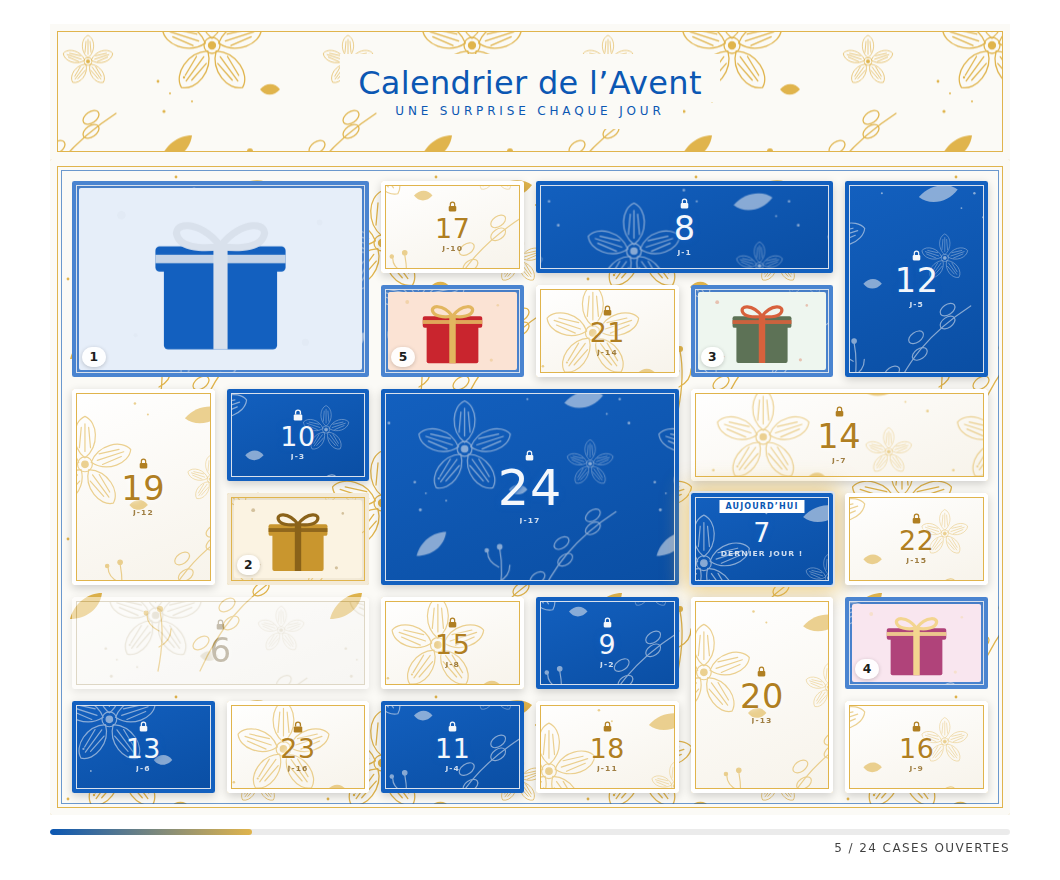
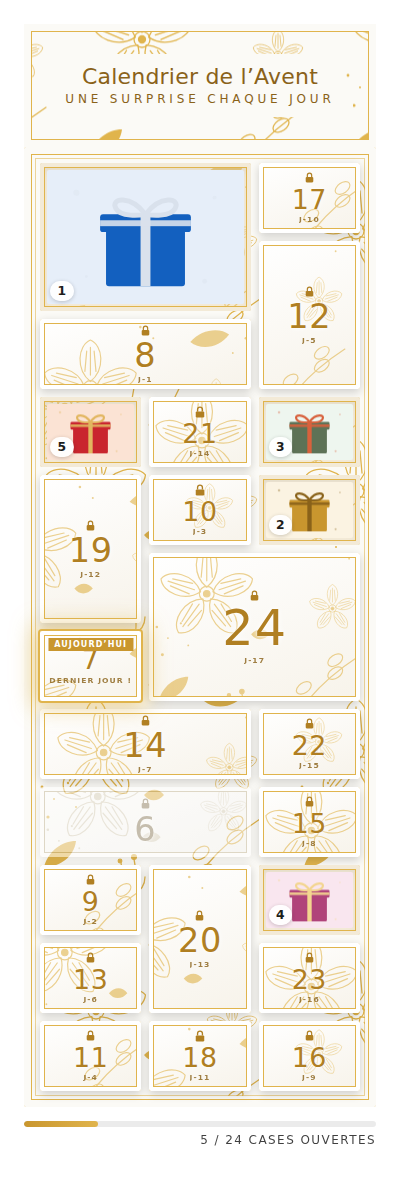
- Sparkle (coral red and gold, fireworks, golden stars) and three Floral designs (blue and silver, white and gold, or both mixed): doors of varied sizes in a mosaic, with the 1st and 24th doors as large doors, an optional header showing the calendar title and a subtitle.
- Colors, corner radius and borders can be adjusted, with a live preview.
For editors
- A grid of doors in the admin: click a door to set its date, coupon, product (searched by name, with thumbnail, price and stock), texts and image. Drag a door onto another to swap their content.
- Coupon helper: suggestions from your published WooCommerce coupons (discount, status, expiry), and a warning if a code does not exist, is used up, has expired or expires before the door’s date.
- Scheduling: show the calendar only between two dates, with an optional “coming soon” and “it’s over” message.
- All visitor texts can be customized; calendars can be exported/imported as JSON and duplicated from one year to the next.
- Insert a calendar with the “Calendrier à cases” block or the
[saito_calendar_event id="123"]shortcode.
Requirements
WooCommerce is optional: without it, doors reveal their text and image; coupons and linked products need WooCommerce.
The admin interface and default visitor texts are in French.
Third-party libraries and fonts
This plugin bundles the following open-source software, unmodified:
- canvas-confetti 1.9.4 (MIT License) — https://github.com/catdad/canvas-confetti
- vanilla-tilt.js 1.8.1 (MIT License) — https://github.com/micku7zu/vanilla-tilt.js
- SortableJS 1.15.7 (MIT License) — https://github.com/SortableJS/Sortable
- Bodoni Moda (SIL Open Font License 1.1) — https://github.com/indestructible-type/Bodoni
- Great Vibes (SIL Open Font License 1.1) — https://github.com/googlefonts/great-vibes
The files in assets/js/vendor/ are the official, unmodified distribution builds of these projects (canvas-confetti in its readable build; SortableJS and vanilla-tilt.js as published, minified). Their full source code is available at the addresses above. The font license texts are included in assets/fonts/.
Screenshots
Blocks
This plugin provides 1 block.
- Calendrier à cases
Installation
- Upload the
saito-calendar-eventfolder to/wp-content/plugins/, or install the plugin from the Plugins Add New screen. - Activate the plugin.
- Go to Saito Calendriers Ajouter, set up the doors (date, reward, optional coupon), choose a design and publish.
- Insert the calendar in a page with the “Calendrier à cases” block, or with the shortcode shown in the “Utilisation” tab:
[saito_calendar_event id="123"].
FAQ
-
Can a visitor open a door before its date?
-
No. The date is checked on the server, in the site’s timezone. The content of a door (texts, image, coupon) is only sent once the door is opened on its day.
-
Does it create the WooCommerce coupons?
-
No. Create your coupons in WooCommerce (Marketing Coupons) as usual, then type the code in the door. The plugin applies it to the cart when the visitor clicks the button, and warns you in the admin if the code looks wrong.
-
Can I use it without WooCommerce?
-
Yes. Doors then reveal their title, description and image only.
-
Does it load anything from external services?
-
No. All scripts, styles and fonts are bundled in the plugin; nothing is loaded from a CDN or a third-party service, and no data is sent outside your site.
-
What happens to my calendars if I delete the plugin?
-
Deleting the plugin from the Plugins screen removes the calendars it created and their settings. Deactivating it keeps everything.
Reviews
There are no reviews for this plugin.
Contributors & Developers
“Saito Calendar Event” is open source software. The following people have contributed to this plugin.
Contributors
Translate “Saito Calendar Event” into your language.
Interested in development?
Browse the code, check out the SVN repository, or subscribe to the development log by RSS.
Changelog
1.1.0
- New shared “Saito” admin menu, common to all Saito plugins: “Calendriers” now
lives under Saito, next to a dashboard of the Saito plugins, a Tools
page (additional CSS and JavaScript for the whole site) and a
Documentation page (source code, documentation, WordPress.org pages). - Fix: coupon error messages from WooCommerce (e.g. minimum spend) showed
HTML entities such as “60,00 €” in the case modal. - The linked product’s price is now left-aligned under its name in the
case modal.
1.0.3
- Fix: the linked product picked for a door was shown as “[object Object]” in the admin once selected (WooCommerce’s selectWoo only accepts plain text there).
- Fix: the product price in the reveal modal showed HTML entities (“20,00 €”) instead of “20,00 €”.
1.0.2
- Update SortableJS to 1.15.7.
1.0.1
- Fix: with a block theme, a calendar inserted with the shortcode was displayed without its styles and scripts (plain grey doors).
1.0.0
- First public release.