
Description
RubikChat connects an intelligent, autonomous AI Agent directly to your WordPress website to handle customer service, qualify leads, and answer visitor questions 24/7 using your site’s own knowledge base.
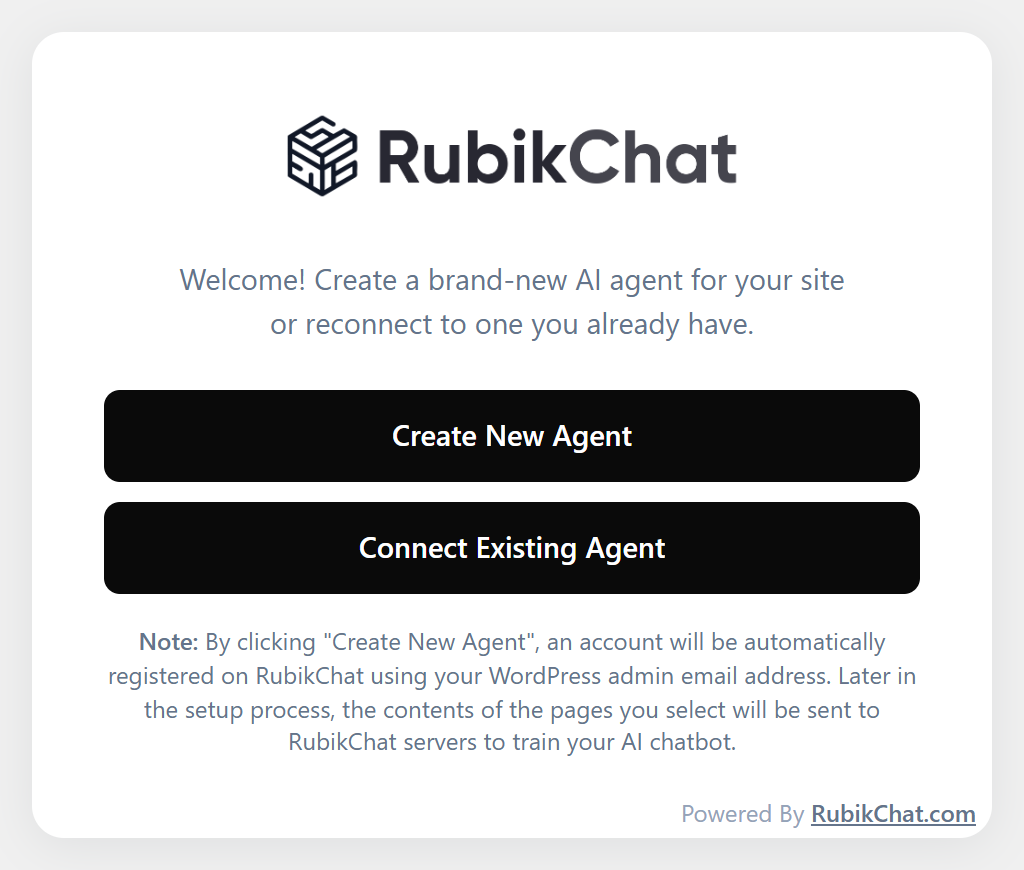
Unlike standard, scripted chatbots, RubikChat acts as an automated digital agent. You can build and deploy an AI Agent directly from your WordPress admin dashboard without leaving your site, or seamlessly connect an existing agent created on the RubikChat Platform.
Features
- 1-Click Dashboard Setup: Automatically register and deploy a new AI Agent directly from WordPress, no external copy-pasting required.
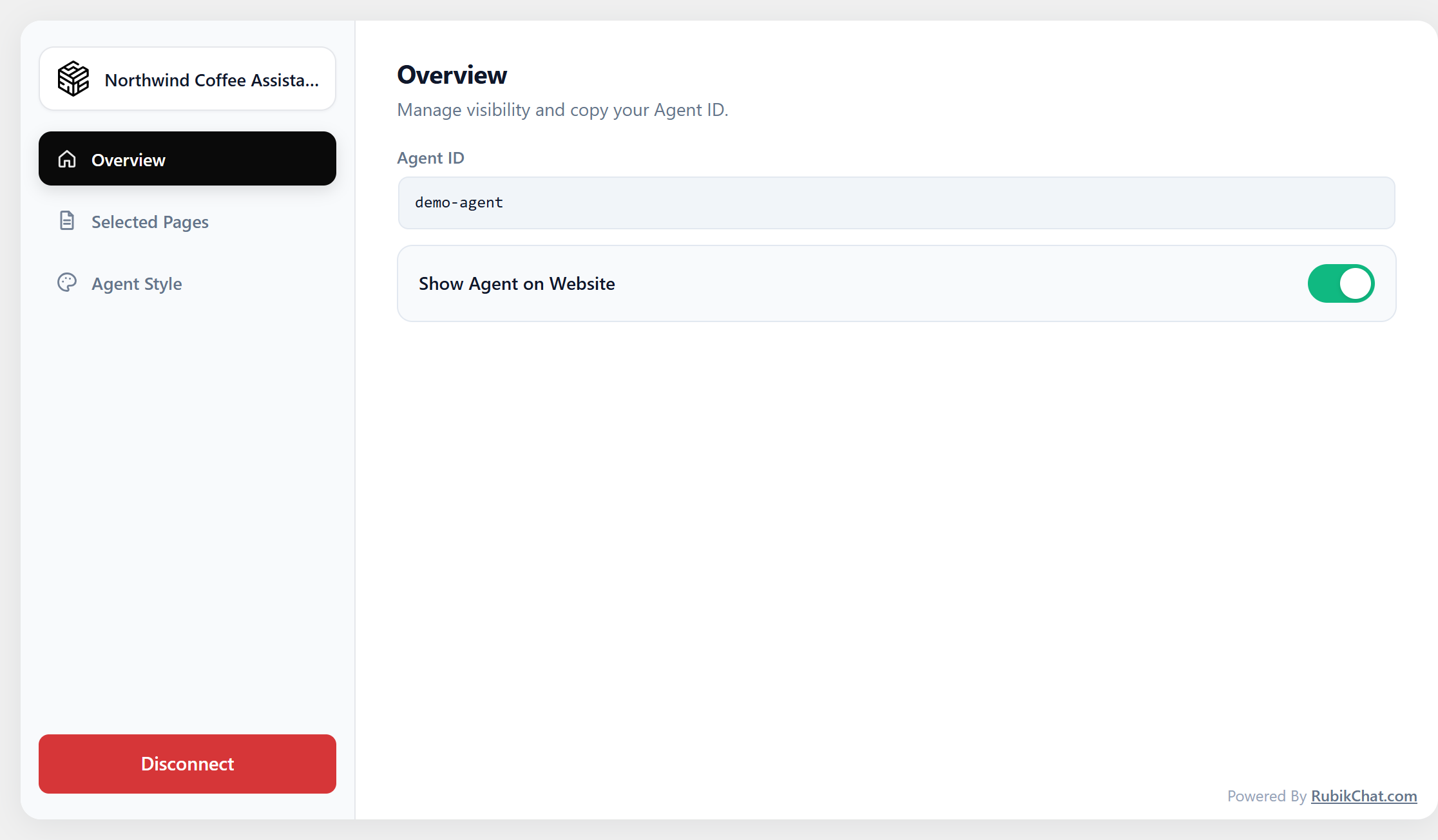
- Connect Existing Agent: Already using RubikChat? Connect your pre-configured agent instantly via your Agent ID.
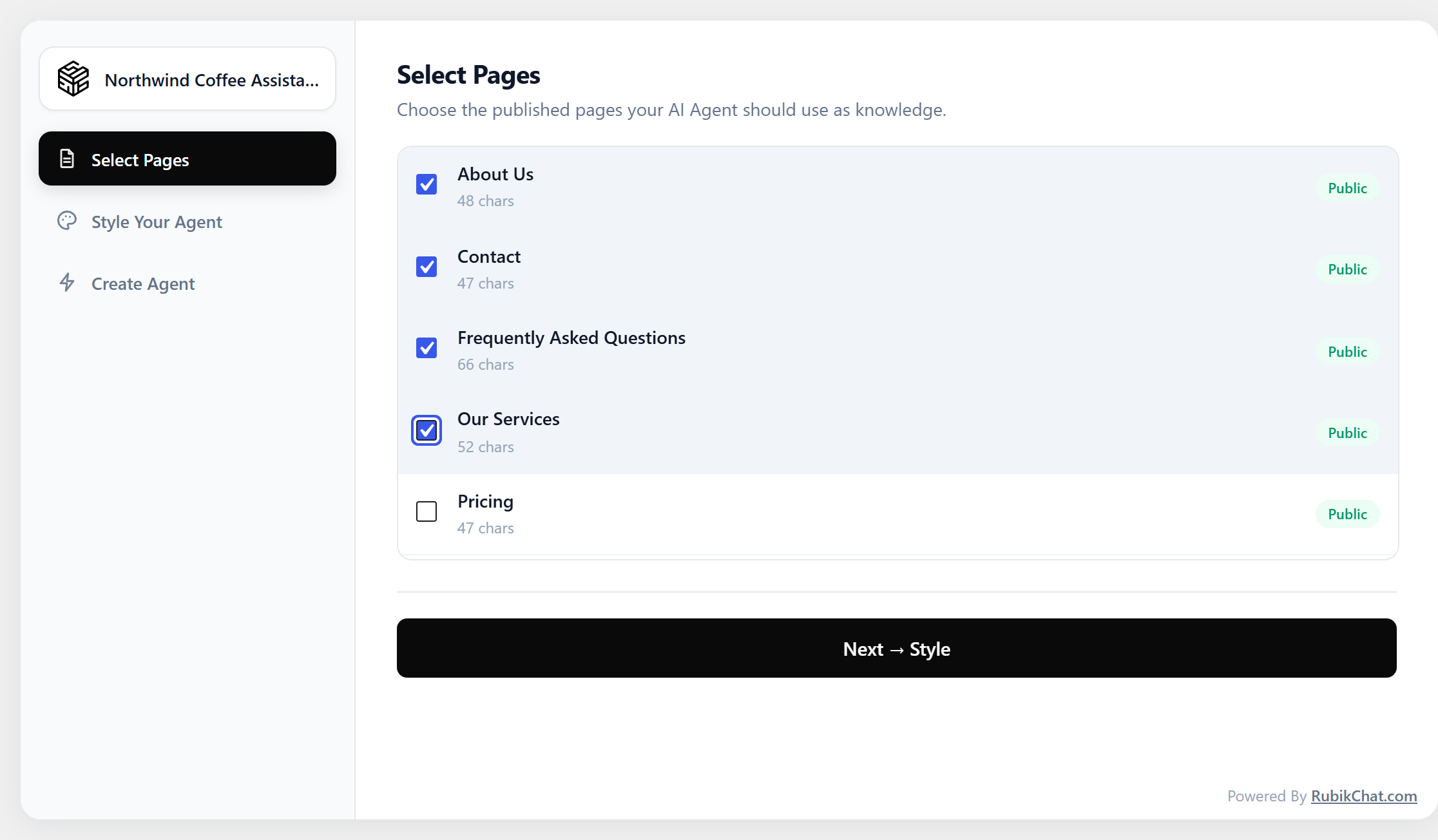
- Auto-Sync Knowledge Base: Easily choose which WordPress posts and pages your AI Agent learns from.
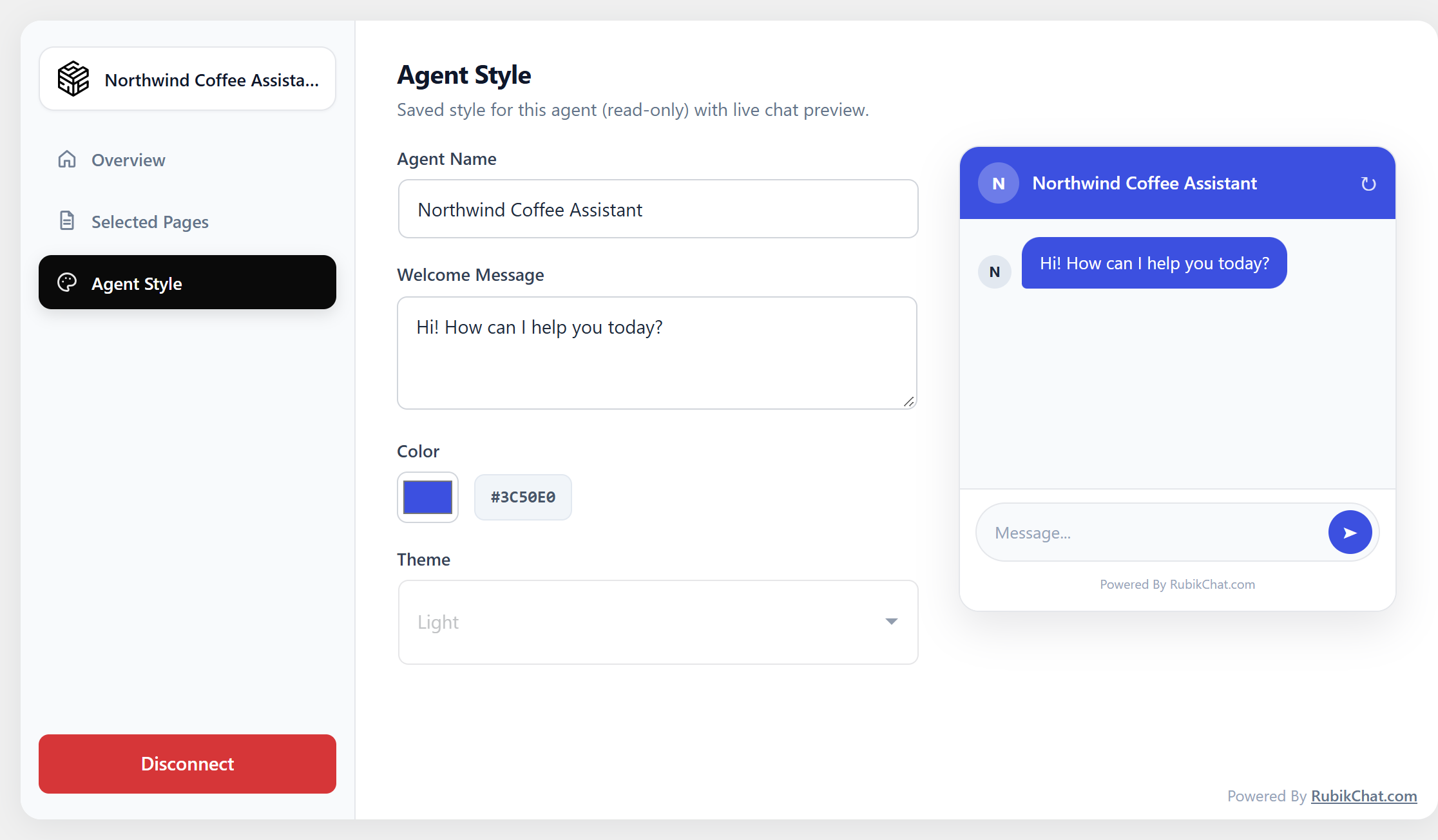
- Brand Customization: Match your site styling with customizable color palettes, light/dark themes, and welcome messages.
- Targeted Visibility: Control specifically which pages display the chat widget.
- In-Dashboard Live Preview: Test your agent’s responses within your WordPress admin area before going live.
Third-Party Service Notice
This plugin relies on RubikChat (a cloud-based AI and CRM platform) to process AI interactions, manage chat histories, and host your agent’s knowledge base.
- Service Provider: RubikChat (rubikchat.com)
- Data Transmitted: When visitors interact with the chat widget, conversation queries, session IDs, and selected public site pages (used for your agent’s knowledge base) are transmitted securely to RubikChat’s API servers to generate responses.
- Terms of Service: https://rubikchat.com/legal/terms-of-service/
- Privacy Policy: https://rubikchat.com/legal/privacy-policy/
Screenshots


Installation
- In your WordPress admin dashboard, navigate to Plugins > Add New.
- Search for
RubikChatand click Install Now, then Activate. - (Alternative manual install): Upload the unzipped
rubikchatfolder to your/wp-content/plugins/directory. - Click on the new RubikChat menu in your WordPress admin sidebar.
- Create a new AI Agent directly within the onboarding wizard, or switch to “Connect Existing” and enter your Agent ID.
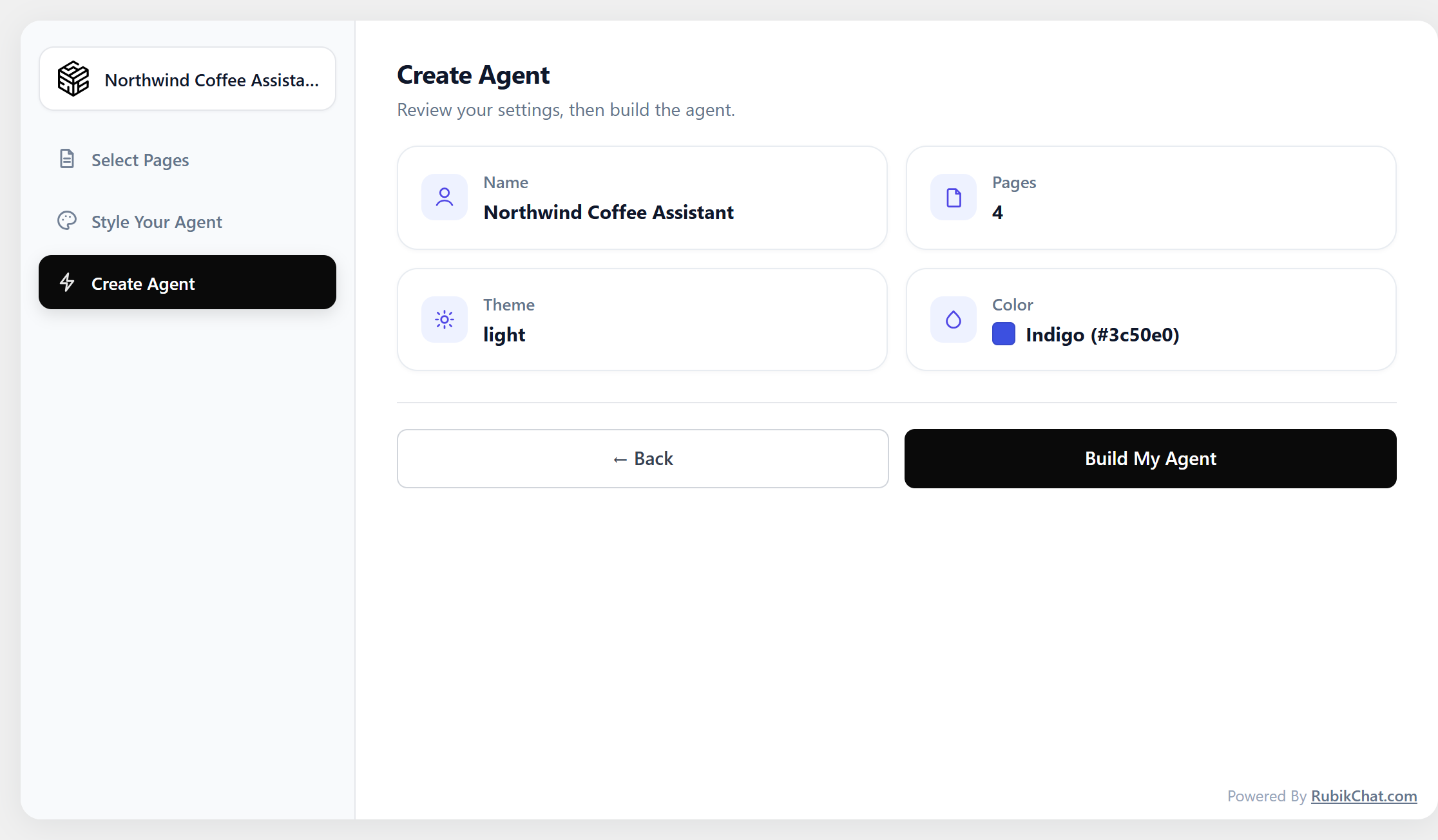
- Customize your widget design, select the pages for your knowledge base, and click Build My Agent.
FAQ
-
Do I need an existing RubikChat account to use this plugin?
-
No. You can create a new agent and account directly within your WordPress admin dashboard during setup. If you already have an account, you can simply link your existing Agent ID.
-
How do I connect an existing agent created on RubikChat?
-
- Log in to your RubikChat Dashboard and navigate to your Agent settings to copy your Agent ID.
- In your WordPress dashboard, open the RubikChat settings menu.
- Select Connect Existing Agent, paste your Agent ID, and click Connect.
-
Does the AI Agent widget impact page load speed?
-
No. The RubikChat chat widget script loads asynchronously, ensuring your core web vitals, rendering speed, and SEO scores remain completely unaffected.
Reviews
There are no reviews for this plugin.
Contributors & Developers
“RubikChat – AI Agent, AI Chatbot & Customer Support Automation” is open source software. The following people have contributed to this plugin.
Contributors
Translate “RubikChat – AI Agent, AI Chatbot & Customer Support Automation” into your language.
Interested in development?
Browse the code, check out the SVN repository, or subscribe to the development log by RSS.
Changelog
1.1.0
- Build an AI agent from your WordPress pages in the dashboard, or connect an existing RubikChat agent; style the widget and test it before going live.
- Your site is added to the agent’s allowed websites automatically.
- Switching from the classic AI Chatbot – RubikChat plugin imports your Chatbot ID.
- Agents are created with RubikChat’s current API, with the selected pages in a knowledge base.
- Retrain updates, adds and removes page knowledge instead of resending everything.
- The admin test chat uses the same chat API as the website widget and keeps the conversation.
- Only the RubikChat login token is stored; the account password is no longer saved.
1.0.0
- Initial public release of the RubikChat AI Agent plugin.