

Description
Route Finder turns your WordPress site into a route library. Upload GPX files and visitors get interactive maps, elevation profiles, cafe stops and fast filtering to find the right route.
It suits road and off-road cycling, hiking, walking, running, cross-country skiing and more. Most screenshots show cycling, but each route can be set to any activity, and its maps, routing and directions follow it.
Highlights:
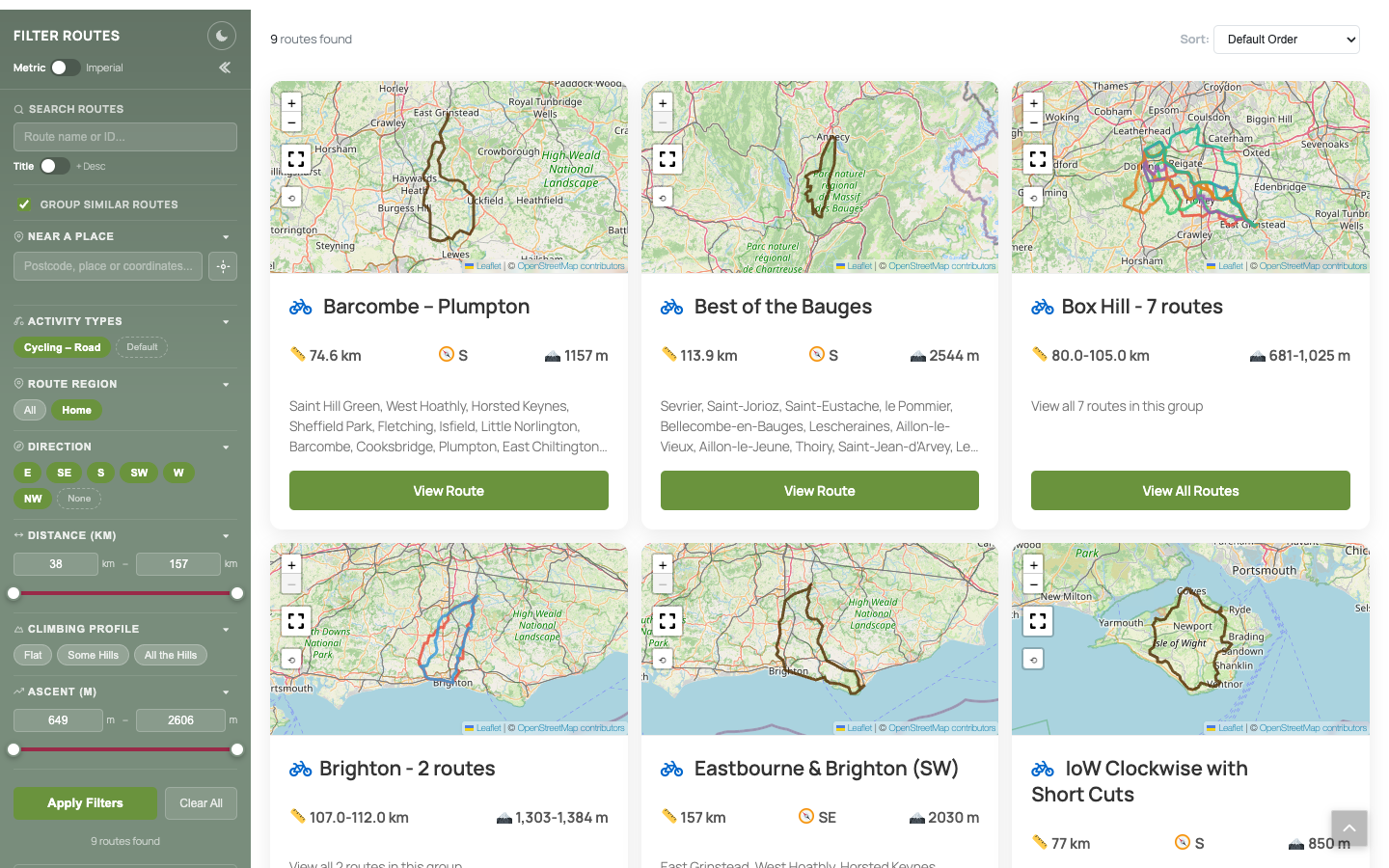
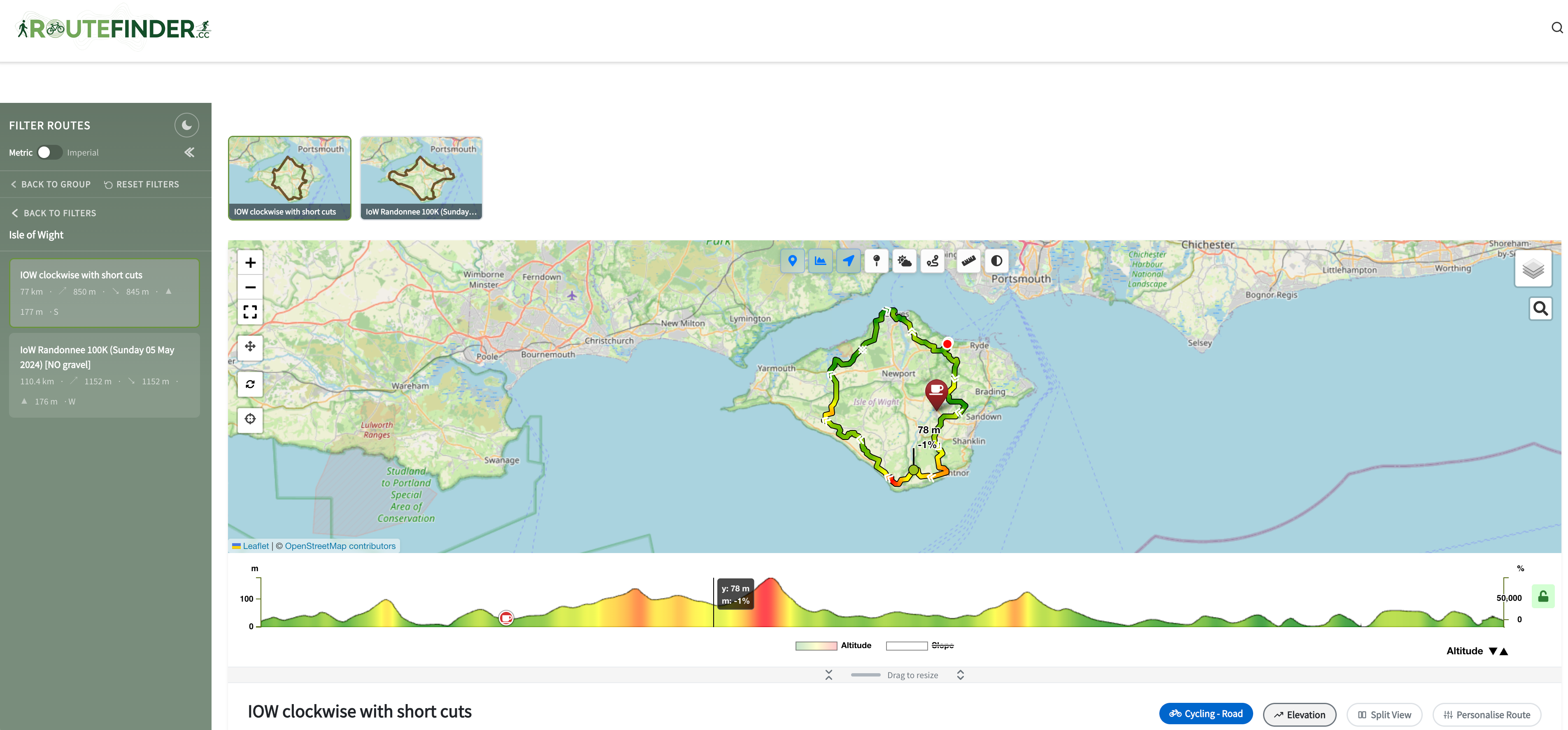
- Find the right route fast – filter by distance, ascent, gradient, direction, region, destination or a place nearby; related routes are grouped together automatically
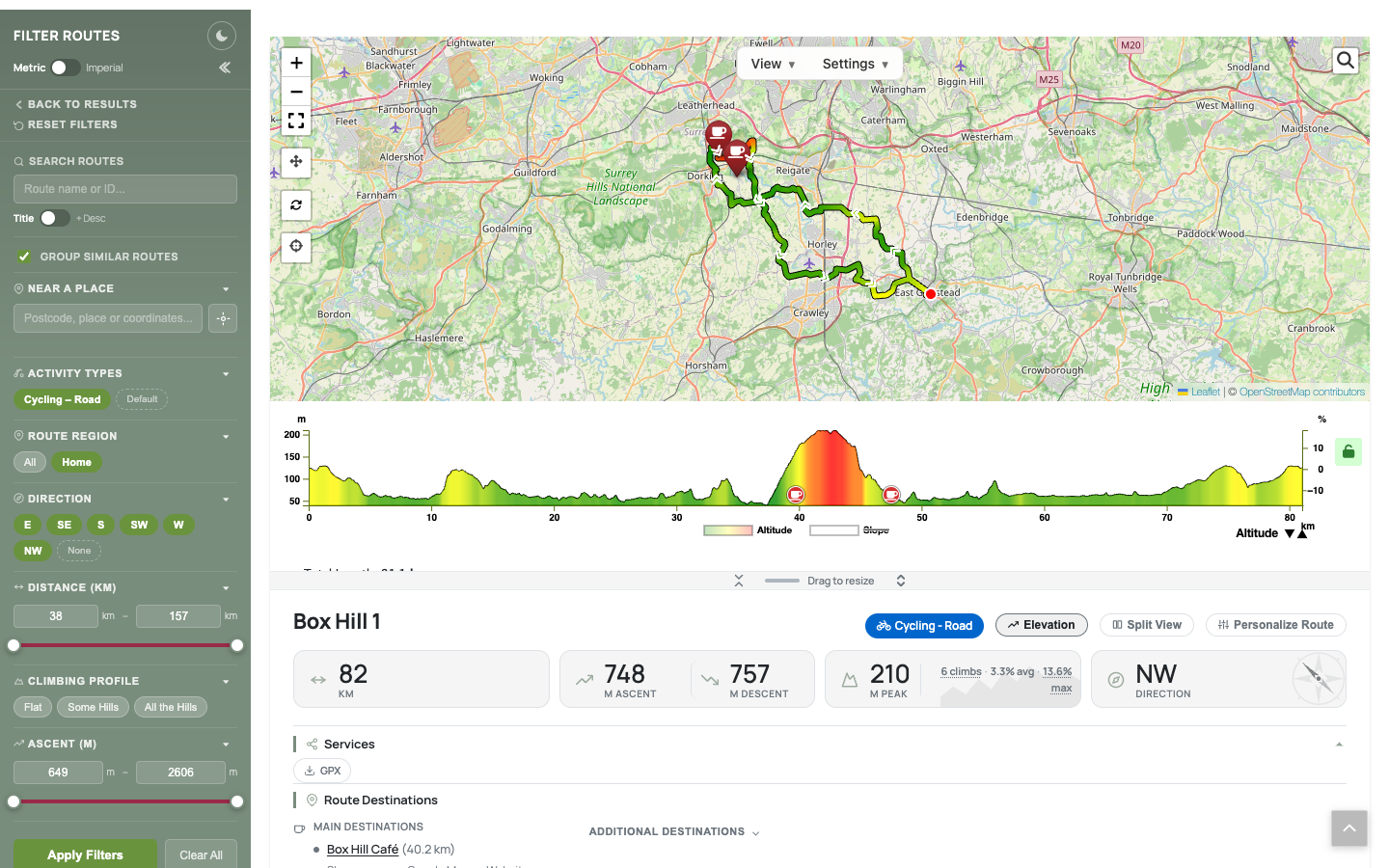
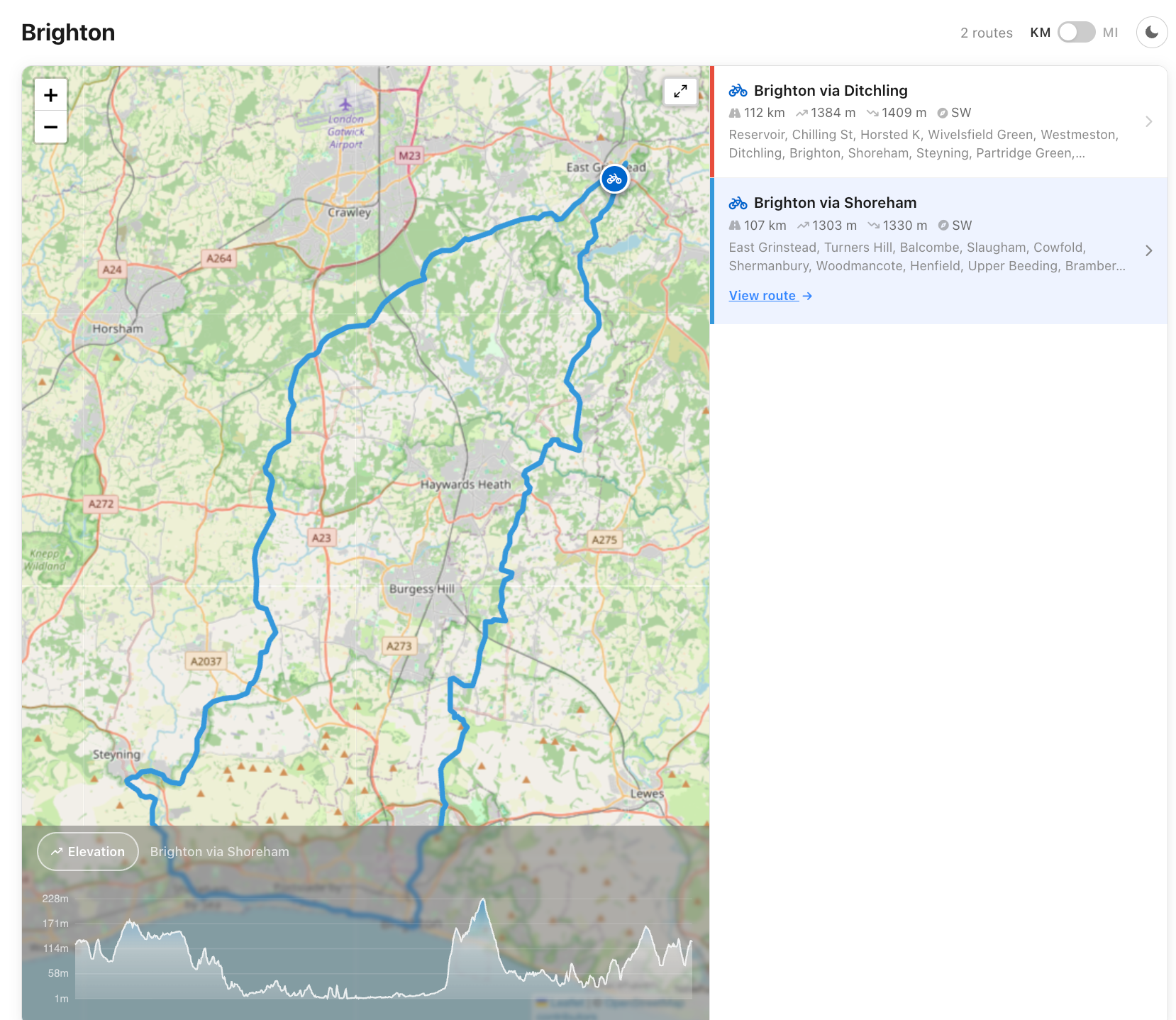
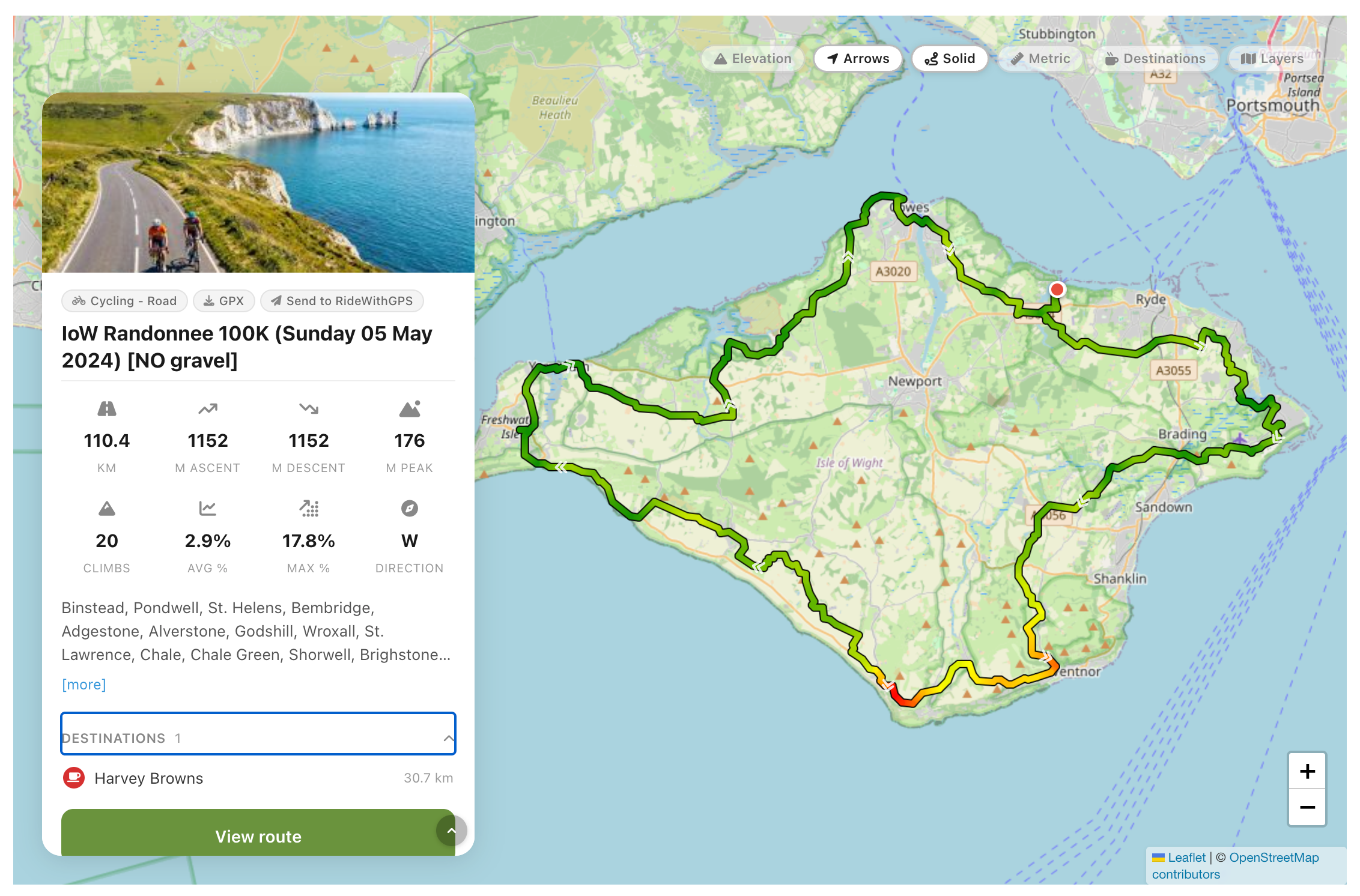
- Rich route pages – interactive maps in many styles, elevation profiles coloured by gradient, climbs, towns along the way and turn-by-turn directions
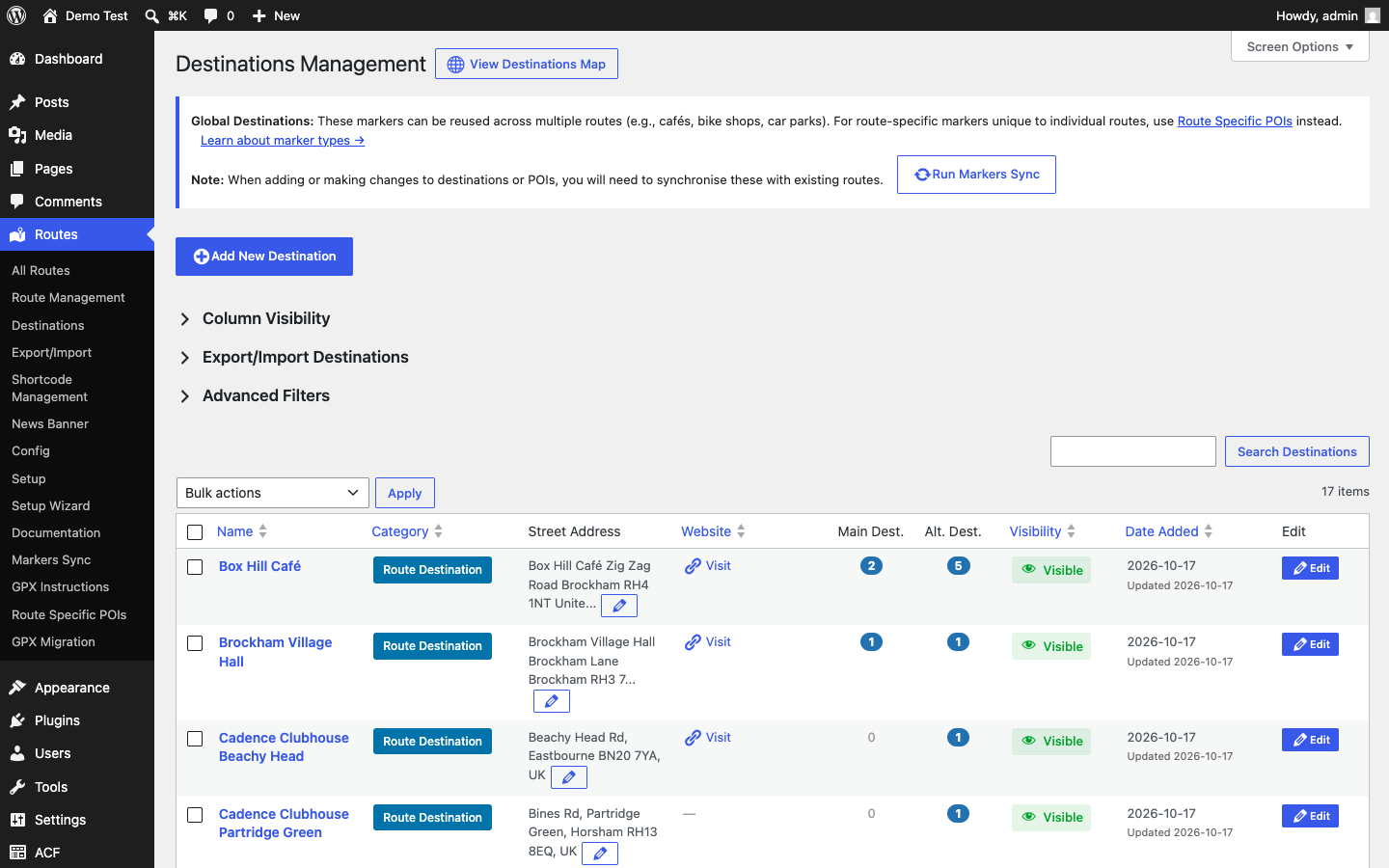
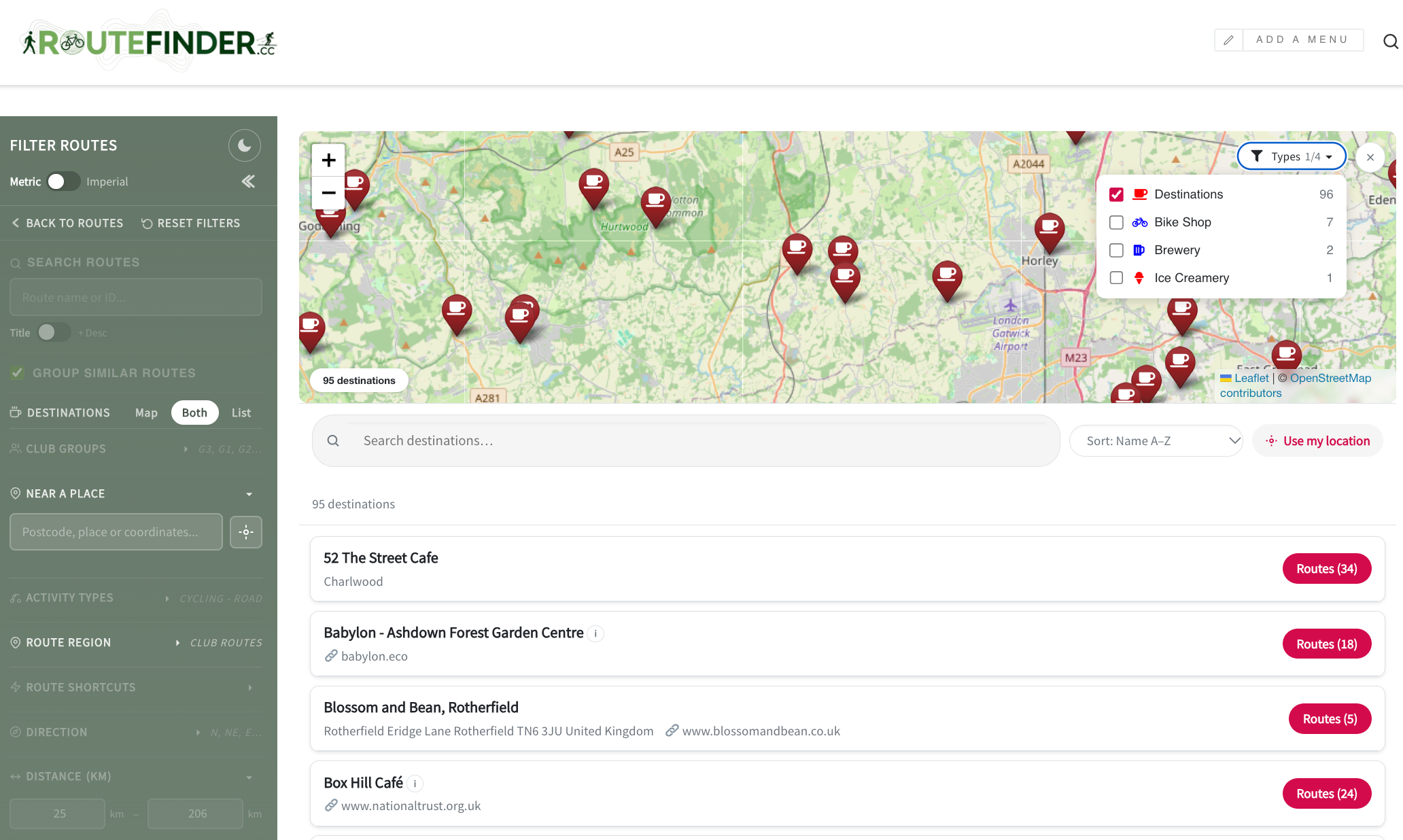
- Destinations – cafes and other stops along each route, with their own map linking to the routes that pass them
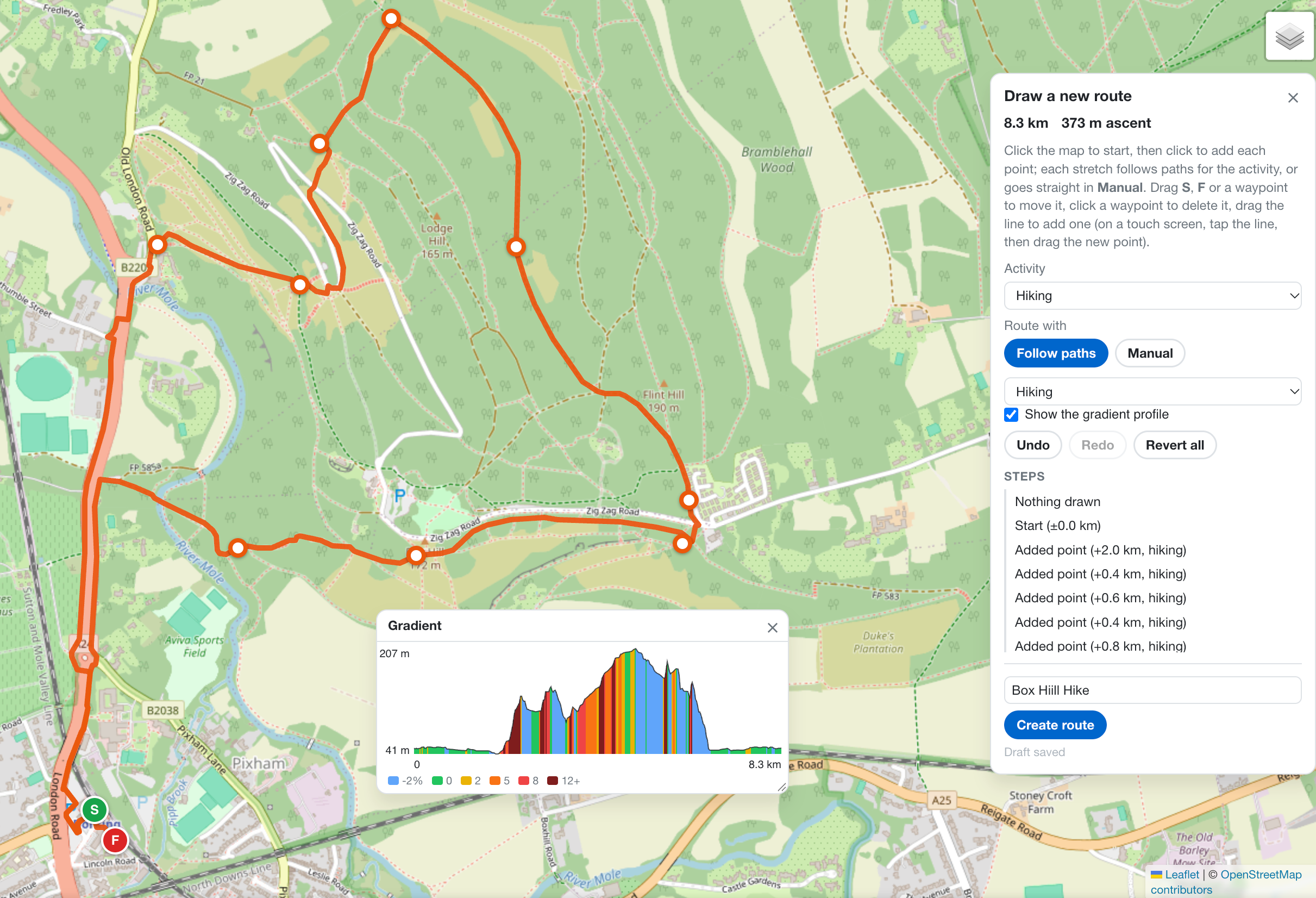
- Route editor and builder – drag the start or finish, reshape a route, or draw a new one on the map, routed along roads or paths for the activity, and save it as an alternative
- Embed anywhere – blocks and shortcodes for route cards, feature pages, filtered route lists and a day planner
- Weather – forecasts for each route (OpenWeatherMap key needed)
- Demo content – install example routes and destinations from the setup wizard to see it working straight away
- And more – GPX, KML, TCX and FIT import, dark mode, metric and imperial units, password-protected routes, and links to Strava, Garmin Connect, Komoot and Ride with GPS
Route Finder is completely free. It is provided as is, without support. More information: routefinder.cc
Requirements: Advanced Custom Fields (the free version is fine), Leaflet Map and Extensions for Leaflet Map.
External services
Route Finder can use the services below. Optional ones are off until an administrator enables them. “Browser” means the visitor’s browser contacts the service directly (sending its IP address and user agent, as any web request does); “server” means your site does, sending only the data listed. No visitor names, emails or accounts are sent anywhere, except to RideWithGPS when a visitor connects their own account. Routes > Setup lists which services are active, and a public list is created at /third-party-services/.
FOSSGIS e.V. runs Overpass API, the OSRM and the Valhalla servers below. Terms: https://www.fossgis.de/arbeitsgruppen/osm-server/nutzungsbedingungen/ – Privacy: https://www.fossgis.de/datenschutzerkl%C3%A4rung/
Map tiles
Browser, whenever a map is shown: the tile’s zoom and x/y position (the area viewed) plus the API key where one is needed. OpenStreetMap is the default; the others are used only if an administrator selects them in Routes > Config. The “Test” button in Routes > Setup fetches one sample tile from the server.
- OpenStreetMap –
{a,b,c}.tile.openstreetmap.org. Terms: https://operations.osmfoundation.org/policies/tiles/ – Privacy: https://osmfoundation.org/wiki/Privacy_Policy - OpenTopoMap –
{a,b,c}.tile.opentopomap.org. Terms: https://opentopomap.org/about#verwendung – No privacy policy; legal notice: https://opentopomap.org/credits - CyclOSM and Humanitarian (OpenStreetMap France) –
{a,b,c}.tile-cyclosm.openstreetmap.fr,{a,b,c}.tile.openstreetmap.fr/hot. Terms: https://www.openstreetmap.fr/fonds-de-carte/ – No privacy policy; legal notice: https://www.openstreetmap.fr/mentions-legales/ - CARTO (key) –
{a,b,c}.basemaps.cartocdn.com. Terms: https://carto.com/legal/ – Privacy: https://carto.com/privacy/ - GSI Japan –
cyberjapandata.gsi.go.jp/xyz/(std, pale, relief). Terms: https://www.gsi.go.jp/ENGLISH/page_e30286.html – Privacy: https://www.gsi.go.jp/ENGLISH/page_e30237.html - Thunderforest (key) –
{a,b,c}.tile.thunderforest.com. Terms: https://www.thunderforest.com/terms/ – Privacy: https://www.thunderforest.com/privacy/ - MapTiler (key) –
api.maptiler.com, including its logo. Terms: https://www.maptiler.com/terms/ – Privacy: https://www.maptiler.com/privacy-policy/ - HERE (key) –
maps.hereapi.com. Terms: https://legal.here.com/terms – Privacy: https://legal.here.com/privacy - Google Maps (key) –
mt0.google.comtomt3.google.com. Terms: https://cloud.google.com/maps-platform/terms – Privacy: https://policies.google.com/privacy - MapQuest (key; owned by System1) – the SDK script
www.mapquestapi.com/sdk/leaflet/v2.2/mq-map.js, which loads tiles fromtiles.mapquest.comandmqcdn.com. Terms: https://hello.mapquest.com/terms-of-use – Privacy: https://system1.com/terms/privacy-policy - Esri World Imagery –
server.arcgisonline.com. Terms: https://www.esri.com/en-us/legal/terms/master-agreement – Privacy: https://www.esri.com/en-us/privacy/overview - Custom tile server or proxy – any tile address an administrator enters, used instead of the provider above; its terms are those of whoever runs it.
Map overlays
Browser, tile positions only, while an overlay an administrator has enabled is switched on in the map’s View menu.
- Waymarked Trails –
tile.waymarkedtrails.org. Terms: https://cycling.waymarkedtrails.org/#help-legal – No privacy policy. - OpenSnowMap –
tiles.opensnowmap.org. A volunteer service with no published terms or privacy policy.
Place search and geocoding
- Nominatim –
nominatim.openstreetmap.org. Server: place names or “use my location” coordinates a visitor searches with; destination addresses without coordinates (once); route coordinates when an administrator processes a route or generates directions, to name towns and climbs; search text and map area for the administrators’ “Find new places”. Browser: address searches typed by administrators. Terms: https://operations.osmfoundation.org/policies/nominatim/ – Privacy: https://osmfoundation.org/wiki/Privacy_Policy - Google Geocoding and Places (key) –
maps.googleapis.com,places.googleapis.com. Server, only when Google is the chosen search provider: administrators’ address and place lookups, “Find new places” searches, and visitors’ map searches (search text and map area). Terms: https://cloud.google.com/maps-platform/terms – Privacy: https://policies.google.com/privacy - Overpass API (FOSSGIS) –
overpass-api.de/api/interpreter. Browser: a visitor’s map search text and map area, when Google isn’t used. Server: one coordinate when an administrator generates directions, to name nearby peaks and lakes.
Routing and directions
- OSRM (FOSSGIS) –
routing.openstreetmap.de. Server: points along a route and the travel mode, when an administrator generates turn-by-turn directions (saved with the route). - OpenRouteService (key) –
api.heigit.org. Server: start, end and waypoint coordinates and travel profile, for point-to-point routing, distances to destinations and the route editor. Terms: https://openrouteservice.org/terms-of-service/ – Privacy: https://heigit.org/privacy-policy/ - Valhalla (FOSSGIS) and BRouter –
valhalla1.openstreetmap.de,brouter.de. Only if an administrator selects them in Routing Services; sent the same as OpenRouteService, and Valhalla also the points of hand-drawn lines to get their heights. BRouter: no published terms – Privacy: https://brouter.de/privacypolicy.html
Other
- OpenWeatherMap (key) –
api.openweathermap.org(server: a route’s coordinates, for forecasts),tile.openweathermap.organdopenweathermap.org(browser: weather layers and icons). Terms: https://openweathermap.org/terms – Privacy: https://openweather.co.uk/privacy-policy - Google Street View (key) –
maps.googleapis.com/maps/api/streetview/metadata. Server: a destination’s coordinates, when an administrator looks up its Street View image. Google terms and privacy as above. - RideWithGPS –
ridewithgps.com. Off by default. When a visitor clicks “Send to RideWithGPS” and approves access, the route’s GPX file and title are uploaded to their account. Terms: https://ridewithgps.com/terms – Privacy: https://ridewithgps.com/privacy - GPX files on another site – if an administrator links a route to a GPX file elsewhere instead of uploading it, browsers and your server download it from there.
Bundled Libraries
- Leaflet (
assets/leaflet/) – BSD-2-Clause - Leaflet.hotline (
assets/js/leaflet-hotline.min.js) – BSD-2-Clause - Font Awesome Free (
assets/fontawesome/) – CC BY 4.0 / SIL OFL 1.1 / MIT
Privacy Policy
Route Finder stores its route, destination and configuration data in your WordPress database. It never sends data to the plugin’s author. Data only leaves your site through the external services documented in the External Services section above, and only when the feature that uses them is enabled.
On visitors’ devices it sets only functional cookies: signed markers for password-protected routes a visitor has unlocked, and – only if a visitor uses “Send to RideWithGPS” – a short-lived request cookie and an encrypted RideWithGPS access token. Remembered display preferences (units, map options, dark mode) are kept in browser storage only after the visitor has given functional consent, when a supported consent plugin is active. The Ride Planner saves its drafts against the logged-in user’s account.
Screenshots
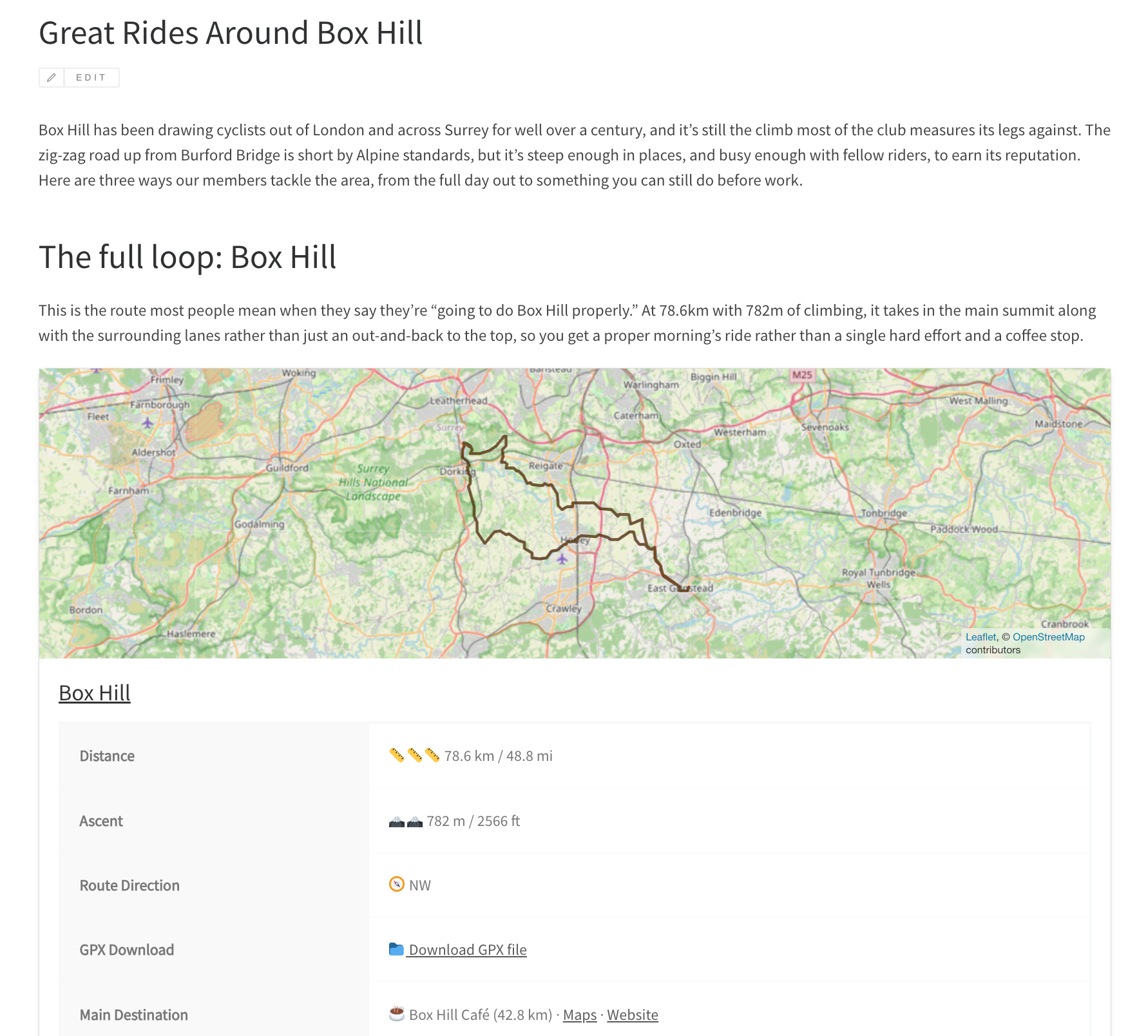
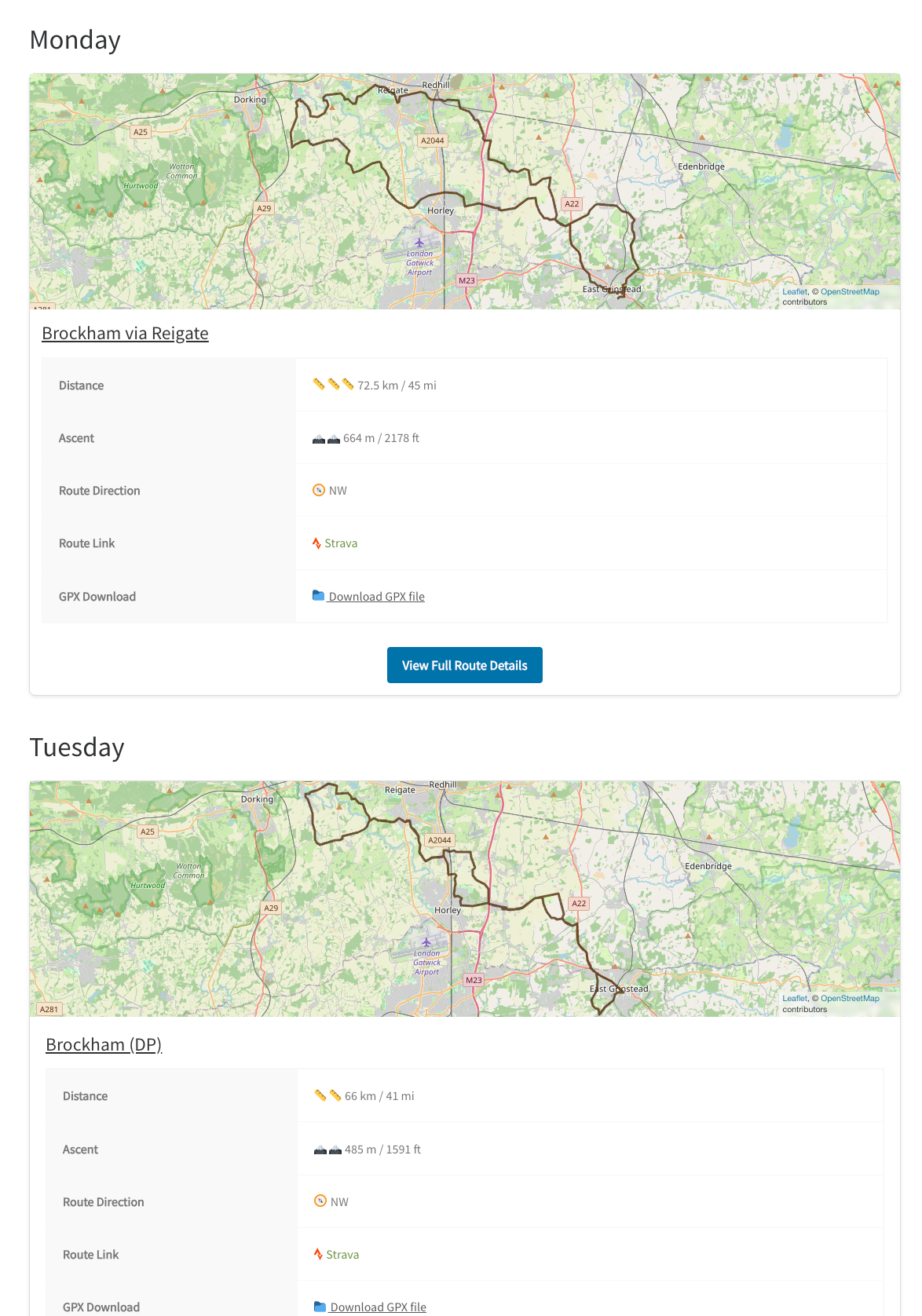
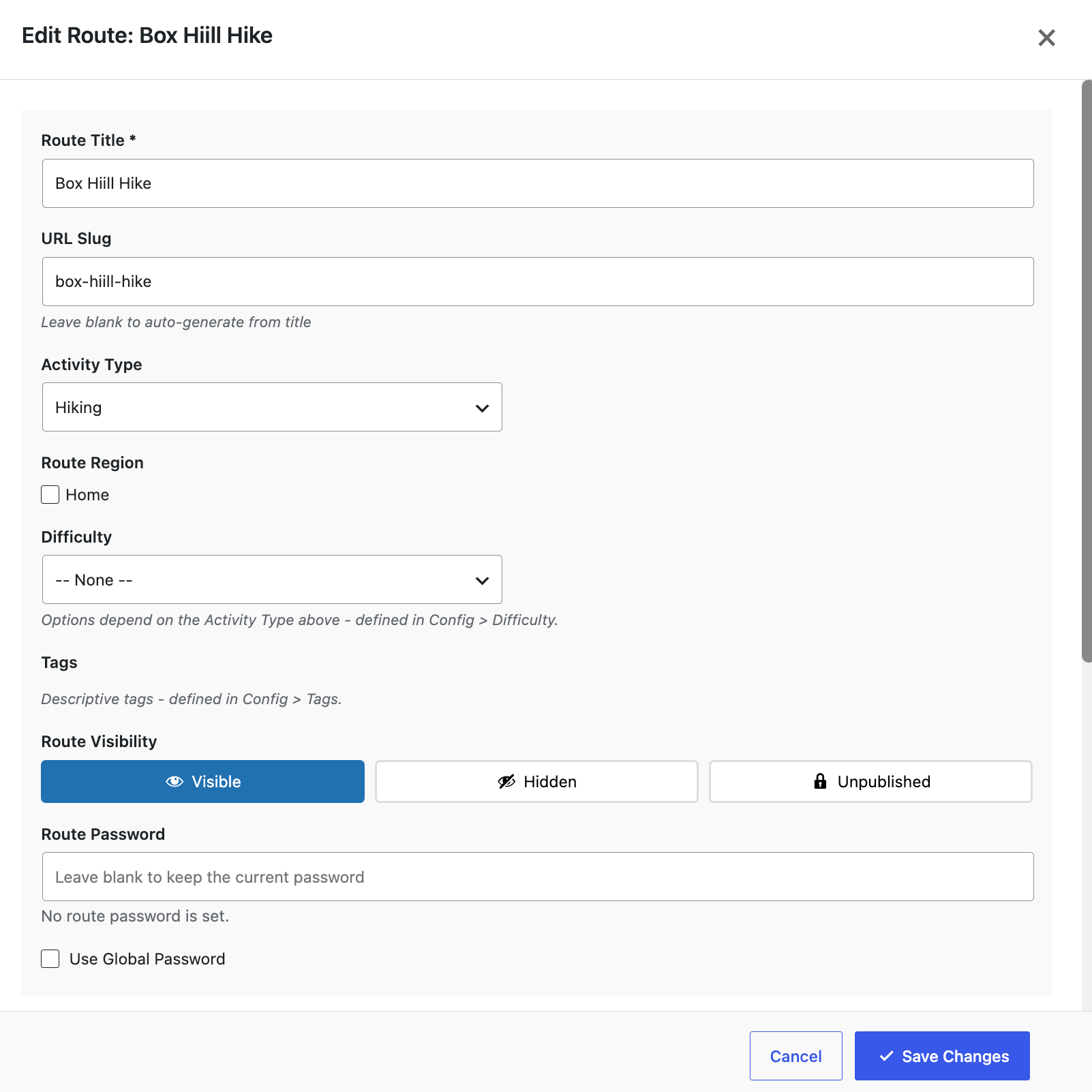
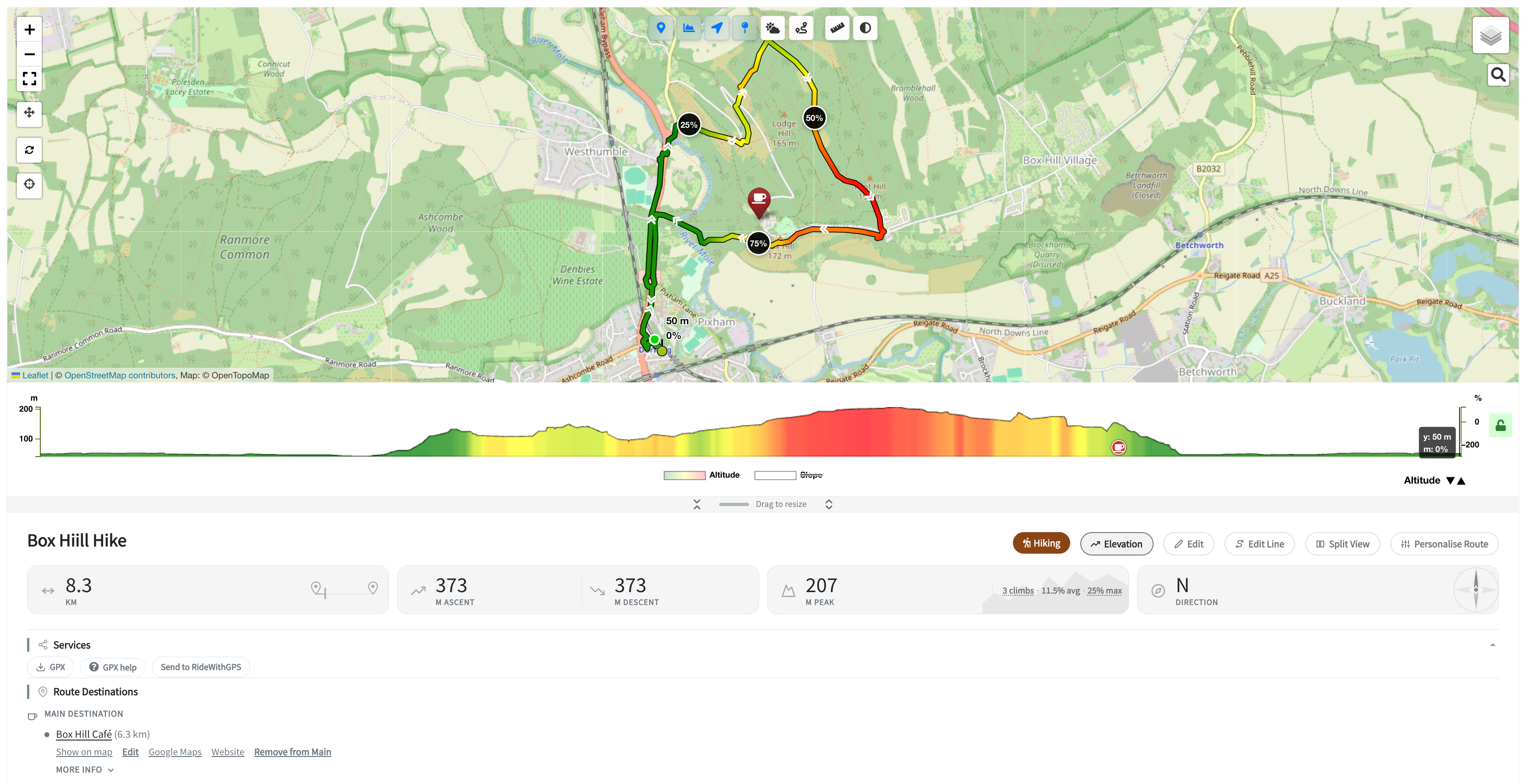
Blocks
This plugin provides 16 blocks.
- Route Finder — Location
- Route Finder — Location Preview
- Route Map (Full View)
- Route Filter (Advanced)
- Route Table Filter Form
- Route Card
- Filtered Routes
- Route Filter Results
- Route Table
- All Destinations Map
- Route Finder V2
- Destinations Map
- Route Map Card
- Route Filter Form
- Route Group View
- Routes By Destination
Installation
- Upload the
route-finderfolder to the/wp-content/plugins/directory - Activate the plugin through the ‘Plugins’ menu in WordPress
- Install and activate the required plugins: Advanced Custom Fields, Leaflet Map, and Extensions for Leaflet Map
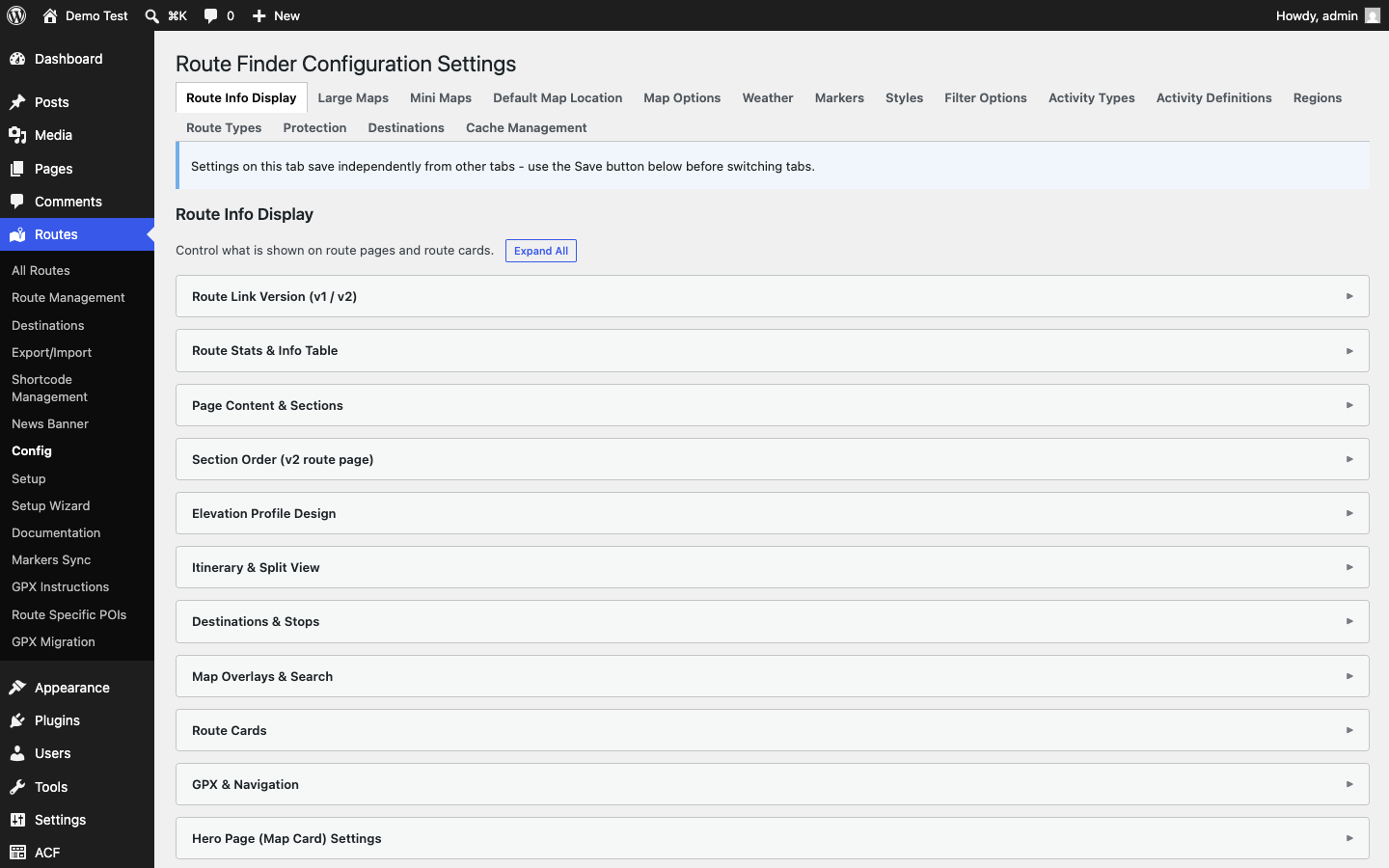
- Navigate to Routes > Config to configure your settings
- Use the Setup Wizard (Routes > Config > Setup Wizard) for guided initial configuration
Quick Start:
- Configure your preferred map tile provider in Routes > Config > Map Options
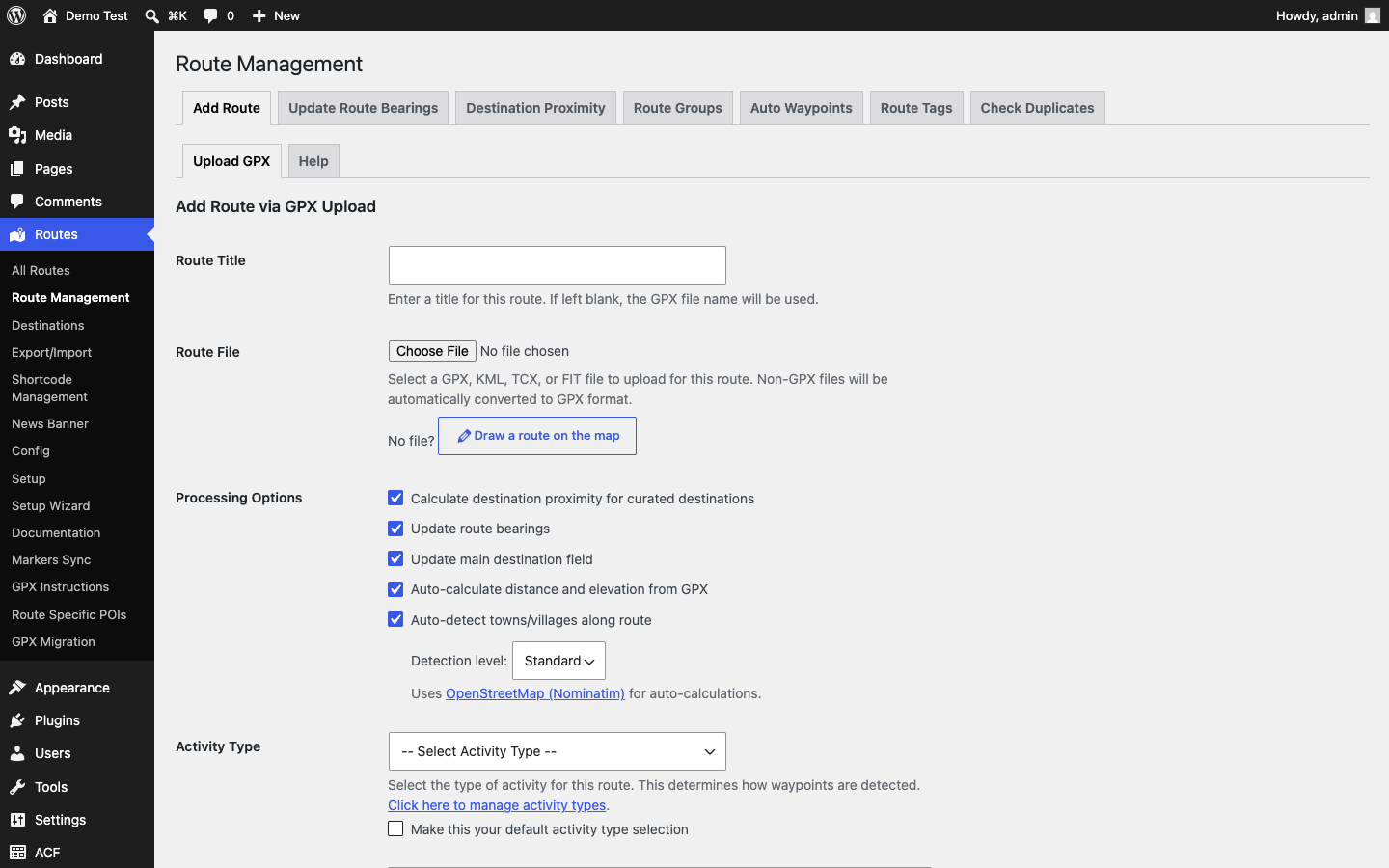
- Create your first route at Routes > Add Route
- Upload a GPX file and fill in the route details
- View your route on the frontend
FAQ
-
Do I need API keys?
-
You can use the plugin with OpenStreetMap tiles and Nominatim geocoding without any API keys. However, for additional features like weather forecasts, Google Places search, or premium map tiles, you’ll need to obtain API keys from the respective service providers.
-
What file formats are supported?
-
Route Finder supports GPX, KML, TCX, and FIT file formats for route uploads.
-
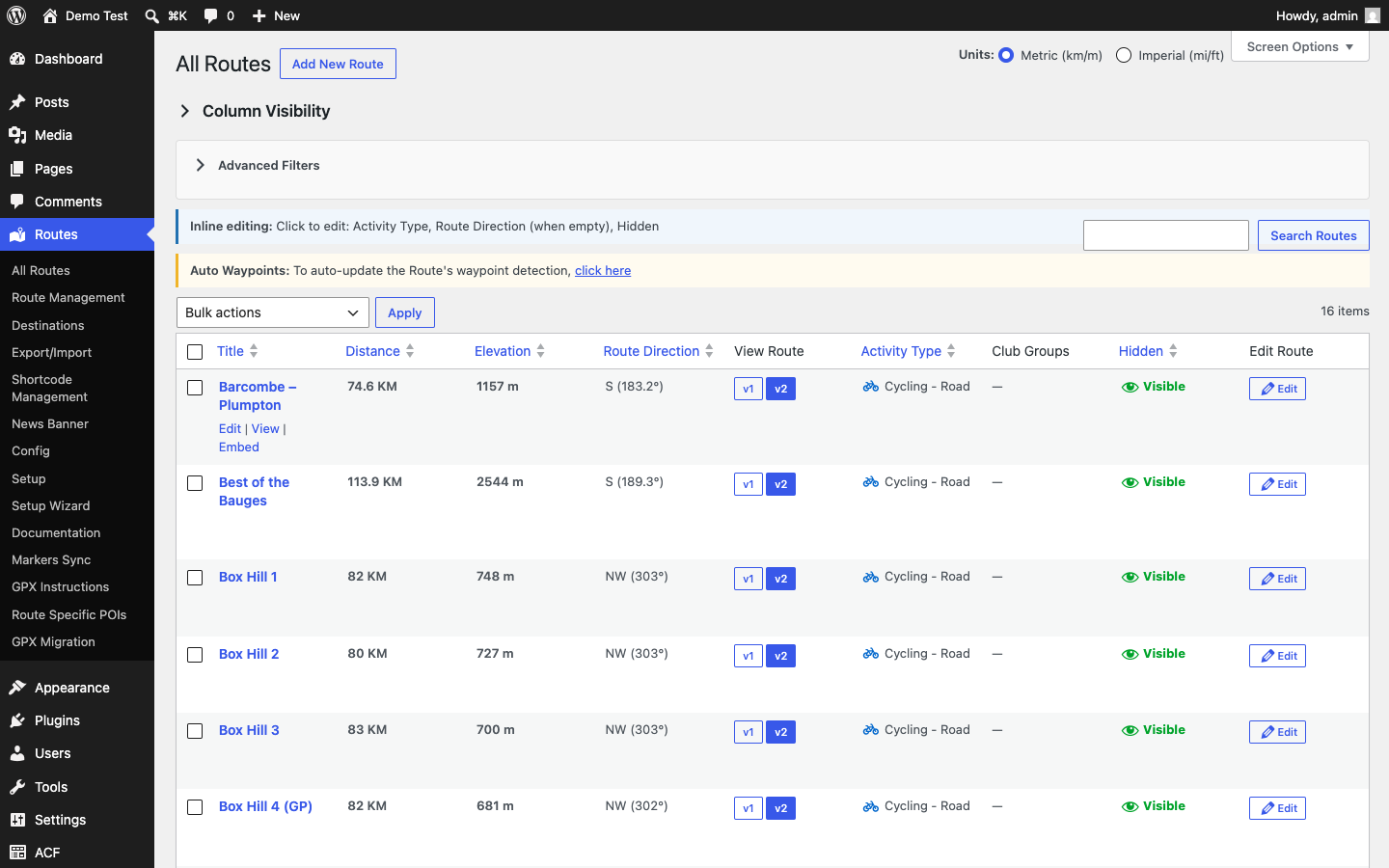
How do I add routes in bulk?
-
Upload GPX files (each creates a route, with distance, ascent and other details extracted automatically). To move routes and settings between sites, use the plugin’s Export / Import tool, which exports and imports all plugin configuration and route data as a file you download and upload yourself – no external service is involved.
-
Is the plugin translation-ready?
-
Yes, Route Finder is fully translation-ready with all strings properly internationalised.
-
How do I display routes on my site?
-
You can use the Gutenberg blocks or shortcodes provided by the plugin. The main shortcodes are:
*[route_card id="123"]– Display a single route card
*[filtered_routes]– Display a filterable list of routes -
Can I password-protect routes?
-
Yes, individual routes can be password-protected or hidden from search results entirely.
-
Does password protection affect page caching?
-
A PHP session is only started when it’s actually needed: when a visitor is on (or navigating within) a page that can render route content and password protection is switched on for the site, or when they already hold an unlock cookie from a previous visit. It is never started at all if you haven’t enabled password protection under Protection settings, and never on pages that can’t show a route anyway. Starting a session makes that specific page uncacheable by server-side full-page caches (Varnish, Nginx FastCGI cache, etc.), since a unique session cookie is issued – so once password protection is enabled, expect route pages specifically to be served uncached by such caches.
Reviews
There are no reviews for this plugin.
Contributors & Developers
“Route Finder” is open source software. The following people have contributed to this plugin.
Contributors
Translate “Route Finder” into your language.
Interested in development?
Browse the code, check out the SVN repository, or subscribe to the development log by RSS.