

Description
Every sale leaves a track. ROASaurus sends your WooCommerce orders from the server to Meta, TikTok, Pinterest, Snapchat and other ad platforms, so fewer purchases are lost to ad blockers and browser limits. Shoppers who did not consent are not tracked. Reports show profit per order, product and channel after product, shipping and fee costs, with attribution and lifetime value.
This plugin connects your store to your ROASaurus account. Set it up in a few minutes, no code.
Features
- Server-side purchases to Meta, TikTok, Pinterest, Snapchat and other ad platforms
- Browser pixels and server events share one event id, so platforms count each sale once
- Follows marketing consent, including the WP Consent API: no tracking without consent
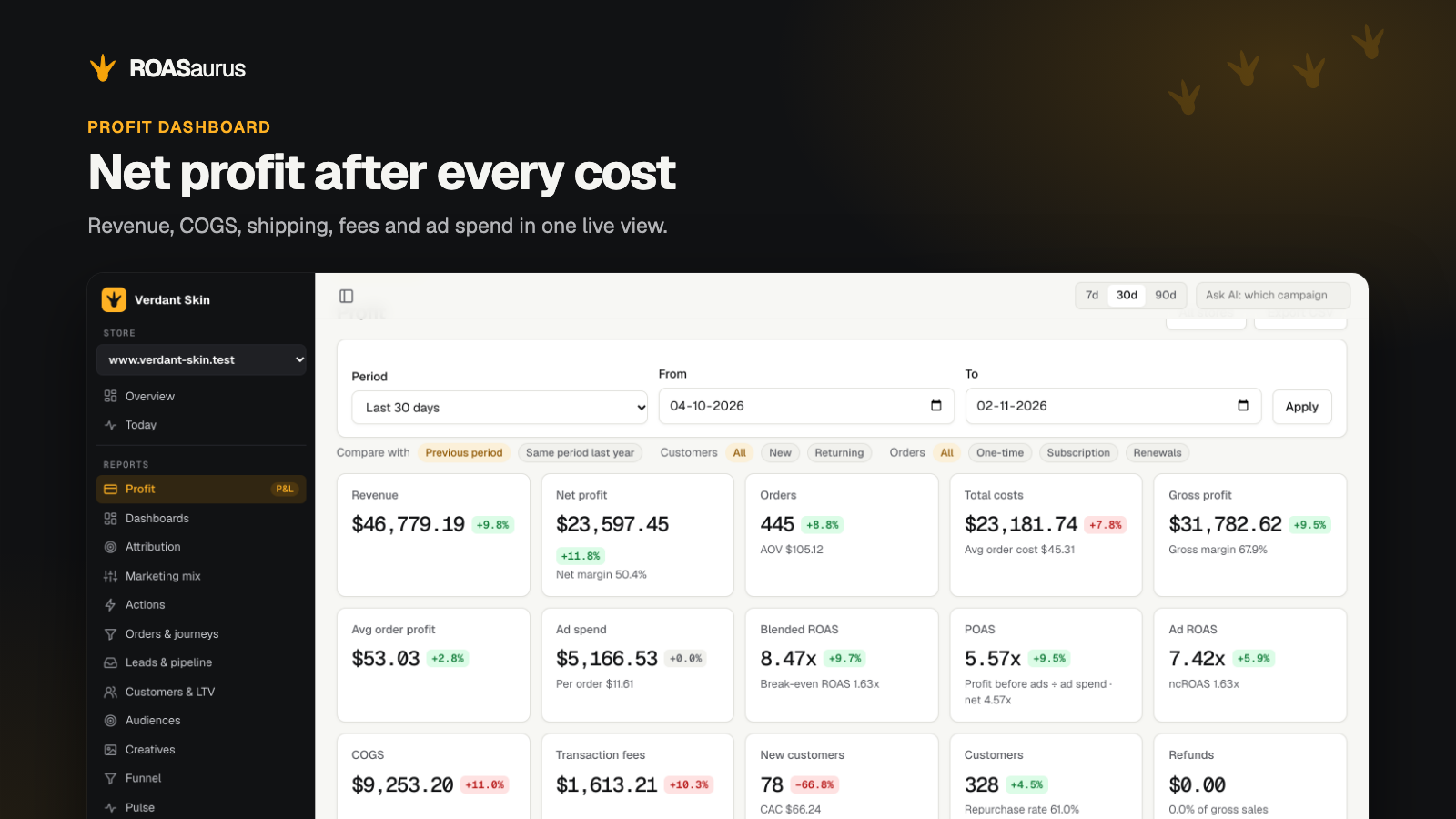
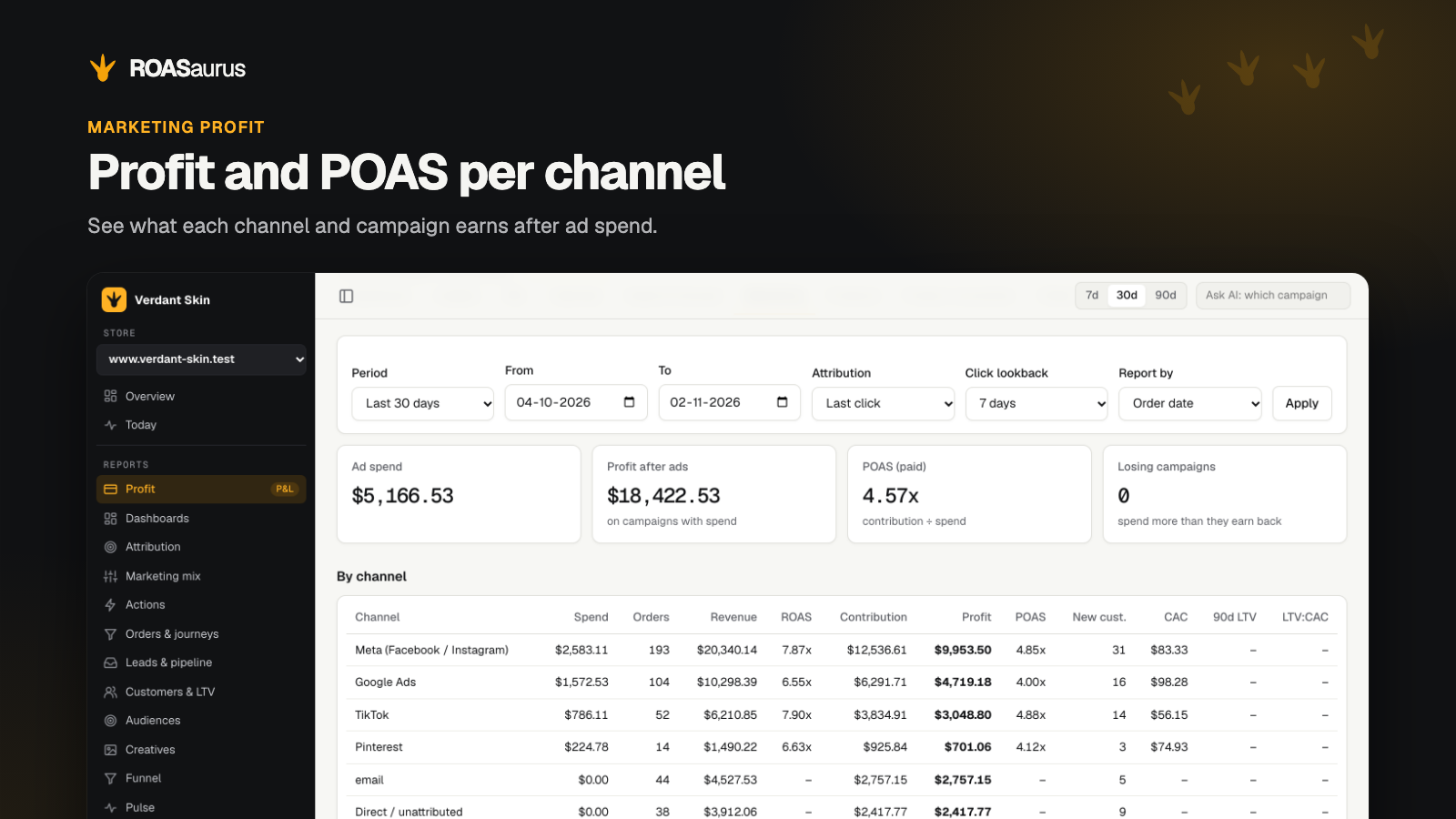
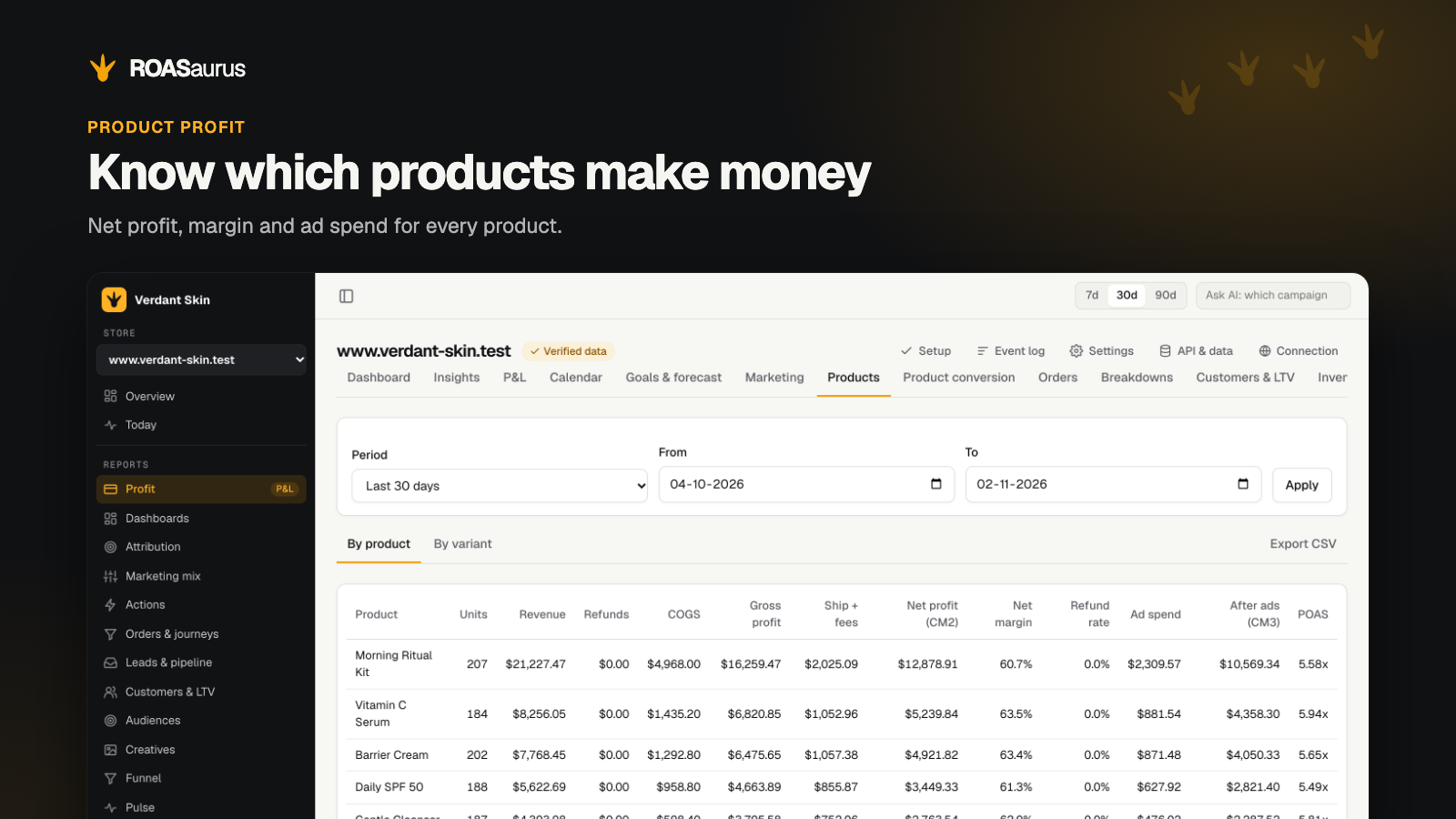
- Net profit per order, product and channel after product, shipping and fee costs
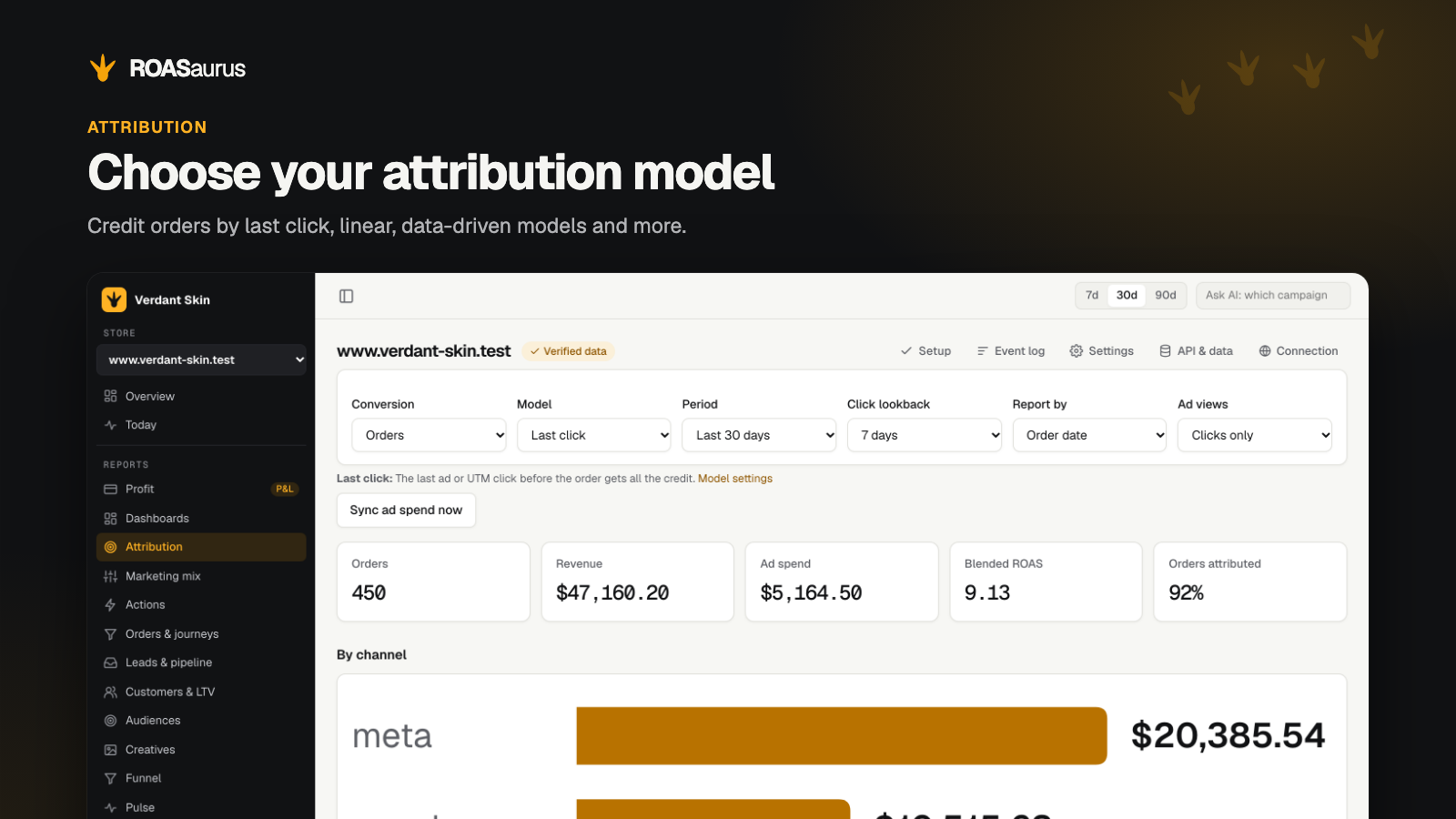
- Attribution models with ROAS and POAS, customer lifetime value and cohorts
- Ask AI about your numbers, get AI briefings by email or Slack, or use Claude via MCP
- Cash on delivery and bank transfer orders are sent once they reach processing or completed
- Works with High-Performance Order Storage and with both the classic and the block checkout
What the plugin does
- loads the ROASaurus script on your storefront;
- sends every paid order to ROASaurus, including cash on delivery and bank transfer orders once they reach processing or completed;
- fires the browser pixels on the order confirmation page with the same event id as the server event, so ad platforms can deduplicate them;
- keeps the visitor’s ad cookies with the order only when marketing consent allows it. It follows the WP Consent API when that is available.
What you need
A ROASaurus account. The plugin is free to install. ROASaurus is billed separately on roasaurus.com: a free plan for 100 orders a month and 1 store, and paid plans with a 14-day free trial. See https://roasaurus.com/pricing.
External service
This plugin depends on ROASaurus (https://roasaurus.com), an external service, and does nothing until you enter your account details.
- Every storefront page loads a script from the endpoint you set (normally https://app.roasaurus.com).
- For each paid order, the plugin sends the order details and items, and the customer’s name, email address, phone number, billing address, IP address and browser. With marketing consent it also sends the visitor’s tracking cookies.
- ROASaurus forwards events to the ad platforms you connect in your ROASaurus account.
Terms: https://roasaurus.com/terms
Privacy policy: https://roasaurus.com/privacy
Data processing agreement: https://roasaurus.com/dpa
Screenshots


Installation
- Install and activate the plugin. WooCommerce must be active.
- In ROASaurus, open your store’s settings and create an API key under Orders API. The key is shown only once.
- In WordPress, open WooCommerce › ROASaurus and enter the tracking endpoint, store key and API key.
- Place a test order and check that it appears in ROASaurus.
FAQ
-
What happens when an order cannot be sent?
-
The plugin adds a note to the order with the error. It tries again when the order moves to processing or completed.
-
Do I have to re-enter the API key when I change a setting?
-
No. Leave the API key field empty to keep the saved key.
-
Where do I get support?
-
Email hello@roasaurus.com. We support this plugin and your ROASaurus account, not your theme, other plugins or your ad accounts.
-
What is removed when I delete the plugin?
-
The plugin’s settings. ROASaurus notes and fields on existing orders stay with those orders.
Reviews
There are no reviews for this plugin.
Contributors & Developers
“ROASaurus” is open source software. The following people have contributed to this plugin.
Contributors
“ROASaurus” has been translated into 9 locales. Thank you to the translators for their contributions.
Translate “ROASaurus” into your language.
Interested in development?
Browse the code, check out the SVN repository, or subscribe to the development log by RSS.
Changelog
1.2.0
- The settings page no longer prints the saved API key in its HTML. Leave the field empty to keep the key.
- Fix: the confirmation page no longer outputs a tracking call when the plugin is not configured.
- Load the script through the WordPress script API.
- Declare compatibility with the Cart and Checkout blocks.
- Add a Settings link, translatable text, a privacy policy suggestion and removal of settings on delete.
1.1.0
- Earlier release.