Description
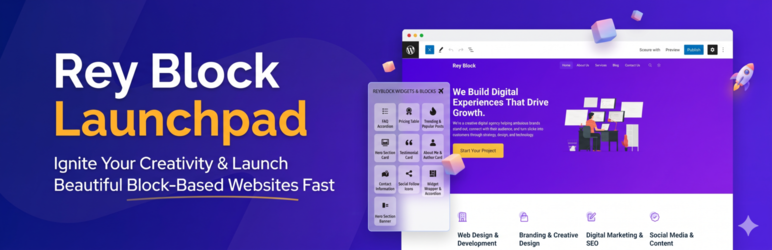
ReyBlock Launchpad is a lightweight, zero-bloat Gutenberg block suite and site builder toolkit designed for WordPress. It adds 10 high-performance, visually stunning custom blocks and core block styling enhancements to your Block Editor (Gutenberg)—giving you complete visual freedom without heavy page builder bloat.
Works seamlessly with any WordPress theme (Astra, GeneratePress, Kadence, Twenty Twenty-Four, Blocksy, and more) and is supercharged when paired with the free ReyBlock theme.
🚀 10 Included Gutenberg Blocks
-
Trending & Popular Posts (
reyblock/trending-posts)
Display top articles with numbered ranking badges (#1, #2, #3…), estimated reading time, flame indicator, comment count sorting, and list/grid layouts. Perfect for news, blogs, and magazine sites. -
Hero Section Card (
reyblock/hero)
High-impact visual intro hero with live inline editing, minimum height controls, gradient/image background overlays, and dual CTA buttons (Primary & Secondary). -
Hero Section Banner (
reyblock/hero-banner)
Modern 2-column hero section with headline and CTA button on one side and a graphic or image on the other, featuring custom typography controls. -
Pricing Table (
reyblock/pricing-table)
Multi-column pricing cards with “Most Popular” highlighted plan badges, monthly/annual discount toggle support, feature checklists, and action buttons. -
FAQ Accordion (
reyblock/faq-accordion)
Accessible Q&A accordion with collapsible items, single or multiple expand modes, custom icons (+, -, chevron), and accent color pickers. -
Testimonial Card (
reyblock/testimonial)
Social proof card with 5-star ratings, custom star color, client avatar, author role, company name, and verified purchase badge. -
About Me & Author Card (
reyblock/about-me)
Biography profile widget with author photo, name, title, bio description, social media channels, and a call-to-action button. -
Contact Information (
reyblock/contact-info)
Clean contact widget with modern SVG icons for physical address, phone, email, and business hours. -
Social Follow Icons (
reyblock/socials)
Social channel links (X/Twitter, Facebook, Instagram, YouTube, LinkedIn, GitHub) with shape presets (circle, rounded, square) and brand hover animations. -
Widget Wrapper & Accordion (
reyblock/widgets-wrapper)
Collapsible container wrapper for sidebar and footer widgets with smooth toggle animations.
✨ Extended Core Block Styles
Enhance WordPress default blocks with one click:
* Core Latest Posts: Modern Cards (elevated cards, 275px featured image banner, smooth hover zoom), Minimal Text, and Cover Overlay styles.
⚡ Performance-First Architecture
- Zero jQuery Dependency on Frontend: Interactive elements (such as accordions) run on vanilla JavaScript.
- Pure CSS Custom Properties: Native styling with minimal CSS footprint.
- System Status Diagnostics: Built-in server health check for PHP version, memory limits, and execution time.
- 100% Theme Independent: Works out of the box with any theme.
Screenshots


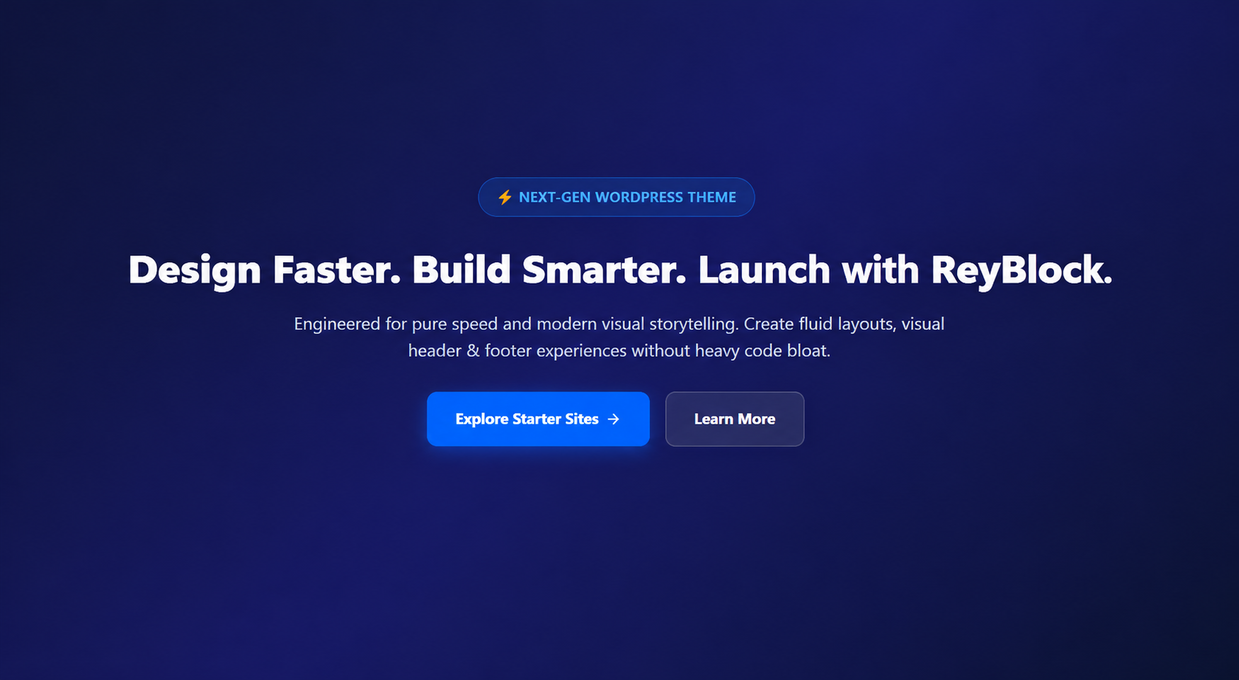

Blocks
This plugin provides 2 blocks.
- Pricing Table Display beautiful pricing plans with features, CTAs, and a highlighted recommended plan.
- FAQ Accordion Add a beautiful, accessible FAQ accordion to your page.
Installation
- Upload the plugin files to the
/wp-content/plugins/reyblock-launchpaddirectory, or install through the WordPress plugins screen directly. - Activate the plugin through the ‘Plugins’ screen in WordPress.
- Open any page or post in the Block Editor.
- Click the ‘+’ block inserter and scroll to the ReyBlock Widgets & Blocks category to add any block!
FAQ
-
Does ReyBlock Launchpad work with any WordPress theme?
-
Yes! ReyBlock Launchpad is fully theme-independent. All 10 Gutenberg blocks, core block styles, and features work with any standard WordPress theme (including Astra, GeneratePress, Kadence, Twenty Twenty-Four, Blocksy, etc.).
-
Does this plugin slow down my website?
-
No. ReyBlock Launchpad is engineered for speed. It has zero jQuery dependencies on the frontend, uses modern vanilla CSS and JavaScript, and only loads lightweight assets where needed.
-
Are the blocks responsive on mobile devices?
-
Yes, all blocks are 100% mobile responsive and look great on desktops, tablets, and smartphones.
-
How do I customize block colors and settings?
-
Select any ReyBlock block inside the WordPress Block Editor. The sidebar inspector panel will display controls for colors, typography, layout options, and spacing.
Reviews
There are no reviews for this plugin.
Contributors & Developers
“ReyBlock Launchpad” is open source software. The following people have contributed to this plugin.
Contributors
Translate “ReyBlock Launchpad” into your language.
Interested in development?
Browse the code, check out the SVN repository, or subscribe to the development log by RSS.
Changelog
1.0.0
- Initial release on WordPress.org.
- Added 10 custom Gutenberg blocks: Trending Posts, Hero Card, Hero Banner, Pricing Table, FAQ Accordion, Testimonials, About Me, Contact Info, Socials, and Widget Wrapper.
- Added custom modern block styles for core Latest Posts block.
- Added System Status environment diagnostics tool.
- Full compatibility with WordPress 6.0 through 7.1.
- 100% standalone and theme-independent support.